Motion is the best Akiflow alternative for most people, because it rebuilds your calendar automatically when meetings move, from $19 a seat a month on annual billing. Reclaim suits anyone who wants a free start with focus-time protection, while Sunsama suits planners who prefer to place each task by hand.
How we make this list: we compare pricing pages, product documentation and public user reviews, then re-check every price before each update. No product paid for a place. Disclosure.
Motion is the strongest Akiflow alternative for people who want the calendar to plan itself, at $19 a seat a month on annual billing.
Reclaim is the only tool here with a usable free plan, and Starter costs $10 a seat a month billed yearly.
Sunsama and Morgen suit planners who want to place tasks by hand, at $17 and $15 a month on annual billing.
Todoist and TickTick are the cheapest paid options, at $60 and $49.99 a year.
ClickUp and Asana fit teams whose real problem is shared projects, not personal planning.
What should you look for in Akiflow alternatives?
The first choice is who plans the day: you or the software. Motion, Reclaim and SkedPal place tasks for you, while Sunsama and Morgen leave the decisions to you.
Price spreads are wide, from free to $228 a year for one seat. A $19 monthly seat sounds small until you multiply it across a team, so count the yearly total before you commit.
A planner is not a project tool. If your work lives in shared boards and timelines, a team tool such as ClickUp or Asana will serve you better than any personal planner, as our guide to the best project management tracking tools shows.
Check the calendar you already use before you pay. Every tool here syncs with Google or Outlook calendars, but the quality of that sync is what you feel every day.
Trials are short, so test the one moment that matters: move a meeting and watch what happens to the tasks around it.
Motion is an AI planner that builds your day for you, placing tasks, meetings and projects on one calendar and reshuffling them when plans change. Pro AI costs $19 a seat a month on annual billing and adds an AI chat assistant, project tracking and a meeting notetaker, with no free plan and a free trial instead.
The trade off is control. Motion decides the order of your work, so days can feel rearranged by the software rather than planned by you, and the per-seat price climbs fast for a team. It suits busy professionals who want the calendar to manage itself and are happy to let the schedule shift.
What we like
Rebuilds the day automatically when meetings move
Tasks, projects and meetings in one place
Meeting notetaker and AI assistant included
Watch out for
No free plan, only a trial
Per-seat price adds up fast for teams
Less control over the order of tasks
Business AI adds team capacity planning at $29 a seat a monthVisit usemotion.com
02
Reclaim.ai
4.8/5on G2 (144 reviews, checked Nov 2026)
Paid from$10/mo
Best free plan for auto-scheduling
Auto-schedulingYes, AI-driven
Free planLite, 1 calendar
Calendar syncGoogle and Outlook
Paid planStarter, $10/seat/mo
reclaim.ai
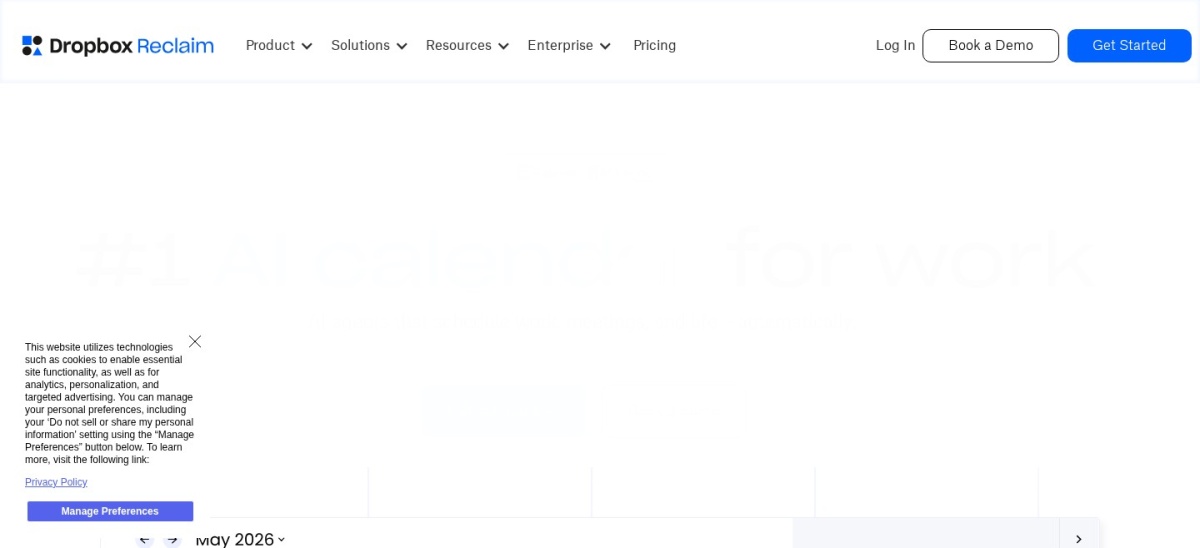
Reclaim.ai homepage, captured Nov 2026.
Reclaim.ai is an AI calendar assistant that defends your time, auto-scheduling focus time, habits, lunch and buffers around meetings, then rescheduling them when conflicts appear. The free Lite plan covers one calendar sync and one scheduling link, and Starter costs $10 a seat a month billed yearly.
The trade off is scope. Reclaim.ai is a scheduler, not a task manager, so you still need a tool such as Todoist or ClickUp to hold the work itself. It suits people who already have a task tool and only need their calendar to protect focus time.
What we like
Genuinely usable free Lite plan
Focus time, habits and buffers defended automatically
Cheapest paid auto-scheduler in this list
Watch out for
Not a task manager on its own
No native mobile app, web only
Outlook experience trails the Google one
Business adds more agents and controls at $15 a seat a monthVisit reclaim.ai
03
Sunsama
4.7/5on Capterra (27 reviews, checked Nov 2026)
Starts at$17/mo
Best guided daily planning ritual
Auto-schedulingNo, manual planning
Free planNo, 14-day trial
Calendar syncGoogle and Outlook
Paid planPro, $17/mo
sunsama.com
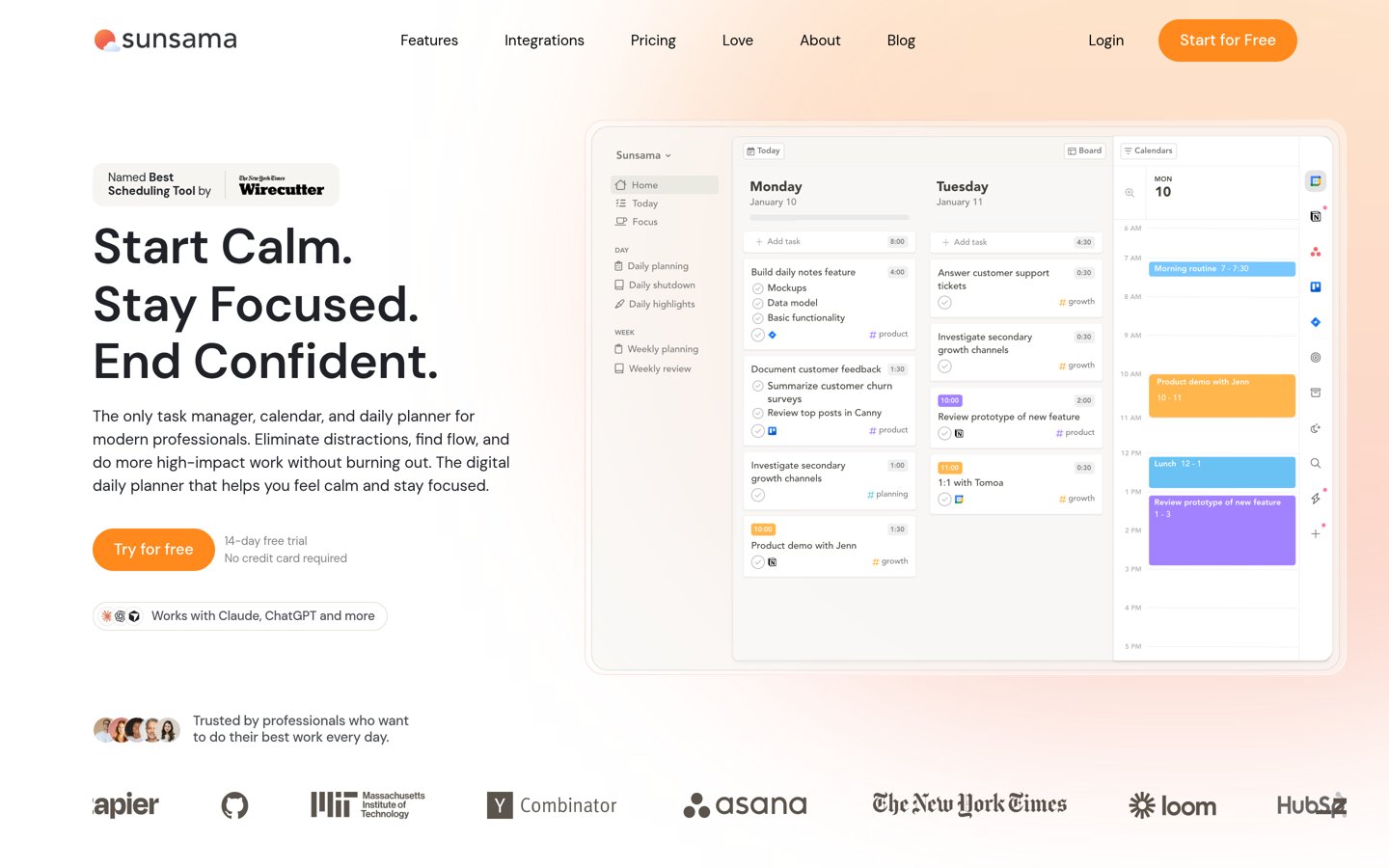
Sunsama homepage, captured Nov 2026.
Sunsama is a guided daily planner that walks you through picking tasks, estimating them honestly and placing them on the calendar yourself, with a morning plan and an evening review. One Pro plan costs $17 a month billed yearly, or $22 billed monthly, and the vendor states it will never add a free plan.
The trade off is effort. Sunsama plans nothing for you, so the ritual takes ten minutes every morning, and it costs more than the auto-schedulers that do the work themselves. It suits people who plan better by hand and want a calm, deliberate start to the day.
Morgen is a calendar-first planner that pulls several calendars into one view and suggests a plan you approve or adapt, rather than rearranging your day without asking. Pro costs $15 a month billed yearly, or $30 billed monthly, and the team plan costs $10 a seat a month billed yearly.
The trade off is task depth. Morgen handles calendars better than any tool here, but its task management is thin on its own and leans on integrations. It suits people juggling several calendars who want suggestions, not orders, from their planner.
What we like
Best multi-calendar handling in this list
AI plans need your approval first
Runs on Windows, Mac, Linux and mobile
Watch out for
No free plan, only a 14-day trial
Monthly billing costs double the yearly rate
Thin task management without integrations
Team plan adds shared scheduling at $10 a seat a monthVisit morgen.so
05
Todoist
4.5/5on G2 (870 reviews, checked Nov 2026)
Paid from$5/mo
Best simple task list on a budget
Auto-schedulingNo
Free planYes, Beginner
Calendar syncGoogle and Outlook
Paid planPro, $5/user/mo
todoist.com
Todoist homepage, captured Nov 2026.
Todoist is a fast task list with natural-language capture, so typing a task with a date and time files it in the right place. The free Beginner plan covers basic lists and collaboration, and Pro costs $5 a user a month billed yearly, or $7 billed monthly, with reminders, filters and calendar layout.
The trade off is planning depth. Todoist has no real time blocking or auto-scheduling, so you place work on the calendar yourself or pair it with a scheduler. It suits people who want a dependable list first and a planner second.
TickTick is an all-in-one personal system that combines a to-do list, calendar, habit tracker, Pomodoro timer and countdowns in one app across web, desktop and phone. The free plan covers 9 lists with 99 tasks each, and Premium costs $49.99 a year, which TickTick prints as less than $4.17 a month.
The trade off is automation. TickTick places nothing for you, so the calendar only works if you drag tasks onto it yourself, and the interface packs in a lot. It suits people who want one cheap app for tasks, habits and time instead of three separate tools.
ClickUp is an all-in-one workspace that joins tasks, docs, goals, chat and time tracking under one roof, with a free plan covering unlimited tasks and members. Core costs $12 a user a month billed yearly as the regular price, though the site currently shows $9, and it adds unlimited storage, integrations and automations.
The trade off is setup. ClickUp does far more than a personal planner, so it takes longer to shape into a daily planning flow, and the feature surface can overwhelm. It suits teams whose planning problem is really shared work, not one person's calendar.
What we like
Most features per dollar in this list
Free plan covers unlimited tasks and members
Largest review base here by far
Watch out for
Takes real setup before it feels simple
No auto-scheduling of the personal day
Feature overload for solo planners
Business adds advanced time tracking at $17 a user a monthVisit clickup.com
08
Asana
4.4/5on G2 (14,148 reviews, checked Nov 2026)
Paid from$10.99/mo
Best structured team coordination
Auto-schedulingNo
Free planYes, up to 2 seats
Calendar syncGoogle and Outlook
Paid planStarter, $10.99/user/mo
asana.com
Asana homepage, captured Nov 2026.
Asana is a structured work management platform focused on task dependencies, timelines, project templates and cross-team coordination. The free Personal plan covers unlimited tasks and projects for up to 2 people, and Starter adds timeline views, dashboards and unlimited automations at $10.99 a user a month billed yearly.
The trade off is the free plan. Two seats per project is tight, so a third person forces the paid plan, and Asana has no personal daily planning ritual at all. It suits teams that want clean ownership and timelines rather than a smarter personal calendar.
What we like
Clean timelines and task ownership
Strong templates for repeatable projects
Easy for new teams to adopt
Watch out for
Free plan stops at 2 seats per project
No daily planning or auto-scheduling
Pricey once a whole team needs seats
Advanced adds goals and workload at $24.99 a user a monthVisit asana.com
09
SkedPal
4.6/5on Capterra (170 reviews, checked Nov 2026)
Starts at$9.95/mo
Best time-budget scheduling
Auto-schedulingYes, time budgets
Free planNo, trial only
Calendar syncGoogle and Outlook
Paid planCore, $9.95/mo
skedpal.com
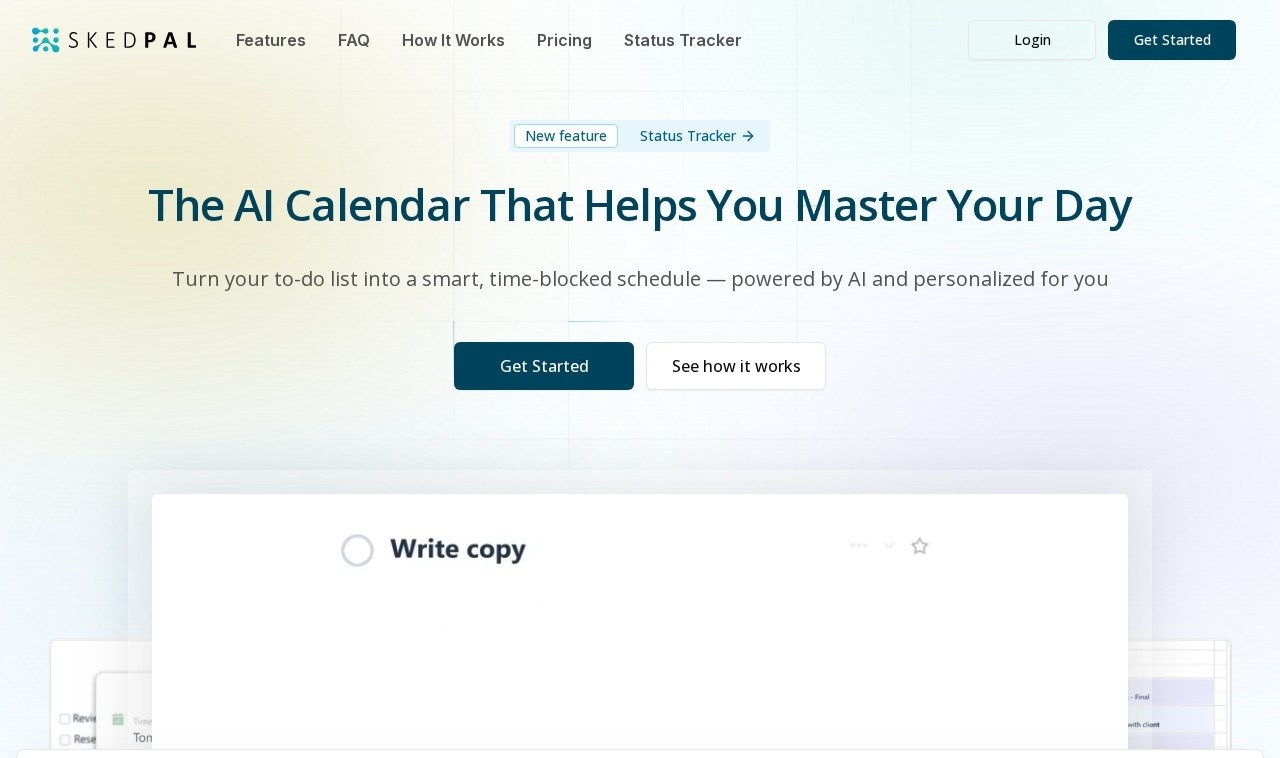
SkedPal homepage, captured Nov 2026.
SkedPal is a time-budget scheduler that plans work around the hours you assign to each kind of task, using Time Maps to protect categories such as deep work, admin and family time. Core costs $9.95 a month billed yearly, or $14.95 billed monthly, with a free trial and no free plan.
The trade off is polish. SkedPal schedules by time budget rather than by deadline pressure, and its apps feel dated next to Motion or Morgen. It suits people who think in weekly time budgets and want the calendar to respect them automatically.
What we like
Time Maps protect whole categories of work
Cheapest auto-scheduler in this list
Schedules around your stated priorities
Watch out for
No free plan, only a trial
Desktop and mobile apps feel dated
Smaller review base than the leaders
Pro adds more scheduling depth at $14.95 a month billed yearlyVisit skedpal.com
Manual planning vs auto-scheduling: which fits you?
Manual planners suit people who think by writing the day down. Sunsama and Morgen slow you down for ten minutes, and that pause is the point for many buyers.
Auto-schedulers suit people whose days break apart. Motion, Reclaim and SkedPal rebuild the plan when a meeting moves, which is where a manual plan falls apart.
The honest test is a bad week. If you keep your plan when three meetings move, manual planning works for you, and if the plan dies on Monday, let the software carry it.
How we chose
We started from the tools people compare with Akiflow most often: Motion, Reclaim, Sunsama, Morgen and SkedPal, plus the task and team tools buyers switch to when planning alone is not enough.
Prices come from each vendor's pricing page, checked on 29 November 2026. Ratings come from G2 or Capterra, using the most recent figures checked in November 2026. Where a vendor shows a sale, the list shows the regular price.
We left out tools with no public review record and tools that shut down, including Clockwise, which closed in March 2026. No vendor paid for a place, and we do not claim hands-on testing for this list.
How to choose an Akiflow alternative
Start with how much planning you want to do yourself.
Decide who plans the day. If you want software to place tasks for you, shortlist Motion, Reclaim or SkedPal. If you like placing tasks yourself, look at Sunsama or Morgen.
Check the free plan first. Reclaim Lite, Todoist and TickTick all have free plans you can use for weeks before paying, while Motion, Sunsama and Morgen only offer trials.
Count the real yearly cost. A $19 monthly seat is $228 a year, and per-seat pricing multiplies fast on a team, so multiply before you commit.
Test the calendar sync. Connect your Google or Outlook calendar during the trial and watch how the tool handles a moved meeting, because that is the moment a planner proves itself.
FAQ
What are the best Akiflow alternatives in 2026?
Motion is the best Akiflow alternative for most people, because it rebuilds your calendar automatically when meetings move. Reclaim is the best free start, and Sunsama suits planners who prefer a guided daily ritual.
How much do Akiflow alternatives cost?
Prices run from free on Reclaim Lite, Todoist and TickTick to $228 a year for one Motion seat on annual billing. Most paid planners in this list cost between $60 and $204 a year.
Is there a free Akiflow alternative?
Yes. Reclaim Lite auto-schedules tasks and defends focus time for free, and Todoist and TickTick both have free plans with calendars. Motion, Sunsama, Morgen and SkedPal offer trials instead of free plans.
Which Akiflow alternative is best for beginners?
Todoist is the easiest starting point, with fast capture and a free plan, while Sunsama suits beginners who want a guided daily routine. Motion needs less setup than it looks, because it plans the day for you.
What is the best Akiflow alternative for teams?
ClickUp is the best team pick, because it covers tasks, docs and projects from $12 a user a month on annual billing. Asana suits teams that want clean timelines and ownership at $10.99 a user a month.
Motion vs Reclaim: which Akiflow alternative should I pick?
Pick Motion if you want tasks, projects and meetings planned in one place, and Reclaim if you want to keep your current task tool and only protect focus time. Reclaim is cheaper and has a free plan, while Motion covers more of the work itself.
SaaS SEO and WordPress specialist with about 8 years of experience. Rakib compares WordPress plugins, themes, hosting and software using public pricing, documentation and user reviews. See how we rank.