Best AI Scheduling Assistants in 2026: 7 Tools Compared
WLWPLegible EditorsLast verified 24 Nov 2026How we rank8 min read
★ Short answer
Reclaim.ai is the best AI scheduling assistant, defending focus time automatically with a free Lite tier and Starter at $10 a seat a month billed yearly. Motion suits people who want AI to plan the whole day, while Calendly suits external booking and sales routing.
How we make this list: we compare pricing pages, product documentation and public user reviews, then re-check every price before each update. No product paid for a place. Disclosure.
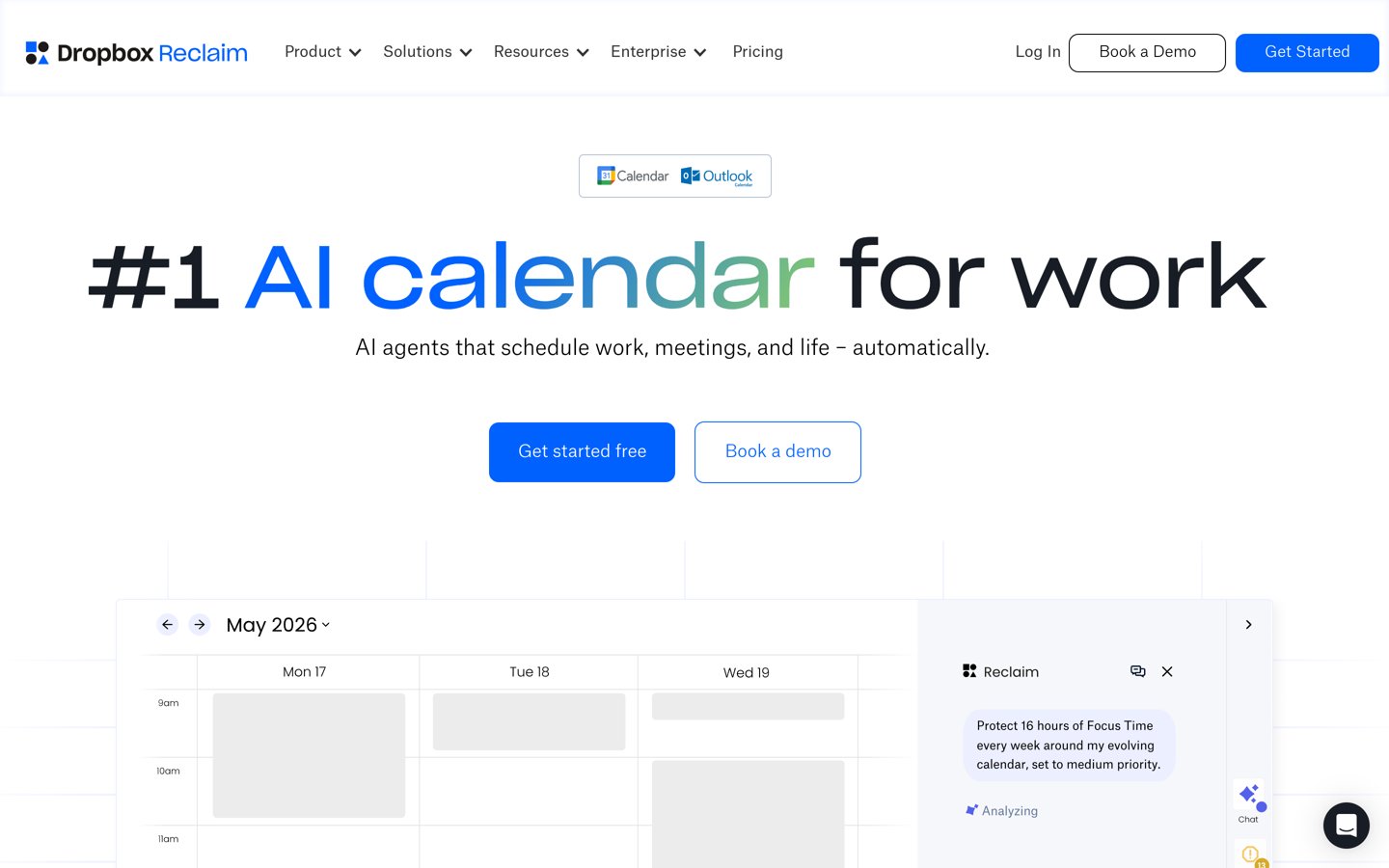
Reclaim.ai leads with automatic focus-time defense, free on Lite and $10 a seat a month on Starter billed yearly.
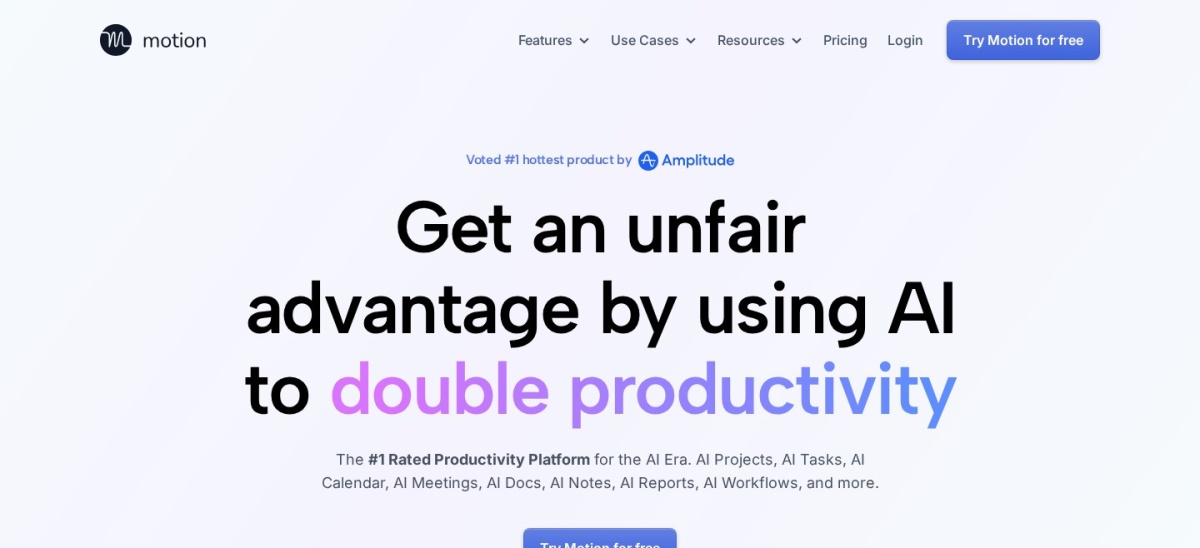
Motion is the most ambitious pick, with AI that plans the whole day, but Pro AI costs $19 a seat a month and there is no free plan.
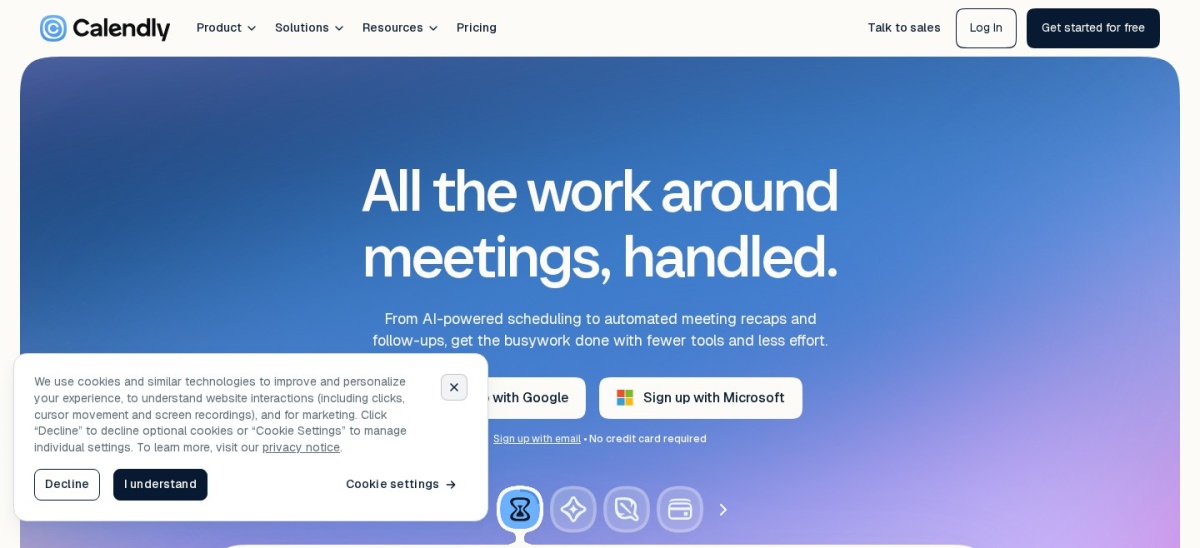
Calendly stays the default booking link, with Standard at $10 a seat a month and new AI in Callie and Notetaker.
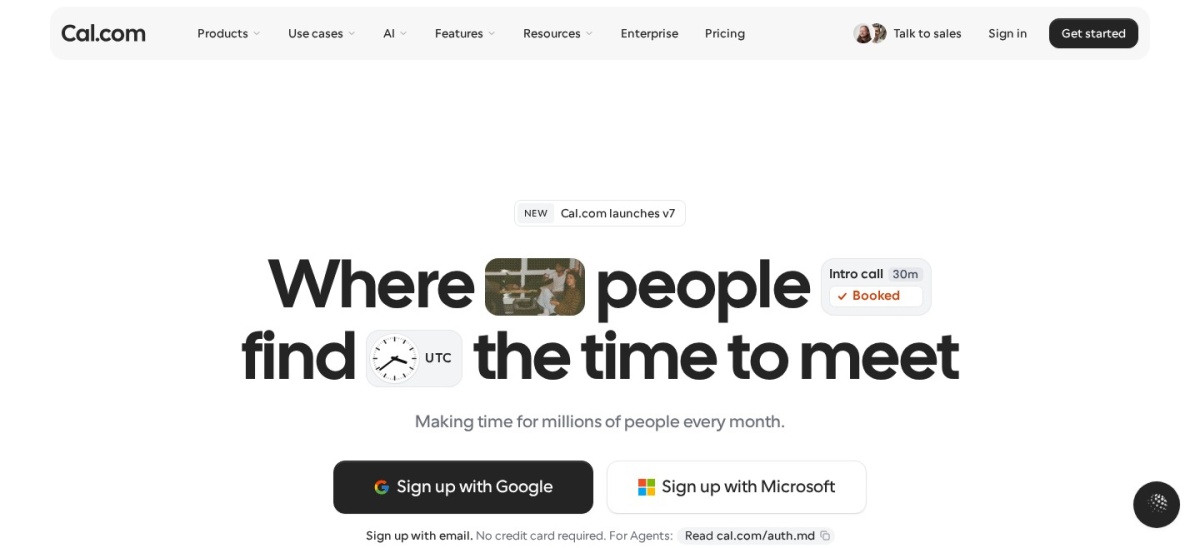
Cal.com is the value pick, free for individuals with Teams at $12 a user a month, though the commercial product went closed source in April 2026.
Clockwise is deliberately excluded: it shut down on 27 March 2026 after joining Salesforce, so any list still recommending it recycles stale copy.
What to look for in an AI scheduling assistant
AI scheduling assistants fall into three kinds: calendar defense that protects focus time, full-day planners that place tasks, and booking links that let others pick a time.
Free tiers decide the starting point. Reclaim Lite and Cal.com Individual are free forever, Calendly free covers one event type, and Motion, SavvyCal and Morgen have no free plan.
Prices for one person run from $10 to $19 a month on annual billing. Reclaim Starter and Calendly Standard both cost $10 a seat a month, Cal.com Teams $12, Morgen $15, Sunsama $17 and Motion Pro AI $19.
Pick by the problem, not the feature list: focus-time defense suits Reclaim, whole-day planning suits Motion, external booking suits Calendly or Cal.com, and personal links suit SavvyCal.
Reclaim.ai is an AI calendar assistant that defends your time, auto-scheduling focus time, habits, lunch and buffers around meetings, then rescheduling flexibly when conflicts arise. The free Lite plan covers the basics with 1 scheduling link, 1 habit and a 1-week scheduling range, while Starter costs $10 a seat a month billed annually, or $12 month to month, with unlimited habits and focus time.
The trade off is the pricing page does not render prices in plain text, so confirm the current price on the site, and the best features need paid tiers, while the free Lite plan caps the scheduling range at one week. It suits professionals whose calendars eat their focus time and who want hands-off protection.
What we like
AI auto-scheduling for focus time, habits and breaks
Motion is an AI calendar that builds your whole day, scheduling tasks, meetings and deep work around priorities and deadlines, then replanning automatically when things change. Pro AI costs $19 a seat a month billed annually for teams, or $29 a month for a solo user, with 7,500 AI credits a month, and Business AI at $29 a seat adds capacity planning and Gantt charts.
The trade off is there is no free plan, only a 7-day trial, and the all-in-one pitch is polarizing, since some users find AI-planned days oppressive and the mobile app scores far below the desktop app. It suits founders and executives juggling tasks and meetings who want one system to decide the day.
Calendly is the default scheduling link, with booking pages, round-robin distribution and lead routing, plus new AI layers in Notetaker meeting recaps and Callie, an AI assistant that schedules over email. The free plan covers one event type and one calendar, Standard costs $10 a seat a month billed annually with unlimited event types, and Teams at $16 adds round-robin and lead routing.
The trade off is team features need Teams at $16, routing and Salesforce need higher tiers, and the per-seat model means only hosts need seats while invitees book free. It suits anyone who schedules meetings with external people, from sales teams to recruiters.
Cal.com is the open-source answer to Calendly, with free unlimited event types, calendar connections and meetings for individuals, plus routing, webhooks and Salesforce and HubSpot sync on paid tiers. Individual is free forever, Teams costs $12 a user a month with round-robin and collective events, and Organizations at $28 adds SSO and HIPAA compliance, with self-hosting and white-label options.
The trade off is the commercial product went closed source in April 2026, so only the stripped-down Cal.diy edition is MIT-licensed, and the ecosystem of templates and integrations is smaller than Calendly. It suits privacy-conscious teams, developers and anyone allergic to per-seat pricing creep.
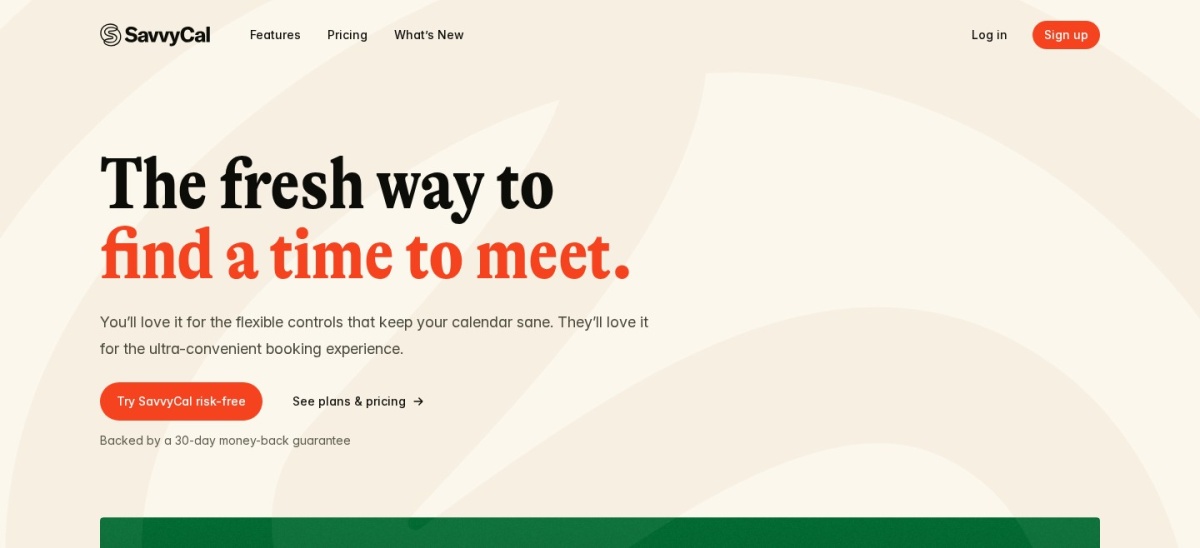
SavvyCal is a scheduling tool built on the idea that booking links feel robotic, letting invitees overlay their calendar, rank preferred times and see your availability in context. Basic costs $10 a user a month and Premium costs $17, with annual billing saving two months, and there is no free plan, only a trial, while teams get collective, round-robin and group modes.
The trade off is there is no free plan to test with, Premium at $17 is needed for custom domains and paid bookings, and the brand is smaller than Calendly, so enterprise features are thinner. It suits consultants, coaches and founders whose booking link is a first impression.
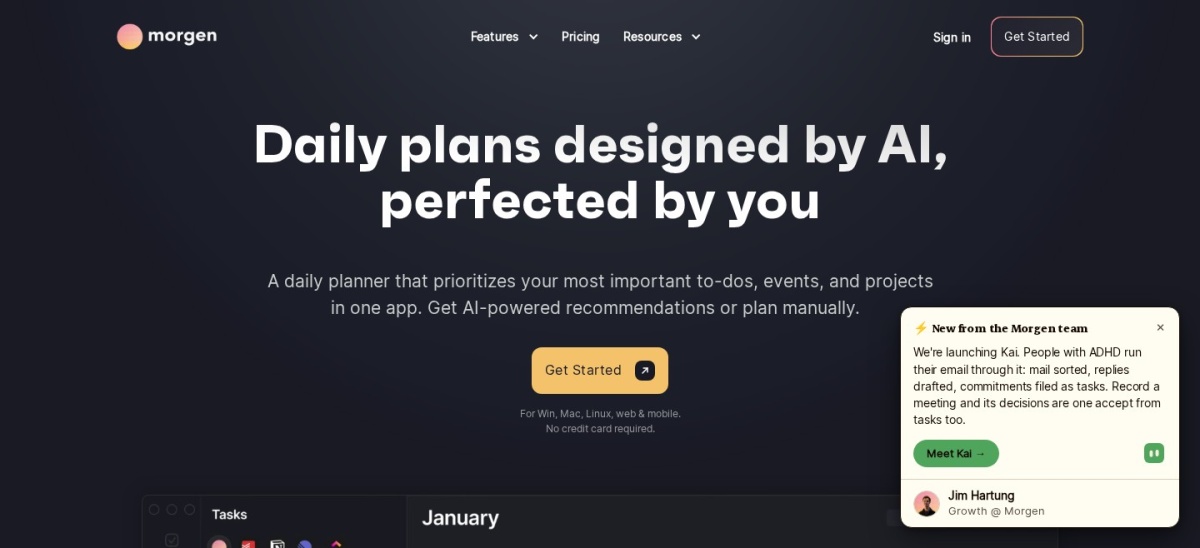
Morgen is an AI planner that looks at your tasks and calendars and drafts the day, but nothing lands without your approval, splitting the difference between full automation and manual planning. It costs $15 a month billed annually, with no free plan, and the thoughtful middle ground suits people who want AI to plan the day but keep control over what actually lands.
The trade off is there is no free plan, the G2 sample is only 29 reviews, and the approve-first workflow adds a daily step that fully automatic tools skip. It suits people who want AI planning with a human check before anything is scheduled.
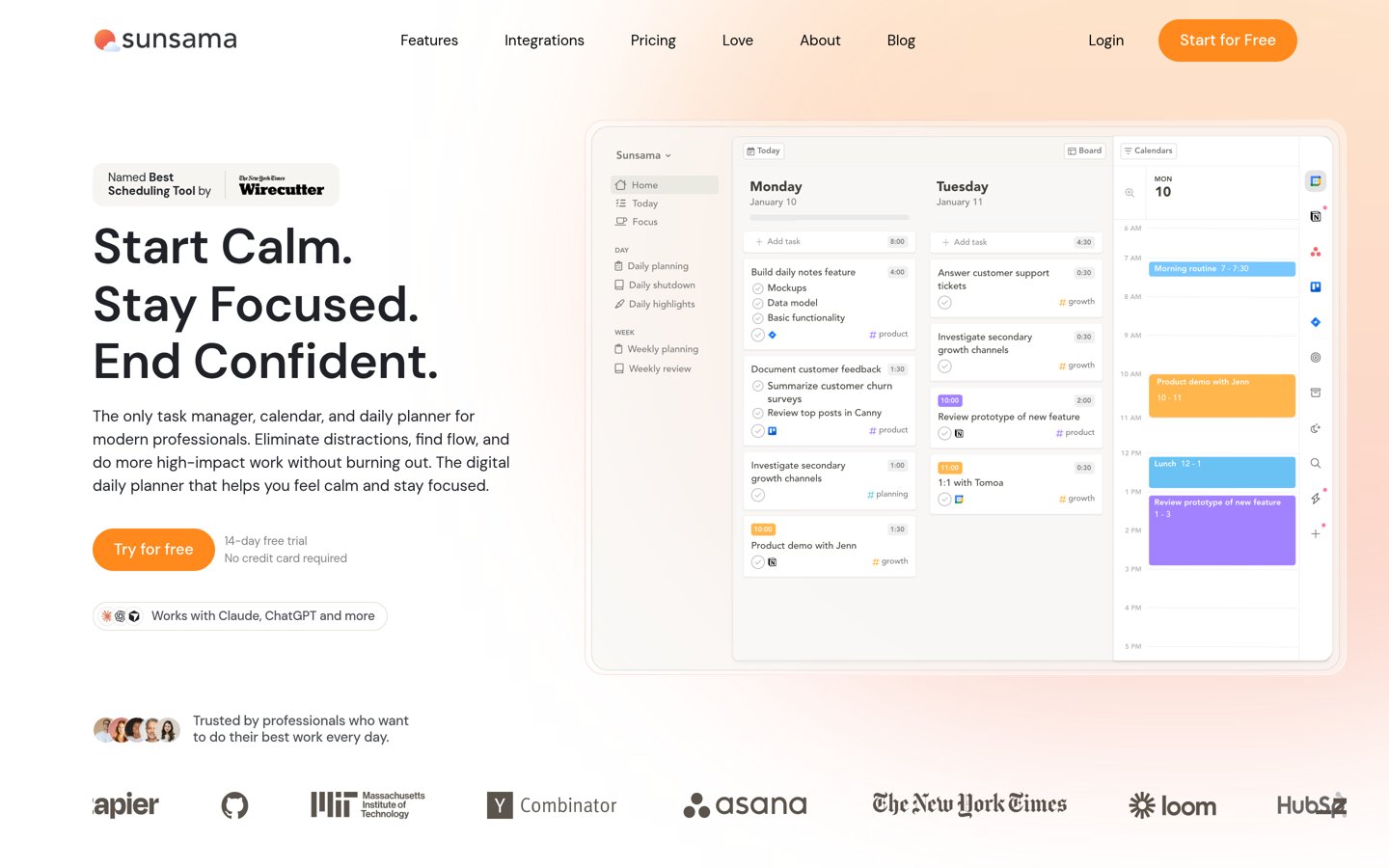
Sunsama is a guided daily planning ritual that walks you through selecting tasks, estimating them honestly and placing them on the calendar yourself, the deliberate opposite of an algorithm rearranging your day. It costs $17 a month billed annually, or $22 month to month, with a 14-day trial and no free plan, and it connects to Todoist, Asana, Gmail and other tools to pull tasks into one plan.
The trade off is the price varies by source, with $20 a month cited elsewhere, and the manual ritual takes time each morning, which suits people who disliked automation but not those who want hands-off scheduling. It suits individuals who need a guided daily planning ritual and want to stay in control of the day.
We started from the scheduling tools named most often in AI scheduling round-ups and review sites, then kept seven established tools with a current release and a public price or a free plan.
Prices come from each vendor pricing page, checked on 24 November 2026. Ratings come from G2 on the same day, where a rating was published. Where a vendor shows a sale, the list shows the regular price.
We left out tools with no public review record, and Clockwise, which shut down in March 2026. No vendor paid for a place, and we do not claim hands-on testing for this list.
How to choose an AI scheduling assistant
Start with the problem, then check the free tier and the seat math before you pay.
Start with the problem. Focus-time defense suits Reclaim, whole-day planning suits Motion, and external booking suits Calendly or Cal.com, so name the problem before the tool.
Check the free tier first. Reclaim Lite and Cal.com Individual are free forever and Calendly free covers one event type, which is enough to test the workflow before paying.
Test one real week during the trial. Load a real week of meetings and tasks and watch whether focus time survives, since AI quality varies by calendar density.
Confirm the seat math before you pay. Calendly and Reclaim charge per seat while Cal.com Teams charges per user, so count hosts, not invitees, when you budget.
FAQ
What is the best AI scheduling assistant?
Reclaim.ai is the best AI scheduling assistant for most professionals, with a strong free tier, fast setup, and reliable calendar defense at $10 a seat a month billed annually. Motion suits people who want AI to plan the whole day, and Calendly suits external booking.
Is Clockwise still available?
No. Clockwise shut down on 27 March 2026 after its team joined Salesforce, with user data deleted and prorated refunds. Reclaim is the closest direct replacement, and Motion is the other main option for AI-planned days.
What is the cheapest AI scheduling assistant?
Cal.com is the cheapest for individuals, with a free forever Individual plan and Teams at $12 a user a month. Reclaim Lite is also free, with Starter at $10 a seat a month, while Calendly free covers one event type.
Do AI scheduling assistants replace Calendly?
Not for external booking. Reclaim and Motion optimize your own calendar, while Calendly and Cal.com handle booking links from other people. Most teams pair one of each: Reclaim for focus time and Calendly or Cal.com for booking.
Is Cal.com still open source?
Not fully. The commercial product went closed source in April 2026, and only the stripped-down Cal.diy edition is MIT-licensed. The free Individual plan still covers unlimited event types, and Teams costs $12 a user a month.
How much do AI scheduling assistants cost?
Paid plans for one person run from $10 to $19 a month on annual billing. Reclaim Starter and Calendly Standard cost $10 a seat a month, Cal.com Teams $12 a user, Morgen $15, Sunsama $17 and Motion Pro AI $19 a seat.