Best Calendar Scheduling Tools in 2026: 9 Tools Compared
WLWPLegible EditorsLast verified 23 Nov 2026How we rank11 min read
★ Short answer
Calendly is the best calendar scheduling tool for most teams. Standard costs $10 a seat a month billed annually, and it is rated 4.7 out of 5 on G2. Pick Cal.com for the most generous free plan, or Acuity for intake forms and packages.
How we make this list: we compare pricing pages, product documentation and public user reviews, then re-check every price before each update. No product paid for a place. Disclosure.
Calendly is the best calendar scheduling tool for most teams, at $10 a seat a month, with a 4.7 rating from 2,674 G2 reviews.
Cal.com has the most generous free plan: one user gets unlimited booking links and calendars at $0.
Acuity is the pick for service businesses, with intake forms and packages at $16 a month and no free plan.
Setmore is the cheapest way to start a team: free for up to 4 users, and Pro costs $5 a user a month.
SavvyCal has the highest rating here at 4.8 out of 5, but from only 36 G2 reviews.
Paid plans run from $5 to $16 a month when billed annually, and every tool here has a free plan or a free trial.
What calendar scheduling software should cover
A calendar scheduling tool replaces the back and forth of finding a meeting time. You share a booking link, the other person picks a slot that fits both calendars, and the meeting appears on each side automatically.
The tools here split by job: booking links for sales and clients, group polls for finding a time across many people, and appointment pages for service businesses that charge for their time.
Pricing runs from $0 to $16 a month billed annually. Monthly billing costs more on every paid plan here, so compare the annual figure and the free plan before you commit.
Our guide on how much a WordPress site redesign costs makes the same point about design tools: the licence is only part of the cost, and learning time matters too.
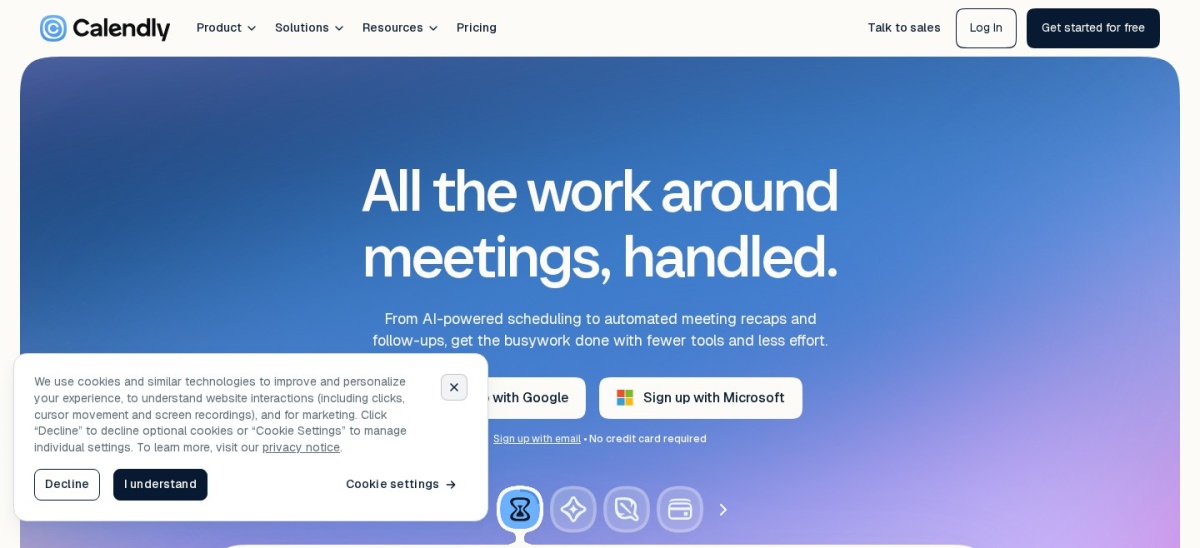
Calendly is the booking link most people already recognise, which matters when you send it to clients and prospects. Every plan, including the free one, allows unlimited one-on-one meetings, and the free plan covers one event type and one connected calendar. Standard costs $10 a seat a month billed annually. It is rated 4.7 out of 5 on G2 from 2,674 reviews.
The trade off is the free plan. One event type is tight, and round robin and team scheduling need Teams at $16 a seat a month. It suits professionals and sales teams who want the most familiar booking link.
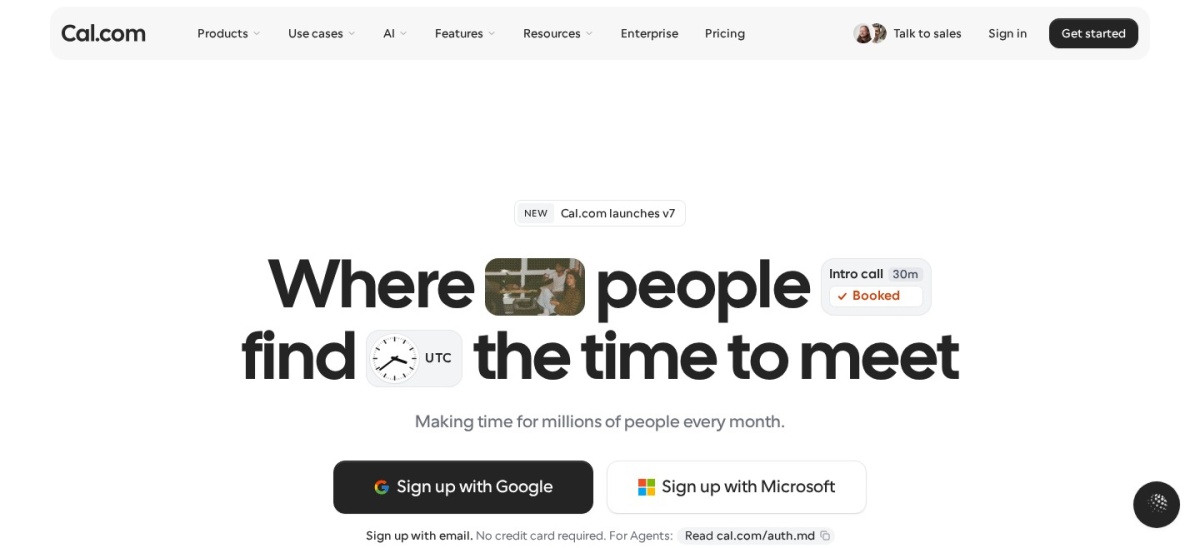
Cal.com is the scheduling tool with the most generous free plan in this list. One user gets unlimited booking links and calendars, email and SMS notifications, Stripe and PayPal payments, Salesforce and HubSpot sync, a mobile app and a one-click Calendly import, all without paying. Teams costs $12 a user a month billed yearly. It is rated 4.6 out of 5 on G2 from 154 reviews.
The trade off is polish. The interface is less refined than Calendly's, and team features such as round robin and routing forms need the paid Teams plan. It suits individuals and teams that want a generous free plan and open-source scheduling.
What we like
Most generous free plan
Unlimited links and calendars free
Open source, self-host option
Salesforce and HubSpot sync free
Watch out for
Less polished than Calendly
Smaller review base at 154
Team features need Teams
Organizations adds SSO at $28 a user a monthVisit cal.com
03
Acuity Scheduling
4.6/5on G2 (410 reviews, checked Nov 2026)
Starts at$16/mo
Best for service businesses with intake forms
Entry priceEmerging $16/mo, 1 calendar
Free planNo, 7-day trial
Intake formsYes, on every plan
PaymentsStripe, Square, PayPal, Venmo
acuityscheduling.com
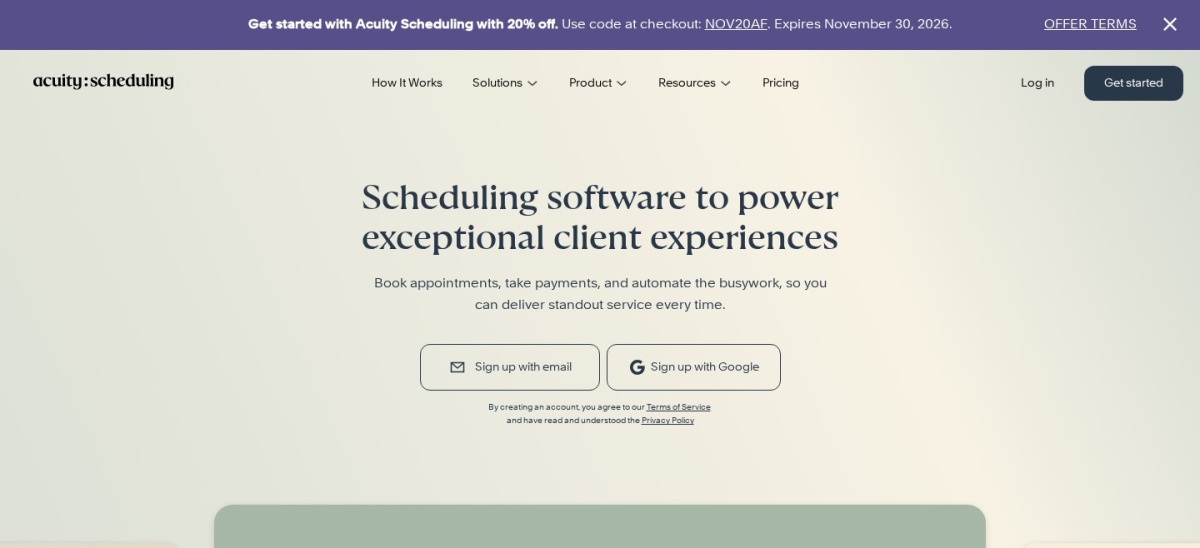
Acuity Scheduling homepage, captured Nov 2026.
Acuity Scheduling is the calendar scheduling tool for people who sell their time. Intake forms, packages, memberships and gift certificates come with the booking page, payments run through Stripe, Square, PayPal and Venmo with deposits, and time zones convert automatically for remote clients. Emerging costs $16 a month billed annually. It is rated 4.6 out of 5 on G2 from 410 reviews.
The trade off is that there is no free plan, only a 7-day trial, and pricing is flat per account by calendar count, so a second calendar pushes you to Standard at $27 a month. It suits coaches, therapists and service providers who need intake forms and packages with each booking.
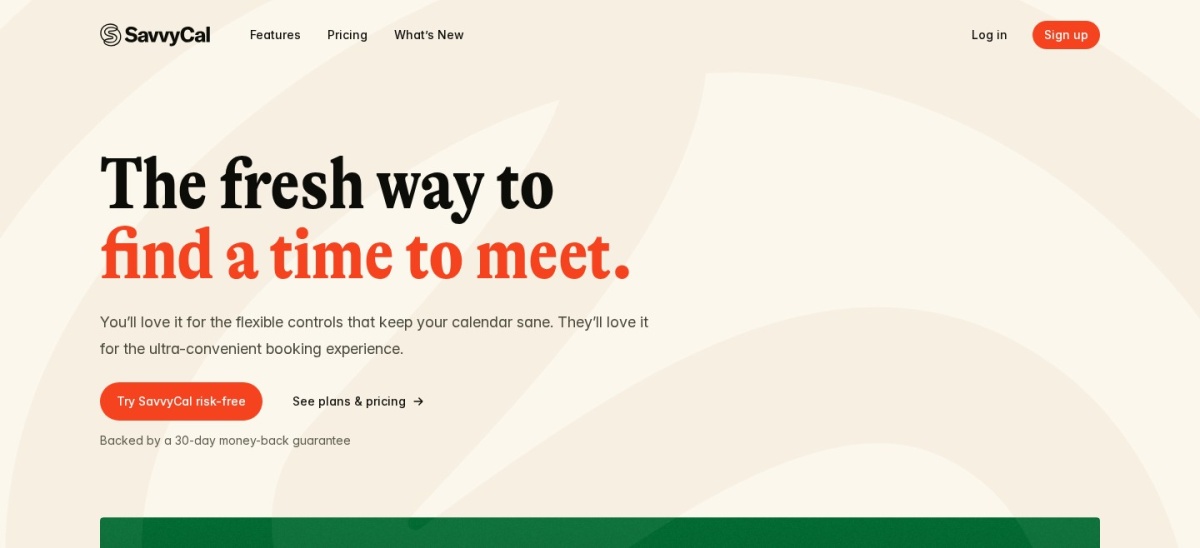
SavvyCal is the best pick here for buyers who care most about the booking experience. Invitees can overlay their own calendar on your availability and ranked availability lets you signal preferred times, which removes the back and forth of comparing open slots. Basic costs $10 a user a month billed annually. It is rated 4.8 out of 5 on G2 from 36 reviews.
The trade off is size. The review base is only 36 G2 reviews, there is no free plan for booking links, and Stripe payments need Premium at $17 a month. It suits consultants and founders who book with peers and want a friendlier link.
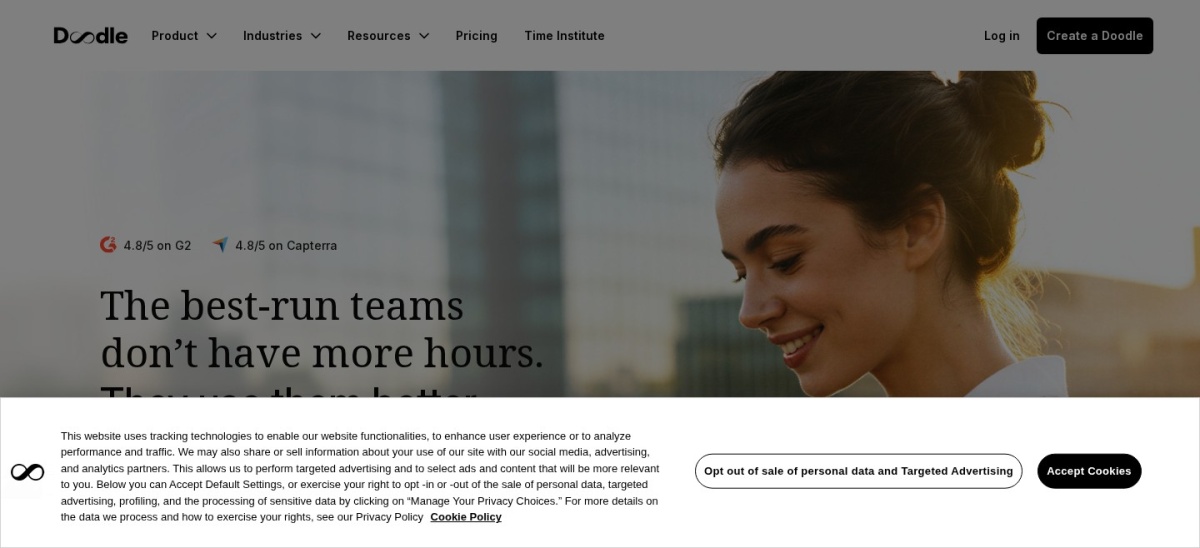
Doodle is the tool for finding a date across ten or twenty people before any booking exists. You send a poll, everyone marks the times that work, and the group settles on one slot, which is a job a booking link cannot do. The free plan covers one group poll, and Pro costs $11 a seat a month billed annually. It is rated 4.4 out of 5 on G2 from 2,071 reviews.
The trade off is that it is a poll tool first. Booking pages exist, but they are thinner than Calendly's, and the Team plan needs a two-seat minimum at $16 a seat. It suits groups that need to vote on a meeting time.
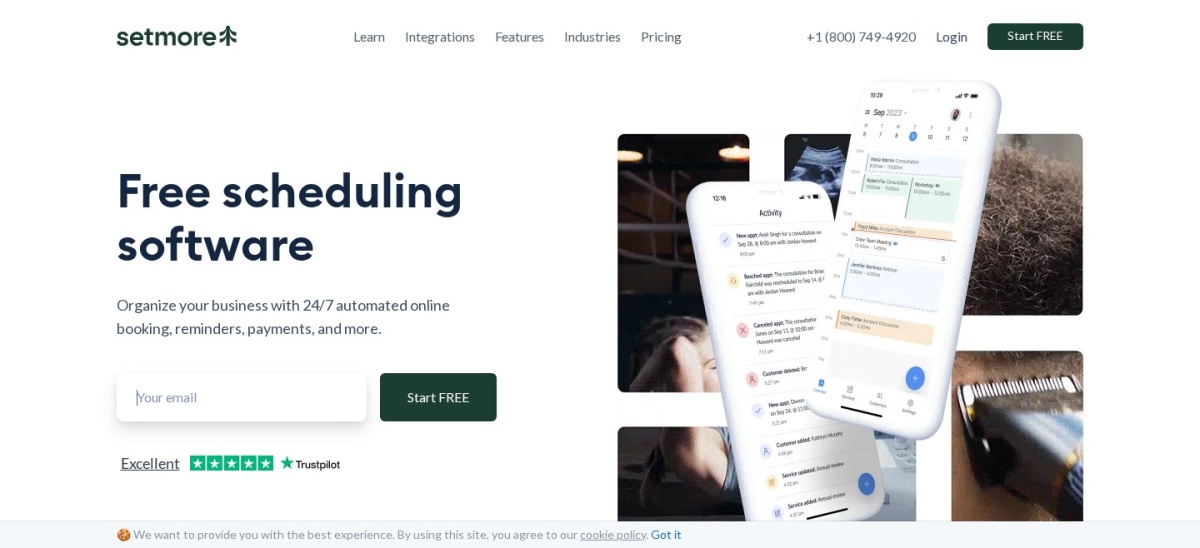
Setmore is the free plan leader for small teams in this list: four users, unlimited appointments, a booking page, email reminders and online payments, all at $0. Pro costs $5 a user a month billed annually and adds calendar sync, SMS and video appointments. It is rated 4.5 out of 5 on G2 from 270 reviews.
The trade off is depth. It is built for service businesses, so sales-team features such as round robin and routing forms are thin, and the interface is simpler than Calendly's. It suits small service teams that want a free start.
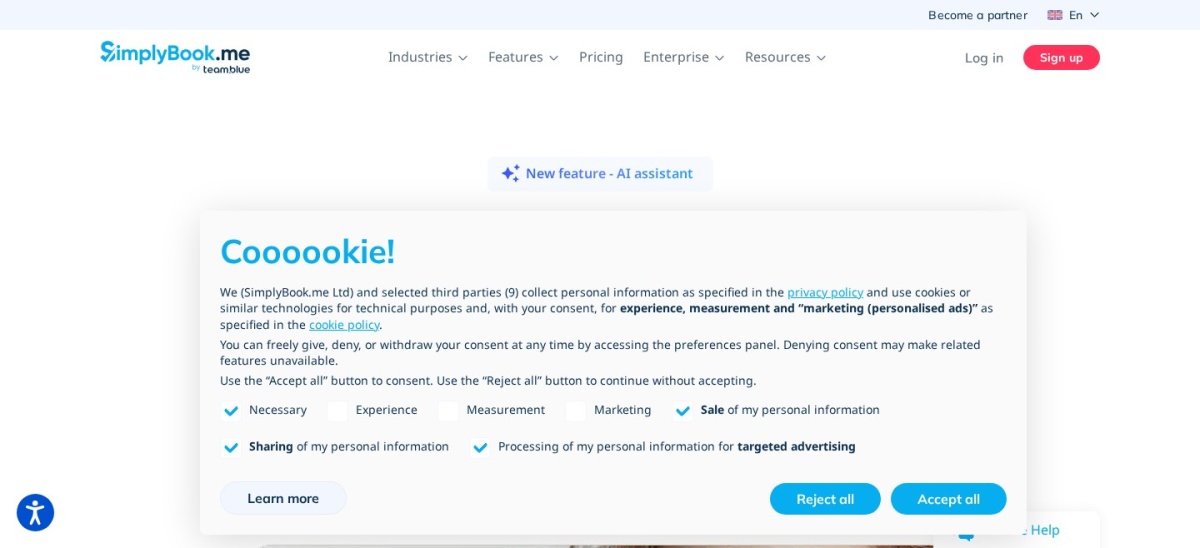
SimplyBook.me is the tool that takes a different approach from booking tools. Instead of fixed feature tiers, you pick from dozens of custom features, things like class scheduling, memberships, a client mobile app, or a queue manager, and switch them on as needed. The free plan includes 50 bookings a month and one provider, and Basic costs $11.90 a month billed annually. It is rated 4.4 out of 5 on G2 from 113 reviews.
The trade off is cost creep. Adding custom features can raise the bill quickly, and the booking-count pricing means a busy month costs more. It suits appointment businesses with moderate booking volume that want deposits and tips.
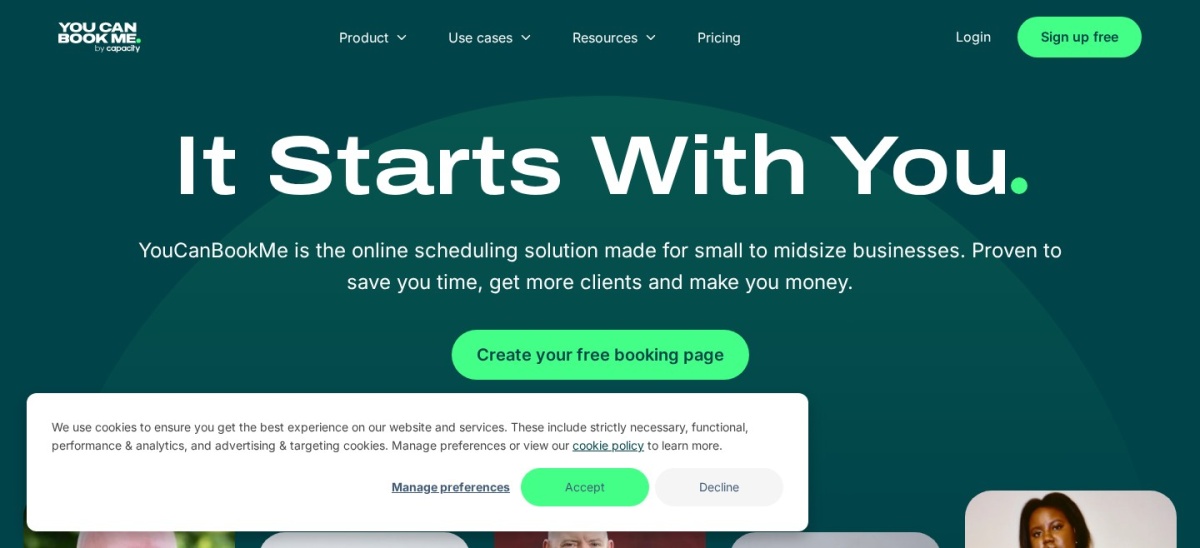
YouCanBookMe is the booking tool built on affordability and customization. The free plan gives you one calendar connection and one booking page, enough for a freelancer to look professional, and paid plans start at $9 a month for Individual with two calendar connections. Annual billing brings that to $8.10 a month. It is rated 4.7 out of 5 on G2 from 1,934 reviews.
The trade off is team depth. It is built for individuals and small teams, so round robin and routing are thinner than on Calendly or Cal.com. It suits budget-conscious individuals and small teams who want branded booking pages.
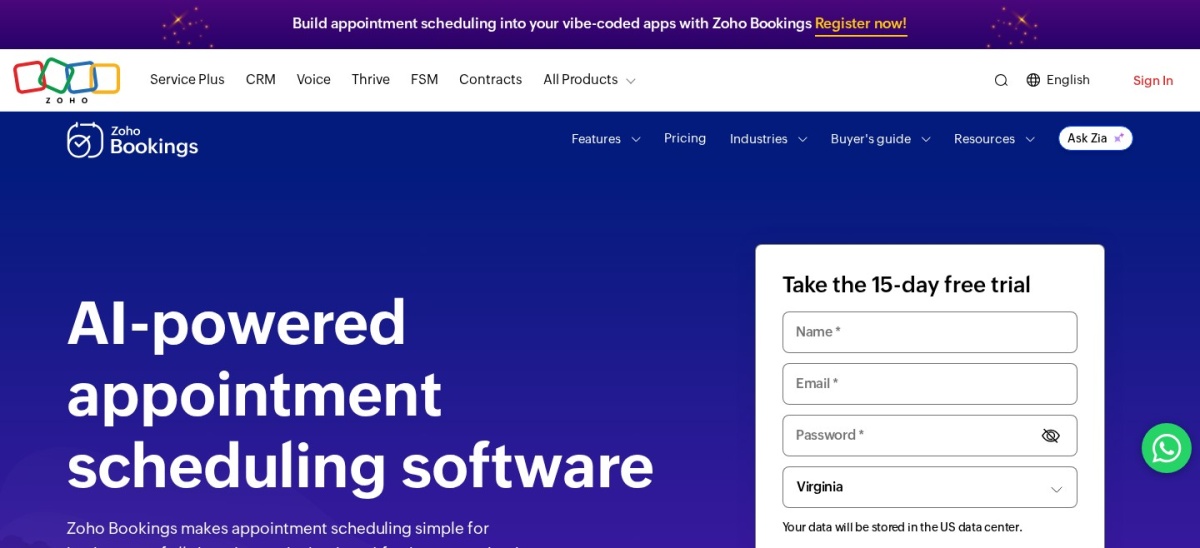
Zoho Bookings is the cheapest paid step up in this list, at $6 a user a month billed annually, with a free plan for one user. It syncs two-way with Zoho CRM, Zoho Calendar and the rest of the Zoho apps, so a booking lands straight on the customer record. It is rated 4.1 out of 5 on G2 from 54 reviews.
The trade off is that it shines inside Zoho. Outside the Zoho ecosystem the integrations are thinner, and the review base is only 54 G2 reviews. It suits teams already on Zoho that want cheap per-user booking tied to Zoho CRM.
Google Calendar appointment scheduling is free for many Google Workspace users and covers one-to-one booking pages with payments through Stripe.
It is not a full scheduling tool: there is no round robin, no team routing and no intake forms, so it suits individuals who already live in Google Calendar. The tools in this list add team features and payments that Google does not.
How we chose
We started from the scheduling tools that appear most often in current roundups, then kept the nine with a verifiable public rating on G2 and a published price or a free plan.
Prices come from each vendor's pricing page, checked on 23 November 2026, except YouCanBookMe and Zoho Bookings, whose prices come from vendor-checked roundups and G2 listings rather than a pricing page we could open directly. Ratings come from G2 on the same day.
We left out tools with no verifiable public rating. No vendor paid for a place, and we do not claim hands-on testing for this list.
How to choose calendar scheduling software
Start with who books with you, since a sales team, a coaching practice and a group of volunteers need different tools.
Count the bookers first. One calendar needs a free plan, a team needs round robin and shared calendars, and a group vote needs polls.
Check the free plan limits. Event types, calendar connections and booking counts decide whether the free plan works or the paid plan is needed.
Match the tool to the payment flow. Deposits, packages and tips matter for service businesses, while sales teams need CRM sync and routing forms.
Compare the yearly price, not the monthly one. Monthly billing costs more than yearly on every paid plan here, so budget from the annual figure and the renewal terms.
FAQ
What is the best calendar scheduling tool?
Calendly is the best pick for most teams. Standard costs $10 a seat a month billed annually, it covers unlimited meetings, and it is rated 4.7 out of 5 on G2 from 2,674 reviews.
What is the best free scheduling tool?
Cal.com has the most generous free plan, with unlimited booking links and calendars for one user at $0. Setmore is the best free option for a small team, with four users free.
Is there a free alternative to Calendly?
Yes. Cal.com gives one user unlimited booking links and calendars for free, and Setmore covers four users free. Both replace Calendly for individuals and small teams.
What is the cheapest scheduling tool?
Setmore is the cheapest paid plan here at $5 a user a month billed annually, and Zoho Bookings follows at $6. Both have free plans, so a small team can start at $0.
Which scheduling tool is best for group meetings?
Doodle is the best pick for group meetings, since a poll finds one time across many people. Its free plan covers one group poll, and Pro costs $11 a seat a month.
Does Acuity Scheduling have a free plan?
No. Acuity Scheduling has no free plan, only a 7-day trial, and Emerging costs $16 a month billed annually. Setmore and Cal.com are the better picks if a free plan matters.