Reclaim.ai is the best time blocking app for most professionals, with automatic focus time scheduling and a 4.8/5 G2 rating from 144 reviews. Choose Sunsama for guided daily planning or TickTick for affordable manual time blocking with integrated task management and calendar views.
How we make this list: we compare pricing pages, product documentation and public user reviews, then re-check every price before each update. No product paid for a place. Disclosure.
Reclaim.ai earns 4.8/5 from 144 G2 reviews, with paid scheduling features starting at $120 per year.
Sunsama offers guided daily planning for $204 per year and a 14-day free trial.
TickTick Premium costs $49.99 per year, making it the cheapest paid option on this list.
Todoist Pro costs $60 per year and supports up to 300 personal projects.
Morgen combines calendar management and time blocking for $180 per year.
Three of the seven apps offer permanent free plans.
What to look for in a time blocking app
Time blocking assigns specific periods of your day to particular tasks. Instead of working through an open-ended to-do list, you decide when each activity should happen and how much time it deserves.
A good time blocking app combines tasks and calendar events in a single planning workflow. Look for calendar synchronization, task duration estimates, recurring activities, and simple schedule adjustments.
Automatic scheduling apps rearrange flexible tasks when your availability changes. Manual planners give you more control but require regular attention to keep your schedule realistic.
Consider whether your existing task manager already supports calendar planning. Paying for a separate scheduling subscription may be unnecessary if your current tools cover the same workflow.
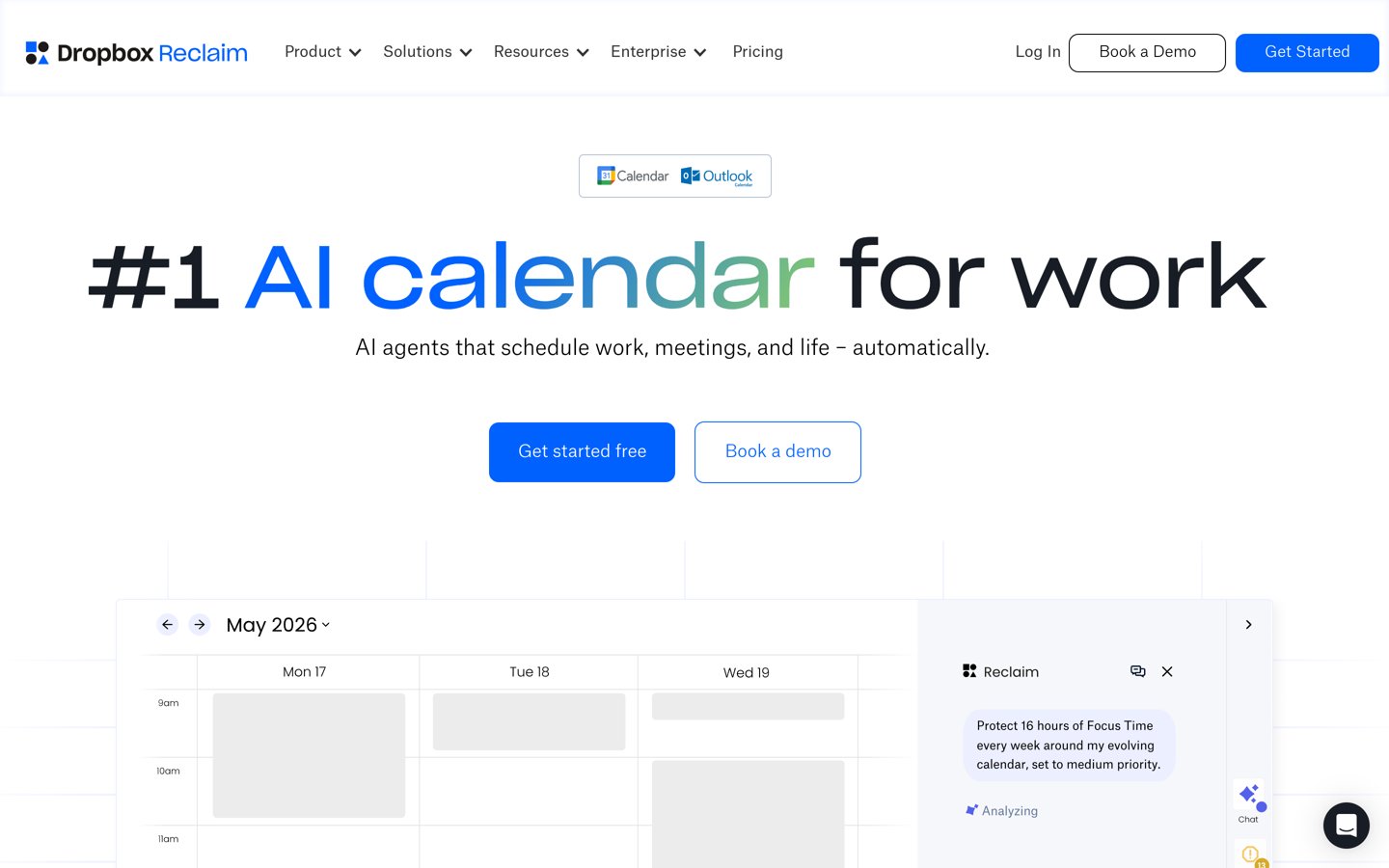
Reclaim.ai is an automatic calendar planner that schedules tasks, habits, and focused work around existing appointments. Its Starter plan includes an eight-week scheduling range and 10 AI agents per seat for managing different scheduling activities.
The trade off is that flexible calendar blocks can move when priorities change. Starter costs $10 per seat per month with annual billing. It suits professionals who want to protect productive working time without constantly rebuilding their calendars.
What we like
Automatically protects focus time
Schedules recurring habits around meetings
Supports calendar synchronization
Offers a permanent free plan
Watch out for
Moving time blocks may disrupt fixed routines
Advanced scheduling features require payment
Starter adds more scheduling capacity and calendar automation.Visit reclaim.ai
02
Sunsama
4.7/5on Capterra (27 reviews, checked Nov 2026)
Starts at$17/mo
Best for guided daily planning
SchedulingManual and assisted
Daily planningGuided workflow
Free trial14 days
Paid planPro, annual billing
sunsama.com
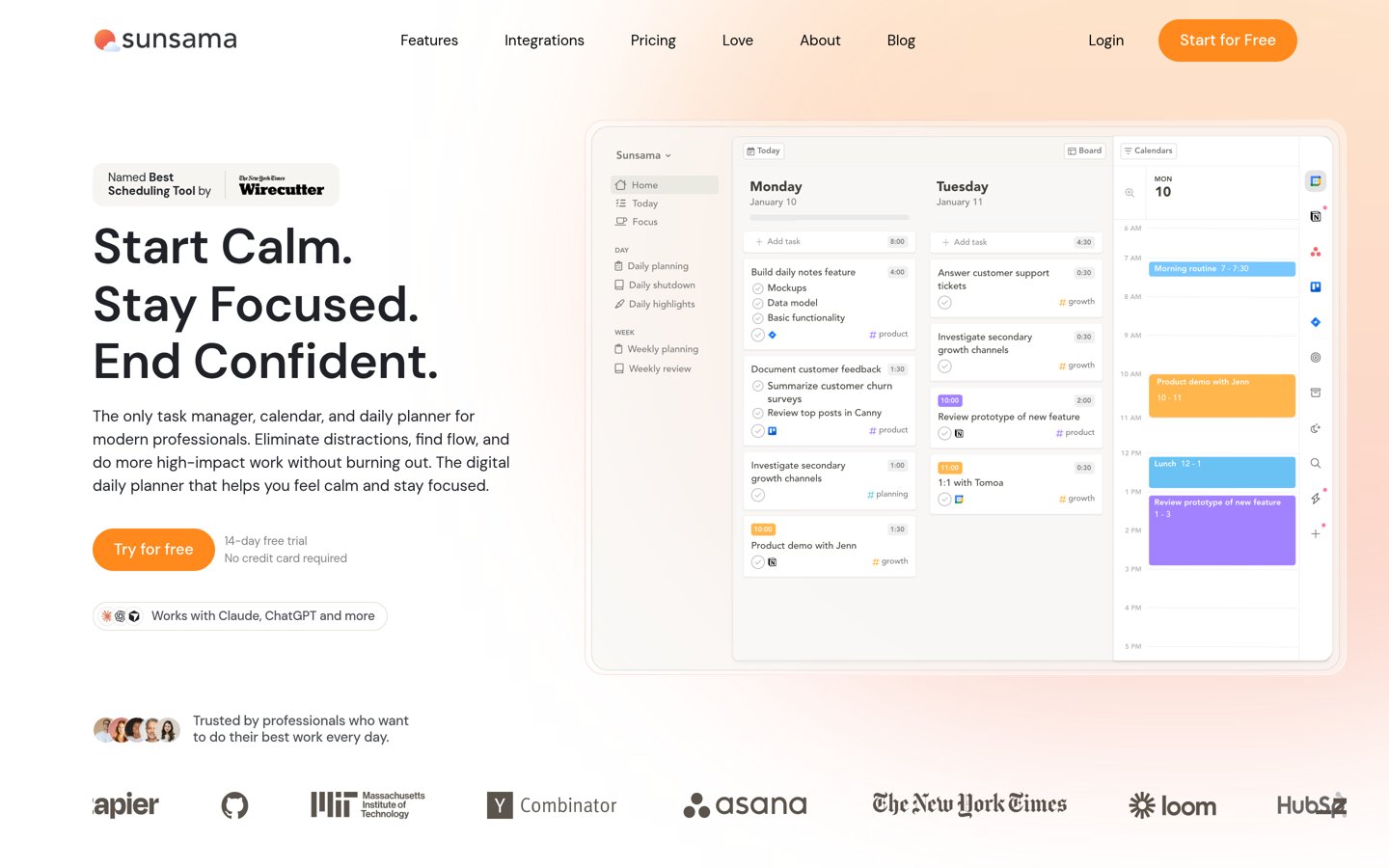
Sunsama homepage, captured Nov 2026.
Sunsama is a daily planner that brings calendar events and tasks into a structured planning routine. Its Pro subscription includes unlimited integrations and usage, while a 14-day trial provides access to its planning features.
The trade off is the absence of a permanent free plan and the ongoing effort required for intentional daily planning. Pro costs $17 per month when billed annually. It suits professionals who prefer realistic workloads and deliberate scheduling.
What we like
Guided daily planning routine
Combines tasks with calendar appointments
Unlimited integrations on Pro
Supports intentional workload planning
Watch out for
No permanent free plan
Requires regular manual planning
Pro provides ongoing access to daily planning and integrations.Visit sunsama.com
03
TickTick
4.5/5on G2 (114 reviews, checked Nov 2026)
Paid from$49.99/yr
Best for affordable personal time blocking
SchedulingManual
Free task lists9
Premium task lists299
Paid planPremium
ticktick.com
TickTick homepage, captured Nov 2026.
TickTick is a personal productivity app combining task lists, reminders, calendar planning, and focus tools. Its free plan supports nine lists with 99 tasks per list, while Premium adds multiple calendar layouts and task duration settings.
The trade off is that advanced calendar planning requires Premium at $49.99 per year. Users generally need to arrange their own time blocks instead of relying on an adaptive scheduler. It suits individuals seeking an affordable productivity app.
What we like
Lowest paid subscription in this comparison
Combines tasks and calendar planning
Supports cross-platform synchronization
Includes reminders and focus tools
Watch out for
Advanced calendar layouts require Premium
Less scheduling automation than dedicated AI planners
Premium adds calendar layouts, task durations, and larger lists.Visit ticktick.com
04
Morgen
4.8/5on G2 (30 reviews, checked Nov 2026)
Starts at$15/mo
Best for managing multiple calendars
SchedulingManual and AI-assisted
Calendar supportGoogle, Outlook, iCloud
Free trial14 days
Paid planPro, annual billing
morgen.so
Morgen homepage, captured Nov 2026.
Morgen is a calendar and task planning app designed to consolidate work across different services. Its Pro plan combines time blocking, task integrations, and appointment booking, with a 14-day trial for evaluating the workflow.
The trade off is subscription cost for users who already manage everything through a single calendar. Pro starts at $15 per month with annual billing. It suits professionals managing multiple calendars and external task management systems.
What we like
Consolidates calendars from different providers
Supports external task management integrations
Offers assisted scheduling recommendations
Provides desktop and mobile applications
Watch out for
No permanent free plan
May be excessive for single-calendar workflows
Pro includes unified calendars, planning, and booking links.Visit morgen.so
05
Todoist
4.5/5on G2 (870 reviews, checked Nov 2026)
Paid from$5/mo
Best for task-first time blocking
SchedulingManual
Free personal projects5
Pro personal projects300
Paid planPro, annual billing
todoist.com
Todoist homepage, captured Nov 2026.
Todoist is a task management application that supports organizing work into scheduled activities. Its Beginner plan includes five personal projects, while Pro expands capacity to 300 projects and adds calendar layouts, task durations, and deadlines.
The trade off is that dedicated time blocking features require Pro, which costs $5 per month when billed annually. Automatic calendar optimization is not its primary function. It suits users who organize their work around task lists and recurring responsibilities.
What we like
Quick task capture and organization
Affordable annual subscription
Calendar layout on Pro
Supports recurring tasks
Watch out for
Calendar layout requires a paid subscription
Limited automatic time block optimization
Pro adds calendar planning, task durations, and expanded projects.Visit todoist.com
06
Akiflow
4.8/5on G2 (99 reviews, checked Nov 2026)
Starts at$34/mo
Best for consolidating tasks from multiple apps
SchedulingManual and AI-assisted
Task captureCentralized inbox
Free trial7 days
Paid planPro Monthly
akiflow.com
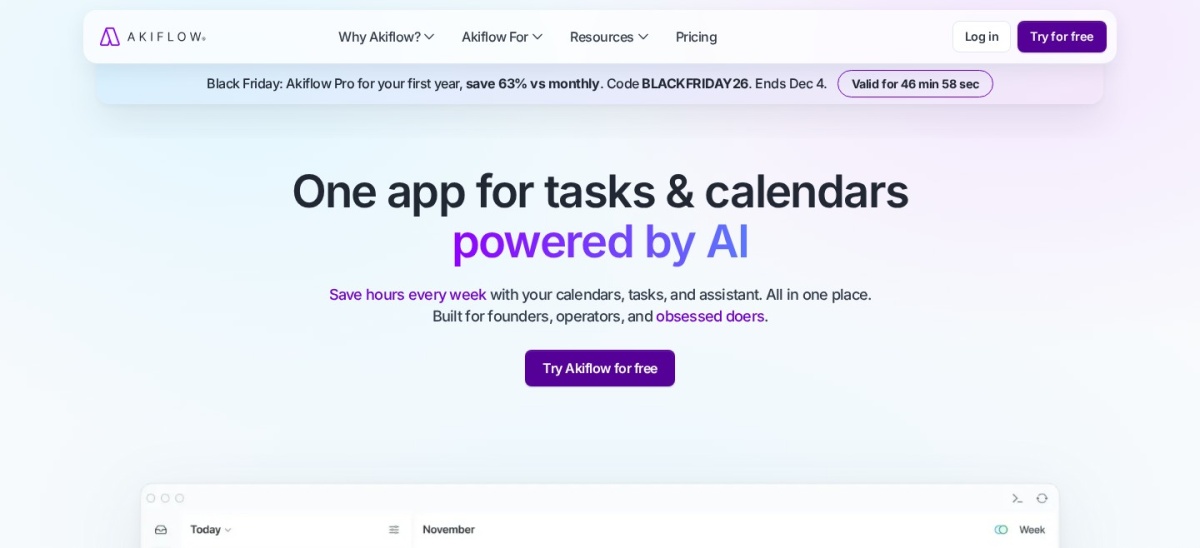
Akiflow homepage, captured Nov 2026.
Akiflow is a productivity planner that combines tasks, appointments, and external integrations in one workspace. Its Pro plan includes task management, an AI assistant, and calendar planning, with a seven-day trial for new users.
The trade off is its regular monthly subscription of $34, although the pricing page advertises a promotional annual rate of $19 per month. It suits busy professionals who receive assignments through several applications and need a central planning interface.
What we like
Consolidates tasks from external applications
Combines scheduling and task management
Supports keyboard-driven planning
Includes AI assistance
Watch out for
Expensive regular monthly subscription
No permanent free plan
Pro includes task integrations, calendar planning, and AI assistance.Visit akiflow.com
07
Motion
4.3/5on Capterra (89 reviews, checked Nov 2026)
Starts at$19/mo
Best for automatic project and task scheduling
SchedulingAutomatic
Project managementIncluded
Calendar planningAI-assisted
Paid planPro AI, annual billing
usemotion.com
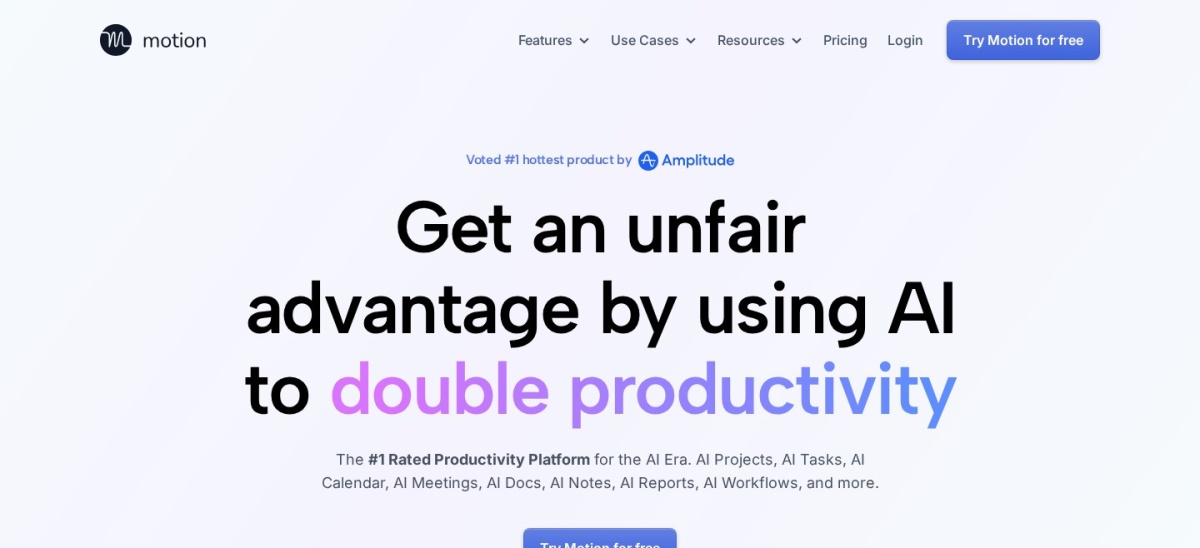
Motion homepage, captured Nov 2026.
Motion is an AI scheduling and project management application that organizes tasks around calendar availability, deadlines, and priorities. Its Pro AI subscription starts at $19 per seat per month and includes calendar management, project planning, and AI task scheduling.
The trade off is a broader feature set and less direct control over automatically rearranged activities. Pro AI costs $228 per seat per year with annual billing. It suits professionals who manage deadline-driven projects alongside changing meeting schedules.
What we like
Automatically schedules tasks around meetings
Integrates scheduling with project management
Adjusts plans when priorities change
Supports deadline-driven planning
Watch out for
No permanent free plan
Requires adjustment to automated scheduling
Pro AI combines automatic scheduling with project management tools.Visit usemotion.com
Manual vs. automatic time blocking apps
Manual time blocking works well when your schedule is predictable and you prefer deciding exactly when tasks happen. TickTick and Todoist offer affordable options for maintaining this kind of planning routine.
Automatic scheduling is more useful when meetings frequently interrupt planned work. Reclaim.ai and Motion adjust flexible activities based on availability, reducing the effort involved in rebuilding your schedule.
Guided and assisted planners such as Sunsama and Morgen offer a middle ground. They help organize tasks and appointments while retaining more involvement in daily scheduling decisions.
How we chose
We shortlisted established productivity applications with calendar-based task planning, time blocking, or automatic scheduling. We compared scheduling flexibility, calendar integrations, task management, subscription costs, and public customer feedback.
We opened official pricing pages and G2 or Capterra review pages on 27 Nov 2026. Annual costs use regular subscription rates, excluding explicitly labeled promotional offers. Akiflow uses its regular monthly rate because its annual offer is labeled promotional.
We excluded products without verifiable pricing, sufficient public reviews, or meaningful calendar-based planning features. Public review counts reflect the figures displayed by the cited review listings. No vendor paid for a place, and we do not claim testing for this list.
How to choose the best time blocking app
Choose a time blocking app based on your scheduling habits, existing applications, and willingness to automate daily planning.
Decide how much scheduling control you want. Choose manual planning if you prefer fixed routines. Consider automatic scheduling if meetings and deadlines frequently change your available working hours.
Check compatibility with your existing tools. Confirm that the app supports your calendar provider and task management applications before committing to a subscription.
Compare the actual annual cost. Check regular subscription prices, billing periods, and per-seat charges. Determine whether the additional planning features justify the cost.
Evaluate the planning workflow. Use a free plan or available trial to organize recurring responsibilities, estimate task durations, and determine whether schedule adjustments fit your working habits.
FAQ
What is the best time blocking app overall?
Reclaim.ai is our top pick because it automatically schedules focused work, recurring habits, and flexible tasks around existing appointments. Its permanent free plan provides a starting point, while paid subscriptions expand scheduling capacity.
What is the best free time blocking app?
Reclaim.ai is a good free choice for automatic calendar scheduling. TickTick and Todoist also provide permanent free plans for basic task management, although their advanced calendar planning features require paid subscriptions.
Is time blocking better than using a to-do list?
Time blocking helps you determine when tasks will happen rather than simply recording what needs attention. A to-do list remains useful for capturing responsibilities, so combining task lists with scheduled work periods often provides a more practical workflow.
Can AI automatically time block my calendar?
Yes. Applications such as Reclaim.ai and Motion automatically schedule tasks based on calendar availability, priorities, and deadlines. They can rearrange flexible activities when your plans change, reducing the need for repeated manual scheduling.
What is the cheapest paid time blocking app?
TickTick Premium is the cheapest paid option in this comparison at $49.99 per year. Todoist Pro follows at $60 per year with annual billing and includes calendar layouts and task duration settings.
Which time blocking app is best for daily planning?
Sunsama is particularly suitable for guided daily planning because it combines task organization with intentional calendar scheduling. Morgen is another option if your planning routine involves multiple calendar providers and external task management applications.
SaaS SEO and WordPress specialist with about 8 years of experience. Rakib compares WordPress plugins, themes, hosting and software using public pricing, documentation and user reviews. See how we rank.