Zapier is the best Make alternative for general workflow automation, with more than 9,000 app integrations and paid plans starting at $19.99 per month. Choose Activepieces for open-source flexibility and unlimited workflows, or Integrately for ready-made automations that require less manual configuration.
How we make this list: we compare pricing pages, product documentation and public user reviews, then re-check every price before each update. No product paid for a place. Disclosure.
Zapier connects 9,000+ applications and starts at $239.88 annually.
Activepieces offers 1,000 monthly credits, unlimited workflows and up to 5 users for free.
Integrately provides 2,000 monthly tasks for $19.99 per month with annual billing.
Microsoft Power Automate Premium costs $180 per user annually and includes attended desktop automation.
Albato Pro provides 1,000 monthly transactions for $15 per month with annual billing.
IFTTT has the lowest confirmed annual subscription price at $25.08, while Workato holds a 4.7/5 G2 rating from 859 reviews.
What to look for in a Make alternative
Make, formerly Integromat, provides visual workflow automation for connecting applications and transferring information between business systems. Alternatives differ in their workflow editors, supported integrations, hosting options and billing models.
Check how each platform measures usage. Some charge for completed actions, while others use credits, transactions or consumption-based pricing. A workflow with several actions can cost considerably more than a simple notification automation.
Look for conditional branching, webhooks, data transformation and error handling. These features matter when replacing complex Make scenarios that process multiple records or follow different paths.
Review the specific actions supported by each integration. An application appearing in a connector catalog does not guarantee that every trigger, endpoint or operation you need is available.
Consider migration costs alongside subscription fees. Rebuilding workflows, reconnecting credentials and validating output can require more effort than the initial software purchase.
The 7 best alternatives to Make for workflow automation
01
Zapier
4.5/5on G2 (2,172 reviews, checked Nov 2026)
Paid from$19.99/mo
Best Make alternative overall
App integrations9,000+
Free workflowsTwo-step Zaps
WebhooksProfessional and above
Entry planProfessional, annual billing
zapier.com
Zapier homepage, captured Nov 2026.
Zapier is a no-code workflow automation platform connecting more than 9,000 applications. Its free edition supports basic two-step Zaps, while Professional adds multi-step workflows, webhooks and premium application access for more involved business processes.
The trade off is task-based billing, which can increase costs when workflows perform numerous actions. Professional starts at $19.99 per month with annual billing. It suits marketing, sales and operations teams that prioritize application coverage and straightforward workflow configuration.
What we like
Extensive application integration catalog
Accessible workflow editor
Multi-step automation on paid plans
Integrated forms and data tables
Conditional logic and webhooks
Watch out for
Task consumption can increase subscription costs
Free workflows have limited complexity
No self-hosted deployment
Professional adds multi-step Zaps, premium apps and webhooksVisit zapier.com
02
Activepieces
4.8/5on G2 (142 reviews, checked Nov 2026)
Paid from$20/mo
Best for open-source workflow automation
Free monthly credits1,000
Free usersUp to 5
Workflow limitUnlimited
Entry planPlus, $20/month
activepieces.com
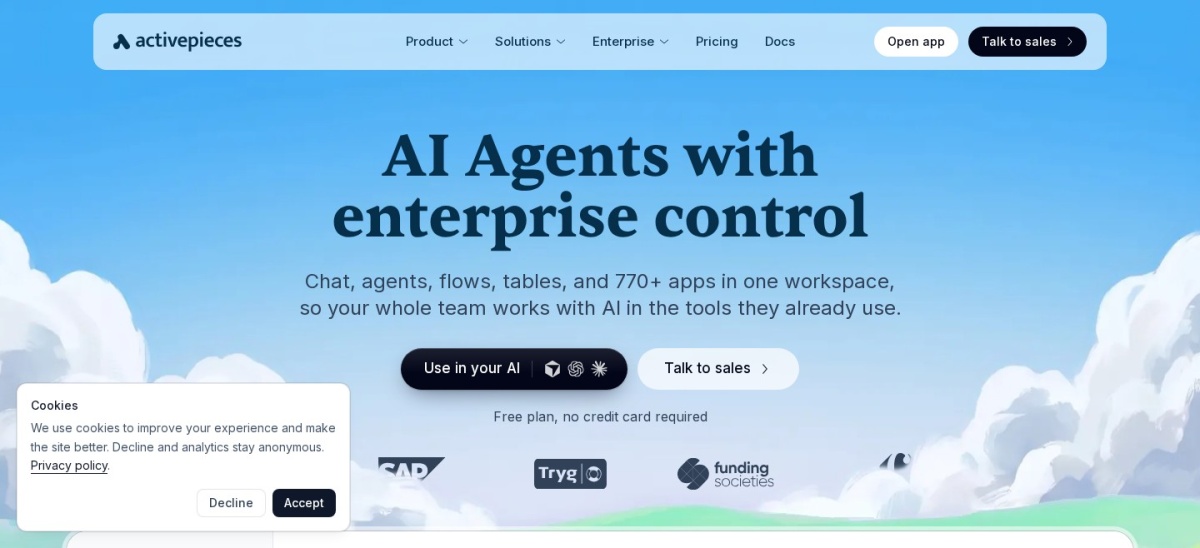
Activepieces homepage, captured Nov 2026.
Activepieces is an open-source automation platform offering visual workflows, application integrations and AI agents. Its hosted free edition includes 1,000 monthly credits, unlimited workflows and access for up to 5 users, with self-hosting available separately.
The trade off is a smaller integration ecosystem than Zapier and additional infrastructure responsibilities when self-hosting. Plus costs $20 per month and increases the included credit allowance tenfold, with further usage billed separately. It suits teams seeking flexible automation without mandatory proprietary hosting.
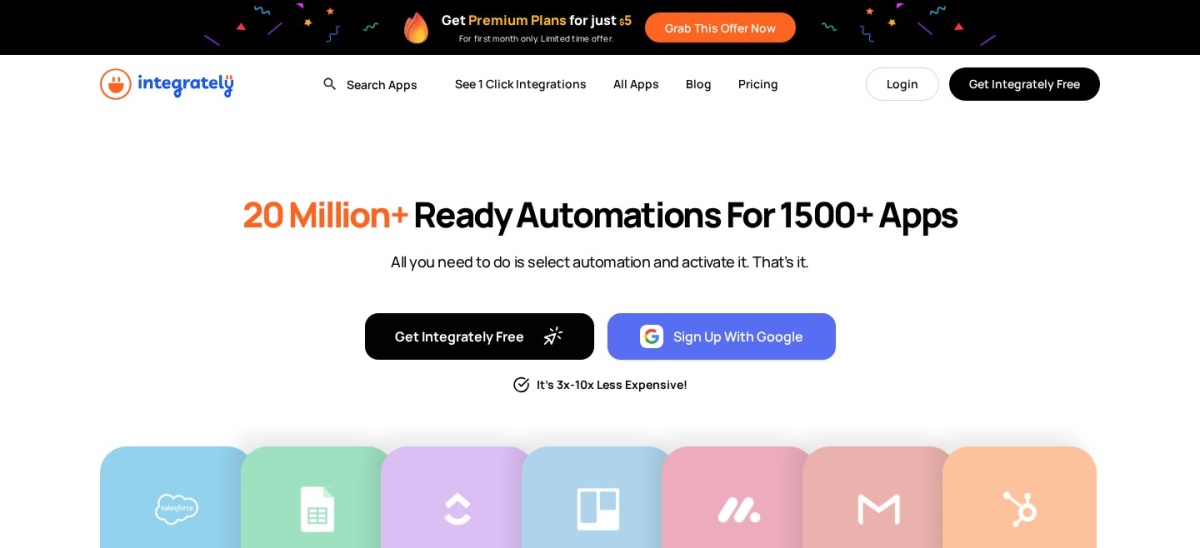
Integrately is a workflow automation service focused on preconfigured app connections. Its Starter subscription includes 2,000 monthly tasks, webhooks, multi-step workflows and five-minute polling, helping users automate common business processes without building every integration from scratch.
The trade off is that advanced branching and additional automation features require higher subscriptions. Starter costs $19.99 per month when billed annually, excluding a temporary $5 first-month promotion. It suits small businesses that want prebuilt integrations and predictable task allowances.
Power Automate is Microsoft's automation platform for connecting cloud services and automating desktop applications. Premium includes attended robotic process automation, cloud workflows and process mining for $15 per user per month with annual billing.
The trade off is licensing complexity, particularly when organizations require unattended automation. The Process plan costs $150 per bot per month with annual billing. It suits businesses that depend on Microsoft applications and need to automate both cloud services and desktop processes.
What we like
Microsoft ecosystem integration
Desktop and cloud automation
Process and task mining capabilities
Suitable for enterprise IT environments
Watch out for
Complex licensing requirements
Unattended automation costs significantly more
Learning curve for advanced workflows
Premium adds attended desktop automation and premium connectorsVisit microsoft.com
05
Albato
4.6/5on G2 (510 reviews, checked Nov 2026)
Paid from$15/mo
Best for affordable multi-step business integrations
Free monthly transactions100
Pro monthly transactions1,000
Pro log retention30 days
Entry planPro, annual billing
albato.com
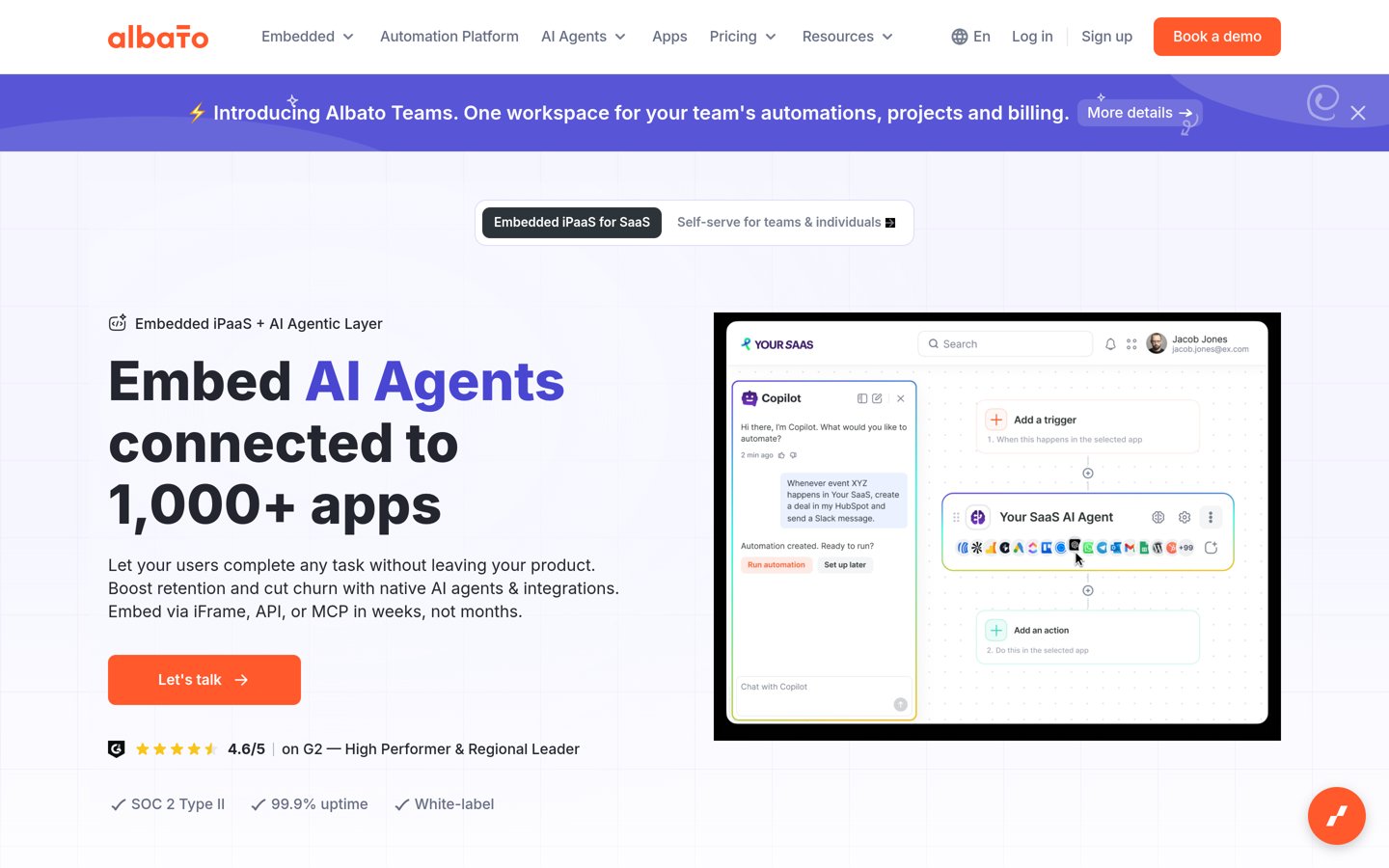
Albato homepage, captured Nov 2026.
Albato is an application integration and workflow automation platform for individuals, businesses and software providers. Its free edition supports 5 active automations, while Pro removes workflow and step limits and provides 1,000 monthly transactions.
The trade off is that transaction-based billing can become more expensive as data volumes grow. Pro costs $15 per month with annual billing or $22 with monthly billing. It suits small teams automating CRM updates, marketing processes and information transfers between applications.
What we like
Unlimited workflows on Pro
Free edition for basic automations
Automatic replay capabilities
Parallel workflow execution
Affordable starting subscription
Watch out for
Free workflows are restricted to two steps
Higher transaction volumes increase costs
Some niche integrations may need custom configuration
Pro adds unlimited automation steps, AI tools and longer log retentionVisit albato.com
06
IFTTT
4.5/5on G2 (117 reviews, checked Nov 2026)
Paid from$2.09/mo
Best for inexpensive everyday automation
Free monthly credits1,000
Starter monthly credits5,000
Supported services1,000+
Entry planStarter, $25.08/year
ifttt.ai
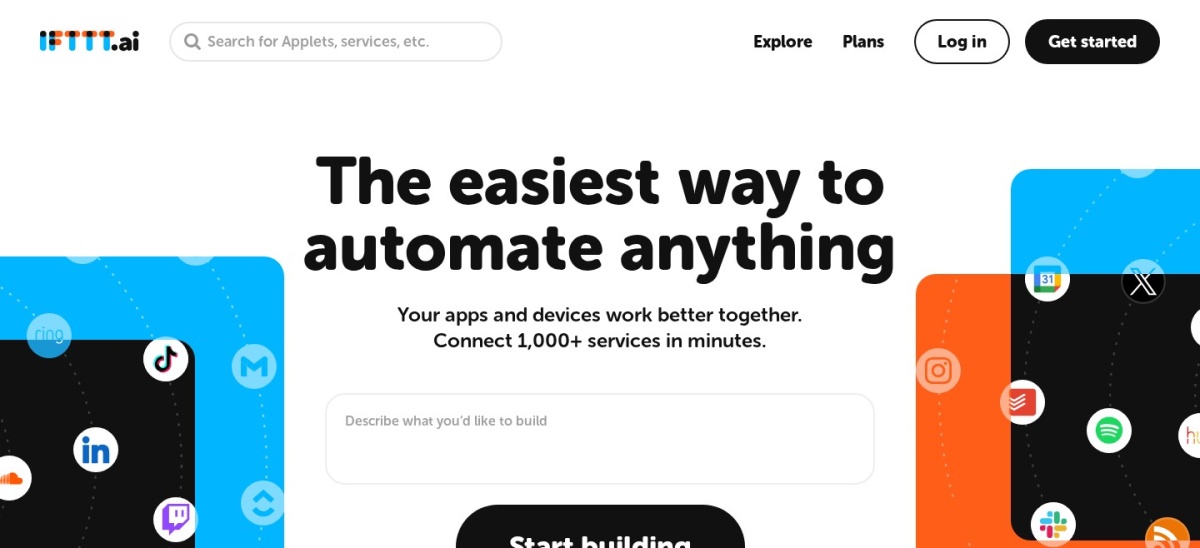
IFTTT homepage, captured Nov 2026.
IFTTT is a no-code automation platform connecting productivity applications, social platforms and smart devices through workflows called Applets. Its free edition includes 1,000 monthly credits and unlimited Applets, while Starter increases the allowance to 5,000 credits.
The trade off is that IFTTT focuses more on everyday trigger-and-action workflows than elaborate enterprise integrations. Starter costs $25.08 annually and provides faster polling and basic support. It suits creators, freelancers and small businesses automating notifications, social publishing and routine updates.
What we like
Lowest confirmed subscription price in this list
Unlimited Applets on the free plan
Supports mobile and connected-device workflows
Ready-made automation templates
AI-assisted workflow creation
Watch out for
Less suited to complex enterprise integrations
Free polling can take up to an hour
Multiple accounts per service require Pro+
Starter adds more monthly credits, faster polling and basic supportVisit ifttt.ai
07
Workato
4.7/5on G2 (859 reviews, checked Nov 2026)
PricingCustom pricing
Best for enterprise workflow orchestration
DeploymentCloud platform
Automation typeWorkflow recipes
Usage monitoringBuilt-in dashboard
Entry planCustom quote
workato.com
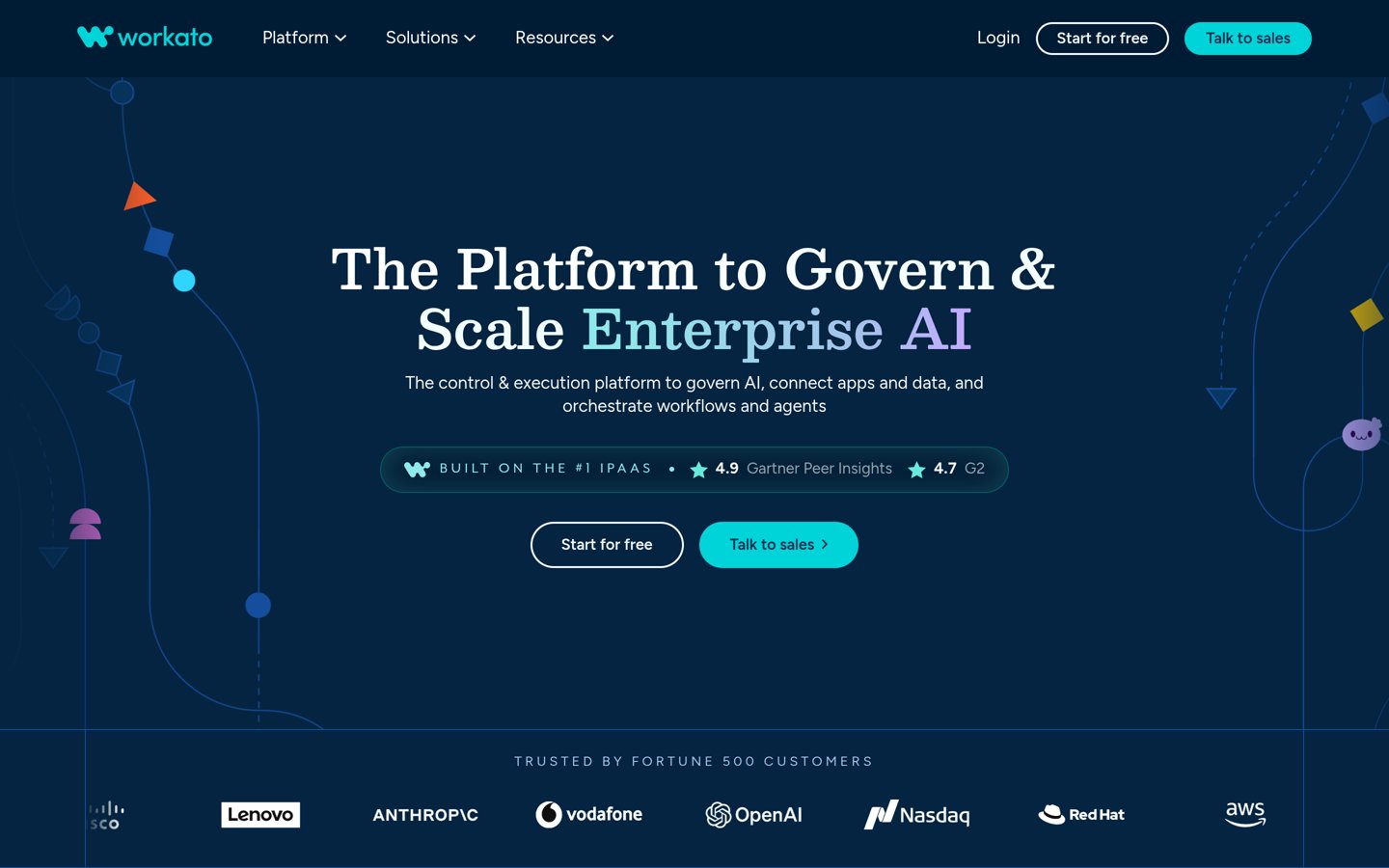
Workato homepage, captured Nov 2026.
Workato is an enterprise integration and automation platform for connecting business systems, orchestrating workflows and managing AI-enabled processes. Its pricing combines platform capabilities with consumption, and its G2 listing holds a 4.7 rating from 859 reviews.
The trade off is pricing transparency because Workato requires a custom quote rather than publishing a fixed entry subscription. Buyers must estimate consumption and implementation requirements before comparing costs. It suits larger organizations that need centralized integration management, governance and automation across departments.
What we like
Enterprise workflow orchestration
Centralized usage monitoring
Application and data integration capabilities
Governance and security features
Supports complex business processes
Watch out for
No public fixed entry price
More complex implementation than basic automation tools
Less suitable for individual users
Contracted packages provide enterprise automation and governance capabilitiesVisit workato.com
How Make alternatives calculate automation costs
Zapier and Integrately primarily use task allowances, while Albato measures transactions. Activepieces and IFTTT use credit allowances, and Workato calculates consumption according to its platform capabilities.
These units are not interchangeable. A monthly allowance of tasks does not necessarily support the same workload as an equivalent number of credits or transactions. Filters, internal calculations, polling and failed actions may be counted differently.
Before switching platforms, document your existing Make scenarios and estimate how often each workflow runs. Recalculate the expected consumption using the alternative provider's billing rules, rather than comparing subscription prices alone.
How we chose
We shortlisted established workflow automation platforms that provide direct alternatives to Make scenarios. We compared application integrations, workflow complexity, conditional logic, hosting flexibility, collaboration options and pricing models.
Official pricing pages and G2 rating pages were checked on 27 Nov 2026. Published starting subscriptions were annualized using their advertised billing rates. Workato is included with custom pricing, and its zero price_year value represents an undisclosed subscription cost rather than free access.
We excluded products whose regular entry prices could not be confirmed in a comparable currency, products with insufficient review evidence and applications without general workflow automation capabilities. This excludes some otherwise relevant developer-focused tools. No vendor paid for a place, and we do not claim testing for this list.
How to choose the best Make alternative
Evaluate your existing automations and business requirements using these steps before migrating to another workflow automation platform.
Document your existing Make scenarios. Identify triggers, actions, routers, filters, data transformations and error-handling rules. Check whether your shortlisted platform supports equivalent functionality.
Calculate expected automation consumption. Estimate workflow executions and action volumes using actual business activity. Compare task, credit and transaction allowances, including potential overage charges.
Verify application integrations. Check the specific triggers and actions available for your CRM, email platform, database and other business applications. Confirm whether premium connectors require subscription upgrades.
Plan a controlled migration. Rebuild a representative workflow before transferring business-critical automations. Validate output, permissions, error recovery and execution logs before disabling the corresponding Make scenario.
FAQ
What is the best alternative to Make?
Zapier is our top overall alternative because of its extensive application catalog and accessible workflow editor. Activepieces is a better choice for teams requiring open-source software, while Integrately is suitable for beginners using preconfigured business integrations.
Is there a free alternative to Make?
Yes. Activepieces, Zapier, Integrately, Albato and IFTTT provide free editions with different usage restrictions. Activepieces is particularly attractive for users who want unlimited workflows, although its hosted free plan still has a monthly credit allowance.
Which Make alternative is the cheapest?
IFTTT has the lowest confirmed annual starting subscription in this comparison at $25.08. However, its workflow capabilities and credit allowances differ from Make. Albato and Activepieces are worth comparing for more involved business automation requirements.
Can I migrate Make scenarios directly to another platform?
Most workflow automation platforms use proprietary workflow definitions, so direct migration is not guaranteed. You will generally need to recreate triggers, actions, filters and credentials manually. Start with representative workflows and validate their behavior before moving production automations.
Is Zapier better than Make for workflow automation?
Zapier is preferable when application coverage and straightforward configuration are priorities. Make may be more suitable for users who prefer visual scenario mapping and detailed data manipulation. The better choice depends on workflow complexity, integration requirements and expected monthly consumption.
SaaS SEO and WordPress specialist with about 8 years of experience. Rakib compares WordPress plugins, themes, hosting and software using public pricing, documentation and user reviews. See how we rank.