GitBook is the best technical documentation software for most product teams, with Git synchronization and a 4.7/5 G2 rating from 208 reviews. Archbee is a good alternative for combined internal and external documentation, while ReadMe is better suited to interactive API references and developer portals.
How we make this list: we compare pricing pages, product documentation and public user reviews, then re-check every price before each update. No product paid for a place. Disclosure.
GitBook combines Git synchronization and collaborative documentation with paid site plans starting at $65/month.
Archbee starts at $49/month and supports unlimited readers and project spaces.
ReadMe offers free developer documentation, with its Pro plan costing $250/month when billed annually.
ClickHelp scores 4.8/5 from 67 G2 reviews and supports professional technical authoring.
Notion offers affordable internal documentation from $10 per seat/month.
Document360 has a 4.7/5 G2 rating from 567 reviews and uses custom pricing.
What technical documentation software should include
Technical documentation software helps engineering teams, product managers and technical writers create and maintain accurate information about software, systems and processes. It covers everything from installation guides and troubleshooting instructions to API references.
A good platform supports structured content, searchable navigation and collaborative editing. Developers may also need Git synchronization, Markdown support and automated documentation generated from API specifications.
Version management becomes important when products change frequently. Look for revision history, approval workflows and separate documentation versions if customers use different software releases.
Pricing models vary considerably. Some vendors charge per author, others charge per documentation site, and enterprise platforms may require a custom contract. Compare the total cost of your expected publishing workflow.
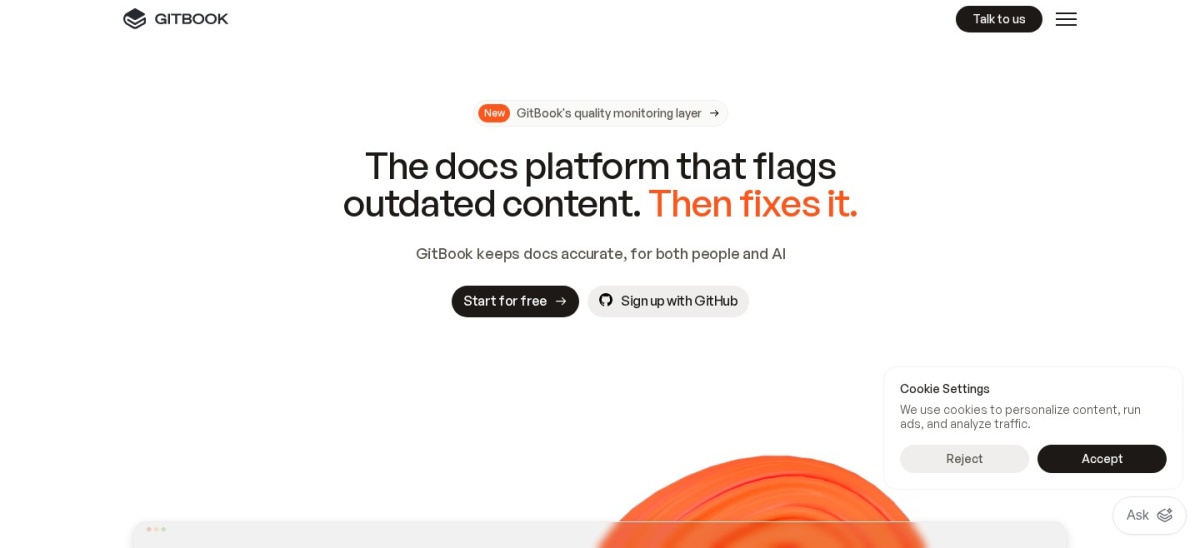
GitBook is a collaborative documentation platform for software products, developer resources and technical knowledge. Its free individual plan supports documentation publishing, while Essential starts at $65 per site/month with annual billing.
The trade off is that documentation sites and team seats contribute separately to the subscription cost. Additional team members cost $12 per user/month with annual billing, so it suits product teams that value Git-connected publishing and collaborative editing.
What we like
GitHub and GitLab synchronization
Accessible editing for technical and nontechnical writers
Free individual publishing plan
Developer-friendly documentation structure
Watch out for
Additional team members increase costs
Multiple documentation sites can become expensive
Essential provides paid site publishing and team options.Visit gitbook.com
02
Archbee
4.6/5on G2 (118 reviews, checked Nov 2026)
Starts at$49/mo
Best for combined internal and external documentation
ReadersUnlimited
Project spacesUnlimited
Revision history1 year on Growing
Paid planGrowing, starting at $49/month
archbee.com
Archbee homepage, captured Nov 2026.
Archbee is a technical documentation and knowledge portal platform for product and engineering teams. Its Growing plan starts at $49/month and includes unlimited readers, public and private portals, GitHub integration and API documentation.
The trade off is that advanced content management features require higher subscription tiers. Scaling starts at $199/month and adds formal reviews, reusable content and documentation versioning, so it suits growing software teams with changing documentation requirements.
What we like
Unlimited readers and project spaces
Public and private documentation portals
GitHub integration
Custom domain publishing
Watch out for
No permanent free plan
Versioning requires a higher tier
Advanced content reuse costs more
Growing includes hosted portals, API docs and GitHub integration.Visit archbee.com
03
ReadMe
4.5/5on G2 (46 reviews, checked Nov 2026)
Paid from$250/mo
Best for interactive API documentation
API specificationsOpenAPI
Interactive referencesSupported
Usage analyticsIncluded on Starter
Paid planPro, billed annually
readme.com
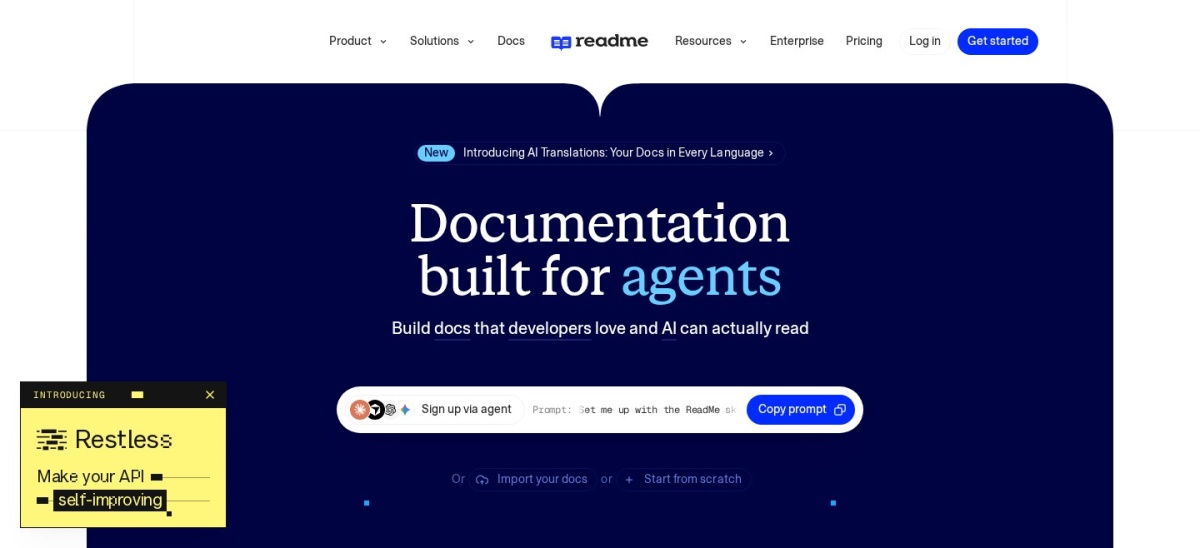
ReadMe homepage, captured Nov 2026.
ReadMe is a developer documentation platform that generates interactive API references from OpenAPI specifications. Its free Starter plan includes custom domains, bidirectional synchronization, usage analytics and AI-assisted documentation features.
The trade off is the substantial jump to Pro at $250/month when billed annually. Private documentation, collaborative review workflows and additional customization require the paid tier, so it suits API businesses that prioritize developer onboarding.
What we like
Interactive API reference pages
Free developer documentation publishing
OpenAPI synchronization
Documentation usage analytics
Watch out for
Expensive upgrade from Starter to Pro
Less suitable for general employee knowledge bases
Private documentation requires Pro
Pro adds private docs, branching, reviews and reusable content.Visit readme.com
04
Document360
4.7/5on G2 (567 reviews, checked Nov 2026)
PricingCustom pricing
Best for managed enterprise documentation
EditorsMarkdown and visual
Approval workflowsSupported
Documentation typeInternal, external and API
Paid planCustom contract
document360.com
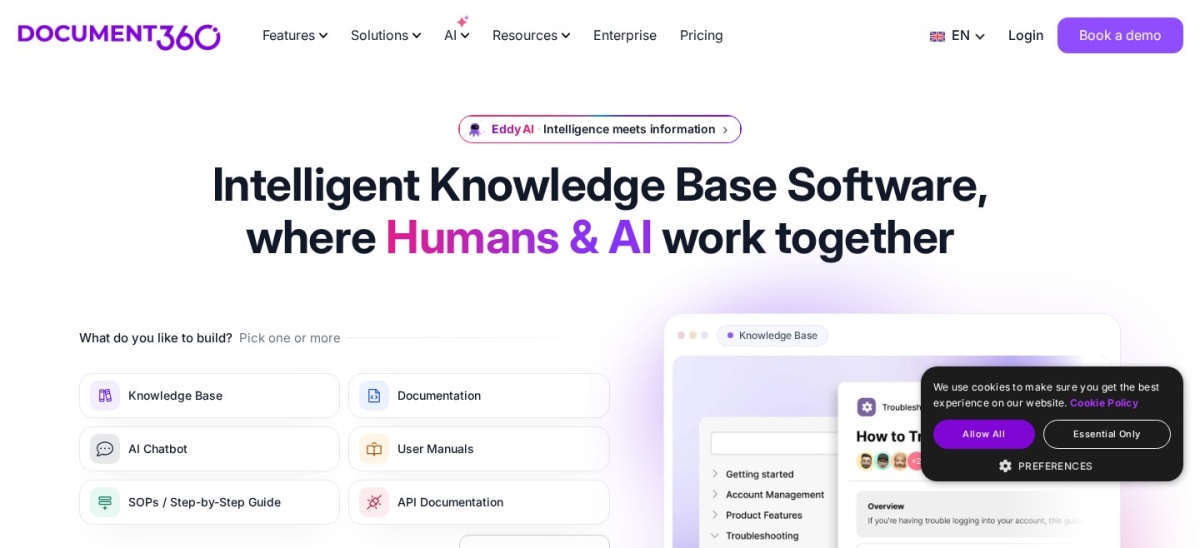
Document360 homepage, captured Nov 2026.
Document360 is a documentation management platform rated 4.7/5 across 567 G2 reviews. Its commercial offering covers product manuals, internal procedures, customer knowledge bases and API documentation with structured editing and approval options.
The trade off is custom pricing rather than a published entry-level subscription. It suits organizations with dedicated technical writers and documentation managers who need formal publishing controls, content organization and detailed reporting.
What we like
Dedicated technical writing features
Structured content approval workflows
Markdown and visual editing
Internal and external documentation support
Watch out for
Requires a sales quote
More configuration than a basic team wiki
Commercial plans provide hosted documentation and management controls.Visit document360.com
05
ClickHelp
4.8/5on G2 (67 reviews, checked Nov 2026)
Starts at$194/mo
Best for professional technical writers
Contributors2 on Starter
Topic allowance500
Storage5GB
Paid planStarter
clickhelp.com
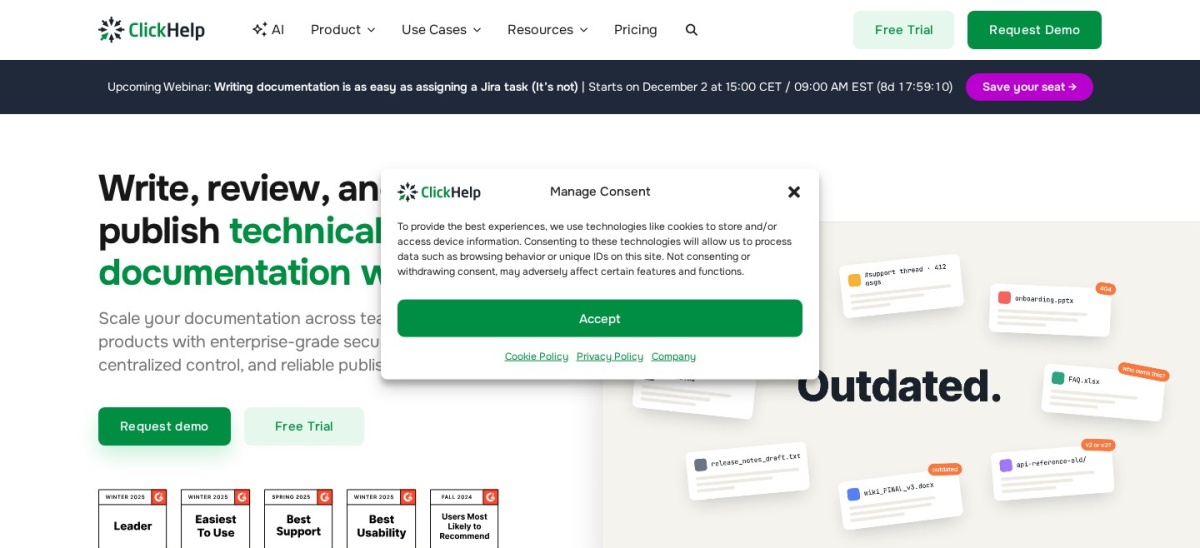
ClickHelp homepage, captured Nov 2026.
ClickHelp is a browser-based help authoring platform for technical manuals, product guides and online documentation. Its Starter plan starts at $194/month and includes two contributors, 500 topics, unlimited projects and 5GB of storage.
The trade off is that the $194/month entry plan has content and contributor limits, while advanced integrations and translation capabilities may require additional purchases. It suits professional writing teams producing structured manuals and reusable technical content.
What we like
Single-source authoring and content reuse
Multiple document export formats
OpenAPI documentation support
Unlimited reader accounts
Watch out for
Starter limits documentation topics
Translation tools can increase costs
No permanent free plan
Starter includes hosted authoring and documentation publishing.Visit clickhelp.com
06
Notion
4.6/5on G2 (14,029 reviews, checked Nov 2026)
Paid from$10/seat/mo
Best for internal engineering documentation
Documentation typeInternal wikis
EditingBlock-based editor
Public publishingSupported
Paid planPlus, billed annually
notion.com
Notion homepage, captured Nov 2026.
Notion is a connected workspace for team wikis, project documentation and internal engineering knowledge. Its free plan supports individual documentation, while Plus starts at $10 per seat/month and provides a collaborative environment for small teams.
The trade off is that Notion lacks the specialized API publishing workflow of dedicated developer documentation platforms. Plus costs $120 annually per seat, making it suitable for smaller teams documenting architecture decisions, development processes and internal procedures.
What we like
Flexible documentation templates
Affordable entry-level pricing
Connected databases and documentation
Large public review base
Watch out for
No dedicated interactive API reference generator
Large workspaces require careful organization
Per-seat billing increases team costs
Plus adds expanded team collaboration and publishing options.Visit notion.com
07
Helpjuice
4.7/5on G2 (384 reviews, checked Nov 2026)
Starts at$249/mo
Best for customer-facing technical knowledge bases
Users30 on entry plan
Storage12GB
Article allowanceUnlimited
Paid planCustomized Knowledge Base
helpjuice.com
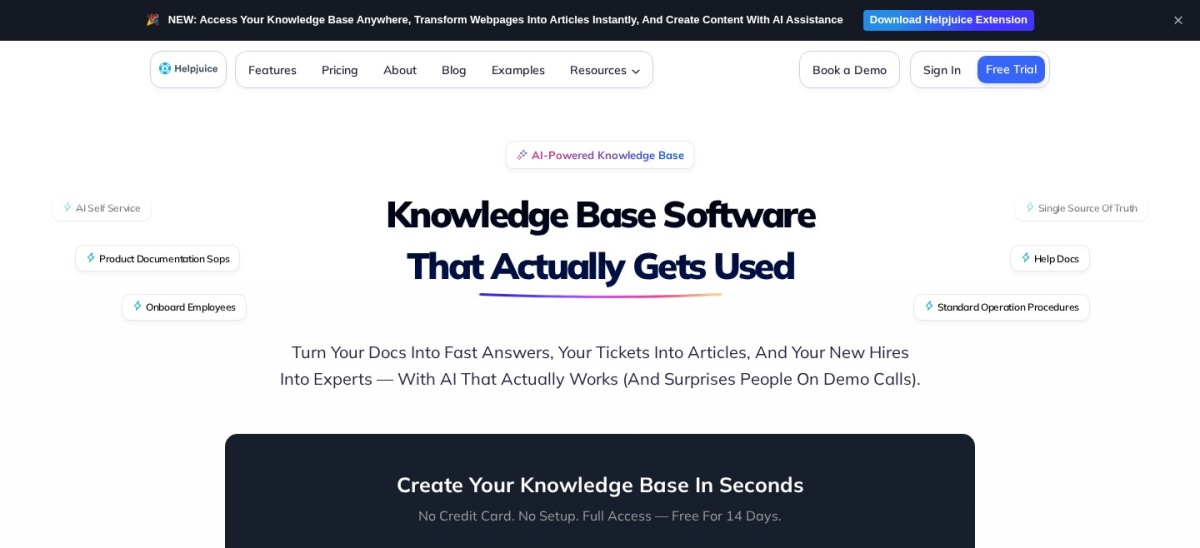
Helpjuice homepage, captured Nov 2026.
Helpjuice is a knowledge base platform for publishing technical support articles, troubleshooting guides and product instructions. Its entry plan costs $249/month and includes 30 users, 12GB of storage, customized branding and collaborative publishing workflows.
The trade off is the relatively high starting subscription and the exclusion of its full AI Suite from the $249/month plan. It suits established software companies that need branded customer documentation and searchable technical support resources.
What we like
Customized knowledge base design
Unlimited articles
Content version history
Publishing approval workflows
Watch out for
Higher entry price than lightweight alternatives
Full AI Suite requires an upgrade
Less developer-focused than GitBook or ReadMe
The entry plan includes customized branding and collaboration tools.Visit helpjuice.com
Docs as code vs visual documentation editors
A docs-as-code workflow treats technical documentation like software source code. Writers maintain Markdown files in repositories, submit changes through pull requests and publish updates alongside application releases. GitBook is particularly relevant for teams adopting this approach.
Visual documentation editors reduce the technical knowledge required to contribute. Platforms such as Document360, ClickHelp and Notion allow subject matter experts to create and update documentation without working directly with repositories.
Hybrid platforms accommodate both approaches. They are worth considering when engineers maintain API references while product managers and support specialists write tutorials and troubleshooting content.
How much does technical documentation software cost?
Entry-level prices in this comparison range from $10 per seat/month for Notion to $250/month for ReadMe Pro. The pricing models differ, so the lowest displayed subscription is not necessarily the cheapest option for an entire team.
GitBook charges for documentation sites and additional users, while ClickHelp includes a defined contributor and topic allowance. Document360 requires a custom quote. The price ladder shows entry-level annualized prices before additional seats, optional modules and applicable taxes.
How we chose
We selected established documentation platforms covering developer portals, technical authoring, engineering wikis and customer-facing product documentation. We prioritized structured editing, publishing capabilities, content maintenance and suitability for technical teams.
Official pricing pages and G2 ratings were checked on 27 Nov 2026. Annual prices reflect the cheapest published regular subscriptions, using annual billing rates where available. Custom-priced plans are identified separately rather than treated as free products.
We excluded discontinued products, tools without an established review history and general writing applications without meaningful documentation management features. No vendor paid for a place, and we do not claim testing for this list.
How to choose technical documentation software
Start by identifying your documentation audience, publishing requirements and content maintenance workflow before comparing subscriptions.
Identify your primary documentation audience. Choose ReadMe for API consumers, GitBook for product developers or Notion for internal engineering teams. Customer-facing support documentation may benefit from Document360 or Helpjuice.
Match the editor to your contributors. Determine whether authors prefer Markdown, Git repositories or visual editing. A platform that accommodates engineering and support teams can reduce duplicated documentation.
Check versioning and approval requirements. Review how the platform handles draft changes, historical revisions, publishing permissions and documentation for previous product releases.
Calculate the complete annual subscription. Include author seats, documentation sites, storage, translation modules, authentication requirements and optional integrations before comparing total costs.
FAQ
What is the best technical documentation software?
GitBook is our top pick for modern software documentation because it combines collaborative editing, Git synchronization and hosted publishing. Archbee is a good alternative for mixed documentation requirements, while ReadMe specializes in developer portals.
Is there free technical documentation software?
Yes. GitBook, ReadMe and Notion offer permanent free plans. These options suit individual writers, smaller documentation projects and teams evaluating publishing workflows before committing to commercial subscriptions.
What software is best for API documentation?
ReadMe is particularly suitable for API documentation because it supports OpenAPI specifications and interactive developer references. GitBook and Archbee are alternatives for teams combining API documentation with product tutorials and general technical guides.
What is the difference between technical documentation software and a knowledge base?
Technical documentation software focuses on structured product information, developer references and technical writing workflows. Knowledge bases generally emphasize searchable answers, troubleshooting and self-service support, although many platforms accommodate both requirements.
Can technical documentation software replace an internal wiki?
Yes. Platforms with private publishing, collaborative editing and access permissions can replace traditional internal wikis. Notion and Archbee are suitable options for engineering teams documenting architecture, processes and shared technical knowledge.
Do technical documentation tools support version control?
Many platforms provide revision history, Git synchronization or formal content versioning. These capabilities differ by subscription, so teams supporting multiple software releases should verify whether their chosen plan supports separate documentation versions.
SaaS SEO and WordPress specialist with about 8 years of experience. Rakib compares WordPress plugins, themes, hosting and software using public pricing, documentation and user reviews. See how we rank.