iLovePDF is the best software to reduce PDF size for most people. Its free plan compresses up to 2 files per task at up to 200 MB, with three quality levels. Pick Smallpdf for the simplest one-click workflow, or Adobe Acrobat Pro for the deepest desktop optimization.
How we make this list: we compare pricing pages, product documentation and public user reviews, then re-check every price before each update. No product paid for a place. Disclosure.
iLovePDF is the best free pick: 3 compression levels, 2 files per task, a 200 MB cap, rated 4.6/5 on G2.
Smallpdf is the simplest, but its free plan allows only 2 tasks a day.
Adobe Acrobat Pro has the deepest optimizer, but at $239.88 a year it costs about 4 times iLovePDF Premium.
Sejda is the most private free option, with no account needed and 3 free tasks an hour.
PDF-XChange Editor is the only one-time purchase here at $62, with no subscription.
What makes a good PDF compressor
A PDF gets big for a few predictable reasons: embedded images, fonts and layers. A good compressor shrinks the images, drops unused data and keeps the text sharp.
Free online tools are the fastest route for a one-off file. Desktop editors are better when the file is private, huge, or one of a batch.
Watch the free limits before you upload. iLovePDF and Smallpdf cap free use at 2 tasks a day, and Sejda at 3 tasks an hour, so a big batch needs a paid plan.
iLovePDF is a browser-based PDF suite with a dedicated Compress PDF tool. The free plan compresses up to 2 files per task at up to 200 MB, with three levels from Extreme to Less compression, and no account is needed to start.
The trade off is volume. The free plan covers only 2 tasks a day, so regular use needs Premium at $60 a year, which removes the cap and adds batch processing. It suits anyone who compresses the odd file and wants nothing installed.
What we like
Three compression levels to trade size against quality
Generous 200 MB free cap per task
No account needed for the first free tasks
Files are deleted from its servers within 2 hours
Watch out for
Free plan covers only 2 tasks a day
Files upload to iLovePDF servers, so it is not for sensitive files
No offline compression on the free plan
Premium removes the daily task cap and adds batch processingVisit ilovepdf.com
02
Smallpdf
4.5/5on G2 (309 reviews, checked Nov 2026)
Paid from$108/yr
Best one-click online compressor
CompressionBasic free, Strong paid
Free tasks2 per day
BatchPro only
Paid planPro, $108/yr
smallpdf.com
Smallpdf homepage, captured Nov 2026.
Smallpdf is a browser-based suite of more than 20 PDF tools, and its Compress tool is the simplest here: drop a file in and it shrinks it. The free plan uses Basic compression and covers 2 tasks a day.
The trade off is the tightest free plan in this list. Strong compression, batch work and the offline desktop app all need Pro at $108 a year. It suits people who want the easiest possible workflow and compress rarely.
What we like
The simplest interface in this list
Strong compression squeezes files smaller than Basic
Desktop app adds offline work on Pro
More than 20 PDF tools in one account
Watch out for
Free plan allows only 2 tasks a day
An account is required after the first free task
Pro costs more than iLovePDF Premium
Pro adds Strong compression, batch processing and offline accessVisit smallpdf.com
03
Adobe Acrobat
4.5/5on G2 (5,789 reviews, checked Nov 2026)
Starts at$239.88/yr
Best desktop PDF optimizer
CompressionOptimize PDF presets
OCRYes, in Pro
BatchAction Wizard in Pro
Paid planPro, $239.88/yr
adobe.com
Adobe Acrobat homepage, captured Nov 2026.
Adobe Acrobat is the desktop standard for PDF work, and its Pro plan includes Optimize PDF, the most detailed compressor here. It downsamples images, unembeds fonts and strips unused objects, with presets for web, print and mobile.
The trade off is price and plan. Compression is a Pro feature at $239.88 a year, and the free Reader and the cheaper Standard plan do not include it. It suits professionals who compress scanned and print-ready files every week.
What we like
The most detailed optimization controls here
OCR turns scans into small, searchable PDFs
Batch optimization through the Action Wizard
Deep integration with Creative Cloud apps
Watch out for
No compression in the free Reader or Standard plan
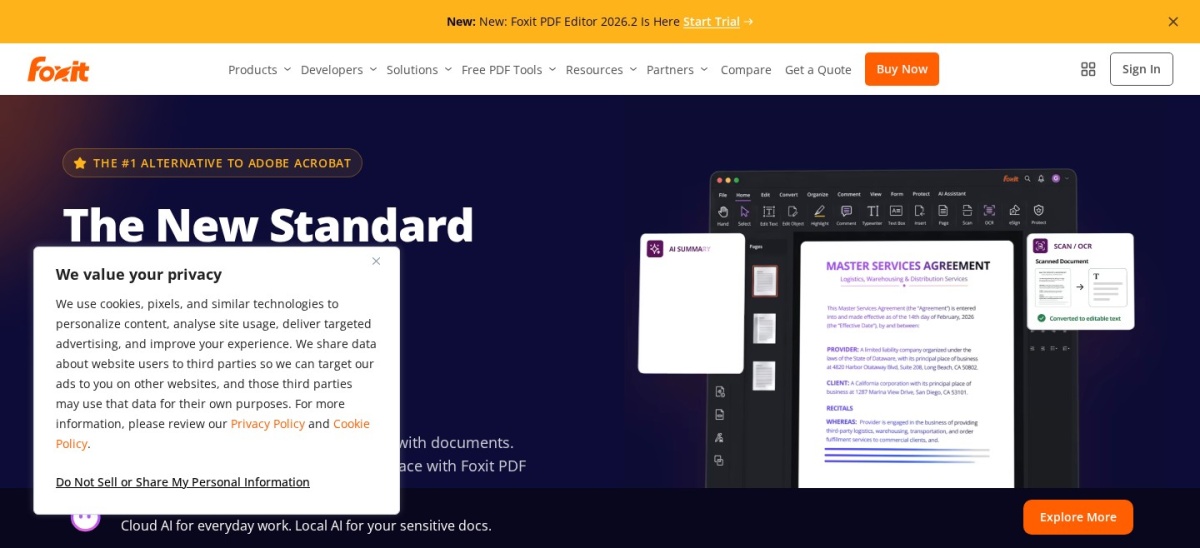
Foxit PDF Editor is a fast desktop editor with a built-in PDF Optimizer that downsamples images and removes unused objects. The Editor plan costs $129.99 a year, about half the price of Acrobat Pro, and includes OCR and eSign.
The trade off is that there is no free plan for compression, only a 14-day trial. The interface is also dense, with many panels to learn. It suits teams that want Acrobat-style tools at a lower price.
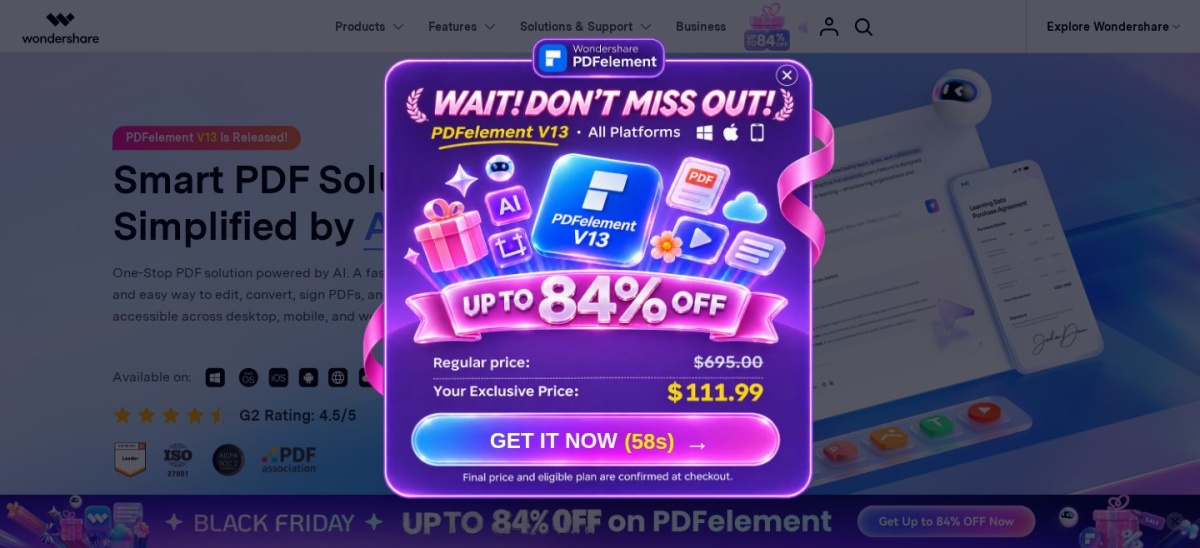
PDFelement is a desktop PDF editor for Windows and Mac with a compress tool that offers quality levels and batch processing for whole folders. The yearly plan costs $79.99, and a perpetual license is $129.99 for one version.
The trade off is the trial. The free trial watermarks compressed files, so real use needs a paid plan, and the perpetual license covers version 13 only. It suits people who compress in batches and want to avoid a subscription.
Sejda is a browser-based PDF toolkit with a Compress tool that offers a quality slider instead of fixed presets. The free plan allows 3 tasks an hour on files up to 50 MB, with no account needed, and a desktop app keeps files offline.
The trade off is the 50 MB free cap, which is smaller than iLovePDF's 200 MB. The Desktop + Web annual plan costs $63 a year and lifts the caps. It suits privacy-minded users who compress small files a few times a day.
What we like
No account needed for free tasks
Desktop app processes files locally
Quality slider for fine control
Cheapest desktop plan in this list
Watch out for
50 MB free cap is smaller than iLovePDF's
Free plan allows only 3 tasks an hour
Online tool still uploads files to Sejda servers
Annual plan lifts the caps and adds the desktop appVisit sejda.com
07
UPDF
4.5/5on G2 (510 reviews, checked Nov 2026)
Paid from$49.99/yr
Best budget all-rounder
CompressionQuality levels
Free planWatermarked
DevicesUp to 4
Paid planPro Yearly, $49.99/yr
updf.com
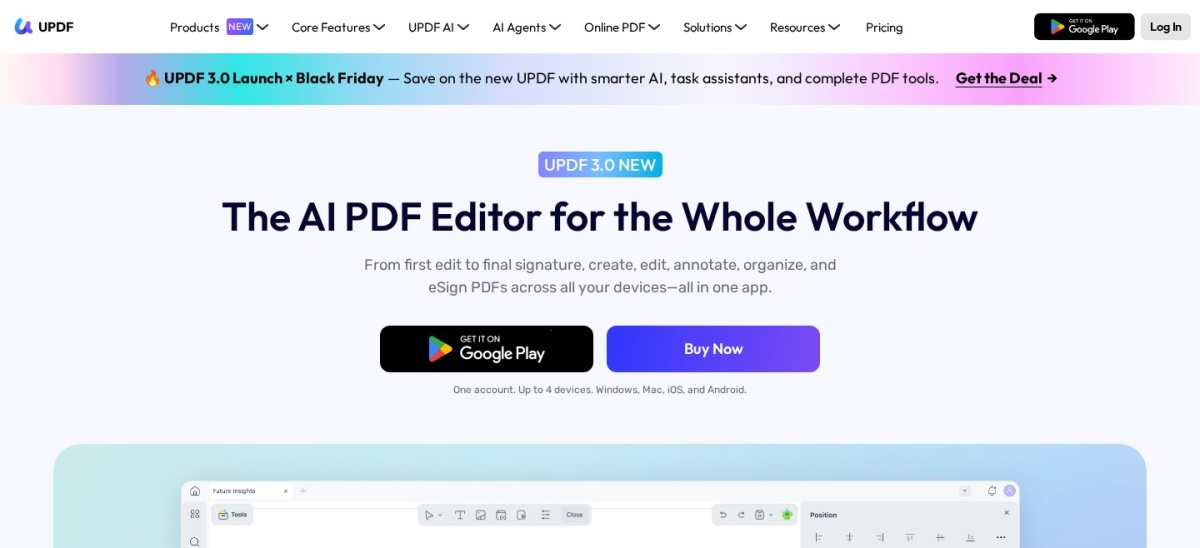
UPDF homepage, captured Nov 2026.
UPDF is a PDF editor for Windows, Mac, iOS and Android with a compress tool that offers quality levels. The free plan adds watermarks to compressed files, and Pro costs $49.99 a year, the lowest yearly price in this list.
The trade off is that the free version is only a preview, and the AI Assistant is a separate $69 a year add-on. It suits budget buyers who want one app for compressing, editing and signing across devices.
What we like
Lowest yearly price in this list
One account covers up to 4 devices
Lifetime option costs $79 once
Modern, simple interface
Watch out for
Free version watermarks compressed files
AI tools cost extra on top of Pro
Fewer advanced preflight controls than Acrobat
Pro removes watermarks and unlocks batch toolsVisit updf.com
08
Nitro PDF
4.4/5on G2 (448 reviews, checked Nov 2026)
Starts at$180/yr
Best for Office-style workflows
CompressionOptimize presets
Free trial14 days
PlatformsWindows, Mac, iOS
Paid planStandard, $180/yr
gonitro.com
Nitro PDF homepage, captured Nov 2026.
Nitro PDF is a desktop editor with a Microsoft Office-style ribbon and an optimize tool for shrinking files. The Standard plan costs $15 per user a month, billed annually at $180 a year, and includes OCR and AI tools.
The trade off is billing. Standard is annual only, with no monthly option, and e-signatures are a separate $10 per user a month add-on. It suits Windows-heavy offices that want a familiar interface.
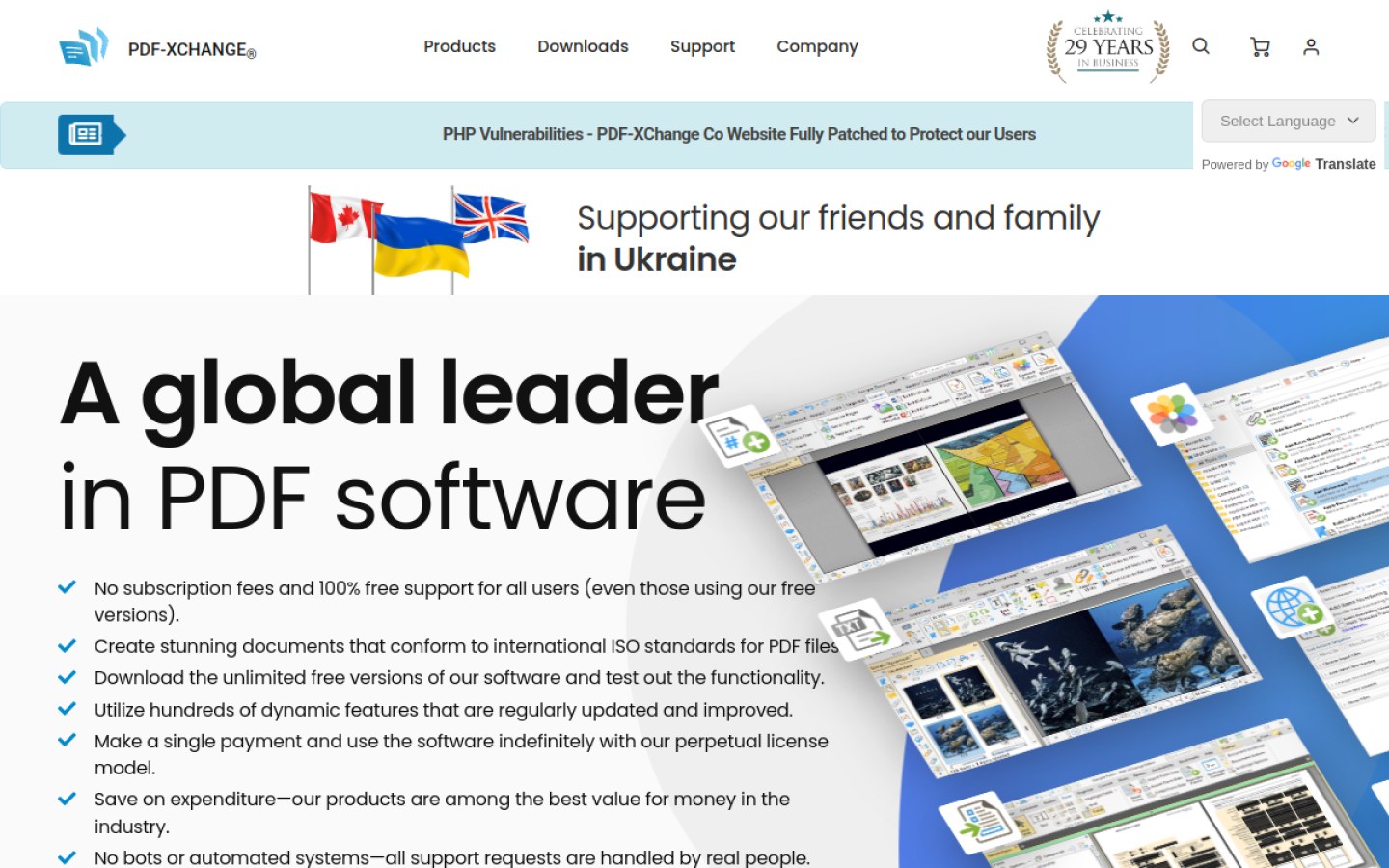
PDF-XChange Editor is a lightweight Windows editor with an optimizer that downsamples images and removes unused data. The license costs $62 once, with no subscription, and a free version covers viewing and basic editing.
The trade off is platform and polish. It runs on Windows only, the interface looks dated, and saving with licensed features in the free version adds a demo stamp. It suits Windows users who want to own their compressor outright.
Free plans cover the odd file well. iLovePDF, Smallpdf and Sejda all compress for free, with caps on tasks per day and file size.
Paid plans mostly add volume and privacy. You get batch compression, larger files, stronger compression and, with desktop editors, files that never leave your computer.
If a file holds contracts, medical records or client data, skip the browser tools and use a desktop editor. Our guide on how to add a PDF to WordPress shows the same caution for files you publish.
For a weekly batch of scans, the first year of a paid plan often costs less than the time lost to daily free caps.
How we chose
We started from the PDF compressors people search for most, then kept the nine with a public G2 rating and a published price.
Prices come from each vendor's pricing page, checked on 26 November 2026. Ratings and review counts come from G2 on the same day. Where a vendor shows a sale, the list shows the regular price.
We left out tools with no public rating, such as PDF24 and Ghostscript-based utilities. No vendor paid for a place, and we do not claim to have used these tools ourselves.
How to choose PDF compression software
Start with how often you compress, then match the tool to the file.
Decide online or offline. Use a browser tool for a one-off file, and a desktop editor when the file is private or part of a batch.
Check the free cap first. Free plans limit tasks per day or file size, so count your files before you pick.
Pick a compression level, not just a tool. Strong compression shrinks more but softens images, so keep the original until you check the result.
Compare the yearly price. A $60 yearly plan beats a $15 monthly plan if you compress every week. See the price ladder above.
FAQ
What is the best software to reduce PDF size?
iLovePDF is the best pick for most people. Its free plan compresses up to 2 files per task at up to 200 MB, with three quality levels. Smallpdf is simpler, and Adobe Acrobat Pro is the strongest desktop option.
Can I reduce PDF size for free?
Yes. iLovePDF, Smallpdf and Sejda all compress PDFs for free in the browser, with caps on tasks per day and file size. For private files or big batches, a desktop editor such as PDF-XChange Editor is the better free route.
Does compressing a PDF reduce quality?
It can. Compression shrinks images, so text stays sharp but photos can soften, especially on the strongest setting. Keep the original file, compress a copy, and check the result before you send it.
Is it safe to compress PDFs online?
Online tools upload your file to the vendor's servers, so avoid them for contracts, medical records or anything with personal data. For sensitive files, use a desktop editor that works offline, such as Acrobat Pro or Foxit.
How much can a PDF be compressed?
It depends on what is inside. Scanned PDFs full of images shrink the most, while text-only PDFs barely shrink at all. A tool with quality levels lets you pick the balance between size and image sharpness.
Which PDF compressor works offline?
Adobe Acrobat Pro, Foxit PDF Editor, PDFelement, Nitro PDF and PDF-XChange Editor all compress on your own computer. UPDF and Sejda also offer desktop apps, so your files never need to be uploaded.
What is the cheapest PDF compressor?
UPDF Pro is the cheapest yearly plan here at $49.99 a year, followed by iLovePDF Premium at $60 a year. PDF-XChange Editor costs $62 once, with no subscription, which is cheapest over two years.
SaaS SEO and WordPress specialist with about 8 years of experience. Rakib compares WordPress plugins, themes, hosting and software using public pricing, documentation and user reviews. See how we rank.