Nanonets is the best software for processing documents for most teams, scoring 4.7/5 on G2 with a $100-a-month Starter plan after $50 in free credits. Pick Rossum for end-to-end AP automation and DocuWare when you also need document management and archiving.
How we make this list: we compare pricing pages, product documentation and public user reviews, then re-check every price before each update. No product paid for a place. Disclosure.
Nanonets leads at 4.7/5 on G2, with $50 in free credits and a $100-a-month Starter plan.
Rossum starts at $18,000 a year and is the strongest pick for end-to-end invoice automation.
DOKKA is the highest-rated tool here at 4.8/5, covering AP and the month-end close from $800 a month.
Four of the nine tools are quote-only, so budget the shortlist before the demo calls.
DocuWare at $30 a user a month is the cheapest entry for teams that also need filing and search.
What document processing software should do
Most business documents still arrive as PDFs, scans or email attachments. Someone has to read them, pull out the figures and type them into another system, and that work is slow and error-prone at volume.
Document processing software does that reading for you. It classifies each file, extracts the fields you need, checks the results and sends clean data to your ERP, CRM or archive.
The tools below fall into two shapes. Extraction platforms such as Nanonets and Rossum focus on reading documents, while document managers such as DocuWare and M-Files also store, search and route them. Our guide on adding a PDF to WordPress covers the file side of the same problem.
Prices split the same way. Self-serve tools start at $30 to $100 a month with published plans, while enterprise platforms quote by document volume and rarely publish a rate.
The 9 best software tools for processing documents
01
Nanonets
4.7/5on G2 (102 reviews, checked Nov 2026)
Paid from$100/mo
Best document processing software overall
Free credits$50 to start
Paid planStarter, $100/mo
Block prices$0.02–$0.30 per run
Users on StarterUp to 3
nanonets.com
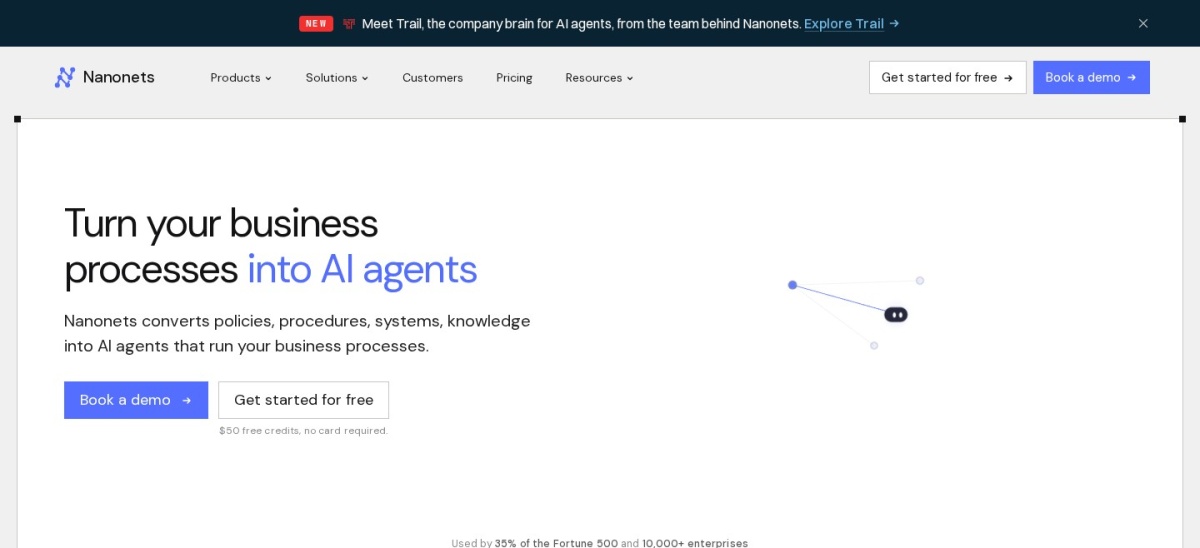
Nanonets homepage, captured Nov 2026.
Nanonets is a no-code document processing platform that classifies documents, extracts fields and routes the results into other systems. Starter includes $50 in free credits, up to 3 users, API access and email intake, then costs $100 a month for 100 credits. Blocks run at $0.02 for simple steps, $0.10 for standard AI and $0.30 for complex extraction.
The trade off is metered pricing. A typical invoice workflow runs 4 to 6 blocks per document, so a busy month costs more than the $100 entry price suggests, and Nanonets says a full workflow lands under $2 per invoice. It suits finance and operations teams that want to build their own extraction workflows without hiring developers.
What we like
Free $50 in credits to start, no card needed
No-code builder with API and ERP exports
Rated 4.7/5 from 102 G2 reviews
Typical invoice workflow costs under $2 end to end
Watch out for
Costs are hard to predict at high volume
No middle tier between Starter and Growth
G2 lists the product under its new Trail name
Growth and Enterprise add volume discounts and ERP connectorsVisit nanonets.com
02
Rossum
4.5/5on G2 (127 reviews, checked Nov 2026)
Starts at$18,000/yr
Best for end-to-end AP automation
Starting planStarter, $18,000/yr
Free trial14 days
SeatsUnlimited
Minimum term1 year
rossum.ai
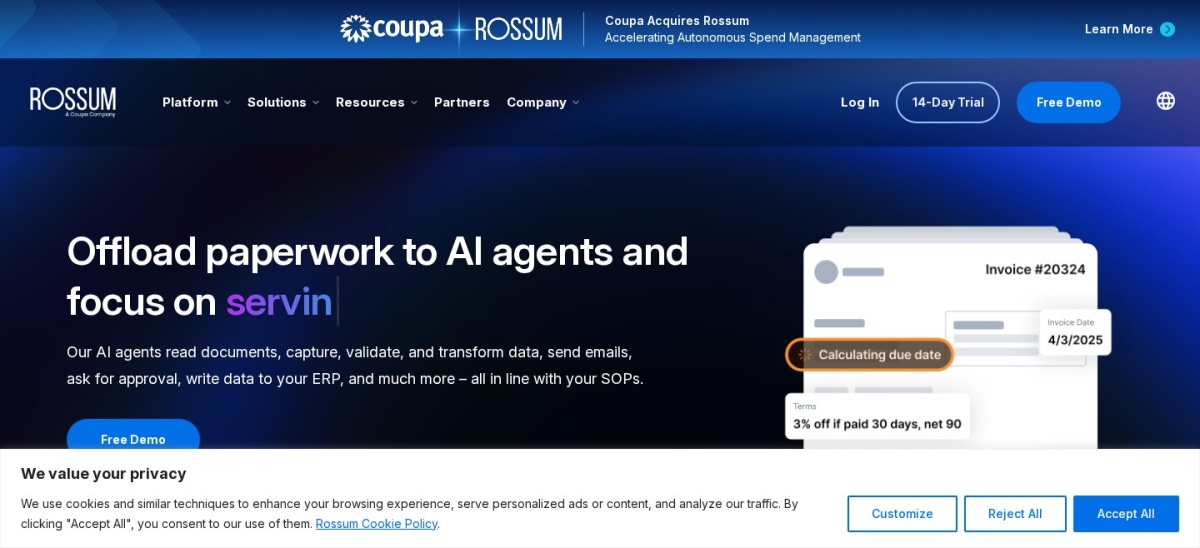
Rossum homepage, captured Nov 2026.
Rossum is an AI document platform that reads invoices and other business documents, validates the data and posts it to your ERP. Starter starts at $18,000 a year with unlimited seats, email and API intake, the Aurora extraction engine, a validation screen and a 12-month document archive. Business and Enterprise add custom workflows, master data matching and ERP integrations.
The trade off is price and scope. Starter is built for invoices and transactional documents, so accuracy drops on other document types, and the $18,000 floor rules out small teams. It suits mid-size and large finance teams that process high invoice volumes and want one platform from capture to posting.
What we like
Unlimited seats on every plan
Learns from corrections over time
14-day free trial
Rated 4.5/5 from 127 G2 reviews
Watch out for
Starter floor of $18,000 a year is steep
Accuracy drops on non-invoice documents
Setup takes about 3 months on average
Business adds custom workflows and ERP integrationsVisit rossum.ai
03
DOKKA
4.8/5on G2 (46 reviews, checked Nov 2026)
Starts at$800/mo
Best for AP plus month-end close
Starting planAP Starter, $800/mo
Invoices includedUp to 500/mo
Go-live2–4 weeks
Approvers$5 each/mo
dokka.com
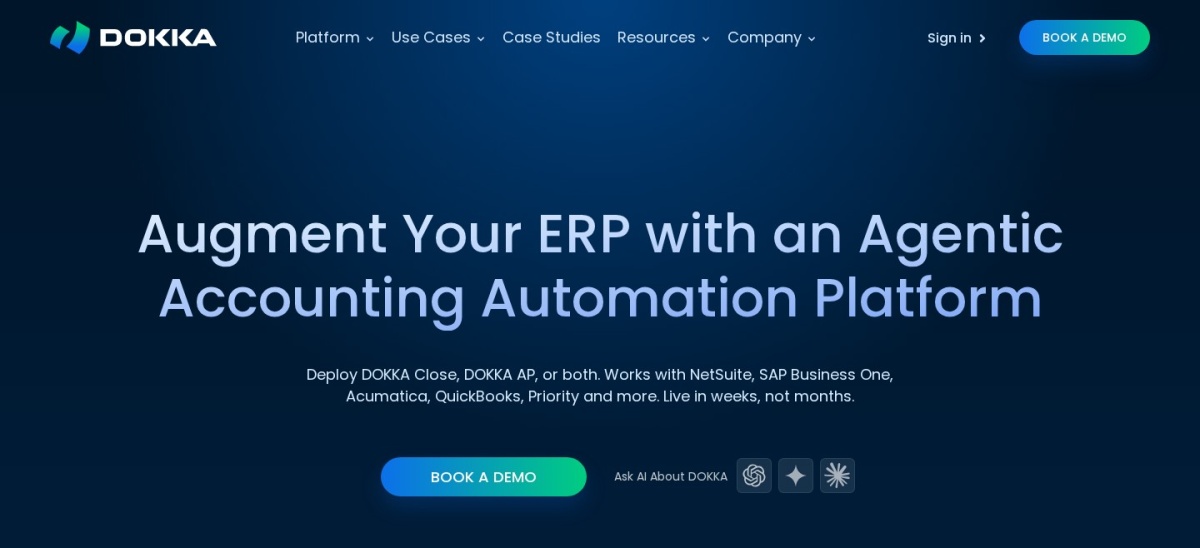
DOKKA homepage, captured Nov 2026.
DOKKA is an AP automation platform that captures invoices, codes them, routes approvals and reconciles the month-end close. AP Starter costs $800 a month billed annually and covers up to 500 invoices a month, 1 entity, 1 ERP integration and a dedicated onboarding manager. Approvers cost $5 each a month, and the platform syncs two-way with NetSuite, SAP, Acumatica and QuickBooks.
The trade off is the entry price. The pricing page also lists $400 a month for QuickBooks Online and Xero, but most ERP setups start at $800, and DOKKA Close starts at $1,200 a month. It suits finance teams that run AP and the close on one platform and want to go live in weeks.
What we like
Highest G2 rating in this list at 4.8/5
AP and close on one platform
Typical go-live in 2 to 4 weeks
No implementation fee
Watch out for
Only 46 G2 reviews, a thin base
Close features start at $1,200 a month
Growth and Enterprise are custom quotes
Growth adds more entities and up to 1,000 invoices a monthVisit dokka.com
04
Hyperscience
4.6/5on G2 (54 reviews, checked Nov 2026)
PricingCustom/yr
Best for handwriting and poor scans
PricingCustom quote
G2 rating4.6/5, 54 reviews
ImplementationAbout 4 months
Analyst ratingGartner IDP Leader
hyperscience.com
Hyperscience homepage, captured Nov 2026.
Hyperscience is an enterprise document automation platform that classifies documents, extracts data from complex files and routes exceptions for review. Reviewers credit it with strong accuracy on handwriting, low-quality scans and structured forms, and it holds a 4.6/5 rating on G2 from 54 reviews. It is built for regulated, high-volume teams where document accuracy is a core dependency.
The trade off is cost and setup. Pricing is by quote on document volume, reviewers call it expensive, and G2 reports an average implementation time of 4 months. It suits large teams in finance, insurance and healthcare that process varied, messy documents at scale.
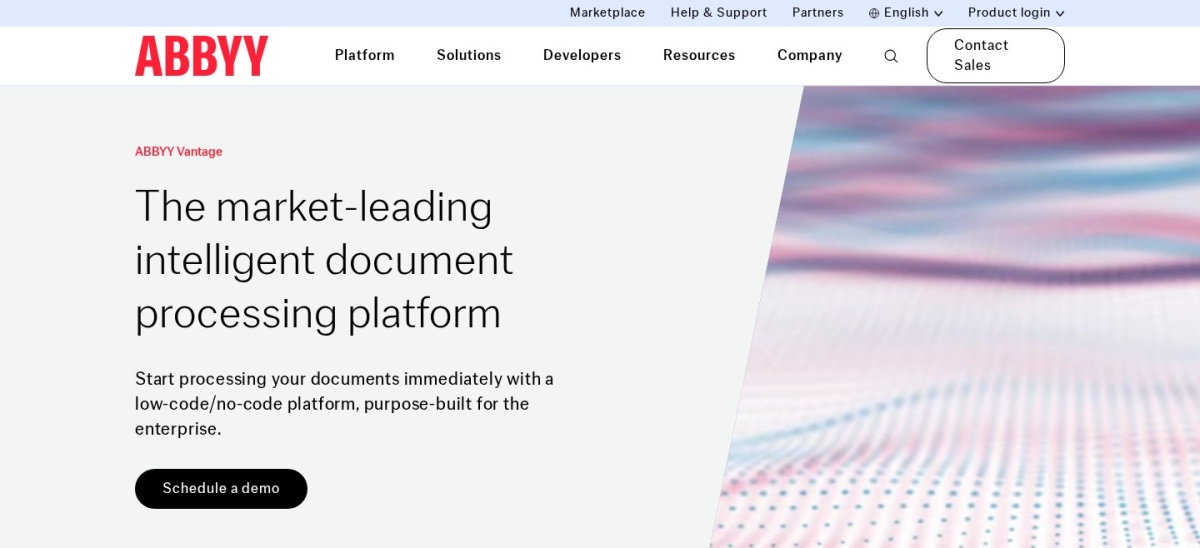
ABBYY Vantage is a low-code document processing platform built on pre-trained skills for invoices, purchase orders, receipts and contracts. Teams design custom skills in the Skill Designer, run the platform in ABBYY's cloud, a private cloud or on premises, and connect it through a REST API. It holds a 4.3/5 rating on G2 from 89 reviews.
The trade off is that ABBYY publishes no price at any tier. Every deployment starts with a demo and a custom quote based on annual page volume, and reviewers note the configuration effort needed. It suits large organizations with varied, high-volume document work and IT capacity to configure it.
What we like
Decades of OCR heritage behind the engine
Broad document type coverage out of the box
Cloud, private cloud or on-premises deployment
Strong enterprise security and compliance
Watch out for
No public price at any tier
Setup needs configuration skill
Overkill for small document volumes
Quote covers page volume and the skills you deployVisit abbyy.com
06
UiPath Document Understanding
4.6/5on G2 (24 reviews, checked Nov 2026)
PricingCustom/yr
Best for teams already running UiPath
PricingCustom quote
Platform Basic$25/mo, no extraction
Free editionCommunity, free
Robots on Basic2
uipath.com
UiPath Document Understanding homepage, captured Nov 2026.
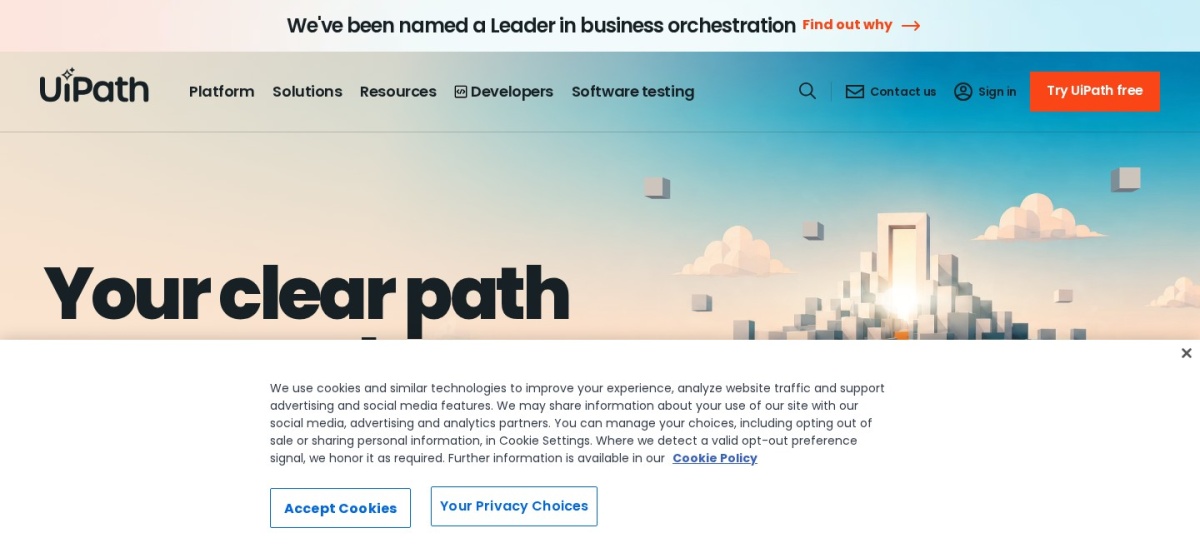
UiPath Document Understanding is the document layer of the UiPath automation platform. It classifies documents, extracts fields with pre-built or custom machine learning models, and sends the results to robots that act on them. A free Community edition exists for evaluation, and the platform Basic plan starts at $25 a month.
The trade off is that document extraction itself needs the Standard or Enterprise tier, which are custom quotes. The $25 Basic plan covers basic automations only, and production volumes consume AI units that scale the price. It suits RPA teams where extraction is one step in a larger automation.
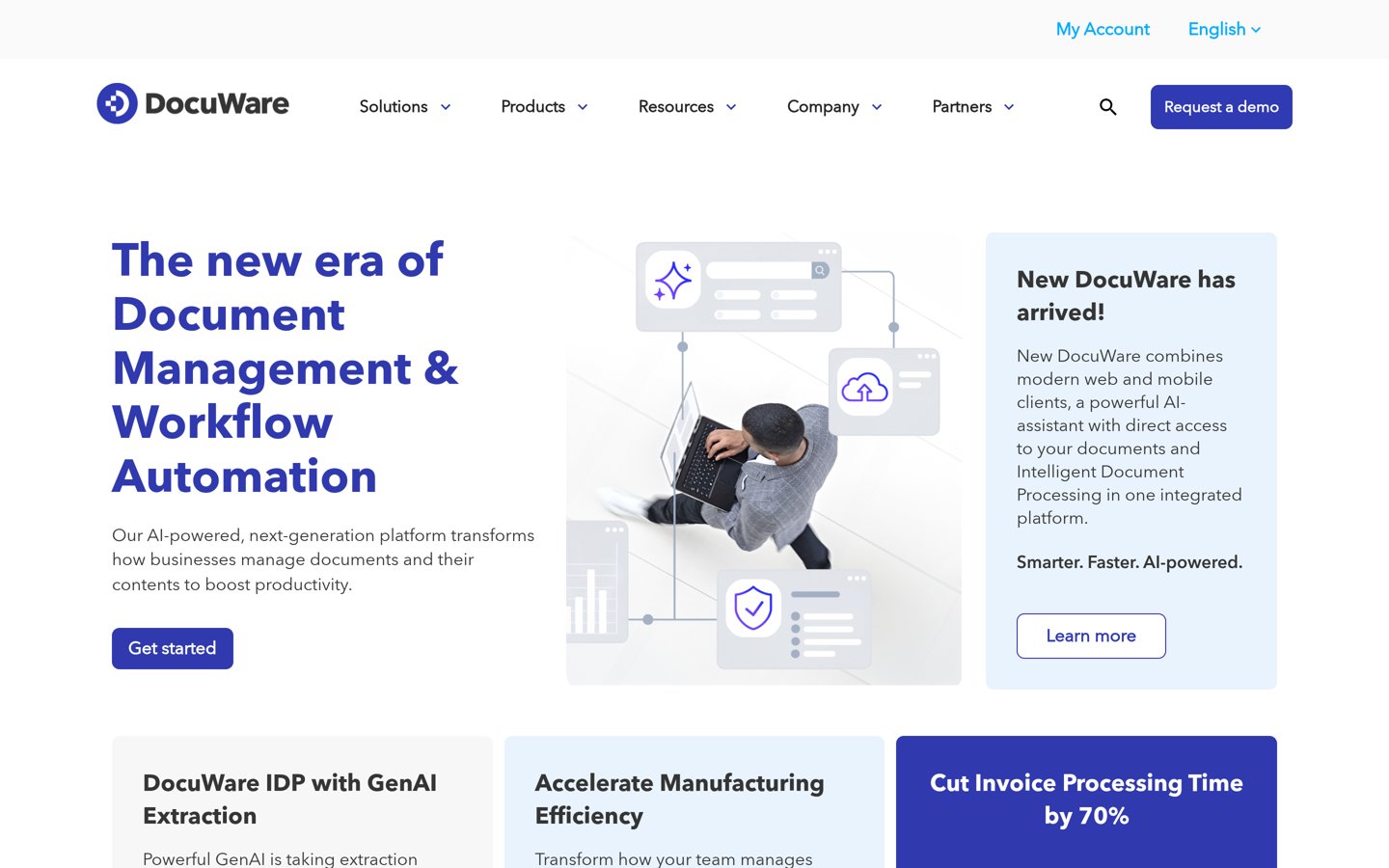
DocuWare is a document management platform with capture, indexing, search, forms and approval workflows in one place. Its GenAI extraction reads data from any document type without templates, and Cloud plans start at $30 per user a month in the vendor's typical range of $30 to $125. A 30-day cloud trial is available.
The trade off is that the $30 figure is the bottom of a range, not a fixed plan price. Final pricing comes by quote and depends on plan size, user type and storage, and advanced features sit on pricier tiers. It suits teams that want filing, search and approvals together, not just extraction.
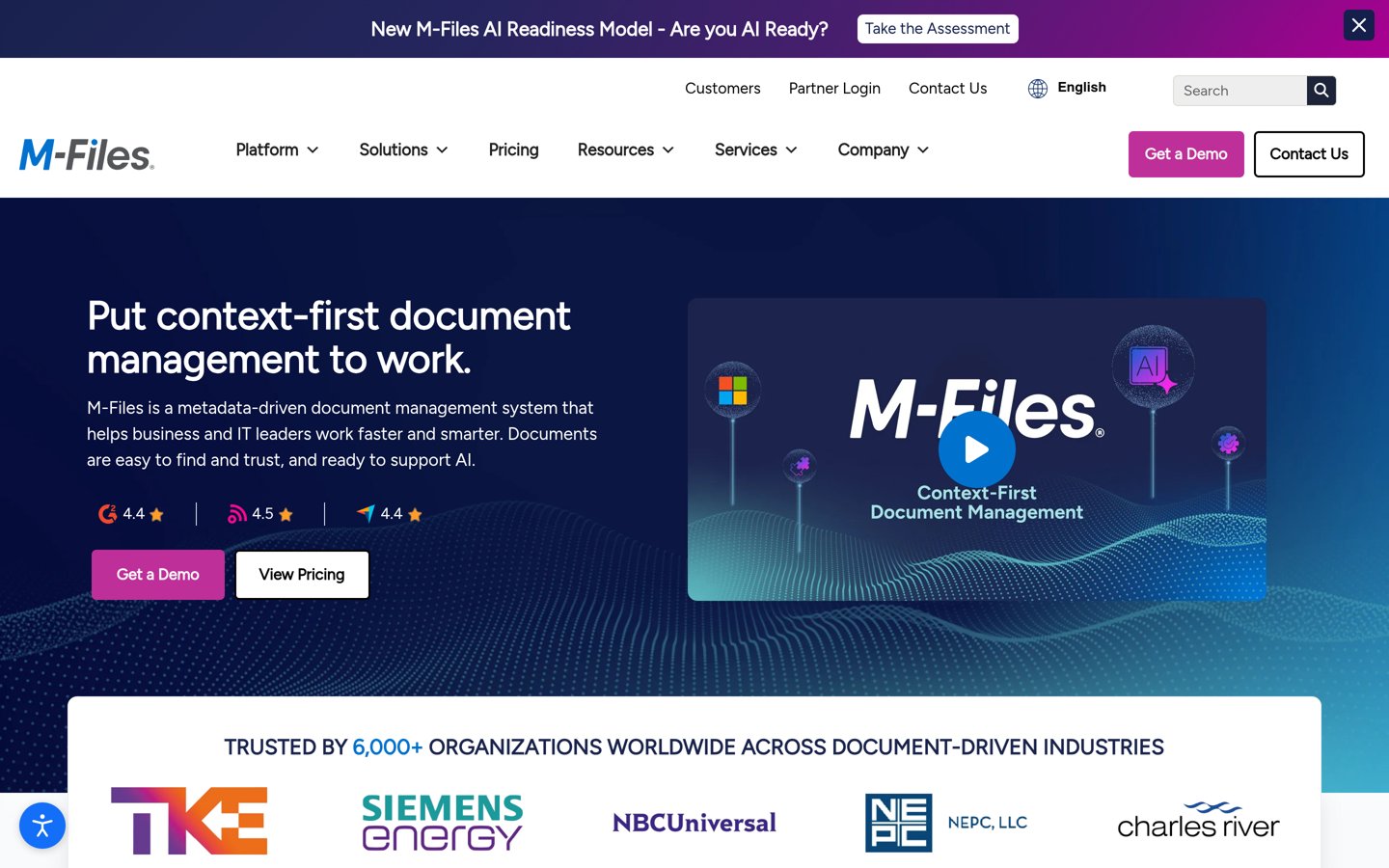
M-Files is a metadata-driven document management system that files documents by client, matter or contract type instead of folders. Essentials costs $65 per seat a month billed annually and includes Microsoft 365 experiences, the Aino AI assistant, workflows and lifecycle management. More than 6,000 organizations use it.
The trade off is price and focus. At $65 a seat it is the priciest entry plan among the document managers here, and its extraction is lighter than a dedicated IDP tool. It suits professional firms that file by client or matter and need governance on top of storage.
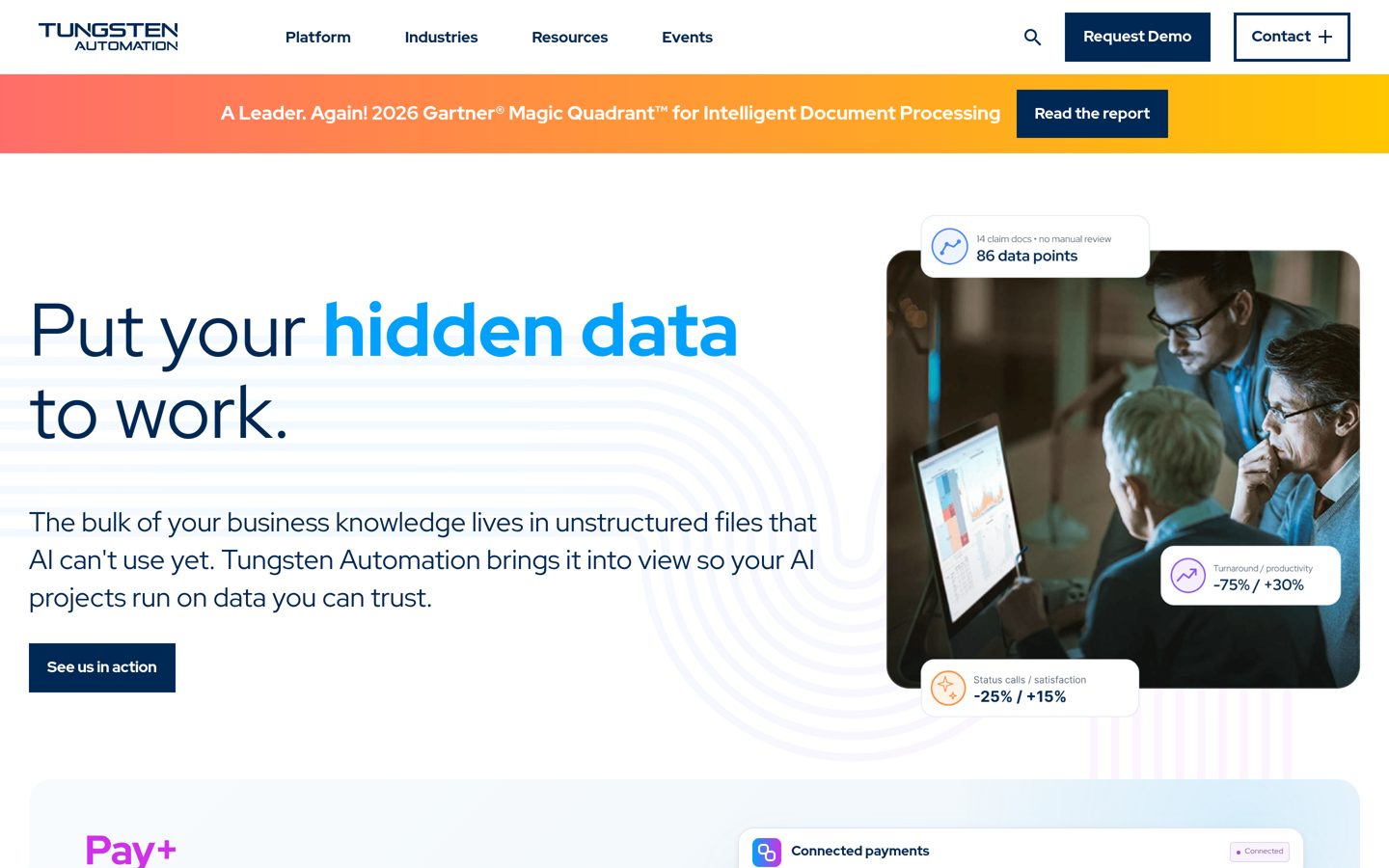
Tungsten TotalAgility homepage, captured Nov 2026.
Tungsten TotalAgility is an intelligent automation platform, formerly Kofax TotalAgility, that captures documents, extracts data and orchestrates the workflows around them. It combines capture, low-code process design and AI agents on one platform, with cloud or on-premises deployment. Starter is listed at $83 a month per staff member.
The trade off is scale and complexity. G2 reports an average implementation time of 6 months, and the full feature set is more than a small team needs. It suits enterprises automating document-heavy processes across departments with IT support behind them.
IDP vs document management: which shape do you need?
Extraction platforms read documents and hand structured data to other systems. They are the right pick when the goal is to stop retyping invoices, orders or forms.
Document managers store the files as well, with search, versions, permissions and approval workflows. Pick one when the same team also needs to find and govern documents later.
Some teams need both. A common setup pairs an extraction tool with a document manager, or buys a platform such as DocuWare that covers both jobs in one place.
Start from the document, not the vendor. List the five document types you process most, then check which tools handle all five without custom work.
How we chose
We started from the document processing tools with the most G2 reviews and the clearest fit for general business documents, then kept nine that cover extraction, AP automation and document management.
Prices come from each vendor's pricing page, checked on 26 November 2026, or from G2 where the vendor publishes no price. Ratings and review counts come from G2 on the same day. Where a vendor shows a sale, the list shows the regular price.
We left out tools with no public rating and developer-only APIs with no review base. No vendor paid for a place, and we do not claim to have used these tools ourselves.
How to choose document processing software
Start with your five most common document types, then test on real files from your own inbox.
List the documents you process most. Invoices, contracts, forms and claims need different extraction. A tool that handles all five saves a second purchase.
Run a trial on your own files. Vendor demos use clean samples. Upload your messiest scans and check how many fields come back right.
Check where the data goes next. Extraction only pays off if clean data lands in your ERP, CRM or archive without retyping. Confirm the integration exists before you buy.
Price the volume, not the seat. Most tools bill by page, document or credit. Multiply your monthly volume by the per-unit rate before comparing sticker prices.
FAQ
What is the best software for processing documents?
Nanonets is the best pick for most teams. It scores 4.7/5 on G2 from 102 reviews, starts with $50 in free credits, and its $100-a-month Starter plan handles invoices, forms and contracts without templates or developers.
How much does document processing software cost?
Self-serve tools start at $30 to $100 a month, with Nanonets at $100 and DocuWare from $30 per user. Enterprise platforms such as Rossum start at $18,000 a year, while ABBYY, Hyperscience and UiPath quote by document volume.
What is the difference between OCR and document processing?
OCR only turns a scan into text. Document processing goes further: it classifies the file, pulls out named fields such as totals and dates, validates them and sends structured data to another system.
Do I need an IT team to set it up?
Not for self-serve tools such as Nanonets or DOKKA, which most teams configure without developers. Enterprise platforms such as ABBYY, Hyperscience and Tungsten TotalAgility take months to implement and need IT support.
Can document processing software read handwriting?
Some tools can. Hyperscience is the strongest pick in this list for handwriting and poor-quality scans, and ABBYY Vantage also handles varied layouts. Accuracy still drops on unusual handwriting, so test on your own samples first.
Is my document data safe with these tools?
Most vendors in this list hold ISO 27001 and SOC 2 certification, and DOKKA, Rossum and DocuWare all publish those credentials. Check the vendor's data residency and retention terms before uploading sensitive documents.
SaaS SEO and WordPress specialist with about 8 years of experience. Rakib compares WordPress plugins, themes, hosting and software using public pricing, documentation and user reviews. See how we rank.