Foxit PDF Editor is the best text recognition software for most office users, combining OCR, PDF editing and document conversion for $129.99 per year. Choose Adobe Acrobat for professional PDF workflows or Parsio for extracting structured information from recurring business documents.
How we make this list: we compare pricing pages, product documentation and public user reviews, then re-check every price before each update. No product paid for a place. Disclosure.
Foxit PDF Editor includes OCR in its $129.99 annual subscription.
Adobe Acrobat starts at $14.99 per month, but advanced scanned document editing requires the $19.99 Pro plan.
Parsio includes 30 monthly credits on its free plan.
PDFelement has a regular annual price of $129, with promotional discounts available.
ABBYY FineReader PDF has a 4.7/5 Capterra rating across 451 reviews.
What to look for in text recognition software
Text recognition software uses optical character recognition, or OCR, to turn pictures of written or printed material into machine-readable text. Common applications include digitizing contracts, extracting invoice details and converting scanned books into searchable documents.
Check whether the software preserves formatting or simply extracts plain text. Layout preservation matters when converting reports, tables and documents into editable Office files.
Businesses handling recurring documents should look for batch recognition, automated extraction and structured exports. These features reduce repetitive data entry.
Privacy also matters. Desktop recognition can be preferable for confidential documents, while browser-based tools are convenient for occasional conversions.
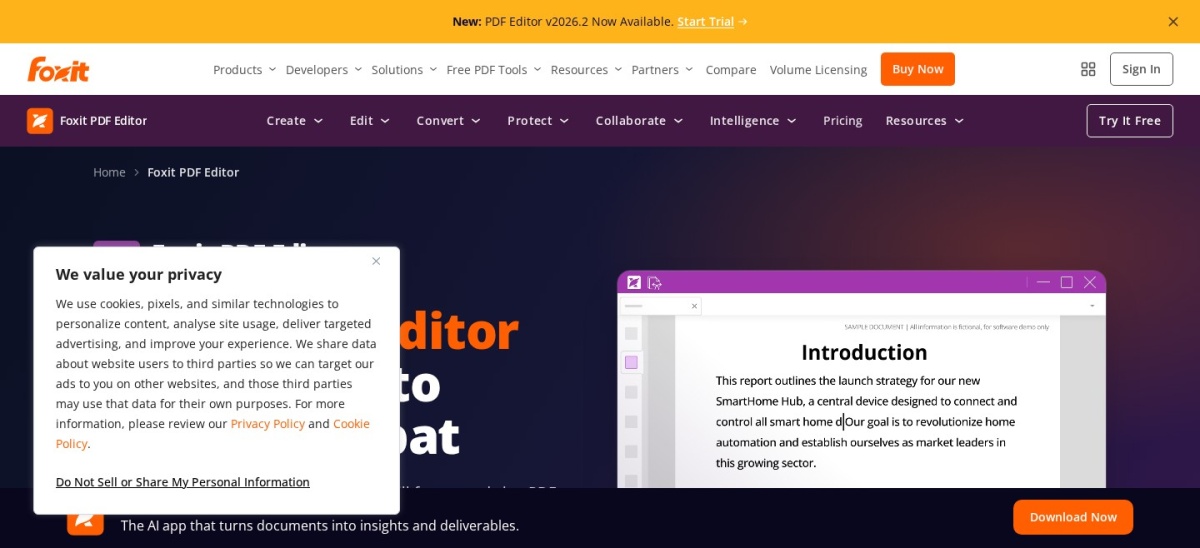
Foxit PDF Editor is a document editing application that includes OCR in its $129.99 annual subscription. It converts scanned documents into searchable or editable files and provides tools for revising text, managing pages and protecting documents.
The trade off is subscription cost and a more involved interface than basic online converters. The standard editor costs $129.99 annually, while additional mobile editing and signature features require Editor+. It suits professionals who regularly work with scanned documents.
What we like
OCR included in the standard editor
Desktop document processing
PDF editing and security features
Office document conversion
Watch out for
No permanent free OCR plan
Advanced features require familiarization
PDF Editor+ adds mobile editing and electronic signature features.Visit foxit.com
02
Adobe Acrobat
4.7/5on Capterra (4,267 reviews, checked Nov 2026)
Starts at$14.99/mo
Best for professional PDF workflows
RecognitionAdvanced scan OCR in Pro
PlatformsDesktop, web and mobile
OutputEditable PDFs and Office files
Entry planAcrobat Standard
adobe.com
Adobe Acrobat homepage, captured Nov 2026.
Adobe Acrobat is a document productivity application with a 4.7/5 Capterra rating across 4,267 reviews. Its Standard subscription includes PDF editing, conversion and document organization, while Pro provides advanced scanned document recognition.
The trade off is that the $14.99 monthly Standard subscription does not include the full scanned document editing capabilities of Pro. Acrobat Pro costs $19.99 monthly with an annual commitment. It suits organizations that need OCR alongside document management and security.
What we like
Integrated PDF editing workflow
Scanned document conversion in Pro
Document protection and redaction
Extensive public review history
Watch out for
Advanced OCR requires Pro
Annual commitment can restrict cancellation
Acrobat Pro adds scanned PDF editing, redaction and document comparison.Visit adobe.com
03
Parsio
4.7/5on Capterra (248 reviews, checked Nov 2026)
Paid from$290/yr
Best for automated data extraction
Free allowance30 credits/month
Starter allowance100 credits/month
ExportsExcel, CSV and Google Sheets
Entry planStarter
parsio.io
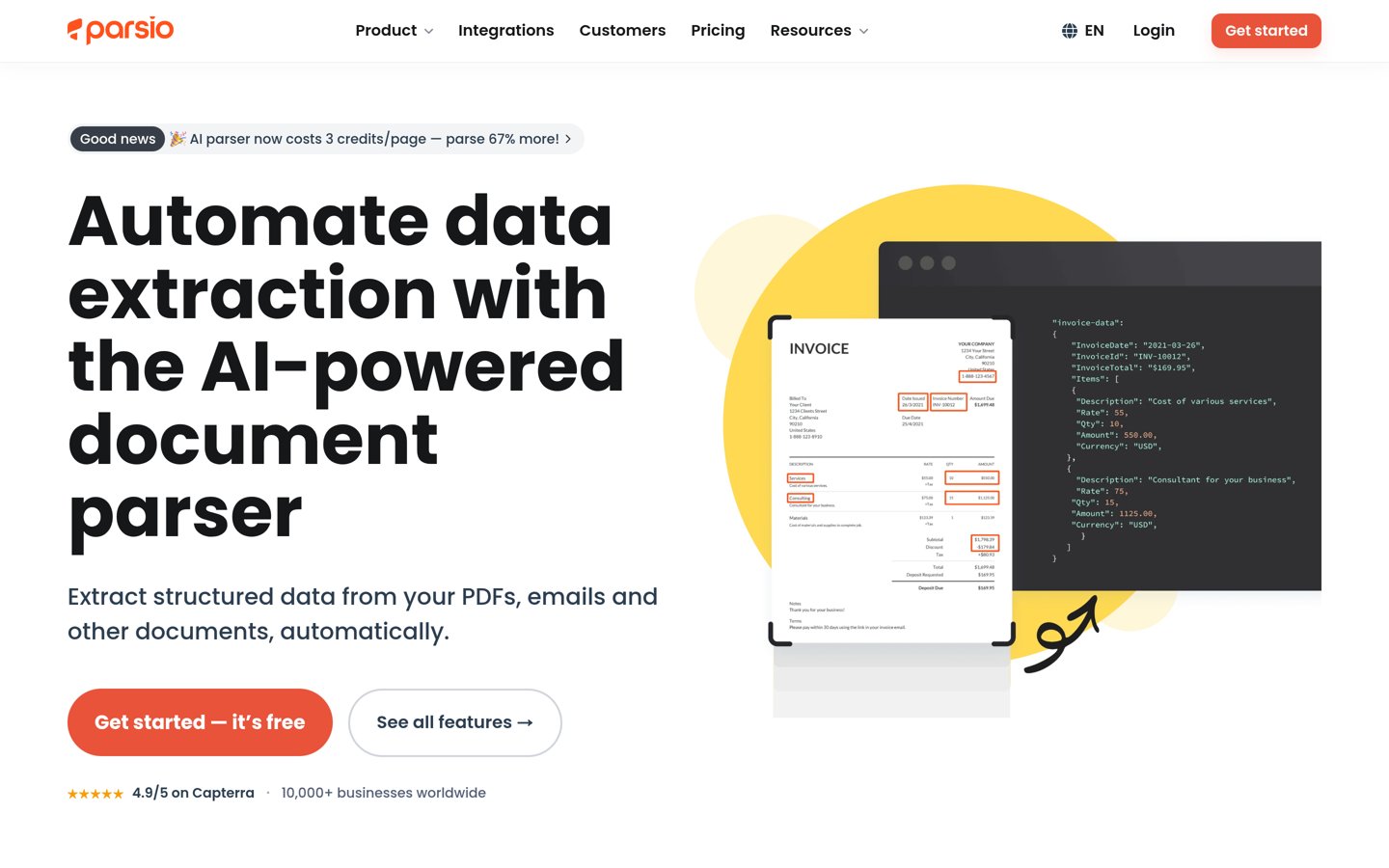
Parsio homepage, captured Nov 2026.
Parsio is an automated document extraction platform that combines OCR with document parsing. Its free plan includes 30 monthly credits, with exports to spreadsheets and connected business applications.
The trade off is credit-based processing, which can become expensive for businesses handling large archives. Starter costs $290 annually and includes 100 monthly credits. It suits teams extracting recurring information from invoices, forms and other business records.
What we like
Permanent free entry plan
Structured spreadsheet exports
Automated document processing
Unlimited team members
Watch out for
Processing depends on available credits
Not designed for visual PDF editing
Starter increases processing credits and extends data retention to 90 days.Visit parsio.io
04
PDFelement
4.4/5on Capterra (440 reviews, checked Nov 2026)
Starts at$129/yr
Best for editing recognized text
RecognitionMultilingual PDF OCR
ProcessingDesktop and cloud
OutputEditable PDFs and Office files
Entry annual planYearly Plan
pdf.wondershare.com
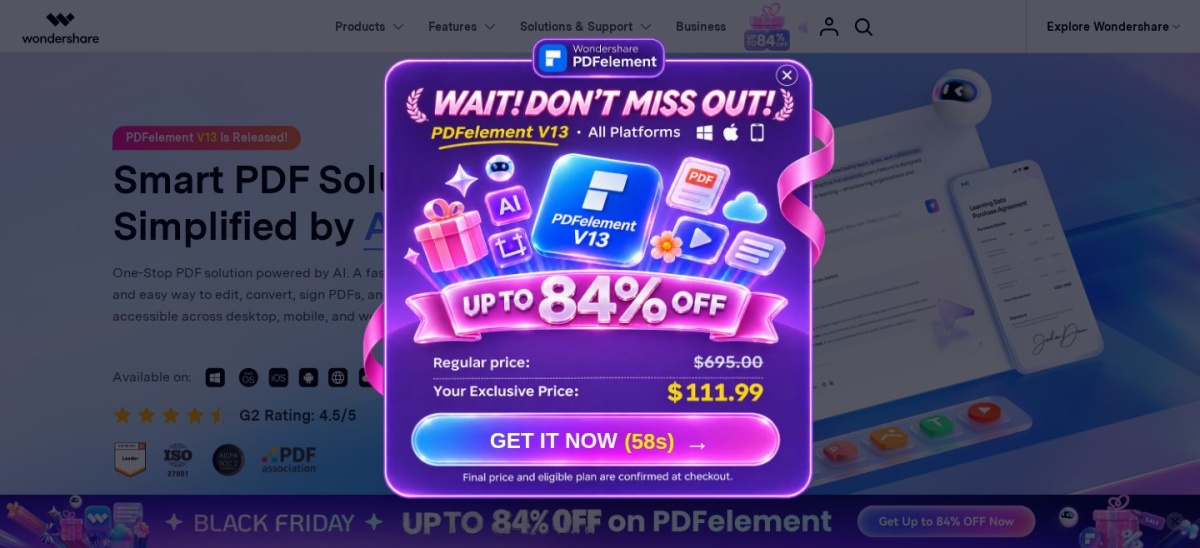
PDFelement homepage, captured Nov 2026.
PDFelement is a PDF editing application that recognizes text in scanned documents and supports document conversion. Its yearly subscription includes access to editing features, document updates and 20 GB of cloud storage.
The trade off is that unrestricted editing requires a paid license, with a regular annual price of $129. Promotional discounts were available when checked. It suits users who need to correct recognized text and modify document layouts.
ABBYY FineReader PDF is a document digitization application with a 4.7/5 Capterra rating from 451 reviews. Its Standard edition combines optical character recognition, PDF conversion and editing for printed and scanned documents.
The trade off is that automated folder processing and document comparison require the Corporate edition. The indexed Standard pricing lists $99 annually, although the opened storefront displayed a different billing currency. It suits professionals digitizing paper archives and formatted documents.
What we like
Dedicated document recognition technology
Desktop processing
Document formatting preservation
Searchable PDF creation
Watch out for
Automated processing requires Corporate
Displayed pricing currency can vary
Corporate adds document comparison and automated folder processing.Visit pdf.abbyy.com
06
Nitro PDF
4.5/5on Capterra (583 reviews, checked Nov 2026)
PricingCustom pricing
Best for office document productivity
RecognitionScanned PDF OCR
ProcessingDesktop document workflows
OutputSearchable PDFs and Office files
Entry planNitro PDF Standard
gonitro.com
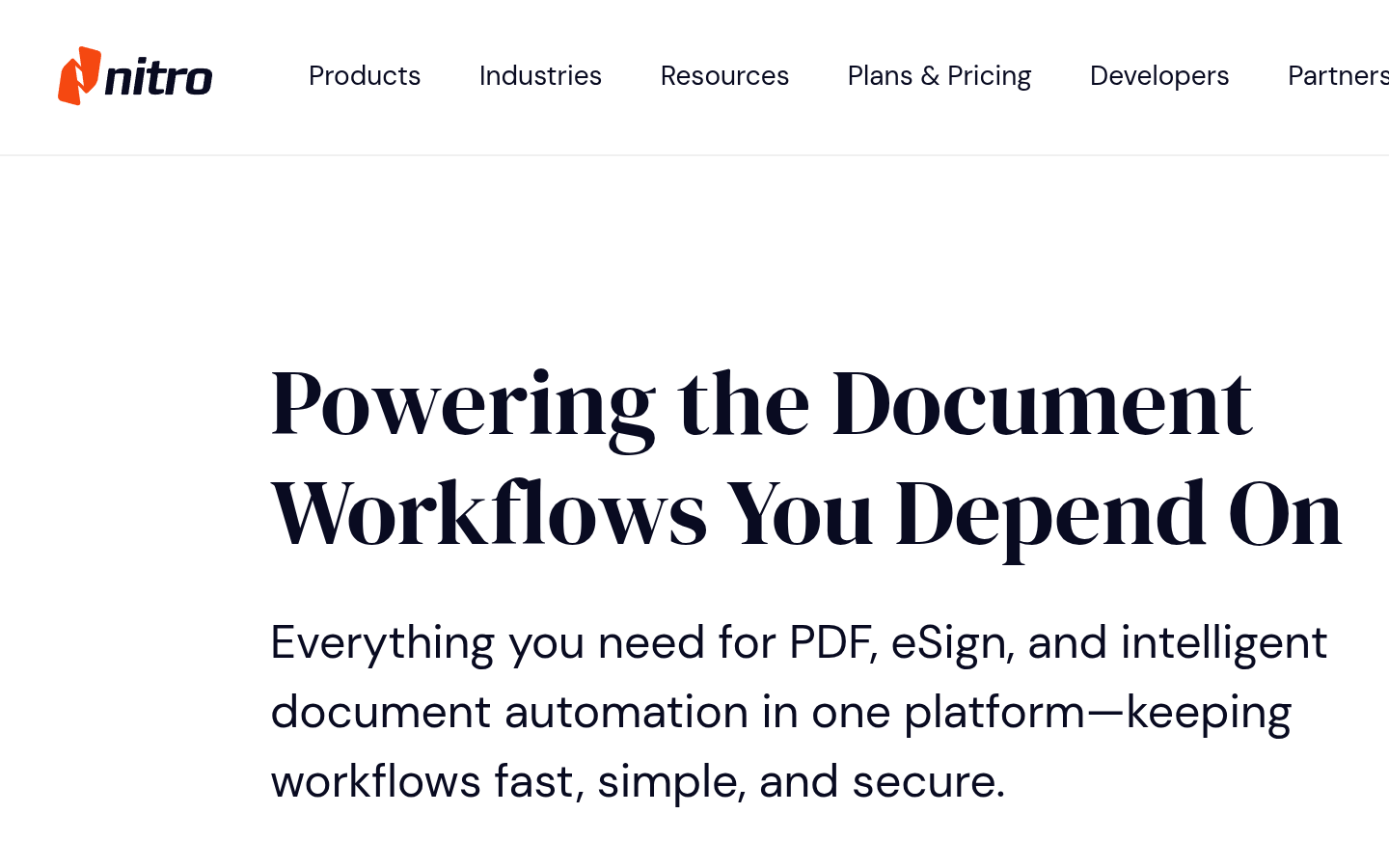
Nitro PDF homepage, captured Nov 2026.
Nitro PDF is a document productivity application with a 4.5/5 Capterra rating across 583 reviews. It converts scanned material into searchable documents and combines recognition with PDF editing, annotation and signing.
The trade off is pricing transparency, since the official page directs customers toward current rates or sales inquiries without exposing a numeric Standard price. It suits businesses seeking OCR as part of a broader office document workflow.
What we like
Recognition of scanned documents
Integrated document editing
Office file conversion
Business licensing options
Watch out for
Public numeric pricing could not be confirmed
More features than basic OCR users need
Paid plans provide PDF creation, conversion, editing and signing capabilities.Visit gonitro.com
07
iLovePDF
4.7/5on Capterra (1,812 reviews, checked Nov 2026)
PricingCustom pricing
Best for occasional online document conversion
RecognitionPDF OCR
PlatformsWeb, desktop and mobile
Free planLimited document processing
Paid planPremium
ilovepdf.com
iLovePDF homepage, captured Nov 2026.
iLovePDF is a document conversion toolkit with a 4.7/5 Capterra rating across 1,812 reviews. Its free account provides limited document processing, while Premium expands access to its editing, conversion and recognition tools.
The trade off is that complete feature access requires Premium, and a regular dollar price could not be confirmed from the opened official storefront. It suits occasional users who prefer straightforward document conversion without a complicated desktop interface.
What we like
Free basic document tools
Browser-based document processing
Desktop and mobile applications
Integrated PDF conversion utilities
Watch out for
Free processing limits
Official dollar pricing could not be confirmed
Premium adds unrestricted document processing and full toolkit access.Visit ilovepdf.com
Text recognition vs. structured data extraction
Traditional OCR converts visible characters into digital text. It is useful when creating searchable archives, copying text from images or converting printed material into editable documents.
Structured extraction goes further by identifying information such as invoice totals, dates and customer names. Businesses processing recurring forms should consider dedicated extraction platforms such as Parsio rather than relying exclusively on PDF editors.
How we chose
We shortlisted established OCR applications using vendor documentation, official pricing pages and Capterra reviews. Rankings consider recognition capabilities, document editing, export flexibility and suitability for recurring workflows.
Prices and ratings were checked on 27 Nov 2026. Foxit, Adobe and Parsio have confirmed public prices. ABBYY's indexed dollar price could not be matched to the opened storefront currency, Nitro's numeric price was unavailable, and iLovePDF's Premium dollar price could not be confirmed. The latter is not a confirmed quote-only product, so this entry requires further verification before publication.
We excluded products without sufficient review history and avoided presenting unsupported recognition accuracy percentages. No vendor paid for a place, and we do not claim testing for this list.
How to choose text recognition software
Compare recognition features against your document types, processing volume and editing requirements before purchasing a subscription.
Identify your source documents. Decide whether you primarily process photographed pages, scanned contracts, printed books or recurring business forms. Different recognition tools serve different document workflows.
Check your required output. Choose software that creates searchable PDFs, editable Word documents or structured spreadsheet records, depending on how you intend to reuse recognized information.
Calculate your actual processing costs. Check subscription commitments, recognition credits and advanced feature requirements. The cheapest subscription may not include every OCR feature you need.
Review document privacy requirements. Determine whether confidential files can be uploaded to online services. Consider desktop recognition when your organization requires local document processing.
FAQ
What is the best text recognition software?
Foxit PDF Editor is our top pick for everyday professional document recognition because its standard subscription includes OCR and PDF editing. Adobe Acrobat is suitable for broader professional document workflows, while Parsio focuses on automated extraction.
Is OCR the same as text recognition?
Optical character recognition is a common form of text recognition that identifies characters in scanned documents and images. Other recognition technologies may specialize in handwriting, document classification or identifying structured information.
Can text recognition software read handwriting?
Some recognition systems support handwriting, but results depend on the recognition engine, writing style and image quality. Standard printed-text OCR may struggle with cursive writing, irregular spacing or handwritten notes.
Can OCR convert scanned PDFs into Word documents?
Yes. Applications such as Foxit PDF Editor, Adobe Acrobat and PDFelement can recognize scanned text and convert documents into editable formats. Complex layouts, tables and unusual fonts may still require manual corrections.
Is free text recognition software worth using?
Free recognition tools can be sufficient for occasional image conversion or short documents. Paid subscriptions become more useful when you need recurring processing, extensive editing, formatting preservation, larger document allowances or automated data extraction.
SaaS SEO and WordPress specialist with about 8 years of experience. Rakib compares WordPress plugins, themes, hosting and software using public pricing, documentation and user reviews. See how we rank.