VideoScribe is the best whiteboard animation software for most creators, offering over 9,000 images and five monthly video downloads on its $150 annual Lite plan. Choose Animaker for combining whiteboard effects with character animation or Powtoon for animated business presentations.
How we make this list: we compare pricing pages, product documentation and public user reviews, then re-check every price before each update. No product paid for a place. Disclosure.
VideoScribe Lite costs $150 annually and supports 1080p video exports.
Animaker Basic starts at $15 per month and removes export watermarks.
Powtoon Lite costs $180 annually and includes five watermark-free exports per month.
Vyond Starter costs $699 annually and includes over 650 text-to-speech voices.
Mango Animate offers a perpetual Professional license at a regular price of $99.
What to look for in whiteboard animation software
Whiteboard animation software creates videos in which illustrations and text appear to be drawn on screen. Businesses, educators and content creators use this format to explain processes, introduce products and simplify complex subjects.
Look for adjustable drawing speeds, customizable illustrations, voice recording and control over scene timing. These features help synchronize visual explanations with narration.
Check export restrictions before subscribing. Entry-level plans can impose watermarks, video length limits, monthly download allowances or lower output resolutions.
Commercial licensing matters if you produce videos for clients. Some subscriptions cover promotional videos for your own business but require a higher plan for client work.
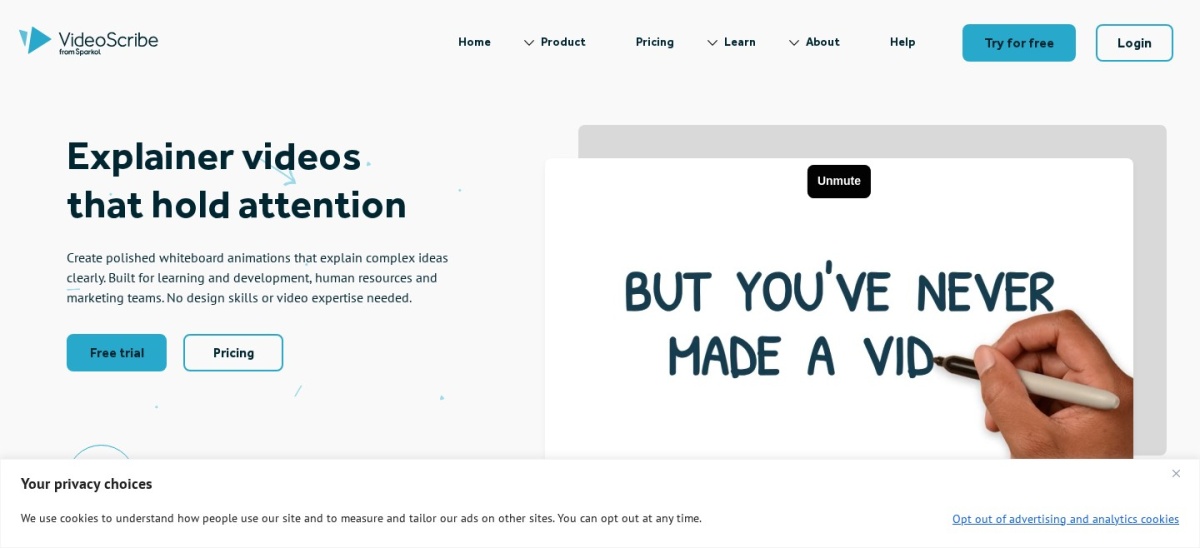
VideoScribe is a dedicated whiteboard animation editor available through a browser or desktop application. Its Lite subscription includes over 9,000 illustrations, five monthly downloads and videos lasting up to five minutes.
The trade off is that the $150 annual Lite subscription restricts downloads and applies watermarks to premium images. It suits educators, marketers and individual creators producing narrated explainer videos.
Animaker is an online animation platform that combines whiteboard scenes, customizable characters and animated text. Its Basic subscription starts at $15 per month and removes the Animaker watermark from exported videos.
The trade off is that advanced assets and production allowances depend on subscription tiers, starting at $15 per month. It suits content teams that want to combine drawing effects with other animation formats.
What we like
Multiple animation styles
Customizable characters and scenes
Permanent free plan
Watermark removal on Basic
Watch out for
Free exports carry watermarks
Advanced features require higher subscriptions
Basic removes watermarks and expands production allowances.Visit animaker.com
03
Powtoon
4.4/5on G2 (287 reviews, checked Nov 2026)
Paid from$180/yr
Best for animated business presentations
Entry planLite
Monthly premium exports5
Maximum video length10 minutes
Export resolution1080p
powtoon.com
Powtoon homepage, captured Nov 2026.
Powtoon is a browser-based video and presentation editor with whiteboard scenes, animated characters and customizable templates. Its Lite plan includes five watermark-free monthly exports and supports videos lasting up to 10 minutes.
The trade off is that the $180 annual Lite subscription limits premium exports and access to advanced assets. A Black Friday promotion discounts the Advanced plan separately. It suits business teams creating presentations, onboarding materials and promotional videos.
Mango Animate is a desktop animation suite with a dedicated Whiteboard Animation Maker. Its Professional edition includes over 40 hand-drawing effects, more than 500 animation assets and watermark-free 720p exports.
The trade off is that the regular $99 perpetual Professional license does not support Full HD exports, which require Enterprise. Temporary discounts may reduce the purchase price. It suits occasional creators who prefer avoiding recurring subscription fees.
What we like
Perpetual license available
Dedicated drawing animation effects
Permanent free edition
Video and GIF creation
Watch out for
Professional exports are limited to 720p
Independent ratings cover the broader product suite
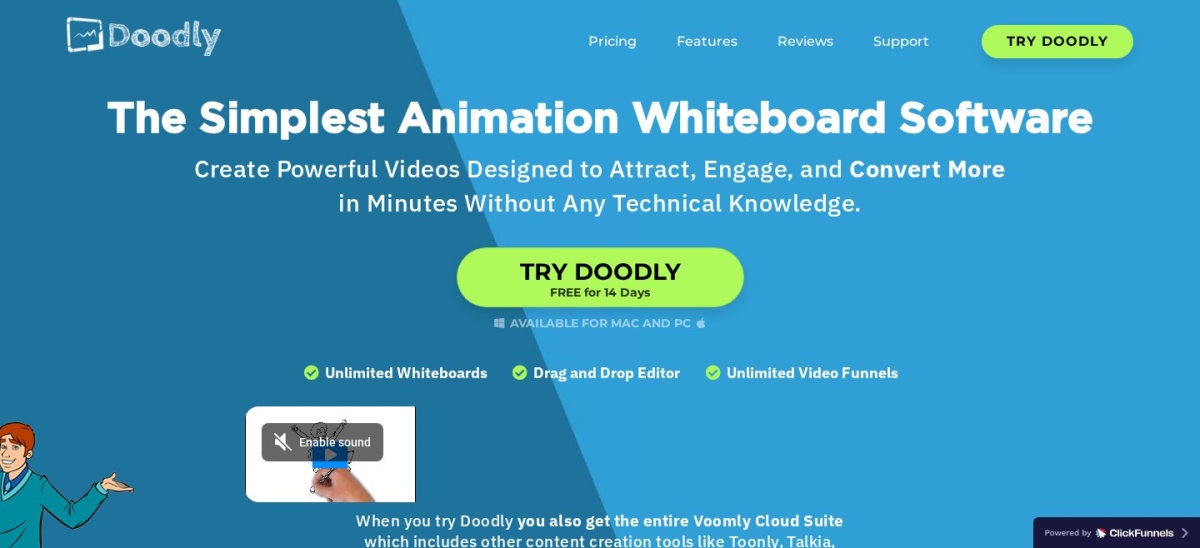
Doodly is a drag-and-drop animation editor focused on illustrations that appear to be drawn by hand. The Standard subscription includes access to Voomly Cloud and offers a 14-day trial.
The trade off is that the regular Standard subscription costs $490 annually, making it expensive for creators who only need occasional doodle videos. It suits marketers and educators who prefer traditional whiteboard storytelling over automatically generated animations.
What we like
Dedicated doodle animation workflow
Drag-and-drop scene editing
Customizable drawing sequences
Additional video tools through Voomly
Watch out for
No permanent free plan
Relatively expensive subscription
Bundled software may be unnecessary
Standard includes Doodly and access to Voomly Cloud.Visit doodly.com
06
Renderforest
4.7/5on G2 (447 reviews, checked Nov 2026)
Paid from$108/yr
Best for template-based whiteboard videos
Entry planLite
Monthly equivalent$9, billed annually
EditorBrowser-based
Creation workflowCustomizable templates
renderforest.com
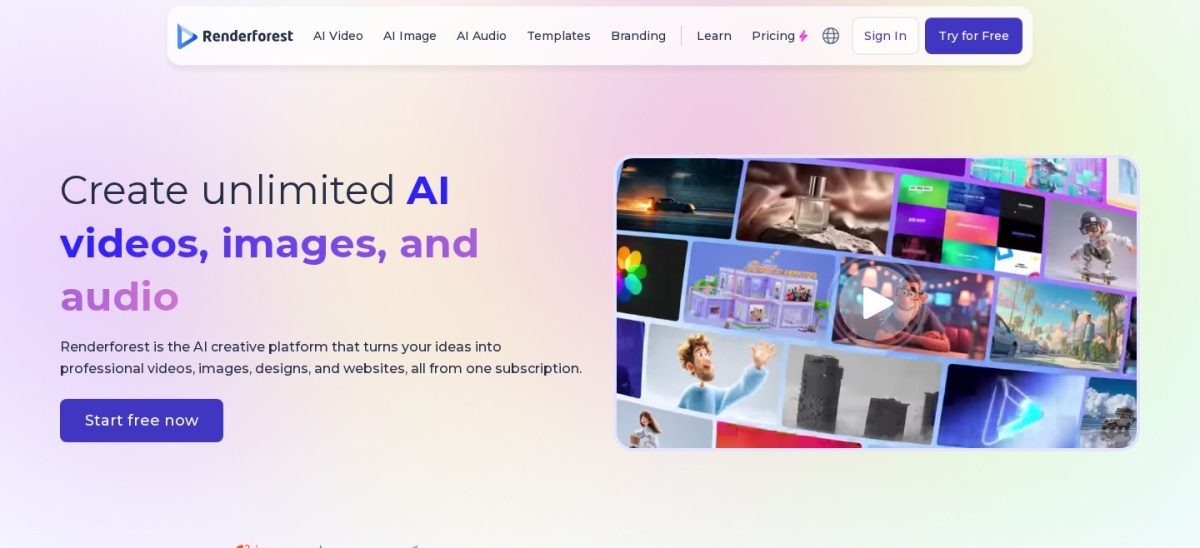
Renderforest homepage, captured Nov 2026.
Renderforest is an online content creation platform with customizable video templates, including whiteboard explainer scenes. Its Lite subscription starts at $9 per month with annual billing, providing an affordable entry point for template-based video production.
The trade off is that the $108 annual Lite plan has more restrictive production allowances than higher subscriptions, and template-based editing offers less drawing control than dedicated editors. It suits small businesses that need quick explainer videos without building every scene manually.
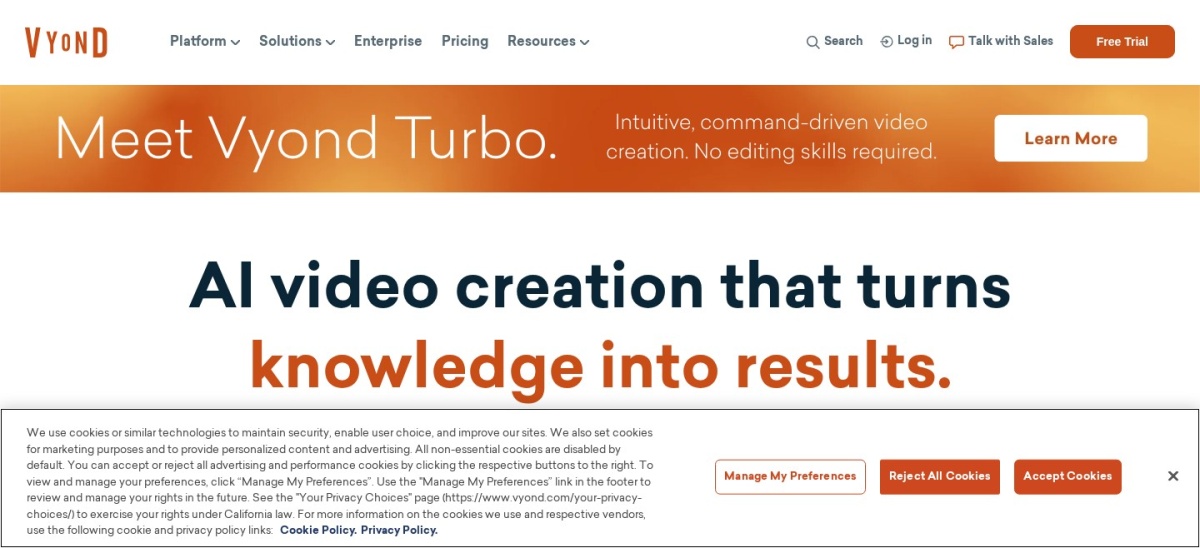
Vyond is a business video creation platform supporting whiteboard animation, character-driven scenes and narrated training materials. Its Starter subscription includes over 650 text-to-speech voices, document-to-video tools and 10,000 monthly credits.
The trade off is the $699 annual Starter subscription and the need for Professional to access team collaboration features. It suits instructional designers and corporate training departments producing videos regularly enough to justify the subscription.
What we like
Suitable for employee training content
Extensive text-to-speech options
Multiple animation formats
Document and script-to-video tools
Watch out for
High annual subscription cost
Collaboration requires a higher plan
No permanent free edition
Starter adds video production tools and monthly AI credits.Visit vyond.com
Whiteboard animation vs. character animation
Whiteboard animation emphasizes illustrations appearing progressively alongside narration. It works particularly well for explaining workflows, educational concepts, product features and abstract ideas.
Character animation focuses on movement, dialogue and interactions between animated people or objects. It is often more suitable for workplace scenarios, storytelling and customer education.
VideoScribe, Doodly and Mango Animate emphasize drawing effects. Animaker, Powtoon and Vyond offer broader animation workflows for creators who need several visual styles.
How we chose
We shortlisted animation software with dedicated whiteboard drawing effects, customizable whiteboard templates or broader video editors that support whiteboard-style explanations.
We checked official pricing information and G2 ratings on 27 Nov 2026. Annual subscription prices reflect regular annual billing, while perpetual licenses show their initial purchase cost. Mango Animate's 19 reviews narrowly miss the approximate 20-review threshold, so we included it with that limitation disclosed.
We excluded products without readable official pricing, insufficient independent review evidence or relevant animation capabilities. Renderforest's subscription page did not expose its price table, so we used its official published regular-price information alongside the subscription page. No vendor paid for a place, and we do not claim testing for this list.
How to choose the best whiteboard animation software
Compare your production requirements against the software's animation controls, export restrictions, licensing terms and subscription costs.
Identify your preferred animation style. Choose a dedicated drawing editor for traditional whiteboard videos or a broader animation platform for combining illustrations, characters and presentations.
Calculate your expected production volume. Estimate how many finished videos you need each month and check whether the subscription supports that number of exports.
Check resolution and commercial rights. Confirm that the entry plan supports your required video quality, watermark removal and intended commercial or client use.
Compare long-term ownership costs. Consider perpetual desktop licenses for occasional projects and recurring subscriptions when you need updated assets, cloud editing or ongoing production features.
FAQ
What is the best whiteboard animation software?
VideoScribe is our top overall pick because it specializes in hand-drawn animation and offers customizable illustrations, drawing effects and Full HD exports. Its Lite subscription costs $150 annually.
Is there free whiteboard animation software?
Yes. Animaker, Powtoon, Mango Animate and Renderforest offer free options. However, free editions commonly restrict export resolution, available assets, video duration or watermark removal compared with their paid subscriptions.
Which whiteboard animation software has a lifetime license?
Mango Animate Whiteboard Animation Maker offers perpetual licensing. Its Professional edition has a regular purchase price of $99 and includes watermark-free 720p exports, drawing effects and additional animation assets.
Can beginners create whiteboard animation videos?
Yes. Template-based editors such as Renderforest and Powtoon allow beginners to customize existing scenes, add narration and arrange illustrations without drawing every element or learning traditional animation techniques.
Can I use whiteboard animation software for commercial videos?
Many paid animation tools support commercial video creation, but licensing terms differ. Check whether your subscription covers your own business content, monetized videos and paid client projects before publishing or selling completed animations.
SaaS SEO and WordPress specialist with about 8 years of experience. Rakib compares WordPress plugins, themes, hosting and software using public pricing, documentation and user reviews. See how we rank.