Okta is the best access management software for therapists for most practices, with single sign-on, multi-factor authentication and a central directory from $6 per user a month. Pick Microsoft Entra ID if you run Microsoft 365, and Cisco Duo when you only need fast multi-factor authentication.
How we make this list: we compare pricing pages, product documentation and public user reviews, then re-check every price before each update. No product paid for a place. Disclosure.
Okta leads with SSO, MFA and a central directory from $6 per user a month, rated 4.5 out of 5 from 1,228 G2 reviews.
Microsoft Entra ID P1 costs $7 per user a month after a July 2026 rise, and is free in basic form with Microsoft 365.
Cisco Duo is the cheapest paid route to MFA at $3 per user a month, with a free plan for up to 10 users.
Rippling holds the highest G2 rating in this list at 4.7 out of 5, with access driven by HR data instead of a separate directory.
Ask every vendor for a signed business associate agreement before patient data flows through the system.
How should therapists pick access management software for a small practice?
A therapy practice holds sensitive patient data in several apps at once: the EHR, the scheduling tool, email and billing. Access management decides who can open each one, and it should take a password plus a second factor before any patient record appears.
Single sign-on is the quickest win for a small practice. Staff sign in once and reach every approved app, while leavers lose access everywhere the moment their account is closed, instead of one app at a time.
Multi-factor authentication matters more than the directory. A stolen password alone should never open patient data, so every tool in this list supports MFA, and most offer a free tier for the smallest teams.
Patient data adds one extra check. Our telehealth software guide covers the clinical side, but for access tools, ask each vendor for a signed business associate agreement before patient data flows through the system.
The 8 best access management software tools for therapists
01
Okta
4.5/5on G2 (1,228 reviews, checked Nov 2026)
Starts at$6/user/mo
Best access management software for therapists overall
Entry planStarter, $6/user/mo
Single sign-onYes, 8,000 plus apps
Multi-factor authYes, adaptive on higher plans
Annual minimum$1,500
okta.com
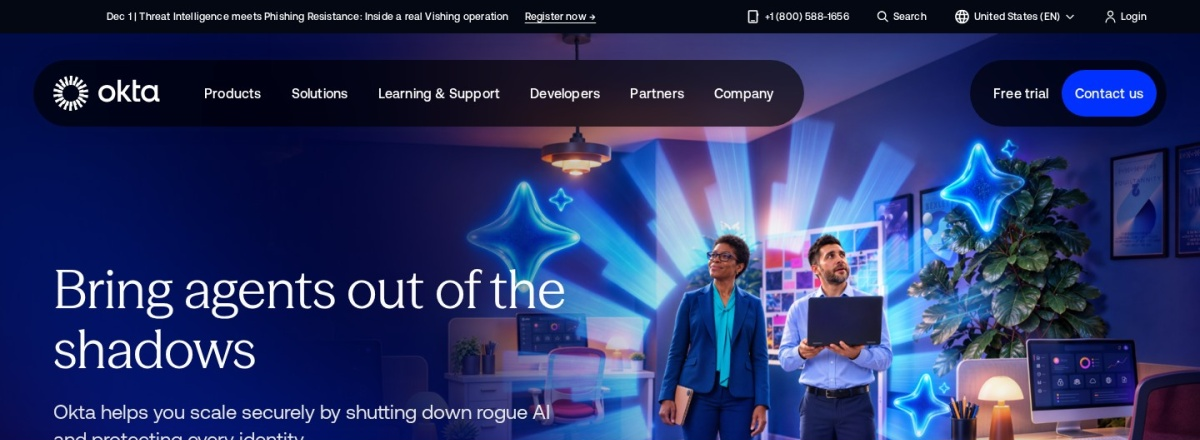
Okta homepage, captured Nov 2026.
Okta is a workforce identity platform built around single sign-on, multi-factor authentication and a central directory. The Starter plan at $6 per user a month includes SSO, Universal Directory and 5 automated Workflows, with a free trial to start, and its integration catalog lists more than 8,000 apps.
The trade off is price at scale. Adaptive MFA and lifecycle management are paid add-ons on Starter, and the next plan, Essentials, jumps to $17 per user a month. It suits practices that mix apps from several vendors and want one login for all of them.
What we like
Deepest app catalog in this list
SSO, MFA and directory in one plan
Strong lifecycle automation options
Rated 4.5 out of 5 from 1,228 G2 reviews
Watch out for
$1,500 annual minimum, even for small teams
Adaptive MFA needs the $17 Essentials plan
Customer login is a separate product
Essentials adds adaptive MFA at $17 a user a monthVisit okta.com
02
Microsoft Entra ID
4.5/5on G2 (910 reviews, checked Nov 2026)
Paid from$7/user/mo
Best for practices on Microsoft 365
Entry planP1, $7/user/mo
Free tierYes, SSO and basic MFA
Conditional AccessP1
Identity ProtectionP2, $10/user/mo
microsoft.com
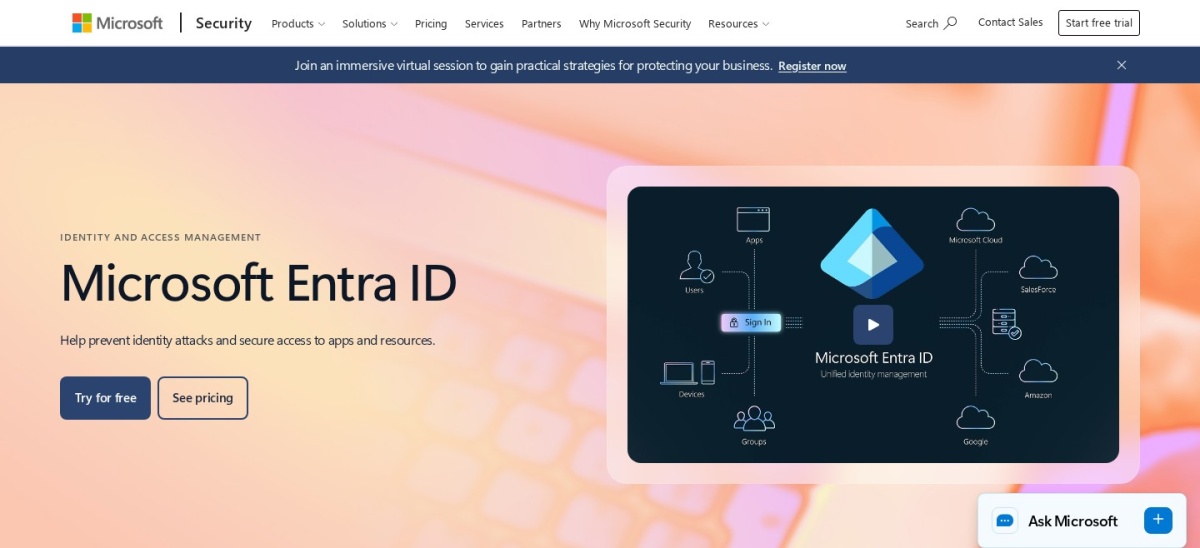
Microsoft Entra ID homepage, captured Nov 2026.
Microsoft Entra ID is Microsoft's cloud identity service, and the base for sign-in across Microsoft 365 and Azure. The free tier covers SSO, MFA and sign-in logs, while P1 at $7 per user a month adds Conditional Access and hybrid identity tools for practices with on-site servers.
The trade off is lock-in and licensing sprawl. Advanced features such as Identity Protection and Privileged Identity Management need P2, and costs are hard to predict across bundles. It suits practices already paying for Microsoft 365 that want identity included.
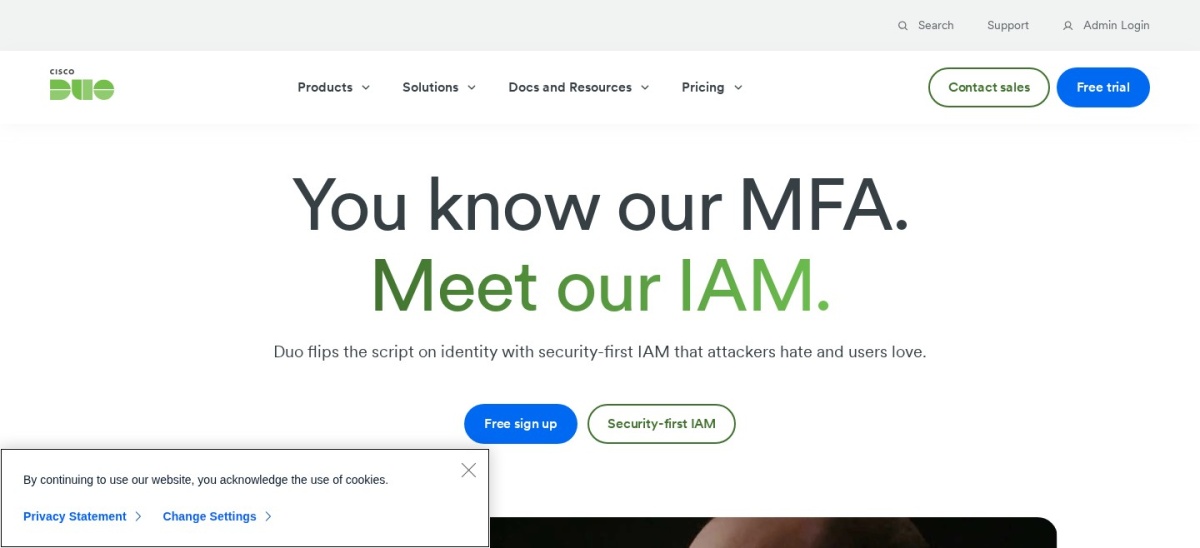
Cisco Duo is a multi-factor authentication service that a small practice can roll out in hours. The free plan covers up to 10 users, and Essentials costs $3 per user a month with push approvals, passkeys and single sign-on for a small set of apps.
The trade off is scope. Duo is an MFA and access tool, not a full directory, so larger practices still need Okta or Entra ID for lifecycle management. It suits solo and small practices that need MFA on their EHR and email this week.
What we like
Free for up to 10 users
Fastest MFA rollout in this list
Push approvals staff actually use
Rated 4.5 out of 5 from 590 G2 reviews
Watch out for
Not a full directory or lifecycle tool
SSO app coverage is smaller than Okta
Advanced policies need higher tiers
Advantage adds more policies at $6 a user a monthVisit duo.com
04
Rippling
4.7/5on G2 (15,345 reviews, checked Nov 2026)
Starts at$8/user/mo
Best for HR-driven access control
Entry planCore, $8/user/mo
Access controlDriven by HR data
Leaver offboardingAutomatic, same day
G2 rating4.7 from 15,345 reviews
rippling.com
Rippling homepage, captured Nov 2026.
Rippling is an HR and IT platform that drives access from HR data, so a new hire gets the right apps on day one and a leaver loses them the same day. Core costs $8 per user a month, and the platform covers payroll, devices and apps beside identity, with a 4.7 out of 5 G2 rating from 15,345 reviews.
The trade off is breadth. Rippling is a full HR system first, so a practice that only needs login control pays for far more than it uses. It suits growing practices that already want HR, payroll and IT in one place.
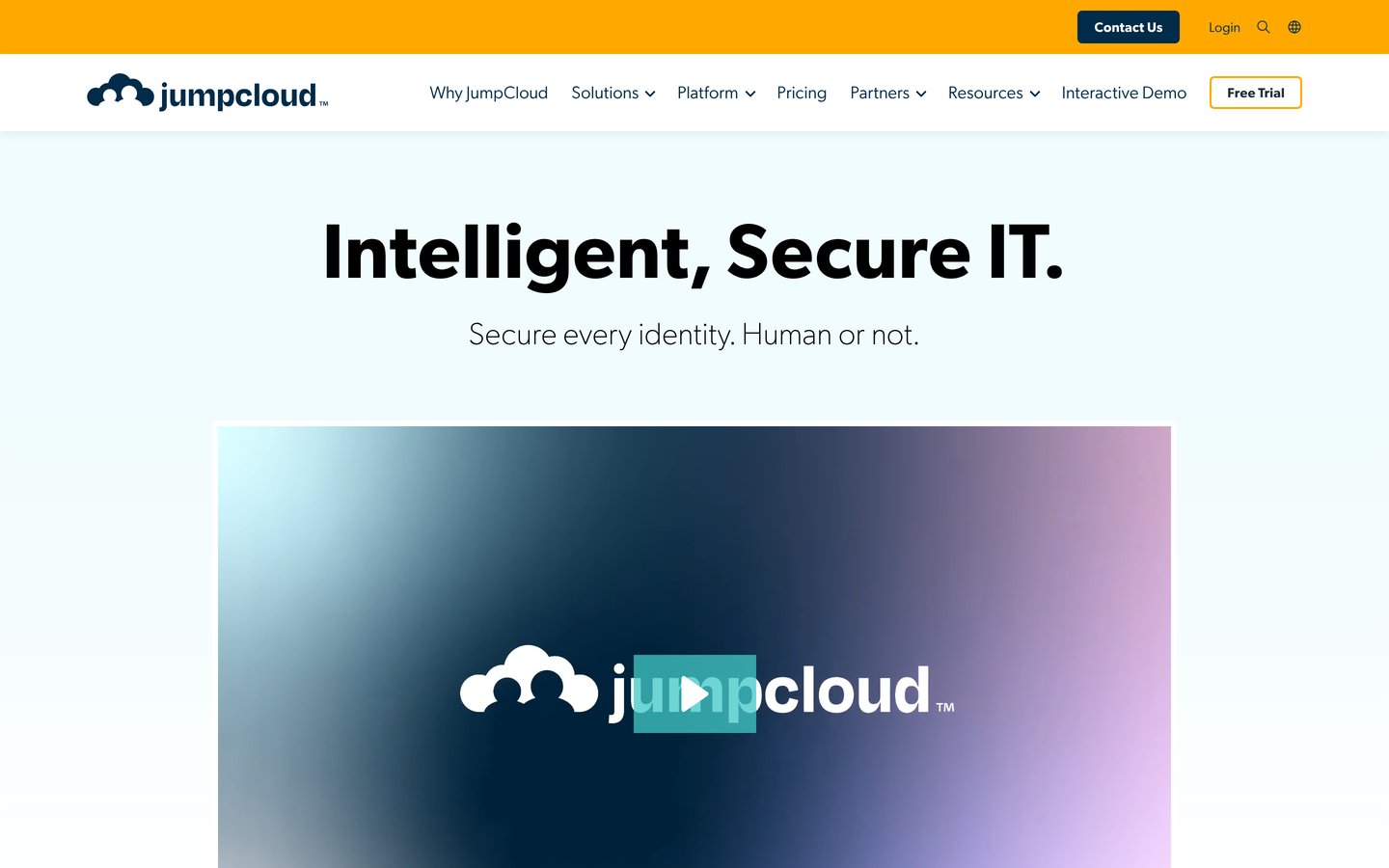
JumpCloud is a cloud directory that replaces on-premises Active Directory for small teams, covering SSO, MFA, device management and user lifecycle in one console. The free tier covers up to 10 users and 10 devices, and paid plans start at $11 per user a month for the directory with SSO and MFA.
The trade off is price. The directory plan costs more per user than Okta Starter, and device management is a separate $9 per user a month add-on. It suits small practices with mixed Mac, Windows and Linux devices and no server room.
OneLogin is a single sign-on and MFA service for small teams, starting at $3 per user a month with no minimum contract. It covers SSO for cloud apps, MFA with push approvals, and a cloud directory, with a 4.4 out of 5 G2 rating from 290 reviews.
The trade off is depth. OneLogin covers the basics well but lacks the workflow automation and lifecycle tools of Okta, and its app catalog is smaller. It suits budget-conscious practices that need SSO and MFA without an annual minimum.
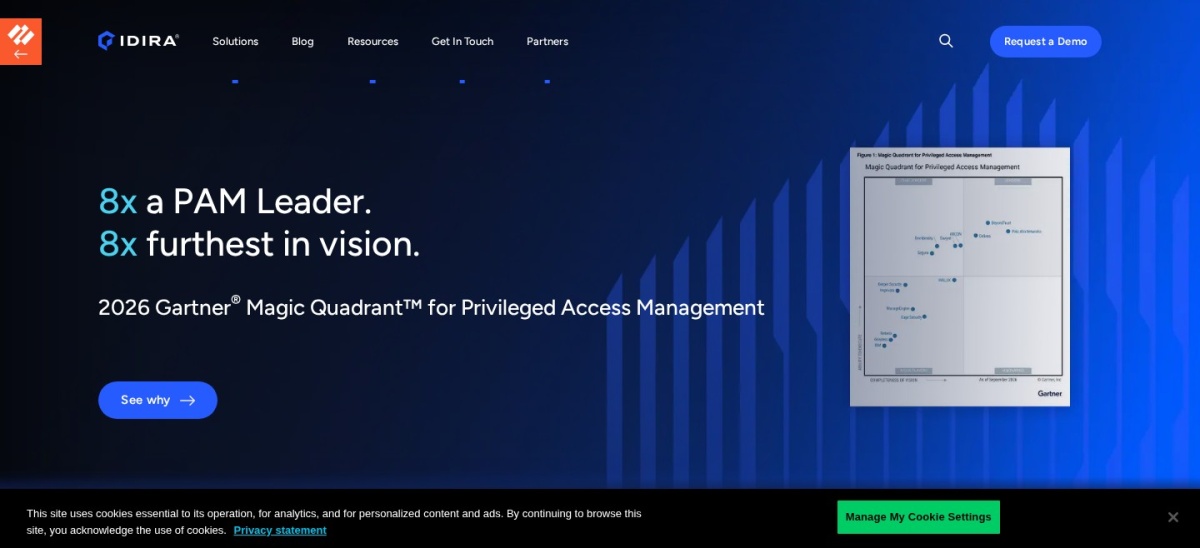
CyberArk Workforce Identity homepage, captured Nov 2026.
CyberArk Workforce Identity is an identity service with a strong privileged access angle, starting at $2 per user a month, the lowest entry price in this list. It covers SSO, MFA and lifecycle management, with extra controls for admin accounts that can reach patient data systems.
The trade off is focus. CyberArk is built for security-first teams, so its admin console is heavier than Duo or OneLogin, and smaller practices may not use its privileged features. It suits practices where a few admin accounts hold the keys to everything.
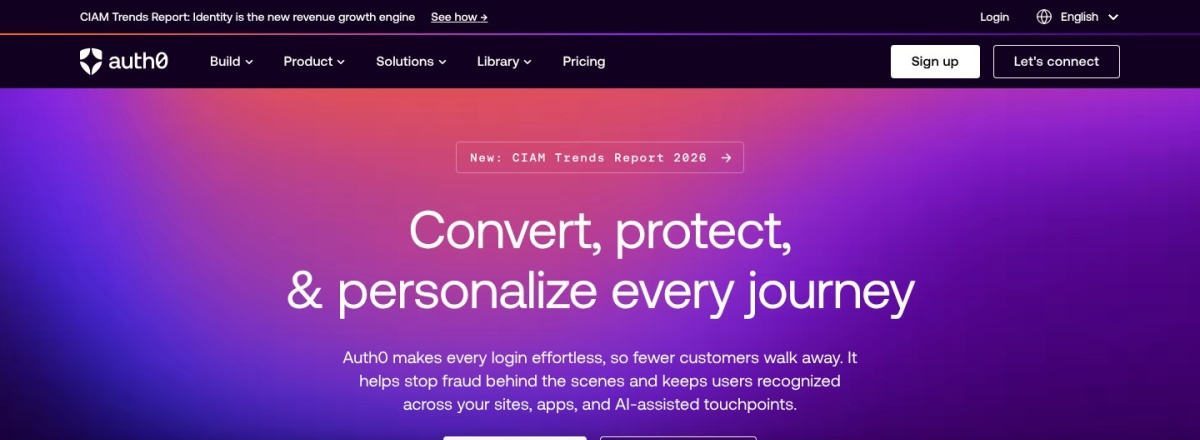
Auth0 is an identity service for customer login in your own app, covering social login, passwordless sign-in and MFA for patient portals and booking apps. The free tier covers up to 25,000 monthly active users, and paid plans start at $35 a month for essentials.
The trade off is fit. Auth0 is built for customer-facing login, not employee SSO, so it is the wrong pick for staff access to an EHR. It suits practices that run their own patient portal and need secure client sign-in.
Access tools touch protected health information whenever staff sign in to an EHR or billing app, so the vendor relationship matters as much as the features. Ask for a signed business associate agreement and confirm which services it covers.
Turn on MFA for every account, including the practice owner. Most breaches in small healthcare teams start with a stolen password, and MFA blocks that path even when the password is already known.
Keep a leaver checklist. When a therapist or admin leaves, disable their account the same day, review shared logins they used, and rotate any passwords they knew.
How we chose
We started from the identity and access tools small healthcare teams shortlist most often, then kept the eight with a G2 rating and published pricing. Ratings and prices were checked on 30 November 2026.
Prices are list rates in US dollars per user a month. Okta and Duo prices were read on their vendor pricing pages, while Entra ID, JumpCloud and the rest come from vendor pages checked in November 2026.
We left out enterprise-only tools with five-figure minimums and customer-login tools built for public apps. No vendor paid for a place, and we do not claim hands-on testing for this list.
How to choose access management software for a therapy practice
Start with the apps your staff already use, then add MFA everywhere before you spend on extras.
List the apps staff must reach. EHR, scheduling, email and billing all need sign-on. If the practice runs Microsoft 365, Entra ID covers most of it for free.
Turn on MFA for every account. A password alone should never open patient data. Duo is the fastest route, and Okta and Entra ID include MFA on entry plans.
Ask for a business associate agreement. Before patient data flows through the tool, get a signed BAA from the vendor and confirm which services it covers.
Plan the leaver process. Pick a tool where disabling one account closes every app at once, and test it with a test account before you rely on it.
FAQ
What is the best access management software for therapists?
Okta is the best access management software for therapists for most practices. Starter costs $6 per user a month and covers single sign-on, multi-factor authentication and a central directory, with a 4.5 out of 5 G2 rating from 1,228 reviews.
Do therapists need HIPAA-compliant access management?
Yes, when the tool touches patient data. Ask the vendor for a signed business associate agreement, turn on multi-factor authentication for every account, and confirm that leavers lose access to every app at once.
Is there free access management software for a small therapy practice?
Yes. Microsoft Entra ID has a free tier with single sign-on and basic MFA, Cisco Duo is free for up to 10 users, and JumpCloud is free for up to 10 users and 10 devices.
How much does access management cost per therapist?
Entry prices run from $2 to $11 per user a month, with CyberArk at $2, Duo and OneLogin at $3, Okta at $6 and Entra ID at $7. A five-person practice pays $10 to $55 a month at entry rates.
Okta or Microsoft Entra ID for a therapy practice?
Entra ID wins if the practice already runs Microsoft 365, because the free tier covers sign-on and basic MFA and P1 adds Conditional Access for $7. Okta wins for practices that mix Google, Apple and Microsoft apps and want one vendor-neutral directory.
What is the simplest MFA tool for therapists?
Cisco Duo is the simplest, with a free plan for up to 10 users and Essentials at $3 per user a month. Staff approve a push notification on their phone, and setup takes hours rather than days.
SaaS SEO and WordPress specialist with about 8 years of experience. Rakib compares WordPress plugins, themes, hosting and software using public pricing, documentation and user reviews. See how we rank.