Okta is the best authentication software for most teams, with SSO, MFA and a directory from $6 per user a month and a 4.5 out of 5 G2 rating from 1,228 reviews. Pick Duo for the cheapest MFA at $3 per user a month, or Auth0 for customer login in your own app.
How we make this list: we compare pricing pages, product documentation and public user reviews, then re-check every price before each update. No product paid for a place. Disclosure.
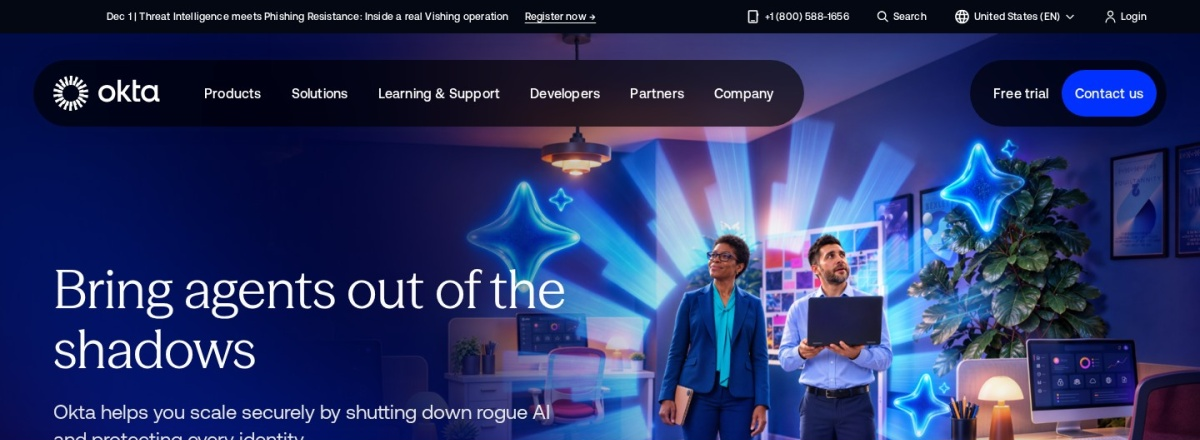
Okta leads on breadth: SSO, MFA, lifecycle management and 7,000+ app integrations, from $6 per user a month.
Duo is the cheapest paid route to MFA at $3 per user a month, with a free plan for up to 10 users.
Microsoft Entra ID P1 costs $7 per user a month, but it is already included in Microsoft 365 E3 and Business Premium.
Auth0 and Descope are built for customer login in your own app, not employee SSO, and both price by monthly active users.
Keycloak is the only free, open-source option here. It costs $0 in licences, but you host and run it yourself.
What authentication software should cover
Authentication software checks that the person signing in is who they claim to be, then lets them into the right apps. For employees that means single sign-on (SSO) and multi-factor authentication (MFA). For customers it means sign-up, login, social login and passwordless options in your own app.
Start with the two factors that stop most account takeovers: MFA on every login and phishing-resistant options such as passkeys or security keys. Our guide on adding two-factor authentication shows how 2FA blocks stolen-password logins.
Then check the billing unit, because it changes the bill more than the headline price. Workforce tools charge per user per month, while customer tools charge per monthly active user, so a tool that looks cheap at 500 users can get costly at 50,000.
Finally, look at what is already included in software you pay for. Microsoft 365 bundles Entra ID, and some directories include MFA, so buying a second tool can mean paying twice for the same login.
Okta is the leading workforce identity platform, covering SSO, MFA, a cloud directory and lifecycle management for employees. The Starter suite costs $6 per user a month billed annually and includes SSO, MFA, Universal Directory and 5 Workflows, with a $1,500 annual contract minimum.
The trade off is price at scale. Adaptive MFA, lifecycle management and governance sit in the $14 and $17 suites, and customer login is a separate product from $3,000 a month. It suits mid-size and large teams that want one vendor-neutral identity platform.
What we like
Widest app catalogue, with 7,000+ integrations
Rated 4.5 out of 5 from 1,228 G2 reviews
Covers SSO, MFA, directory and lifecycle in one place
Clear published prices for the first three suites
Watch out for
$1,500 annual minimum, even for small teams
Adaptive MFA and governance cost extra
Customer login needs a separate, costly product
Higher suites add adaptive MFA, lifecycle and governanceVisit okta.com
02
Microsoft Entra ID
4.5/5on G2 (910 reviews, checked Nov 2026)
Paid from$7/mo
Best for Microsoft 365 teams
Cheapest planP1, $7/user/mo
Free planYes, Free tier
Conditional AccessP1 and above
PasswordlessYes, P1
microsoft.com
Microsoft Entra ID homepage, captured Nov 2026.
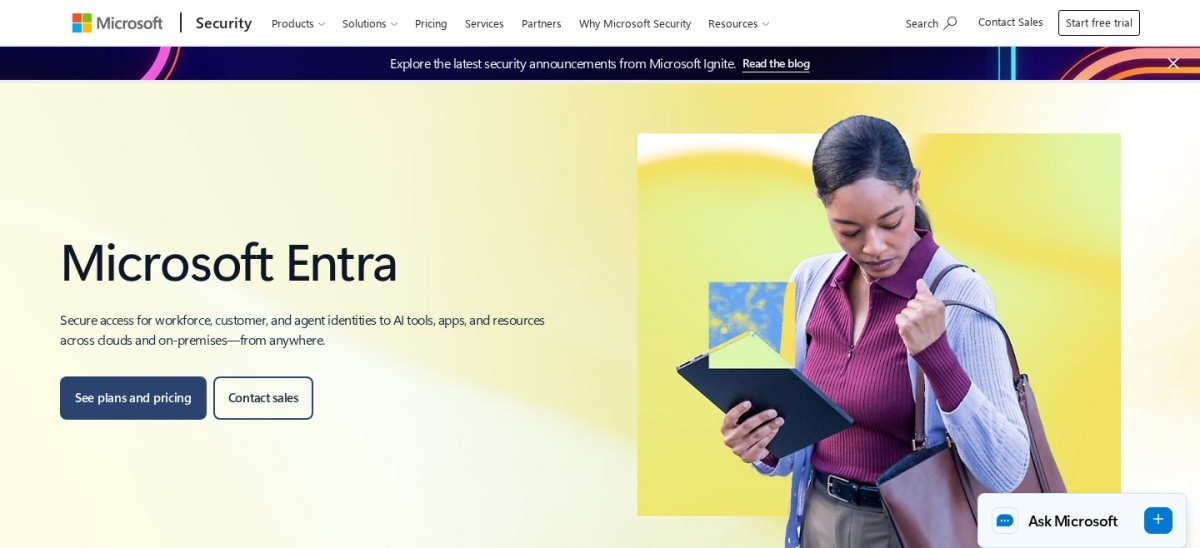
Microsoft Entra ID is the identity service behind Microsoft 365 and Azure, handling sign-in for employees across Microsoft and third-party apps. The Free tier covers basic SSO and MFA, while P1 costs $7 per user a month billed annually and adds Conditional Access, passwordless login and hybrid identity.
The trade off is lock-in. P1 is already included in Microsoft 365 E3 and Business Premium, and P2 in E5, so standalone buyers should check their bundle first. It suits teams that already run on Microsoft 365 and want identity without a second vendor.
What we like
Free tier with SSO and basic MFA
P1 included in Microsoft 365 E3 and Business Premium
Conditional Access policies at $7 per user a month
Rated 4.5 out of 5 from 910 G2 reviews
Watch out for
Weakest outside the Microsoft ecosystem
Risk-based protection needs P2 at $10 per user a month
Admin centre can be hard for small teams to learn
P2 adds risk-based protection and privileged identity managementVisit microsoft.com
03
Cisco Duo
4.5/5on G2 (516 reviews, checked Nov 2026)
Paid from$3/mo
Best for adding MFA fast
Cheapest planEssentials, $3/user/mo
Free planYes, up to 10 users
SSOYes, Essentials
PasswordlessYes, Essentials
duo.com
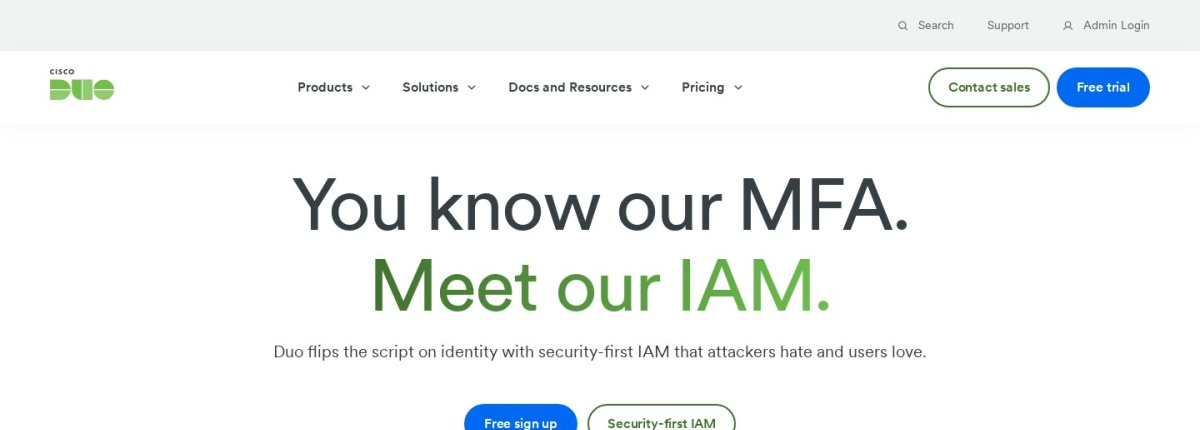
Cisco Duo homepage, captured Nov 2026.
Cisco Duo is the fastest way to put MFA on an existing workforce, and it now adds SSO and a directory of its own. Duo Free covers up to 10 users, and Essentials costs $3 per user a month with phishing-resistant MFA, passwordless login, SSO, Trusted Endpoints and unlimited applications.
The trade off is depth. Risk-based authentication, device health checks and VPN-less remote access need Advantage at $6 or Premier at $9 per user a month. It suits small and mid-size teams that need strong MFA now without a full identity rebuild.
What we like
Cheapest paid plan in this list at $3 per user a month
Free plan for up to 10 users
Covers Windows logon, VPN and remote desktop as well as cloud apps
Rated 4.5 out of 5 from 516 G2 reviews
Watch out for
No lifecycle management or identity governance
Risk-based login checks need the $6 tier
Directory features are thinner than Okta or Entra ID
Advantage adds risk-based login and device health checksVisit duo.com
04
Auth0
4.3/5on G2 (271 reviews, checked Nov 2026)
Paid from$35/mo
Best for customer login in your app
Cheapest planB2C Essentials, $35/mo
Free planYes, 25,000 MAU
Social loginUnlimited connections
Pro MFAEssentials and above
auth0.com
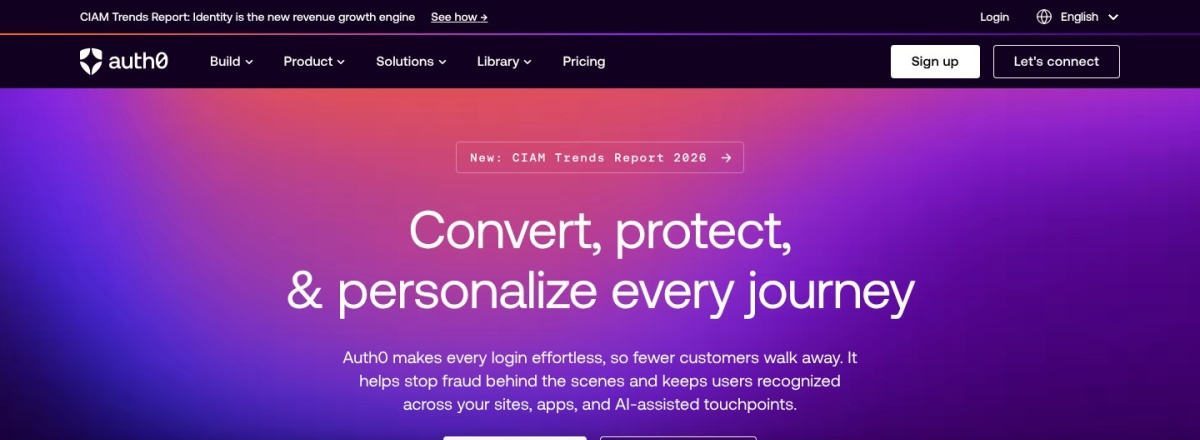
Auth0 homepage, captured Nov 2026.
Auth0, part of Okta, is the standard choice for adding login to a customer-facing app. The free plan covers up to 25,000 monthly active users with passwordless login, social connections and one enterprise connection, and B2C Essentials starts at $35 a month for 500 monthly active users with Pro MFA and role management.
The trade off is the price curve. Paid plans bill from the first active user, so 10,000 users cost $700 a month on B2C Essentials, and enterprise connections need a B2B plan from $150 a month. It suits product teams that need broad login options and compliance cover.
What we like
Generous free tier: 25,000 monthly active users
Large catalogue of social and enterprise connections
Passkeys and passwordless login included
Strong compliance programme for regulated apps
Watch out for
Costs climb fast: $700 a month at 10,000 users
B2C plans exclude enterprise connections
Lowest G2 rating in this list at 4.3 out of 5
Professional adds enterprise MFA and attack protectionVisit auth0.com
05
Descope
4.8/5on G2 (70+ reviews, checked Nov 2026)
Paid from$249/mo
Best for visual login flows
Cheapest planPro, $249/mo
Free planYes, 7,500 MAU
Visual flowsYes, drag-and-drop
PasskeysYes
descope.com
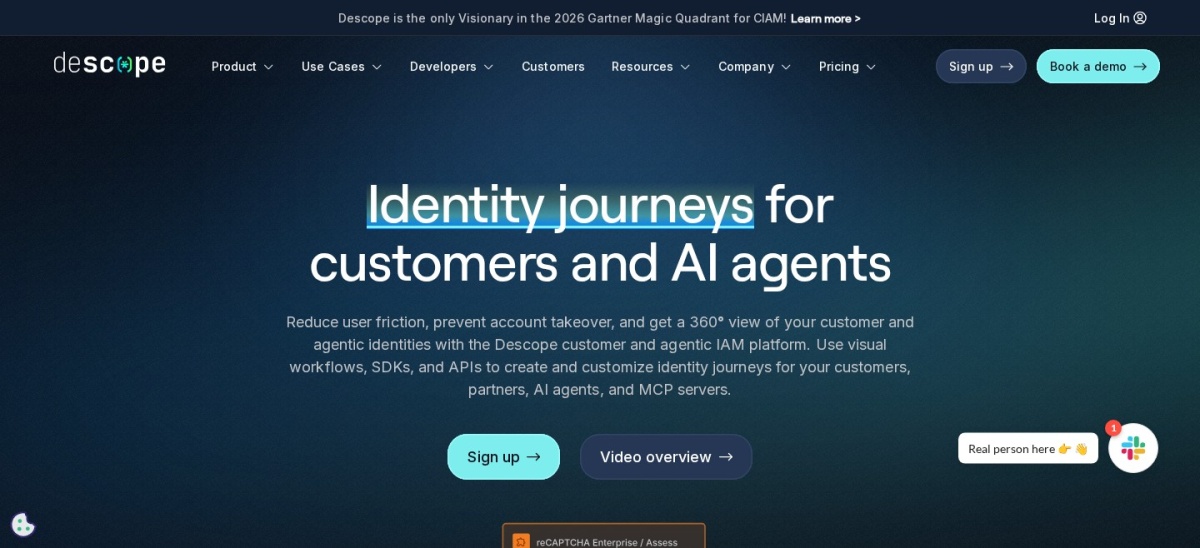
Descope homepage, captured Nov 2026.
Descope is a customer identity platform that lets teams build login flows with a visual editor instead of code. The free plan covers 7,500 monthly active users, 10 tenants and 3 SSO connections, and Pro costs $249 a month billed annually for 10,000 monthly active users, 35 tenants and a custom domain.
The trade off is the jump from free to paid. There is no low-cost tier between $0 and $249 a month, and SCIM and bot protection need Growth at $799 a month. It suits product teams that want to shape login journeys without writing auth code.
What we like
Highest G2 rating in this list at 4.8 out of 5
Visual flow builder for login and sign-up
Free tier includes SSO connections and MFA
Built-in support for passkeys and agentic identity
Watch out for
Steep jump from free to $249 a month
SCIM and bot protection need the $799 tier
Younger vendor with a smaller track record than Auth0
Growth adds SCIM, bot protection and fine-grained authorizationVisit descope.com
06
PingOne
4.4/5on G2 (119 reviews, checked Nov 2026)
Starts at$3/mo
Best for large hybrid estates
Cheapest planEssential, $3/user/mo
Free planNo, 30-day trial
Minimum users5,000 per year
Adaptive MFAPlus, $6/user/mo
pingidentity.com
PingOne homepage, captured Nov 2026.
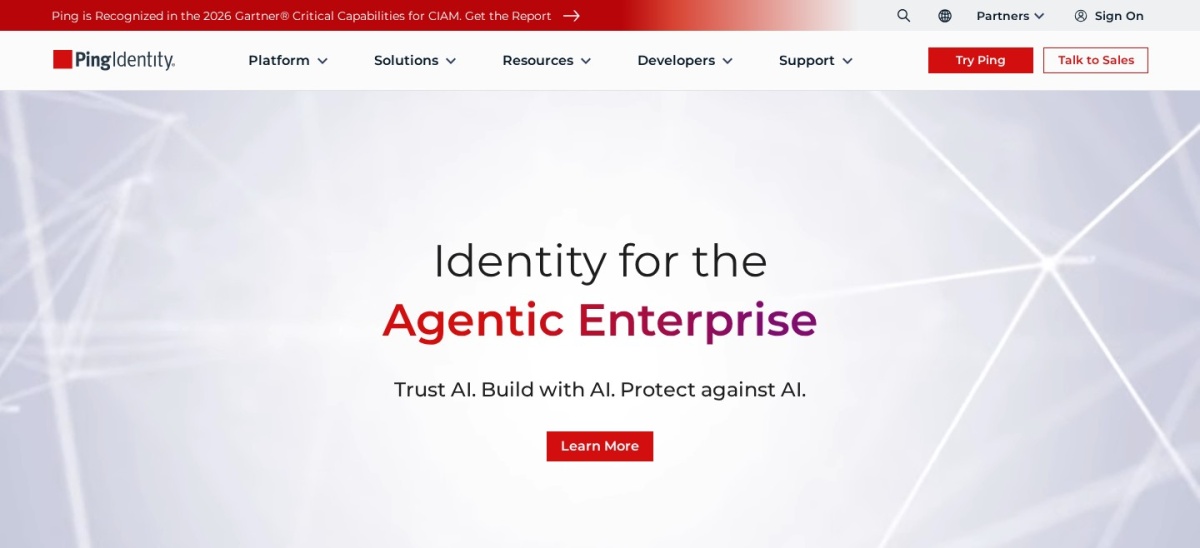
PingOne, from Ping Identity, is the enterprise option for teams that cannot standardise on one cloud. Workforce Essential costs $3 per user a month billed annually and covers SSO, MFA, directory services and SAML, OIDC and OAuth, with no-code orchestration of login journeys through DaVinci.
The trade off is the floor. The $3 rate needs a 5,000-user annual contract, so a 200-person team pays for 5,000 seats, and Plus costs $6 per user a month. It suits large or regulated estates with complex federation and legacy apps.
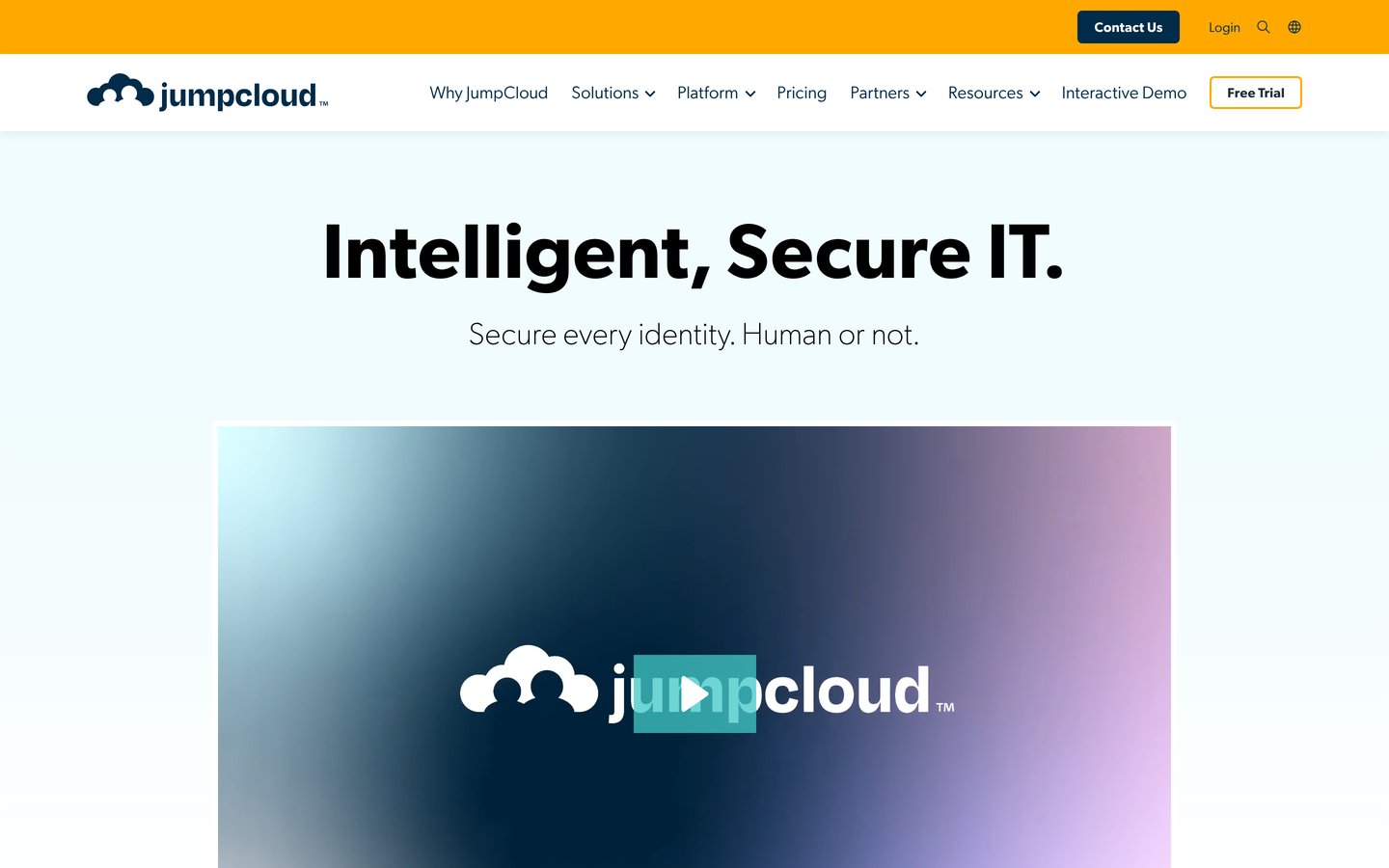
JumpCloud is a cloud directory that pairs identity with device management, a useful mix for small IT teams. The free tier covers up to 10 users and 10 devices, and the SSO package costs $11 per user a month billed annually with SSO, MFA, a password manager and user lifecycle tools.
The trade off is packaging. Device management is a separate $9 package, and buying directory, MFA and SSO a la carte costs $3 each, so the bill grows fast once devices join. It suits small teams replacing on-premises Active Directory.
What we like
Largest G2 review base here: 3,973 reviews at 4.5 out of 5
One console for users, devices and access
Free tier for up to 10 users and 10 devices
Works across Windows, Mac, Linux and mobile
Watch out for
Identity and device management are priced separately
Suspended users are still billed
No built-in endpoint protection or data loss prevention
Device Identity Management bundles both at $13 per user a monthVisit jumpcloud.com
08
Clerk
4.2/5on Capterra (9 reviews, checked Nov 2026)
Paid from$25/mo
Best for React and Next.js apps
Cheapest planPro, $25/mo
Free planYes, 50,000 MRU
Prebuilt login UIYes
Passkeys and MFAPro and above
clerk.com
Clerk homepage, captured Nov 2026.
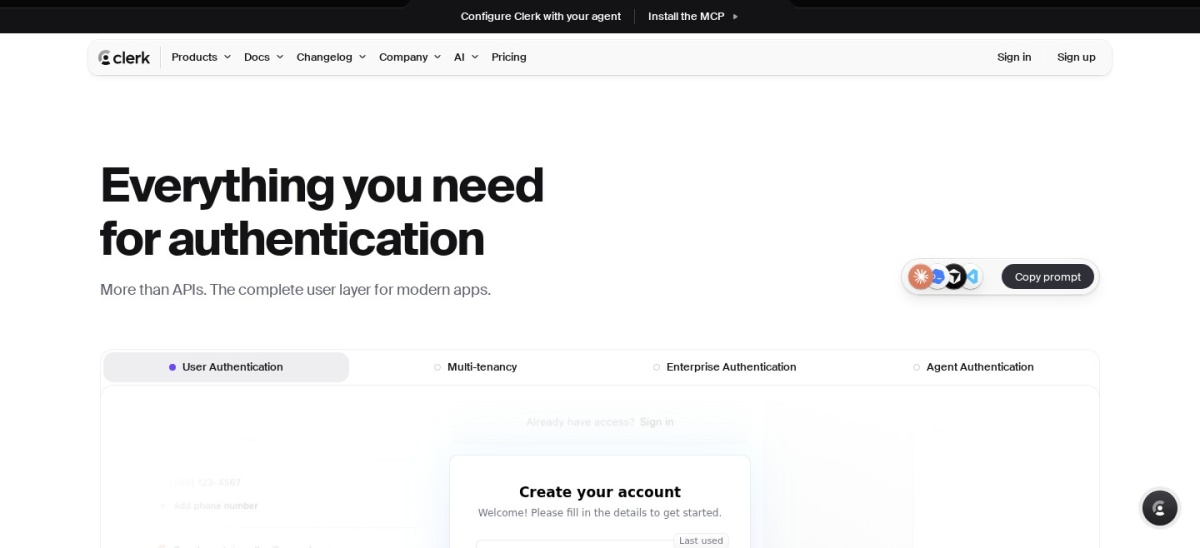
Clerk is a hosted login and user management service for modern web apps, with ready-made sign-in, sign-up and profile components for React and Next.js. The Hobby plan is free for up to 50,000 monthly retained users per app, and Pro costs $25 a month, or $20 billed annually, adding MFA, passkeys and one enterprise SSO connection.
The trade off is metering. Clerk bills retained users, not active users, and extra enterprise SSO connections cost $75 a month each, so B2B costs rise with customers. It suits small product teams that want login UI done in an afternoon.
What we like
Fastest path to a polished login screen
Free tier covers 50,000 retained users per app
Clear flat pricing with no per-seat charge
Strong docs and framework SDKs
Watch out for
Thin public review base: 9 Capterra reviews
MFA and passkeys need the paid plan
Best suited to JavaScript stacks, less so elsewhere
Business adds more dashboard seats and longer logsVisit clerk.com
09
Keycloak
4.2/5on G2 (44 reviews, checked Nov 2026)
PriceFree
Best free open-source option
Cheapest planFree, open source
Licence cost$0
ProtocolsOIDC, OAuth 2.0, SAML
HostingSelf-hosted
keycloak.org
Keycloak homepage, captured Nov 2026.
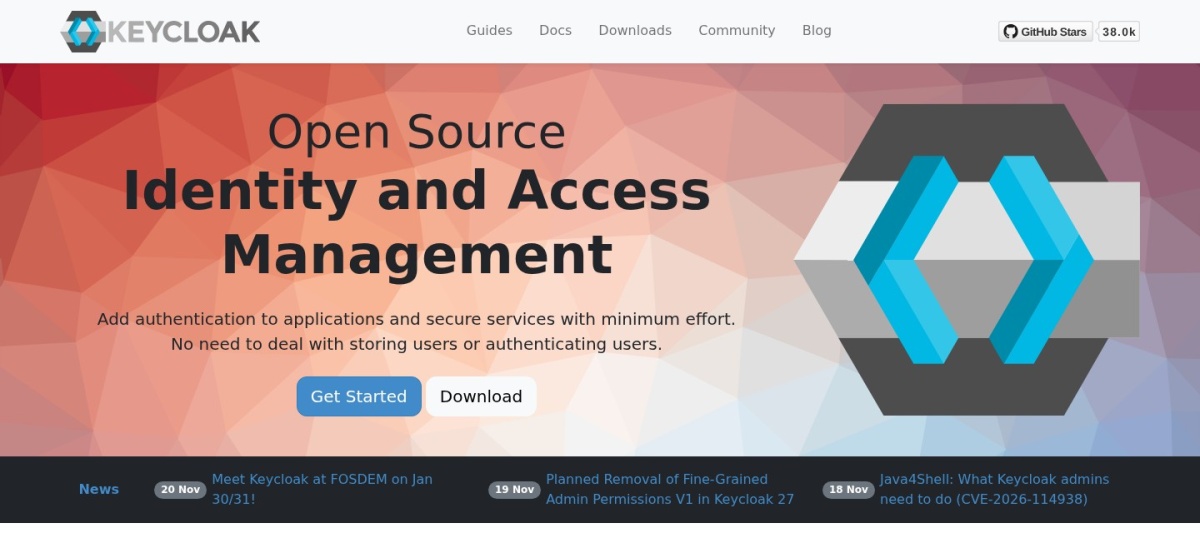
Keycloak is a free, open-source identity platform for SSO, MFA and user federation, with no licence fee at all. It supports OIDC, OAuth 2.0 and SAML, social login, passwordless options and fine-grained permissions, and it runs on your own servers, so user data never leaves your infrastructure.
The trade off is effort. You install, patch, back up and scale it yourself, and production hardening needs experienced admins. It suits teams with the skills to run it and a hard requirement to keep identity in-house.
What we like
No licence cost, ever
Full control over data and hosting
Broad protocol support for modern and legacy apps
Rated 4.2 out of 5 from 44 G2 reviews
Watch out for
No vendor support without a paid partner
Steep setup and upgrade learning curve
You pay for servers, time and on-call cover instead
Workforce login vs customer login: do not mix them up
Workforce tools such as Okta, Entra ID, Duo and PingOne sign employees into work apps. They charge per user per month and focus on SSO, MFA, directories and lifecycle management.
Customer tools such as Auth0, Descope and Clerk sign your own users into your app. They charge per monthly active or retained user and focus on sign-up flows, social login and passkeys.
Buying the wrong type is the most common mistake in this category. An employee tool will not give you a sign-up page, and a customer tool will not manage employee offboarding.
JumpCloud and Keycloak sit in the middle: they handle employee identity first, but can serve apps too. Check the billing unit before you compare prices.
How we chose
We started from the established authentication vendors with public pricing and a real review base, then kept nine that cover workforce login, customer login and self-hosted identity.
Prices come from each vendor's pricing page, checked on 24 November 2026. Ratings come from G2 on the same day, except Clerk, where G2 has only 4 reviews, so we used its Capterra rating instead. Where a vendor shows a sale, the list shows the regular price.
We left out tools with no published price and no usable free tier. No vendor paid for a place, and we do not claim hands-on testing for this list.
How to choose authentication software
Start with who is signing in, then match the billing unit to your headcount.
Decide who signs in. Employees need workforce SSO and MFA; your own app users need customer login with sign-up and social options.
Check what you already pay for. Microsoft 365, Google Workspace and some directories already include SSO and MFA, so do not buy the same login twice.
Price the tier you actually need. Adaptive MFA, governance and enterprise SSO often sit one or two tiers above the cheapest plan, so read the plan table, not the headline.
Run a small pilot first. Use the free tier or trial with a small group, and check passkeys, recovery flows and admin controls before you roll out to everyone.
FAQ
What is the best authentication software?
Okta is the best overall pick for most teams, with SSO, MFA and lifecycle management from $6 per user a month and a 4.5 out of 5 G2 rating from 1,228 reviews. Duo is the cheapest way to add MFA, and Auth0 is the best choice for customer login in your own app.
What is the cheapest authentication software?
Keycloak is free, as open-source software with no licence fee, but you host and run it yourself. Among hosted tools, Duo Essentials and PingOne Essential both cost $3 per user a month, though PingOne needs a 5,000-user annual contract.
What is the difference between SSO and MFA?
SSO lets a user sign in once and reach many apps without signing in again. MFA asks for a second check, such as a phone prompt or security key, on top of the password. Most tools in this list include both.
Do I need authentication software if I use Microsoft 365?
Often not. Microsoft 365 E3 and Business Premium already include Entra ID P1 with Conditional Access, and E5 includes P2. Buy a separate tool only if you need vendor-neutral SSO or features Microsoft does not cover.
Is passwordless login safer than passwords?
Yes, in most cases. Passkeys and security keys cannot be phished the way passwords can, and they remove the risk of reused or leaked passwords. Most tools here support passkeys, though some keep them on paid plans.
Can I use two authentication tools at once?
You can, but keep one as the single source of truth for each group of users. Running two MFA prompts or two directories for the same people causes lockouts and support tickets, so federate the second tool behind the first.
What does MAU mean in authentication pricing?
MAU means monthly active users: the number of distinct people who sign in during a month. Customer tools such as Auth0 and Descope charge by MAU, while workforce tools charge per employee seat, so the two prices are not directly comparable.
SaaS SEO and WordPress specialist with about 8 years of experience. Rakib compares WordPress plugins, themes, hosting and software using public pricing, documentation and user reviews. See how we rank.