Okta is the best identity and access management tool for most teams, with SSO, MFA and automated provisioning rated 4.5 out of 5 on G2 from 1,370 reviews. Pick Microsoft Entra ID if you run Microsoft 365, JumpCloud for small cloud-first teams, and Cisco Duo for low-cost MFA.
How we make this list: we compare pricing pages, product documentation and public user reviews, then re-check every price before each update. No product paid for a place. Disclosure.
Okta leads on breadth: SSO, MFA, directory and lifecycle automation, rated 4.5/5 from 1,370 G2 reviews.
Microsoft Entra ID P1 costs $7 per user per month after a July 2026 rise from $6, and is free in basic form with Microsoft 365.
CyberArk SSO starts at $2 per user per month, the lowest entry price here, while Duo Essentials is $3 with a free plan for up to 10 users.
PingOne Essential lists $3 per user per month but needs a 5,000-user minimum, so small teams cannot buy it at that rate.
Rippling holds the highest G2 rating in this list at 4.7/5, with access driven by HR data instead of a separate directory.
What an identity and access management tool should cover
Identity and access management decides who can open which app, and what happens when someone leaves. One login should open every work app, and one change should close them all.
The core pieces are single sign-on (SSO), multi-factor authentication (MFA), a directory of users and groups, and provisioning that creates and removes accounts as people join, move or leave.
Prices below are per user per month unless stated, and most vendors bill yearly. Watch for minimums and add-ons: a low headline rate can hide a 5,000-user floor or a paid MFA upgrade.
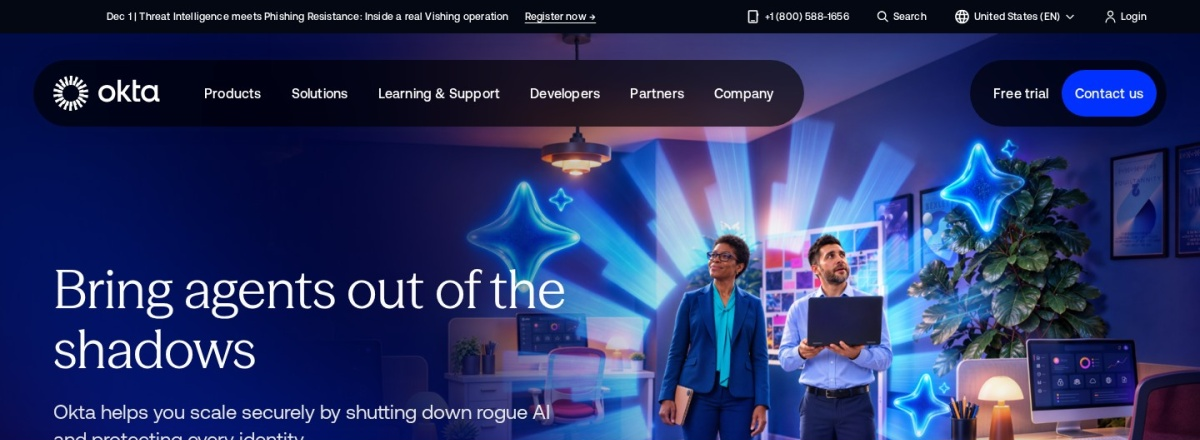
Okta is a workforce identity platform built around single sign-on, multi-factor authentication and a central directory. The Starter plan at $6 per user per month includes SSO, Universal Directory and 5 automated Workflows, with a free trial to start.
The trade off is price. Adaptive MFA and lifecycle management are paid add-ons on Starter, and the next plan, Essentials, jumps to $17 per user per month. It suits mid-size and larger teams that need broad app coverage and are ready to pay for it.
What we like
SSO, MFA and directory in one platform
Strong provisioning and lifecycle automation
Rated 4.5/5 from 1,370 G2 reviews
Watch out for
Adaptive MFA costs extra on Starter
Essentials at $17 is nearly triple Starter
Reviewers cite complex licensing as teams scale
Essentials adds lifecycle management at $17/user/moVisit okta.com
02
Microsoft Entra ID
4.5/5on G2 (912 reviews, checked Nov 2026)
Paid from$7/mo
Best for Microsoft 365 and Azure
Free tierYes, SSO + MFA
Conditional AccessP1
Identity ProtectionP2, $10/user/mo
Paid planP1, $7/user/mo
microsoft.com
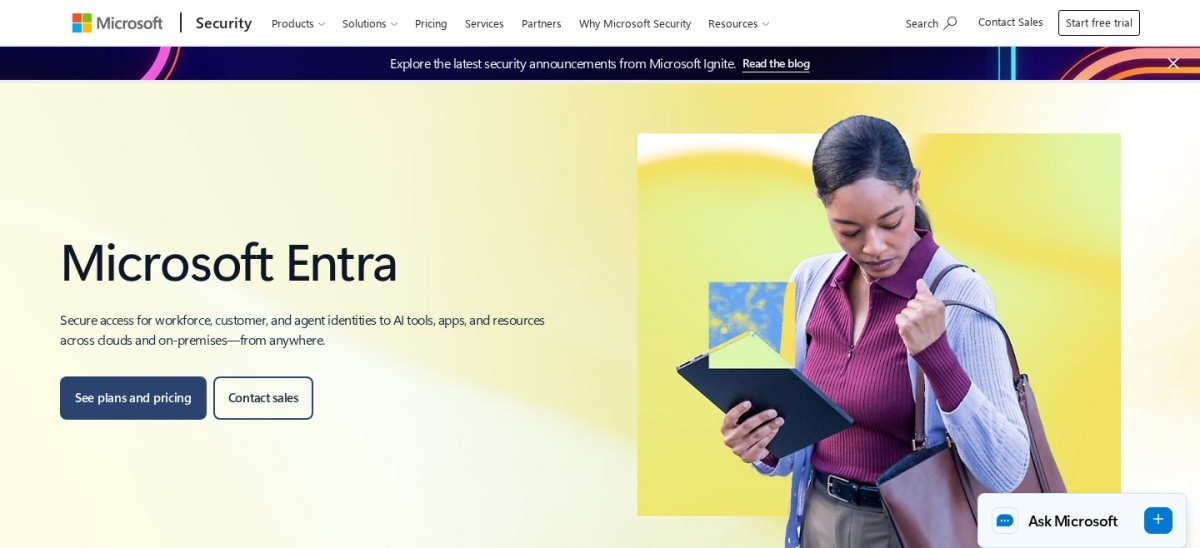
Microsoft Entra ID homepage, captured Nov 2026.
Microsoft Entra ID is Microsoft's cloud identity service, and the base for sign-in across Microsoft 365 and Azure. The free tier covers SSO, MFA and sign-in logs, while P1 at $7 per user per month adds Conditional Access and hybrid identity tools.
The trade off is licensing. P1 rose from $6 to $7 per user per month in July 2026, and risk-based protection and privileged identity management need P2 at $10. It suits teams already paying for Microsoft 365, where much of the cost is already covered.
What we like
Free tier covers SSO and MFA
Conditional Access is granular and proven
P1 is included in Microsoft 365 E3 and Business Premium
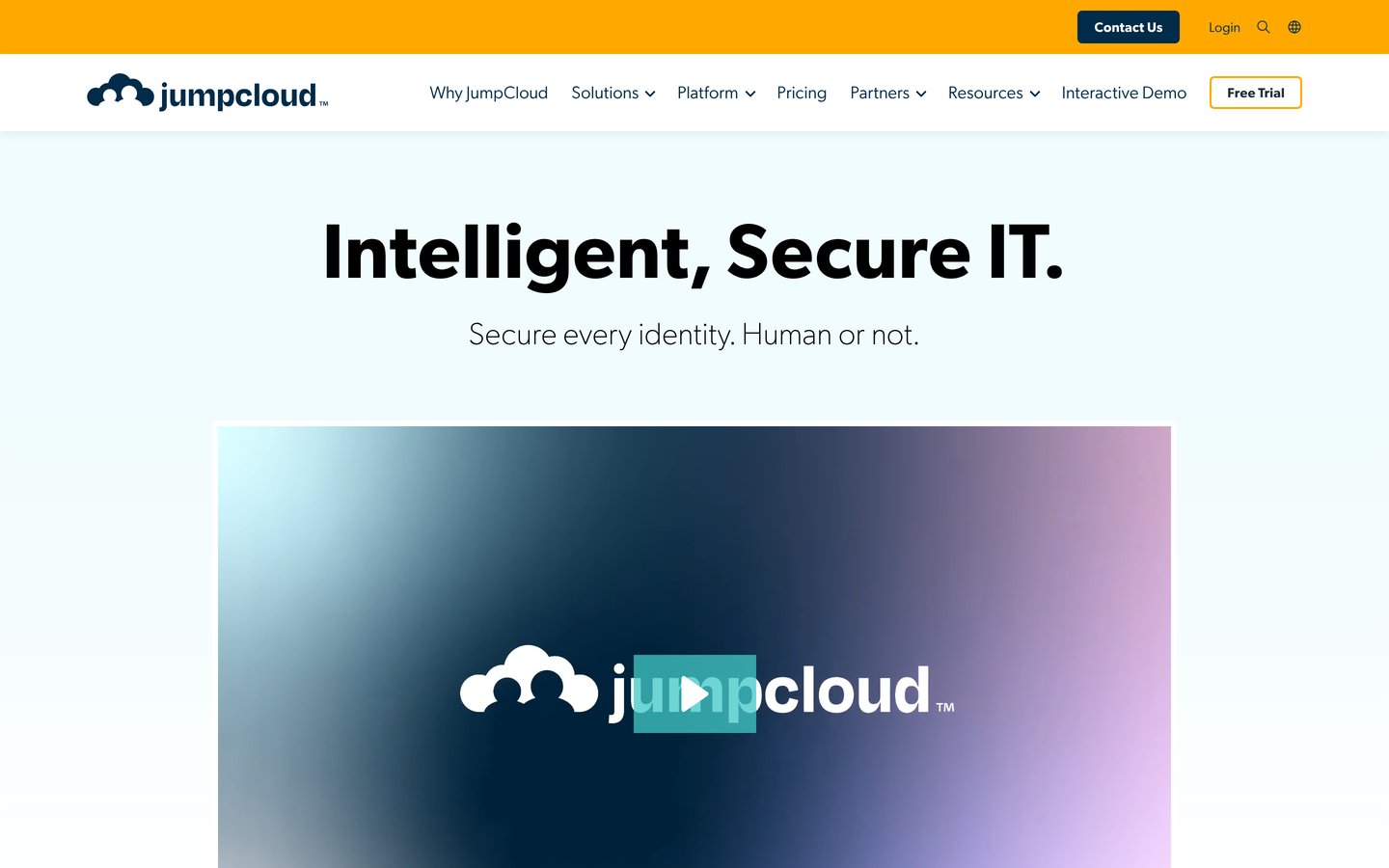
JumpCloud is a cloud directory that combines identity, access and device management in one console. The SSO package at $11 per user per month billed yearly covers SSO, MFA and a password manager, with device management from $9 per user per month billed yearly.
The trade off is packaging. Features are sold by module, so the bill grows as you add device management, patching or directory insights, and the old free tier is gone. It suits small and mid-size teams replacing on-site Active Directory.
Rippling is a workforce platform where one employee record drives HR, payroll, IT and access. Its identity tools start at $8 per user per month and cover SSO, MFA and provisioning across 650+ apps, so a role change updates access without a separate ticket.
The trade off is scope. Rippling is a broad platform, not a pure IAM tool, and the final bill depends on which modules you add, so quotes vary. It suits growing teams that want hiring, payroll and access in one system.
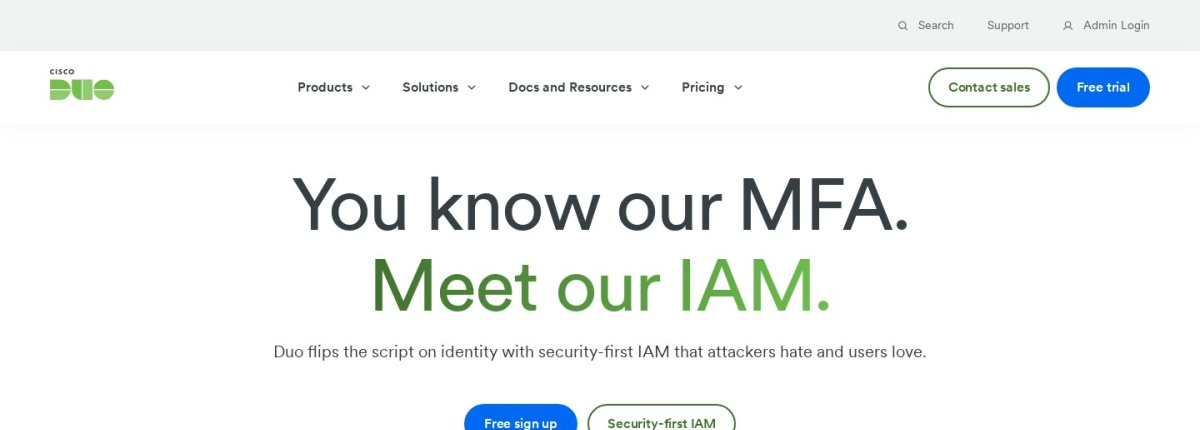
Cisco Duo is a focused authentication tool built on push-based MFA, with SSO and a small directory added in paid plans. The free plan covers MFA for up to 10 users, and Essentials at $3 per user per month adds SSO, passwordless login and trusted endpoints.
The trade off is depth. Duo is not a full directory or lifecycle platform, so larger teams pair it with a directory such as Entra ID or Okta. It suits small teams that want strong login security without buying a full identity suite.
What we like
Low $3 entry price with a free plan
Free MFA for up to 10 users
Push approvals are quick for staff
Watch out for
No lifecycle or provisioning tools
Risk-based checks need Advantage at $6
Smallest review base of the top picks
Advantage adds risk-based access at $6/user/moVisit duo.com
06
CyberArk Workforce Identity
4.5/5on G2 (130 reviews, checked Nov 2026)
Starts at$2/mo
Best for privileged access
Single sign-onFrom $2/user/mo
Adaptive MFAFrom $3/user/mo
Password management$5/user/mo
Paid planSSO, $2/user/mo
cyberark.com
CyberArk Workforce Identity homepage, captured Nov 2026.
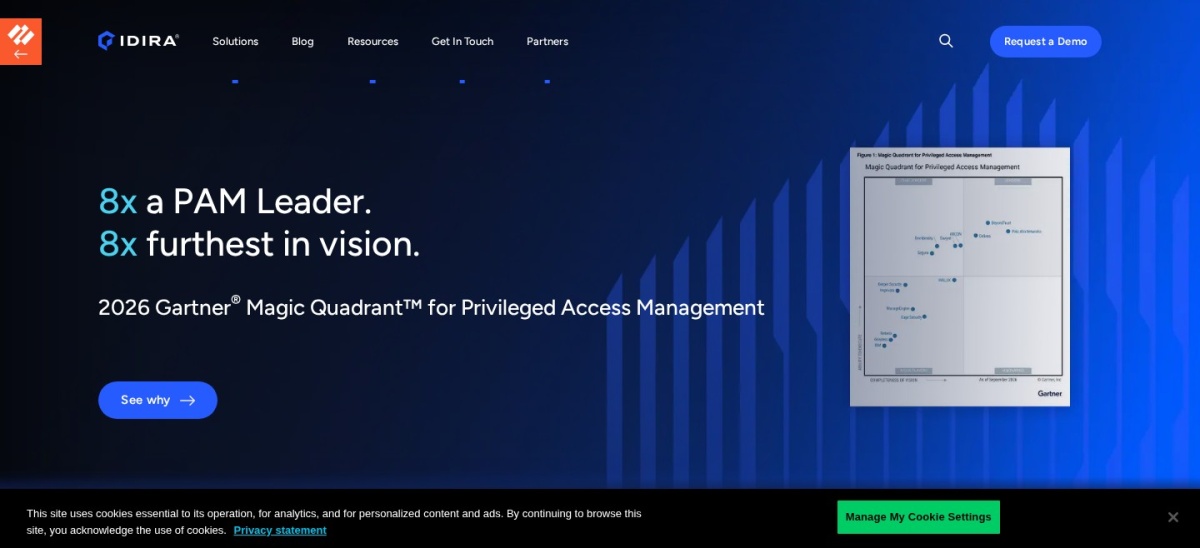
CyberArk Workforce Identity covers SSO, adaptive MFA and workforce password management, from the vendor best known for privileged access. Single sign-on starts at $2 per user per month, with adaptive MFA from $3 and password management at $5.
The trade off is setup. Reviewers praise day-to-day use but say initial configuration and access rules take real effort, and most pricing beyond the entry modules is quote-based. It suits teams that also need CyberArk privileged access controls.
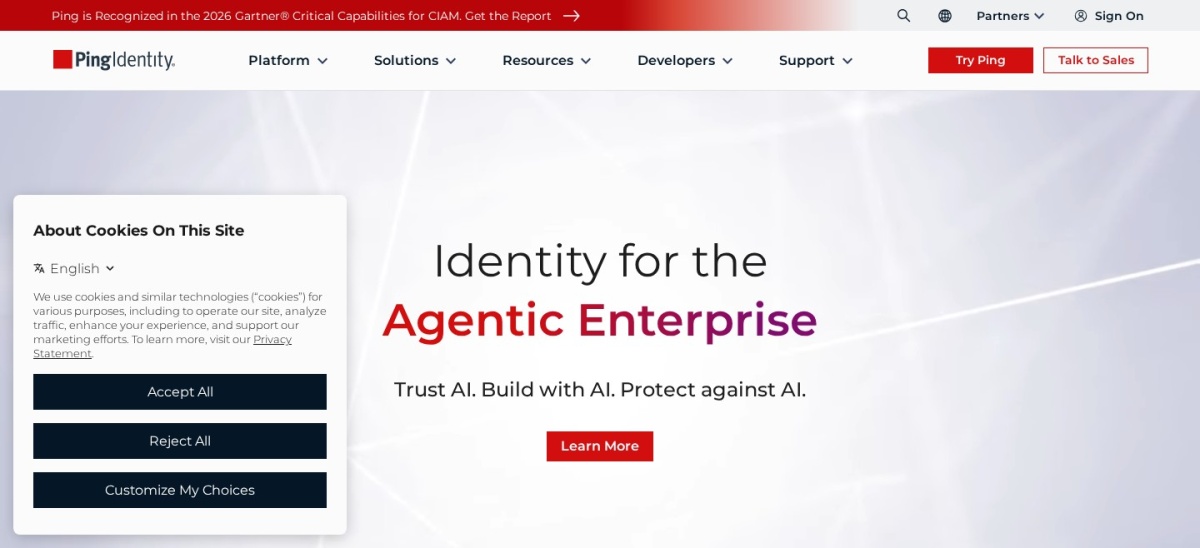
Ping Identity, built on PingOne, covers SSO, MFA and directory services for cloud, on-premises and hybrid estates. The Workforce Essential plan lists $3 per user per month billed yearly, with support for SAML, OAuth 2.0 and OpenID Connect.
The trade off is the minimum. Workforce plans carry a 5,000-user floor, which puts the Essential list price at $180,000 a year before discounts. It suits large or regulated teams that need hybrid deployment and deep federation.
What we like
Strong hybrid and federation support
Named a leader in Gartner's access management quadrant
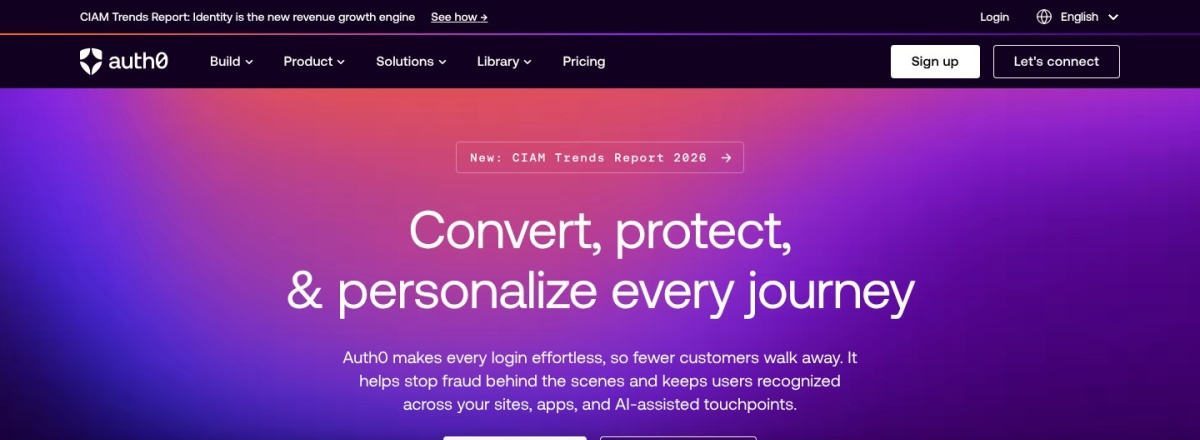
Auth0, from Okta, is a developer-focused identity platform for customer-facing apps. The free plan supports up to 25,000 monthly active users with social login and passwordless options, and Essentials at $35 a month adds pro MFA, role-based access and audit streaming.
The trade off is cost at scale. Prices rise with monthly active users, and enterprise SSO and advanced controls sit on higher tiers. It suits software teams that need login for their own product rather than for staff.
What we like
Generous free plan for early apps
SDKs and social login included
Separate dev and production environments on paid plans
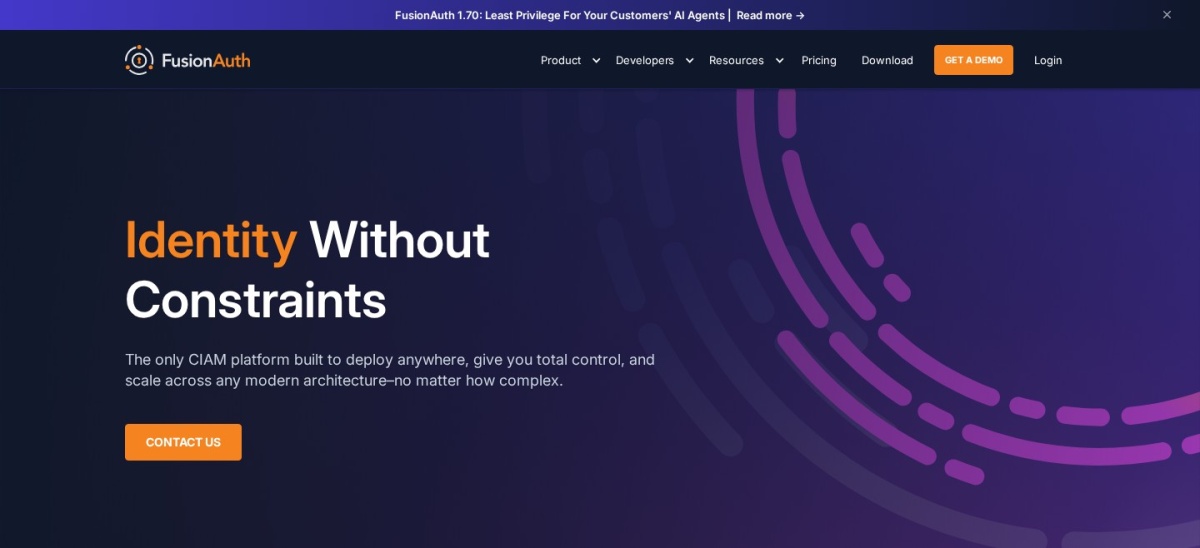
FusionAuth is a customer identity platform you can self-host or run in its cloud. The Community edition is free for self-hosted core authentication, and the Starter plan lists $120 a month with support and hosted options.
The trade off is price and effort. Starter is the dearest entry plan here, and self-hosting means your team runs the servers. It suits developers who want full control over where identity data lives.
What we like
Free self-hosted Community edition
Predictable flat monthly pricing
Rated 4.5/5 on G2
Watch out for
Starter at $120 a month is the priciest entry here
Free plans cover the basics well. Entra ID, Duo, Auth0 and FusionAuth all offer a free tier, and most include SSO and MFA for small use.
Paid plans mostly add scale and control. You get Conditional Access, lifecycle automation, audit streaming and support once you pay.
Watch the minimums before you shortlist. A low per-user rate means little when the vendor also sets a 5,000-user floor, as PingOne does.
How we chose
We started from the best-known workforce and customer IAM platforms with public G2 ratings, then kept nine with published prices and real review volume.
Prices and ratings were checked on 25 November 2026. Prices come from vendor pricing pages and vendor-supplied G2 listings; ratings and review counts come from G2 on the same day. Where a vendor shows a sale, the list shows the regular price.
We left out tools with no public price and no public rating, and quote-only enterprise suites. No vendor paid for a place, and we do not claim hands-on testing for this list.
How to choose an identity and access management tool
Start with the apps and directories you already run, then match the tool to that estate.
Count your users and apps. Per-user pricing punishes large teams, and minimums such as PingOne's 5,000 users rule out small buyers. List every app that needs SSO before you compare prices.
Check what you already pay for. Entra ID comes with Microsoft 365, and Duo covers MFA for up to 10 users free. Do not buy a second directory to do a job you already own.
Test MFA with real staff. Push approvals, passkeys and passwordless login live or die on staff patience. See how to add two-factor authentication for the same idea at WordPress scale.
Plan the exit before you sign. Ask how users, groups and policies export, and what happens to logins if you leave. A tool that locks in your directory is a long-term cost, not a one-off.
FAQ
What is the best identity and access management tool?
Okta is the best pick for most teams. It covers SSO, MFA, directory and lifecycle automation in one platform, and it is rated 4.5 out of 5 from 1,370 G2 reviews. Microsoft Entra ID is the better choice for teams already on Microsoft 365.
How much does identity and access management software cost?
Entry prices in this list run from $2 to $120 per user or per month. Cisco Duo Essentials costs $3 per user per month, Okta Starter is $6, and Microsoft Entra ID P1 is $7. Most vendors bill yearly, and several add minimums or paid add-ons.
Is there a free identity and access management tool?
Yes. Microsoft Entra ID, Cisco Duo, Auth0 and FusionAuth all offer free tiers. Duo Free covers MFA for up to 10 users, Auth0 Free supports 25,000 monthly active users, and FusionAuth Community is free to self-host.
What is the difference between SSO and MFA?
SSO lets staff sign in once and open every work app without a new password each time. MFA adds a second check, such as a phone approval or security key, so a stolen password alone does not open an account.
Do I need IAM if I already use Microsoft 365?
You may already have it. Microsoft Entra ID Free comes with Microsoft 365 and covers SSO and MFA, while P1 at $7 per user per month adds Conditional Access. Many teams need nothing else until they want risk-based controls.
What should small teams pick?
JumpCloud or Cisco Duo fit small teams best. JumpCloud combines directory, SSO and device management from $11 per user per month, while Duo Essentials gives MFA and SSO for $3. Both avoid the large minimums of enterprise platforms.
SaaS SEO and WordPress specialist with about 8 years of experience. Rakib compares WordPress plugins, themes, hosting and software using public pricing, documentation and user reviews. See how we rank.