WPVivid Alternatives in 2026: 7 Best Tools Compared
WLWPLegible EditorsLast verified 22 Nov 2026How we rank11 min read
★ Short answer
UpdraftPlus is the best WPVivid alternative for most WordPress websites, with 4 million-plus active installs and free scheduled backups to cloud storage. Choose Duplicator for site migrations and BlogVault for automatic off-site backups with managed recovery.
How we make this list: we compare pricing pages, product documentation and public user reviews, then re-check every price before each update. No product paid for a place. Disclosure.
UpdraftPlus leads for everyday backups, with 4M+ active installs, a 4.8/5 rating and Premium starting at $70/year.
Duplicator is the strongest migration-focused alternative, rated 4.9/5 across 4,941 WordPress.org reviews. Basic costs $79/year at regular pricing.
BlogVault provides managed off-site backups, one-click restores and cloud storage, with its Personal plan regularly priced at $99/site/year.
Backup Migration is the lowest-cost paid upgrade here at $45/year for 2 sites, while its free plugin has 80,000+ active installs.
Jetpack VaultPress Backup offers real-time cloud backups with 10GB of starting storage for $9.95/month, billed annually.
WP Time Capsule focuses on incremental backups and point-in-time recovery, starting at $49/year for 2 websites.
What to look for in a WPVivid alternative
WPVivid combines WordPress backups, restoration, migration and staging features. The right replacement depends on which of those jobs matters most to your website.
Start with backup destinations. A backup stored only on the same server can disappear during a hosting failure. Look for remote destinations such as Google Drive, Dropbox, Amazon S3 or a managed backup service.
Next, compare restore options. Some plugins require access to a working WordPress dashboard. Others offer recovery tools that can restore an unavailable website without relying on its normal administration screen.
Migration and staging are separate needs. A downloadable backup is useful for recovery, but moving a site between domains may require URL replacement, database handling and an installer.
Finally, compare regular renewal pricing rather than introductory discounts. Check site-license limits, backup retention, storage allowances and whether scheduled or incremental backups require payment.
4.8/5on WordPress.org (8,739 reviews, checked Nov 2026)
Paid from$70/yr
Best WPVivid alternative overall
Free backupsManual and scheduled
Cloud storageGoogle Drive, Dropbox, S3 and more
Free restorationFiles and database
Paid planPersonal, 2 sites
teamupdraft.com
UpdraftPlus homepage, captured Nov 2026.
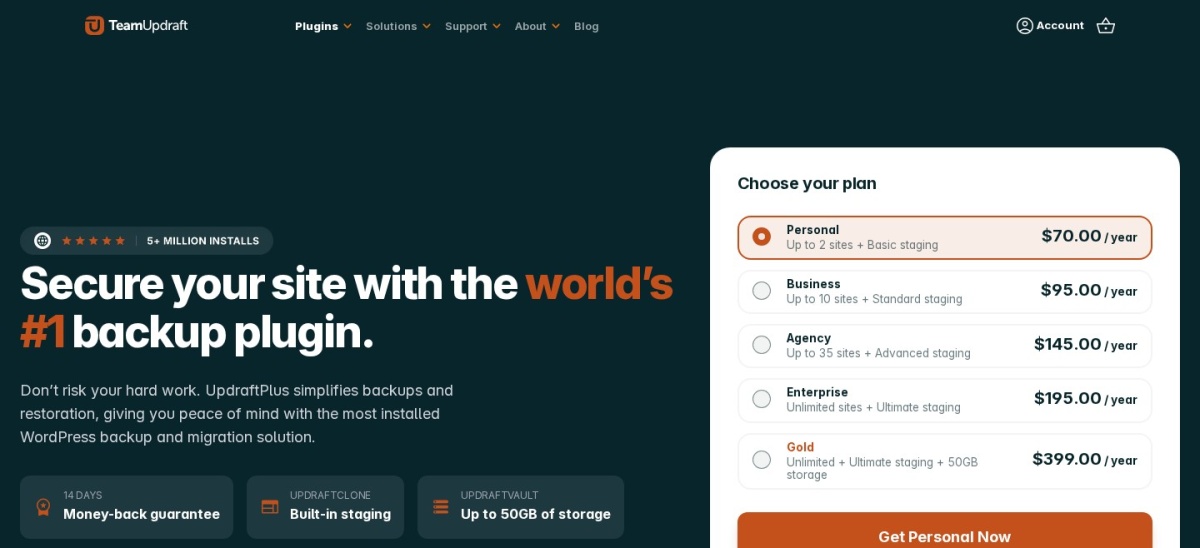
UpdraftPlus is a WordPress backup and migration plugin with more than 4 million active installations. Its free version supports manual and scheduled backups, remote storage with Google Drive, Dropbox and Amazon S3, and restoration of individual website components.
The trade off is that incremental backups, automatic backups before updates and direct site-to-site migration require Premium, starting at $70/year for 2 sites. It suits bloggers, small businesses and site owners who want dependable scheduled backups without paying for basic cloud storage integration.
What we like
Scheduled cloud backups included for free
Restore individual website components
More than 4 million active WordPress installations
Multiple free remote storage destinations
Premium includes incremental backups and migration
Watch out for
Incremental backups require Premium
Direct site-to-site migration requires an upgrade
Cloud storage provider charges may apply
Premium adds incremental backups, automatic pre-update backups and direct migrations.Visit teamupdraft.com
02
Duplicator
4.9/5on WordPress.org (4,941 reviews, checked Nov 2026)
Paid from$79/yr
Best for WordPress migration and cloning
Free backupsComplete site packages
MigrationInstaller and migration wizard
Scheduled backupsPaid
Paid planBasic, 2 sites
duplicator.com
Duplicator homepage, captured Nov 2026.
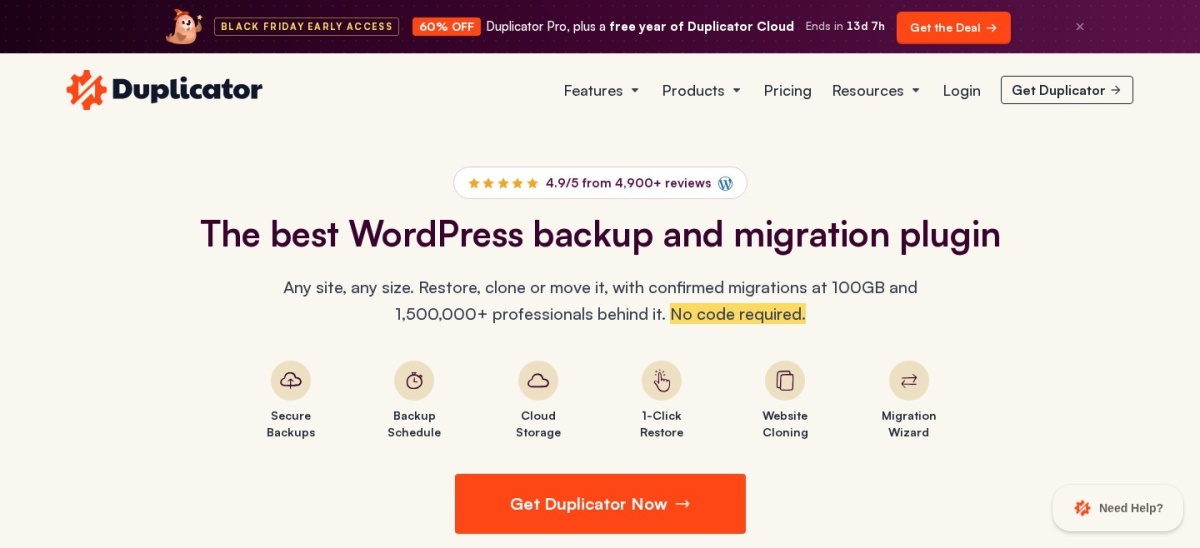
Duplicator is a WordPress migration and backup plugin with more than 1 million active installations and a 4.9/5 rating. Its free version packages website files and databases for backup, restoration, cloning and migration, including installation onto an empty destination.
The trade off is that scheduled backups and broader cloud storage integrations require Basic, regularly priced at $79/year for 2 sites, although introductory discounts may apply. It suits developers, freelancers and website owners who frequently move WordPress installations between servers or domains.
What we like
Strong free migration and cloning capabilities
Can restore a package onto an empty destination
Rated 4.9/5 on WordPress.org
Basic supports scheduled backups and encryption
Supports cloud backup destinations on paid plans
Watch out for
Scheduled backups require a paid license
Basic limits cloud storage integration to one destination
Some migration options require higher tiers
Basic adds scheduled backups, restore points, encryption and a cloud destination.Visit duplicator.com
03
BlogVault
4.6/5on WordPress.org (333 reviews, checked Nov 2026)
Starts at$99/yr
Best for managed off-site backups
Backup methodAutomatic incremental
Cloud storageManaged off-site
Backup retention30 days on Personal
Paid planPersonal, 1 site
blogvault.net
BlogVault homepage, captured Nov 2026.
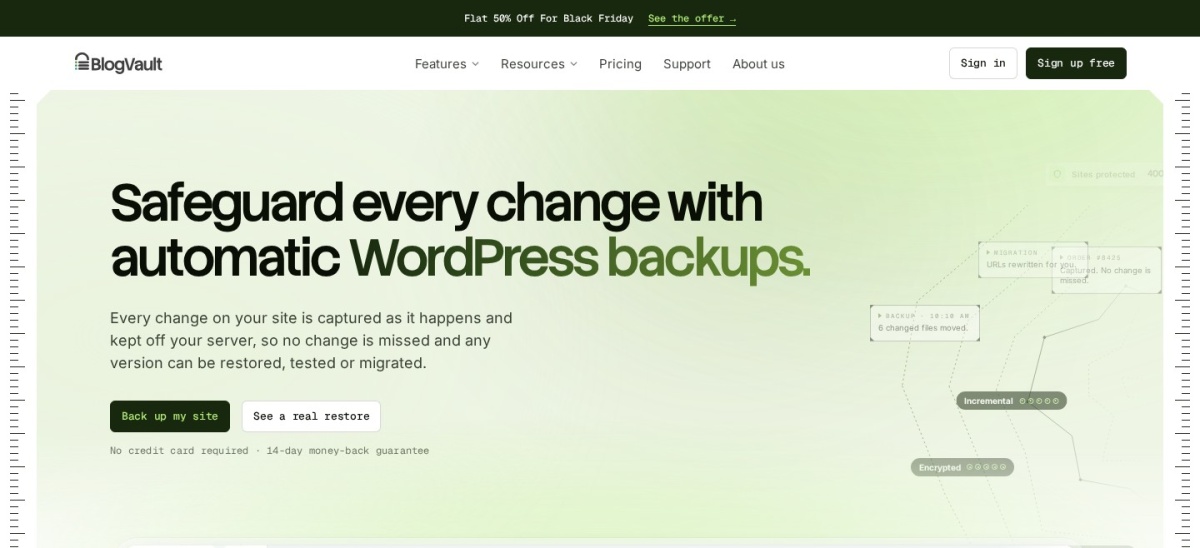
BlogVault is a managed WordPress backup service that stores incremental backups outside your hosting account. Its Personal plan includes automatic daily backups, 30-day retention, support for websites up to 20GB, one-click restores, migration and secure cloud storage.
The trade off is the recurring subscription: Personal regularly costs $99/year per site, with a 50% promotional discount displayed when checked. It suits business websites that prefer managed backup infrastructure and recovery tools rather than configuring their own remote storage.
What we like
Backups stored independently from website hosting
Managed incremental backup infrastructure
One-click restoration and migration
Emergency recovery connector
Cloud storage included in the subscription
Watch out for
No permanent free backup plan equivalent to UpdraftPlus
Personal has a 30-day retention window
Personal has a 20GB website size allowance
Higher plans expand backup capabilities, retention and business recovery options.Visit blogvault.net
04
Backup Migration
4.9/5on WordPress.org (1,341 reviews, checked Nov 2026)
Paid from$45/yr
Best affordable backup and migration option
Free backupsManual and scheduled
Cloud destinationsDrive, Dropbox, S3 and more
Free cloud allowance1GB BackupBliss storage
Paid planPremium, 2 sites
backupbliss.com
Backup Migration homepage, captured Nov 2026.
Backup Migration is a WordPress backup and migration plugin with 80,000-plus active installations and a 4.9/5 rating. Its free version provides manual backups, automatic scheduling, website migration and remote storage options, including 1GB of BackupBliss cloud space.
The trade off is that advanced exclusions, additional compression options and automatic pre-update backups require Premium, priced at $45/year for 2 sites. It suits budget-conscious website owners who need straightforward backup and migration features without a large annual subscription.
What we like
Lowest regular paid starting price in this comparison
Free scheduled backups and migration
Multiple cloud storage integrations
1GB of free BackupBliss storage
Premium license covers 2 websites
Watch out for
Advanced backup controls require Premium
Large-site capabilities are more extensive in paid plans
Included premium cloud storage is limited to the first year
4/5on WordPress.org (1,323 reviews, checked Nov 2026)
Paid from$49/yr
Best for scheduled backup automation
Free backupsAutomatic files and database
StorageLocal and cloud options
MigrationPro feature
Paid planStarter, 2 domains
backwpup.com
BackWPup homepage, captured Nov 2026.
BackWPup is a WordPress backup and restore plugin with more than 400,000 active installations. Its free version provides automated website file and database backups, storage options, backup history and restoration features, while its newer releases also include AI-assisted backup management.
The trade off is that premium storage options, encryption, migration and advanced recovery tools require Starter, regularly priced at $49/year for 2 domains. A 40% promotional discount was displayed when checked. It suits website administrators who prioritize scheduled backup jobs and configurable storage.
What we like
Free automatic file and database backups
Local and remote storage capabilities
More than a decade of plugin development
Paid plans cover multiple domains
Premium includes encryption and migration
Watch out for
Lower WordPress.org rating than most alternatives here
Advanced recovery and migration features require Pro
4.5/5on WordPress.org (35 reviews, checked Nov 2026)
Starts at$9.95/mo
Best for real-time WooCommerce backups
Backup frequencyReal-time
Starting storage10GB
Archive30 days
Paid planBackup, billed yearly
jetpack.com
Jetpack VaultPress Backup homepage, captured Nov 2026.
Jetpack VaultPress Backup is a cloud backup service from Automattic, with more than 20,000 active installations of its dedicated WordPress plugin. Its entry subscription includes real-time backups, 10GB of starting storage, a 30-day archive and activity log, and one-click recovery.
The trade off is that the plugin requires a paid Jetpack subscription, regularly priced at $9.95/month billed annually, with introductory promotions available. It suits WooCommerce stores and frequently updated websites where losing changes between daily backups would be costly.
What we like
Real-time backups capture frequent changes
Cloud storage included
One-click recovery when a site is unavailable
Supports WooCommerce customer and order data
Dedicated plugin without the complete Jetpack suite
Watch out for
Requires a paid subscription
Starting storage allowance is 10GB
Archive retention is 30 days on the entry plan
Depends on Jetpack cloud services
Higher Jetpack plans add storage, malware scanning, firewall features and other services.Visit jetpack.com
07
WP Time Capsule
4/5on WordPress.org (128 reviews, checked Nov 2026)
Starts at$49/yr
Best for incremental backups and rollback
Backup methodIncremental and real-time
Cloud storageConnected provider account
Restore window30 days on Business
Paid planBusiness, 2 sites
wptimecapsule.com
WP Time Capsule homepage, captured Nov 2026.
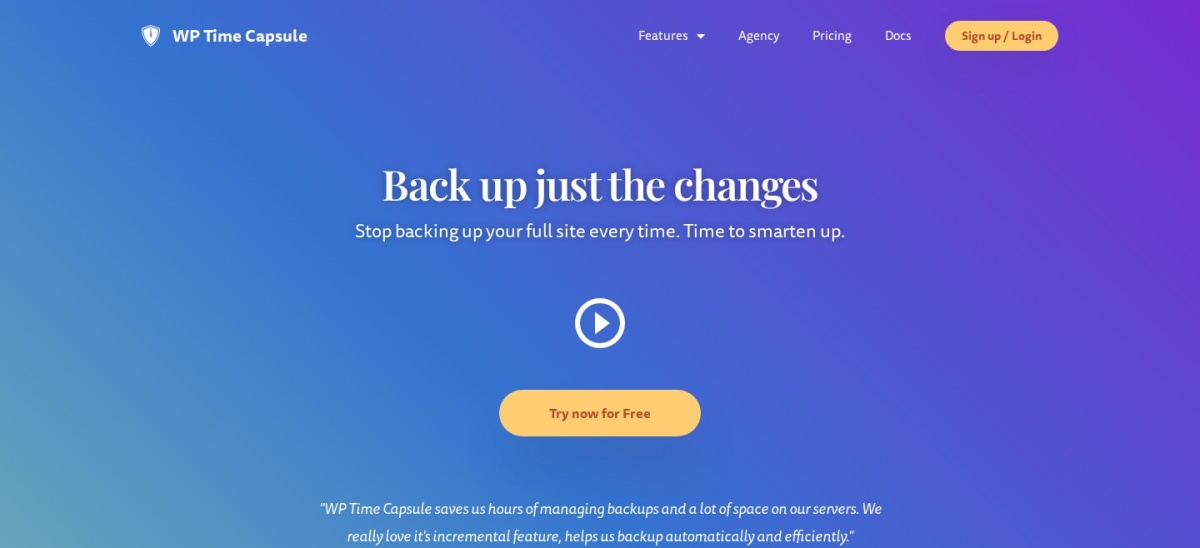
WP Time Capsule is an incremental WordPress backup service with more than 10,000 active plugin installations. Its Business plan covers 2 websites and includes real-time change backups, a 30-day restore window, cloud storage integrations, staging and backup-before-update features.
The trade off is that there is no permanent free subscription after its 30-day trial, and the Business plan costs $49/year for 2 sites. It suits websites that need frequent recovery points and want to back up changed files and database entries rather than repeatedly transferring the entire installation.
What we like
Incremental backups reduce repeated data transfers
Real-time backup support
Point-in-time restoration
Staging and update protection included
Entry plan covers 2 websites
Watch out for
No permanent free service plan
Business restore window is limited to 30 days
Requires connection to external cloud storage
Smaller WordPress.org user base than UpdraftPlus
Higher plans extend site allowances and restore history, with white-label options on Agency.Visit wptimecapsule.com
When should you replace WPVivid?
WPVivid remains a reasonable choice when its backup, migration and staging workflow already meets your requirements. Switching plugins is most useful when a specific capability, recovery limitation or subscription cost creates a problem.
Choose UpdraftPlus when free scheduled cloud backups are the priority. Choose Duplicator when moving or cloning WordPress installations is more important than managing a recurring backup schedule.
For managed storage and recovery, BlogVault removes much of the cloud configuration work. Jetpack VaultPress Backup is worth considering when frequent content or store changes make real-time protection important.
Before switching, create a fresh backup with WPVivid and keep an independent copy. Verify that the replacement can restore successfully before deleting existing backup archives.
Scheduled vs incremental vs real-time backups
Scheduled backups run at defined intervals. They suit blogs and brochure websites where content changes are relatively infrequent.
Incremental backups transfer changes rather than repeatedly rebuilding full archives. This can reduce processing and storage requirements for larger websites.
Real-time backups aim to capture changes as they happen. They are particularly useful for active stores, membership websites and other systems with frequently changing data.
Whatever the backup frequency, a working restore process matters more than the number of saved archives. Keep an off-site copy and periodically verify that your recovery method works.
How we chose
We reviewed established WordPress backup, restoration and migration products, using WordPress.org listings, official feature documentation and vendor pricing pages. We prioritized maintained plugins with meaningful installation or review histories and clear differences from WPVivid.
Prices and public ratings were checked on 22 November 2026. WordPress.org supplied active installation counts, ratings and review totals, while vendor pages supplied regular paid-plan prices and feature limits. Promotional prices were excluded from annual cost comparisons.
We excluded discontinued or outdated plugins, products without verifiable pricing and tools that did not offer a relevant backup or migration workflow.
How to choose the right WPVivid alternative
Identify the backup and recovery tasks your website needs, then compare the tools that cover those tasks without unnecessary upgrades.
Define your main backup requirement. Decide whether scheduled backups, frequent recovery points, website migrations or managed cloud storage matter most. UpdraftPlus suits regular scheduled backups, while Jetpack VaultPress Backup focuses on real-time protection.
Check where backup files are stored. Choose off-site storage instead of relying exclusively on your hosting account. Confirm whether the plugin supports your existing cloud provider or includes managed storage in its subscription.
Verify the complete recovery workflow. Check whether you can restore files, database tables or the entire website. If WordPress becomes inaccessible, an independent recovery method can be especially valuable.
Compare regular prices and license limits. Check the normal renewal price rather than introductory discounts. Include any external storage charges, covered websites, retention limits and the paid features needed for your workflow.
FAQ
What is the best WPVivid alternative?
UpdraftPlus is the strongest general-purpose alternative for most WordPress websites. It has more than 4 million active installations and includes scheduled backups, several cloud destinations and restoration features for free. Its Premium plan starts at $70/year for additional migration and backup capabilities.
Which WPVivid alternative is best for free backups?
UpdraftPlus is a good starting point because free users can schedule backups and send them to supported remote destinations. Backup Migration is another option with free backup scheduling, migration features and a small cloud storage allowance. Both have paid upgrades for more advanced workflows.
Is Duplicator better than WPVivid for migration?
Duplicator is particularly attractive when migration is the main requirement. It creates portable site packages and supports moving WordPress installations to another destination. Its free version handles core migration tasks, while Basic adds scheduled backups and additional cloud storage functionality.
Can I migrate from WPVivid to UpdraftPlus?
Yes. Install UpdraftPlus, configure the backup destination and create a new backup using UpdraftPlus itself. Do not assume that a WPVivid archive can be imported directly into UpdraftPlus. Keep your original WPVivid backup until the new backup and restore workflow has been verified.
Which alternative offers real-time backups?
Jetpack VaultPress Backup and WP Time Capsule both offer real-time backup capabilities. Jetpack includes managed cloud storage with its subscription, while WP Time Capsule works with connected cloud storage providers. Compare retention windows and recovery options before choosing either service.
What is the cheapest paid WPVivid alternative?
Backup Migration has the lowest regular paid starting price in this comparison at $45/year for 2 websites. BackWPup and WP Time Capsule both list entry plans at $49/year. The cheapest option is not necessarily the best choice if your website requires a different backup frequency or recovery method.
Do I need both a backup plugin and a staging plugin?
Not always. Some products combine backups, restoration and staging, while others focus mainly on protection or migration. Use a combined solution if you regularly test changes before publication. Make sure staging copies are not mistaken for independent off-site backups.
Are cloud backups safer than local WordPress backups?
Off-site backups provide protection against failures affecting the original hosting account. Local backups can still be useful for quick recovery, but they should not be the only saved copies. A sensible setup keeps an independent backup destination and a verified recovery procedure.