All in One WP Security Alternatives in 2026: 7 Best Tools Compared
WLWPLegible EditorsLast verified 22 Nov 2026How we rank12 min read
★ Short answer
Wordfence is our top All in One WP Security alternative, with 5M+ active installations and a free firewall, malware scanner, and two-factor authentication. Defender Security offers a simpler security dashboard, while MalCare provides cloud-based malware scanning that reduces the scanning workload on your WordPress server.
How we make this list: we compare pricing pages, product documentation and public user reviews, then re-check every price before each update. No product paid for a place. Disclosure.
Wordfence has 5M+ active installations and a 4.7/5 rating from 5,055 reviews. Its free plan includes a firewall, malware scanner, and 2FA; Premium costs $149/year.
Defender Security has 80,000+ active installations and a 4.8/5 rating from 335 reviews. Pro Basic costs $50/year for one site.
MalCare has 100,000+ active installations and a 4.4/5 rating from 561 reviews. Protect costs $99/year, while malware cleanup requires a higher plan.
Security Ninja has 7,000+ active installations and a 4.7/5 rating from 101 reviews. Its regular Pro license costs $119/year.
Patchstack has 100,000+ active installations and a 4.8/5 rating from 62 reviews. Its Developer plan costs $828/year and focuses on vulnerability mitigation.
Two Factor is completely free, with 100,000+ active installations and a 4.8/5 rating. It specializes in login authentication rather than full-site security.
What to look for in an All in One WP Security alternative
All in One WP Security, also called AIOS, combines WordPress hardening, login protection, firewall rules, and security monitoring. Alternatives may offer stronger malware detection, automated vulnerability protection, or more specialized login security.
Start with firewall protection. An application firewall can block suspicious requests, while a cloud firewall may intercept malicious traffic before it reaches your hosting server. Check which protection methods are included in the free version.
Malware scanning is another important difference. Wordfence scans files on your server, while MalCare performs scanning through its cloud infrastructure. Consider your hosting resources and whether the plugin identifies infected files or also removes malware.
Look for two-factor authentication, failed login restrictions, vulnerability notifications, file integrity monitoring, and activity logs. These features help protect administrator accounts and identify unexpected changes.
Compare the cheapest regular paid plans rather than introductory discounts. Some plugins charge per website, while others offer agency licenses or separate malware cleanup services. A free security plugin may also need separate backup and recovery tools.
Completely free alternative for login authentication
Free
Free plan
4.8/5
Price ladder: cheapest paid plan per year
List prices, USD, checked Nov 2026
Two FactorFree
DefenderFREE$50
MalCareFREE$99
Limit LoginFREE$100
Sec NinjaFREE$119
WordfenceFREE$149
PatchstackFREE$828
The 7 best All in One WP Security alternatives
01
Wordfence
4.7/5on WordPress.org (5,055 reviews, checked Nov 2026)
Paid from$149/yr
Best All in One WP Security alternative overall
Free firewallEndpoint WAF
Malware scannerIncluded free
Login security2FA and passkeys
Paid planPremium, 1 site
wordfence.com
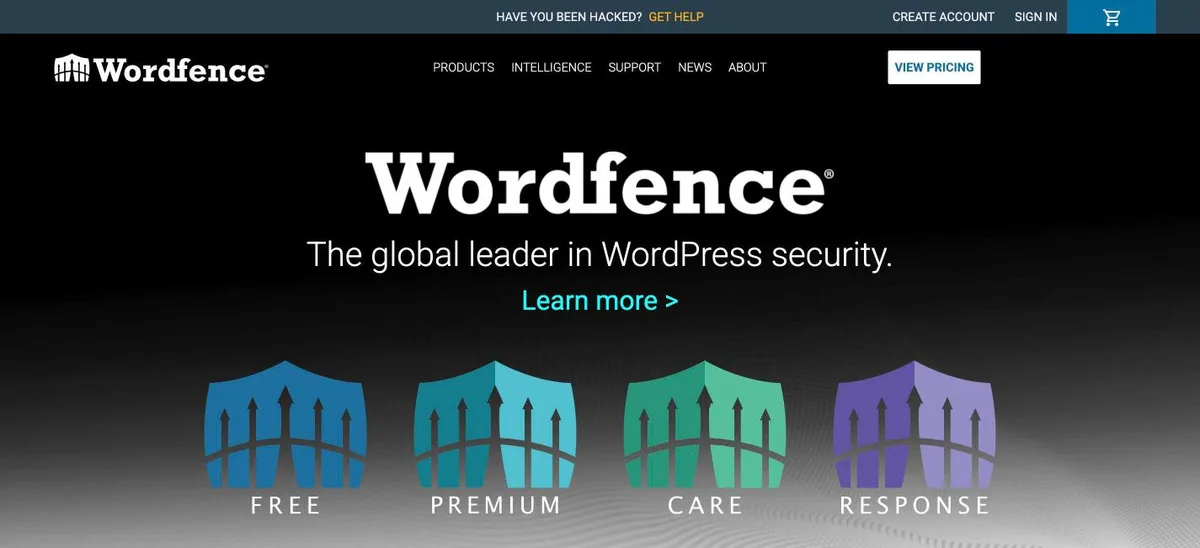
Wordfence homepage, captured Nov 2026.
Wordfence is a WordPress security plugin with 5M+ active installations and a 4.7/5 rating from 5,055 reviews. Its free version includes an endpoint firewall, malware scanning, brute-force protection, two-factor authentication, passkeys, and login CAPTCHA. It monitors suspicious activity and scans WordPress files for known threats.
The trade off is that free users receive new firewall rules and malware signatures later than Premium customers. Premium costs $149/year and adds real-time threat intelligence, country blocking, and an updated IP blocklist. It suits websites seeking broader malware protection than AIOS provides in its free version.
What we like
Free firewall and malware scanner
Includes two-factor authentication and passkeys
Large user base and extensive documentation
Detailed threat and login monitoring
Premium provides real-time threat updates
Watch out for
Free threat intelligence updates are delayed
Malware scans may consume hosting resources
Advanced settings can overwhelm beginners
Premium adds real-time firewall rules, malware signatures, IP blocking, and country restrictions.Visit wordfence.com
02
Defender Security
4.8/5on WordPress.org (335 reviews, checked Nov 2026)
Paid from$50/yr
Best for affordable all-around WordPress protection
FirewallIncluded free
Two-factor loginIncluded free
Malware scanningFree and Pro options
Paid planPro Basic, 1 site
wpmudev.com
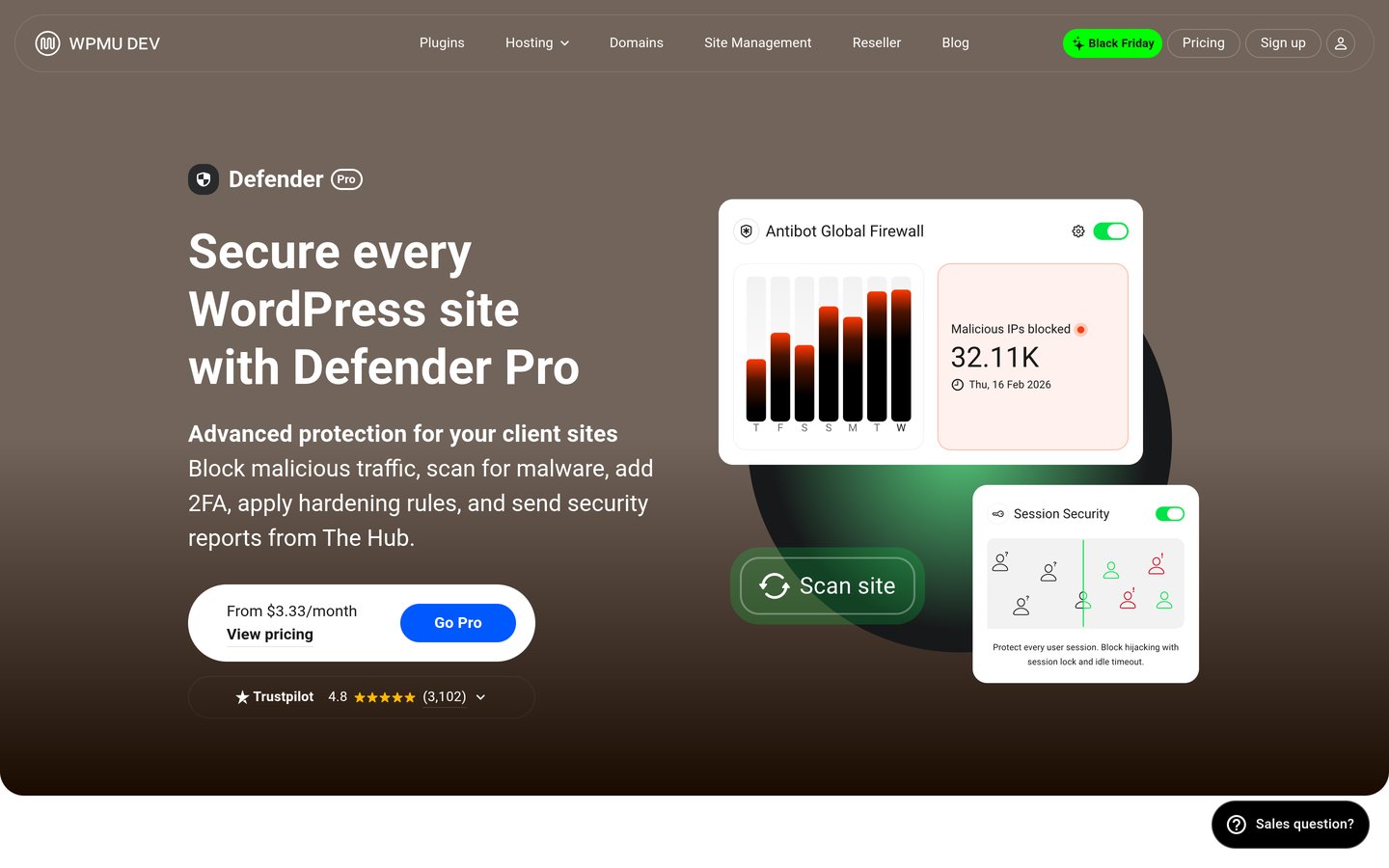
Defender Security homepage, captured Nov 2026.
Defender Security is WPMU DEV's WordPress security plugin, with 80,000+ active installations and a 4.8/5 rating from 335 reviews. Its free version includes firewall protection, security hardening, two-factor authentication, login protection, and security scanning features. The dashboard organizes recommendations to help administrators identify configuration weaknesses.
The trade off is that scheduled malware scans, automated reports, and expanded monitoring require Defender Pro. Pro Basic costs $50/year for one site, making it a relatively inexpensive paid alternative. It suits beginners and small businesses wanting a security dashboard with clear recommendations and upgrade options.
What we like
Affordable regular paid entry plan
Free firewall and two-factor authentication
Security recommendations are organized clearly
Premium includes scheduled malware scans
Can integrate with WPMU DEV management tools
Watch out for
Some automated scanning features require Pro
Advanced reporting depends on premium services
Malware cleanup may require additional intervention
Pro Basic adds scheduled scanning, vulnerability detection, reports, and blocklist monitoring.Visit wpmudev.com
03
MalCare
4.4/5on WordPress.org (561 reviews, checked Nov 2026)
Paid from$99/yr
Best for cloud-based malware scanning
Free malware scansDaily cloud scans
Free firewallIncluded
Malware cleanupRepair plan
Paid planProtect, 1 site
malcare.com
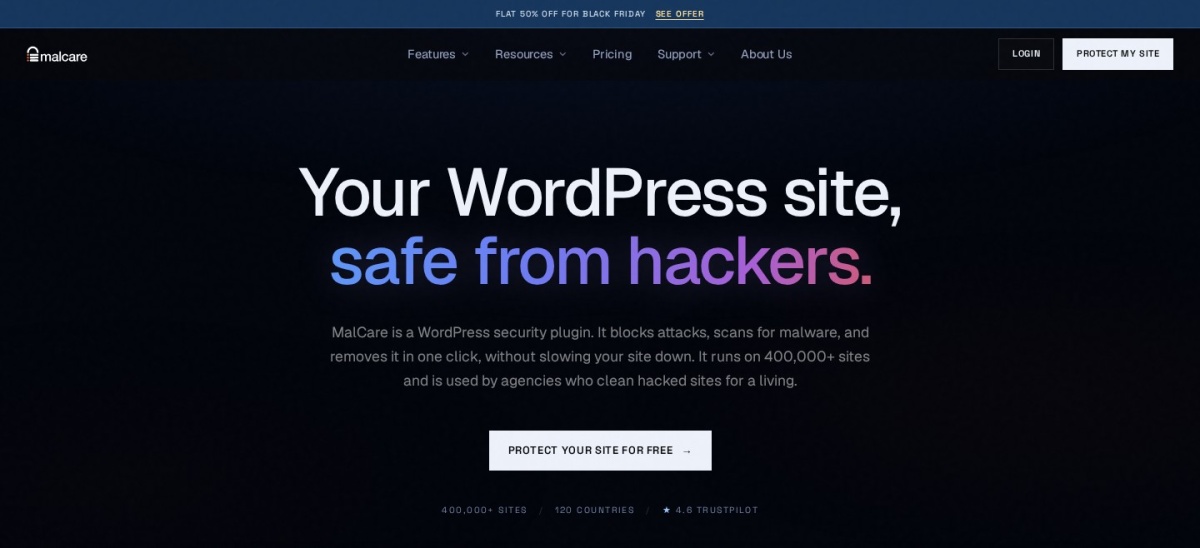
MalCare homepage, captured Nov 2026.
MalCare is a cloud-based WordPress security plugin with 100,000+ active installations and a 4.4/5 rating from 561 reviews. Its free plan includes malware scanning, firewall protection, login security, and bot protection. Scanning takes place through MalCare's infrastructure instead of relying entirely on the website's hosting resources.
The trade off is that its Protect plan costs $99/year but does not include malware cleanup. Removing detected malware requires the higher Repair plan, listed at $299/year. It suits websites with limited hosting resources or administrators who prefer cloud-based security monitoring.
What we like
Cloud scanning reduces website server workload
Free firewall and malware detection
Bot and login protection included
Paid plans provide advanced firewall features
Higher plans offer malware cleanup
Watch out for
Entry paid plan excludes malware cleanup
Cleanup requires a considerably more expensive plan
Uses an external service for scanning and management
Protect adds advanced firewall rules, virtual patching, geoblocking, and real-time IP blocking.Visit malcare.com
04
Security Ninja
4.7/5on WordPress.org (101 reviews, checked Nov 2026)
Paid from$119/yr
Best for security audits and detailed configuration checks
Security tests50+ in Pro
FirewallCloud firewall in Pro
Malware scannerPro
Paid planPro, 1 site
wpsecurityninja.com
Security Ninja homepage, captured Nov 2026.
Security Ninja is a WordPress security assessment and protection plugin with 7,000+ active installations and a 4.7/5 rating from 101 reviews. Its free edition provides security checks and configuration recommendations. Pro adds a cloud firewall, malware and core file scanners, login protection, two-factor authentication, and scheduled reports.
The trade off is that many active protection features require Pro, which costs $119/year for one website. The vendor also offers a 14-day Pro trial. It suits developers and administrators who want security audits alongside firewall controls and detailed activity monitoring.
What we like
Security assessment features in the free version
Pro combines firewall and malware scanning
Scheduled reports and activity logging
Supports WooCommerce abuse protection
Agency license options available
Watch out for
Many protection features require Pro
Smaller installation base than major competitors
Detailed security controls require configuration
Pro adds cloud firewall protection, malware scans, 2FA, login controls, and scheduled reports.Visit wpsecurityninja.com
05
Patchstack
4.8/5on WordPress.org (62 reviews, checked Nov 2026)
Paid from$828/yr
Best for vulnerability monitoring and virtual patching
Free vulnerability alertsIncluded
Virtual patchingPaid
Remote managementSupported
Paid planDeveloper
patchstack.com
Patchstack homepage, captured Nov 2026.
Patchstack is a WordPress vulnerability monitoring and mitigation platform with 100,000+ active installations and a 4.8/5 rating from 62 reviews. Its free plugin identifies vulnerabilities affecting WordPress core, themes, and plugins. It also supports vulnerability notifications, remote updates, and security reporting through its management dashboard.
The trade off is that automated vulnerability mitigation requires a paid plan. Developer costs $828/year, making it considerably more expensive than general security plugins. It suits agencies and technical teams that prioritize vulnerability intelligence and virtual patching rather than relying on a conventional firewall alone.
What we like
Free WordPress vulnerability notifications
Tracks vulnerabilities in plugins and themes
Paid virtual patching helps mitigate known exploits
Remote update and reporting functionality
Suitable for professional website management
Watch out for
Expensive entry paid plan
Not a replacement for complete malware cleanup
Free version focuses on monitoring rather than automatic mitigation
Developer adds automated vulnerability mitigation and professional security management features.Visit patchstack.com
06
Limit Login Attempts
4.8/5on WordPress.org (1,493 reviews, checked Nov 2026)
Paid from$8.33/mo
Best for preventing brute-force login attacks
Free login limitsIncluded
Two-factor loginSupported
Cloud login firewallPremium
Paid planPersonal, 1 domain
limitloginattempts.com
Limit Login Attempts homepage, captured Nov 2026.
Limit Login Attempts is a WordPress login security plugin with 1M+ active installations and a 4.8/5 rating from 1,493 reviews. Its free version restricts failed login attempts and supports configurable lockout periods. The plugin also provides two-factor authentication and protection against automated password guessing.
The trade off is that cloud-based login filtering, IP intelligence, and expanded monitoring require Premium. The Personal plan regularly costs $8.33/month, billed annually (about $100/year), with an introductory first-year discount. It suits websites primarily concerned with brute-force attacks rather than comprehensive malware scanning.
What we like
Free brute-force login protection
Configurable lockout rules
Large WordPress installation base
Premium cloud protection reduces local processing
Can complement an existing security plugin
Watch out for
Does not replace a full malware scanner
Advanced cloud protection requires payment
Incorrect lockout settings may block legitimate users
Personal adds cloud login filtering, IP intelligence, enhanced logs, and advanced throttling.Visit limitloginattempts.com
07
Two Factor
4.8/5on WordPress.org (209 reviews, checked Nov 2026)
PriceFree
Best completely free alternative for login authentication
Authenticator appsSupported
Email verificationIncluded
Backup codes10 codes
Paid planNone
wordpress.org
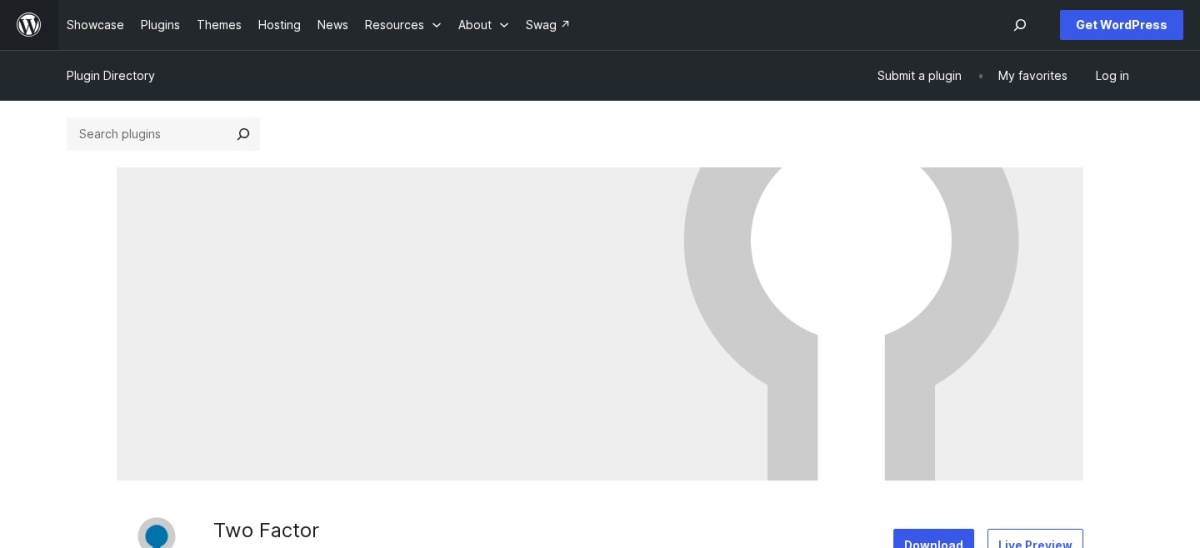
Two Factor homepage, captured Nov 2026.
Two Factor is a community-maintained WordPress authentication plugin with 100,000+ active installations and a 4.8/5 rating from 209 reviews. It supports authenticator apps, email verification codes, and recovery codes. Each user can configure authentication methods through their WordPress profile without purchasing a commercial security license.
The trade off is that it focuses exclusively on login authentication and does not include a firewall, malware scanner, or vulnerability monitoring. The plugin is completely free, with no premium upgrade. It suits administrators who already have other security controls but need straightforward two-factor login protection.
What we like
Completely free and community maintained
Supports standard authenticator applications
Email verification and recovery codes included
No external security subscription required
Useful alongside other security measures
Watch out for
No firewall or malware scanning
Does not provide comprehensive website hardening
Users must configure authentication methods
There is no paid plan; all supported authentication methods are free.Visit wordpress.org
All in One WP Security vs Wordfence: which should you choose?
All in One WP Security emphasizes accessible security settings, login protection, firewall rules, and website hardening. Its free edition offers an approachable starting point for administrators who want to reduce common WordPress security risks.
Wordfence provides an endpoint firewall and malware scanning in its free version. This makes it attractive when identifying suspicious files and blocking attacks are priorities. However, its latest threat intelligence is reserved for Premium.
Choose AIOS when you prefer its configuration approach and existing workflow. Choose Wordfence when a free malware scanner and established endpoint firewall are more important. Avoid running overlapping firewall controls without reviewing possible conflicts.
What a WordPress security plugin cannot replace
A security plugin cannot compensate for every vulnerable extension, compromised administrator account, or insecure hosting configuration. Keep WordPress core, themes, and plugins updated, and remove software you no longer use.
Backups are also essential. A malware scanner may identify infected files without restoring damaged content or recovering deleted data. Maintain independent backups and confirm that your recovery process works.
Use strong authentication for administrator accounts and restrict unnecessary privileges. Review security alerts regularly, but avoid treating a clean scan as proof that a website contains no vulnerabilities.
How we chose
We shortlisted established WordPress security products covering malware scanning, firewalls, login protection, vulnerability monitoring, and website hardening. The comparison uses WordPress.org listings, official documentation, pricing pages, and publicly submitted reviews. We included specialized tools where they offer a meaningful alternative to AIOS functionality.
We checked WordPress.org ratings, review counts, active installations, maintenance dates, and official vendor prices on 22 Nov 2026. Regular paid prices were used instead of promotional discounts. Limit Login Attempts Premium Personal costs $8.33/month billed annually, about $100/year per domain.
We excluded closed plugins, products without verifiable pricing, and unmaintained extensions. WP Cerber and BulletProof Security were excluded because their WordPress.org listings were closed. We also distinguished specialist login and vulnerability tools from full security suites. No vendor paid for a place, and this comparison relies on public documentation and reviews rather than direct product testing.
How to choose the best All in One WP Security alternative
Identify your website's main security risks before comparing protection features, renewal costs, and management requirements.
**Choose the protection features you actually need.** Decide whether your priority is malware scanning, firewall protection, login security, vulnerability alerts, or website hardening. A comprehensive plugin may be appropriate for general use, while a specialist tool can complement existing protection.
**Compare free and premium capabilities.** Check which features are available without payment. Wordfence includes a free malware scanner, while MalCare performs cloud scanning. Premium plans differ in threat intelligence updates, automated remediation, security reports, and support.
**Review hosting compatibility and resource usage.** Consider whether the plugin scans files locally or uses an external service. Check server requirements, firewall configuration methods, and compatibility with caching, ecommerce, and hosting-level security systems.
**Plan the switch and verify protection.** Back up your website before replacing AIOS. Record existing firewall, login, and hardening settings. Configure the new plugin, verify administrator access, and confirm that login restrictions and security notifications work before removing the previous configuration.
FAQ
What is the best alternative to All in One WP Security?
Wordfence is our top overall alternative because its free version combines an endpoint firewall, malware scanning, and two-factor authentication. Defender Security is a good option for a simpler security dashboard, while MalCare suits websites that prefer cloud-based scanning.
Is Wordfence better than All in One WP Security?
Wordfence is a stronger choice when free malware scanning and detailed firewall monitoring are priorities. All in One WP Security remains useful for login security and website hardening. The better option depends on your requirements, hosting resources, and whether you need premium threat intelligence.
Which All in One WP Security alternative is completely free?
Two Factor is completely free and provides login authentication without a paid upgrade. Wordfence and Defender Security also have useful free versions, but their advanced features require premium plans. Two Factor is a specialist authentication plugin, not a complete website security suite.
Which WordPress security plugin has the best malware scanner?
Wordfence includes a malware scanner in its free version and offers real-time signature updates through Premium. MalCare scans through its cloud infrastructure and provides more extensive cleanup options in higher plans. Your choice depends on server resources, detection requirements, and remediation needs.
Can I use Wordfence and All in One WP Security together?
It is technically possible, but overlapping firewalls, login restrictions, and hardening rules may cause conflicts or unnecessary processing. Review which features each plugin controls and disable duplicates. A single comprehensive security plugin with separate backups is often easier to maintain.
What is the cheapest paid alternative to All in One WP Security?
Among the USD-priced paid plans verified here, Defender Security Pro Basic is the least expensive at $50/year for one site. MalCare Protect costs $99/year, although malware cleanup is not included. Free alternatives may meet your needs without a subscription.
Does Patchstack replace a WordPress firewall?
Patchstack focuses on vulnerability detection and targeted mitigation. Its paid virtual patching can protect against known software vulnerabilities, but it should not automatically be treated as a complete replacement for malware scanning, authentication controls, or recovery systems. Compare its functions with your existing security setup.
Can security plugins remove malware automatically?
Some paid security services include automated cleanup, but free malware scanning does not necessarily include removal. MalCare requires its Repair plan for cleanup, while Wordfence provides scanning and file repair capabilities. Always verify what the selected plan can remove and maintain independent backups.
Do I still need backups with a WordPress security plugin?
Yes. Firewalls and malware scanners help reduce risks, but they cannot guarantee recovery after damaged files, database corruption, accidental deletion, or a successful attack. Keep independent backups and make sure you can restore your website when necessary.