Best Free WordPress Backup Plugins in 2026: 7 Tools Compared
WLWPLegible EditorsLast verified 22 Nov 2026How we rank6 min read
★ Short answer
UpdraftPlus leads for most WordPress blogs with over 4 million active installs and free scheduled backups to Google Drive, Dropbox, and Amazon S3. WPvivid suits bloggers who want free staging and site migration alongside backups, while Duplicator fits practical site moves and archive downloads.
How we make this list: we compare pricing pages, product documentation and public user reviews, then re-check every price before each update. No product paid for a place. Disclosure.
UpdraftPlus holds 4+ million active installs and a 4.8 out of 5 rating across 8,739 WordPress.org reviews.
WPvivid offers free backup, staging, and migration tools with a 4.9 out of 5 rating across 1,571 WordPress.org reviews.
Duplicator pairs a 4.9 out of 5 rating across 4,941 reviews with chunked archive creation and a $79/yr regular Personal plan.
BackWPup starts at $49/yr for 2 domains on its regular Starter plan while keeping core backup jobs free.
Backup Migration by BackupBliss starts at $45/yr for 2 domains on its regular paid plan and includes staging features.
What bloggers should look for in a free backup plugin
A blog backup only helps when you can store it outside your web host and restore it after a bad update or server failure. If a backup sits inside the same hosting account as your blog, a corrupted file system or suspended account can lock you out of recovery.
Free plugin tiers typically cover manual or scheduled full backups, database exports, and one-click restores for smaller sites. Paid upgrades usually unlock incremental backups, automatic pre-update snapshots, multisite support, and extra off-site cloud targets.
Check whether a plugin splits archives by component or bundles everything into one package, and note any free file-size caps or backup limits. Bloggers running media-heavy posts should also check how the tool handles timeouts on shared hosting.
Always verify how restores work before an emergency happens. Some free plugins let you restore from the dashboard, while others require manual archive uploads or a paid tier for automated recovery.
4.8/5on WordPress.org (8,739 reviews, checked Nov 2026)
Paid from$70/yr
Best overall free backup plugin for blogs
Active installs4M+
WP.org rating4.8 / 5
Free cloud targetsGoogle Drive, Dropbox, S3
Entry paid plan$70/yr (2 sites)
teamupdraft.com
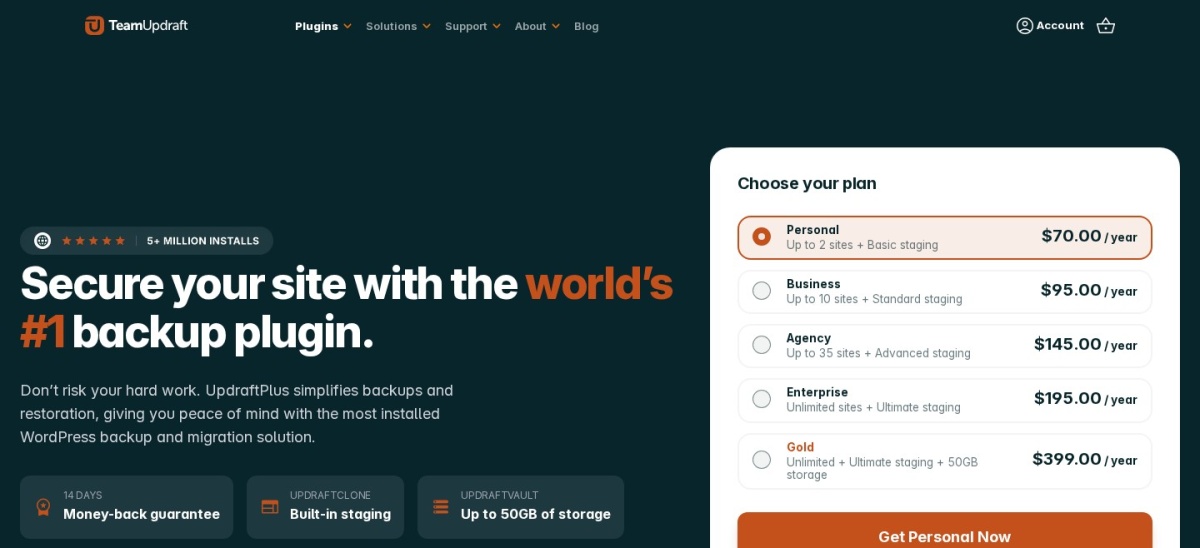
UpdraftPlus homepage, captured Nov 2026.
UpdraftPlus is a widely installed backup and restore plugin with over 4 million active installs and 8,739 reviews on WordPress.org. Its free version supports scheduled backups and sends archives to free destinations such as Google Drive, Dropbox, and Amazon S3.
The trade off is that incremental backups, automatic pre-update backups, and multisite support require upgrading to Personal at $70/yr. It suits bloggers who want automated off-site backups at zero cost first and clear upgrade tiers later.
What we like
Supports scheduled backups and external cloud storage in the free version
Allows restoring individual components such as plugins, themes, or the database
Backed by 4M+ active installs and 8,739 WordPress.org reviews
Watch out for
Incremental backups require a paid plan
Splits site data into separate archive files per component
Paid Personal plan ($70/yr for 2 sites) adds incremental backups, pre-update backups, multisite support, and 1GB storage.Visit teamupdraft.com
02
WPvivid
4.9/5on WordPress.org (1,571 reviews, checked Nov 2026)
Paid from$49/yr
Best for free staging and site migrations
Active installs900K+
WP.org rating4.9 / 5
Free cloud targetsGoogle Drive, Dropbox, OneDrive
Entry paid plan$49/yr (2 domains)
wpvivid.com
WPvivid homepage, captured Nov 2026.
WPvivid is a backup, migration, and staging plugin holding a 4.9 out of 5 rating across 1,571 WordPress.org reviews and 900,000+ active installs. Its free tier includes scheduled backups, one-click restore, site migration, and basic staging in one plugin.
The trade off is that pushing staging changes to a live site and multisite staging sit behind paid plans starting at $49/yr. It suits bloggers who want to test theme or plugin edits on a staging copy without paying up front.
What we like
Combines backups, migration, and staging in the free version
Holds a 4.9 out of 5 rating across 1,571 reviews
Offers a low entry paid price at $49/yr for 2 domains
Watch out for
Pushing staging updates to live requires upgrading to Pro
Free version limits concurrent backup counts
Paid Blogger plan ($49/yr for 2 domains) adds one-click staging push to live, incremental backups, and extra cloud storage options.Visit wpvivid.com
03
Duplicator
4.9/5on WordPress.org (4,941 reviews, checked Nov 2026)
Paid from$79/yr
Best for packaging and moving sites
Active installs1M+
WP.org rating4.9 / 5
Archive engineChunked backups for large sites
Entry paid plan$79/yr regular (2 sites)
duplicator.com
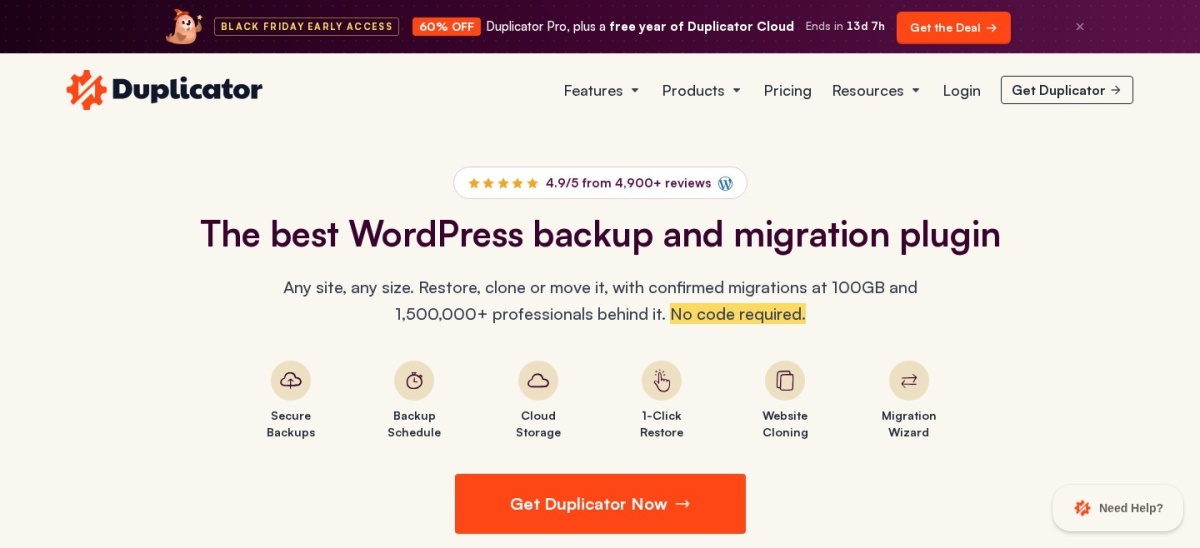
Duplicator homepage, captured Nov 2026.
Duplicator is a backup and site migration plugin with 1+ million active installs and a 4.9 out of 5 rating from 4,941 reviews. Its free plugin packages files and databases with a chunked backup engine and migration wizard for moving sites between hosts or domains.
The trade off is that scheduled backups, third-party cloud storage integrations, and multisite support require Duplicator Pro, whose regular Basic price is $79/yr (promotional first-year pricing can be lower). It suits bloggers who prioritize site migrations and downloadable backup packages.
What we like
Chunked backup engine helps large sites complete on constrained hosting
Includes a guided migration wizard in the free version
Rated 4.9 out of 5 across 4,941 WordPress.org reviews
Watch out for
Scheduled backups and third-party cloud storage require Pro
Regular Basic renewal price is $79/yr after any introductory discount
Paid Basic plan ($79/yr regular price for 2 sites) unlocks scheduled backups, cloud storage integrations, and automated recovery tools.Visit duplicator.com
04
BackWPup
4/5on WordPress.org (1,323 reviews, checked Nov 2026)
Paid from$49/yr
Best budget paid upgrade for multi-site owners
Active installs400K+
WP.org rating4.0 / 5
Free destinationsDropbox, S3, Azure, FTP, local
Entry paid plan$49/yr (2 domains)
backwpup.com
BackWPup homepage, captured Nov 2026.
BackWPup is a backup and restore plugin with 400,000+ active installs and a 4.0 out of 5 rating across 1,323 WordPress.org reviews. Its free version lets you schedule database and file backups and send archives to destinations such as Dropbox, Amazon S3, Microsoft Azure, or FTP.
The trade off is a lower 4.0 review score and tighter restore options in the free tier compared with rivals, while paid plans start at $49/yr for 2 domains. It suits bloggers who want a low-cost paid tier or scheduled exports to S3 and FTP.
What we like
Free tier supports scheduled jobs and multiple storage destinations
Regular Starter plan starts at $49/yr for up to 2 domains
Supports WP-CLI automation
Watch out for
Holds a 4.0 out of 5 rating across 1,323 reviews
Free restore workflows are less streamlined than paid recovery tools
Paid Starter plan ($49/yr for 2 domains) adds expanded storage options, backup encryption, migration features, and restore tools.Visit backwpup.com
05
Backup Migration
4.9/5on WordPress.org (1,317 reviews, checked Nov 2026)
Paid from$45/yr
Best low-cost paid entry with staging support
Active installs80K+
WP.org rating4.9 / 5
Free backup capUp to 2 GB–4 GB depending on tier
Entry paid plan$45/yr (2 domains)
backupbliss.com
Backup Migration homepage, captured Nov 2026.
Backup Migration by BackupBliss is a backup, migration, and staging plugin with 80,000+ active installs and a 4.9 out of 5 rating across 1,317 reviews. Its free version covers scheduled backups, site restores, migrations, and staging environments.
The trade off is a free backup-size cap and paid requirements for certain external storage and advanced options, with paid plans starting at $45/yr for 2 domains. It suits smaller blogs looking for staging and migration tools at a low annual price.
What we like
Includes backup, restore, migration, and staging features in the free plugin
Lowest regular annual entry price in this group at $45/yr for 2 domains
Rated 4.9 out of 5 on WordPress.org
Watch out for
Free version caps backup size
Smaller install base (80,000+) than leading alternatives
Paid plan ($45/yr for 2 domains) lifts size limits and adds external backup storage and extra backup controls.Visit backupbliss.com
06
WP STAGING
4.8/5on WordPress.org (2,471 reviews, checked Nov 2026)
Paid from$99/yr
Best free staging clone before site edits
Active installs100K+
WP.org rating4.8 / 5
Core free focusLocal staging clones & backups
Entry paid plan€89/yr (~$99/yr, 1 site)
wp-staging.com
WP STAGING homepage, captured Nov 2026.
WP STAGING is a staging, backup, and restore plugin with 100,000+ active installs and a 4.8 out of 5 rating across 2,471 WordPress.org reviews. Its free version creates a cloned staging copy of your site and supports backup and restore workflows.
The trade off is that pushing staging changes to production, multisite support, and site migrations require paid plans starting at €89/yr (around $99/yr). It suits bloggers who want a staging copy before updating themes or plugins.
What we like
Creates staging copies on your server in the free version
Actively maintained with 100,000+ installs and a 4.8 rating
Supports backup and restore workflows
Watch out for
Pushing staging to live and multisite support require paid plans
Paid plans are priced in euros starting at €89/yr for 1 site
Paid Personal plan (€89/yr for 1 site) unlocks additional staging and backup features, while higher tiers add pushing to live and site migrations.Visit wp-staging.com
07
All-in-One WP Migration
4.5/5on WordPress.org (6,388 reviews, checked Nov 2026)
Paid from$69/yr
Best for simple single-file exports on small blogs
Active installs5M+
5-star reviews6,388 on WP.org
Archive formatSingle .wpress file
Free limit512 MB import cap
servmask.com
All-in-One WP Migration homepage, captured Nov 2026.
All-in-One WP Migration is a backup and migration plugin with 5+ million active installs and 6,388 five-star reviews on WordPress.org. Its free version exports your database, media, themes, and plugins into a single .wpress archive file.
The trade off is a 512 MB import limit in the free version and paid add-on extensions for larger sites, scheduled backups, or direct cloud storage. It suits small blogs under 512 MB that need straightforward file exports.
What we like
Packages files and database into a single .wpress file
Widely used with 5M+ active installs
Includes WP-CLI support
Watch out for
Free version imposes a 512 MB import limit
Scheduled backups and cloud storage require paid extensions
Paid extensions unlock larger site imports, scheduled backups, multisite support, and direct cloud storage destinations.Visit servmask.com
Where free backups go vs. what paid plans add
Most free WordPress backup plugins rely on storage accounts you already control, such as Google Drive, Dropbox, Amazon S3, or your own web server. That keeps plugin costs low, though you remain responsible for quota limits and file retention.
Paid plans usually add convenience rather than basic archive creation. Common upgrades include incremental backups, automatic backups right before plugin or theme updates, staging workflows, and vendor-hosted storage.
How we chose
We built this list from established WordPress backup and migration plugins with active directory listings and public pricing pages. org and vendor pricing pages.
Plugins that were closed, unmaintained, or lacked verifiable pricing details on their official pages were left out. No vendor paid for a place, and we do not claim practical testing for this list.
How to pick the right free backup plugin for your blog
Follow four practical steps to match a free backup plugin to your blog's size and hosting setup:
Check your blog's total size first. Measure your database plus wp-content uploads so you know whether a plugin's free size limit or shared-hosting timeout rules will get in the way.
Pick an off-site storage destination. Send backup archives to Google Drive, Dropbox, cloud storage, or a separate server instead of leaving backups only on your live host.
Decide if you need staging or migrations. Choose a plugin with staging or migration tools built into the free tier if you test edits often or plan to switch hosts.
Test a restore before an emergency. Run a test restore on a staging site or local setup to confirm you understand the recovery steps before a real outage happens.
FAQ
Is a free WordPress backup plugin enough for a personal blog?
Yes, a free plugin can cover scheduled backups and off-site storage for many personal blogs. Upgrade to a paid tier only if your site outgrows free limits or you need incremental backups and pre-update snapshots.
Should I store blog backups on my web host or in cloud storage?
Store copies off-site in cloud storage such as Google Drive, Dropbox, or S3 rather than relying solely on your web host. Off-site copies protect you if a server fails or your hosting account becomes inaccessible.
Why do some backup plugins charge extra for scheduled backups?
Some vendors keep scheduled automation and third-party cloud connectors for paid plans while offering manual exports or basic tools for free. Check whether automated schedules are included before installing.
What is an incremental backup?
An incremental backup saves only files or database changes made since the previous backup instead of re-copying the entire site every time. It reduces server load and storage growth on sites with frequent updates.
How often should a blog back up its files and database?
Daily backups work well for blogs publishing several times a week, while weekly backups may fit quieter blogs. High-traffic sites or stores with constant changes often benefit from more frequent or incremental schedules.
Can a backup plugin replace host-level backups?
A plugin works best alongside your host's backups rather than replacing them completely. Having both gives you an extra recovery option if a plugin archive fails or a host snapshot is outdated.