Best WordPress Firewall Plugins in 2026: 9 Tools Compared
WLWPLegible EditorsLast verified 22 Nov 2026How we rank12 min read
★ Short answer
Wordfence is the best WordPress firewall plugin for most sites, with a free endpoint firewall, malware scanner and 2FA, rated 4.7 out of 5 by 5,000+ users. Pick NinjaFirewall for a firewall that filters traffic before WordPress loads, or BBQ Firewall for the lightest free option.
How we make this list: we compare pricing pages, product documentation and public user reviews, then re-check every price before each update. No product paid for a place. Disclosure.
Wordfence gives the most in its free version: firewall, malware scanner, brute-force protection and 2FA.
NinjaFirewall filters requests before WordPress loads, so it also protects PHP files outside WordPress.
BBQ Firewall is the lightest option here: under 10 KB, no settings, and a Pro plan at $30 a year.
Sucuri's firewall lives in its $229 a year cloud platform; the free plugin monitors but does not filter traffic.
Defender Pro comes only with a WPMU DEV membership, which starts at $50 a year for one site.
What a WordPress firewall should block
Most attacks on WordPress sites are automated. Bots probe for old plugins, try SQL injection and guess passwords around the clock.
A firewall sits between that traffic and your site. The best ones block bad requests before WordPress loads them, which also saves server load.
Cloud firewalls filter traffic before it reaches your host at all. Our guide on blocking bad bots in WordPress shows what a firewall stops at the door.
Free firewalls differ most on rule updates. Some update rules daily, others delay them for paying users, so check how fresh the rules are.
4.7/5on WordPress.org (5,055 reviews, checked Nov 2026)
Paid from$149/yr
Best firewall plugin overall
Free firewallYes, endpoint
Free malware scanYes
Free 2FAYes, plus passkeys
Paid planPremium, $149/yr
wordfence.com
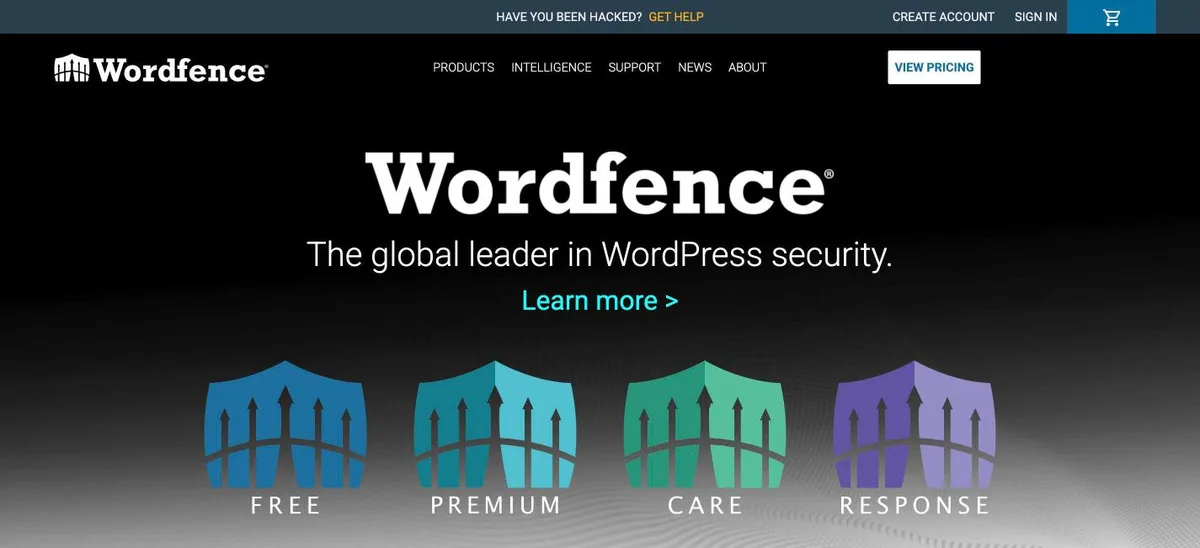
Wordfence homepage, captured Nov 2026.
Wordfence is the most complete free security plugin on WordPress.org, with more than 5 million active installs. The free version includes an endpoint firewall, a malware scanner, brute-force protection and login security with 2FA, passkeys and CAPTCHA.
The trade off is timing. Real-time firewall rules, malware signatures and the IP blocklist are reserved for Premium at $149 a year, so free users get new rules later. It suits most blogs and business sites that want one free plugin to cover the basics.
4.9/5on WordPress.org (220 reviews, checked Nov 2026)
Paid from$99/yr
Best firewall that runs before WordPress
Free firewallYes, full WAF
Rule updatesDaily, free
File integrityYes, File Check
Paid planWP+ Edition, $99/yr
nintechnet.com
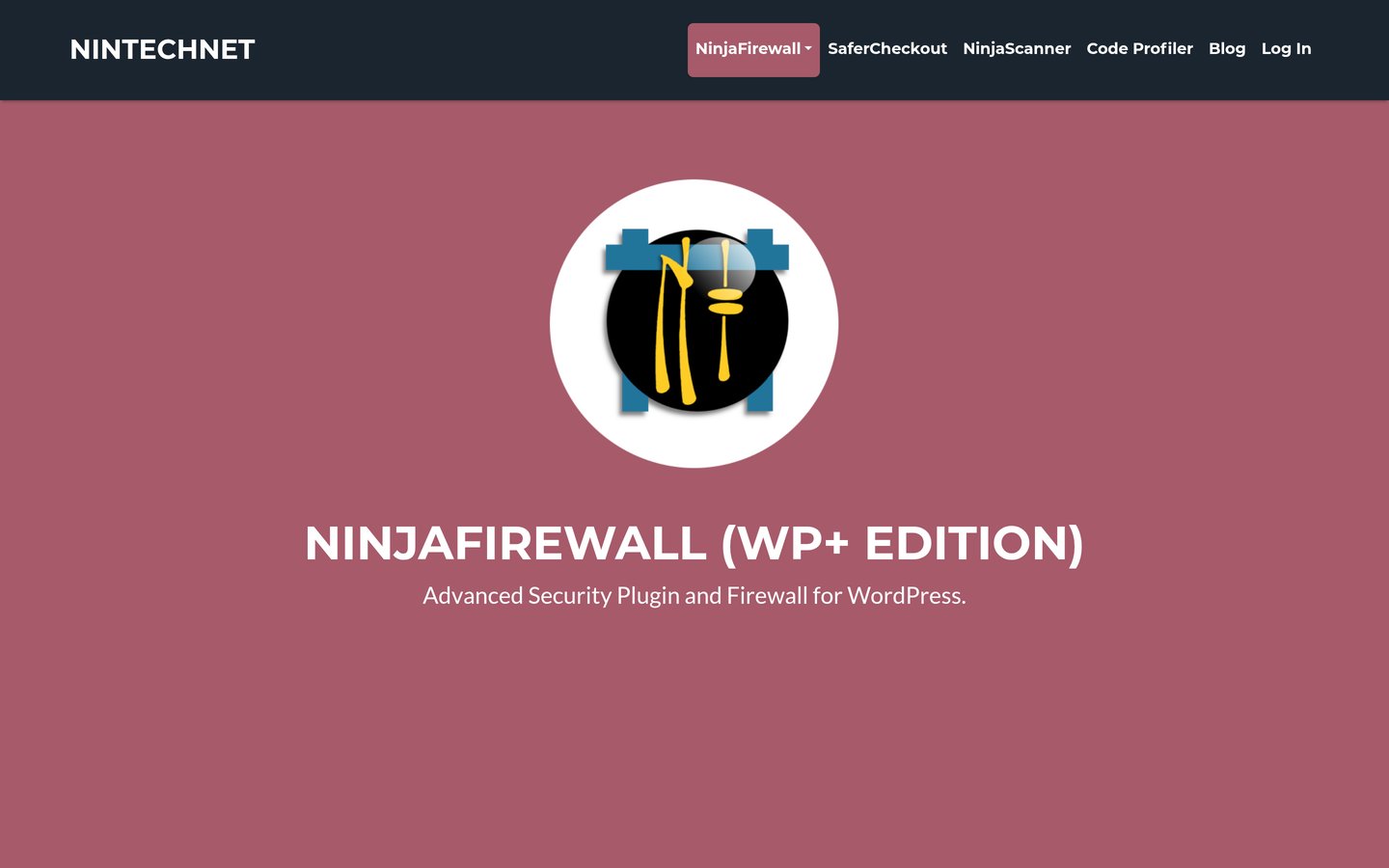
NinjaFirewall homepage, captured Nov 2026.
NinjaFirewall is a true web application firewall with more than 100,000 active installs. It hooks, scans or rejects requests before they reach WordPress or any plugin, so it also protects PHP scripts outside WordPress, with brute-force protection and file integrity checks.
The trade off is setup. WP+ Edition costs $99 a year per domain and adds geolocation blocking, rate limiting and Fail2Ban support, and the plugin only runs on Unix-like servers. It suits technical owners who want a firewall in front of WordPress.
4.8/5on WordPress.org (1,039 reviews, checked Nov 2026)
Paid from$149/yr
Best for blocking bots without CAPTCHAs
Free firewallYes
Free malware scanCore files only
Free 2FAYes
Paid planShieldPRO Plus, $149/yr
getshieldsecurity.com
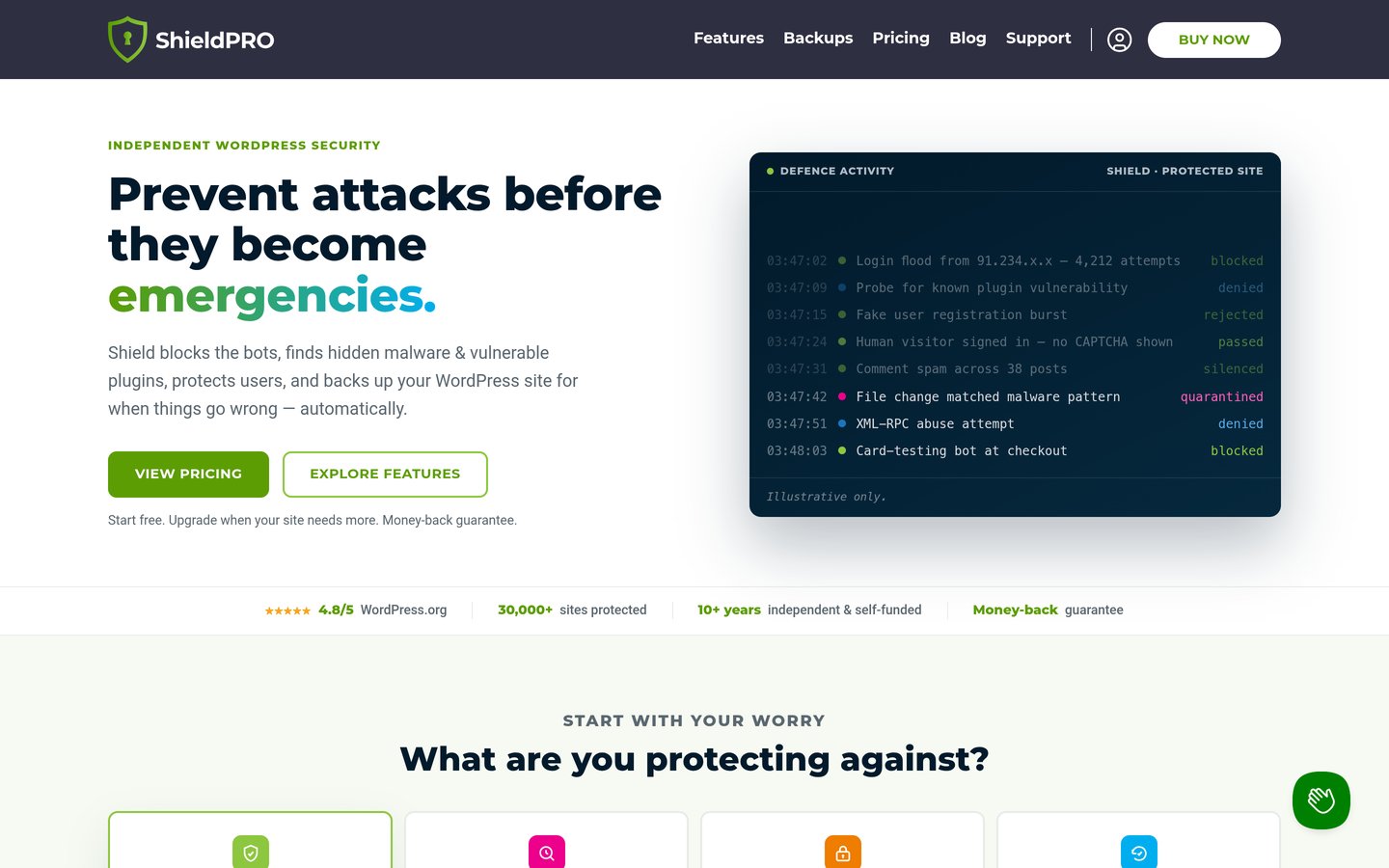
Shield Security homepage, captured Nov 2026.
Shield Security is a security plugin that blocks bots with its silentCAPTCHA, which checks visitors in the background instead of showing a puzzle. The free version adds firewall rules, XML-RPC and REST API protection, 2FA, login limits, core file scanning and an activity log.
The trade off is reach. Malware scanning of plugin and theme files, vulnerability scanning and off-site backups are in ShieldPRO Plus at $149 a year. It suits sites that get lots of spam sign-ups or comments and want to keep forms friction-free.
4.7/5on WordPress.org (1,720 reviews, checked Nov 2026)
Paid from$89/yr
Best for simple firewall rules
Free firewallYes, rule-based
Free malware scanNo, Premium
Free 2FAYes
Paid planPersonal, $89/yr
teamupdraft.com
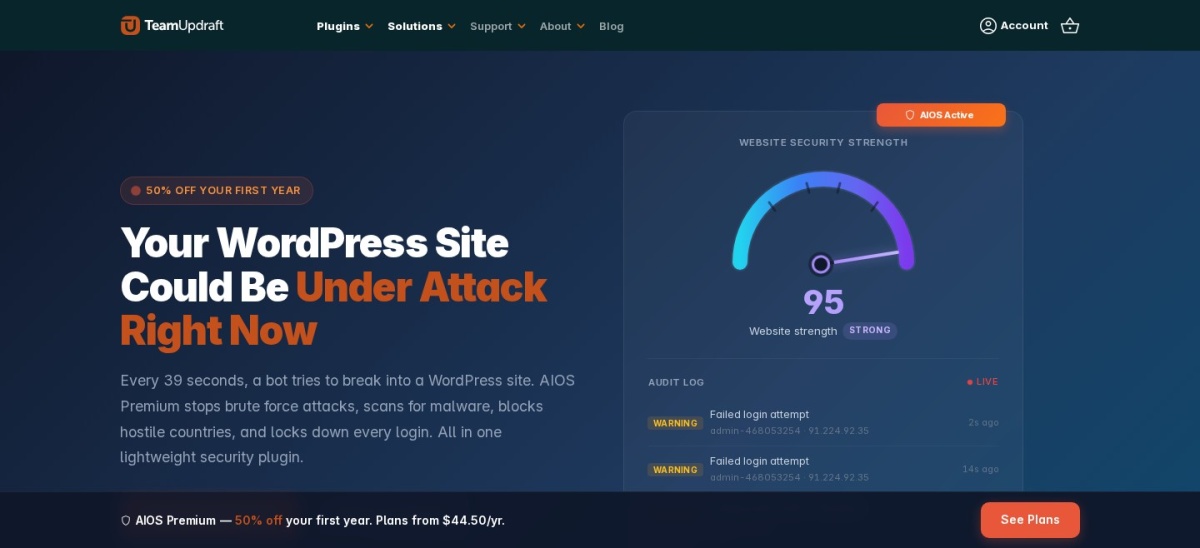
All-In-One Security (AIOS) homepage, captured Nov 2026.
All-In-One Security (AIOS) is a plugin from the team behind UpdraftPlus that focuses on locking down the login page. The free version covers two-factor login, lockouts after failed attempts, checks for the admin username, firewall rules, spam blocking, file change scanning and an audit log.
The trade off is malware scanning, which is a Premium feature along with country blocking and uptime monitoring. Personal lists at $89 a year for two sites after a cheaper first year. It fits beginners who want clear settings and solid login protection.
4.6/5on WordPress.org (3,992 reviews, checked Nov 2026)
Paid from$299/yr
Best guided hardening with a firewall
Free firewallYes
Free 2FAApp, email, backup codes
Site scanner4 times a day
Paid planKadence Pro bundle, $299/yr
kadencewp.com
Kadence Security homepage, captured Nov 2026.
Kadence Security is a hardening plugin, formerly Solid Security and iThemes Security, with more than 700,000 active installs. The free version includes a firewall, brute-force protection, two-factor login, file change detection and a site scanner that runs four times a day.
The trade off is the paid tier. Pro features such as Patchstack virtual patching are no longer sold alone and come only with the Kadence Pro bundle at $299 a year. It suits beginners who want a checklist that explains each hardening step.
4.9/5on WordPress.org (161 reviews, checked Nov 2026)
Paid from$30/yr
Best lightweight free firewall
Free firewallYes, zero config
Plugin sizeUnder 10 KB
BlocksSQL injection, XSS, bad bots
Paid planBBQ Pro, $30/yr
perishablepress.com
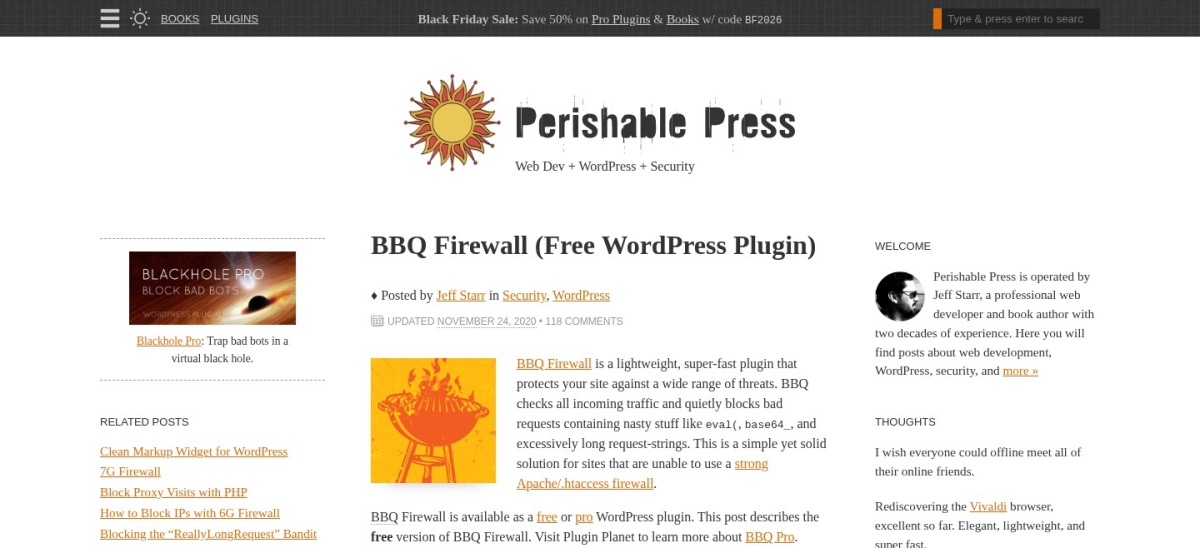
BBQ Firewall homepage, captured Nov 2026.
BBQ Firewall is a lightweight firewall plugin with more than 100,000 active installs. It checks every request and quietly blocks bad queries such as SQL injection, directory traversal and executable uploads, with no settings page at all.
The trade off is control. Custom patterns, IP blocking and email alerts need BBQ Pro at $30 a year for one site, and there is no dashboard or log in the free version. It suits sites that want a fast firewall they never have to touch.
4.4/5on WordPress.org (561 reviews, checked Nov 2026)
Paid from$99/site/yr
Best for scans that run off your server
Free firewallYes
Free malware scanDaily, in the cloud
Malware removalRepair plan
Paid planProtect, $99/yr
malcare.com
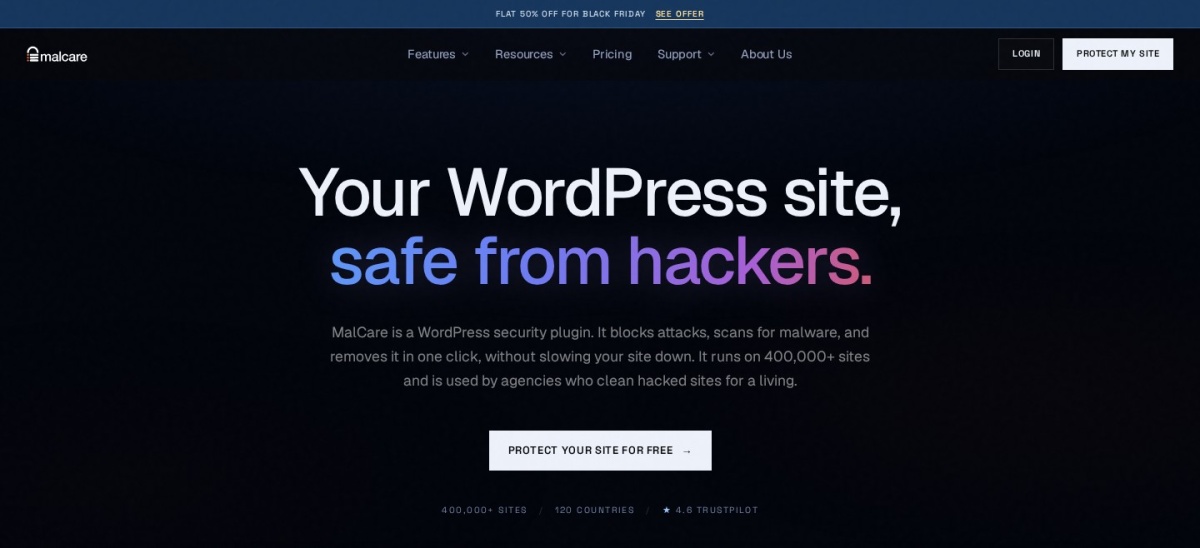
MalCare homepage, captured Nov 2026.
MalCare is a security plugin that runs its malware scans on its own servers instead of yours, so a scan adds little load to the site. The free version includes daily cloud scans, a firewall, CAPTCHA on the login page and bot protection.
The trade off is that free firewall rules update every 7 days, and you need a paid plan to see infected files and remove them. Protect costs $99 a year per site, and malware clean-up starts with Repair at $299. It fits sites on small hosting plans that struggle with heavy scans.
4.8/5on WordPress.org (335 reviews, checked Nov 2026)
Paid from$50/yr
Best firewall with a global blocklist
Free firewallYes, AntiBot global
Free malware scanYes
Free 2FAApp, biometric, keys
Paid planWPMU DEV Pro Basic, $50/yr
wpmudev.com
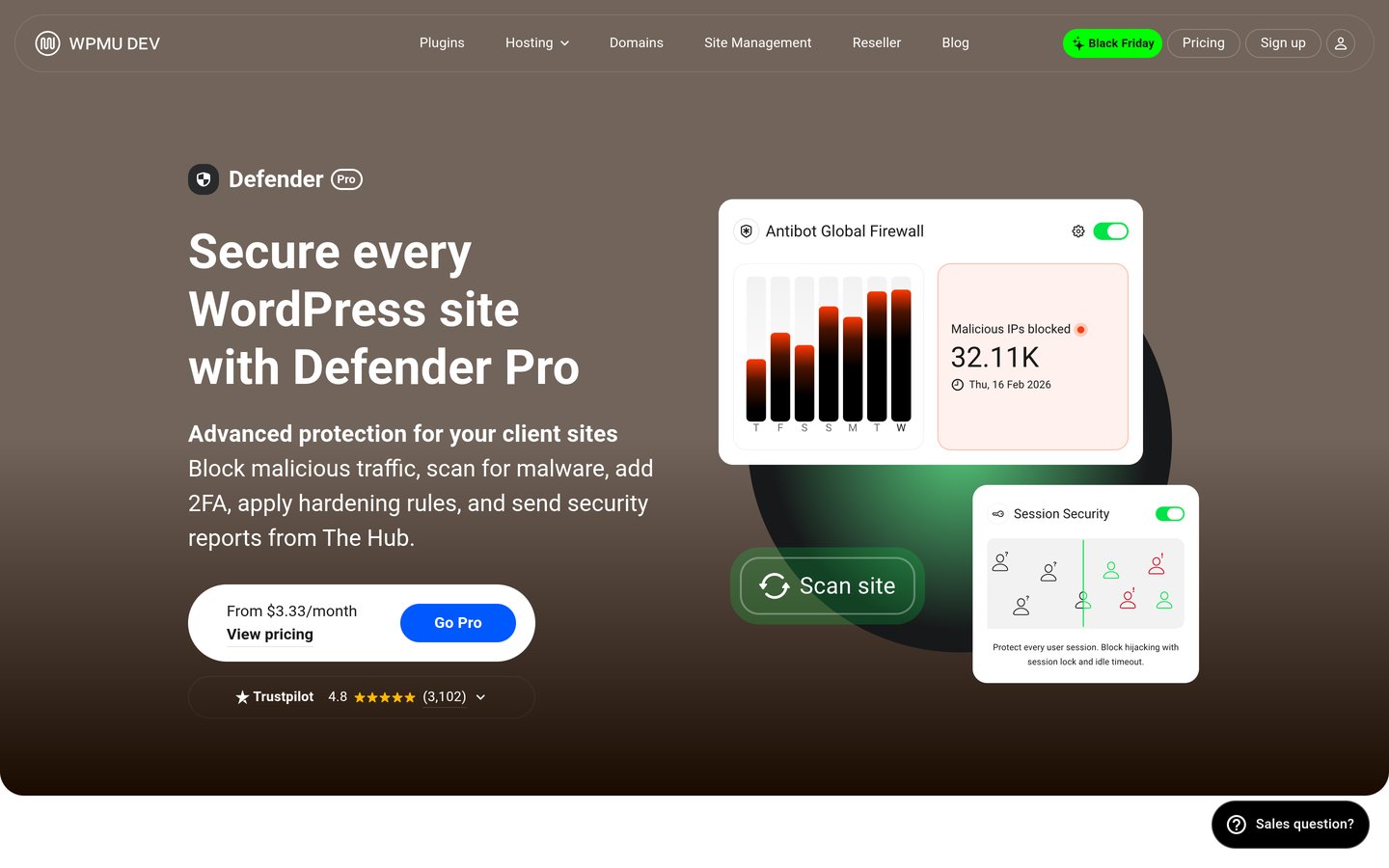
Defender homepage, captured Nov 2026.
Defender is a security plugin from WPMU DEV with more than 80,000 active installs. The free version includes a malware scanner, a firewall with a global blocklist drawn from more than 750,000 sites, login security with 2FA and one-click hardening.
The trade off is the membership. Pro features such as scheduled scans and full audit logs need a WPMU DEV Pro Basic membership at $50 a year for one site, which also unlocks every other Pro plugin. It suits sites already using WPMU DEV tools.
4.2/5on WordPress.org (386 reviews, checked Nov 2026)
Paid from$229/yr
Best for monitoring and post-hack recovery
Free firewallNo, paid platform
Free malware scanRemote scan
Blocklist alertsYes
Paid planBasic Platform, $229/yr
sucuri.net
Sucuri Security homepage, captured Nov 2026.
Sucuri Security is a monitoring plugin. The free version keeps an audit log, checks core files for changes, runs a remote malware scan, watches blocklists and adds hardening and post-hack steps such as resetting keys.
The trade off is that the firewall is not in the plugin. The cloud firewall, brute-force protection and DDoS mitigation come with the Sucuri platform, which starts at $229 a year. It fits site owners who want monitoring now and a clean-up service on call.
Free firewalls cover the basics well. Most include login limits, 2FA and some kind of request filtering.
Paid plans mostly add speed and reach. You get firewall rules sooner, cloud filtering and help removing malware.
If your site is hacked, a free plugin will usually tell you, but not fix it. Our hacked site clean-up guide walks through the manual route.
For a store or a site that earns money every day, the first year of a paid plan often costs less than one professional clean-up.
How we chose
We started from every firewall plugin on WordPress.org with more than 30,000 active installs, then kept those with a useful free plan.
Prices come from each vendor's pricing page, checked on 22 November 2026. Ratings and install counts come from WordPress.org on the same day. Where a vendor shows a sale, the list shows the regular price.
We left out plugins not updated in the last 12 months. No vendor paid for a place, and we do not claim hands-on testing for this list.
How to choose a WordPress firewall plugin
Start with what your host already covers, then fill the gaps with one main firewall.
Check what your host already does. Many managed hosts run a server firewall and malware scans. Do not stack a second heavy firewall on top.
Pick one main firewall plugin. Two firewalls can block each other or lock you out. Choose one of Wordfence, NinjaFirewall, Shield or AIOS.
Decide between on-site and cloud filtering. On-site firewalls keep traffic on your server. Cloud firewalls such as Sucuri filter it before it arrives.
Turn on 2FA for every admin. It is free in most of these plugins and blocks most stolen-password logins.
FAQ
What is the best WordPress firewall plugin?
Wordfence is the strongest free option for most sites. Its free version includes an endpoint firewall, a malware scanner, brute-force protection and two-factor login, and it is rated 4.7 out of 5 by more than 5,000 users.
Can I use two firewall plugins at once?
Avoid running two firewall plugins together, because they can conflict or lock you out. A firewall plugin plus a light vulnerability alert tool is fine, but pick one main firewall and stick with it.
Do free firewall plugins block everything?
No. Free firewalls block known attack patterns, but rule updates can lag behind paid plans, and new exploits need new rules. Keep WordPress, plugins and themes updated so the firewall has less to catch.
Does a firewall slow down WordPress?
A little, on your server. On-site firewalls add a small check to every request, while cloud firewalls filter traffic before it reaches your host. NinjaFirewall filters before WordPress loads, which keeps the extra load low.
Is a firewall plugin enough on its own?
No. Keep WordPress, plugins and themes updated, use strong passwords with 2FA and keep off-site backups as well. A firewall blocks attacks, but it cannot fix an outdated plugin.
What is the difference between a firewall and a malware scanner?
A firewall blocks bad requests before they reach your site. A scanner looks for malware already on the site. Wordfence, MalCare and Defender include both, while BBQ Firewall and NinjaFirewall focus on blocking.