Best WordPress 2FA Plugins in 2026: 9 Tools Compared
WLWPLegible EditorsLast verified 22 Nov 2026How we rank12 min read
★ Short answer
WP 2FA is the best WordPress 2FA plugin for most sites, with free TOTP and email codes for unlimited users and role policies that force setup. Pick Wordfence if you also want a firewall, or the official Two Factor plugin if you want a free, no-account option.
How we make this list: we compare pricing pages, product documentation and public user reviews, then re-check every price before each update. No product paid for a place. Disclosure.
WP 2FA is the only dedicated 2FA plugin with free role policies and grace periods for unlimited users.
Wordfence, Shield, AIOS and Kadence Security all include 2FA free inside a wider security plugin.
miniOrange offers the most login methods, including SMS, WhatsApp and push, but its paid plans start at $69 a year.
Loginizer locks app-based 2FA behind its $24 a year Personal plan; the free version covers brute-force lockouts only.
Two Factor and Google Authenticator cost nothing, but neither can force 2FA on other users.
What to look for in a WordPress 2FA plugin
A password alone no longer protects a WordPress login. Bots try stolen passwords at scale, and a second factor stops them even when the password is right.
The best 2FA plugins support authenticator apps, email codes and backup codes, and let an admin require 2FA for some or all user roles. Passkeys are a bonus for sites that want passwordless logins.
4.7/5on WordPress.org (184 reviews, checked Nov 2026)
Paid from$79/yr
Best 2FA plugin overall
Free methodsTOTP, email, backup codes
2FA policiesFree, by role
PasskeysPremium plans
Paid planPremium, $79/yr
melapress.com
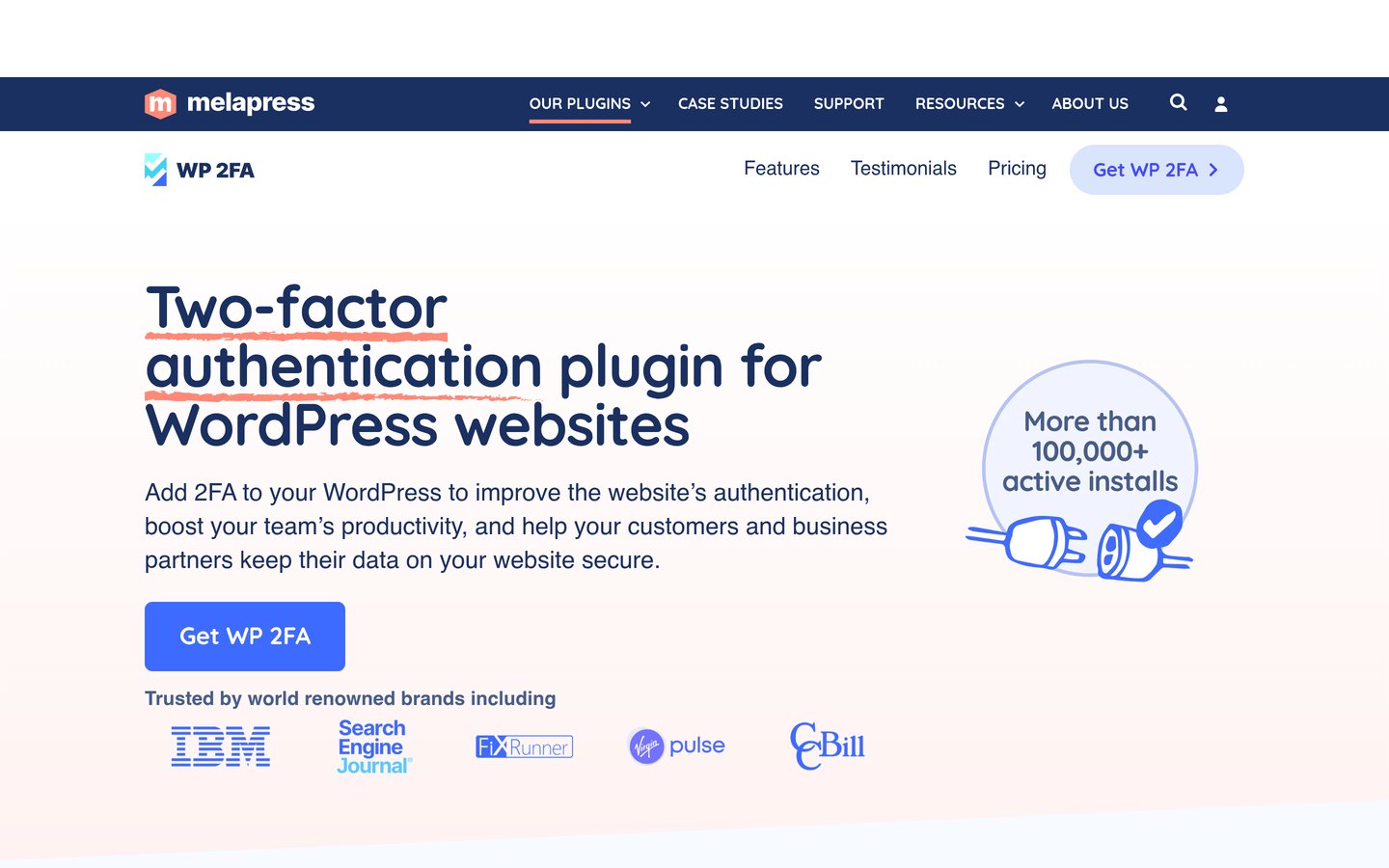
WP 2FA homepage, captured Nov 2026.
WP 2FA is a dedicated two-factor plugin from Melapress with more than 100,000 active installs. The free version covers authenticator app codes, email codes and backup codes for unlimited users, plus policies that require 2FA by role, grace periods and setup wizards.
The trade off is that the extras are paid. Trusted devices, YubiKey keys, SMS codes and WooCommerce integration need Premium at $79 a year for one site. It suits teams and client sites where an admin must force 2FA on every account.
4.7/5on WordPress.org (5,055 reviews, checked Nov 2026)
Paid from$149/yr
Best 2FA inside a security plugin
Free 2FAYes, plus passkeys
Free firewallYes
Login CAPTCHAYes
Paid planPremium, $149/yr
wordfence.com
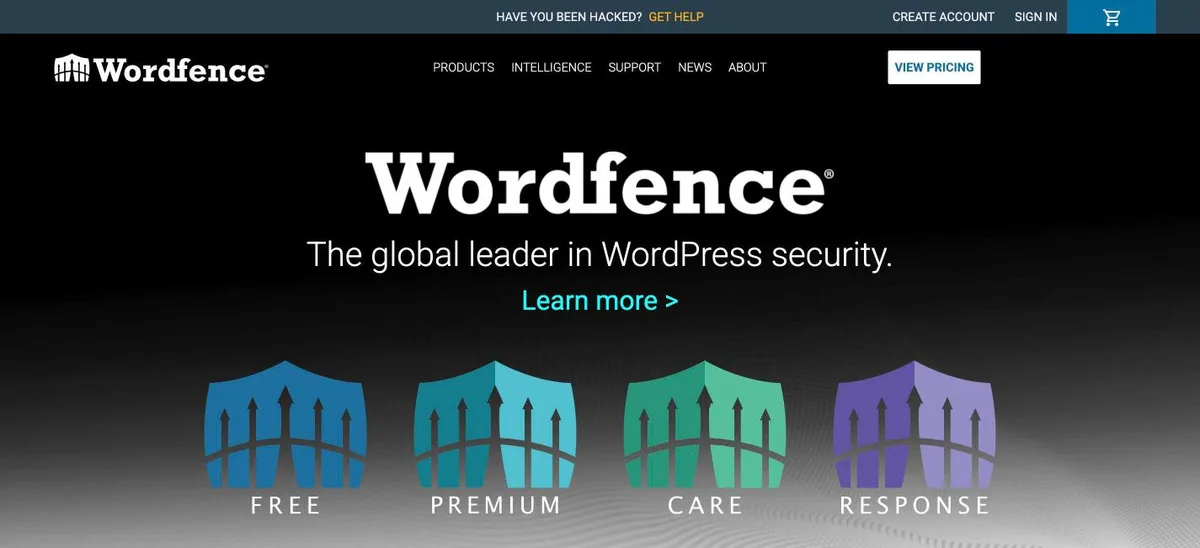
Wordfence homepage, captured Nov 2026.
Wordfence is the most-installed security plugin on WordPress.org, with more than 5 million active installs. The free version includes two-factor login with an authenticator app, passkeys and CAPTCHA, plus a firewall, malware scanner and brute-force protection.
The trade off is that 2FA is one feature inside a large plugin. Real-time firewall rules and malware signatures need Premium at $149 a year, and scans can be heavy on small hosting plans. It suits sites that want 2FA plus a full firewall in one plugin.
4.8/5on WordPress.org (209 reviews, checked Nov 2026)
PriceFree
Best free official 2FA plugin
Free methodsTOTP, email, backup codes
PasskeysNo
Requires accountNo
Paid planNone, fully free
wordpress.org
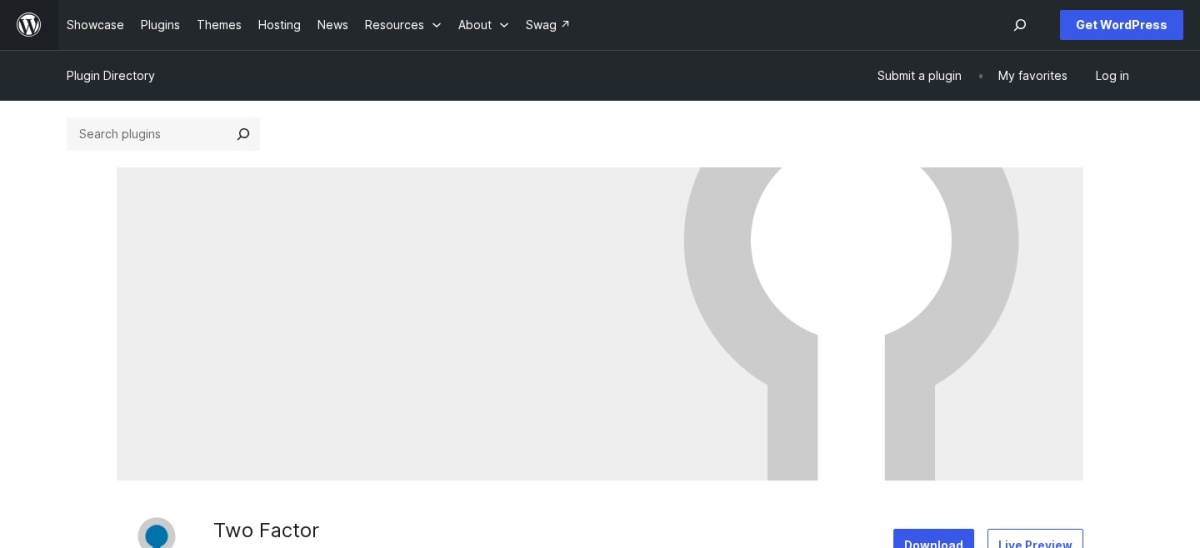
Two Factor homepage, captured Nov 2026.
Two Factor is the official WordPress.org plugin for login security, with more than 100,000 active installs. It adds authenticator app codes, email codes and 10 backup codes to any user profile, with no account, no upsell and no settings page to learn.
The trade off is control. Each user sets up 2FA on their own profile, and there is no way to force it on a role or set a grace period. It suits single-admin blogs and small teams where everyone agrees to switch it on.
4.5/5on WordPress.org (388 reviews, checked Nov 2026)
Paid from$69/yr
Best for the most login methods
Free methodsTOTP, passkey, email OTP
Login methods12, incl. SMS and push
Unlimited usersYes, every plan
Paid planStarter, $69/yr
plugins.miniorange.com
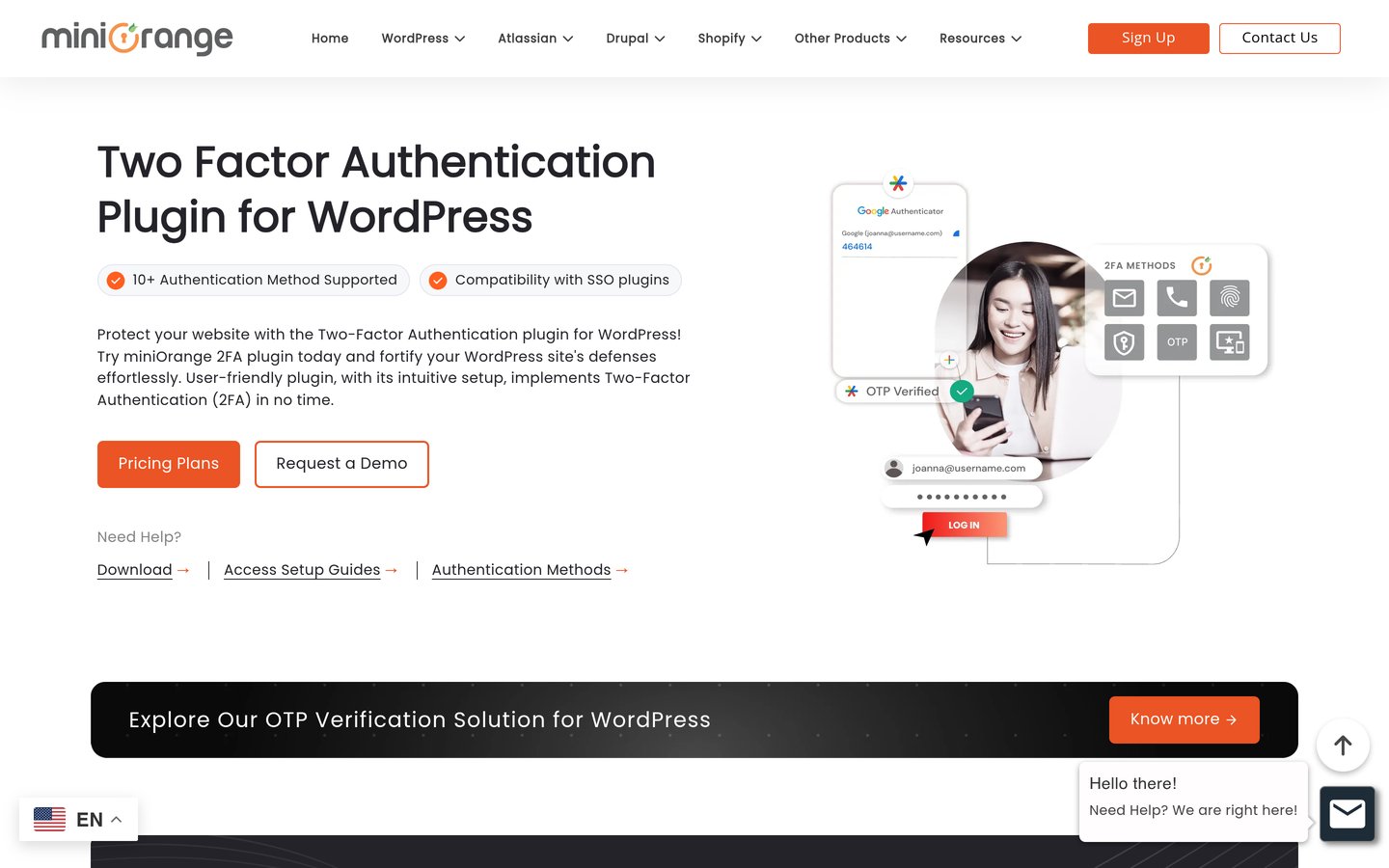
miniOrange 2FA homepage, captured Nov 2026.
miniOrange 2FA is a dedicated login plugin with more than 10,000 active installs. The free version covers authenticator apps, passkeys, email codes and security questions for unlimited users, and paid plans add SMS, WhatsApp, Telegram and push approvals.
The trade off is price and setup. Starter costs $69 a year at the regular price, and email and SMS codes need a free miniOrange account with 10 free email transactions. It suits membership and store sites that need many login methods.
4.8/5on WordPress.org (1,039 reviews, checked Nov 2026)
Paid from$149/yr
Best 2FA without CAPTCHA puzzles
Free 2FAEmail, app, YubiKey
Free firewallYes
Bot blockingsilentCAPTCHA
Paid planShieldPRO Plus, $149/yr
getshieldsecurity.com
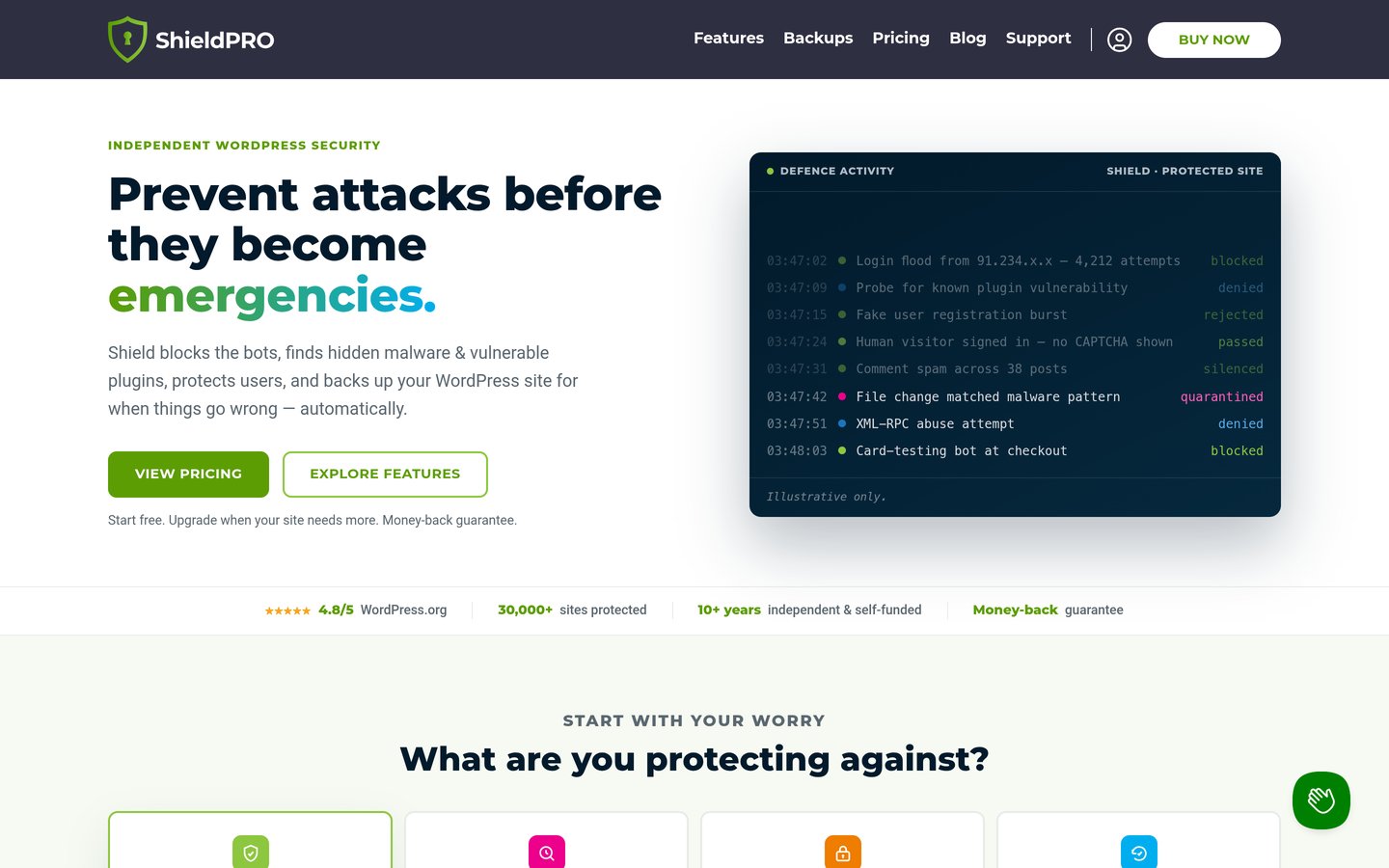
Shield Security homepage, captured Nov 2026.
Shield Security is a security plugin with more than 30,000 active installs. The free version includes two-factor login by email code, authenticator app or YubiKey, plus firewall rules, login limits, core file scanning and bot blocking that needs no CAPTCHA puzzle.
The trade off is reach. Passkeys, backup login codes and malware scanning of plugin and theme files need ShieldPRO Plus at $149 a year. It suits sites that get spam sign-ups and want logins to stay friction-free.
4.7/5on WordPress.org (1,720 reviews, checked Nov 2026)
Paid from$89/yr
Best for simple login protection
Free 2FAYes
Login lockdownYes, with lockouts
Free firewallYes, rule-based
Paid planPersonal, $89/yr
teamupdraft.com
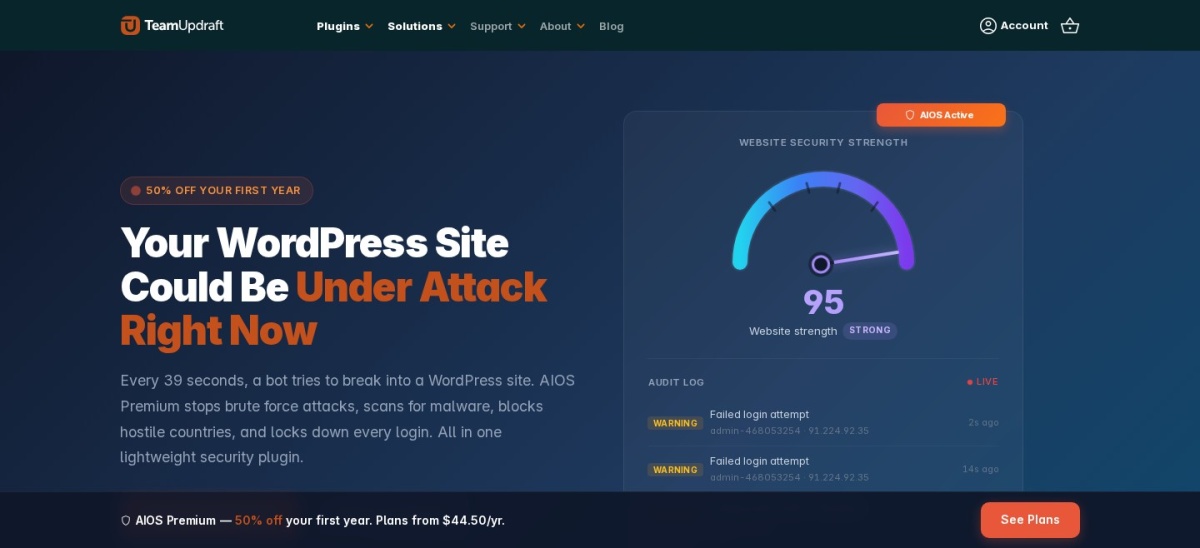
All-In-One Security (AIOS) homepage, captured Nov 2026.
All-In-One Security (AIOS) is a plugin from the team behind UpdraftPlus that focuses on locking down the login page. The free version covers two-factor login, lockouts after failed attempts, firewall rules, spam blocking and a security score that shows what is still open.
The trade off is malware scanning, which is a Premium feature along with country blocking and uptime monitoring. Personal lists at $89 a year for two sites after a cheaper first year. It fits beginners who want clear settings and solid login protection.
4.6/5on WordPress.org (3,992 reviews, checked Nov 2026)
Paid from$299/yr
Best guided hardening with 2FA
Free 2FAApp, email, backup codes
Brute-force networkNearly 1M sites
Free firewallYes
Paid planKadence Pro bundle, $299/yr
kadencewp.com
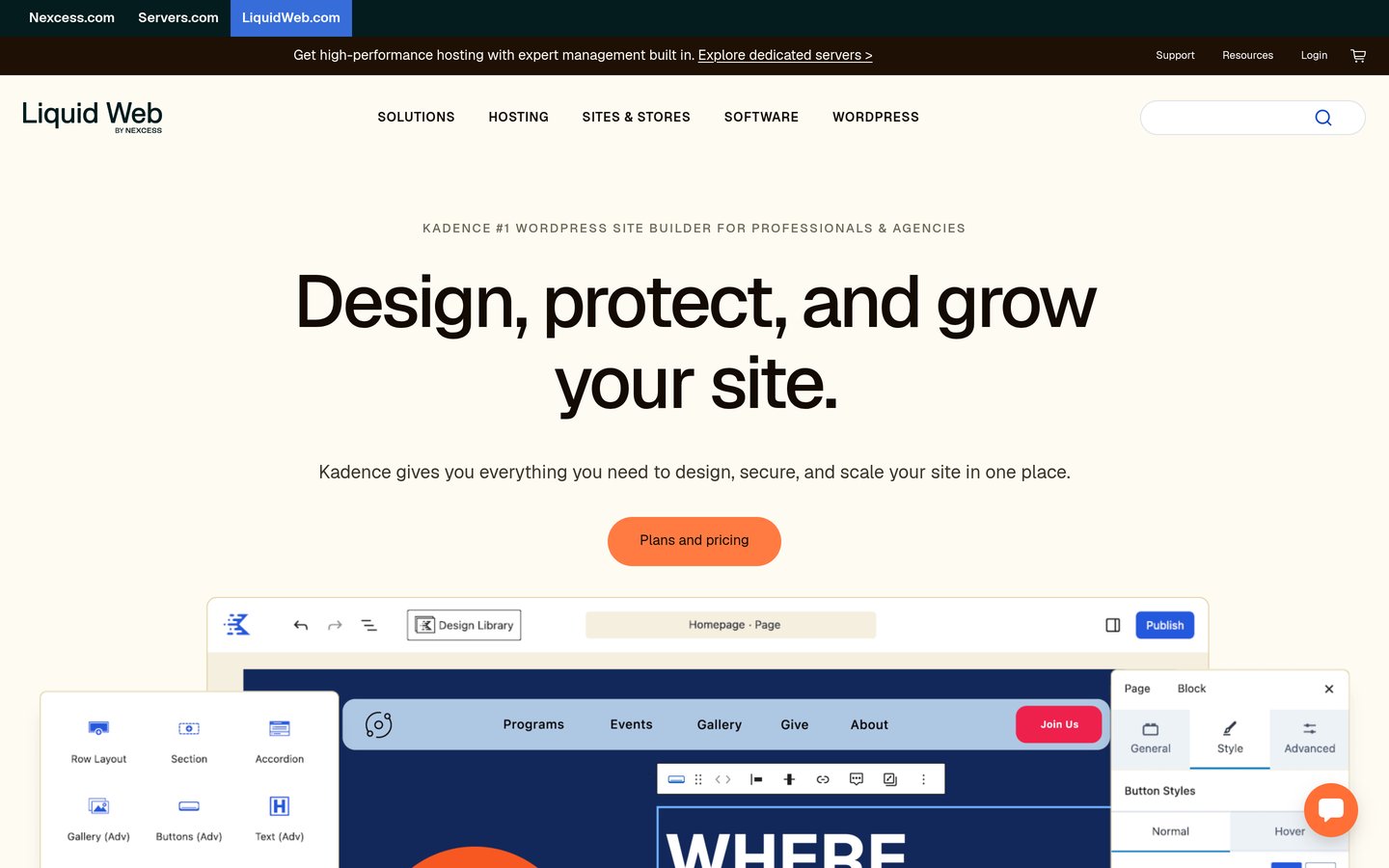
Kadence Security homepage, captured Nov 2026.
Kadence Security is a hardening plugin, formerly Solid Security and iThemes Security, with more than 700,000 active installs. The free version includes two-factor login by app, email or backup code, brute-force protection, file change detection and a site scanner.
The trade off is the paid tier. Pro features such as Patchstack virtual patching are no longer sold alone and come only with the Kadence Pro bundle at $299 a year. It suits beginners who want a checklist that explains each hardening step.
4.8/5on WordPress.org (1,034 reviews, checked Nov 2026)
Paid from$24/yr
Best budget login protection
Free 2FANo, Pro only
Brute-force lockoutYes, free
Login URL renamePro only
Paid planPersonal, $24/yr
loginizer.com
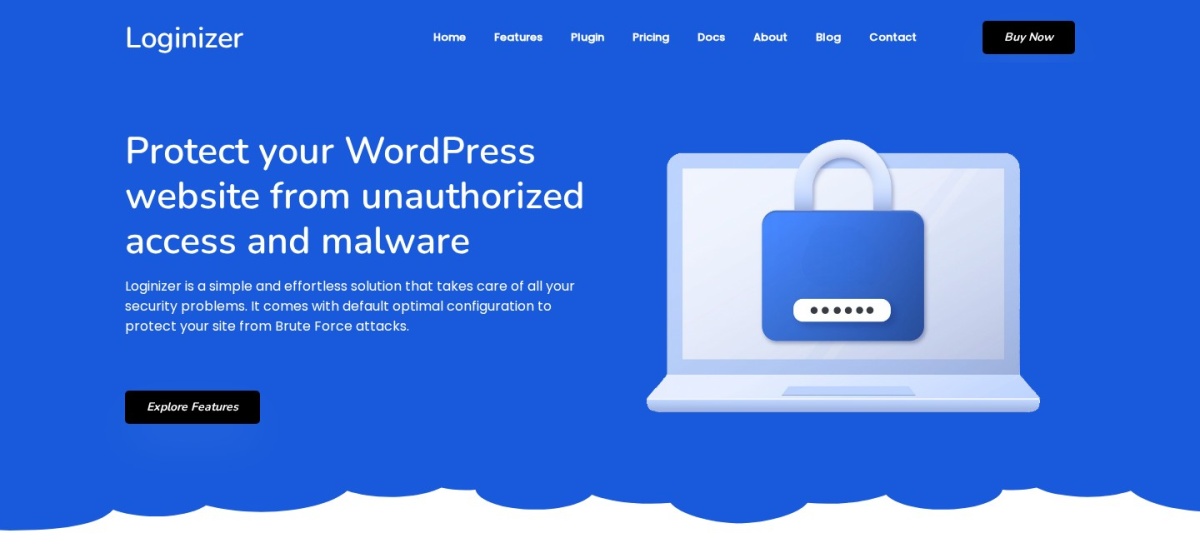
Loginizer homepage, captured Nov 2026.
Loginizer is a login security plugin from Softaculous with more than 1 million active installs. The free version blocks IPs after failed logins, keeps failed-login logs and lets you blacklist or whitelist IPs, but app and email two-factor login are paid features.
The trade off is that 2FA costs extra. Personal costs $24 a year for one site and unlocks two-factor login by app or email, passwordless login and login page renaming. It suits sites that want cheap brute-force protection first and 2FA second.
4.3/5on WordPress.org (135 reviews, checked Nov 2026)
PriceFree
Best simple free authenticator
Free methodsTOTP only
Backup codesNo
Enforce by roleNo
Paid planNone, fully free
github.com
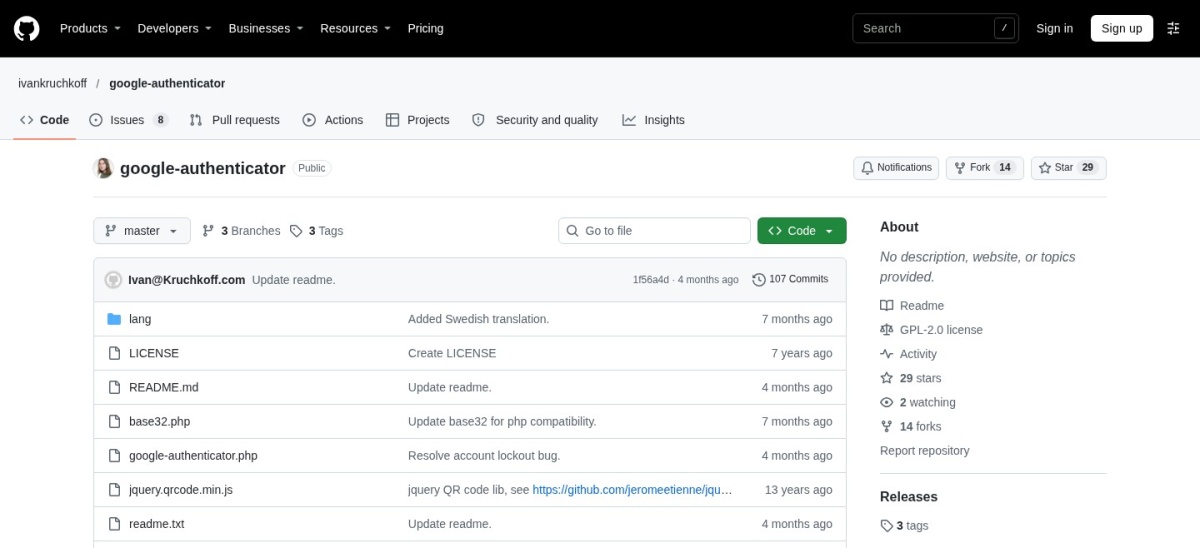
Google Authenticator homepage, captured Nov 2026.
Google Authenticator is a small free plugin with more than 20,000 active installs. It adds time-based one-time codes to a user profile, so you scan a QR code once and enter a 6-digit code from the app at each login.
The trade off is how basic it is. There are no backup codes, no email codes and no way to force 2FA on other users, so a lost phone can lock an admin out. It suits a single admin who wants the simplest possible second factor.
Free plans cover the core job well. Authenticator codes, email codes and backup codes are free in most of these plugins.
Paid plans mostly add enforcement and methods. You get role policies, trusted devices, SMS codes and white labelling.
If one admin account stays unprotected, the rest of the setup matters less. Our guide to adding 2FA shows how to switch it on for every admin.
For a store or membership site, a paid plan that forces 2FA on every customer account often costs less than one account takeover.
How we chose
We started from every dedicated 2FA plugin and security plugin with 2FA on WordPress.org, then kept the nine with a useful free plan or a low paid tier.
Prices come from each vendor's pricing page, checked on 22 November 2026. Ratings and install counts come from WordPress.org on the same day. Where a vendor shows a sale, the list shows the regular price.
We left out plugins not updated in the last 12 months and plugins whose 2FA only works with a separate paid service. No vendor paid for a place, and we do not claim hands-on testing for this list.
How to choose a WordPress 2FA plugin
Start with who must use 2FA, then pick the methods they can actually use.
Decide who must use 2FA. Admins first, then editors and shop managers. A plugin that enforces 2FA by role saves chasing people.
Pick your methods. Authenticator apps suit most users. Add email codes or backup codes so a lost phone does not lock anyone out.
Check what your security plugin already does. Wordfence, Shield, AIOS and Kadence Security include 2FA free, so you may not need a second plugin.
Turn it on for every admin, then test recovery. Save backup codes somewhere safe and confirm a second admin can still get in before you log out.
FAQ
What is the best WordPress 2FA plugin?
WP 2FA is the best pick for most sites. It is free for unlimited users, covers authenticator apps, email codes and backup codes, and its free role policies can force every user to set 2FA up.
Is 2FA free on WordPress?
Yes. WP 2FA, Two Factor, Google Authenticator and the security plugins in this list all include two-factor login free. You only pay for extras such as SMS codes, trusted devices or forcing 2FA by role.
Do I need a separate 2FA plugin if I use Wordfence?
Usually not. Wordfence includes two-factor login with an authenticator app and passkeys in its free version. Add a dedicated plugin only if you need role policies or SMS codes, which Wordfence does not offer.
What happens if I lose my phone with 2FA on?
Use a backup code if your plugin gave you one. WP 2FA, Two Factor and miniOrange all include backup codes. Without one, an admin must disable 2FA from the database or by removing the plugin folder over FTP.
Can I force 2FA on all users?
WP 2FA can, free, with policies per role and a grace period. miniOrange can force it on paid plans. Most other plugins let users opt in but cannot force it, so check the policy settings before you choose.
Can I use passkeys instead of codes?
Yes, with WP 2FA on a paid plan, or free with Wordfence and miniOrange. Passkeys replace the password and the code with a fingerprint or face check on your device.