Best Sync Plugins for WordPress Staging in 2026: 9 Tools Compared
WLWPLegible EditorsLast verified 22 Nov 2026How we rank16 min read
★ Short answer
WP Staging is the best sync plugin for WordPress staging for most sites, with a 4.8 out of 5 rating from 2,471 users and a free version that clones a site for testing. Pick BlogVault for off-site staging and WPvivid for the lowest paid price.
How we make this list: we compare pricing pages, product documentation and public user reviews, then re-check every price before each update. No product paid for a place. Disclosure.
WP Staging is the only tool here built around staging first, but push to live needs the Business plan at €139 a year.
BlogVault runs staging and backups on its own servers, with Personal at $99 a year for one site and a 1-day staging site.
WPvivid is the cheapest paid option at $49 a year for 2 sites, and its free version already makes a staging copy.
Migrate Guru is completely free with no paid tier, moving sites up to 200 GB between two live hosts.
WP Migrate is the developer pick for push and pull, but its Basic plan at $99 a year covers the database only.
What staging sync means, and what to check first
Staging sync means moving changes between a live site and a staging copy in either direction: push tested changes to live, or pull the live site down to staging to refresh it. Some tools in this list do that with one click, while others move the whole site as a file and let you import it at the other end.
The feature to check first is push to live. Several tools create a staging copy for free but charge for pushing it back, and a few only offer that on a higher plan. Read the plan table before you pay, so the sync you need is in the plan you buy.
Backups and staging go together. A push should start with a backup of the live site, so a bad push can be undone. Our guide on how to back up WordPress covers the backup step that should come before any sync.
Host staging is a real alternative. Many managed hosts include a staging site with push and pull, so check your hosting plan first. A plugin is most useful when your host has no staging, or when you move sites between hosts.
List prices in each vendor's currency, checked Nov 2026
Migrate GuruFree
WPvividFREE$49
Prime MoverFREE$59
AI1WMFREE$69
UpdraftPlusFREE$70
DuplicatorFREE$79
WP StagingFREE€89
BlogVault$99
WP MigrateFREE$99
The 9 best sync plugins for WordPress staging
01
WP Staging
4.8/5on WordPress.org (2,471 reviews, checked Nov 2026)
Paid from€89/yr
Best staging sync plugin overall
Free staging cloneYes, subdirectory
Push to liveBusiness plan and up
Selective pushFiles and tables
Paid planPersonal, €89/yr
wp-staging.com
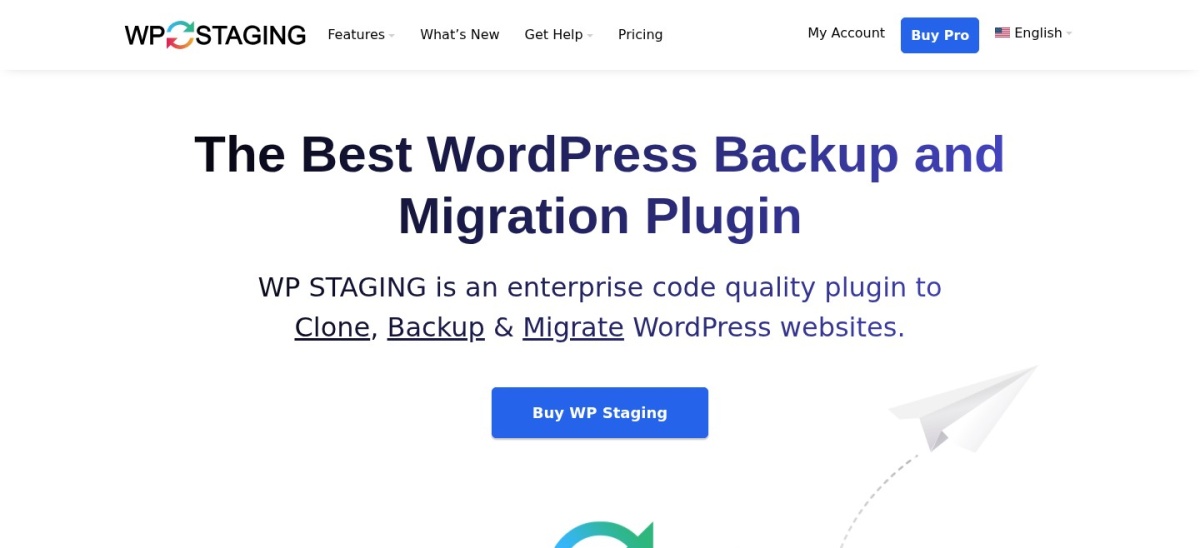
WP Staging homepage, captured Nov 2026.
WP Staging is a staging plugin first, with more than 100,000 active installs and a 4.8 out of 5 rating from 2,471 users. The free version creates a staging copy of a site on the same server, plus manual backups, and Pro adds migration, scheduled backups and a desktop app for local work.
The trade off is that push to live is not in the cheapest plan. Personal costs €89 a year for one site, but pushing staging changes to live needs Business at €139 a year. It suits site owners who want a dedicated staging workflow on any host.
What we like
Built around staging, not added to a backup tool
Selective push keeps live orders and comments in place
4.6/5on WordPress.org (333 reviews, checked Nov 2026)
Starts at$99/yr
Best for off-site staging and backups
Free planNo, 7-day trial
Staging site1 day on Personal
BackupsDaily, off-site
Paid planPersonal, $99/yr
blogvault.net
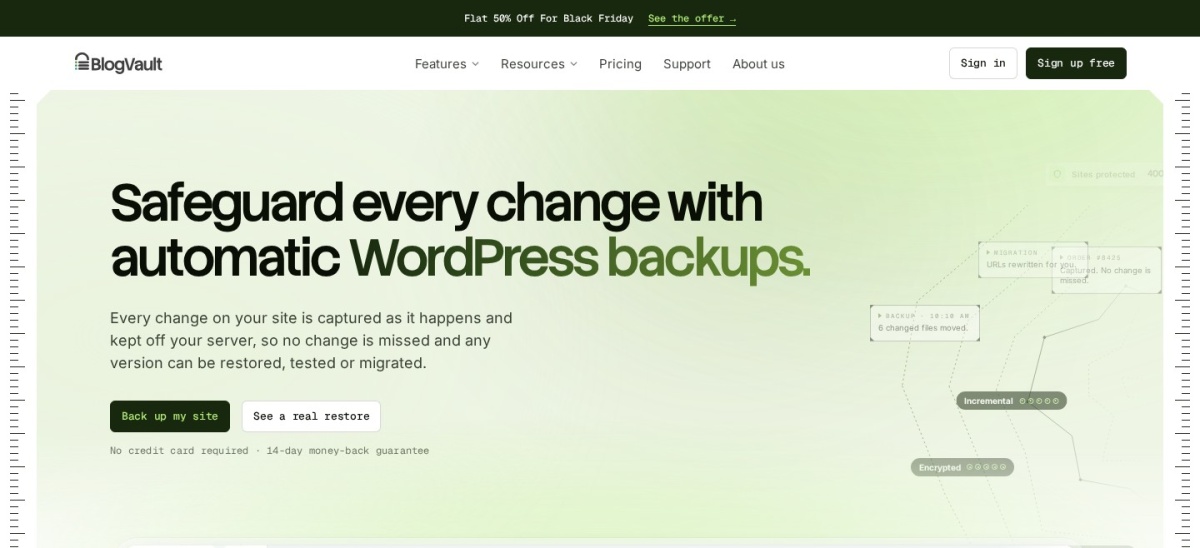
BlogVault homepage, captured Nov 2026.
BlogVault is a managed backup service that runs staging, backups and migration on its own servers, so the work does not load the site. Personal costs $99 a year for one site, with daily backups, 30 days of history, sites up to 20 GB and a 1-day staging site.
The trade off is that there is no free plan, only a trial, and the staging site on Personal lasts one day. Business at $299 a year extends staging to 30 days. It suits business sites that want staging handled off-site with a restore on call.
4.9/5on WordPress.org (1,574 reviews, checked Nov 2026)
Paid from$49/yr
Best value staging sync
Free stagingYes, subdirectory
Push to livePro only
Cloud storageDrive, Dropbox, S3
Paid planBlogger, $49/yr
wpvivid.com
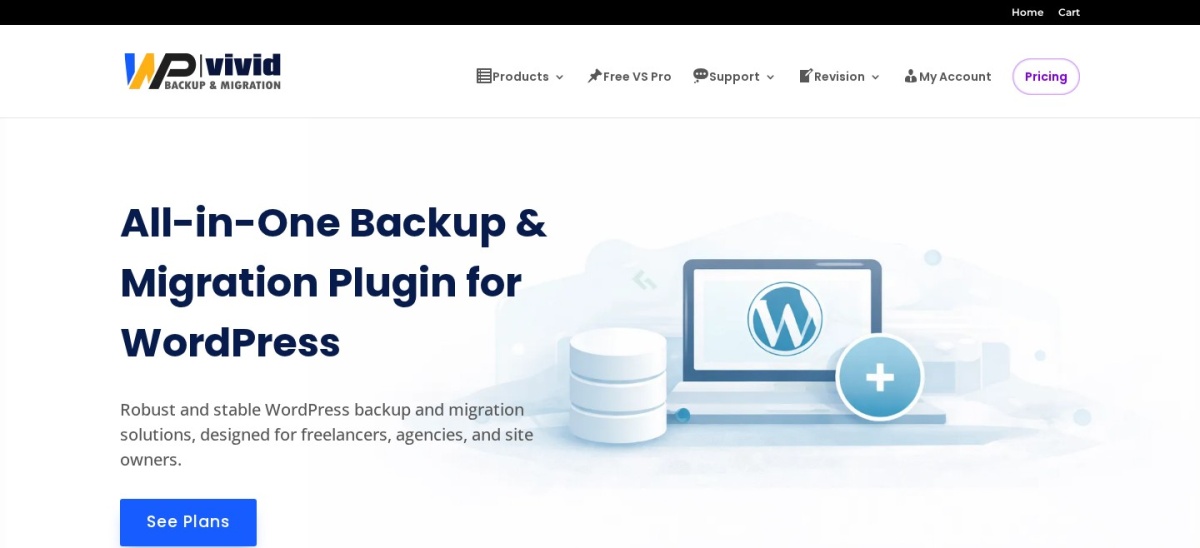
WPvivid homepage, captured Nov 2026.
WPvivid is a backup and migration plugin with more than 900,000 active installs and a 4.9 out of 5 rating from 1,574 users. The free version already makes a staging copy, schedules backups, sends them to cloud storage such as Google Drive and Dropbox, and restores with one click.
The trade off is that pushing a staging site to live is a Pro feature. Blogger costs $49 a year for 2 sites and adds push to live, multiple staging sites and subdomain staging. It suits small sites that want staging and backups in one low-cost plugin.
What we like
Lowest paid price in this list
Free version includes staging and scheduled backups
4.2/5on WordPress.org (318 reviews, checked Nov 2026)
Paid from$99/yr
Best for developers syncing databases
Push and pullPaid, database
Media and filesPlus plan and up
Find and replaceYes, URLs and paths
Paid planBasic, $99/yr
deliciousbrains.com
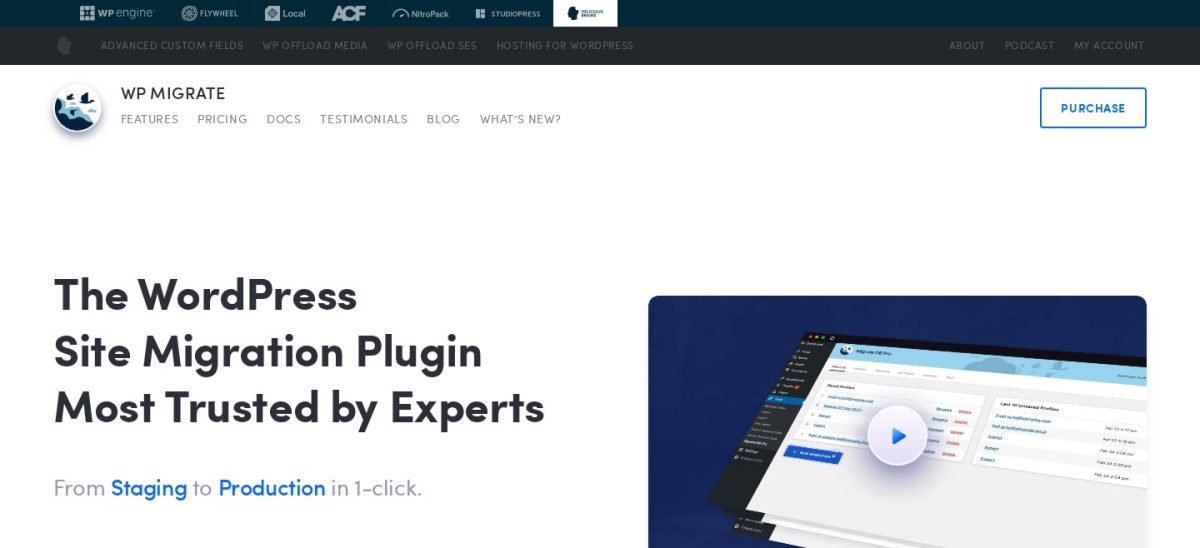
WP Migrate homepage, captured Nov 2026.
WP Migrate, from Delicious Brains, is built for developers who sync sites between local, staging and live installs. The free WP Migrate Lite exports a full site as a ZIP file with find and replace, and the paid version pushes and pulls the database directly between two connected installs.
The trade off is scope. Basic lists at $99 a year for one site, shown at $49 for the first year, and covers the database only, so media and theme files need Plus. It suits development teams that sync databases often and already have a way to move files.
4.9/5on WordPress.org (4,941 reviews, checked Nov 2026)
Paid from$79/yr
Best for cloning large sites
Free migrationYes, manual install
Staging sitesPro plan only
Drag-and-drop importPaid plans
Paid planBasic, $79/yr
duplicator.com
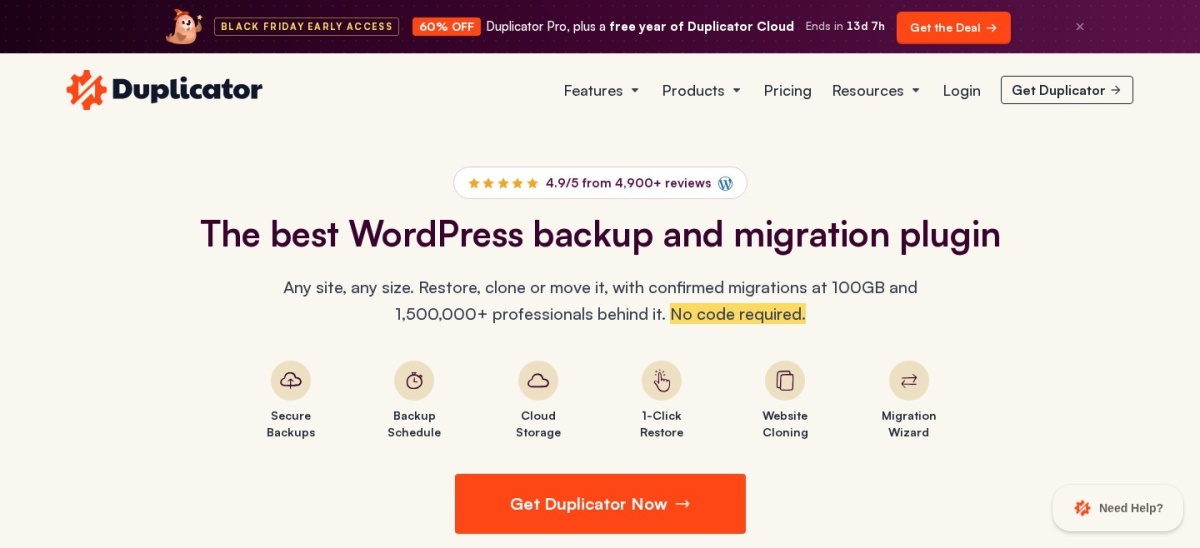
Duplicator homepage, captured Nov 2026.
Duplicator is a backup and migration plugin with more than 1 million active installs and a 4.9 out of 5 rating from 4,941 users. The free version builds a site archive and installer file, then moves the whole site to a new host or a staging location, with no size cap on the free move.
The trade off is that one-click staging is not in the cheapest plan. Basic lists at $79 a year for 2 sites and adds drag-and-drop imports and scheduled backups, while staging sites need the Pro plan. It suits large sites that move as a single archive.
4.9/5on WordPress.org (1,647 reviews, checked Nov 2026)
PriceFree
Best free move for large sites
Paid planNone, free only
Site size limitUp to 200 GB
Moves per month5 sites
Where it runsBlogVault servers
migrateguru.com
Migrate Guru homepage, captured Nov 2026.
Migrate Guru, from the BlogVault team, moves a whole site between two live hosts at no cost, with no paid tier. It handles sites up to 200 GB, runs the transfer on BlogVault servers so the site server stays free, and rewrites URLs and serialised data on the way.
The trade off is that it is a mover, not a staging tool. Both sites must be live and reachable, WordPress and Migrate Guru must be installed at the destination, and moves are capped at 5 sites a month. It suits a one-off move of a large site to a new host.
4.5/5on WordPress.org (7,678 reviews, checked Nov 2026)
Paid from$69/yr
Best for simple drag-and-drop moves
Free exportYes, one file
Import limitHost upload limit
One-click restorePaid extension
Paid planUnlimited, $69/yr
servmask.com
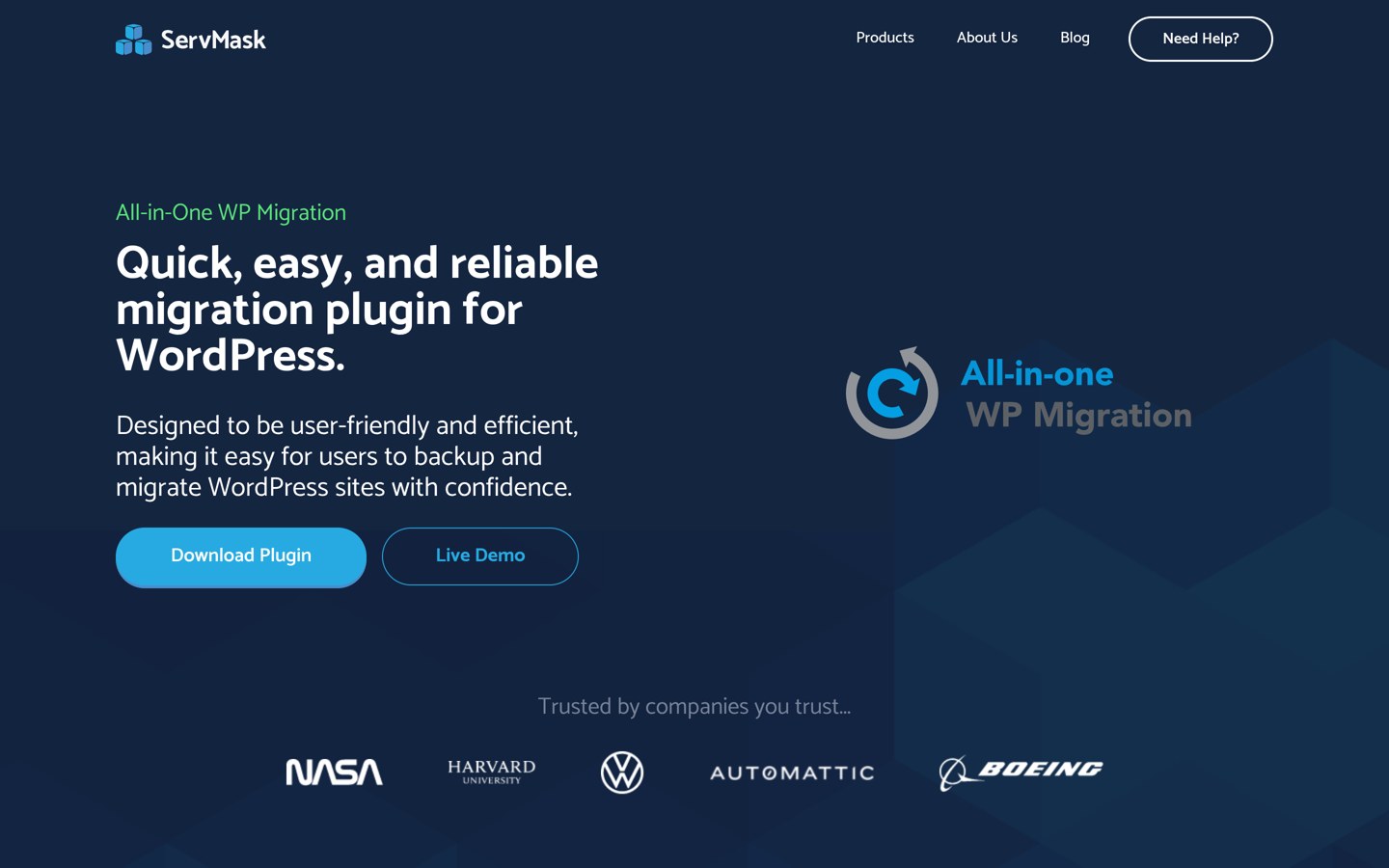
All-in-One WP Migration homepage, captured Nov 2026.
All-in-One WP Migration is the most-installed tool here, with more than 5 million active installs and a 4.5 out of 5 rating from 7,678 users. The free version exports a whole site, files and database, into a single file, then imports it on a fresh WordPress install with drag and drop.
The trade off is the import limit. The free import follows the host upload limit, so a large site may not import until the Unlimited Extension at $69 a year for up to 50 sites removes the cap. It suits beginners moving a smaller site between hosts.
4.8/5on WordPress.org (8,739 reviews, checked Nov 2026)
Paid from$70/yr
Best for backups with migration included
Free backupsYes, scheduled
MigrationMigrator, Premium
Cloud storageDrive, Dropbox, S3
Paid planPersonal, $70/yr
teamupdraft.com
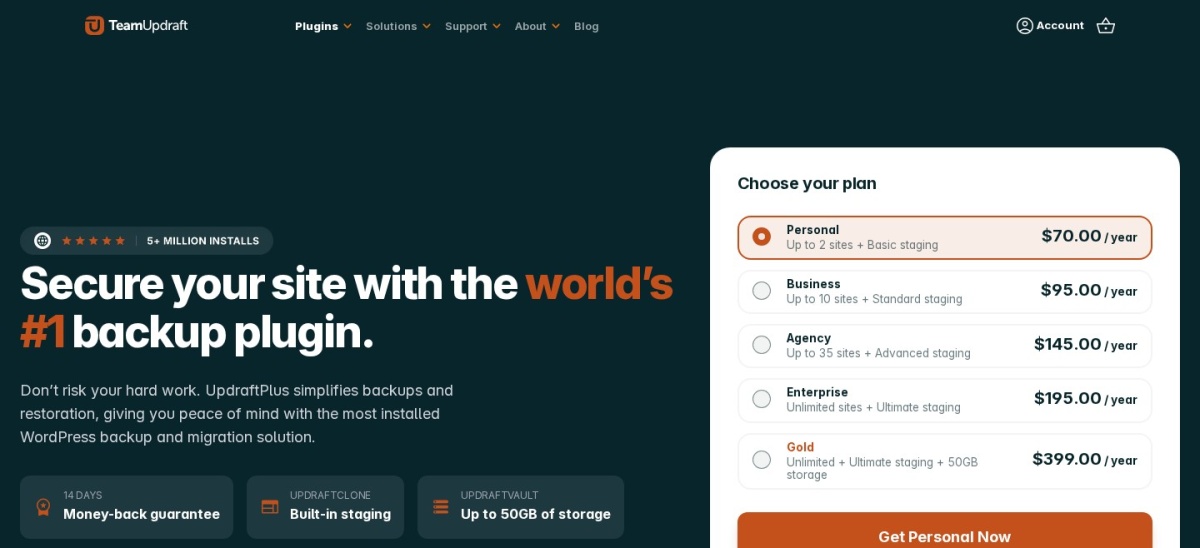
UpdraftPlus homepage, captured Nov 2026.
UpdraftPlus is the most-used backup plugin on WordPress.org, with more than 4 million active installs and a 4.8 out of 5 rating from 8,739 users. The free version schedules file and database backups to cloud storage such as Google Drive and Dropbox, and Premium adds the Migrator add-on for moving sites.
The trade off is that migration is not in the free version. Premium Personal costs $70 a year for 2 sites, adds Migrator, incremental backups and basic staging, and includes 1 GB of UpdraftVault storage. It suits sites that already back up with UpdraftPlus.
5/5on WordPress.org (141 reviews, checked Nov 2026)
Paid from$59/yr
Best for multisite moves on a budget
Free migrationSingle to single site
MultisiteFree, subsites
Package size limitNone
Paid planPro, $59/yr
codexonics.com
Prime Mover homepage, captured Nov 2026.
Prime Mover is a backup and migration plugin with more than 10,000 active installs and a 5 out of 5 rating from 141 users. The free version migrates a single site to another single site or multisite, exports the database with media and plugins, and puts no size limit on packages.
The trade off is reach. Pro costs $59 a year for one site and adds scheduled backups, remote URL restore and multisite main-site migration, with a 14-day trial. It suits developers moving multisite networks without paying agency prices.
A push sends only the changes you picked from staging to live, and leaves live orders, comments and users in place. WP Staging, WPvivid and BlogVault are built for that kind of selective sync.
A move copies the whole site, files and database, and replaces the destination. Duplicator, All-in-One WP Migration, Migrate Guru and Prime Mover work that way, which is fine for a host change but blunt for a small update.
WP Migrate sits between the two. It pushes and pulls the database between connected installs, with find and replace, but files need a higher plan.
If you only need to publish a tested change, pick a tool with a real push. If you need to change hosts, pick a mover and treat the staging copy as a fresh install.
Common mistakes when syncing staging and live
Pushing without a backup is the most common mistake. Take a backup of the live site first, so a push that overwrites the wrong table can be undone.
Syncing a staging copy that holds real customer data is the second. A clone of a shop still holds orders and subscriptions, so stop its emails and scheduled jobs before you test.
Letting a staging copy go stale is the third. Pull the live site down again before you test, or you may approve a change against content that no longer exists.
How we chose
We started from the staging and migration plugins on WordPress.org with the most installs, then kept those that can sync a site between staging and live, either by push and pull or by moving the whole site.
Prices come from each vendor's pricing page, checked on 22 November 2026. Ratings and install counts come from WordPress.org on the same day. Where a vendor shows a sale, the list shows the regular price, and WP Staging prices are in euros.
We left out backup-only tools that cannot sync a staging copy, and plugins not updated in the last 12 months. No vendor paid for a place, and we do not claim hands-on testing for this list.
How to choose a sync plugin for WordPress staging
Start with whether your host already gives you staging, then pick the sync method that matches the change you make most.
Check what your host already does. Many managed hosts include a staging site with push and pull. Do not pay for a plugin that repeats what your host already covers.
Decide push or move. Pick a push tool such as WP Staging or WPvivid for small tested changes, and a mover such as Duplicator or Migrate Guru for a host change.
Check the plan that holds the sync. Push to live is often on a higher plan than the cheapest one, so confirm the feature is in the plan you would buy.
Try the free version on a copy first. Every tool here except BlogVault has a free version. Make a staging copy, sync it once, and check the live site before you pay.
FAQ
What is the best sync plugin for WordPress staging?
WP Staging is the best pick for most sites. It is built around staging, is rated 4.8 out of 5 by 2,471 users, and its free version creates a staging clone, though push to live needs the Business plan.
Can I sync staging to live for free?
Partly. WPvivid, WP Staging, Duplicator and All-in-One WP Migration all create a staging or moved copy for free, but pushing changes back to live usually needs a paid plan, except for a manual move with a free archive.
What is the difference between staging and migration?
Staging is a copy of a site where you test changes, then push only the approved changes to live. Migration moves the whole site to a new host or domain, replacing the destination, which is a bigger step than a push.
Does push to live overwrite live orders and comments?
It can, if the push replaces the whole database. WP Staging lets you pick which files and tables go live, so live orders and comments can stay in place, but take a backup of the live site before every push.
Which staging sync plugin is cheapest?
Migrate Guru is free with no paid tier, but it moves whole sites rather than pushing changes. Among paid tools, WPvivid is cheapest at $49 a year for 2 sites, followed by Prime Mover at $59 a year.
Do I need a staging plugin if my host has staging?
Usually not. If your host includes a staging site with push and pull, use that first. A plugin is most useful when your host has no staging, or when you move sites between hosts.
Can these plugins sync a localhost site to live?
Most can, with limits. Migrate Guru cannot move a localhost site, because both sites must be live and reachable. WP Migrate, Duplicator and All-in-One WP Migration are better fits for local to live moves.