BlogVault Alternatives in 2026: 7 Best Tools Compared
WLWPLegible EditorsLast verified 22 Nov 2026How we rank13 min read
★ Short answer
UpdraftPlus is our top BlogVault alternative, with 4M+ active installations, free scheduled backups, and remote storage integrations. WPvivid offers a broader free toolkit for backups, migration, and staging, while Duplicator suits website owners who regularly move WordPress installations between servers.
How we make this list: we compare pricing pages, product documentation and public user reviews, then re-check every price before each update. No product paid for a place. Disclosure.
UpdraftPlus has 4M+ active installations and a 4.8/5 rating from 8,739 reviews. Its free version supports scheduled cloud backups, while Premium costs $70/year for 2 sites.
WPvivid has 900,000+ active installations and a 4.9/5 rating from 1,574 reviews. Its Blogger plan costs $49/year for 2 domains.
Duplicator has 1M+ active installations and a 4.9/5 rating from 4,941 reviews. Its Basic plan normally costs $79/year for 2 sites.
Jetpack VaultPress Backup offers real-time cloud backups, 10GB of starting storage, and a 30-day archive. Its regular price is $119.40/year.
BackWPup has 400,000+ active installations and a 4/5 rating from 1,323 reviews. Starter normally costs $49/year for 2 domains.
All-in-One WP Migration has 5M+ active installations, while WP Time Capsule provides incremental backups through plans starting at $49/year.
What to look for in a BlogVault alternative
BlogVault is a managed WordPress backup service that stores copies away from your hosting server. Its main advantages include automatic backups, off-site storage, site recovery, staging, and migration. Alternatives differ in how much of that work they manage for you.
The first consideration is backup frequency. Daily backups may be sufficient for a relatively static website, while frequently updated stores and membership sites benefit from more frequent or real-time backups.
Next, examine backup storage and restoration. Some plugins connect to your own Google Drive, Dropbox, or S3 account. Others operate a managed cloud service. Check whether you can restore a website when its WordPress dashboard is inaccessible.
Staging and migration are also important. Some alternatives include free website cloning or migration, while others require paid licenses for moving installations, testing updates, or pushing staging changes to production.
Finally, compare regular renewal prices, retention windows, storage allowances, and website limits. The cheapest plugin may require separate cloud storage expenses, while managed services can include storage and restoration tools in their subscriptions.
4.8/5on WordPress.org (8,739 reviews, checked Nov 2026)
Paid from$70/yr
Best BlogVault alternative overall
Free schedulingAutomatic backups
Remote storageGoogle Drive, Dropbox and more
Free restorationIncluded
Paid planPersonal, 2 sites
teamupdraft.com
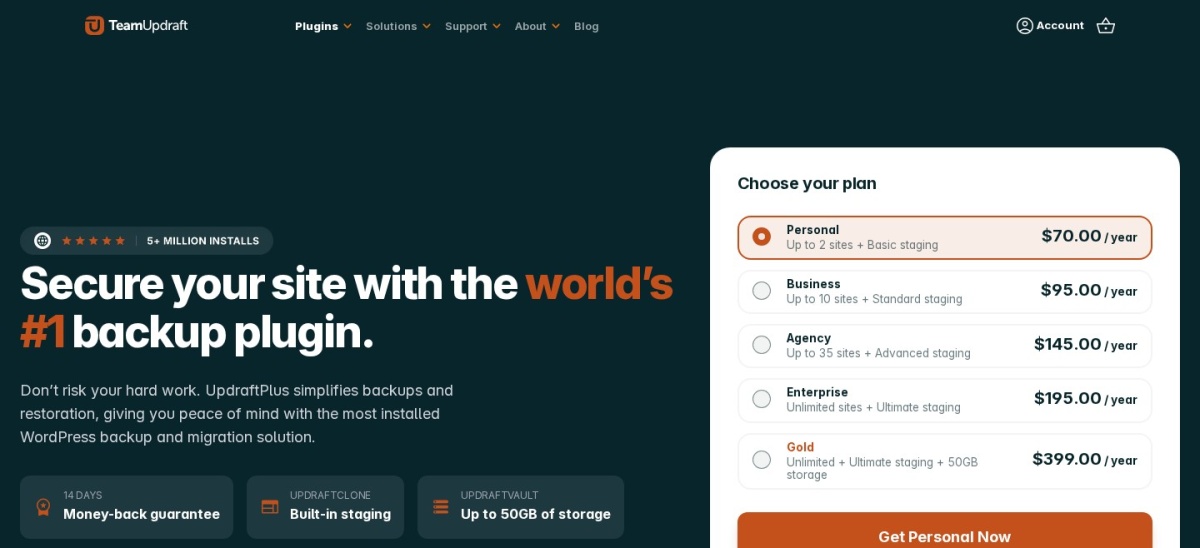
UpdraftPlus homepage, captured Nov 2026.
UpdraftPlus is a WordPress backup and restoration plugin with 4M+ active installations and a 4.8/5 rating from 8,739 reviews. Its free version supports scheduled file and database backups, restoration from WordPress, and remote storage through Google Drive, Dropbox, and other providers. Users retain control of their backup destinations.
The trade off is that incremental backups, advanced migration, and additional storage integrations require Premium at $70/year for 2 sites. Unlike BlogVault, the free version does not provide a complete managed recovery service independent of WordPress. It suits blogs and business websites that want affordable backups with flexible storage.
What we like
Free scheduled backups and restoration
Supports popular cloud storage providers
Separate backup schedules for files and databases
Premium includes migration and incremental backup features
Large WordPress user base
Watch out for
Free restores generally require an accessible WordPress installation
Incremental backups require Premium
Cloud storage accounts may introduce separate expenses
Personal adds incremental backups, migration tools, additional destinations, and premium support.Visit teamupdraft.com
02
WPvivid
4.9/5on WordPress.org (1,574 reviews, checked Nov 2026)
Paid from$49/yr
Best free alternative for backups and staging
Free backupsManual and scheduled
Cloud storageSupported
StagingIncluded free
Paid planBlogger, 2 domains
wpvivid.com
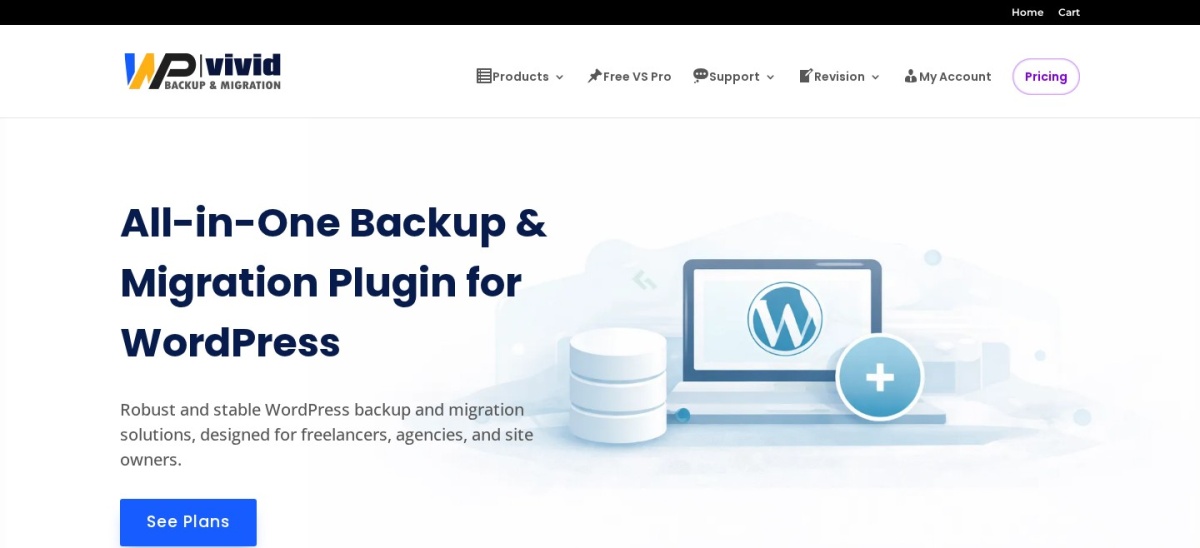
WPvivid homepage, captured Nov 2026.
WPvivid is a WordPress backup, migration, and staging plugin with 900,000+ active installations and a 4.9/5 rating from 1,574 reviews. Its free version supports scheduled backups, remote cloud storage, manual website migration, and staging site creation. These features make it a broad alternative to BlogVault for website maintenance.
The trade off is that incremental backups, advanced staging operations, and expanded backup management require Blogger at $49/year for 2 domains. Unlike BlogVault's managed storage, WPvivid generally uses storage destinations you configure. It suits freelancers and small businesses seeking backup and staging features without a large subscription.
What we like
Free scheduled backups and cloud storage support
Free website migration functionality
Staging tools included in the free edition
Affordable regular paid plan for 2 domains
Pro supports advanced backup and migration workflows
4.9/5on WordPress.org (4,941 reviews, checked Nov 2026)
Paid from$79/yr
Best for WordPress backup and migration
Free backupsManual packages
Scheduled backupsPro
Cloud destinationsPro
Paid planBasic, 2 sites
duplicator.com
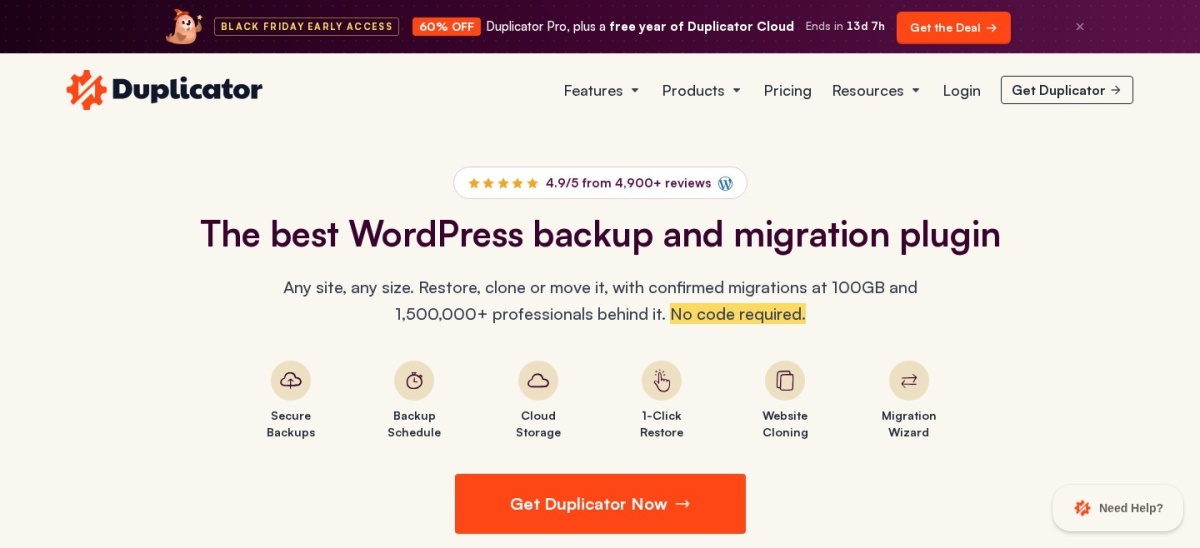
Duplicator homepage, captured Nov 2026.
Duplicator is a WordPress backup and migration plugin with 1M+ active installations and a 4.9/5 rating from 4,941 reviews. Its free version creates portable website packages containing WordPress files and database content. These packages help move installations between servers or create downloadable backups before major website changes.
The trade off is that scheduled backups, cloud destinations, backup encryption, and restore points require Basic at the regular price of $79/year for 2 sites. The vendor also advertises an introductory discount. It suits developers and website owners who frequently migrate websites and want backups that support the same workflow.
What we like
Free portable website backup packages
Useful for moving sites between hosting providers
Pro includes automated backups and cloud storage
Restore points and encryption available in Basic
Extensive migration options
Watch out for
Free version lacks scheduled cloud backups
Large backup packages can require server resources
4.5/5on WordPress.org (35 reviews, checked Nov 2026)
Starts at$9.95/mo
Best managed alternative for real-time backups
Backup frequencyReal-time
Included storage10GB
Archive history30 days
Paid planVaultPress Backup
jetpack.com
Jetpack Backup homepage, captured Nov 2026.
Jetpack Backup is Automattic's managed WordPress backup service, with 20,000+ active installations for its standalone plugin and a 4.5/5 rating from 35 reviews. Its paid service includes real-time cloud backups, 10GB of starting storage, a 30-day activity archive, and one-click restoration. It also supports WooCommerce data recovery.
The trade off is that backup functionality requires a paid subscription. The regular price is $9.95/month billed yearly, equivalent to $119.40/year, while a 50% introductory discount is advertised. It suits busy websites and online stores that want off-site recovery without managing their own cloud storage.
What we like
Real-time cloud backups
Managed off-site storage
Restore functionality when WordPress is inaccessible
WooCommerce-aware recovery features
Activity log helps identify restoration points
Watch out for
No permanently free backup service
Storage and retention allowances apply
Requires a Jetpack account and external service
Costs more than several self-managed alternatives
The paid subscription enables real-time backups, managed storage, activity history, and restores.Visit jetpack.com
05
BackWPup
4/5on WordPress.org (1,323 reviews, checked Nov 2026)
Paid from$49/yr
Best for straightforward scheduled WordPress backups
Free schedulingIncluded
Backup contentFiles and database
Cloud storageSupported
Paid planStarter, 2 domains
backwpup.com
BackWPup homepage, captured Nov 2026.
BackWPup is a WordPress backup and restore plugin with 400,000+ active installations and a 4/5 rating from 1,323 reviews. Its free version supports scheduled backups of WordPress files and databases, along with configurable storage destinations. It provides a traditional backup workflow for users who prefer managing archives through WordPress.
The trade off is that premium storage options, encryption, migration, and the dedicated restore app require Starter. Its regular price is $49/year for 2 domains, with a temporary $29 sale advertised. It suits website owners who need scheduled backup jobs and want to configure their storage and retention.
What we like
Free automatic backup scheduling
Supports file and database backups
Cloud storage destination options
Starter includes 2 domains
Premium adds encryption and migration features
Watch out for
Lower WordPress.org rating than several competitors
Advanced recovery tools require payment
Backup configuration can be more involved than managed services
Starter adds encrypted backups, premium destinations, migration, and the restore app.Visit backwpup.com
06
WP Time Capsule
4/5on WordPress.org (128 reviews, checked Nov 2026)
Starts at$49/yr
Best for incremental backup and staging workflows
Backup typeIncremental
Free trial30 days
Restore history30 days
Paid planBusiness, 2 sites
wptimecapsule.com
WP Time Capsule homepage, captured Nov 2026.
WP Time Capsule is an incremental WordPress backup and staging plugin with 10,000+ active installations and a 4/5 rating from 128 reviews. It backs up changed files and database records to supported cloud storage accounts. Its Business plan includes real-time backups, a 30-day restore window, update protection, and staging features.
The trade off is that the free offering is a 30-day trial rather than a permanent backup plan. Business costs $49/year for 2 websites, and cloud storage must be connected separately. It suits website owners who prefer incremental backups and want to restore changes around WordPress updates.
Business enables ongoing incremental backups, staging, and a 30-day restore window.Visit wptimecapsule.com
07
All-in-One WP Migration
4.5/5on WordPress.org (7,678 reviews, checked Nov 2026)
Paid from$69/yr
Best for portable WordPress backup archives
Backup formatWPress archive
Free exportIncluded
Paid restoreOne-click and server import
Paid planUnlimited Extension, 50 sites
servmask.com
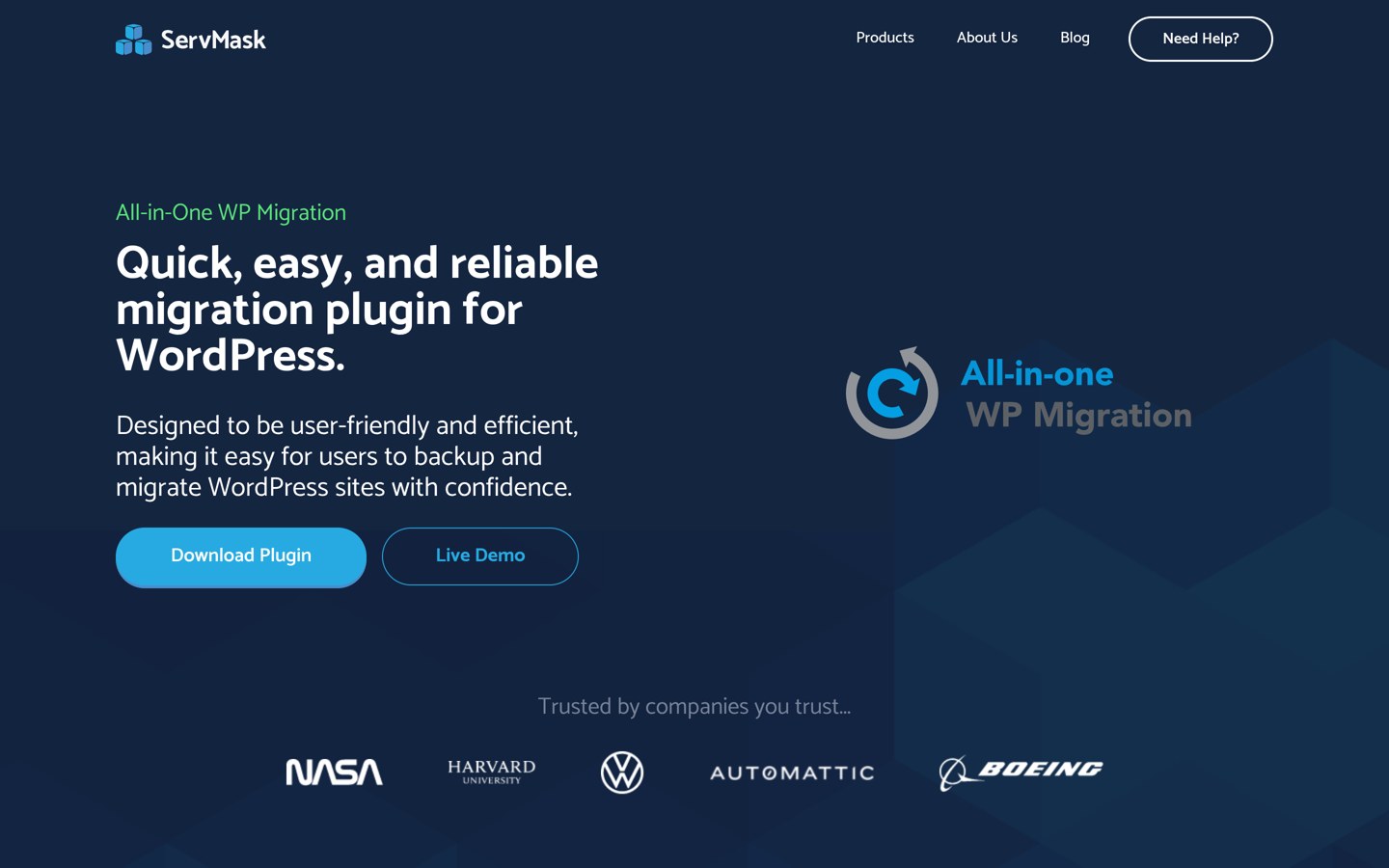
All-in-One WP Migration homepage, captured Nov 2026.
All-in-One WP Migration is a WordPress backup and migration plugin with 5M+ active installations and a 4.5/5 rating from 7,678 reviews. Its free version exports WordPress files, themes, plugins, and database content into portable WPress archives. Users can download these archives and import them into another WordPress installation.
The trade off is that the free import process remains subject to hosting upload restrictions. The Unlimited Extension costs $69/year for up to 50 sites and adds server-based restoration, larger imports, and command-line tools. It suits administrators who prioritize portable site archives and occasional migrations over continuous managed backups.
What we like
Free complete website exports
Portable single-file backup archives
Large WordPress installation base
Paid extension bypasses hosting upload limits
Unlimited Extension covers up to 50 sites
Watch out for
Not primarily designed as a managed real-time backup service
Free imports remain subject to hosting limits
Advanced cloud backup features require separate paid functionality
Unlimited Extension adds unrestricted imports, server restoration, and WP-CLI support.Visit servmask.com
Managed backups vs self-managed WordPress backups
BlogVault and Jetpack Backup provide managed backup infrastructure. They store website copies away from the hosting server and offer restoration through external dashboards or recovery services. This reduces the amount of storage configuration website owners must manage.
UpdraftPlus, WPvivid, and BackWPup generally connect to storage destinations you control. These solutions provide flexibility and potentially lower software costs, but users remain responsible for storage availability, retention, and recovery planning.
Managed backups are particularly useful when a website generates frequent transactions or must be recoverable while WordPress is unavailable. Self-managed backups can be sufficient for smaller websites when remote copies and restoration procedures are maintained carefully.
Can you restore a WordPress website when wp-admin is inaccessible?
A backup is most useful when it remains accessible after a website failure. Some plugins primarily restore through the WordPress dashboard, which may become unavailable after a serious update error, server issue, or security incident.
Jetpack Backup offers external recovery through its managed service. Duplicator provides restoration and migration options through its backup packages, while other tools offer different recovery methods depending on the plan.
Before replacing BlogVault, check whether your alternative supports recovery without an operational WordPress dashboard. Save required server credentials securely, maintain remote backup copies, and document the steps needed to restore your website.
How we chose
We shortlisted established WordPress backup and migration plugins using public WordPress.org listings, vendor documentation, and official pricing pages. The comparison emphasizes alternatives to BlogVault's backup scheduling, off-site storage, site restoration, migration, and staging capabilities.
We checked WordPress.org ratings, review counts, active installations, plugin maintenance, and official prices on 22 Nov 2026. Regular annual prices were used instead of introductory discounts. We also distinguished permanent free versions from time-limited trials and managed backup subscriptions.
We excluded outdated plugins, products without confirmable prices, and backup services with unclear recovery functionality. We also excluded options whose premium pricing could not be independently verified. No vendor paid for a place, and we do not claim direct product testing for this list.
How to choose the best BlogVault alternative
Compare your backup frequency, recovery requirements, storage preferences, and budget before replacing BlogVault.
**Choose how frequently your website needs backups.** Daily scheduled backups may be sufficient for blogs and relatively static business websites. Stores and membership platforms may need more frequent or real-time backups to reduce the amount of data lost after a failure.
**Decide who manages backup storage.** Choose a managed service if you prefer the vendor to operate off-site storage. Use UpdraftPlus, WPvivid, or BackWPup when you want control over cloud storage destinations and backup retention.
**Check restoration and migration capabilities.** Confirm whether you can recover your website when WordPress is inaccessible. Review database restoration, file recovery, migration support, staging functionality, and the ability to restore individual backups.
**Compare regular prices and verify recovery.** Review license limits, storage allowances, retention windows, and recurring charges. Before canceling BlogVault, create a fresh backup with the replacement and verify that your restoration process can recover the website.
FAQ
What is the best alternative to BlogVault?
UpdraftPlus is our top overall BlogVault alternative because its free version supports scheduled backups, cloud storage, and restoration. WPvivid is a strong choice for free staging and migration, while Jetpack Backup offers managed real-time backups for websites that need frequent recovery points.
Is there a free alternative to BlogVault?
Yes. UpdraftPlus, WPvivid, BackWPup, Duplicator, and All-in-One WP Migration offer free versions. Their features differ significantly. UpdraftPlus and WPvivid support scheduled backups, while Duplicator and All-in-One WP Migration are particularly useful for creating portable website archives.
Which BlogVault alternative is cheapest?
WPvivid, BackWPup, and WP Time Capsule each have entry plans priced at $49/year. However, their features and licensing models differ. WPvivid includes a permanent free version, while WP Time Capsule offers a trial before requiring a subscription.
Is UpdraftPlus better than BlogVault?
UpdraftPlus is generally more affordable and gives users control over remote storage destinations. BlogVault provides a managed backup and recovery system with external infrastructure. Choose UpdraftPlus for flexible self-managed backups and BlogVault when external restoration and managed recovery are priorities.
Which WordPress backup plugin supports real-time backups?
Jetpack Backup provides real-time cloud backups on its paid service, while WP Time Capsule offers incremental real-time backups. Other plugins may provide incremental or frequent scheduled backups through premium plans. Check exactly how often changes are captured before relying on a service for transaction-heavy websites.
Can I migrate a WordPress website using a backup plugin?
Yes. Duplicator and All-in-One WP Migration specialize in portable website packages and transfers. WPvivid also offers migration functionality in its free version. UpdraftPlus provides expanded migration features through Premium. Confirm that your chosen plugin supports your destination hosting environment.
Do I need separate cloud storage for WordPress backups?
It depends on the plugin. UpdraftPlus and WPvivid commonly connect to storage accounts you configure, while Jetpack Backup includes managed cloud storage in its subscription. WP Time Capsule also uses supported external cloud providers. Include any separate storage expenses when comparing total costs.
Can backup plugins restore a hacked WordPress website?
Yes, when a clean backup from before the compromise is available. However, restoration alone may not remove the underlying vulnerability. Update affected software, change compromised credentials, examine administrator accounts, and confirm that malicious files or database changes have been removed.
Should I keep BlogVault until my replacement works?
Yes. Keep BlogVault active until the replacement has created a complete backup and you have verified the recovery procedure. Confirm that database tables, media files, themes, plugins, and important configuration files are included. Avoid canceling an existing recovery service before establishing a functioning alternative.