WP-Optimize Alternatives in 2026: 7 Best Tools Compared
WLWPLegible EditorsLast verified 22 Nov 2026How we rank11 min read
★ Short answer
WP Rocket is the best WP-Optimize alternative for most WordPress websites because it combines page caching, cache preloading, unused CSS removal, and JavaScript optimization in one plugin, starting at a regular $60 per year. Choose LiteSpeed Cache for free server-level caching on compatible hosting, or W3 Total Cache for detailed caching controls.
How we make this list: we compare pricing pages, product documentation and public user reviews, then re-check every price before each update. No product paid for a place. Disclosure.
WP Rocket offers page caching, JavaScript delay, and unused CSS removal for a regular $60/year. Its G2 rating is 4.2/5 from 48 reviews.
LiteSpeed Cache has 7M+ active installations and a 4.8/5 rating from 2,784 reviews. Its WordPress plugin is free, although some QUIC.cloud services cost extra.
W3 Total Cache has 800K+ active installations and a 4.4/5 rating from 5,420 reviews. Pro costs $99/year for one website.
Hummingbird has a 4.7/5 rating from 1,488 reviews. Its $50/year Pro Basic plan includes 50 GB of CDN bandwidth.
SpeedyCache has 500K+ active installations and offers one of the cheapest paid upgrades at $39/year for one site.
WP Super Cache and Cache Enabler are free caching plugins with no required paid license. Both have over 100,000 active installations.
What matters when replacing WP-Optimize?
WP-Optimize combines page caching, database cleanup, image compression, and CSS and JavaScript minification. When choosing an alternative, decide whether you need all these features in one plugin or only the tools that affect your site's performance.
Page caching usually provides the largest immediate benefit for uncached WordPress pages. It stores a reusable version of a page so the server does not need to rebuild it for every visitor. Some plugins use static HTML files, while others integrate with server-level caching.
Check asset optimization separately. Minifying CSS, delaying JavaScript, removing unused CSS, and lazy-loading images address different performance issues. A caching plugin does not necessarily include every optimization feature.
Also consider your hosting environment. LiteSpeed Cache provides its server-level caching features on compatible servers or through QUIC.cloud. Other tools, including WP Rocket and W3 Total Cache, support broader hosting configurations.
Finally, compare regular renewal costs and free-plan limitations. Several established plugins provide free caching, while paid products add advanced optimization, CDN services, automation, or premium support.
WP Rocket is a premium WordPress performance plugin that combines page caching, browser caching, cache preloading, lazy loading, and front-end optimization. Its entry plan covers one website, and the plugin automatically activates important caching features without requiring complex configuration.
The trade off is that WP Rocket does not have a permanently free version, and its regular Single license costs $60 per year. The vendor currently advertises temporary Black Friday discounts that apply to the initial purchase. It suits site owners who want caching and advanced CSS and JavaScript optimization in one interface.
What we like
Automatically enables essential caching features
Includes unused CSS removal and JavaScript delay
Supports cache preloading and lazy loading
Works with common WordPress hosting environments
Includes WooCommerce-aware caching behavior
Watch out for
No permanently free version
Does not replace every WP-Optimize database or image compression feature
Single license covers one website
Additional CDN services can cost extra
The paid license includes page caching, CSS and JavaScript optimization, updates, and support.Visit wp-rocket.me
02
LiteSpeed Cache
4.8/5on WordPress.org (2,784 reviews, checked Nov 2026)
PriceFree
Best free alternative for compatible hosting
Active installs7M+
Server cacheLiteSpeed, OpenLiteSpeed, QUIC.cloud
Image optimizationAvailable through cloud services
Plugin licenseFree
litespeedtech.com
LiteSpeed Cache homepage, captured Nov 2026.
LiteSpeed Cache is a free WordPress optimization plugin with over 7 million active installations. It includes server-level caching for compatible environments, CSS and JavaScript minification, image optimization integration, database cleanup, lazy loading, and object cache support.
The trade off is that its main server-level page cache requires compatible LiteSpeed infrastructure or QUIC.cloud, although general optimization features work on other servers. The plugin itself is free, but QUIC.cloud's paid CDN services use bandwidth-based pricing. It suits WordPress websites running on compatible hosting.
What we like
Free WordPress plugin with no premium license requirement
Over 7 million active installations
Supports server-level page caching
Includes database cleanup and image optimization integration
Works with WooCommerce and WordPress Multisite
Watch out for
Full server-level caching requires compatible infrastructure
Some QUIC.cloud services have usage-based charges
Extensive settings can confuse beginners
Incorrect optimization settings may affect page layouts
The plugin has no paid edition; optional QUIC.cloud plans add CDN capacity and services.Visit litespeedtech.com
03
W3 Total Cache
4.4/5on WordPress.org (5,420 reviews, checked Nov 2026)
Paid from$99/yr
Best for advanced caching configuration
Active installs800K+
Caching typesPage, browser, object, database
CDN integrationSupported
Paid planPro, 1 website
boldgrid.com
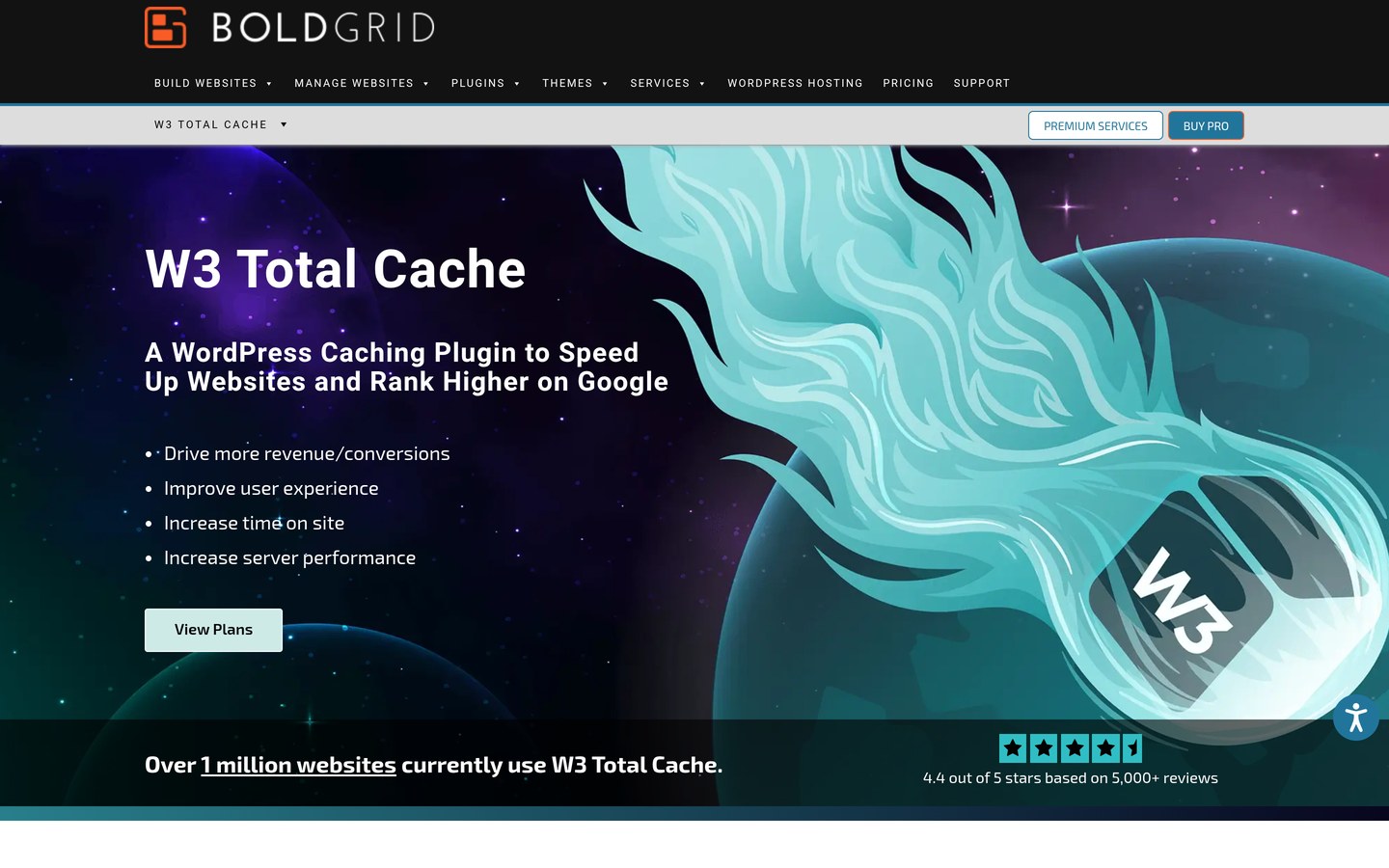
W3 Total Cache homepage, captured Nov 2026.
W3 Total Cache is a WordPress performance plugin with over 800,000 active installations and extensive caching configuration options. Its free version supports page caching, browser caching, object caching, database caching, minification, CDN integration, and several performance settings.
The trade off is configuration complexity, particularly when working with object caching, server settings, and multiple optimization methods. W3 Total Cache Pro costs $99 per year for one website and adds features such as advanced script control and additional image conversion capabilities. It suits developers and administrators who want detailed control.
What we like
Supports multiple caching layers
Free version includes substantial caching features
Works with a variety of hosting environments
Supports CDN integration and performance settings
Extensive configuration options for technical users
Watch out for
Settings can be complicated for beginners
Incorrect caching configuration may cause conflicts
Some advanced features require Pro
Pro costs more than several simpler alternatives
Pro adds advanced script controls, extended image conversion, and additional optimization tools.Visit boldgrid.com
04
Hummingbird
4.7/5on WordPress.org (1,488 reviews, checked Nov 2026)
Paid from$50/yr
Best for caching with CDN integration
Active installs70K+
Page cachingIncluded
Pro CDN119 locations, 50 GB
Paid planPro Basic, 1 site
wpmudev.com
Hummingbird homepage, captured Nov 2026.
Hummingbird is a WordPress caching and performance plugin from WPMU DEV, with over 70,000 active installations. Its free version provides caching, file compression, asset optimization, and performance-related controls for improving page delivery.
The trade off is that advanced features such as critical CSS generation, JavaScript execution delay, and CDN access require Hummingbird Pro. Pro Basic costs $50 per year for one website and includes 50 GB of CDN bandwidth across 119 locations. It suits users who want caching with an optional CDN upgrade.
What we like
Free page caching and optimization features
4.7/5 WordPress.org rating from 1,488 reviews
Pro plan includes CDN bandwidth
Supports advanced CSS and JavaScript optimization
Integrates with other WPMU DEV services
Watch out for
Advanced optimization features require Pro
Entry-level Pro CDN allocation is limited to 50 GB
Additional WPMU DEV features may require separate setup
Some optimization settings need careful configuration
Pro Basic adds critical CSS, JavaScript delay, CDN access, and premium support.Visit wpmudev.com
05
SpeedyCache
4.4/5on WordPress.org (30 reviews, checked Nov 2026)
Paid from$39/yr
Best budget paid caching alternative
Active installs500K+
CachingPage cache and GZIP
OptimizationCSS, JavaScript, images
Paid planPersonal, 1 website
speedycache.com
SpeedyCache homepage, captured Nov 2026.
SpeedyCache is a WordPress caching plugin from Softaculous with more than 500,000 active installations. Its free version provides page caching and performance optimization options, including CSS and JavaScript minification, GZIP compression, and cache management.
The trade off is that additional optimization capabilities and premium support require a paid license, while its WordPress.org review sample is smaller than those of established competitors. The Personal plan costs $39 per year for one website. It suits budget-conscious website owners who need basic caching with an affordable upgrade path.
What we like
Personal plan costs $39 per year
Free caching functionality
Over 500,000 active installations
Supports CSS and JavaScript optimization
Developed by Softaculous
Watch out for
Only 30 WordPress.org ratings
Some optimization features require Premium
Smaller public review sample than leading alternatives
Advanced configurations may require additional setup
Premium adds additional optimization features, updates, and dedicated support.Visit speedycache.com
06
WP Super Cache
4.3/5on WordPress.org (1,346 reviews, checked Nov 2026)
PriceFree
Best free plugin for straightforward page caching
Active installs1M+
Caching methodStatic HTML
Cache modesExpert, Simple, WP-Cache
Paid planNone
wordpress.org
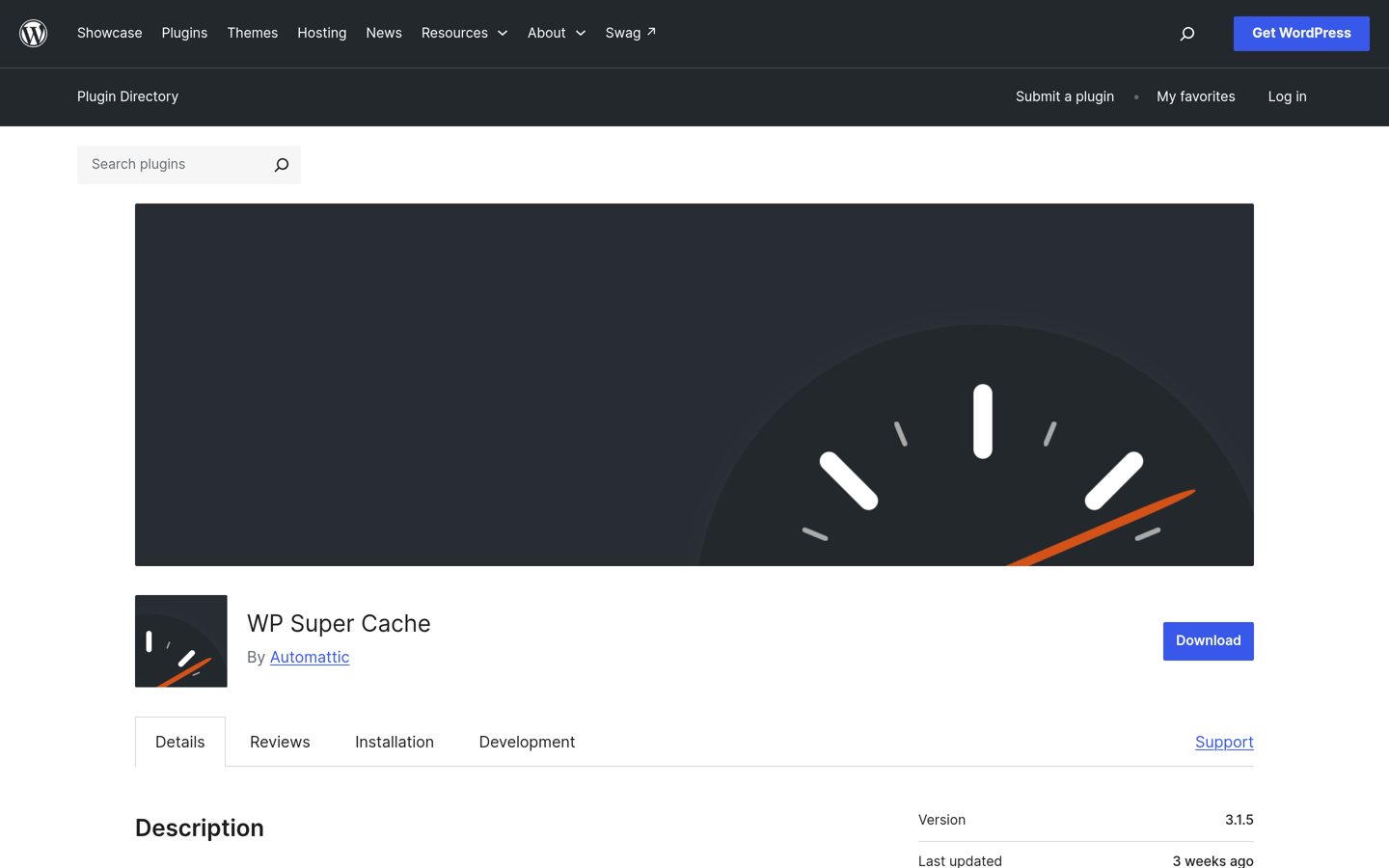
WP Super Cache homepage, captured Nov 2026.
WP Super Cache is a free WordPress caching plugin maintained by Automattic, with over 1 million active installations. It generates static HTML files from WordPress pages and serves those files to eligible visitors, reducing the need for repeated PHP and database processing.
The trade off is that WP Super Cache concentrates on caching rather than providing WP-Optimize's combined database cleanup, image compression, and extensive asset optimization features. The plugin is free with no paid upgrade. It suits blogs and content websites that need dependable page caching without an annual license.
What we like
Completely free with no premium license
Over 1 million active installations
Static HTML caching reduces repeated page generation
Multiple caching modes
Maintained by Automattic
Watch out for
No integrated image compression
Limited CSS and JavaScript optimization
Advanced cache modes require technical knowledge
Does not provide database cleanup tools
There is no paid plan; all plugin features are available for free.Visit wordpress.org
07
Cache Enabler
4.3/5on WordPress.org (139 reviews, checked Nov 2026)
PriceFree
Best for lightweight static page caching
Active installs100K+
Cache typeStatic HTML on disk
CompressionBrotli and GZIP support
Paid planNone
keycdn.com
Cache Enabler homepage, captured Nov 2026.
Cache Enabler is a lightweight WordPress caching plugin maintained by KeyCDN, with over 100,000 active installations. It creates static HTML files, supports automatic cache clearing, HTML minification, WebP cache handling, and Brotli or GZIP pre-compression.
The trade off is that Cache Enabler focuses on page caching and does not offer WP-Optimize's integrated database cleanup or image compression workflow. The plugin itself is free with no paid plan, although KeyCDN's separate CDN services are commercial. It suits straightforward WordPress websites that need simple caching with minimal configuration.
What we like
Free plugin without a paid edition
Simple configuration interface
Supports static HTML caching
Includes Brotli and GZIP pre-compression
Compatible with Autoptimize
Watch out for
No integrated image compression
No database cleanup functionality
Limited advanced JavaScript optimization
Separate tools needed for broader performance management
No paid plugin upgrade; optional CDN delivery is available separately through KeyCDN.Visit keycdn.com
Which WP-Optimize alternative replaces the most features?
WP-Optimize combines several optimization tasks, so replacing it with a different plugin does not always provide identical functionality. Compare caching, database maintenance, image compression, and front-end optimization separately.
WP Rocket covers automatic page caching, cache preloading, unused CSS removal, and JavaScript optimization, making it a broad alternative for front-end performance. However, it does not replace every dedicated image compression feature.
LiteSpeed Cache includes caching, database optimization, and image optimization integration, making it especially attractive on compatible hosting. W3 Total Cache emphasizes multiple caching layers and granular configuration rather than a simplified maintenance interface.
Hummingbird combines caching and asset optimization with optional CDN access. SpeedyCache offers basic caching with an affordable premium upgrade. WP Super Cache and Cache Enabler are narrower tools focused mainly on cached page delivery.
If database cleanup and image compression are essential, verify whether your chosen replacement includes them or whether separate plugins are needed.
How to switch from WP-Optimize without caching conflicts
Before replacing WP-Optimize, create a current website backup and record your caching and optimization settings. This makes it easier to restore the previous configuration if the new plugin causes a problem.
Clear WP-Optimize's existing cache, disable its caching and optimization features, and remove unnecessary generated files using the plugin's supported cleanup process. Avoid running multiple page-caching engines simultaneously.
Install and configure the replacement plugin, then check the homepage, individual posts, contact forms, and WooCommerce pages if applicable. Pay particular attention to logged-in sessions, shopping carts, checkout pages, and dynamic content.
Enable CSS and JavaScript optimization gradually. Incorrect minification, combination, or delay settings can break menus, interactive elements, and third-party scripts. Verify functionality after each major change.
Once the replacement works correctly, remove WP-Optimize if it is no longer needed. Keep only the optimization tools that provide distinct functionality.
How we chose
We compared established WordPress caching and performance plugins that can replace some or most of WP-Optimize's functionality. The selection covers full-featured premium optimization, server-level caching, advanced configuration, budget upgrades, and simpler free page-caching tools.
We checked WordPress.org plugin pages for active installations, ratings, review counts, and maintenance activity on 22 Nov 2026. We also reviewed official vendor pricing and documentation on the same date, using regular prices rather than temporary Black Friday or introductory discounts. WP Rocket's rating comes from G2 because it is not distributed through WordPress.org.
We excluded plugins that were closed, lacked recent maintenance, or had insufficient public adoption. We also excluded products whose regular paid pricing could not be confirmed on an accessible official page, except genuinely free plugins without a paid edition. No vendor paid for a place, and we do not claim testing for this list.
How to choose the right WP-Optimize alternative
Identify your main performance bottleneck and choose a plugin that addresses it without duplicating features already provided by your host or other plugins.
Check what your hosting already provides. Find out whether your server includes LiteSpeed caching, Redis, Memcached, Varnish, or another caching layer. If your host already handles full-page caching, focus on complementary optimization tools rather than installing another competing cache.
Prioritize the performance features you need. Choose WP Rocket for integrated caching and front-end optimization, LiteSpeed Cache for compatible server-level caching, or W3 Total Cache for detailed configuration. If you only need static page caching, WP Super Cache or Cache Enabler may be sufficient.
Compare free features with regular upgrade costs. Determine whether you need premium CSS optimization, CDN bandwidth, image processing, or dedicated support. SpeedyCache starts at $39 per year, Hummingbird Pro Basic at $50, WP Rocket at $60, and W3 Total Cache Pro at $99.
Move gradually and verify important pages. Back up your site, disable conflicting caching features, and configure the replacement. Check logged-in content, forms, navigation, and checkout pages before enabling more aggressive CSS or JavaScript optimization.
FAQ
What is the best alternative to WP-Optimize?
WP Rocket is our top choice for most WordPress websites because it combines page caching, cache preloading, CSS optimization, JavaScript delay, and lazy loading. Its regular Single license costs $60 per year. LiteSpeed Cache is a strong free alternative if your hosting environment supports its server-level caching features.
Is LiteSpeed Cache better than WP-Optimize?
LiteSpeed Cache can be a better choice on compatible LiteSpeed hosting because it integrates with server-level caching and includes database and image optimization features. WP-Optimize remains useful for users who prioritize its existing database cleanup and caching workflow. The best option depends on hosting compatibility and required functionality.
Is WP Rocket better than WP-Optimize?
WP Rocket may be preferable for users focused on page caching, unused CSS removal, JavaScript optimization, and a relatively simple setup. WP-Optimize provides its own combination of database cleaning, caching, and image compression. WP Rocket costs $60 per year at its regular entry price and does not offer a permanently free version.
What is the best free WP-Optimize alternative?
LiteSpeed Cache is one of the most complete free alternatives, with over 7 million active installations. It offers caching, database optimization, and image optimization integration, although some functions depend on compatible infrastructure or cloud services. WP Super Cache is another option if you only need static HTML caching.
Can I use WP-Optimize and WP Rocket together?
You can use different optimization features from separate plugins, but running overlapping page caches or aggressive asset optimization settings can cause conflicts. If you use WP Rocket for caching, disable WP-Optimize's caching and overlapping minification features. Keep database cleanup or other distinct functions only when they are necessary.
Does W3 Total Cache clean the WordPress database?
W3 Total Cache supports database caching, which stores reusable query results to reduce repeated processing. That is different from database cleanup, which removes unnecessary revisions, expired transients, and other unwanted records. If database maintenance is your priority, you may need a separate cleanup tool.
Which WP-Optimize alternative is cheapest?
WP Super Cache, Cache Enabler, and LiteSpeed Cache have free WordPress plugin licenses. LiteSpeed Cache may involve separate charges for optional cloud services. Among the paid upgrades with confirmed regular prices in this comparison, SpeedyCache Personal is cheapest at $39 per year for one website.
Will switching caching plugins improve Core Web Vitals?
A different caching plugin may improve loading behavior, particularly when it reduces server response time or delays unnecessary scripts. However, Core Web Vitals also depend on images, fonts, page structure, hosting, and interactive JavaScript. Switching plugins alone does not guarantee better metrics, and incorrect optimization settings can create new problems.
Can I use two WordPress caching plugins at the same time?
It is generally better to use one primary page-caching solution. Multiple plugins managing the same caching layer can create conflicting settings, stale pages, or unexpected behavior. Complementary tools can coexist when their roles do not overlap, such as using a dedicated image optimizer alongside a page-caching plugin.