Best WordPress Caching Plugins in 2026: 7 Tools Compared
WLWPLegible EditorsLast verified 22 Nov 2026How we rank11 min read
★ Short answer
LiteSpeed Cache is the best WordPress caching plugin for compatible LiteSpeed hosting, with 7 million+ active installs and a free server-level caching system. WP Fastest Cache offers simpler settings and a $49 lifetime upgrade, while WP-Optimize combines page caching, image compression and database cleanup.
How we make this list: we compare pricing pages, product documentation and public user reviews, then re-check every price before each update. No product paid for a place. Disclosure.
LiteSpeed Cache has 7M+ active installs and a 4.8/5 rating from 2,784 reviews. Its WordPress plugin is free.
WP Fastest Cache has 1M+ active installs and a 4.9/5 rating from 4,235 reviews. Premium starts at $49 as a one-time purchase.
WP-Optimize has 1M+ active installs and combines caching, image compression and database cleanup. Premium starts at $49 yearly for two sites.
W3 Total Cache has 800,000+ active installs and supports multiple caching methods. Its Pro license costs $99 yearly.
WP Super Cache and Cache Enabler provide free static-page caching, with 1M+ and 100,000+ active installs respectively.
Breeze Cache has 300,000+ active installs and offers free page caching, file optimization and CDN integration.
What to look for in a WordPress caching plugin
A WordPress caching plugin stores reusable website content so the server does not need to generate every page from scratch. Page caching can reduce repeated PHP execution and database queries, particularly for public pages that receive frequent visits.
Start with hosting compatibility. LiteSpeed Cache provides server-level page caching when your hosting environment supports LiteSpeed's caching technology. Other plugins create static HTML files or use different caching mechanisms that work across common WordPress hosting setups.
Look at the available caching methods. Page caching serves stored page output, browser caching helps visitors reuse previously downloaded resources, and object caching stores results of expensive operations. Not every website needs every method.
Additional features can include CSS and JavaScript minification, cache preloading, CDN integration and image optimization. These can be useful, but they are separate from page caching and may already be handled by your host or other performance tools.
Finally, compare free capabilities, paid licensing and configuration complexity. Avoid running competing page caches without checking compatibility. Dynamic pages such as shopping carts, account areas and checkout screens may need exclusions.
4.8/5on WordPress.org (2,784 reviews, checked Nov 2026)
PriceFree
Best overall for LiteSpeed-compatible hosting
Page cachingLiteSpeed server integration
Object cacheRedis and Memcached support
Image optimizationQUIC.cloud integration
Plugin priceFree
litespeedtech.com
LiteSpeed Cache homepage, captured Nov 2026.
LiteSpeed Cache is a WordPress caching and optimization plugin with 7 million+ active installs and a 4.8/5 rating from 2,784 reviews. Its free plugin supports server-level page caching on compatible LiteSpeed hosting, cache purging, browser caching, object caching integration and image optimization through QUIC.cloud.
The trade off is that its full server-level caching requires compatible infrastructure, and optional cloud optimization services may have separate charges. The WordPress plugin itself has no paid license. It suits websites already using LiteSpeed hosting and administrators wanting detailed cache controls.
What we like
Free plugin with no premium license
Server-level caching on compatible hosting
Supports WooCommerce-aware cache handling
Object caching integration
CSS, JavaScript and image optimization options
Watch out for
Full-page caching requires compatible server technology
Advanced settings can overwhelm beginners
QUIC.cloud services may involve additional charges
Incorrect cache exclusions can affect dynamic content
No paid plugin upgrade; optional QUIC.cloud services provide additional CDN and optimization capacityVisit litespeedtech.com
02
WP Fastest Cache
4.9/5on WordPress.org (4,235 reviews, checked Nov 2026)
Paid from$49 one-time
Best for beginners who want simple page caching
Free cachingStatic HTML pages
Cache preloadingIncluded
Premium license1 website
Paid planBronze, $49 lifetime
wpfastestcache.com
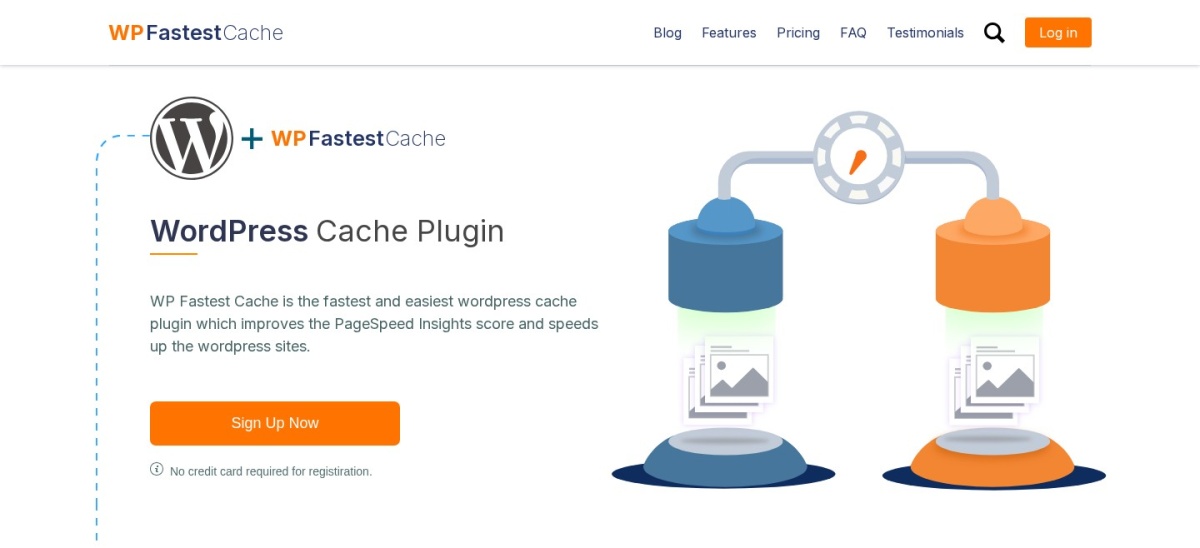
WP Fastest Cache homepage, captured Nov 2026.
WP Fastest Cache is a WordPress caching plugin with 1 million+ active installs and a 4.9/5 rating from 4,235 reviews. Its free version creates static HTML cache files and includes browser caching, GZIP compression, HTML and CSS minification, cache clearing and preloading controls.
The trade off is that image optimization, lazy loading and advanced JavaScript settings are Premium features. Bronze costs $49 once for one license and includes 10,000 image credits. It suits beginners who want straightforward caching with an optional lifetime upgrade.
What we like
Straightforward cache settings
Free page caching and preloading
Browser caching and GZIP compression
One-time Premium purchase
Lifetime Premium updates and support
Watch out for
Advanced optimization requires Premium
Image credits are limited by the license
Combining with another page cache can cause conflicts
Some script optimizations need compatibility checks
4.8/5on WordPress.org (2,617 reviews, checked Nov 2026)
Paid from$49/yr
Best for caching and database maintenance together
Page cachingIncluded free
Image compressionIncluded free
Database cleanupIncluded free
Paid planStarter, $49/yr for 2 sites
teamupdraft.com
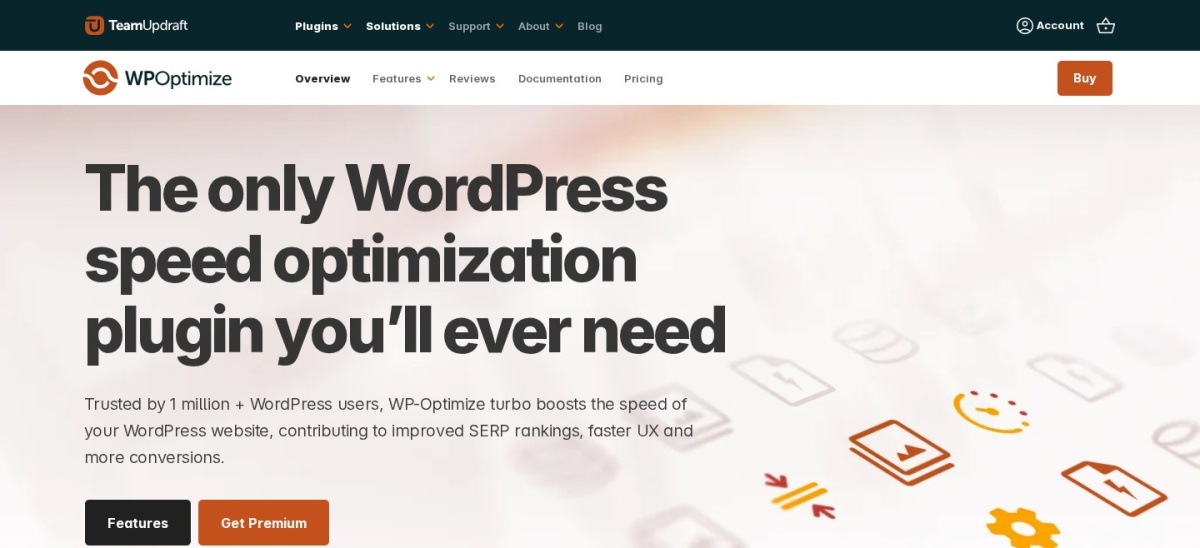
WP-Optimize homepage, captured Nov 2026.
WP-Optimize is a WordPress caching and maintenance plugin with 1 million+ active installs and a 4.8/5 rating from 2,617 reviews. Its free version offers page caching, database cleanup, image compression and CSS and JavaScript minification from the same dashboard.
The trade off is that advanced preloading, lazy loading and more flexible cleanup schedules require Premium. Starter costs $49 yearly for up to two sites. It suits website owners who want to manage caching and routine performance maintenance without installing several separate plugins.
What we like
Free page caching and database cleanup
Image compression tools included
CSS and JavaScript minification
Combines several maintenance features
Starter license covers two sites
Watch out for
Premium required for some advanced controls
Database cleanup should be preceded by a backup
Overlapping optimization options can conflict with other plugins
4.4/5on WordPress.org (5,420 reviews, checked Nov 2026)
Paid from$99/yr
Best for advanced caching configuration
Page cachingIncluded
Object cachingSupported
CDN integrationSupported
Paid planPro, $99/yr for 1 site
boldgrid.com
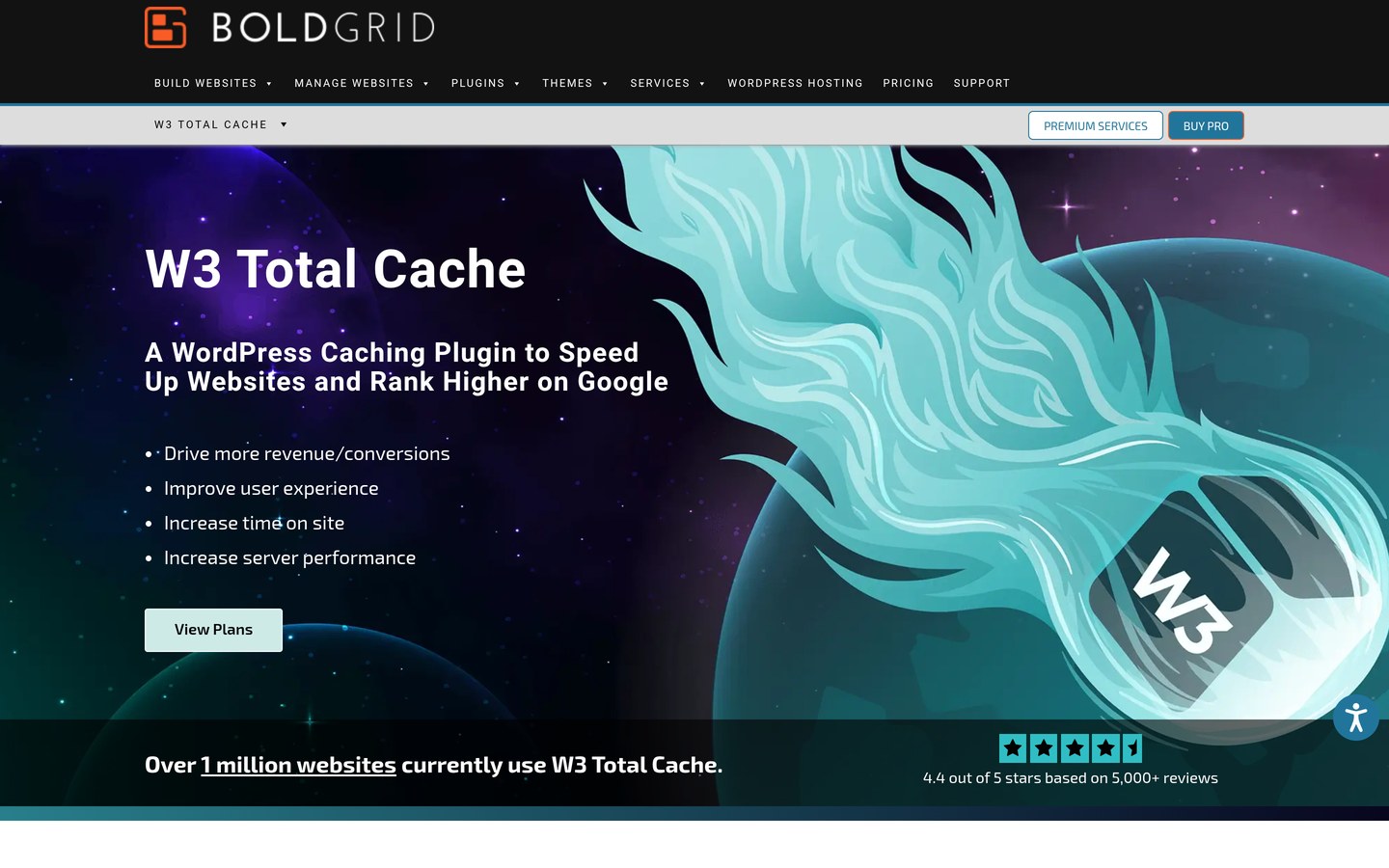
W3 Total Cache homepage, captured Nov 2026.
W3 Total Cache is a WordPress performance plugin with 800,000+ active installs and a 4.4/5 rating from 5,420 reviews. Its free version provides page caching, browser caching, object and database caching options, file minification and CDN integration.
The trade off is a large configuration interface, with some cache methods dependent on hosting capabilities. Pro costs $99 yearly for one site and adds advanced caching and optimization features. It suits experienced administrators who want granular control over cache behavior.
What we like
Multiple caching methods supported
Detailed cache and expiration controls
CDN and browser caching integration
Object caching options for compatible servers
Premium features for specialized performance needs
Watch out for
More complicated than simple caching plugins
Server configuration affects available methods
Incorrect settings can produce stale content
Advanced optimization features require Pro
Pro adds advanced fragment caching, REST API caching and additional optimization controlsVisit boldgrid.com
05
WP Super Cache
4.3/5on WordPress.org (1,346 reviews, checked Nov 2026)
PriceFree
Best free static-page caching for blogs
Cache formatStatic HTML
Cache preloadingSupported
MaintainerAutomattic
Paid planNone
wordpress.org
WP Super Cache homepage, captured Nov 2026.
WP Super Cache is a free WordPress caching plugin maintained by Automattic, with 1 million+ active installs and a 4.3/5 rating from 1,346 reviews. It creates static HTML files, supports cache preloading and offers multiple cache delivery methods to reduce repeated WordPress processing.
The trade off is a narrower feature set without a full image compression or advanced JavaScript optimization suite. The plugin has no paid plan or license fees. It suits blogs and content-focused websites that mainly need static-page caching.
What we like
Free with no premium license
Static HTML caching
Cache preloading available
Multiple cache delivery modes
Maintained by Automattic
Watch out for
No integrated image compression
Limited asset optimization features
Dynamic pages require appropriate exclusions
Some caching modes require configuration knowledge
No paid upgrade; all plugin caching features are available freeVisit wordpress.org
06
Cache Enabler
4.3/5on WordPress.org (139 reviews, checked Nov 2026)
PriceFree
Best lightweight caching plugin
CachingStatic HTML
Cache expirationConfigurable
Cache clearingAutomatic options
Paid planNone
keycdn.com
Cache Enabler homepage, captured Nov 2026.
Cache Enabler is a free WordPress caching plugin from KeyCDN with 100,000+ active installs and a 4.3/5 rating from 139 reviews. It generates static HTML cache files and provides automatic cache clearing, cache expiration settings and compressed cache delivery options.
The trade off is that it focuses on caching rather than combining image compression, database cleanup and advanced JavaScript optimization. The plugin has no paid license. It suits small websites and administrators who prefer fewer configuration settings.
What we like
Free plugin without license fees
Focused static-page caching
Simple cache expiration settings
Automatic cache clearing options
Limited configuration overhead
Watch out for
No integrated image optimizer
No comprehensive JavaScript optimization
Limited advanced caching controls
Additional tools may be needed for asset optimization
No paid upgrade; its caching and cache management features are freeVisit keycdn.com
07
Breeze Cache
3.6/5on WordPress.org (134 reviews, checked Nov 2026)
PriceFree
Best free caching option for Cloudways users
Page cachingIncluded free
File optimizationCSS and JavaScript
CDN integrationSupported
Paid planNone
cloudways.com
Breeze Cache homepage, captured Nov 2026.
Breeze Cache is a free WordPress caching plugin from Cloudways with 300,000+ active installs and a 3.6/5 rating from 134 reviews. It provides page caching, browser caching, CSS and JavaScript minification, cache exclusions and CDN integration, with settings designed to complement Cloudways hosting.
The trade off is its lower public rating compared with the other plugins here, and some hosting-specific optimizations depend on the server environment. The plugin itself has no paid license, although hosting and CDN services cost separately. It suits Cloudways users wanting a compatible caching tool.
What we like
Free page caching plugin
CSS and JavaScript minification
CDN integration supported
Cache exclusion and purge settings
Designed to integrate with Cloudways hosting
Watch out for
Lower WordPress.org rating than other shortlisted plugins
Some features depend on hosting configuration
No built-in advanced image optimization suite
Overlapping cache layers require careful setup
No paid plugin plan; hosting and optional CDN services are billed separatelyVisit cloudways.com
Page caching, browser caching and object caching explained
Page caching stores the output of a WordPress page so subsequent visitors can receive it without repeating the entire rendering process. This is especially useful for public content that remains the same between requests.
Browser caching tells visitors' browsers how long resources such as stylesheets and images can be reused. It reduces repeated downloads, although it does not replace server-side page caching.
Object caching stores reusable results of WordPress and database operations. Persistent object caching can help with workloads that repeatedly request similar data, but it often depends on server services such as Redis or Memcached.
A website may benefit from more than one caching layer. The important distinction is between complementary layers and competing page-cache systems that may produce unexpected behavior.
Why installing multiple caching plugins can cause problems
Installing multiple full-page caching plugins can create overlapping rules, inconsistent purging and stale pages. If your host already provides page caching, check its configuration before enabling another caching system.
Ecommerce stores and membership sites require special care. Shopping carts, checkout pages and account information often contain visitor-specific data that should not be served from a shared public cache.
After activating caching, verify logged-in behavior, forms, search results and dynamic content. When adjusting file optimization settings, check menus, payment interfaces and interactive elements for compatibility problems.
Clear existing caches when changing providers, plugins or important settings. Use a single primary page-cache strategy unless your hosting provider explicitly supports a coordinated configuration.
How we chose
We shortlisted established WordPress caching plugins with active WordPress.org listings, recent maintenance and meaningful public adoption. We compared page caching, server compatibility, cache exclusions, preloading, optimization features, configuration complexity and integration with hosting systems.
WordPress.org ratings, review counts, active installations and update details were checked on 22 Nov 2026. We also reviewed official vendor pages for free and premium licensing, using regular published prices. One-time purchases were kept separate from recurring annual plans and optional cloud services.
We excluded closed or outdated plugins, poorly documented products and tools that did not provide page caching. We also avoided treating public ratings or vendor performance claims as proof of speed improvements. No vendor paid for a place, and this list is based on documentation and public reviews rather than direct testing.
How to choose the best WordPress caching plugin
Check your hosting configuration and website requirements before installing a caching plugin. Follow these steps to choose a compatible option and avoid unnecessary duplication.
Identify your existing server cache. Ask your host whether it already runs LiteSpeed caching, another server-side cache or a managed CDN. LiteSpeed Cache is particularly suitable for compatible hosting, while other plugins can provide static caching across different environments.
Choose the right level of complexity. WP Fastest Cache and Cache Enabler are suitable for simple caching needs. W3 Total Cache offers more detailed configuration, while WP-Optimize combines caching with database maintenance and image compression.
Check dynamic content exclusions. Make sure your caching configuration handles shopping carts, checkout pages, account areas and other personalized content. Test the website both logged in and logged out after enabling caching.
Compare upgrades and monitor performance. Free caching may be sufficient for many sites. WP Fastest Cache Premium costs $49 once, WP-Optimize Starter costs $49 yearly and W3 Total Cache Pro costs $99 yearly. Measure performance before and after changing settings.
FAQ
What is the best WordPress caching plugin?
LiteSpeed Cache is our top recommendation for sites with compatible LiteSpeed hosting because it provides server-level page caching and extensive optimization features for free. WP Fastest Cache is a simpler alternative, while WP-Optimize combines caching with image compression and database cleanup.
Which WordPress caching plugin is completely free?
LiteSpeed Cache, WP Super Cache, Cache Enabler and Breeze Cache are available without premium plugin licenses. LiteSpeed offers optional QUIC.cloud services that may cost extra, while Breeze can integrate with separately billed hosting or CDN services. The core caching plugins remain free.
Is LiteSpeed Cache better than WP Fastest Cache?
LiteSpeed Cache offers server-level caching when your hosting infrastructure supports it. WP Fastest Cache creates static cache files and is easier to configure on many hosting environments. Neither is automatically faster in every situation; server compatibility, website content and configuration determine the better choice.
Can I use multiple WordPress caching plugins together?
Running multiple competing page caches is generally unnecessary and can cause stale content or conflicting purge rules. Complementary browser, object and server caches can work together when properly configured. Check your hosting provider's recommendations before combining caching plugins.
Does WordPress caching improve Core Web Vitals?
Caching can reduce server processing and improve response times, which may help loading-related performance metrics. However, Core Web Vitals also depend on images, JavaScript execution, layout stability and visitor devices. Measure actual results rather than assuming a caching plugin will solve every performance problem.
Which caching plugin is easiest for beginners?
WP Fastest Cache offers a straightforward interface for enabling static page caching and basic optimization. Cache Enabler is another lightweight option with minimal settings. WP Super Cache provides free caching but has additional delivery modes that may require more configuration.
Is WP Super Cache still maintained?
Yes. Its WordPress.org listing shows an update within the past month as of November 22, 2026. Automattic maintains the plugin, which has more than 1 million active installations. It remains a free option for creating static HTML cache files.
Do WooCommerce stores need special caching settings?
Yes. WooCommerce stores contain personalized information, including shopping carts, checkout sessions and customer account pages. These areas generally need appropriate cache exclusions or WooCommerce-aware caching rules. Check that prices, inventory, carts and checkout information update correctly after enabling caching.
How much does a WordPress caching plugin cost?
Several established caching plugins are free. WP Fastest Cache Premium starts at $49 as a one-time purchase, WP-Optimize Starter costs $49 yearly and W3 Total Cache Pro costs $99 yearly. Additional hosting, CDN and cloud optimization services may have separate charges.