Best Free WordPress Optimise Plugins in 2026: 9 Tools Compared
WLWPLegible EditorsLast verified 22 Nov 2026How we rank11 min read
★ Short answer
LiteSpeed Cache is the best free WordPress optimisation plugin for most sites, with a 4.8 out of 5 rating from 2,784 users and more than 7 million installs. Pick WP Fastest Cache for simple caching on any host, and Smush or EWWW to shrink images without paying.
How we make this list: we compare pricing pages, product documentation and public user reviews, then re-check every price before each update. No product paid for a place. Disclosure.
LiteSpeed Cache is the top pick: 4.8 out of 5 from 2,784 users and more than 7 million installs, with caching, images and clean-up free.
WP Fastest Cache has the highest rating in this list, 4.9 out of 5 from 4,235 users, and its Premium is a one-time $49 payment.
All 9 tools have a free plan. Two have no paid plan at all, and paid upgrades run from $49 to $99.96 a year.
Smush, EWWW and ShortPixel cover images. EWWW is the only one with unlimited free local compression and no monthly credit limit.
Never run two caching plugins together. Pair one cache plugin with one image plugin instead.
What a free optimise plugin should cover
Optimise plugins speed up WordPress in two ways: caching serves a ready-made page instead of building one for each visitor, and optimisation shrinks the files the page sends, such as images, CSS and JavaScript.
Caching gives the biggest single gain on most sites. Our guide on how to speed up WordPress explains the checks to run before you install anything, because a slow host or a heavy theme can limit what a plugin can fix.
Image tools matter most for photo-heavy sites. A single uncompressed photo can weigh more than the rest of the page, so compression and lazy loading often beat another caching setting.
Do not install two caching plugins. Two page caches can serve stale pages or conflict, while a caching plugin plus an image plugin is a normal pairing.
4.8/5on WordPress.org (2,784 reviews, checked Nov 2026)
PriceFree
Best free optimisation plugin overall
Page cachingYes, LiteSpeed server
Free image optimisationYes, QUIC.cloud quota
Minify CSS and JSYes
Paid planNone, free only
litespeedtech.com
LiteSpeed Cache homepage, captured Nov 2026.
LiteSpeed Cache is a free caching plugin with more than 7 million active installs and a 4.8 out of 5 rating from 2,784 users. The free version covers page caching, image optimisation through QUIC.cloud, database clean-up and minification of CSS and JavaScript, all in one plugin.
The trade off is the server. Page caching needs a LiteSpeed or OpenLiteSpeed server, or QUIC.cloud, so sites on Apache or Nginx hosts get less from it. It suits sites already on LiteSpeed hosting that want the fullest free optimisation toolkit in one plugin.
What we like
Most-installed optimisation plugin, by a wide margin
Caching, images and clean-up in one free plugin
Free image optimisation through QUIC.cloud
Watch out for
Page caching needs a LiteSpeed server or QUIC.cloud
Settings pages can overwhelm beginners
No paid plan: the plugin is free, with paid QUIC.cloud credit above free quotasVisit litespeedtech.com
02
WP Fastest Cache
4.9/5on WordPress.org (4,235 reviews, checked Nov 2026)
Paid from$49 one-time
Best for simple caching on any host
Page cachingYes
Image optimisationPremium, credits
Minify CSS and JSYes
Paid planPremium, $49 one-time
wpfastestcache.com
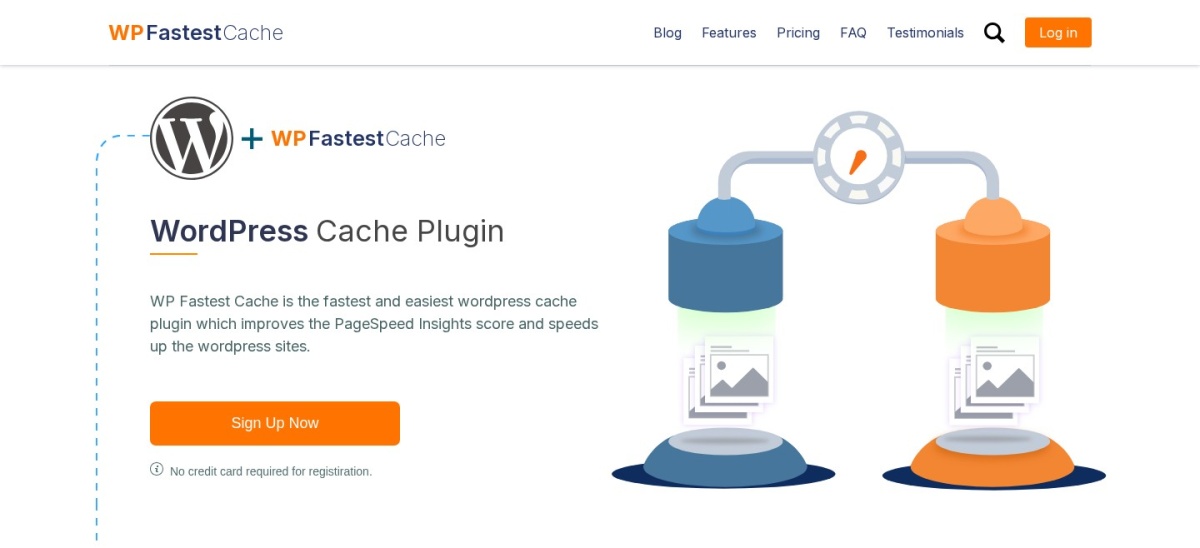
WP Fastest Cache homepage, captured Nov 2026.
WP Fastest Cache is a free caching plugin with more than 1 million active installs and a 4.9 out of 5 rating from 4,235 users, the highest rating in this list. The free version covers page caching, minification, Gzip compression and browser caching, with a simple settings page.
The trade off is that the extras are a one-time paid add-on. Premium costs $49 once for one site and adds image optimisation, mobile caching and database clean-up. It suits beginners on any host who want caching that works with few settings.
4.8/5on WordPress.org (2,617 reviews, checked Nov 2026)
Paid from$49/yr
Best all-in-one free optimiser
Page cachingYes
Database clean-upYes
Image compressionYes
Paid planPremium, $49/yr
teamupdraft.com
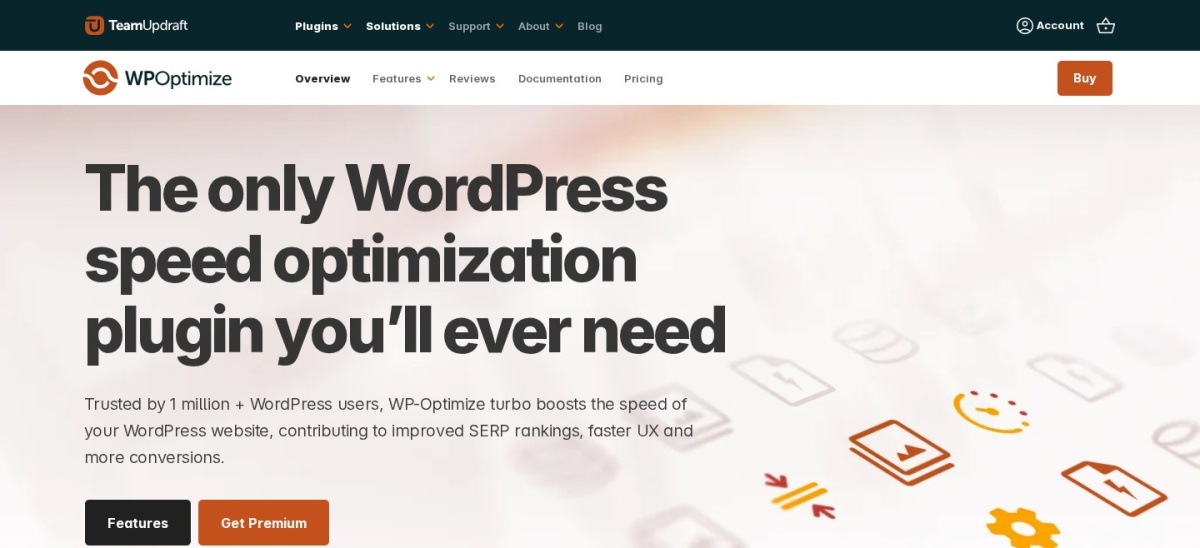
WP-Optimize homepage, captured Nov 2026.
WP-Optimize is a free all-in-one optimisation plugin from the team behind UpdraftPlus, with more than 1 million active installs and a 4.8 out of 5 rating from 2,617 users. The free version covers page caching, database clean-up, image compression and minification of CSS and JavaScript.
The trade off is that the paid plan is per-site. Premium Starter costs $49 a year for up to two sites and adds lazy loading, WebP conversion and premium support. It suits sites that want caching, clean-up and image compression in one free plugin.
What we like
Caching, database clean-up and images in one plugin
4.8/5on WordPress.org (6,053 reviews, checked Nov 2026)
Paid from$50/yr
Best for image optimisation
Image compressionYes, free
WebP and AVIFPro only
Lazy loadingYes
Paid planPro, $50/yr
wpmudev.com
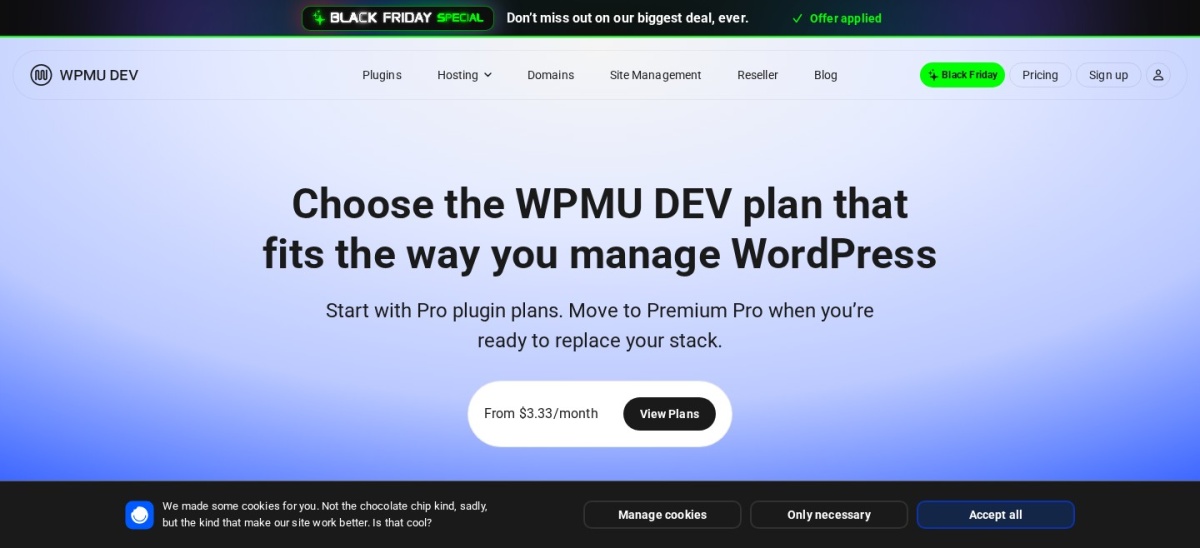
Smush homepage, captured Nov 2026.
Smush is a free image optimisation plugin from WPMU DEV, with more than 1 million active installs and a 4.8 out of 5 rating from 6,053 users. The free version compresses images on upload, resizes them, bulk-optimises the media library and lazy-loads images.
The trade off is that modern formats are paid. WebP and AVIF conversion, Ultra compression and a 119-location image CDN need Pro at $50 a year for one site. It suits image-heavy blogs and shops that want free compression first.
4.8/5on WordPress.org (1,846 reviews, checked Nov 2026)
Paid from$80/yr
Best for unlimited free compression
Local compressionYes, unlimited
WebP conversionYes, free
Image backups30 days, paid
Paid planStandard, $80/yr
ewww.io
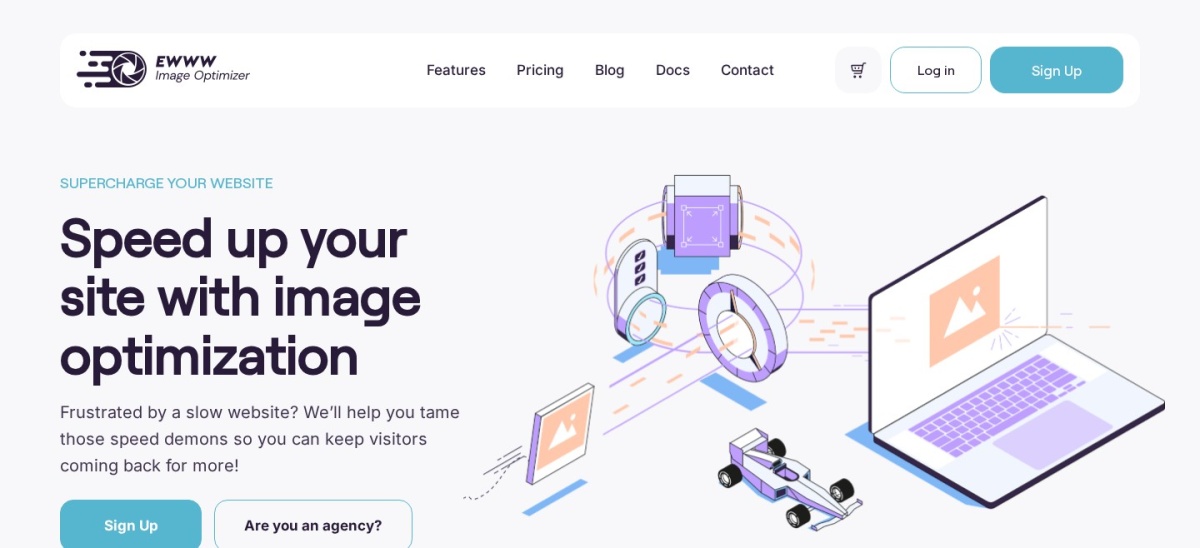
EWWW Image Optimizer homepage, captured Nov 2026.
EWWW Image Optimizer is a free image plugin with more than 1 million active installs and a 4.8 out of 5 rating from 1,846 users. The free version compresses images on your own server with no monthly limit, converts to WebP, resizes on upload and removes EXIF data.
The trade off is that the CDN and premium compression are paid. Standard costs $80 a year and adds the Easy IO CDN with 50 GB of bandwidth, premium lossy compression and the SWIS Performance caching plugin. It suits sites that want unlimited free local compression.
What we like
Unlimited free compression with no credit limit
Images never leave your own server in free mode
WebP conversion included free
Watch out for
Free mode needs server tools and PHP exec access
AVIF conversion and the CDN are paid only
Standard adds the Easy IO CDN and premium compression for $80 a yearVisit ewww.io
06
Autoptimize
4.7/5on WordPress.org (1,429 reviews, checked Nov 2026)
Paid from$89/yr
Best for shrinking CSS and JavaScript
Page cachingNo
Minify CSS and JSYes
Lazy loadingYes
Paid planPro, $89/yr
autoptimize.com
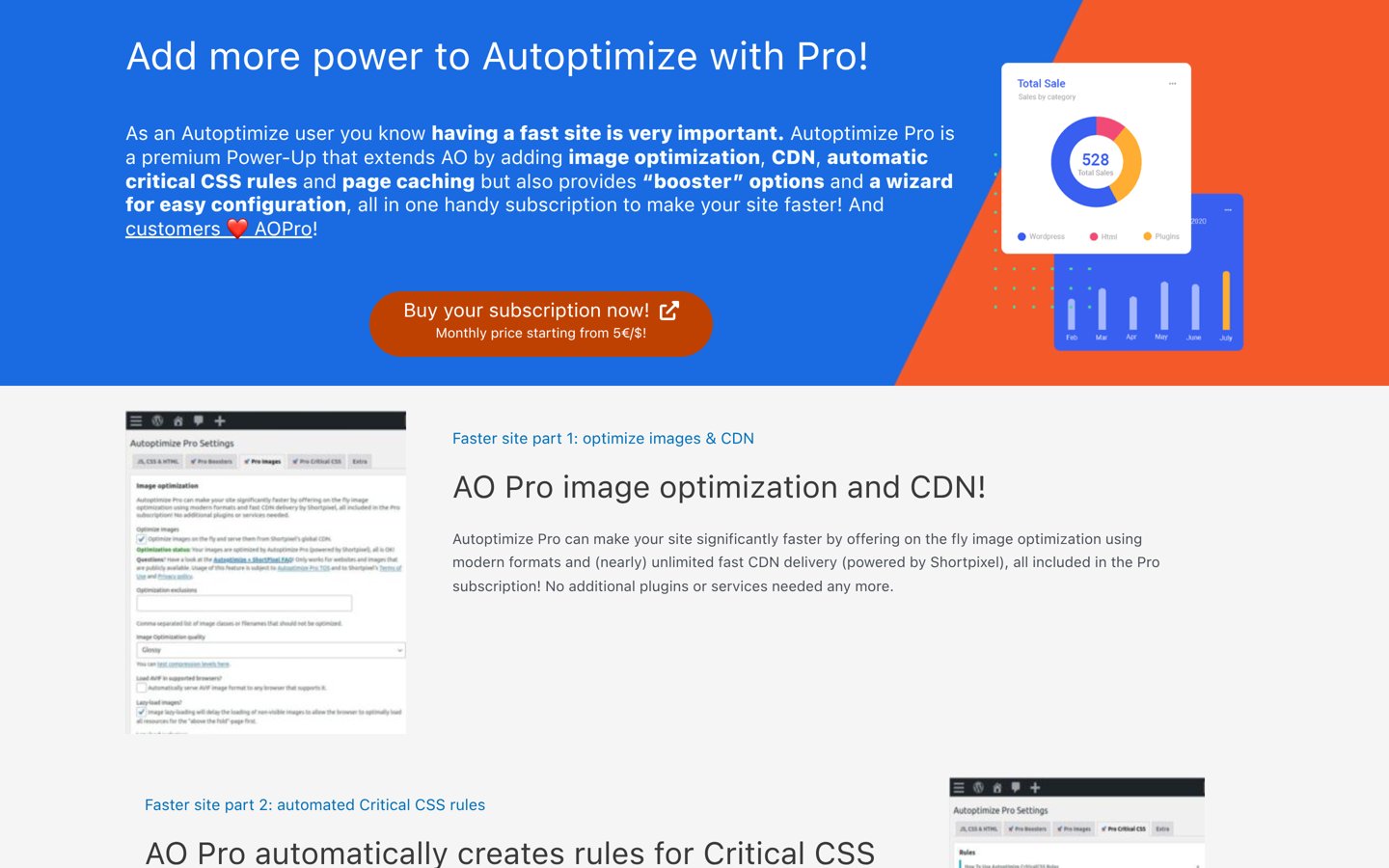
Autoptimize homepage, captured Nov 2026.
Autoptimize is a free plugin that shrinks CSS, JavaScript and HTML files, with more than 800,000 active installs and a 4.7 out of 5 rating from 1,429 users. The free version minifies and combines code, defers scripts and lazy-loads images.
The trade off is that it does not cache pages. Autoptimize Pro costs $89 a year for one site and adds critical CSS and image optimisation, so most sites pair the free plugin with a caching plugin. It suits sites whose main problem is large CSS and JavaScript files.
What we like
Free minification and combining of code
Defers scripts and lazy-loads images
Lightweight, with no page cache to manage
Watch out for
No page caching in the free version
Pro price is listed in euros and dollars without a split
4.4/5on WordPress.org (5,420 reviews, checked Nov 2026)
Paid from$99/yr
Best for fine control over caching
Page cachingYes
Minify CSS and JSYes
CDN supportYes
Paid planPro, $99/yr
boldgrid.com
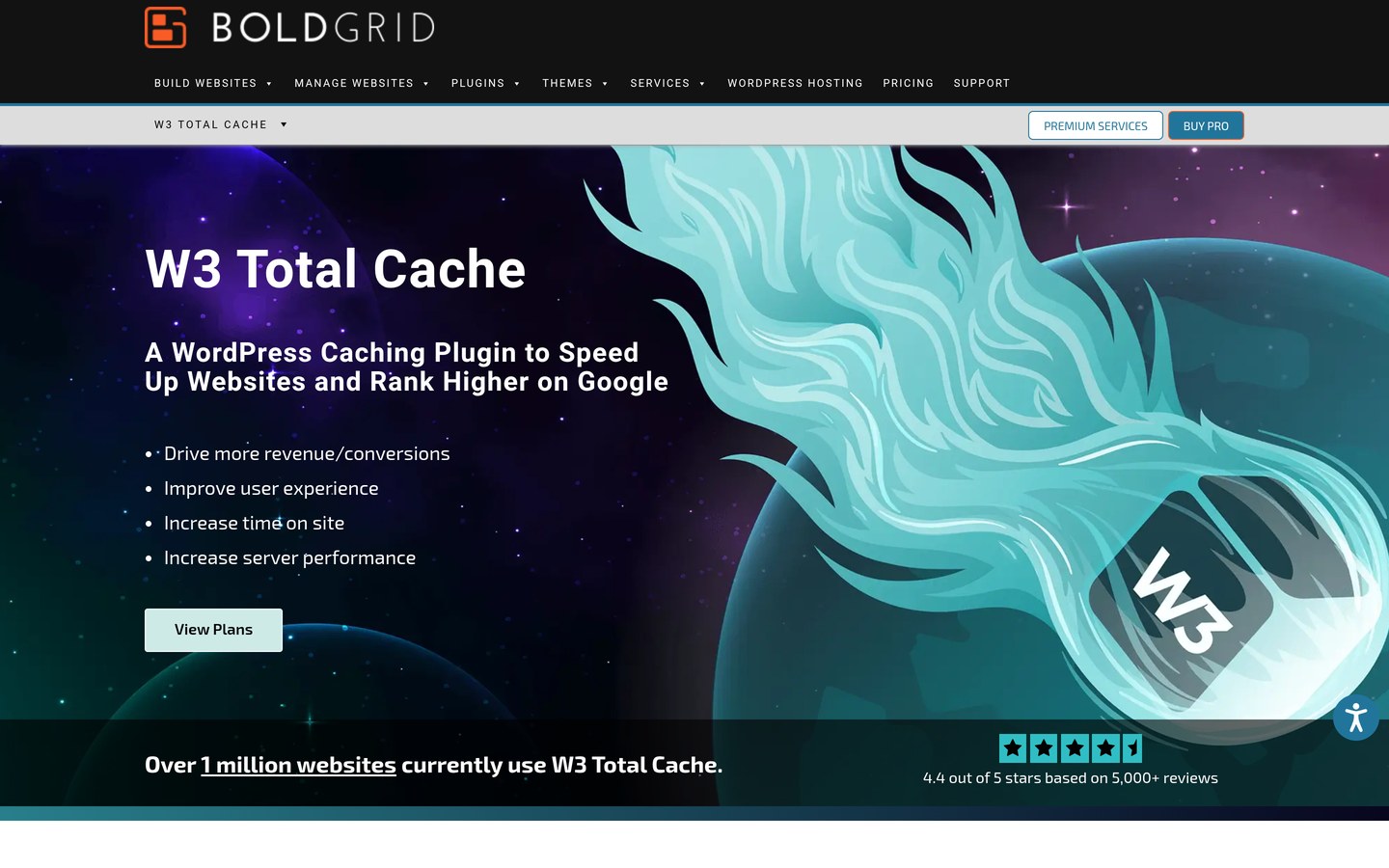
W3 Total Cache homepage, captured Nov 2026.
W3 Total Cache is a free caching plugin with more than 800,000 active installs and a 4.4 out of 5 rating from 5,420 users, the most reviews in this list. The free version covers page caching, browser caching, minification and CDN support, with settings for each part.
The trade off is complexity. The settings pages are long and some options can break a site if set wrong, and Pro costs $99 a year for one site. It suits site owners who want fine control over caching and do not mind learning the settings.
What we like
Most reviews of any caching plugin here
Covers page, browser and object caching
CDN support in the free version
Watch out for
Settings are long and easy to get wrong
Lowest rating among the caching plugins here
Pro adds premium support and extra caching features for $99 a yearVisit boldgrid.com
08
ShortPixel Image Optimizer
4.5/5on WordPress.org (831 reviews, checked Nov 2026)
Paid from$99.96/yr
Best for cloud image compression
Free credits100 per month
WebP and AVIFYes
Image CDNYes, 500 GB
Paid planUnlimited, $99.96/yr
shortpixel.com
ShortPixel Image Optimizer homepage, captured Nov 2026.
ShortPixel Image Optimizer is a free image plugin with more than 300,000 active installs and a 4.5 out of 5 rating from 831 users. The free plan gives 100 optimisation credits a month, with lossy, glossy and lossless compression, WebP and AVIF conversion, and cloud processing.
The trade off is the free allowance. One hundred credits a month covers only a small library, so busy sites need Unlimited at $99.96 a year, which removes the credit limit and adds 500 GB of CDN traffic. It suits sites that publish a few images a week.
What we like
Three compression modes, from lossy to lossless
WebP and AVIF conversion in the free plan
Cloud processing, so no server load
Watch out for
Free plan covers only 100 credits a month
Highest paid upgrade in this list
Unlimited removes the credit limit and adds 500 GB of CDN trafficVisit shortpixel.com
09
WP Super Cache
4.3/5on WordPress.org (1,346 reviews, checked Nov 2026)
PriceFree
Best for basic free caching
Page cachingYes
Minify CSS and JSNo
CDN supportYes
Paid planNone, free only
wordpress.org
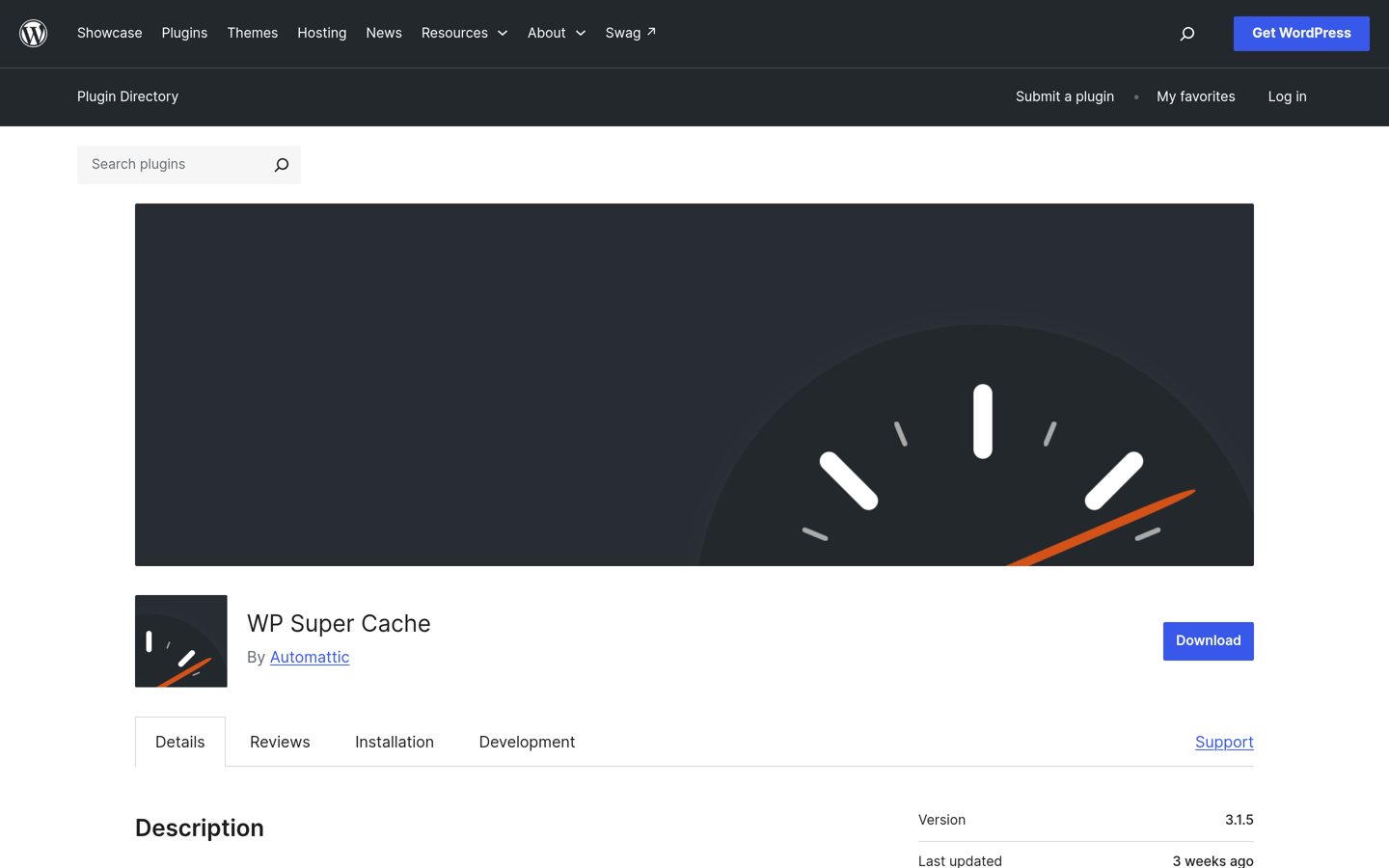
WP Super Cache homepage, captured Nov 2026.
WP Super Cache is a free caching plugin from Automattic, with more than 1 million active installs and a 4.3 out of 5 rating from 1,346 users. The free version serves static HTML files to visitors, which cuts server work, and it needs almost no setup.
The trade off is that it does very little else. There is no minification, no image optimisation and no paid plan, so it will not shrink code or images. It suits simple sites that only need basic page caching on any host.
Free versions cover the core job well. Every tool here caches pages or compresses images without paying, and two of them have no paid plan at all.
Paid plans mostly add limits and formats. You get more image credits, WebP and AVIF conversion, a CDN and support, as in our free vs premium plugins guide.
WP Fastest Cache is the exception in this list: its Premium is a one-time $49 payment, not a yearly subscription, so the cost does not repeat.
For a site that earns money, one paid plan often costs less than the time lost fixing a slow checkout or a bloated media library by hand.
How we chose
We started from every optimisation plugin on WordPress.org with more than 300,000 active installs and a useful free plan, then kept the nine that cover caching or image optimisation.
Prices come from each vendor's pricing page, checked on 22 November 2026. Ratings and install counts come from WordPress.org on the same day. Where a vendor shows a sale, the list shows the regular price.
We left out plugins not updated in the last 12 months and WP Rocket, which has no free plan. No vendor paid for a place, and we do not claim hands-on testing for this list.
How to choose a free WordPress optimise plugin
Start with the biggest drag on your site, then pick one caching plugin and one image plugin at most.
Check what your host already does. Many managed hosts run page caching and a CDN. Do not add a second cache on top of it.
Pick one caching plugin. Choose LiteSpeed Cache, WP Fastest Cache, WP-Optimize, W3 Total Cache or WP Super Cache, and remove any other cache plugin.
Add one image plugin if your site is photo-heavy. Smush, EWWW or ShortPixel can shrink the media library. See our guide on how to speed up WordPress for the order to try them in.
Check the renewal price, not the first year. WP Fastest Cache charges once, while the others renew yearly. Budget for year two before you pay.
FAQ
What is the best free WordPress optimise plugin?
LiteSpeed Cache is the strongest free option for most sites. It covers page caching, image optimisation, database clean-up and minification, and it is rated 4.8 out of 5 by 2,784 users with more than 7 million installs.
Do I need a caching plugin if my host already caches?
Often not. Many managed hosts run page caching at the server level, so adding a plugin cache can cause stale pages or conflicts. Check your hosting plan first, then add an image plugin instead if photos are the slow part.
Can I use two optimisation plugins at once?
You can pair one caching plugin with one image plugin, but do not run two caching plugins together. Two page caches can serve stale pages or conflict, and two minifiers can break CSS and JavaScript.
Will an optimisation plugin fix a slow site?
It helps, but it cannot fix everything. Caching and compression speed up delivery, yet a slow host, a heavy theme or an unoptimised database can still hold the site back. Fix the biggest bottleneck first.
What is the difference between caching and image optimisation?
Caching stores a ready-made copy of a page so the server does not build it again for each visitor. Image optimisation shrinks the image files themselves, so each page sends less data to the browser.
Are free optimisation plugins safe to use?
Free plugins from WordPress.org with hundreds of thousands of installs and recent updates are usually safe. Check the rating, the number of reviews and the last update date before you install, and avoid plugins not updated in the last year.