ShortPixel Alternatives in 2026: 7 Best Tools Compared
WLWPLegible EditorsLast verified 22 Nov 2026How we rank12 min read
★ Short answer
Smush is our top ShortPixel alternative for most WordPress sites, with free image compression, lazy loading and 1M+ active installs; Pro Basic costs $50/year. EWWW Image Optimizer is better for unlimited free local optimization, while Imagify offers straightforward cloud compression with 20 MB free each month.
How we make this list: we compare pricing pages, product documentation and public user reviews, then re-check every price before each update. No product paid for a place. Disclosure.
Smush is our overall pick, with 1M+ active installs, a 4.8/5 rating and Pro Basic at $50/year.
EWWW Image Optimizer provides unlimited free local compression and WebP conversion; Standard costs $80/year.
Imagify includes 20 MB of free optimization monthly, while Growth costs $59.88/year at its regular annual rate.
Converter for Media has 500K+ active installs and a 4.9/5 rating; paid remote conversion starts at $5/month.
Robin Image Optimizer offers unlimited free compression and WebP conversion, with Essential Pro at $49/year.
reSmush.it is completely free for supported images up to 5 MB, but does not provide WebP or AVIF conversion.
What to look for in a ShortPixel alternative
ShortPixel compresses WordPress images and supports modern image formats. Alternatives differ in how they charge for optimization, where they process files and whether they deliver images through a CDN.
Start with compression limits. Some plugins offer unlimited free optimization, while others restrict processing by file size, monthly image allowance or conversion credits. WordPress can generate several image sizes for each upload, which may affect usage-based billing.
Next, compare WebP and AVIF support. WebP is widely supported, while AVIF can provide smaller files for suitable images. Some plugins include WebP conversion for free but reserve AVIF for paid plans.
Consider where compression happens. Local optimization uses your hosting resources, while cloud services process images remotely. CDN-based tools can also resize and deliver images according to a visitor's device.
Finally, compare regular prices rather than temporary discounts. Check whether the subscription covers websites, conversions, bandwidth or optimization credits, and whether additional services are included.
4.8/5on WordPress.org (6,053 reviews, checked Nov 2026)
Paid from$50/yr
Best overall ShortPixel alternative
Free compressionUnlimited
Lazy loadingIncluded
Pro CDN allowance50 GB
Pro Basic$50/yr
wpmudev.com
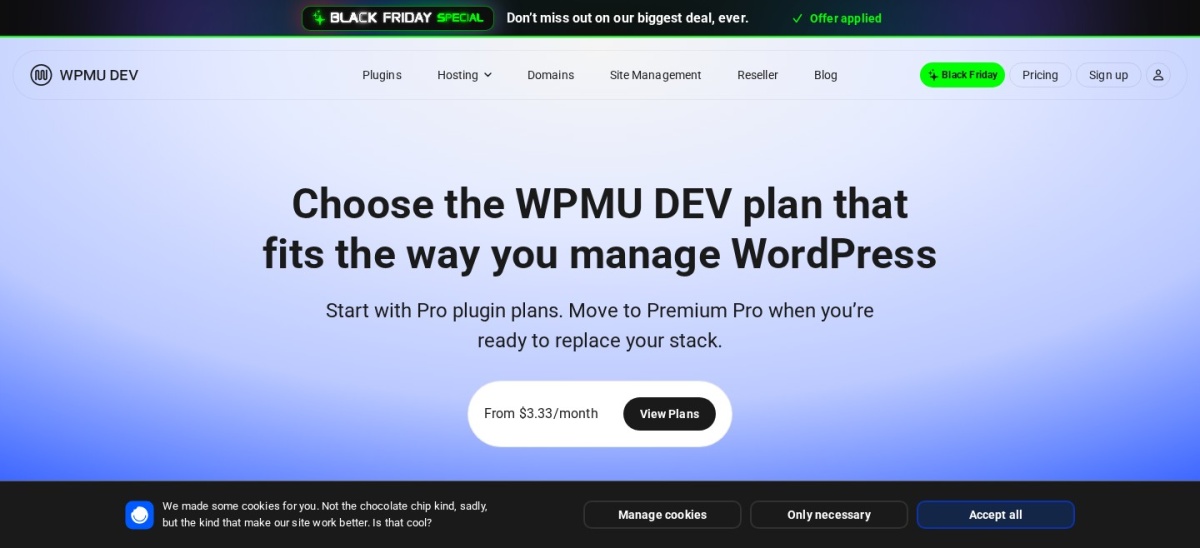
Smush homepage, captured Nov 2026.
Smush is a WordPress image optimization plugin from WPMU DEV, offering free compression, image resizing and lazy loading. Its free version optimizes uploads automatically and provides bulk optimization tools. WordPress.org reports 1M+ active installations and a 4.8/5 rating from 6,053 reviews. Pro Basic adds higher compression levels and CDN delivery.
The trade off is that advanced compression, next-generation formats and CDN features require Pro. Pro Basic costs $50/year for one website and includes 50 GB of CDN bandwidth. It suits blogs, business websites and stores that want straightforward image optimization with optional cloud delivery.
What we like
Unlimited free image compression
Automatic optimization on upload
Built-in lazy loading and resizing
Established plugin with 1M+ installs
Pro includes a CDN and advanced compression
Watch out for
Advanced compression requires Pro
Free bulk processing has workflow limits
CDN bandwidth depends on the paid plan
Pro Basic adds Ultra 5X compression, next-generation formats and 50 GB CDN bandwidthVisit wpmudev.com
02
EWWW Image Optimizer
4.8/5on WordPress.org (1,846 reviews, checked Nov 2026)
Paid from$80/yr
Best for unlimited free local compression
Free optimizationUnlimited
Free WebPYes
Standard CDN bandwidth50 GB
Standard plan$80/yr
ewww.io
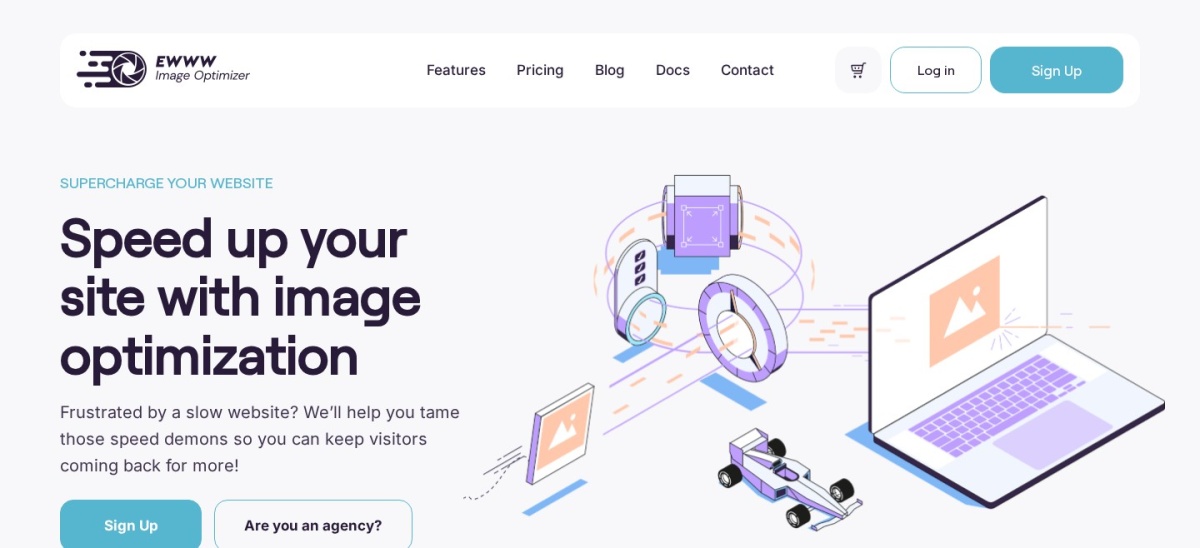
EWWW Image Optimizer homepage, captured Nov 2026.
EWWW Image Optimizer is a WordPress compression plugin offering unlimited free local image optimization and WebP conversion. It can resize images during uploads, process existing media and optimize images outside the standard media library. WordPress.org reports 1M+ active installations and a 4.8/5 rating from 1,846 reviews.
The trade off is that free local compression uses your hosting environment, while advanced cloud compression and delivery require payment. Standard costs $80/year and includes 50 GB of CDN bandwidth plus 300,000 annual premium compression credits. It suits websites seeking unlimited free optimization without monthly image quotas.
What we like
Unlimited free local compression
Free WebP conversion
Supports images outside the media library
Automatic resizing and bulk optimization
Paid plan includes CDN and performance tools
Watch out for
Local processing uses hosting resources
Advanced compression requires cloud credits
Cloud delivery requires a paid plan
Standard adds Easy IO CDN, premium compression credits and SWIS performance featuresVisit ewww.io
03
Imagify
4.3/5on WordPress.org (1,658 reviews, checked Nov 2026)
Paid from$4.99/mo
Best for simple cloud image compression
Free allowance20 MB/mo
Growth allowance500 MB/mo
Modern formatsWebP and AVIF
Growth annual cost$59.88
imagify.io
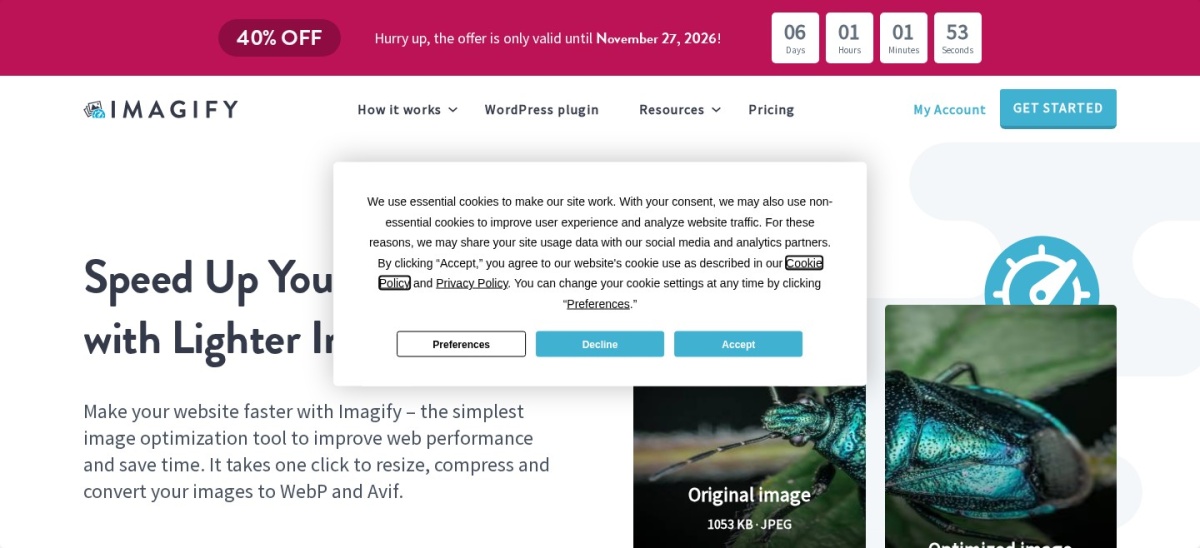
Imagify homepage, captured Nov 2026.
Imagify is a cloud image optimization service from WP Media, offering compression, resizing and WebP and AVIF conversion. Its free plan processes 20 MB monthly, approximately 200 images according to the vendor, with a 2 MB upload limit per image. WordPress.org reports 900K+ installations and a 4.3/5 rating from 1,658 reviews.
The trade off is that the free allowance may be insufficient for image-heavy websites. Growth regularly costs $4.99/month billed annually, equivalent to $59.88/year, and includes 500 MB monthly; a temporary 40% sale reduces that rate. It suits publishers who want uncomplicated cloud processing and predictable usage limits.
What we like
Simple cloud optimization workflow
Free 20 MB monthly allowance
WebP and AVIF conversion
Supports unlimited websites
Automatic resizing and bulk processing
Watch out for
Free allowance is limited
Free uploads have a 2 MB image limit
Growth has a monthly processing quota
CDN delivery is not the core product
Growth increases monthly optimization to 500 MB and removes the free upload-size limitVisit imagify.io
04
Converter for Media
4.9/5on WordPress.org (1,110 reviews, checked Nov 2026)
Paid from$5/mo
Best for converting existing images to WebP
Free WebPYes
PRO conversion limit10,000/mo
PRO processingRemote server
Entry monthly plan$5/mo
mattplugins.com
Converter for Media homepage, captured Nov 2026.
Converter for Media is a WordPress image conversion plugin that creates modern image formats and serves them to compatible browsers. Its free version supports WebP conversion, while Pro adds AVIF and remote processing. WordPress.org reports 500K+ active installations and a 4.9/5 rating from 1,110 reviews.
The trade off is that advanced conversion requires a paid processing allowance, and generated WordPress image sizes count toward usage. The entry Pro plan costs $5/month for 10,000 monthly conversions, equivalent to $60/year. It suits sites primarily seeking modern image formats rather than an extensive performance suite.
4.4/5on WordPress.org (133 reviews, checked Nov 2026)
Paid from$49/yr
Best for unlimited free cloud compression
Free image allowanceUnlimited
Free WebPUnlimited
Essential site allowance50 sites
Essential plan$49/yr
robinoptimizer.com
Robin Image Optimizer homepage, captured Nov 2026.
Robin Image Optimizer is a WordPress compression plugin from Themeisle with unlimited free image optimization and WebP conversion. It processes images remotely and saves optimized versions in the existing media library without changing their URLs. WordPress.org reports 100K+ active installations and a 4.4/5 rating from 133 reviews.
The trade off is that AVIF conversion, custom folder optimization and advanced compression controls require Pro. Essential costs $49/year with support and updates for 50 websites. It suits site owners who want generous free image processing without managing an external CDN or monthly image credits.
4.5/5on WordPress.org (155 reviews, checked Nov 2026)
Paid from$108/yr
Best for combined image and site optimization
Free planYes
Paid site allowance1 website
Pro CDNUnlimited
Single Pro regular price$108/yr
wpcompress.com
WP Compress homepage, captured Nov 2026.
WP Compress is a WordPress performance plugin combining image optimization with caching, CSS and JavaScript controls, CDN delivery and speed monitoring. Its free offering supports essential website acceleration, while paid plans add extended optimization and delivery features. WordPress.org reports 9,000+ active installations and a 4.5/5 rating from 155 reviews.
The trade off is that WP Compress includes broader performance functions you may already get from another plugin or hosting service. Single Pro regularly costs $108/year, although a temporary promotion lists it at $49/year. It suits website owners seeking one tool for image delivery and additional page-speed optimization.
What we like
Combines images with caching and script optimization
Free performance features available
Paid plan includes unlimited CDN usage
Supports performance monitoring
Can reduce separate optimization tools
Watch out for
More features than image-only users may need
Potential overlap with caching plugins
Regular Pro price exceeds simpler alternatives
Single Pro adds priority optimization and unlimited credits, pageviews and CDN usageVisit wpcompress.com
07
reSmush.it
4.3/5on WordPress.org (166 reviews, checked Nov 2026)
PriceFree
Best completely free compression service
Plugin priceFree
Maximum image size5 MB
Supported formatsJPEG, PNG, GIF
Paid upgradeNone
resmush.it
reSmush.it homepage, captured Nov 2026.
reSmush.it is a free WordPress image compression plugin using a cloud-based optimization service. It supports JPEG, PNG and GIF files, automatically processes uploads and offers bulk compression for existing media. WordPress.org reports 100K+ active installations and a 4.3/5 rating from 166 reviews. The plugin is currently maintained by ShortPixel.
The trade off is its 5 MB image limit and lack of WebP or AVIF conversion. The compression service has no paid plan, so supported optimization remains free. It suits small websites wanting basic image compression, although its ShortPixel ownership means it is not an independent vendor alternative.
What we like
Completely free compression service
Automatic optimization on upload
Bulk compression for existing images
Supports JPEG, PNG and GIF
Backup and restore functionality
Watch out for
Maximum image size is 5 MB
No WebP or AVIF conversion
No premium upgrade path
Maintained by ShortPixel rather than an independent provider
No paid plan; all supported compression features remain freeVisit resmush.it
When is a free ShortPixel alternative enough?
Free image optimization can be sufficient for a personal blog, small business website or content library with moderate image requirements. EWWW and Robin offer unlimited free processing, while Smush provides broad compression features.
The important difference is how each plugin processes images. EWWW can perform local optimization, Robin uses remote processing, and Imagify meters its cloud service by monthly image size.
Premium plans become more relevant when you need AVIF conversion, automated cloud delivery, additional bandwidth or advanced compression controls. Converter for Media focuses on modern formats, while WP Compress combines image delivery with wider performance features.
Before upgrading, check what your existing hosting and caching setup already provides. Buying overlapping CDN or image optimization services may increase costs without adding useful capabilities.
How to move from ShortPixel to another image optimizer
Before switching, review how ShortPixel currently stores optimized files. Determine whether your site uses locally generated WebP or AVIF images, image replacement, a CDN or adaptive image delivery.
Back up your website and media library. Keep original images available where possible, especially if you previously selected lossy compression or replaced uploaded files.
Deactivate overlapping compression and delivery features before enabling the replacement. Running multiple image optimizers simultaneously can create duplicate processing, inconsistent image URLs or unexpected caching behavior.
After configuring the new plugin, clear relevant caches and check representative images on desktop and mobile. Verify that image URLs resolve correctly and that responsive images, galleries and product photos remain visible.
How we chose
We selected established WordPress image optimization plugins with documented compression, conversion or image delivery features. The shortlist includes local optimizers, cloud services, format converters and broader performance tools. WordPress.org listings supplied adoption figures, customer ratings and maintenance information.
Prices, ratings, review counts and active installations were checked on 22 Nov 2026 using WordPress.org and official developer pages. Regular paid prices were used instead of Black Friday promotions. Monthly subscriptions were converted to annual equivalents, and usage limits were distinguished from unlimited plans.
We excluded plugins without recent maintenance, products whose regular paid pricing could not be confirmed and services that did not fit the required pricing structure. Optimole was excluded because the opened pricing page did not expose a confirmable current numeric price. No vendor paid for a place, and we do not claim hands-on testing for this list.
How to choose the right ShortPixel alternative
Identify your image optimization requirements before comparing subscriptions and conversion features.
**Choose your preferred compression method.** Local optimization can avoid sending original images to a cloud service but uses hosting resources. Cloud processing reduces local work and may include additional delivery features. EWWW supports local compression, while Imagify and Robin provide cloud-based processing.
**Check image formats and size limits.** Decide whether JPEG and PNG compression is enough or whether you need WebP and AVIF. Also consider maximum file size, automatic conversion, bulk processing and how generated WordPress thumbnails affect usage allowances.
**Compare free allowances with regular prices.** Unlimited free plugins may suit large media libraries, while monthly quota plans can work well for websites publishing fewer images. Compare recurring license fees, image credits and bandwidth before choosing a paid upgrade.
**Avoid overlapping performance features.** Check whether your hosting platform or caching plugin already provides image optimization, lazy loading or CDN delivery. Select a replacement that fills a specific gap rather than installing multiple tools for the same functionality.
FAQ
What is the best alternative to ShortPixel?
Smush is our top overall alternative because its free plugin includes image compression, resizing and lazy loading, with more than 1 million active installations. EWWW Image Optimizer is especially attractive for unlimited free local compression, while Imagify offers a straightforward cloud optimization workflow.
Is there a free alternative to ShortPixel?
Yes. EWWW Image Optimizer and Robin Image Optimizer both provide unlimited free optimization. Smush also includes free compression, while Converter for Media offers free WebP conversion. reSmush.it is completely free for supported files up to 5 MB, although it is maintained by ShortPixel.
Which ShortPixel alternative supports WebP and AVIF?
Imagify supports WebP and AVIF conversion, while EWWW includes free WebP and additional modern-format delivery through paid features. Converter for Media offers free WebP with AVIF in Pro. Robin provides free WebP conversion and reserves AVIF for its paid plans.
Is Smush better than ShortPixel?
Smush is appealing when you want free image compression, lazy loading and a familiar WordPress dashboard. ShortPixel may suit users who prefer its specific compression modes and credit system. Compare supported formats, processing allowances and CDN requirements rather than assuming either plugin performs better on every image.
Which image optimizer offers unlimited free compression?
EWWW Image Optimizer provides unlimited local optimization, while Robin Image Optimizer offers unlimited free cloud compression and WebP conversion. Both have established WordPress.org listings. Their processing methods differ, so consider hosting resources, image formats and reliance on external services before choosing.
Does image optimization improve WordPress speed?
Reducing image file sizes can decrease page weight and improve loading performance, particularly on image-heavy pages. However, the overall result also depends on hosting, caching, network conditions and image placement. Proper dimensions, responsive images and sensible loading priorities remain important alongside compression.
Can I use multiple WordPress image optimization plugins?
It is generally better to avoid overlapping compression and image delivery features. Multiple plugins may process the same images, generate duplicate files or conflict over CDN URLs and browser format selection. If you need separate functions, confirm their compatibility and disable overlapping settings.
What happens to optimized images if I stop paying?
The result depends on the plugin. Locally generated optimized images may remain available after a subscription ends, while cloud conversion or CDN delivery may stop working when an account expires. Review the provider's cancellation and image restoration documentation before switching or ending a subscription.