Best Free WordPress Page Cache Plugins in 2026: 7 Tools Compared
WLWPLegible EditorsLast verified 22 Nov 2026How we rank12 min read
★ Short answer
LiteSpeed Cache is the best free WordPress page cache plugin for sites on compatible LiteSpeed infrastructure, with 7M+ active installations and a 4.8/5 rating. WP Fastest Cache offers simpler settings and a $49 lifetime premium upgrade, while WP Super Cache provides free static HTML caching without a paid plugin plan.
How we make this list: we compare pricing pages, product documentation and public user reviews, then re-check every price before each update. No product paid for a place. Disclosure.
LiteSpeed Cache has 7M+ active installations and a 4.8/5 rating, but its server-level page cache requires compatible infrastructure.
WP Fastest Cache has 1M+ active installations and a 4.9/5 rating from 4,235 reviews; Premium starts at $49 one-time.
WP Super Cache has 1M+ active installations and generates static HTML files without requiring a premium plugin license.
W3 Total Cache has 800K+ active installations and offers page, database, object, and browser caching; Pro costs $99/year.
Cache Enabler has 100K+ active installations and offers free disk-based page caching with HTML minification and automatic purging.
Super Page Cache has 70K+ active installations and supports Cloudflare edge caching, while Breeze Cache has 300K+ installations and supports Varnish integration.
What makes a good free WordPress page cache plugin?
WordPress normally generates pages through PHP and database queries. A page cache stores a generated HTML response so repeat visitors can receive it without rebuilding the same page. This can reduce server work and improve response times.
Hosting compatibility matters more than the number of features. LiteSpeed Cache uses server-level caching on compatible infrastructure, while plugins such as WP Super Cache and Cache Enabler generate cached files that can work with more conventional hosting setups.
Look for automatic cache clearing after content changes, sensible expiration rules, and exclusions for dynamic pages. WooCommerce carts, checkout pages, member dashboards, and personalized content require particular attention.
Extra optimizations can be useful, but page caching and frontend optimization are different tasks. CSS minification, JavaScript delays, image compression, and CDN integrations should be evaluated separately from the core HTML cache.
Finally, check whether the plugin is completely free or has a paid upgrade. Some offer free caching indefinitely, while others sell optional optimization features. Hosting, CDN usage, and external processing may introduce separate costs.
4.8/5on WordPress.org (2,784 reviews, checked Nov 2026)
PriceFree
Best for LiteSpeed-powered WordPress hosting
Page cachingServer-level on compatible hosts
Free optimizationCSS, JS, images and database
CDN supportQUIC.cloud integration
Plugin priceFree and open source
litespeedtech.com
LiteSpeed Cache homepage, captured Nov 2026.
LiteSpeed Cache is a free WordPress performance plugin with 7M+ active installations and a 4.8/5 rating. It provides server-level page caching on compatible LiteSpeed infrastructure, alongside CSS and JavaScript optimization, lazy loading, database cleanup, and CDN integration. General optimization features also work on other web servers.
The trade off is infrastructure compatibility rather than a paid plugin upgrade. Its full-page cache needs LiteSpeed, OpenLiteSpeed, or supported QUIC.cloud services, and optional cloud processing may carry separate charges. It suits websites already using compatible hosting and wanting caching alongside broader performance controls.
What we like
Free server-level page caching on compatible hosts
Large established user base
Includes frontend and database optimization tools
WooCommerce-aware caching controls
QUIC.cloud integration available
Watch out for
Full-page caching depends on compatible infrastructure
Extensive settings can confuse beginners
Some cloud services may have usage charges
No paid plugin plan; optional cloud services and commercial server infrastructure are separate.Visit litespeedtech.com
02
WP Fastest Cache
4.9/5on WordPress.org (4,235 reviews, checked Nov 2026)
Paid from$49 one-time
Best for beginners wanting straightforward page caching
Page cachingStatic HTML
Free featuresCache clearing and minification
Premium licenseBronze, 1 site
Paid price$49 lifetime
wpfastestcache.com
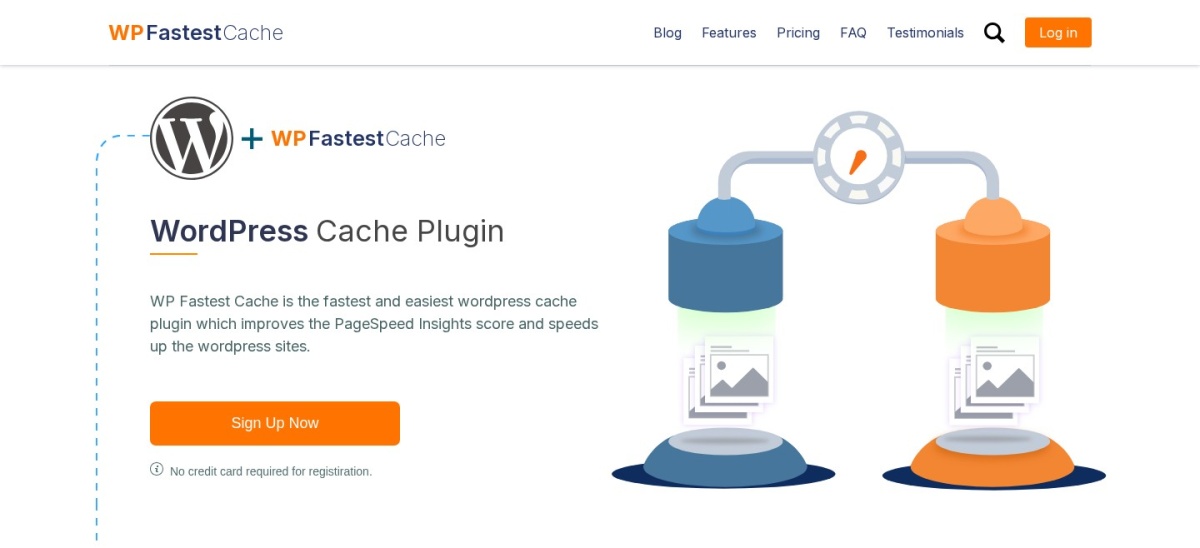
WP Fastest Cache homepage, captured Nov 2026.
WP Fastest Cache is a WordPress caching plugin with 1M+ active installations and a 4.9/5 rating from 4,235 reviews. Its free version generates static HTML pages and offers browser caching, compression, cache clearing, minification options, and CDN integration. The settings are organized around a straightforward configuration screen.
The trade off is that advanced image optimization, database cleanup, JavaScript controls, and additional speed tools require Premium. The Bronze license costs $49 one-time for one website, with ongoing updates and support advertised. It suits beginners who want simple page caching and an optional fixed-cost upgrade.
What we like
High rating from a large review base
Simple configuration interface
Free static HTML caching and compression
Automatic cache clearing options
One-time premium purchase
Watch out for
Several advanced optimizations require Premium
Some JavaScript features require careful configuration
Not designed to replace every server caching layer
4.3/5on WordPress.org (1,346 reviews, checked Nov 2026)
PriceFree
Best for uncomplicated static HTML caching
Page cachingStatic HTML files
Cache modesExpert, Simple and WP-Cache
Cache preloadingAvailable
Plugin priceFree
wordpress.org
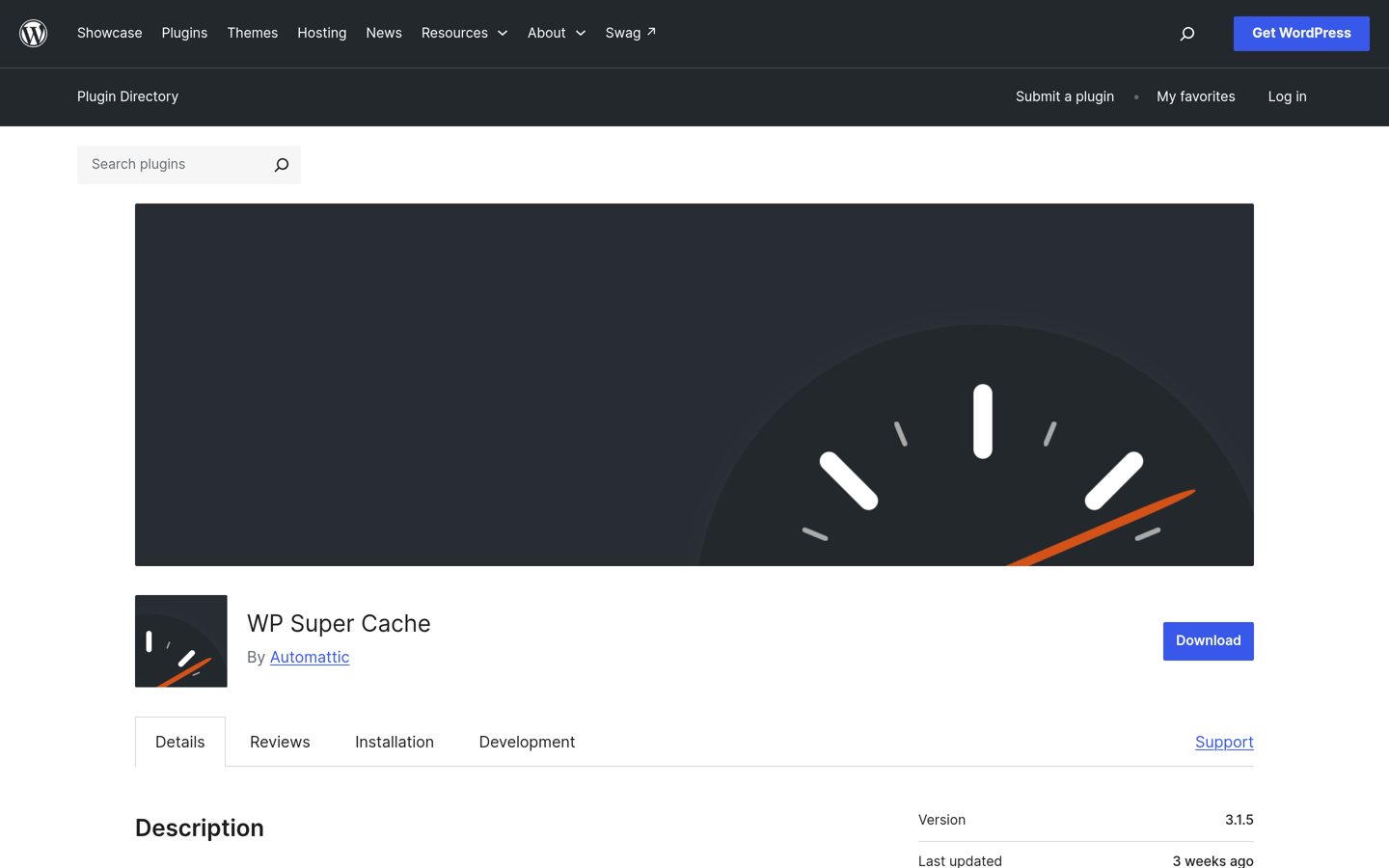
WP Super Cache homepage, captured Nov 2026.
WP Super Cache is a free caching plugin maintained by Automattic, with 1M+ active installations and a 4.3/5 rating. It generates static HTML files from WordPress pages and supports cache preloading, automatic cleanup, and multiple cache delivery methods. Its Simple mode offers a practical starting point for traditional websites.
The trade off is that its interface and optimization features are more limited than broader performance suites. There is no premium plugin plan, although hosting and external CDN services may cost extra. It suits blogs, editorial sites, and small business websites needing established static page caching.
4.4/5on WordPress.org (5,420 reviews, checked Nov 2026)
Paid from$99/yr
Best for advanced caching configuration
Free cachingPage, database, object and browser
CDN integrationAvailable
Premium license1 website
Paid planPro, $99/year
boldgrid.com
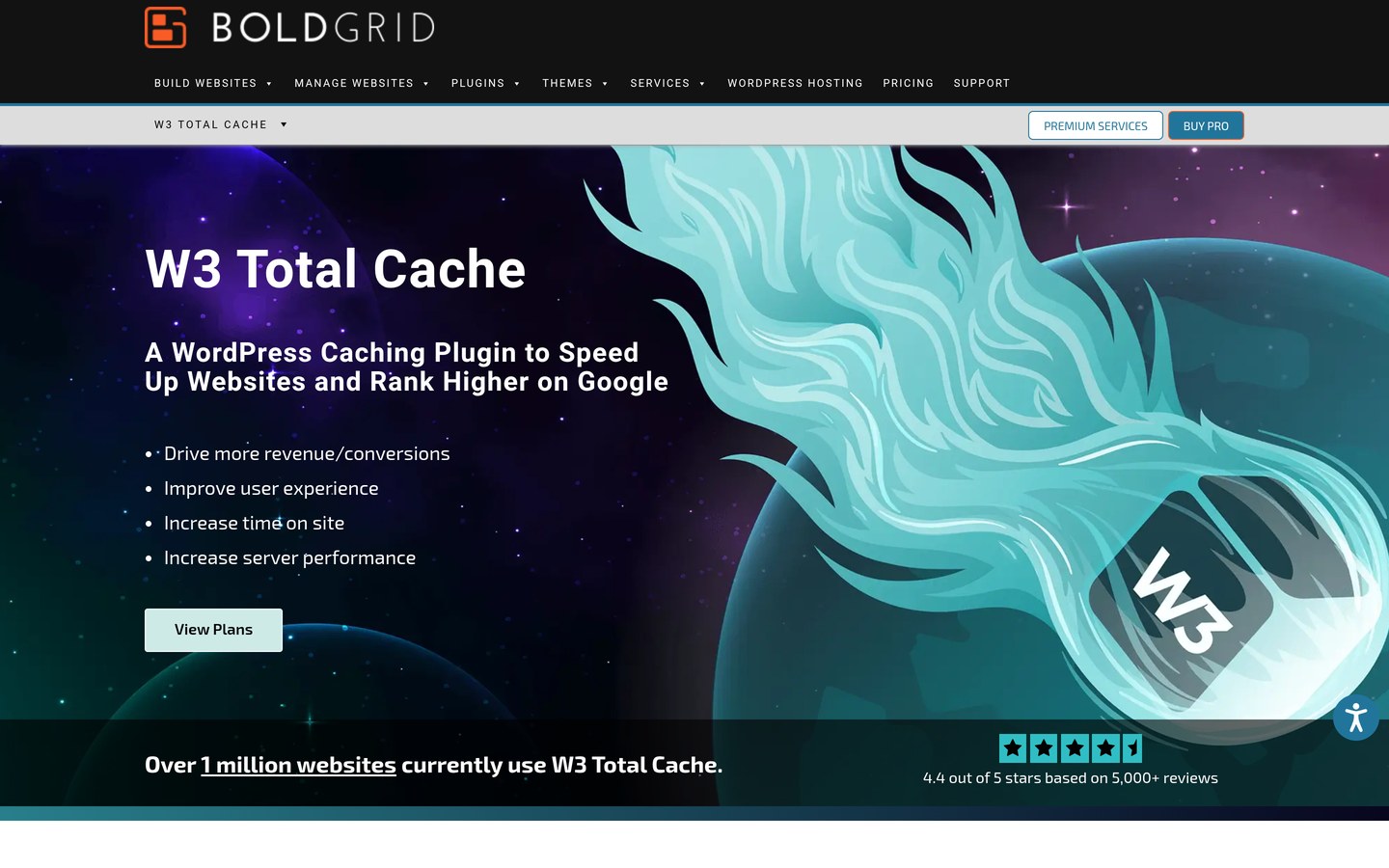
W3 Total Cache homepage, captured Nov 2026.
W3 Total Cache is a WordPress performance plugin with 800K+ active installations and a 4.4/5 rating from 5,420 reviews. Its free edition offers page caching, browser caching, database caching, object caching, minification, and CDN integration. It provides detailed configuration controls for different server setups.
The trade off is complexity, since overlapping cache settings can be difficult to configure correctly. Pro costs $99/year for one website and adds advanced optimization features, including full-site delivery and additional CSS and JavaScript controls. It suits developers and technically experienced site owners who want detailed cache configuration.
What we like
Several caching layers in the free version
Extensive server configuration options
CDN integration
Browser and object caching support
Established plugin and review history
Watch out for
Complex settings for beginners
Incorrect configurations can cause compatibility problems
Advanced performance features require Pro
Pro adds full-site delivery, advanced script controls, image conversion, and additional optimization features.Visit boldgrid.com
05
Cache Enabler
4.3/5on WordPress.org (139 reviews, checked Nov 2026)
PriceFree
Best for lightweight disk-based page caching
Page cachingStatic disk-based HTML
Cache clearingAutomatic, manual and WP-CLI
CompressionGzip and Brotli pre-compression
Plugin priceFree
keycdn.com
Cache Enabler homepage, captured Nov 2026.
Cache Enabler is a free WordPress page caching plugin from KeyCDN, with 100K+ active installations and a 4.3/5 rating. It creates static HTML files on disk and includes automatic cache clearing, expiration settings, HTML minification, mobile support, and Brotli and Gzip pre-compression.
The trade off is its intentionally limited feature set compared with broader optimization suites. The plugin has no paid upgrade, although external CDN services are separate products. It suits blogs, small business websites, and site owners who want straightforward static caching without managing extensive optimization settings.
What we like
Free static HTML page caching
Minimal configuration requirements
Automatic cache clearing
WP-CLI support
Gzip and Brotli pre-compression
Watch out for
No built-in image compression service
Fewer optimization features than broader suites
External CDN services are separate
No paid plugin plan; the complete caching feature set is free.Visit keycdn.com
06
Super Page Cache
4.8/5on WordPress.org (520 reviews, checked Nov 2026)
PriceFree
Best for Cloudflare-based full-page caching
Page cachingServer disk and Cloudflare edge
CDN integrationCloudflare
Cache managementAutomatic purging
Plugin priceFree
wordpress.org
Super Page Cache homepage, captured Nov 2026.
Super Page Cache is a WordPress caching plugin with 70K+ active installations and a 4.8/5 rating from 520 reviews. It supports full-page HTML caching on the server and through Cloudflare, with automatic cache clearing and performance optimization controls. It is particularly useful for distributing cached pages through a CDN.
The trade off is that edge caching requires Cloudflare configuration, while some external services may have separate costs. The core WordPress plugin is free without a required premium license. It suits websites already using Cloudflare that want broader page caching beyond static assets.
What we like
Free full-page caching
Cloudflare edge integration
Automatic cache invalidation
Server-side caching support
Useful for CDN-focused WordPress setups
Watch out for
Cloudflare setup adds configuration requirements
Dynamic pages need appropriate exclusions
External CDN charges are separate from plugin pricing
No paid plugin plan; Cloudflare services and optional external infrastructure are separate.Visit wordpress.org
07
Breeze Cache
3.6/5on WordPress.org (134 reviews, checked Nov 2026)
PriceFree
Best for simple caching with Varnish integration
Page cachingFile-based full-page cache
Server integrationVarnish support
Other featuresMinification and database cleanup
Plugin priceFree
cloudways.com
Breeze Cache homepage, captured Nov 2026.
Breeze Cache is a free WordPress caching plugin developed by Cloudways, with 300K+ active installations and a 3.6/5 rating. It includes file-based caching, database cleanup, minification, Varnish support, and CDN integration. It also supports WordPress Multisite and WooCommerce configurations.
The trade off is its lower public rating and dependence on correct server configuration for Varnish integration. Breeze itself has no paid plugin plan, although managed hosting and CDN services may cost extra. It suits website owners who prefer a free cache plugin that can coordinate with an existing Varnish setup.
What we like
Free caching without a premium plugin license
Varnish cache integration
Database cleanup features
CDN configuration options
WooCommerce and Multisite support
Watch out for
Lower WordPress.org rating than other shortlisted plugins
Varnish requires compatible server infrastructure
Minification settings may conflict with some themes or plugins
No paid plugin plan; optional hosting and CDN services are billed separately.Visit cloudways.com
Page caching vs object caching in WordPress
Page caching stores completed HTML responses so WordPress does not need to regenerate unchanged pages for every visitor. It is especially useful for public blog posts, editorial pages, and other content that rarely changes between requests.
Object caching stores reusable results from database queries and application operations. It can help dynamic WordPress features that cannot safely use shared full-page caches. W3 Total Cache supports both methods, while LiteSpeed Cache provides object cache integration.
Browser caching stores compatible assets on visitors' devices. CDN caching distributes resources or complete pages through external infrastructure. These caching layers serve different purposes and can complement one another when configured correctly.
Avoid enabling duplicate full-page cache systems without understanding their interactions. A hosting provider may already supply server caching, so check existing infrastructure before activating another plugin.
How to use page caching safely with WooCommerce
WooCommerce product and category pages can benefit from caching, but shopping carts, checkout pages, and account areas contain dynamic information. Serving cached personalized content to unrelated visitors can cause incorrect prices, cart contents, or account information.
Use plugins with suitable WooCommerce exclusions and cache-clearing controls. LiteSpeed Cache, Breeze Cache, and other established caching tools provide integrations or configuration options for dynamic store behavior.
Review whether product stock, customer-specific pricing, and session-based content update correctly. Some stores also require cache rules for currency switching, memberships, and personalized offers.
After configuration, check product pages, cart updates, checkout, account pages, and order confirmations. A functioning cache should reduce unnecessary processing without interfering with transactional workflows.
How we chose
We selected established WordPress plugins that provide actual full-page caching rather than only image compression, script minification, or database cleanup. The comparison prioritizes caching methods, server compatibility, free functionality, WooCommerce awareness, maintenance, and public review history.
WordPress.org listings and official vendor information were checked on 22 Nov 2026. Ratings, review counts, installation figures, and update dates come from WordPress.org. Paid prices were checked against regular vendor pricing, including WP Fastest Cache's one-time Bronze license and W3 Total Cache's annual Pro license.
We excluded inactive or closed plugins, products without confirmed pricing, and tools that lack genuine page caching. Separate hosting and CDN charges are not represented as plugin license fees. No vendor paid for a place, and the comparison is based on published documentation and public reviews rather than direct performance benchmarks.
How to choose the best free WordPress page cache plugin
Check your hosting infrastructure first, then select a caching plugin based on compatibility, configuration needs, and dynamic content requirements.
**Identify your web server and existing cache.** Check whether your hosting uses LiteSpeed, Nginx, Apache, Varnish, or a managed cache system. LiteSpeed Cache is especially relevant on compatible infrastructure, while WP Super Cache and Cache Enabler support traditional static HTML caching workflows.
**Choose the right level of configuration.** Select WP Fastest Cache or Cache Enabler for simpler controls. Consider W3 Total Cache when you need detailed settings for different caching layers, or Super Page Cache when Cloudflare edge caching is a priority.
**Protect dynamic and personalized content.** Exclude checkout pages, carts, account areas, and other visitor-specific responses where appropriate. Confirm cache invalidation after content updates and review how your plugin handles logged-in users.
**Verify improvements without creating conflicts.** Record your site's existing performance, activate the chosen cache, and compare representative pages afterward. Avoid duplicate page caches, review cache headers, and check mobile navigation, forms, shopping carts, and other interactive features.
FAQ
What is the best free page cache plugin for WordPress?
LiteSpeed Cache is our top recommendation for websites running compatible LiteSpeed infrastructure. It offers free server-level caching and additional performance tools. WP Fastest Cache is a strong alternative for straightforward configuration, while WP Super Cache is suitable for traditional static HTML caching.
Is LiteSpeed Cache completely free?
Yes. The WordPress plugin is free and open source, with no mandatory premium plugin subscription. However, its server-level caching requires compatible infrastructure. Optional QUIC.cloud services and commercial hosting products may have separate charges, so plugin pricing and infrastructure costs should be considered independently.
Can I use LiteSpeed Cache on Apache or Nginx?
LiteSpeed Cache's general optimization features can work with Apache and Nginx. However, its native server-level full-page caching requires supported LiteSpeed infrastructure or compatible QUIC.cloud services. If your hosting does not support those requirements, consider another page cache plugin.
Which WordPress cache plugin is easiest for beginners?
WP Fastest Cache offers a relatively straightforward settings interface, making it a good starting point for beginners. Cache Enabler is another option with minimal configuration. WP Super Cache also provides a Simple caching mode for users who do not need advanced server controls.
Does WP Super Cache have a paid version?
No. WP Super Cache is distributed as a free WordPress plugin without a required premium license. Its available caching modes, static HTML generation, and cache management features are included. Hosting infrastructure and optional third-party services can still involve separate costs.
Is page caching different from object caching?
Yes. Page caching stores completed HTML responses for repeat requests, while object caching stores reusable application and database results. Both can reduce server processing, but they address different operations. Dynamic websites may benefit from object caching even when certain pages must remain uncached.
Can page cache plugins break WooCommerce checkout?
Incorrect caching configurations can interfere with shopping carts, checkout sessions, and customer-specific content. Many established caching plugins provide WooCommerce-aware behavior or exclusion settings. Confirm that transactional pages are handled correctly before relying on caching for a live store.
Should I install multiple WordPress page cache plugins?
Generally, use a single primary full-page caching system unless your hosting provider explicitly documents a compatible arrangement. Multiple plugins generating or controlling the same page cache can produce stale content, conflicting cache rules, and troubleshooting difficulties.
Will a caching plugin automatically improve Core Web Vitals?
Page caching can improve server response times, but Core Web Vitals also depend on images, JavaScript execution, layout stability, rendering, and hosting conditions. Installing a cache plugin does not guarantee particular performance scores. Review actual website metrics and address remaining bottlenecks separately.