Best WordPress Optimization Plugins in 2026: 7 Tools Compared
WLWPLegible EditorsLast verified 22 Nov 2026How we test11 min read
★ Short answer
WP-Optimize is our top WordPress optimization plugin for most sites, combining page caching, database cleanup, image compression and minification in a free plugin with 1M+ active installations. LiteSpeed Cache is the stronger choice for compatible LiteSpeed hosting, while Hummingbird offers a practical alternative with a $50/year Pro upgrade.
How we make this list: we compare pricing pages, product documentation and public user reviews, then re-check every price before each update. No product paid for a place. Disclosure.
WP-Optimize has 1M+ active installations and a 4.8/5 rating from 2,617 reviews. Premium starts at $49/year for up to 2 sites.
LiteSpeed Cache has 7M+ active installations and a 4.8/5 rating from 2,784 reviews. The plugin is free, although some connected services can cost extra.
Hummingbird has 70,000+ active installations and a 4.7/5 rating. Pro Basic costs $50/year and includes advanced optimization features.
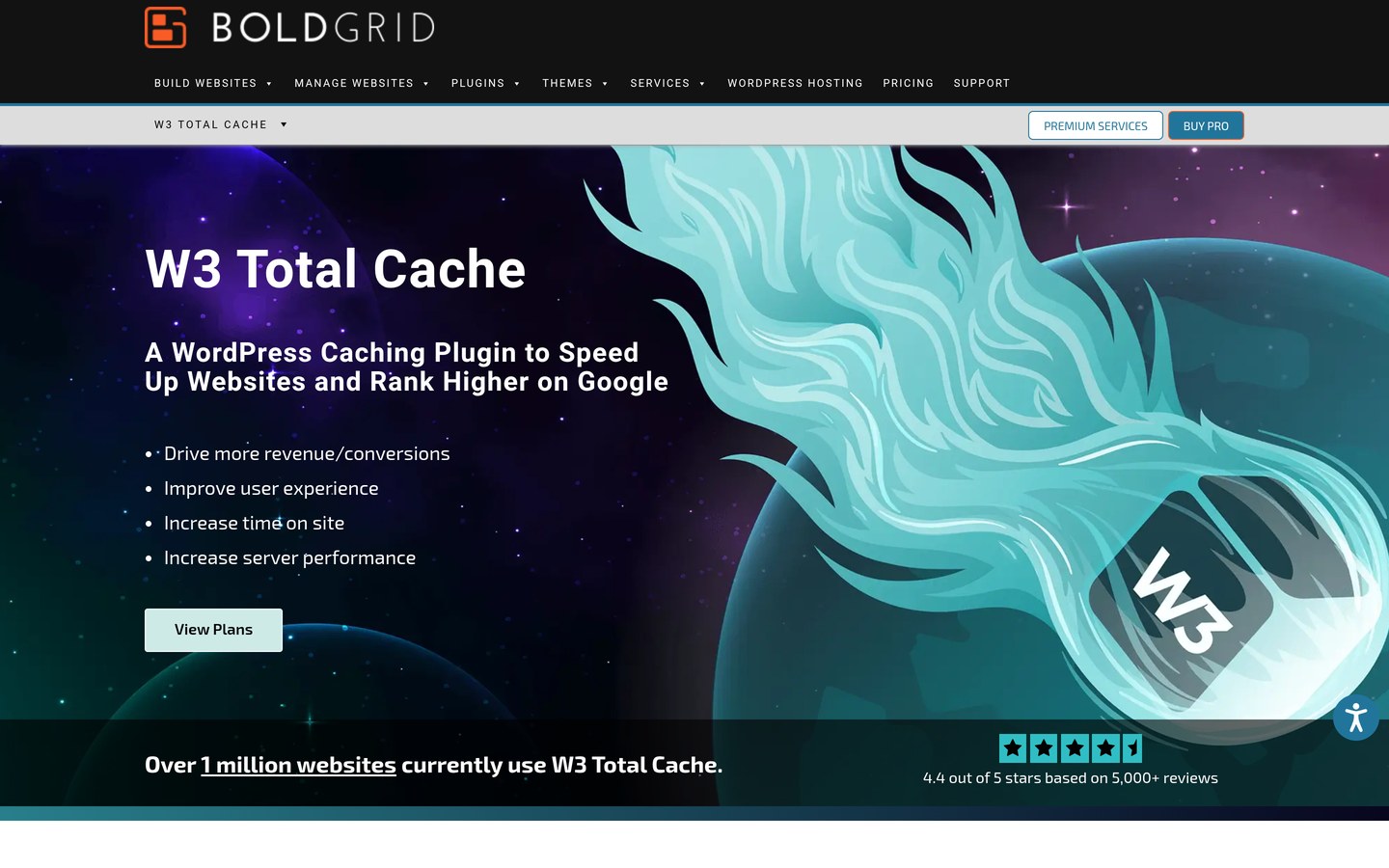
W3 Total Cache has 800,000+ active installations and a 4.4/5 rating from 5,420 reviews. Pro costs $99/year for one site.
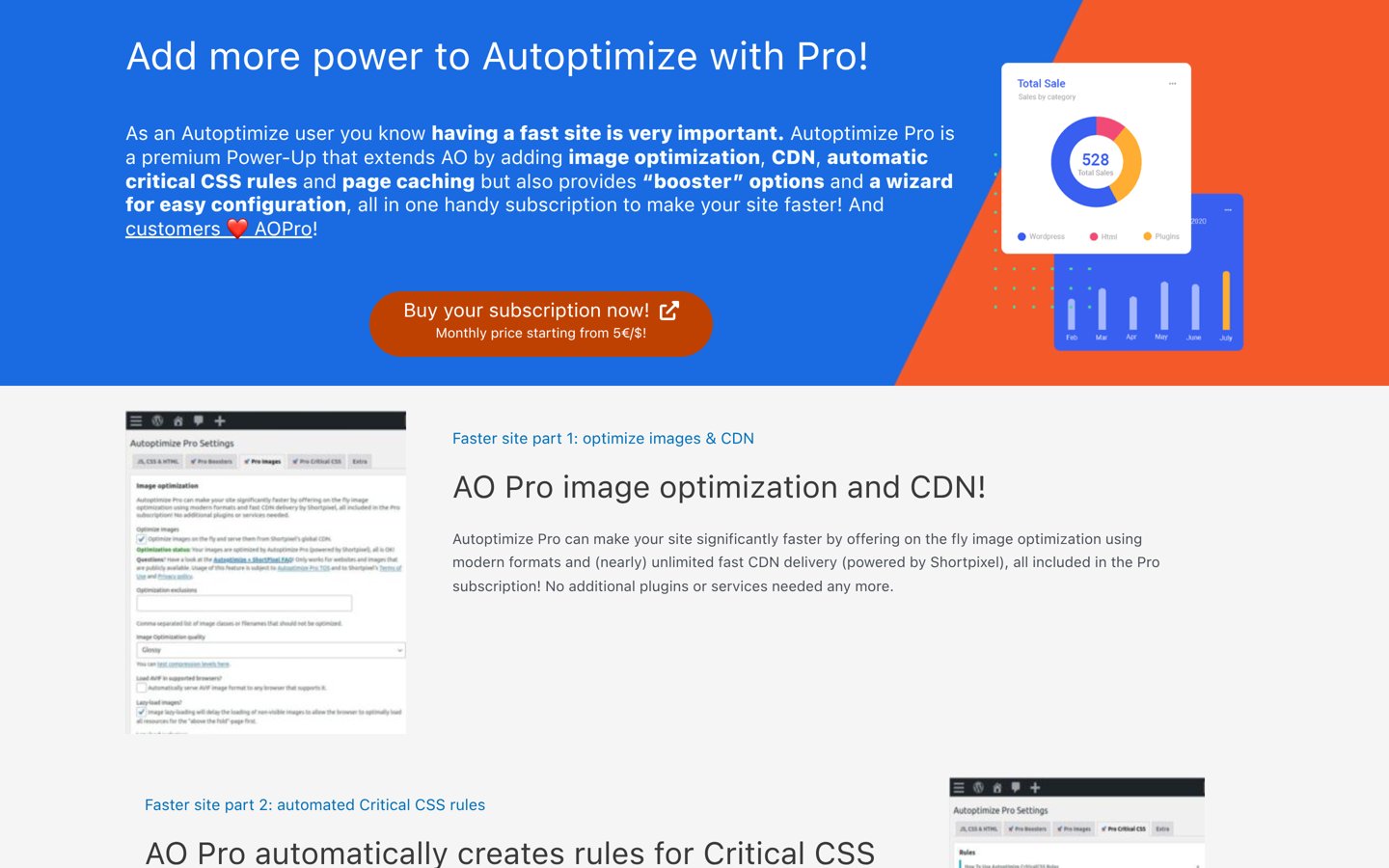
Autoptimize has 800,000+ active installations and a 4.7/5 rating. Its single-site Pro subscription costs $89/year.
EWWW Image Optimizer has 1M+ active installations and costs $80/year for Standard, while Imagify offers 20MB of free image optimization monthly.
What should a WordPress optimization plugin actually improve?
WordPress performance depends on more than installing a caching plugin. Server response time, image sizes, JavaScript execution, CSS delivery, database queries and hosting configuration all influence how quickly visitors can use a website.
Page caching is usually one of the first improvements worth checking. It stores generated page content so WordPress does not have to rebuild the same page for every visitor. Some hosting providers already handle this at the server level, making another page cache unnecessary.
CSS and JavaScript optimization reduces unnecessary file transfers or delays code that is not immediately required. Autoptimize focuses heavily on these assets, while W3 Total Cache provides extensive caching controls. Incorrect settings can break menus, forms and interactive content.
Images are another common source of unnecessary page weight. EWWW Image Optimizer and Imagify compress images, resize uploads and support modern formats. Their free and paid versions differ in processing limits, delivery options and available optimization methods.
Choose tools based on the bottlenecks your website actually has. Combining multiple caching plugins can create conflicts, and overlapping image optimizers can process the same files repeatedly. Review your hosting features and establish a performance baseline before changing settings.
4.8/5on WordPress.org (2,617 reviews, checked Nov 2026)
Paid from$49/yr
Best overall for WordPress optimization
Main purposeAll-around optimization
Active installs1M+
Free featuresCache, images, database, minify
Paid planStarter, $49/yr for 2 sites
teamupdraft.com
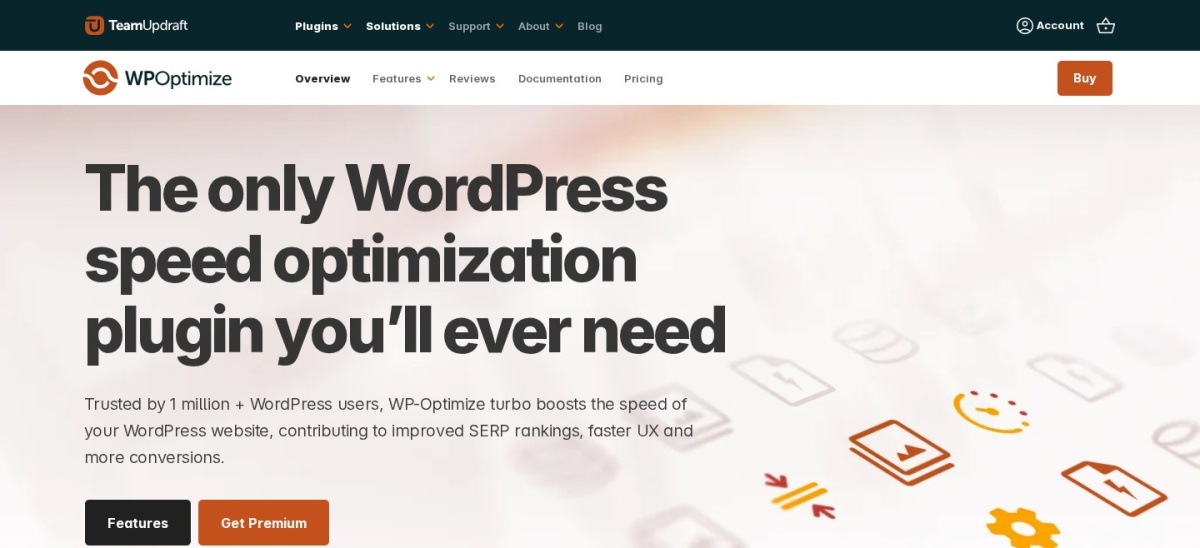
WP-Optimize homepage, captured Nov 2026.
WP-Optimize is a WordPress performance plugin with more than 1 million active installations and a 4.8/5 rating from 2,617 reviews. Its free version combines page caching, database cleanup, image compression and CSS and JavaScript minification. This makes it a practical starting point for site owners who want several common optimization tasks in one plugin.
The trade off is that advanced scheduling, cache preloading and additional image-management features require Premium, starting at $49 annually for up to 2 sites. It suits blogs, business websites and stores that want straightforward performance maintenance without managing multiple specialized optimization plugins.
What we like
Combines caching, image compression and database cleanup
Free version includes useful optimization tools
Premium starts at $49 annually for 2 sites
More than 1 million active installations
Rated 4.8/5 from 2,617 reviews
Watch out for
Advanced scheduling requires Premium
Image optimization features are less specialized than dedicated image services
Database cleanup should be preceded by a backup
Caching features can overlap with hosting-level caching
4.8/5on WordPress.org (2,784 reviews, checked Nov 2026)
PriceFree
Best free optimization for LiteSpeed-powered websites
Main purposeServer caching and optimization
Active installs7M+
Server-level cachingRequires compatible server
Plugin licenseFree, no paid plugin tier
litespeedtech.com
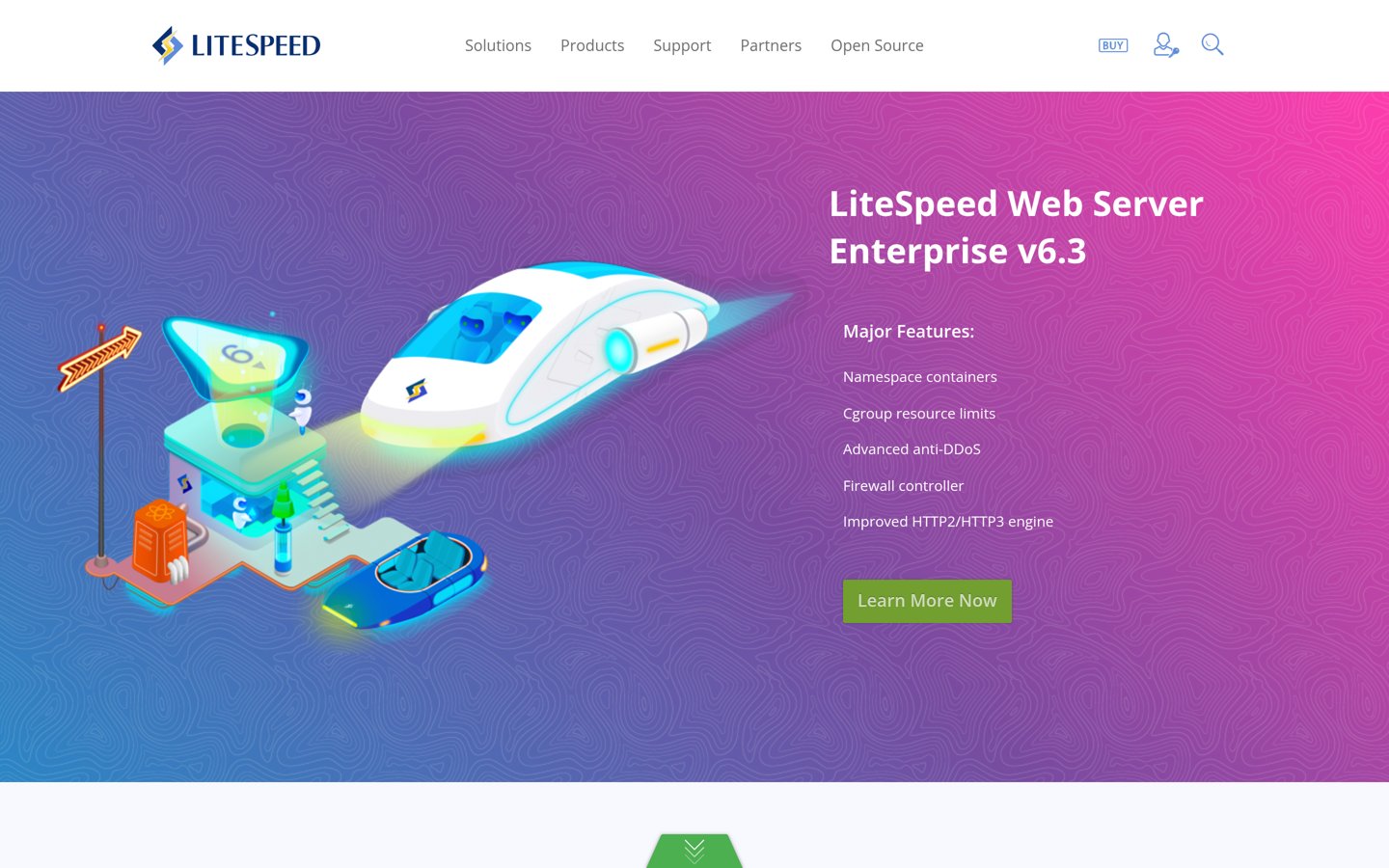
LiteSpeed Cache homepage, captured Nov 2026.
LiteSpeed Cache is a free WordPress caching and optimization plugin with more than 7 million active installations and a 4.8/5 rating from 2,784 reviews. It includes CSS and JavaScript optimization, lazy loading, database cleanup, image optimization integration and cache-management tools. Its server-level page caching works with compatible LiteSpeed environments or QUIC.cloud.
The trade off is server compatibility and optional service costs. The plugin has no paid license tier, but full server-level caching needs compatible infrastructure, and some QUIC.cloud services charge beyond their free allowances. It suits websites already hosted on LiteSpeed or OpenLiteSpeed servers.
What we like
Free and open-source plugin without a premium license
More than 7 million active installations
Server-level caching on compatible hosting
CSS, JavaScript, database and image optimization tools
Large settings interface can be difficult for beginners
Overlapping optimization options can conflict with other plugins
No paid plugin plan exists; optional QUIC.cloud services and compatible hosting may involve separate charges.Visit litespeedtech.com
03
Hummingbird
4.7/5on WordPress.org (1,488 reviews, checked Nov 2026)
Paid from$50/yr
Best for guided performance optimization
Main purposeCaching and asset optimization
Active installs70,000+
Pro CDN119 locations
Paid planPro Basic, $50/yr
wpmudev.com
Hummingbird homepage, captured Nov 2026.
Hummingbird is a WordPress performance plugin from WPMU DEV with 70,000+ active installations and a 4.7/5 rating from 1,488 reviews. Its free version provides caching, file compression, asset optimization and performance-related controls. The plugin groups optimization settings in a dashboard designed to make common performance tasks easier to manage.
The trade off is that automatic Critical CSS generation, advanced JavaScript delay and CDN access require Hummingbird Pro. Pro Basic costs $50 annually for one site and includes a CDN with 119 locations and a 50GB allowance. It suits website owners who prefer guided optimization settings and optional cloud delivery features.
What we like
Free caching and asset optimization features
Pro Basic costs $50 annually
Premium includes Critical CSS generation
Premium provides CDN delivery from 119 locations
4.7/5 WordPress.org rating from 1,488 reviews
Watch out for
Advanced JavaScript delay requires Pro
CDN features depend on a paid subscription
Some optimization functions overlap with existing caching tools
More advanced configuration may still need manual adjustments
Pro Basic adds Critical CSS, JavaScript delay, CDN access and additional optimization controls.Visit wpmudev.com
04
W3 Total Cache
4.4/5on WordPress.org (5,420 reviews, checked Nov 2026)
Paid from$99/yr
Best for advanced caching configuration
Main purposeAdvanced caching
Active installs800,000+
Caching methodsPage, browser, object, database
Paid planPro, $99/yr for 1 site
boldgrid.com
W3 Total Cache homepage, captured Nov 2026.
W3 Total Cache is a WordPress performance plugin with 800,000+ active installations and a 4.4/5 rating from 5,420 reviews. Its free version includes page, browser, database and object caching, CSS and JavaScript minification, and CDN integration. Administrators can configure caching methods according to their hosting environment.
The trade off is complexity and paid feature limits. Pro costs $99 annually for one site and adds features such as script delaying, unused asset controls and expanded image conversion. It suits developers and technically confident administrators who need more caching configuration than a simpler plugin provides.
What we like
Extensive caching configuration options
Supports page, browser, object and database caching
Free CDN integration
More than 5,000 WordPress.org reviews
Compatible with several hosting configurations
Watch out for
Many settings require technical understanding
Incorrect configurations can cause website problems
Advanced asset controls require Pro
CDN subscriptions are charged separately
Pro adds script delaying, unused CSS and JavaScript controls, expanded image conversion and advanced caching features.Visit boldgrid.com
05
Autoptimize
4.7/5on WordPress.org (1,429 reviews, checked Nov 2026)
Paid from$89/yr
Best for CSS and JavaScript optimization
Main purposeCSS and JavaScript optimization
Active installs800,000+
Free featuresMinify, aggregate, defer
Paid planPro Single Site, $89/yr
autoptimize.com
Autoptimize homepage, captured Nov 2026.
Autoptimize is a WordPress asset optimization plugin with 800,000+ active installations and a 4.7/5 rating from 1,429 reviews. Its free version can aggregate and minify CSS and JavaScript, optimize HTML, improve font delivery and lazy-load images. It is especially useful for websites that already have page caching but need additional control over front-end resources.
The trade off is that automated Critical CSS, CDN delivery, page caching and advanced delay controls require Pro, which costs $89 annually for one site. The vendor also offers monthly billing at $12.99. It suits sites with existing caching infrastructure that need focused CSS and JavaScript optimization.
What we like
Free CSS, JavaScript and HTML optimization
Can complement an existing page cache
Supports font optimization and image lazy loading
800,000+ active installations
Rated 4.7/5 from 1,429 reviews
Watch out for
Free version does not provide full-page caching
Automated Critical CSS requires Pro
Incorrect JavaScript optimization can break interactive features
May duplicate optimization already handled by another plugin
Pro adds page caching, CDN delivery, automatic Critical CSS, advanced script controls and image optimization.Visit autoptimize.com
06
EWWW Image Optimizer
4.8/5on WordPress.org (1,846 reviews, checked Nov 2026)
Paid from$80/yr
Best for unlimited local image optimization
Main purposeImage optimization
Active installs1M+
Free processingUnlimited local optimization
Paid planStandard, $80/yr
ewww.io
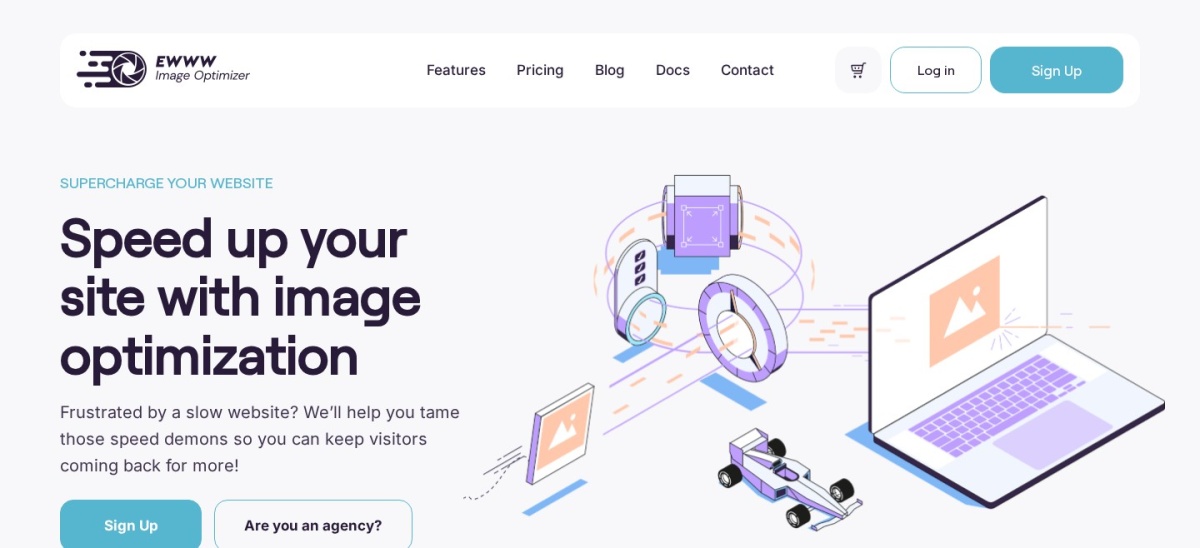
EWWW Image Optimizer homepage, captured Nov 2026.
EWWW Image Optimizer is a WordPress image compression plugin with more than 1 million active installations and a 4.8/5 rating from 1,846 reviews. Its free version supports unlimited local image optimization, image resizing, lossless compression and WebP conversion. It also includes lazy loading and controls for managing generated image sizes.
The trade off is that premium compression, CDN delivery and additional performance services require a paid subscription. Standard costs $80 annually and includes 50GB of CDN bandwidth and 300,000 premium compression credits. It suits image-heavy blogs, portfolios and stores that want local processing with optional cloud optimization.
What we like
Unlimited local image optimization in the free version
Supports WebP conversion
Bulk image resizing and compression
More than 1 million active installations
Standard includes CDN delivery and premium compression
Watch out for
Advanced cloud optimization requires payment
CDN bandwidth has plan limits
Image processing can use local server resources
Does not replace a dedicated full-page caching solution
Standard adds premium compression, Easy IO CDN, WebP and AVIF delivery, and SWIS performance features.Visit ewww.io
07
Imagify
4.3/5on WordPress.org (1,658 reviews, checked Nov 2026)
Paid from$4.99/mo
Best for simple cloud image compression
Main purposeImage compression and conversion
Active installs900,000+
Free allowance20MB/month
Paid planGrowth, $4.99/mo billed yearly
imagify.io
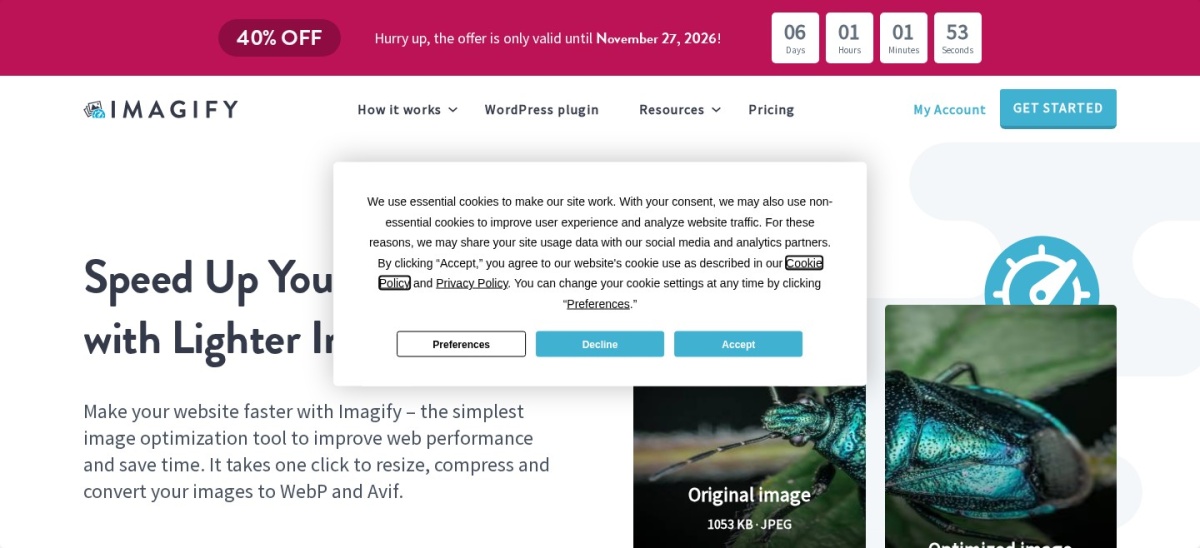
Imagify homepage, captured Nov 2026.
Imagify is a WordPress image optimization plugin with 900,000+ active installations and a 4.3/5 rating from 1,658 reviews. Its free plan includes 20MB of image optimization per month, with compression, resizing and WebP or AVIF conversion. The WordPress dashboard provides automatic optimization and bulk processing tools.
The trade off is the free processing limit. Growth costs a regular $4.99 per month billed annually, or $59.88 yearly, for 500MB of monthly processing; a 40% promotional discount is currently advertised. It suits publishers and smaller stores that prefer cloud-based image processing with a predictable monthly allowance.
What we like
Free monthly image optimization allowance
Supports WebP and AVIF conversion
Automatic and bulk image optimization
900,000+ active installations
Growth plan works across unlimited websites
Watch out for
Free processing is limited to 20MB monthly
Growth includes a 500MB monthly allowance
Additional processing can incur charges
Does not provide full-page caching
Growth increases processing to 500MB monthly and removes the free plan's image upload-size restriction.Visit imagify.io
Which WordPress optimization plugins should you use together?
A WordPress optimization setup usually needs one primary caching solution. If your hosting already provides effective page caching, begin by reviewing that system instead of adding another cache plugin.
For compatible LiteSpeed hosting, LiteSpeed Cache provides server-level caching and general optimization features. On other hosting environments, WP-Optimize, Hummingbird and W3 Total Cache are alternatives worth comparing.
Autoptimize can complement a caching solution when CSS and JavaScript delivery need more attention. However, disable overlapping minification, combining and delay features so separate tools do not modify the same resources.
For image-heavy websites, EWWW Image Optimizer or Imagify can provide dedicated image processing. Choose one image optimizer rather than running both simultaneously, and verify which compression or conversion features your primary cache already includes.
Always review the resulting pages after changing optimization settings. Test mobile navigation, contact forms, checkout pages and other interactive elements before applying aggressive script or cache rules across the entire website.
How optimization plugins relate to Core Web Vitals
Largest Contentful Paint (LCP) measures when the main visible content finishes rendering. Caching, efficient image delivery and reducing render-blocking resources can help address factors that contribute to slow LCP.
Interaction to Next Paint (INP) measures responsiveness to user interactions. Reducing unnecessary JavaScript and avoiding expensive browser work may improve responsiveness, but simply delaying scripts does not guarantee a better result.
Cumulative Layout Shift (CLS) measures unexpected visual movement. Correct image dimensions, reserved space for embedded content and carefully configured lazy loading can reduce layout instability.
Performance plugins address different causes of slow pages. Compare actual site behavior and field performance data rather than treating a single synthetic performance score as proof of a faster visitor experience.
How we chose
We reviewed established WordPress optimization plugins covering page caching, asset delivery, database cleanup, image compression and Core Web Vitals-related settings. The shortlist includes multipurpose performance tools and specialized image optimizers, with preference given to products that have substantial WordPress.org adoption, public reviews and documented maintenance.
We opened each selected plugin's WordPress.org listing and official vendor pricing or licensing page on 22 Nov 2026. Ratings, review counts, installation figures and update status come from WordPress.org. Paid prices use the cheapest regular plan rather than promotional amounts. Imagify's annualized price reflects its regular monthly rate when billed yearly, while LiteSpeed Cache has no paid plugin license.
We excluded plugins without recent maintenance, products whose regular paid prices could not be confirmed and candidates with insufficient public adoption. WP Fastest Cache and Asset CleanUp were considered but excluded because their accessible official pages did not provide a confirmable regular license price. No vendor paid for a place, and we do not claim hands-on testing for this list.
How to choose the best WordPress optimization plugin
Identify the source of your website's performance problems, compare the optimization features available and avoid installing overlapping tools.
Identify your website's main performance bottleneck. Review server response time, page weight, image sizes and JavaScript execution. A caching plugin is useful for repeated page generation, while an image optimizer addresses oversized media. Choose tools that target the actual problem rather than enabling every available optimization setting.
Check your hosting provider's caching features. Determine whether your server already includes page caching, object caching or CDN delivery. LiteSpeed Cache offers server-level caching on compatible infrastructure, while WP-Optimize and W3 Total Cache support different hosting environments. Avoid enabling conflicting page caches.
Compare free features and standard paid prices. WP-Optimize Premium starts at $49 annually, Hummingbird Pro Basic costs $50 and W3 Total Cache Pro costs $99. For image optimization, compare EWWW's $80 annual Standard plan with Imagify's $59.88 annualized Growth plan. Account for usage limits and separate CDN charges.
Make changes carefully and verify the results. Create a backup, establish a baseline and enable optimization features incrementally. Check navigation, forms, product pages and checkout functionality after changing JavaScript, CSS or caching settings. Compare performance measurements and retain only changes that improve the website without breaking functionality.
FAQ
What is the best WordPress optimization plugin in 2026?
WP-Optimize is our top general-purpose choice because it combines page caching, database cleanup, image compression and minification. It has more than 1 million active installations and a 4.8/5 WordPress.org rating. LiteSpeed Cache is a strong alternative when your server supports its full caching capabilities.
Which free WordPress optimization plugin is best?
LiteSpeed Cache offers extensive free features, particularly on compatible hosting. WP-Optimize is another useful free option for page caching, database cleanup and image compression. The better choice depends on your server configuration and whether another caching system is already active.
Do WordPress optimization plugins really improve website speed?
They can improve performance when they address actual bottlenecks such as repeated page generation, oversized images or inefficient script loading. Results vary according to hosting, theme, content and existing optimization. Installing a plugin alone does not guarantee better performance or improved search rankings.
Can I use two WordPress caching plugins together?
Running multiple page caching plugins is generally unnecessary and can create conflicts or stale content. Choose one primary caching system and disable overlapping caching features elsewhere. A specialized asset optimizer or image compression plugin may complement your cache when configured to avoid duplicate processing.
Is LiteSpeed Cache better than WP-Optimize?
LiteSpeed Cache has an advantage when the hosting environment supports its server-level caching engine. WP-Optimize is more hosting-independent and combines caching with database and image maintenance. If you do not use compatible LiteSpeed infrastructure, compare the general optimization features and your existing hosting cache.
What is the best plugin for optimizing WordPress images?
EWWW Image Optimizer is suitable for unlimited local image compression and optional premium CDN services. Imagify provides cloud processing with a free 20MB monthly allowance and paid plans for higher usage. Both support modern image formats, but their processing methods and subscription limits differ.
Does Autoptimize replace a WordPress caching plugin?
The free version primarily optimizes CSS, JavaScript, HTML, fonts and related resources rather than providing full-page caching. Autoptimize Pro includes page caching and additional delivery features. Free Autoptimize can complement an existing page cache when duplicate optimization settings are disabled.
Can WordPress optimization plugins improve Core Web Vitals?
They can address some underlying causes of poor Largest Contentful Paint, Interaction to Next Paint and Cumulative Layout Shift. Image optimization, caching and reducing unnecessary JavaScript may help. However, improvements depend on the website, and aggressive optimization can create functionality or visual problems.
Should I pay for a WordPress optimization plugin?
A paid plan can be useful when you need automated Critical CSS, advanced cache management, CDN delivery or larger image processing allowances. Many basic optimization tasks are possible with free plugins. Compare the regular subscription cost with your actual requirements before upgrading.