WLWPLegible EditorsLast verified 22 Nov 2026How we test14 min read
★ Short answer
Cloudflare is the best CDN for WordPress for most sites, with a free plan on a network in 330+ cities and a 4.5 out of 5 G2 rating from 710 reviews. Pick Bunny.net for the lowest per-gigabyte price at $0.01 per GB, and QUIC.cloud if your host runs LiteSpeed.
How we make this list: we compare pricing pages, product documentation and public user reviews, then re-check every price before each update. No product paid for a place. Disclosure.
Cloudflare is the only CDN here with a free plan that covers a full site: CDN, WAF, DDoS protection and SSL at $0.
Bunny.net is the cheapest per gigabyte at $0.01 in North America and Europe, with a $1 monthly minimum.
QUIC.cloud caches dynamic WordPress pages at the edge, with a free plan on 6 nodes.
RocketCDN costs $79 a year per site on top of the $59 WP Rocket licence, so the pair costs $138 a year.
Fastly is the dearest entry here: a $50 monthly minimum and $0.12 per GB in North America and Europe.
What a CDN does for a WordPress site
A CDN copies your images, CSS, JavaScript and other static files to servers near each visitor, so pages load faster no matter where readers live. It also takes load off your host, which matters on shared hosting.
Most WordPress sites do not need a paid CDN at first. A free plan from Cloudflare, QUIC.cloud or Jetpack Boost covers a small site, and our guide on speeding up WordPress shows the other quick wins to try first.
Pay-as-you-go pricing suits sites with uneven traffic, because you pay for the gigabytes you use. Flat plans suit busy sites, because the bill stays the same when a post goes viral.
Check what your host already includes before you pay. Many managed hosts run their own CDN, and adding a second one can double-cache files or break image URLs.
Cloudflare is a global CDN, DNS and security platform that powers about 20% of the Internet, according to its own homepage. The free plan includes unmetered DDoS protection, a global CDN, free SSL and DNS for one site, with no bandwidth bill at any tier.
The trade off is that the free plan has no uptime SLA and image optimisation needs Pro at $20 a month billed yearly. It suits almost any WordPress site, from a new blog to a busy store, that wants a free CDN with serious security built in.
4.8/5on Trustpilot (1,637 reviews, checked Nov 2026)
Starts at$1/mo
Best for the lowest per-GB price
Network119 PoPs
Per-GB price$0.01, NA and Europe
Request feesNone
Paid planFrom $1/mo
bunny.net
Bunny.net homepage, captured Nov 2026.
Bunny.net is a pay-as-you-go CDN with 119 edge locations and no request fees. Traffic in North America and Europe costs $0.01 per GB on the Standard network, the Volume network drops to $0.005 per GB, and every feature is included above a $1 monthly minimum.
The trade off is that there is no permanent free tier, only a 14-day trial, so a hobby site with no revenue pays from day one. It suits sites that pay their own bandwidth bill and want the lowest per-gigabyte price without a flat monthly plan.
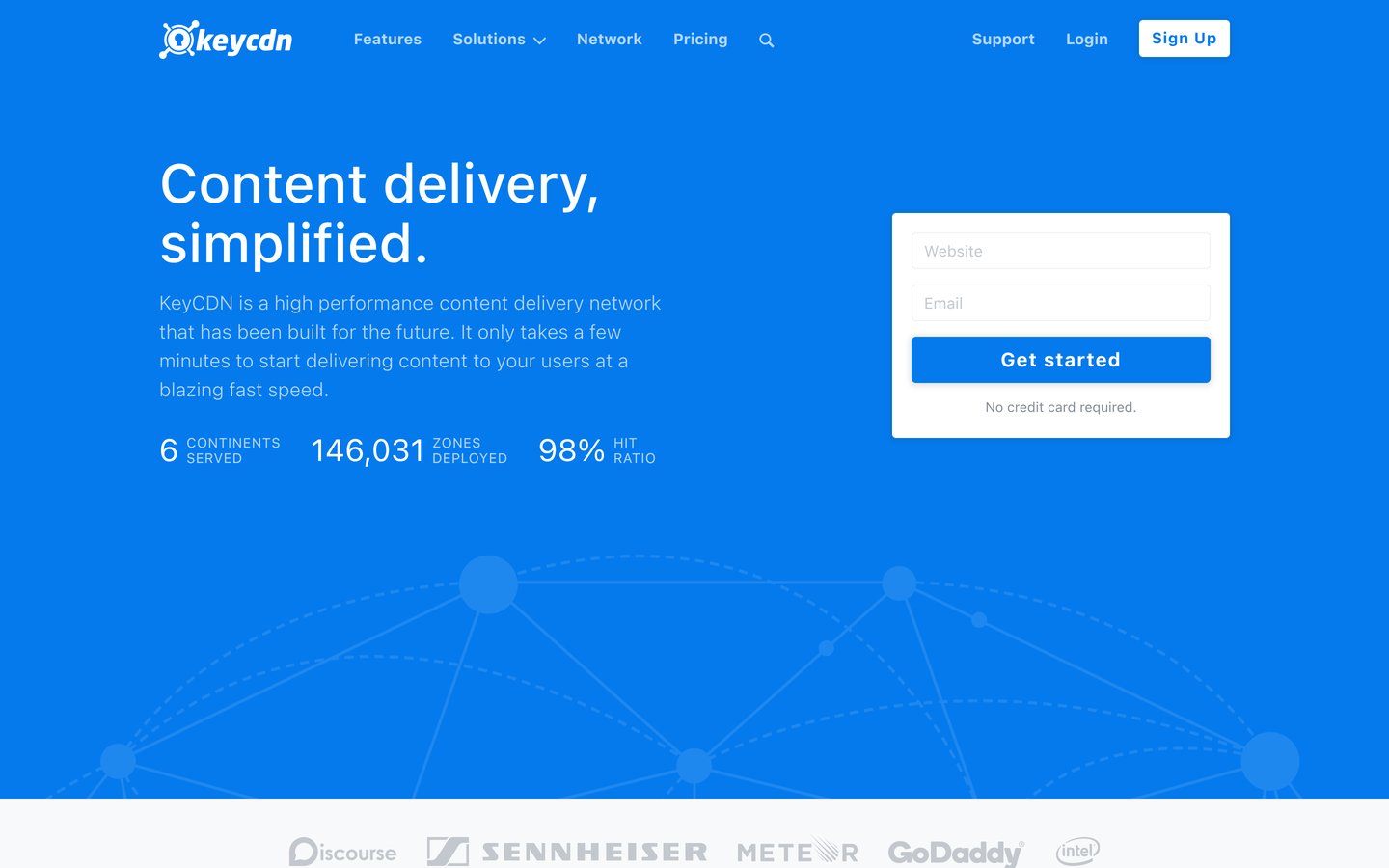
KeyCDN is a simple pay-as-you-go CDN with 47 edge locations and no request charges. Traffic in North America and Europe starts at $0.04 per GB for the first 10 TB a month, the first 3 zones are free, and the minimum charge is $4 a month.
The trade off is the $49 minimum top-up, so the first payment is larger than the $4 monthly minimum suggests. It suits developers and small sites that want plain per-gigabyte billing, instant purge and free TLS without learning a large platform.
4.8/5on WordPress.org (2,784 reviews, checked Nov 2026)
Paid from$0.02/GB
Best for LiteSpeed hosting
Network77 PoPs, Standard
Free planYes, 6 nodes
Dynamic cachingYes, full-page
Paid planFrom $0.02/GB
quic.cloud
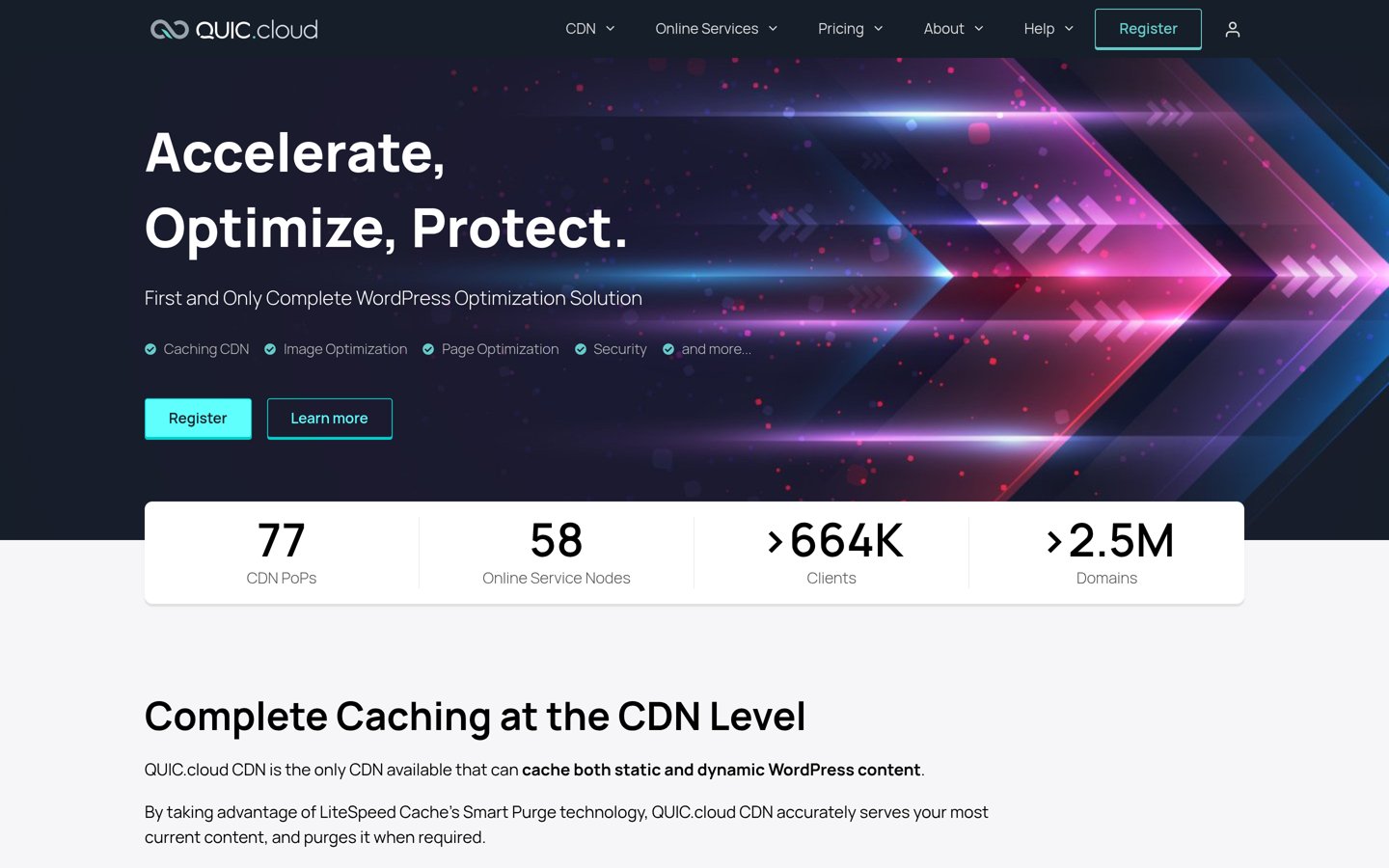
QUIC.cloud homepage, captured Nov 2026.
QUIC.cloud is the CDN built by the LiteSpeed team, and it connects through the free LiteSpeed Cache plugin on more than 7 million WordPress sites. The Free plan serves unlimited bandwidth from 6 nodes in the USA and Europe, and the Standard plan opens 77 nodes with dynamic page caching.
The trade off is that the free credit is small, from 1 GB a month on a basic setup, and Standard bandwidth costs $0.02 per GB in North America and Europe. It suits sites already on LiteSpeed hosting that want server-level caching and a CDN in one setup.
4.6/5on Trustpilot (3,049 reviews, checked Nov 2026)
Paid from$79/yr
Best for WP Rocket users
Network119 locations, via Bunny
Free plan3 pages, with WP Rocket
BandwidthUnlimited
Paid planPro, $79/yr
rocketcdn.me
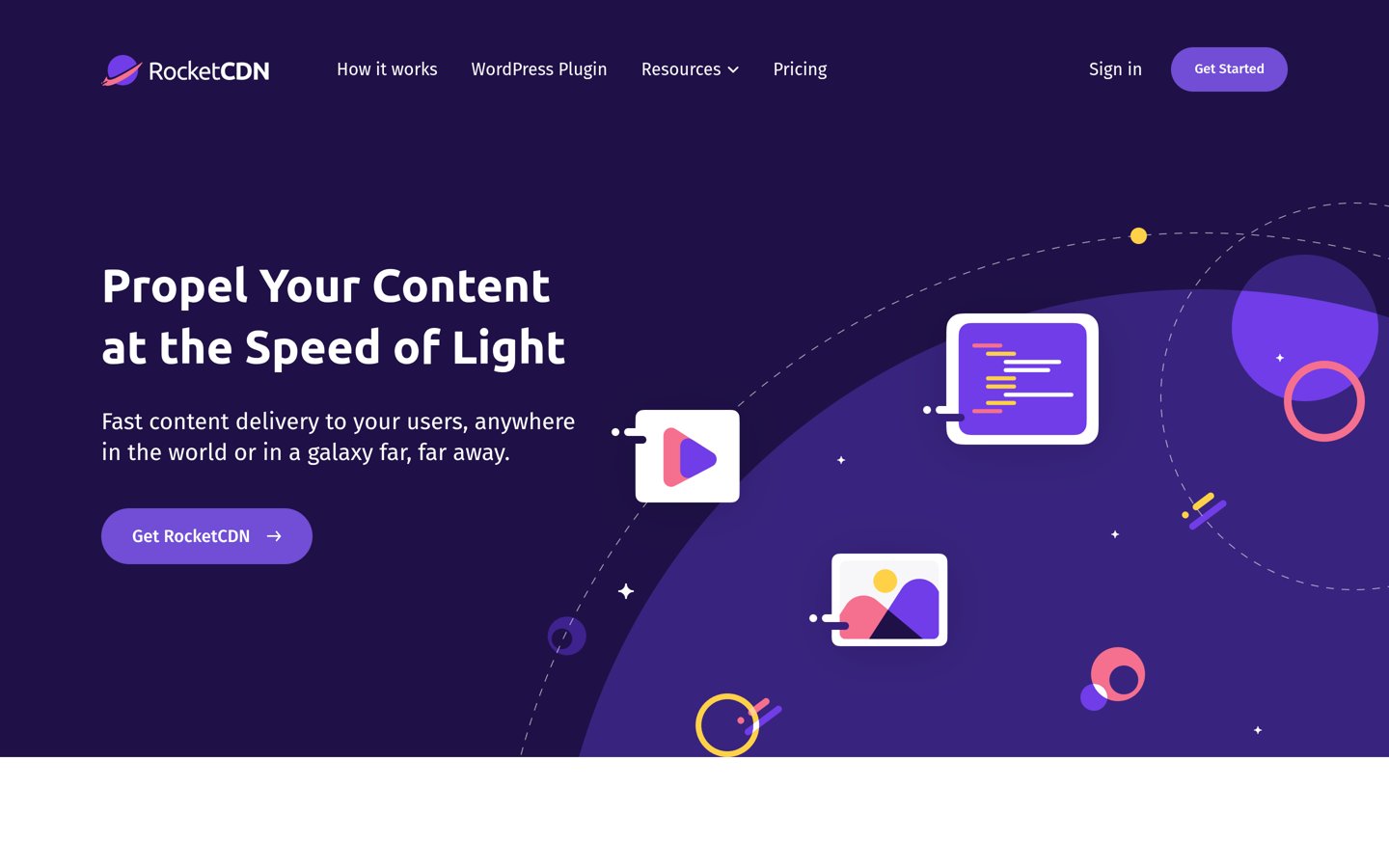
RocketCDN homepage, captured Nov 2026.
RocketCDN is WP Rocket's built-in CDN, and it runs on Bunny.net's network across 119 locations. RocketCDN Free comes with every WP Rocket licence and covers 3 key pages from 10 edge locations, while Pro extends delivery to the whole site with unlimited bandwidth.
The trade off is that Pro costs $79 a year per site on top of the $59 WP Rocket licence, so the full stack is not cheap. It suits WP Rocket users who want a CDN with no DNS changes, no settings to learn and one-click activation.
4.7/5on WordPress.org (612 reviews, checked Nov 2026)
Paid from$19.95/mo
Best free image CDN
Image CDNYes, free
Page cachingYes, free
Critical CSSManual free, auto paid
Paid planBoost, $19.95/mo
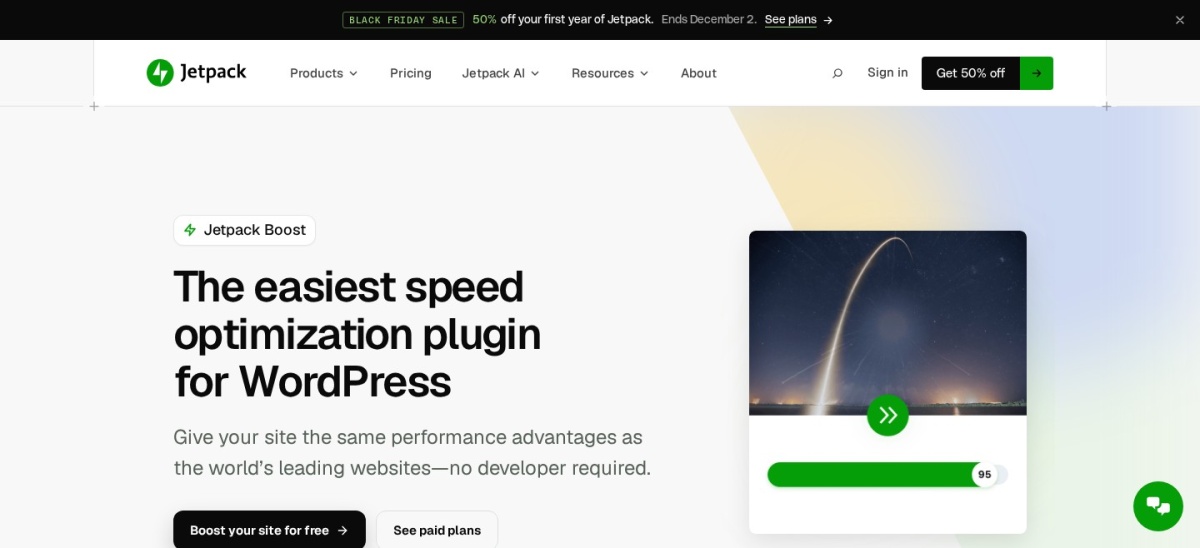
jetpack.com
Jetpack Boost homepage, captured Nov 2026.
Jetpack Boost is Automattic's free speed plugin, with more than 200,000 active installs and a 4.7 out of 5 rating on WordPress.org. The free version includes page caching, manual critical CSS, deferred JavaScript and an image CDN that serves images in WebP format.
The trade off is the paid price. Automatic critical CSS, performance history and image quality controls cost $19.95 a month billed yearly, which is dear for an image CDN. It suits Jetpack users who want free image delivery and critical CSS without a separate CDN account.
Sucuri is a cloud firewall with a built-in CDN, and its free Security plugin runs on more than 600,000 WordPress sites. The Basic Firewall plan costs $9.99 a month for one site and filters attacks before they reach your server, with virtual patching and DDoS protection included.
The trade off is that malware clean-up is not included, so a hacked site needs the Platform plan from $229 a year. It suits sites under regular attack that want a firewall and CDN in one service, with a security team behind it.
Amazon CloudFront is Amazon's global CDN, with hundreds of edge locations and deep links to S3, AWS WAF and Lambda@Edge. Pay-as-you-go delivery costs $0.085 per GB for the first 10 TB a month in North America and Europe, and the first 1 TB a month is free.
The trade off is complexity. Setting up a distribution, cache rules and an SSL certificate takes more steps than a WordPress plugin, and request fees add up on busy sites. It suits sites already hosted on AWS that want a CDN inside the same account and bill.
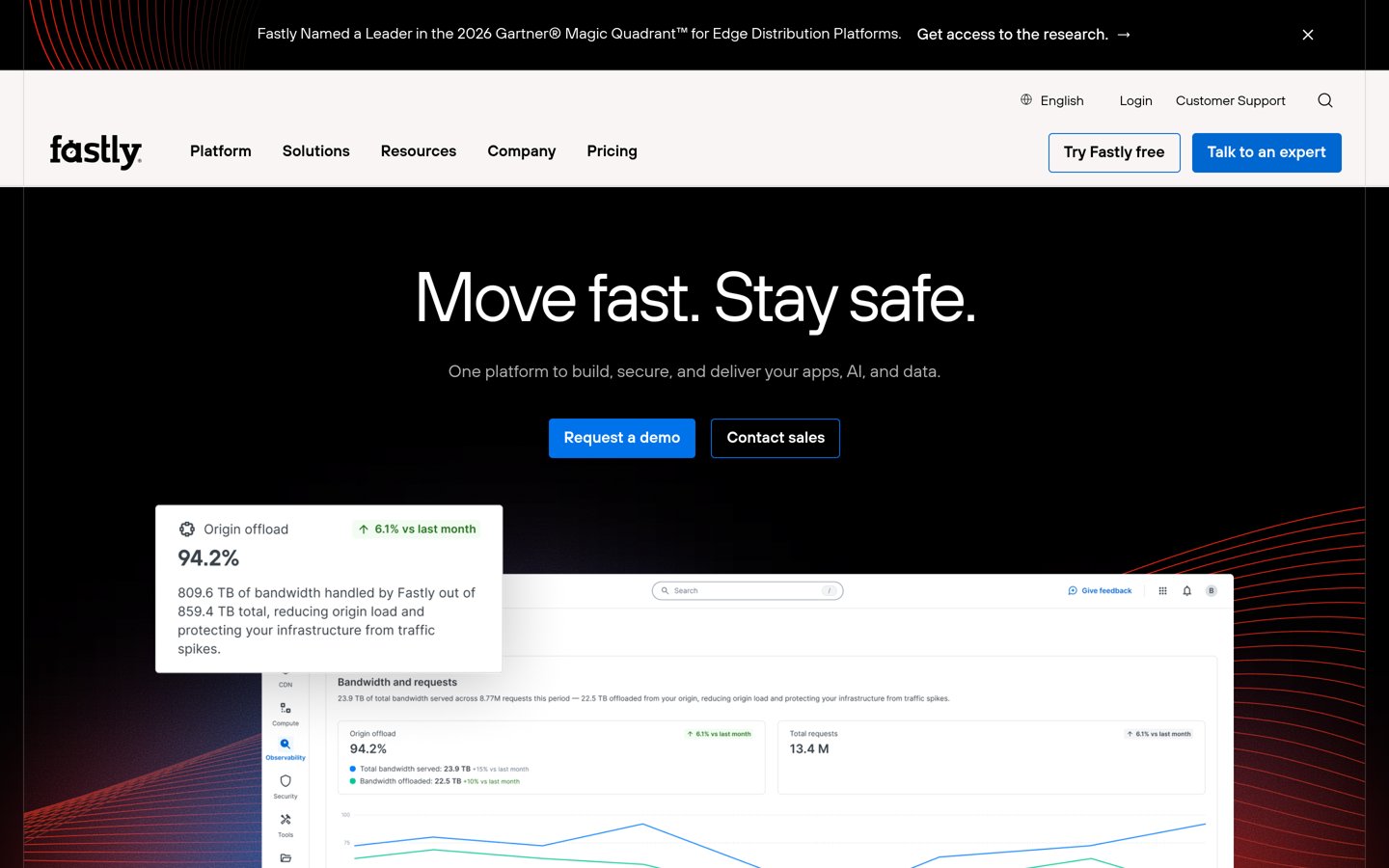
Fastly is a developer-led edge cloud with fast cache purging in about 150 ms and programmable caching through VCL. Bandwidth in North America and Europe costs $0.12 per GB after the first 100 GB a month, which is free, and the platform adds edge compute on top of delivery.
The trade off is the $50 monthly minimum, which makes Fastly the dearest entry here for a small site. It suits developers who need instant purges, custom edge logic and real-time logs, and who already run serious traffic.
Free plans cover the basics well. Cloudflare gives a full-site CDN free, QUIC.cloud gives free bandwidth on 6 nodes, and Jetpack Boost gives a free image CDN.
Paid plans mostly add image optimisation, firewall rules and support. Bunny.net at $1 a month is the cheapest paid start here, and most small sites never need more than that.
For a site that earns money, a paid plan often costs less than the traffic lost to slow pages. A slow store loses sales long before the CDN bill matters.
Common mistakes when picking a CDN
Running two CDNs at once is the most common mistake. Two layers of caching can serve stale files and hide the real cause of a problem, so pick one.
Forgetting the DNS change is the second. Proxy CDNs such as Cloudflare and Sucuri only work after you point your DNS at them, while plugin CDNs such as RocketCDN need no DNS change.
Ignoring regional rates is the third. Bunny.net charges $0.01 per GB in North America and Europe but $0.06 in the Middle East and Africa, so a global audience costs more than the headline rate.
How we chose
We started from the CDNs most often recommended for WordPress: Cloudflare, Bunny.net, KeyCDN, QUIC.cloud, RocketCDN, Jetpack Boost, Sucuri, CloudFront and Fastly.
Prices come from each vendor's pricing page, checked on 22 November 2026. Ratings come from G2, Trustpilot or WordPress.org on the same day, and the source is named for each tool. Where a vendor shows a sale, the list shows the regular price.
We left out StackPath, whose CDN shut down in November 2023. No vendor paid for a place, and we do not claim hands-on testing for this list.
How to choose a CDN for WordPress
Start with your host and your traffic, then pick the cheapest plan that covers both.
Check what your host already covers. Many managed hosts include a CDN, caching and image optimisation. Do not pay twice for the same job.
Work out where your visitors live. A CDN helps most when readers are far from your server. If most visitors are local, a free plan is often enough.
Match the billing to your traffic. Pay per gigabyte with Bunny.net or KeyCDN if traffic varies, or take a flat plan such as Cloudflare Pro if it stays steady. See how to speed up WordPress for the full picture.
Turn it on for static files first. Images, CSS and JavaScript are the safe first step. Cache HTML only after the static files work, and purge the cache after every design change.
FAQ
What is the best CDN for WordPress?
Cloudflare is the best overall pick for most sites. Its free plan includes a global CDN, WAF, DDoS protection and SSL, it runs in 330+ cities, and it holds a 4.5 out of 5 G2 rating from 710 reviews.
Is Cloudflare free for WordPress?
Yes. Cloudflare has a free plan with a global CDN, unmetered DDoS protection, free SSL and DNS, and no bandwidth bill. The paid Pro plan at $20 a month billed yearly adds image optimisation and more firewall rules.
How much does a CDN cost for a small site?
A small site can pay nothing with Cloudflare, QUIC.cloud or Jetpack Boost. The cheapest paid starts are Bunny.net at a $1 monthly minimum and KeyCDN at $4 a month, both pay-as-you-go per gigabyte.
Do I need a CDN if my host already has one?
Usually not. Many managed hosts run their own CDN, so adding a second one can double-cache files or break image URLs. Check your hosting plan first, and only add a CDN if your host leaves a gap.
Which CDN is cheapest for WordPress?
Bunny.net is the cheapest per gigabyte at $0.01 in North America and Europe, with a $1 monthly minimum. Cloudflare is cheaper still for light sites, because its free plan covers a full site at $0.
Can I use two CDNs at once?
Avoid it. Two CDNs can serve stale files, fight over cache headers and make faults hard to trace. Pick one CDN for delivery, and use a caching plugin such as WP Rocket or LiteSpeed Cache beside it.