Best WP Rocket Alternatives (Free and Paid) in 2026: 9 Tools Compared
WLWPLegible EditorsLast verified 22 Nov 2026How we test13 min read
★ Short answer
LiteSpeed Cache is the best WP Rocket alternative for most sites, with a 4.8 out of 5 rating from 2,784 users and more than 7 million installs. Pick WP Fastest Cache for the simplest setup and FlyingPress if you want a paid plugin that works on any host.
How we make this list: we compare pricing pages, product documentation and public user reviews, then re-check every price before each update. No product paid for a place. Disclosure.
LiteSpeed Cache is the strongest free alternative: 4.8 out of 5 from 2,784 reviews and more than 7 million installs, but its page cache needs a LiteSpeed server or QUIC.cloud.
WP Fastest Cache has the highest WordPress.org rating here at 4.9 out of 5, and Premium is a one-time $49 payment instead of a yearly fee.
FlyingPress is the closest paid match to WP Rocket at $59 a year for one site, with a 14-day trial and no free version.
Perfmatters does not cache pages at all, so pair it with a caching plugin, and NitroPack charges by pageviews, so costs rise with traffic.
Seven of the nine tools have a free plan, and paid plans run from $24.95 to $99 a year.
What to look for in a WP Rocket alternative
WP Rocket costs $59 a year for one site and has no free version. The alternatives below cover the same jobs, page caching, code optimisation and image optimisation, and most of them start free.
Your host decides the shortlist. LiteSpeed Cache only does page caching on a LiteSpeed server or through the QUIC.cloud CDN, while WP Rocket, FlyingPress and WP Fastest Cache work on any host.
Install count and rating are the quickest quality check. Every WordPress.org plugin here has more than 800,000 active installs, and the lowest rating is 4.3 out of 5. Our guide on how to speed up WordPress explains what to measure before you switch.
Do not run two caching plugins at once. Two page caches can serve stale pages or break logins, so pick one, set it up, and only add a second tool if it does a different job, such as Perfmatters for script control.
4.8/5on WordPress.org (2,784 reviews, checked Nov 2026)
PriceFree
Best free WP Rocket alternative overall
Free planYes, full plugin
Page cacheLiteSpeed server or QUIC.cloud
Image optimisationYes, via QUIC.cloud
Paid planNone, QUIC.cloud credit only
litespeedtech.com
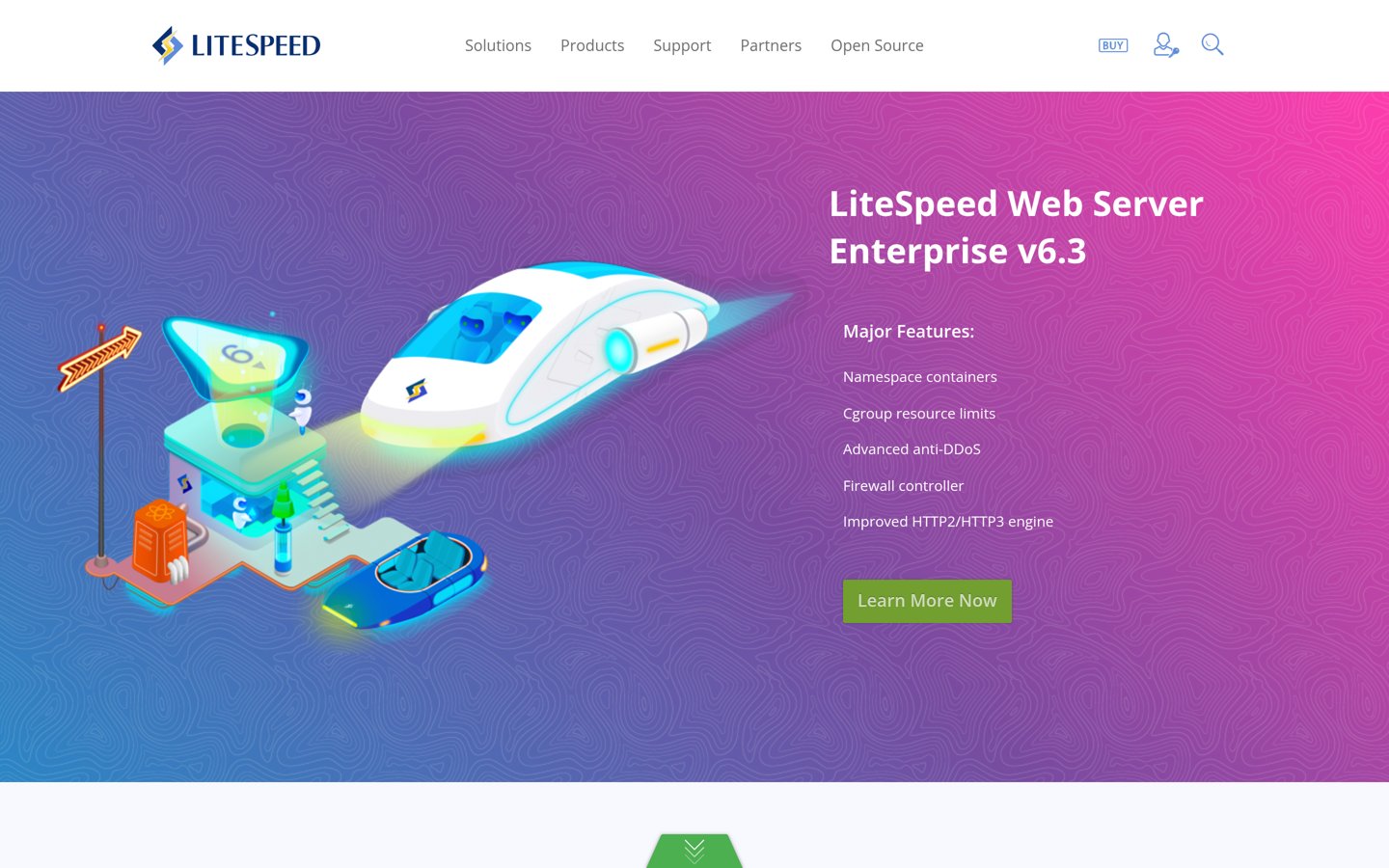
LiteSpeed Cache homepage, captured Nov 2026.
LiteSpeed Cache is a free plugin from LiteSpeed Technologies, with more than 7 million active installs and a 4.8 out of 5 rating from 2,784 reviews. It covers server-level page caching, image optimisation, CSS and JavaScript minification, lazy loading, object cache support and database cleanup in one free plugin.
The trade off is hosting. Page caching only works on a LiteSpeed or OpenLiteSpeed server, or through the QUIC.cloud CDN, and image optimisation and critical CSS draw on a free QUIC.cloud quota before paid credit applies. It suits sites already on LiteSpeed hosting, which includes many shared hosts.
What we like
Free, with the most features of any free caching plugin
Server-level caching is faster than PHP caching
More than 7 million installs, so help is easy to find
Watch out for
No page caching on Apache or Nginx without QUIC.cloud
4.9/5on WordPress.org (4,234 reviews, checked Nov 2026)
Paid from$49/yr
Best for the simplest setup
Free planYes, page cache
Premium price$49, one-time payment
Premium sites1 licence
Paid planPremium, $49 once
wpfastestcache.com
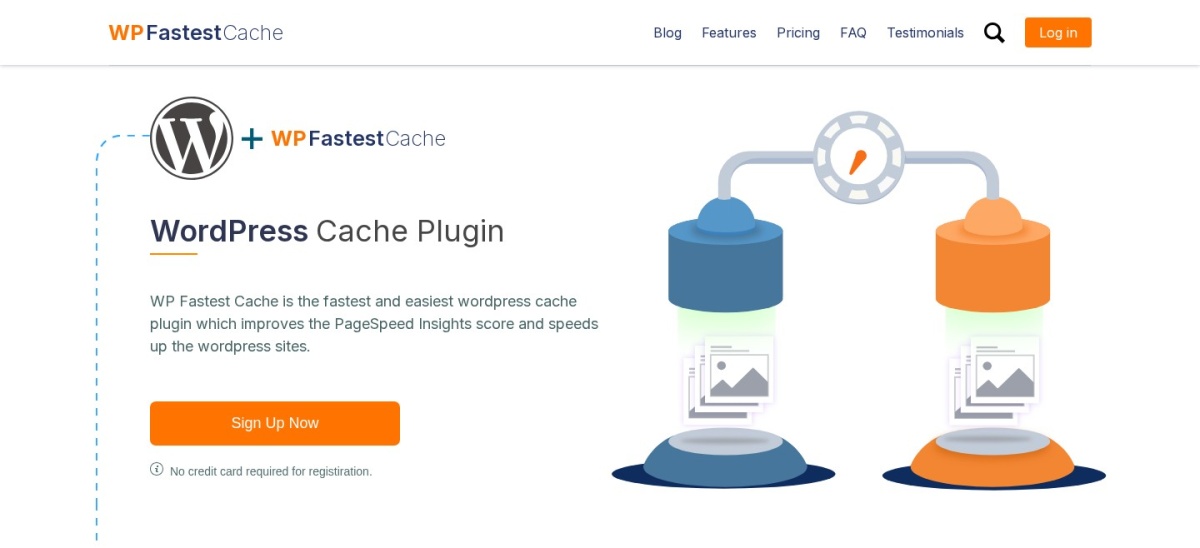
WP Fastest Cache homepage, captured Nov 2026.
WP Fastest Cache is the easiest caching plugin to set up, with a 4.9 out of 5 rating from 4,234 reviews, the highest WordPress.org rating in this list, and more than 1 million active installs. The free version covers page caching, minification, GZIP compression and browser caching from one screen of checkboxes.
The trade off is that the free version stops short on the front end. Lazy load, JavaScript minify, Delay JavaScript and the render-blocking fix are Premium features, and Premium is a one-time $49 payment for one licence. It suits beginners who want caching without a settings maze.
4.7/5on Trustpilot (321 reviews, checked Nov 2026)
Starts at$59/yr
Best paid WP Rocket replacement
Free planNo, 14-day trial
Page cacheYes, any host
Cloud optimisationYes, critical CSS and images
Paid planStarter, $59/yr
flyingpress.com
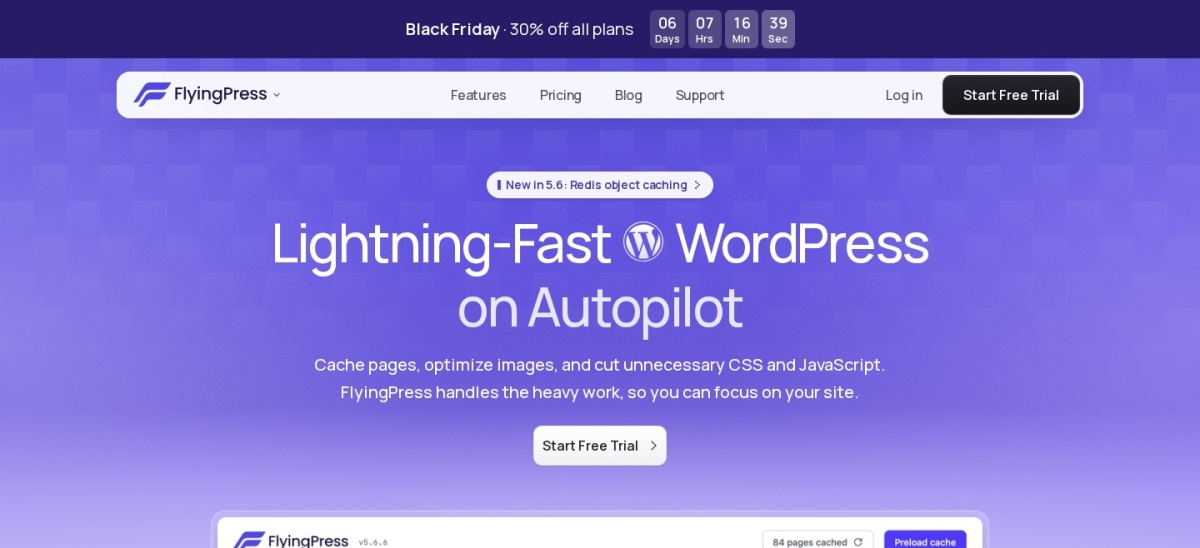
FlyingPress homepage, captured Nov 2026.
FlyingPress is a premium performance plugin that pairs page caching with cloud page optimisation, image optimisation, Core Web Vitals analytics and Redis object caching. It holds a 4.7 out of 5 Trustpilot rating from 321 reviews, and every plan includes the same features.
The trade off is that there is no free version. Starter costs $59 a year for one site after a 14-day trial, and the first year is $41.30 with the Black Friday discount running to 2 December 2026. It suits sites that want WP Rocket-style results without a LiteSpeed host.
4.8/5on WordPress.org (2,617 reviews, checked Nov 2026)
Paid from$49/yr
Best for caching plus database cleanup
Free planYes, cache and cleanup
Database cleanupYes, in the free version
Delay JavaScriptYes, free
Paid planPremium, $49/yr
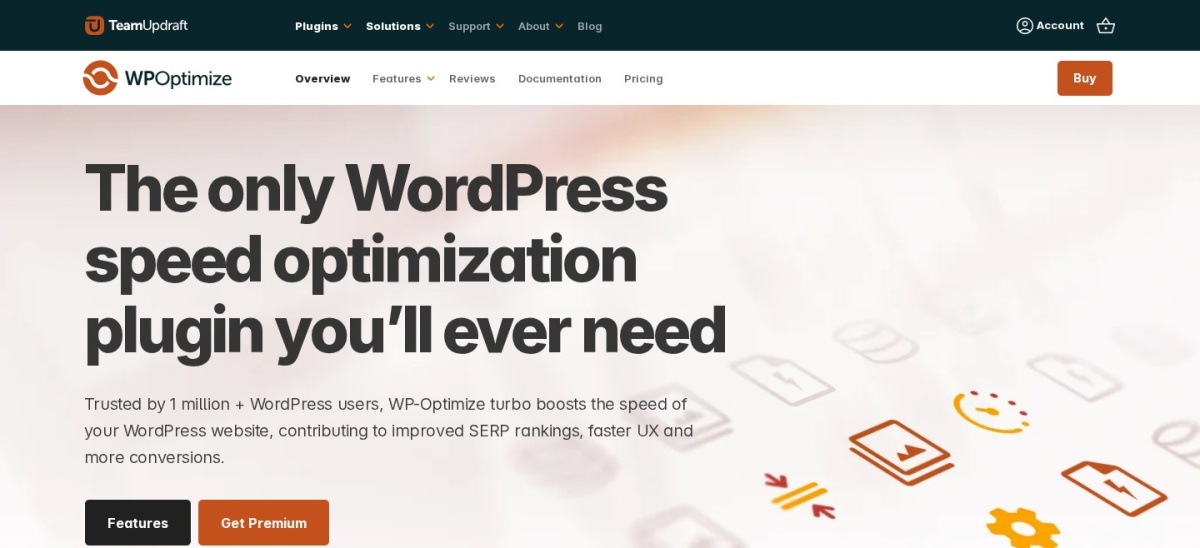
teamupdraft.com
WP-Optimize homepage, captured Nov 2026.
WP-Optimize is a free plugin from TeamUpdraft, the team behind UpdraftPlus, with more than 1 million active installs and a 4.8 out of 5 rating from 2,617 reviews. It combines page caching, image compression, file minification and database cleanup, and it is the only free plugin here that includes Delay JavaScript.
The trade off is that the extras sit behind Premium. Lazy loading, preload key requests, flexible cleanup schedules and multisite support cost $49 a year for up to two sites. It suits sites that want one plugin for both speed and a tidy database.
4.3/5on WordPress.org (311 reviews, checked Nov 2026)
Paid from$84/yr
Best for hands-off cloud optimisation
Free planYes, 1,000 pageviews/mo
Pageviews on Starter8,000 a month
CDN locations310
Paid planStarter, $84/yr
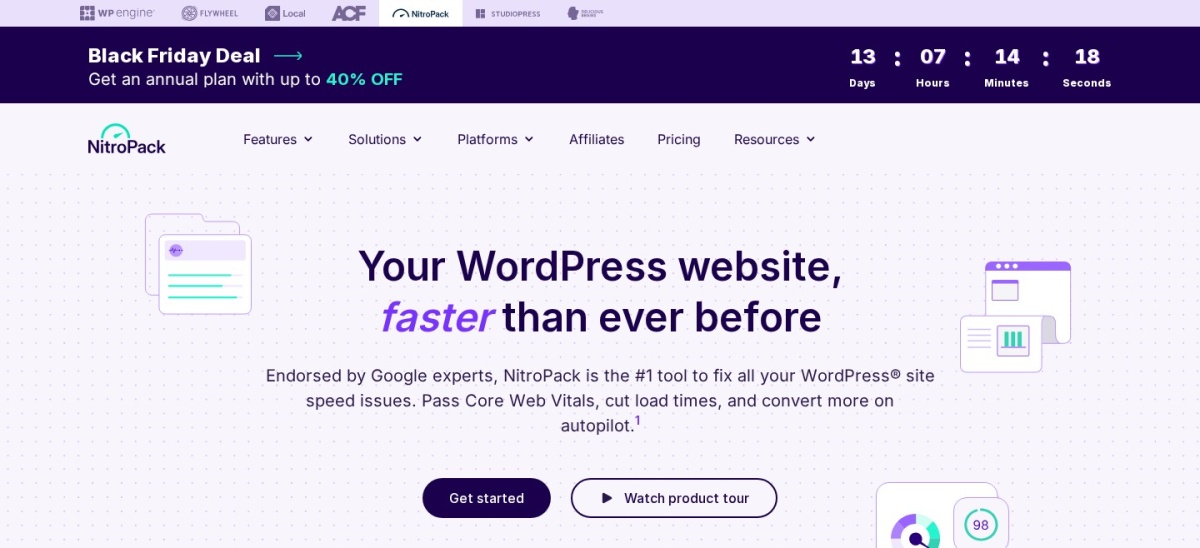
nitropack.io
NitroPack homepage, captured Nov 2026.
NitroPack is a cloud optimisation service with a WordPress plugin, rated 4.3 out of 5 from 311 reviews on WordPress.org and installed on more than 80,000 sites. It optimises pages in the cloud, with caching, image optimisation, critical CSS, code optimisation and a built-in CDN across 310 locations.
The trade off is metered pricing. The free plan covers 1,000 pageviews a month, and Starter costs $84 a year for 8,000 pageviews a month and 5GB of CDN bandwidth, so the bill rises with traffic. It suits site owners who want speed handled for them and do not want to touch settings.
What we like
Optimisation runs in the cloud, not on your server
Free plan lets you test it on a real site
Covers caching, images, code and CDN in one service
Watch out for
Price rises with pageviews, so busy sites pay more
4.4/5on WordPress.org (5,420 reviews, checked Nov 2026)
Paid from$99/yr
Best for full manual control
Free planYes, full plugin
Object cacheRedis, Memcached, disk
Fragment cachingPro only
Paid planPro, $99/yr
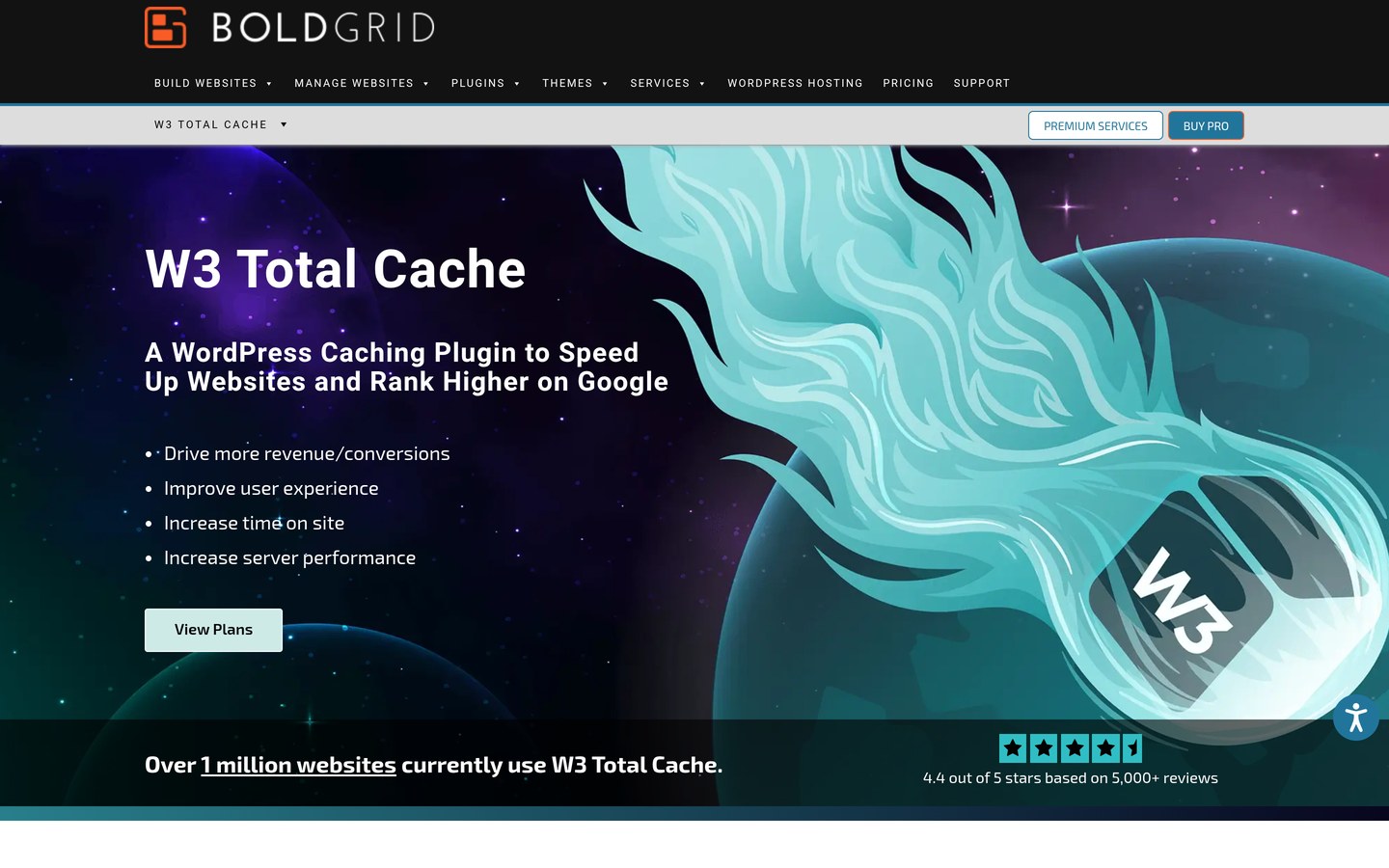
boldgrid.com
W3 Total Cache homepage, captured Nov 2026.
W3 Total Cache is one of the oldest caching plugins, maintained by BoldGrid, with more than 800,000 active installs and a 4.4 out of 5 rating from 5,420 reviews, the most reviews of any free plugin here. The free version covers page, object, database and browser caching, minification and CDN integration.
The trade off is complexity. The settings cover every caching layer separately, and a wrong toggle can slow a site down, while Pro adds fragment caching, full-site CDN delivery and REST API caching for $99 a year. It suits developers who want control over each layer.
What we like
Most reviews of any free plugin in this list
Every caching layer is free to configure
Works with Redis, Memcached, Varnish and Nginx
Watch out for
Settings are the hardest to learn in this list
Pro is the priciest annual plan here at $99 a year
4.9/5on Trustpilot (117 reviews, checked Nov 2026)
Starts at$24.95/yr
Best for trimming front-end bloat
Free planNo, premium only
Page cachingNo, pair with a cache plugin
Script ManagerYes, per page
Paid planPersonal, $24.95/yr
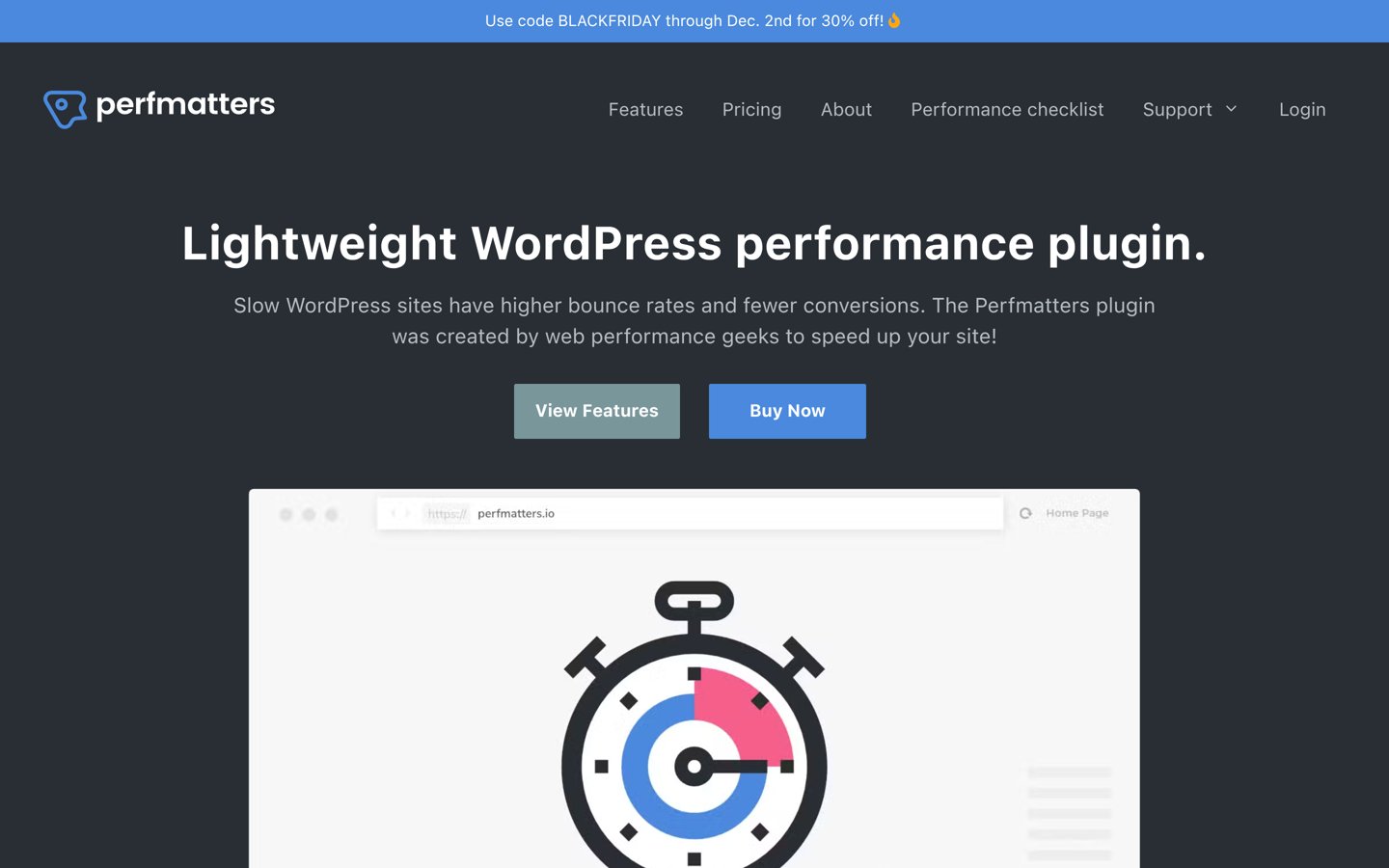
perfmatters.io
Perfmatters homepage, captured Nov 2026.
Perfmatters is a premium plugin that speeds up sites by removing what they do not need, with a 4.9 out of 5 Trustpilot rating from 117 reviews. Its makers say it is trusted by more than 185,000 websites, and it covers a per-page Script Manager, Remove Unused CSS, Delay JavaScript, lazy loading and database cleanup.
The trade off is that Perfmatters does not cache pages, so it is a companion to a caching plugin rather than a replacement for WP Rocket. Personal costs $24.95 a year for one site, the cheapest paid plan here, with a 15% renewal discount. It suits sites that already cache well but load too much code.
What we like
Cheapest paid plan in this list
Per-page Script Manager is the standout feature
Highest Trustpilot rating here at 4.9 out of 5
Watch out for
No page caching, so it cannot replace WP Rocket alone
4.7/5on WordPress.org (1,429 reviews, checked Nov 2026)
Paid from$89/yr
Best for code optimisation on any host
Free planYes, code optimisation
Page cachingPro only
Critical CSSAutomatic in Pro
Paid planPro, $89/yr
autoptimize.com
Autoptimize homepage, captured Nov 2026.
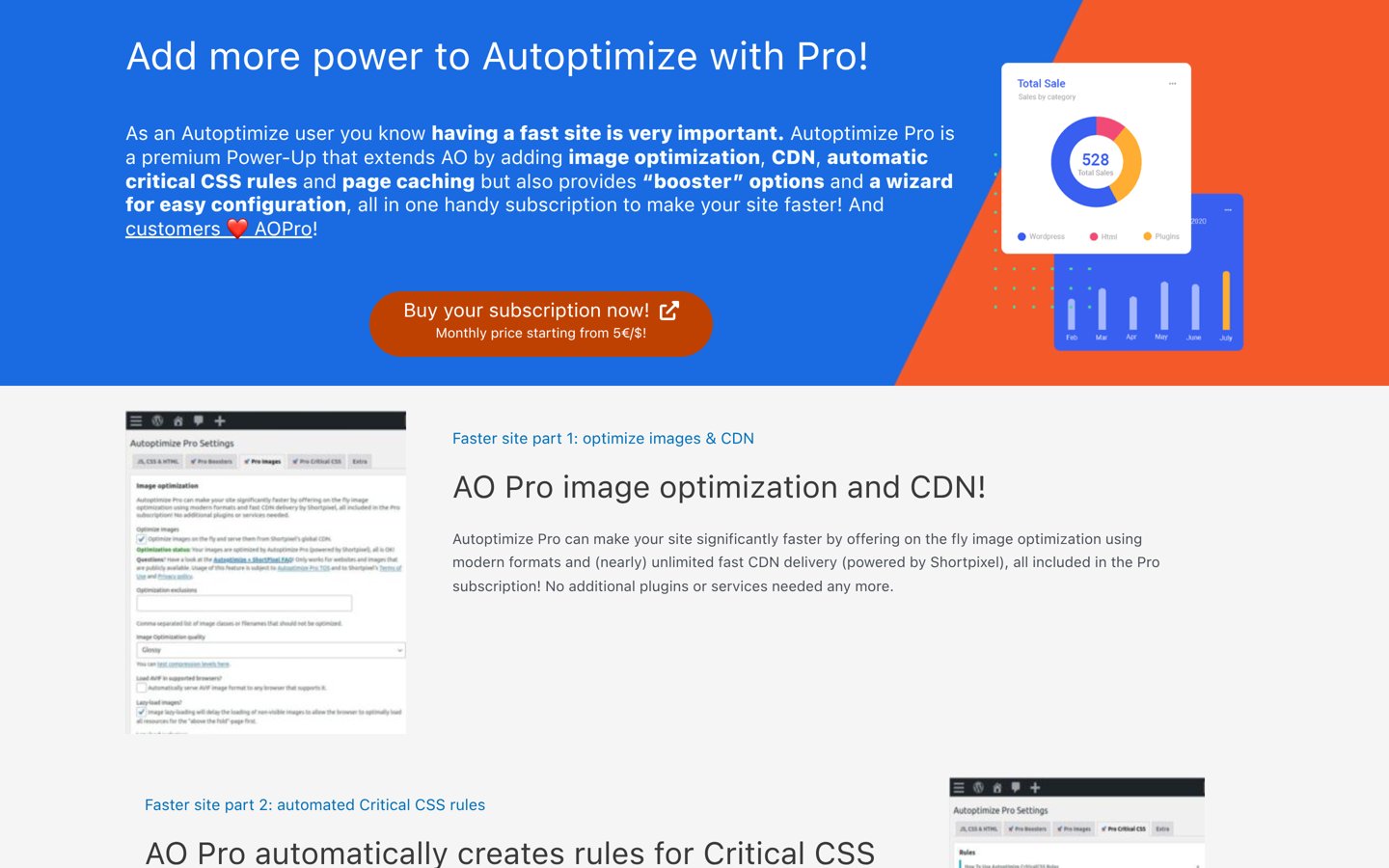
Autoptimize is a free plugin that aggregates, minifies and defers CSS, JavaScript and HTML, with more than 800,000 active installs and a 4.7 out of 5 rating from 1,429 reviews. The free version also optimises Google Fonts, lazy-loads images and inlines basic critical CSS.
The trade off is that page caching is not in the free version. Autoptimize Pro adds page caching, image optimisation, a CDN, automatic critical CSS rules and a setup wizard for $89 a year for one site. It suits sites whose main problem is heavy code rather than missing cache.
4.3/5on WordPress.org (1,346 reviews, checked Nov 2026)
PriceFree
Best for simple free page caching
Free planYes, full plugin
Page cacheYes, static HTML files
Code optimisationNo, caching only
Paid planNone, free only
wordpress.org
WP Super Cache homepage, captured Nov 2026.
WP Super Cache is a free plugin from Automattic that turns WordPress pages into static HTML files, with more than 1 million active installs and a 4.3 out of 5 rating from 1,346 reviews. It offers simple, moderate and expert caching modes, cache preloading, CDN support and garbage collection.
The trade off is scope. It only caches pages, with no minification, image optimisation or database cleanup, and there is no paid plan or premium support. It suits simple blogs and small sites that want plain caching with nothing else to learn.
Free caching plugins cover the main job well. LiteSpeed Cache, WP Fastest Cache, W3 Total Cache, WP-Optimize, Autoptimize and WP Super Cache all cache pages for free.
Paid plans mostly add convenience and extras. You get Delay JavaScript, automatic critical CSS, image optimisation and support, without learning a settings maze.
WP Rocket itself costs $59 a year for one site with no free version, so FlyingPress at the same $59 and Perfmatters at $24.95 are the closest paid matches in this list.
For a site that earns money, one paid plan often costs less than the time lost fixing a slow checkout. Our guide on free vs premium WordPress plugins explains when paying is worth it.
Common mistakes when switching from WP Rocket
Running two caching plugins together is the most common mistake. Deactivate WP Rocket before you activate its replacement, or the two caches will fight over the same pages.
Forgetting the host is the second. LiteSpeed Cache loses its main feature on a non-LiteSpeed host, so check your hosting plan first. Our guide on how to choose WordPress hosting covers what to ask your host.
Paying for pageviews you do not need is the third. NitroPack charges by pageviews, so a small blog can stay on the free plan, while a busy store should budget for the next tier up.
How we chose
We started from every caching and performance plugin on WordPress.org with more than 80,000 active installs, plus the paid-only tools most often named as WP Rocket replacements, then kept nine with a useful free plan or a clear paid case.
Prices come from each vendor's pricing page, checked on 22 November 2026. Ratings and install counts come from WordPress.org on the same day, except FlyingPress and Perfmatters, which are not on WordPress.org and are rated on Trustpilot. Where a vendor shows a sale, the list shows the regular price.
We left out plugins not updated in the last 12 months, and Cache Enabler and Swift Performance, which have far fewer installs and reviews than the tools kept. No vendor paid for a place, and we do not claim hands-on testing for this list.
How to choose a WP Rocket alternative
Start with your host, then match the tool to the job your site actually needs.
Check what your host already does. Many managed hosts run their own caching, and some ban caching plugins outright. Do not install a second cache on top of one.
Match the tool to your host. Pick LiteSpeed Cache on a LiteSpeed host, and WP Rocket, FlyingPress or WP Fastest Cache anywhere else.
Try the free version first. Seven tools here have a free version. Use it for a week before paying, so you know what the paid plan actually adds.
Check the renewal price, not the first year. FlyingPress renews at $59 after a $41.30 first year, and Perfmatters renews 15% cheaper than its $24.95 first year. Budget for year two.
FAQ
What is the best WP Rocket alternative?
LiteSpeed Cache is the best free alternative for most sites, with a 4.8 out of 5 rating from 2,784 users and more than 7 million installs. It needs a LiteSpeed host or QUIC.cloud for page caching, so FlyingPress is the best paid pick on any other host.
Is there a free alternative to WP Rocket?
Yes. LiteSpeed Cache, WP Fastest Cache, W3 Total Cache, WP-Optimize, Autoptimize and WP Super Cache are all free on WordPress.org. NitroPack also has a free plan for 1,000 pageviews a month, while FlyingPress and Perfmatters are paid only.
Is LiteSpeed Cache better than WP Rocket?
On a LiteSpeed host, LiteSpeed Cache is faster and free, because its page cache runs at server level. On any other host it cannot cache pages without QUIC.cloud, so WP Rocket or FlyingPress is the better pick there.
Can I use two caching plugins at once?
No. Two caching plugins can serve stale pages, break logins or conflict with each other. Pick one caching plugin, and only add a second tool if it does a different job, such as Perfmatters for script control.
Does Perfmatters replace WP Rocket?
No. Perfmatters does not cache pages, so it cannot replace WP Rocket on its own. It works best beside a caching plugin, trimming scripts and unused CSS that the cache plugin leaves behind.
Which WP Rocket alternative is cheapest?
Perfmatters is the cheapest paid plan at $24.95 a year for one site, though it does not cache pages. The cheapest full caching replacement with a paid plan is WP Fastest Cache Premium at $49 as a one-time payment.
Do I need a caching plugin if my host already caches?
Usually not. Many managed hosts run server caching already, and some ban caching plugins. Check your hosting plan first, and only add a plugin if your host does not cache or you need its extra optimisation features.