Best WooCommerce Themes for All-in-One Stores in 2026: 7 Tools Compared
WLWPLegible EditorsLast verified 22 Nov 2026How we test11 min read
★ Short answer
Astra is our top WooCommerce theme for an all-in-one store, with 1M+ active installations, a 4.9/5 WordPress.org rating and a $69/year Astra Pro addon. Botiga offers more store-specific design tools, while Blocksy suits merchants who prefer block-editor customization and flexible WooCommerce layouts.
How we make this list: we compare pricing pages, product documentation and public user reviews, then re-check every price before each update. No product paid for a place. Disclosure.
Astra has 1M+ active installations and a 4.9/5 rating from 6,559 reviews. Its standalone Astra Pro addon costs $69/year.
Botiga is built specifically for WooCommerce, with 10,000+ active installations and a 4.9/5 rating. Botiga Pro renews at $99/year.
Blocksy has 300,000+ active installations and a 5/5 rating from 874 reviews. Its Personal plan renews at $69/year.
Woostify has 30,000+ active installations and a 4.9/5 rating. Its Personal plan costs $49/year before promotional discounts.
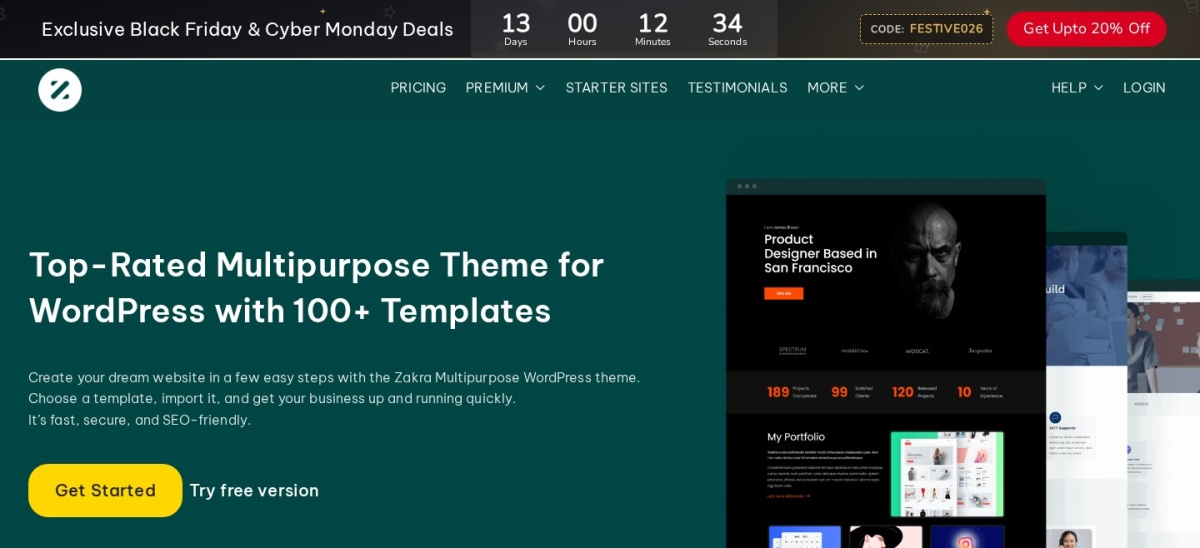
Zakra has 30,000+ active installations and a 4.9/5 rating from 600 reviews. Zakra Pro costs $69/year.
Neve has 200,000+ active installations and a $139/year regular Personal plan, while Sydney has 80,000+ installations and a $99/year regular Personal plan.
What makes a good WooCommerce theme for an all-in-one store?
An all-in-one WooCommerce store needs more than a homepage and product grid. It needs consistent layouts for product categories, individual products, shopping carts, checkout pages and supporting content. The right theme gives these areas a cohesive design without requiring extensive custom code.
Look for WooCommerce-specific controls such as customizable product galleries, product filters, variation swatches, quick-view options and responsive shop layouts. Some features come with free themes, while others require paid extensions or higher subscription tiers.
Starter templates are useful when launching a new store. They provide prepared page designs that can be adapted to your products and branding. However, importing a demo may also install additional plugins or replace existing theme settings.
Consider how you want to edit your website. Astra, Botiga and Sydney support Elementor alongside the WordPress block editor. Blocksy, Neve and Zakra also offer block-editor compatibility. Choosing a familiar editing system can reduce ongoing maintenance work.
Finally, compare regular renewal prices, theme maintenance, WordPress.org reviews and the specific store features included in each paid plan. An inexpensive theme may still require separate plugins for advanced selling features.
The 7 best WooCommerce themes for all-in-one stores
01
Astra
4.9/5on WordPress.org (6,559 reviews, checked Nov 2026)
Paid from$69/yr
Best overall for a flexible WooCommerce store
Main purposeMultipurpose WooCommerce stores
Active installs1M+
Editor supportBlocks and page builders
Paid planStandalone Astra Pro, $69/yr
wpastra.com
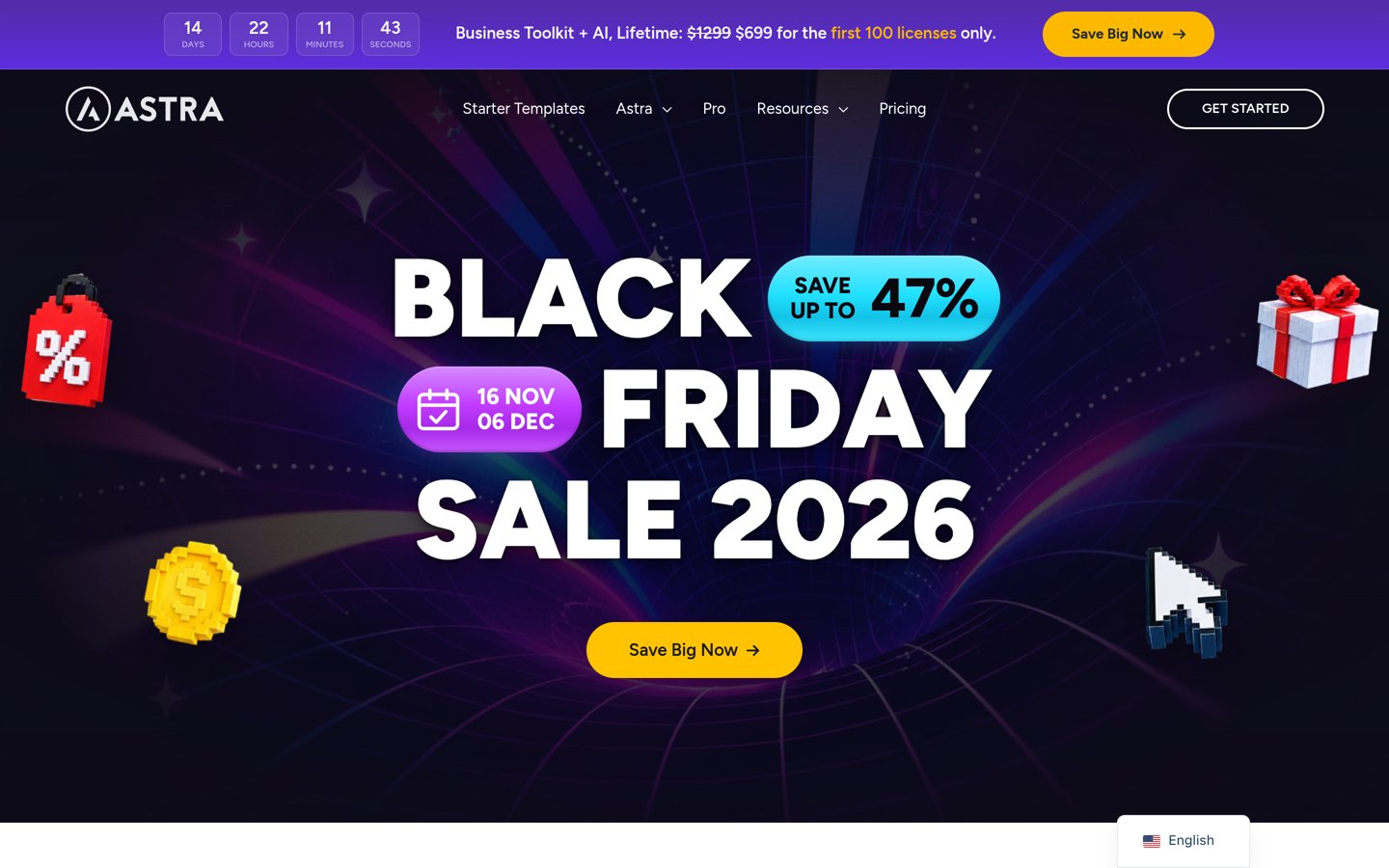
Astra homepage, captured Nov 2026.
Astra is a multipurpose WordPress theme with more than 1 million active installations and a 4.9/5 rating from 6,559 reviews. Its free version supports WooCommerce, responsive layouts, global design controls and starter website designs through companion tools. It works with the block editor and popular page builders, making it adaptable to different product catalogs.
The trade off is that advanced store layouts, premium header controls and additional WooCommerce features require Astra Pro, available as a standalone $69 yearly addon. Larger bundles are sold separately, with the Astra Pro + AI package renewing at $149 yearly. It suits general-purpose stores that need flexibility without committing to a specialized design system.
What we like
More than 1 million active WordPress installations
WooCommerce compatibility in the free theme
Supports multiple popular page builders
Starter templates for different store designs
Standalone Astra Pro upgrade available
Watch out for
Advanced WooCommerce design features require Pro
Some starter templates depend on companion plugins
Premium template collections may require a larger package
Highly customized stores may need additional extensions
Astra Pro adds advanced WooCommerce controls, headers, layouts and customization features.Visit wpastra.com
02
Botiga
4.9/5on WordPress.org (165 reviews, checked Nov 2026)
Paid from$99/yr
Best for a complete WooCommerce-focused storefront
Main purposeWooCommerce storefronts
Active installs10,000+
Editor supportElementor and blocks
Paid planPersonal, $99/yr
athemes.com
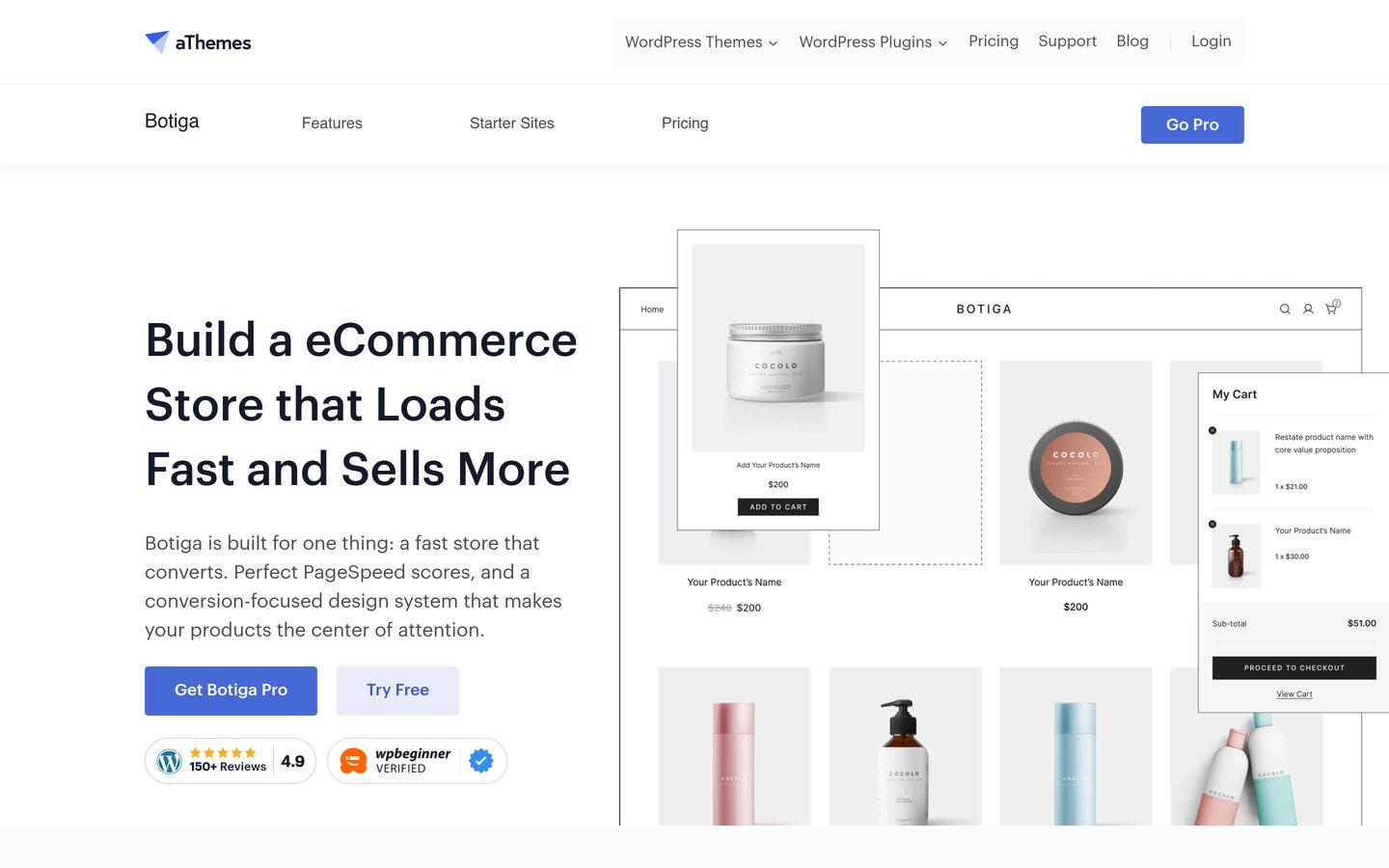
Botiga homepage, captured Nov 2026.
Botiga is a WooCommerce-focused WordPress theme with 10,000+ active installations and a 4.9/5 rating from 165 reviews. Its free version includes responsive shop layouts, product-page styling and customization controls for building an online storefront. It supports Elementor and the WordPress block editor, with ready-made store demos available.
The trade off is that advanced product swatches, variation galleries, filters, wishlists and custom checkout templates require Botiga Pro. Personal renews at $99 yearly, although a $69 introductory price is currently advertised. It suits merchants who want store-specific design features from one theme developer.
What we like
Designed specifically for WooCommerce
Free responsive shop and product layouts
Supports Elementor and the block editor
Pro includes filters, wishlists and product swatches
Premium template builder covers store pages
Watch out for
Most advanced shopping tools require Pro
Smaller installation base than multipurpose competitors
Additional selling features may still require separate plugins
Botiga Pro adds swatches, shop filters, wishlists, variation galleries and custom checkout templates.Visit athemes.com
03
Blocksy
5/5on WordPress.org (874 reviews, checked Nov 2026)
Paid from$69/yr
Best for modern WooCommerce design and block editing
Main purposeModern online stores
Active installs300,000+
Editor supportWordPress block editor
Paid planPersonal, $69/yr
creativethemes.com
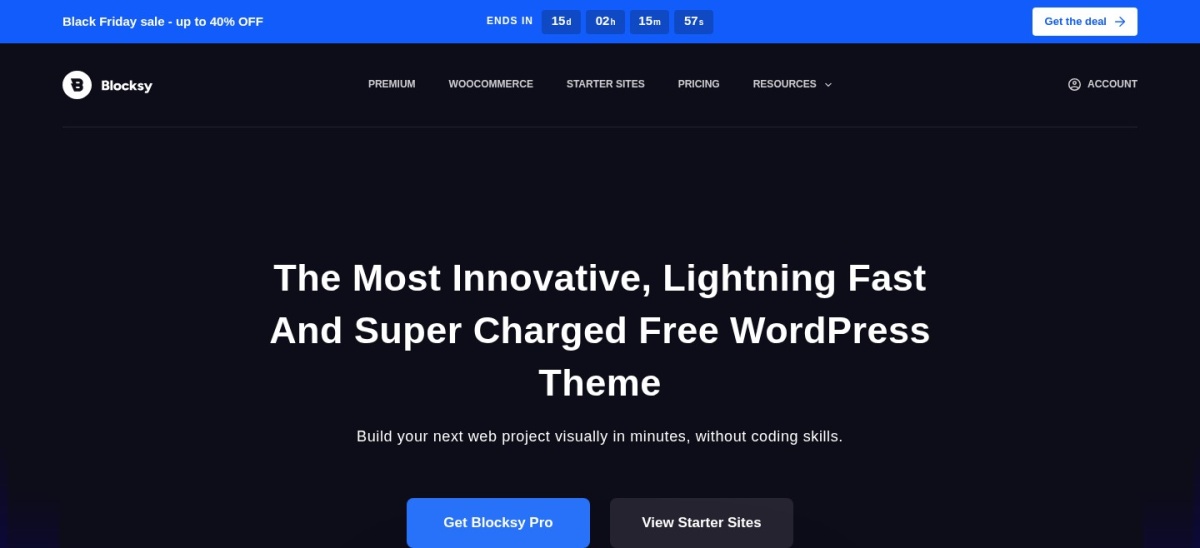
Blocksy homepage, captured Nov 2026.
Blocksy is a WordPress theme with 300,000+ active installations and a 5/5 rating from 874 reviews. Its free version includes WooCommerce support, responsive layouts, customizable headers and integration with the native block editor. Its design controls help merchants adapt product pages and navigation without developing a custom theme.
The trade off is that advanced WooCommerce extensions, premium starter sites and additional customization features require Blocksy Pro. The Personal plan renews at $69 yearly, while the official pricing page advertises a $42 promotional price. It suits merchants who want a modern storefront and prefer working primarily with WordPress blocks.
What we like
5/5 WordPress.org rating from 874 reviews
WooCommerce compatibility in the free version
Flexible header and footer builders
Strong native block-editor integration
Premium extensions expand store customization
Watch out for
Advanced shopping extensions require Pro
Premium starter websites need a paid license
Detailed customization settings take time to learn
Blocksy Pro adds premium store extensions, advanced layouts and additional customization tools.Visit creativethemes.com
04
Woostify
4.9/5on WordPress.org (126 reviews, checked Nov 2026)
Paid from$49/yr
Best affordable WooCommerce-specific theme
Main purposeWooCommerce store design
Active installs30,000+
Page buildersElementor and others
Paid planPersonal, $49/yr
woostify.com
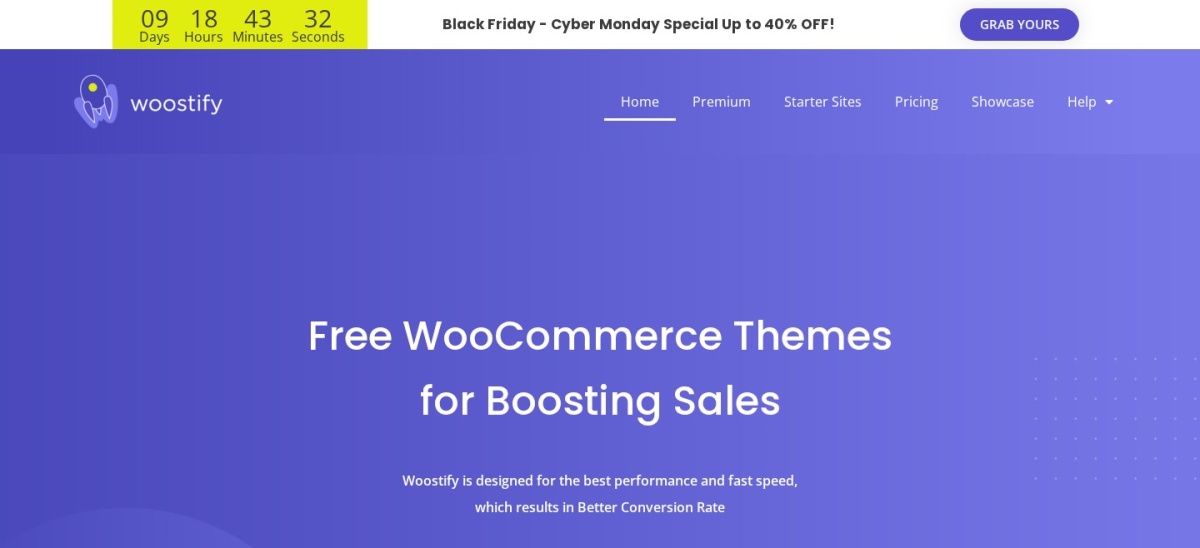
Woostify homepage, captured Nov 2026.
Woostify is a WooCommerce-oriented WordPress theme with 30,000+ active installations and a 4.9/5 rating from 126 reviews. Its free theme provides responsive storefront styling and compatibility with Elementor and other page builders. The theme is designed for online stores that need customizable layouts without building every component from scratch.
The trade off is that its broader collection of store add-ons and starter sites requires Woostify Pro. The Personal plan normally costs $49 yearly, with a $39 promotional price currently advertised. It suits smaller stores seeking an affordable WooCommerce-focused theme with optional premium features.
What we like
Designed with WooCommerce stores in mind
Free responsive storefront layouts
Compatible with popular page builders
Pro includes starter sites and store add-ons
Affordable $49 regular annual upgrade
Watch out for
Advanced store features require Pro
Smaller review base than Astra or Blocksy
Pro add-ons introduce additional configuration choices
Woostify Pro includes premium starter sites, Pro add-ons, updates and support.Visit woostify.com
05
Zakra
4.9/5on WordPress.org (600 reviews, checked Nov 2026)
Paid from$69/yr
Best for multipurpose stores with starter templates
Main purposeMultipurpose websites and stores
Active installs30,000+
Free starter demos40+
Paid planZakra Pro, $69/yr
zakratheme.com
Zakra homepage, captured Nov 2026.
Zakra is a multipurpose WordPress theme with 30,000+ active installations and a 4.9/5 rating from 600 reviews. It offers more than 40 free starter demos across business, publishing and ecommerce categories, with WooCommerce compatibility. The theme supports the block editor, Elementor and other page builders for designing store and content pages.
The trade off is that premium templates and extended customization features require Zakra Pro, listed at $69 yearly for up to 3 websites. Its broader design focus also means some specialized ecommerce features need additional plugins. It suits merchants who want store pages alongside blogs, landing pages or business content.
What we like
40+ advertised free starter demos
Supports WooCommerce and multiple page builders
4.9/5 rating from 600 reviews
Useful for combining stores with content pages
Pro license covers up to 3 websites
Watch out for
Not dedicated exclusively to WooCommerce
Premium designs require a paid license
Advanced ecommerce features may need separate plugins
Zakra Pro adds premium starter templates, additional design features and priority support.Visit zakratheme.com
06
Neve
4.7/5on WordPress.org (1,284 reviews, checked Nov 2026)
Paid from$139/yr
Best for mobile-friendly stores and business websites
Main purposeResponsive multipurpose stores
Active installs200,000+
Editor supportBlocks and page builders
Paid planPersonal, $139/yr
themeisle.com
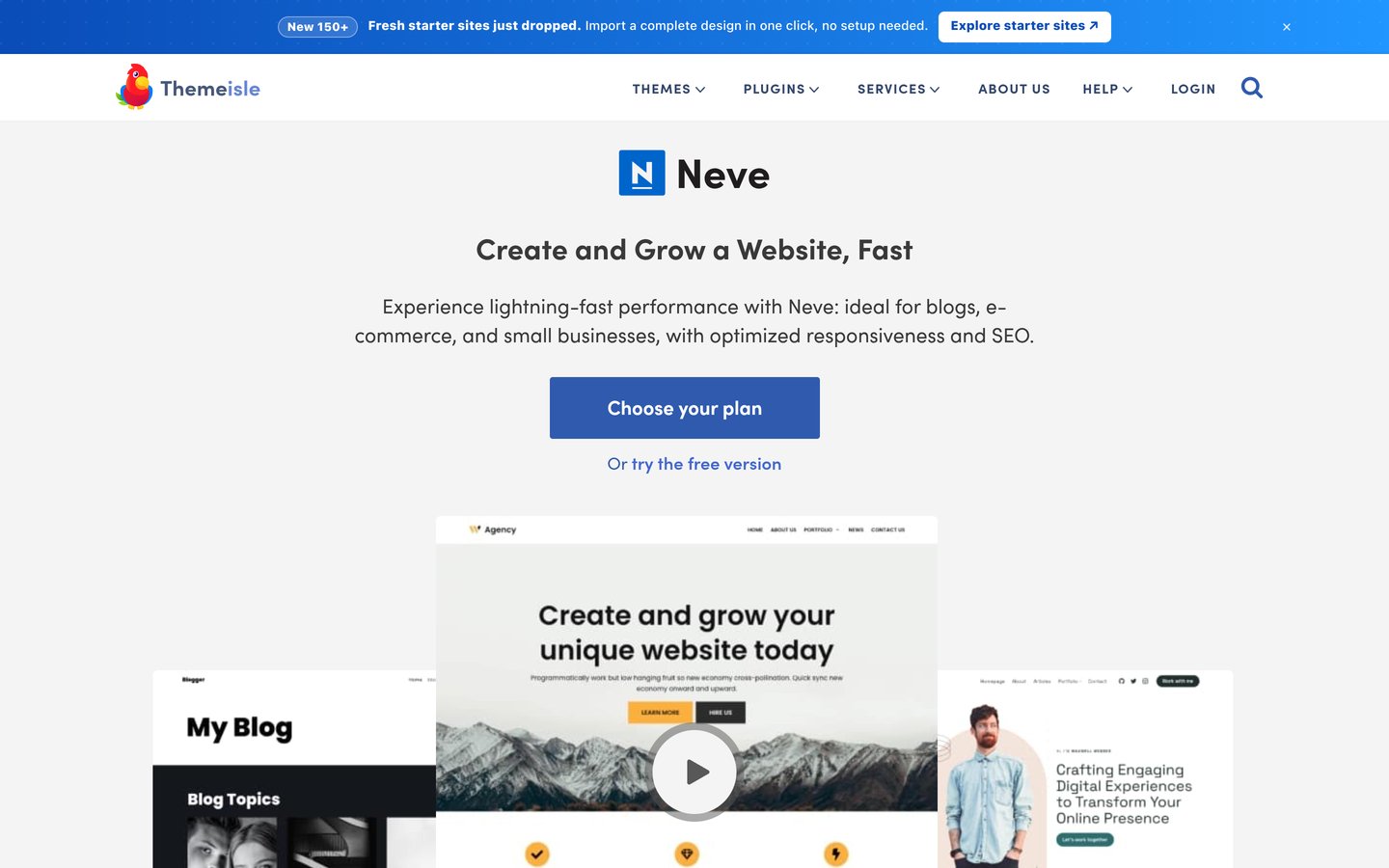
Neve homepage, captured Nov 2026.
Neve is a responsive WordPress theme with 200,000+ active installations and a 4.7/5 rating from 1,284 reviews. Its free version supports WooCommerce, the WordPress block editor and popular page builders. It provides customizable layouts that work for online shops, business pages and blogs.
The trade off is that advanced design controls require Neve Pro, whose cheapest Personal plan has a regular price of $139 yearly, with a $69 introductory offer currently advertised. The more extensive WooCommerce Booster and premium store templates require the higher Business tier. It suits merchants wanting a mobile-friendly foundation rather than an all-inclusive set of paid store features.
What we like
200,000+ active WordPress installations
WooCommerce-compatible free theme
Responsive design and layout controls
Works with the block editor and page builders
Suitable for combined business and store websites
Watch out for
WooCommerce Booster requires a higher paid tier
Premium store templates are not included in Personal
Regular paid pricing is higher than several alternatives
Personal adds advanced headers and layouts; Business adds WooCommerce Booster and premium starter sites.Visit themeisle.com
07
Sydney
4.9/5on WordPress.org (795 reviews, checked Nov 2026)
Paid from$99/yr
Best for combining a business website with WooCommerce
Main purposeBusiness websites and stores
Active installs80,000+
Editor supportElementor and blocks
Paid planPersonal, $99/yr
athemes.com
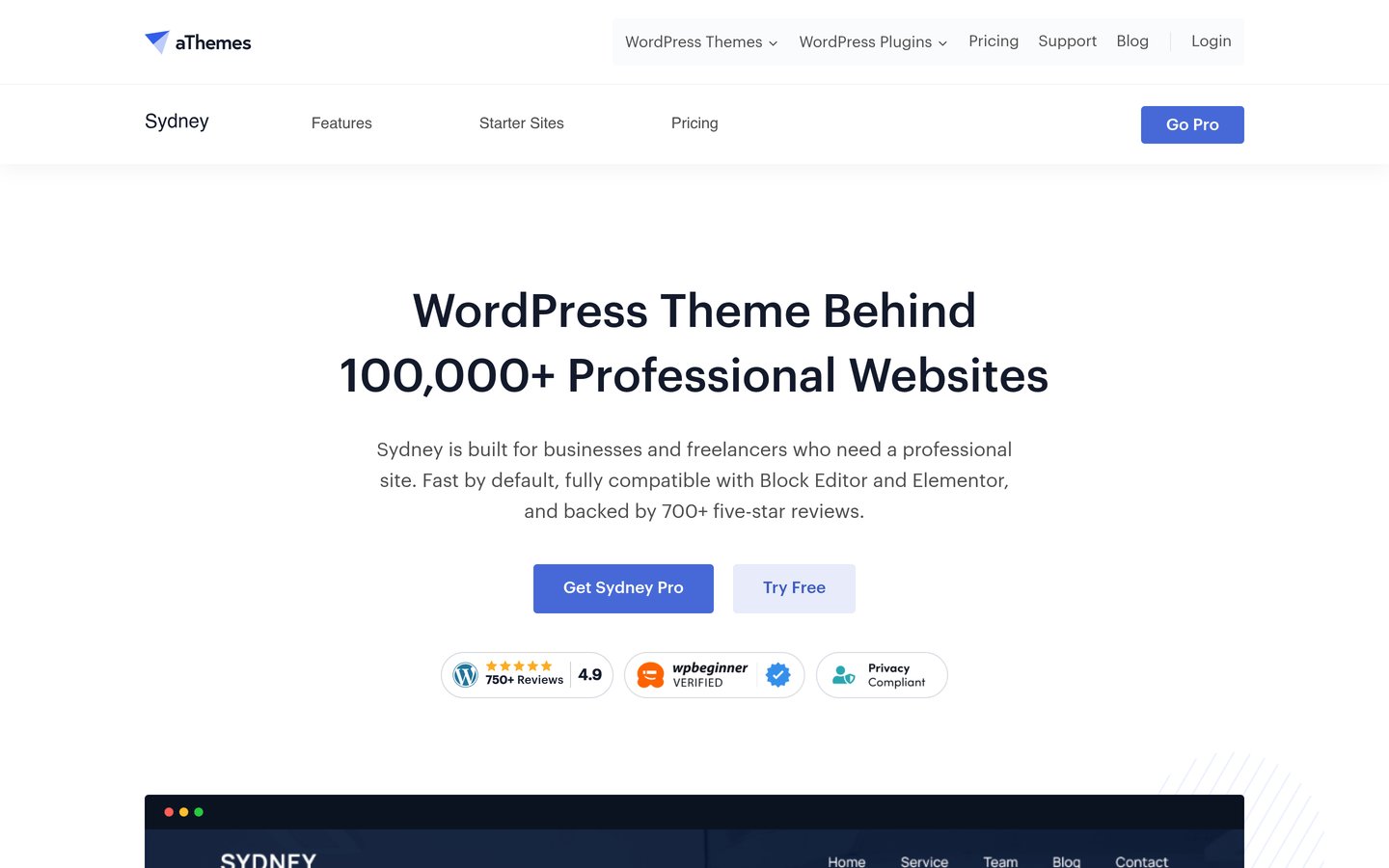
Sydney homepage, captured Nov 2026.
Sydney is a multipurpose WordPress theme with 80,000+ active installations and a 4.9/5 rating from 795 reviews. Its free version provides responsive layouts, typography controls, block patterns and WooCommerce compatibility. It supports Elementor and the block editor, making it useful for business websites that also sell products.
The trade off is that advanced templates, custom hooks, additional layout controls and premium patterns require Sydney Pro. Personal renews at $99 annually, while the current introductory price is $59. It suits service businesses, agencies and brands that need a content-rich website with a connected WooCommerce storefront.
What we like
80,000+ active installations
4.9/5 WordPress.org rating
WooCommerce compatibility
Supports Elementor and WordPress blocks
Useful business and portfolio design controls
Watch out for
Less WooCommerce-focused than Botiga
Advanced layouts and premium templates require Pro
Specialized shopping features may need separate plugins
Sydney Pro adds a template builder, premium starter sites, advanced layouts and design tools.Visit athemes.com
Should you use an all-in-one WooCommerce theme or a specialized theme?
A multipurpose WooCommerce theme is useful when your website combines an online store with other content. Astra, Blocksy, Zakra and Neve can support product catalogs alongside blogs, company pages and landing pages.
A specialized ecommerce theme puts more emphasis on shopping layouts and product presentation. Botiga and Woostify focus on WooCommerce storefronts, while Botiga Pro includes features such as product swatches, wishlists and shop filters.
Neither approach automatically provides every ecommerce feature. WooCommerce itself handles products, carts and orders, while payment processing, shipping integrations and specialized selling tools may involve separate extensions.
Choose the theme that covers your most important design requirements with the fewest unnecessary add-ons. A store with straightforward products may need little beyond WooCommerce and a free theme, while a complex catalog may benefit from advanced premium controls.
What should your WooCommerce theme handle, and what needs a plugin?
Your theme should primarily control the appearance of your store. That includes headers, navigation, product grids, typography, responsive layouts and the visual presentation of WooCommerce pages.
Plugins handle additional business functionality. Examples include advanced product options, shipping rules, subscriptions, inventory management and marketing integrations. These functions should remain portable when you change themes.
Some premium themes bundle features traditionally supplied by plugins. Botiga Pro includes wishlists, variation swatches and filtering controls, while Woostify Pro includes additional store-focused modules.
Avoid enabling duplicate functionality. If your theme already provides product swatches or a wishlist, check whether a separate plugin is necessary. Overlapping extensions can increase maintenance work and introduce compatibility issues.
How we chose
We selected established WordPress themes with WooCommerce compatibility, useful storefront customization and public WordPress.org ratings. The comparison includes WooCommerce-focused themes and multipurpose themes suitable for stores that combine shopping, marketing pages and editorial content. All selected themes meet the minimum adoption requirement and received updates within the preceding year.
We opened official WordPress.org theme listings and vendor pricing pages on 22 Nov 2026. Ratings, review counts, active installations and last-update information came from WordPress.org. We used the cheapest relevant paid theme plan at its regular published rate rather than introductory discounts, including Astra's standalone Pro addon instead of its larger bundles.
We excluded themes without recent updates, products with insufficient public adoption and candidates whose cheapest regular paid prices could not be confirmed from accessible official pricing pages. We also avoided presenting bundled ecommerce services as features included in a basic theme license. No vendor paid for a place, and we do not claim hands-on testing for this list.
How to choose the best WooCommerce theme for an all-in-one store
Identify your store's design requirements, review the shopping features included and compare the ongoing costs before choosing a theme.
Define the type of store you want to build. Consider your product categories, store navigation and supporting content. A general-purpose theme such as Astra may suit a mixed business website, while Botiga is a more direct fit for a store-first website.
Check the WooCommerce features included. Review product page layouts, shop filters, variation controls, carts and checkout styling. Identify which features are free and which require premium access. Do not assume every advertised feature comes with the cheapest plan.
Choose your preferred editing system. Decide whether you want to work with the native block editor, Elementor or another supported builder. Preview starter templates before importing them, and check for required plugins or premium dependencies.
Compare reviews, updates and regular prices. Look at maintenance activity, WordPress.org ratings and active installation figures. Compare standard renewal prices, website limits and support terms. Account for additional plugins when estimating the total cost of your store.
FAQ
What is the best WooCommerce theme for an all-in-one store?
Astra is our top overall recommendation because it combines WooCommerce compatibility, starter templates and broad design flexibility. It has more than 1 million active installations and a 4.9/5 WordPress.org rating. Botiga is a stronger choice when advanced store-specific design features matter more than multipurpose flexibility.
Can I build a complete WooCommerce store with a free theme?
Yes. WooCommerce works with free themes such as Astra, Botiga, Blocksy and Woostify. You can create product pages, shopping carts and checkout flows without paying for a premium theme. Advanced design features and specialized store functions may require additional extensions or subscriptions.
Which WooCommerce theme has the most built-in shopping features?
Botiga Pro offers a substantial collection of WooCommerce-focused features, including product swatches, variation galleries, shop filters, wishlists and custom store templates. Woostify Pro also provides additional ecommerce modules. Compare the available features against your actual requirements rather than choosing based only on the number of options.
Is Astra or Blocksy better for WooCommerce?
Astra is a flexible choice for stores that need multiple page builders and diverse website layouts. Blocksy is attractive for merchants who prefer the native block editor and modern customization controls. Both offer free WooCommerce-compatible versions, and their entry-level paid upgrades are listed at $69 annually.
Is Botiga better than a multipurpose WooCommerce theme?
Botiga may be more suitable when the website primarily functions as an online store. Its premium version includes dedicated shopping features and custom store templates. A multipurpose theme such as Astra or Zakra can be preferable when your website also needs extensive editorial, service or business content.
Which WooCommerce theme is best for Elementor?
Astra, Botiga, Woostify and Sydney support Elementor. Astra provides a broad multipurpose foundation, Botiga emphasizes store layouts, and Sydney works well for business websites with ecommerce sections. Check individual starter templates before importing them because some designs use the WordPress block editor instead.
Do premium WooCommerce themes include all ecommerce plugins?
No. Premium themes usually add design features such as templates, product galleries, filtering controls or wishlists. They do not automatically replace every plugin required for payments, subscriptions, shipping, inventory and marketing. Review the theme's included features and plan separate extensions for other business requirements.
Will changing my WooCommerce theme affect my products?
Changing themes normally preserves WooCommerce product records, categories, images and orders. However, storefront layouts, theme-specific templates and visual settings can change significantly. Create a backup and preview the new theme in a staging environment before applying it to an active store.
Are expensive WooCommerce themes faster than free themes?
Price does not determine website performance. A well-maintained free theme can perform well, while a heavily customized premium theme may load additional scripts and styles. Hosting quality, images, plugins and configuration also affect speed. Evaluate the full store rather than relying on theme marketing claims.