Best Image Optimization Plugins for WordPress in 2026: 7 Tools Compared
WLWPLegible EditorsLast verified 22 Nov 2026How we rank13 min read
★ Short answer
ShortPixel is our top WordPress image optimization plugin for its lossy, lossless and Glossy compression, WebP and AVIF conversion, and bulk optimization tools. It has 300,000+ active installations and a 4.5/5 rating. EWWW Image Optimizer is better for local compression, while Smush suits beginners who want image optimization and lazy loading together.
How we make this list: we compare pricing pages, product documentation and public user reviews, then re-check every price before each update. No product paid for a place. Disclosure.
ShortPixel has 300,000+ active installations and a 4.5/5 rating from 831 reviews. Its published Unlimited plan costs $10.99/month, with 100 free credits monthly.
EWWW Image Optimizer has 1M+ active installations and a 4.8/5 rating from 1,846 reviews. Its Standard plan costs $80/year and includes 50GB of CDN bandwidth.
Smush has 1M+ active installations and a 4.8/5 rating from 6,053 reviews. WPMU DEV Pro Basic costs $50/year and includes Smush Pro for one site.
Imagify has 900,000+ active installations and a 4.3/5 rating from 1,658 reviews. Growth costs $4.99/month billed annually, with 500MB of monthly optimization.
WP-Optimize has 1M+ active installations and a 4.8/5 rating from 2,617 reviews. Its Starter plan costs $49/year for up to 2 websites.
WP Compress has 9,000+ active installations and a 4.5/5 rating from 155 reviews. Single Pro regularly costs $108/year, while TinyPNG charges $0.009 per additional compression within its first paid usage tier.
What does a WordPress image optimization plugin do?
An image optimization plugin reduces the amount of image data visitors download. It may compress uploaded files, resize oversized pictures, generate modern formats or change how images are delivered. These improvements can reduce page weight and help image-heavy WordPress websites load more efficiently.
Compression is the main feature. Lossless compression preserves the original image information, while lossy compression removes some data to achieve smaller files. The right setting depends on whether your website prioritizes maximum quality or smaller downloads.
WebP and AVIF conversion can produce smaller image files than traditional formats for many types of content. Check whether a plugin creates alternative files, replaces originals or serves images through a CDN. Browser compatibility and fallbacks are important.
Bulk optimization is useful when your WordPress media library already contains many images. Automatic optimization handles new uploads, while bulk tools process older media. Original-image backups help you restore files if compression affects appearance.
Image optimization also interacts with caching, lazy loading and CDN delivery. Avoid enabling competing optimization systems without checking their settings. Multiple plugins attempting to rewrite image URLs or apply lazy loading can create conflicts.
Finally, compare pricing models. Some plugins charge per image, others use monthly quotas, and some provide annual licenses. A low entry price may become expensive when you process a large image library or generate many WordPress thumbnail sizes.
4.5/5on WordPress.org (831 reviews, checked Nov 2026)
Paid from$10.99/mo
Best overall for flexible WordPress image compression
Main purposeImage and PDF optimization
Active installs300,000+
Free allowance100 credits/mo
Published paid planUnlimited, $10.99/mo
shortpixel.com
ShortPixel homepage, captured Nov 2026.
ShortPixel is a WordPress image optimizer with 300,000+ active installations and a 4.5/5 rating from 831 reviews. It supports lossy, lossless and Glossy compression, bulk optimization, PDF compression and WebP or AVIF conversion. Its free offering provides 100 monthly credits, with optimization processed through ShortPixel's cloud infrastructure.
The trade off is that larger media libraries may exceed the free allowance. The official product page advertises an Unlimited plan at $10.99 monthly, and other credit-based purchasing options are available. It suits photographers, publishers and WooCommerce stores that need control over compression quality and modern image formats.
What we like
Lossy, lossless and Glossy compression
WebP and AVIF conversion
Automatic and bulk image optimization
Supports PDFs and common image formats
300,000+ active installations
Watch out for
Free allowance is limited to 100 monthly credits
Cloud processing requires an external service
Some AI-related image tools have separate usage considerations
The published Unlimited plan expands optimization capacity beyond the free monthly allowance.Visit shortpixel.com
02
EWWW Image Optimizer
4.8/5on WordPress.org (1,846 reviews, checked Nov 2026)
Paid from$80/yr
Best for local image compression and optional CDN delivery
Main purposeImage compression and delivery
Active installs1M+
Free processingLocal optimization
Paid planStandard, $80/yr
ewww.io
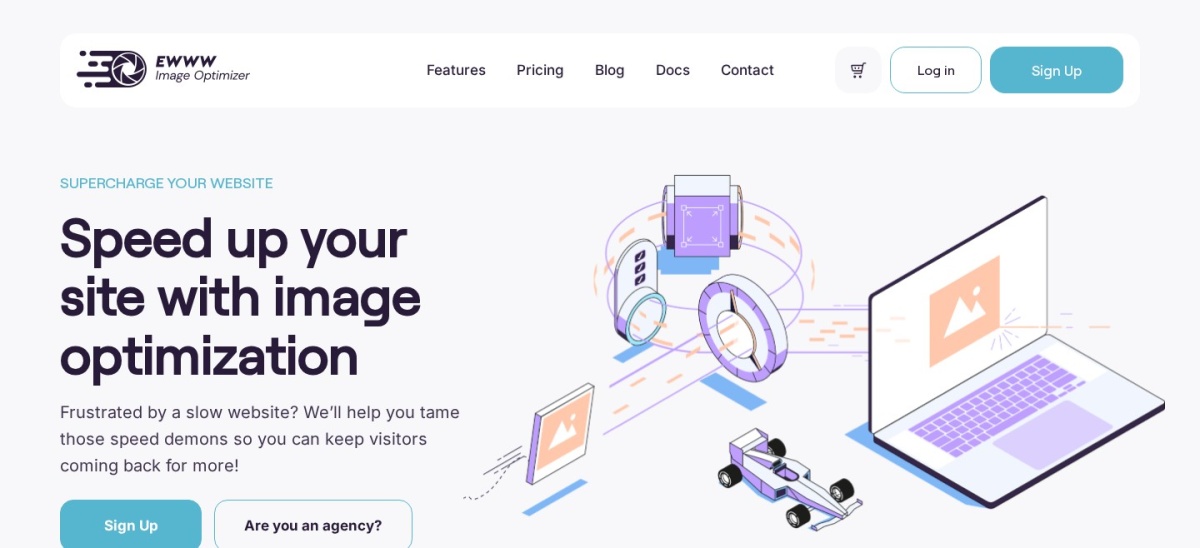
EWWW Image Optimizer homepage, captured Nov 2026.
EWWW Image Optimizer is a WordPress compression plugin with more than 1 million active installations and a 4.8/5 rating from 1,846 reviews. Its free version supports local image compression, bulk processing and image optimization within WordPress. It also provides resizing and modern-format options, depending on server capabilities.
The trade off is that advanced cloud compression and CDN delivery require a paid plan. Standard costs $80 annually and includes unlimited images, 50GB of CDN bandwidth, WebP and AVIF delivery, and premium compression credits. It suits website owners who want local optimization with an optional cloud upgrade.
What we like
More than 1 million active installations
Local image optimization available free
Bulk optimization and resizing
Paid CDN with WebP and AVIF delivery
Standard supports unlimited websites
Watch out for
Local compression depends on hosting capabilities
Cloud optimization and CDN features require payment
CDN bandwidth allowances apply
Advanced configuration may require technical familiarity
Standard adds Easy IO CDN delivery, premium compression credits, WebP and AVIF automation, and image backups.Visit ewww.io
03
Smush
4.8/5on WordPress.org (6,053 reviews, checked Nov 2026)
Paid from$50/yr
Best for beginners combining image compression and lazy loading
Main purposeImage compression and lazy loading
Active installs1M+
Free featuresCompression and lazy loading
Paid planPro Basic, $50/yr
wpmudev.com
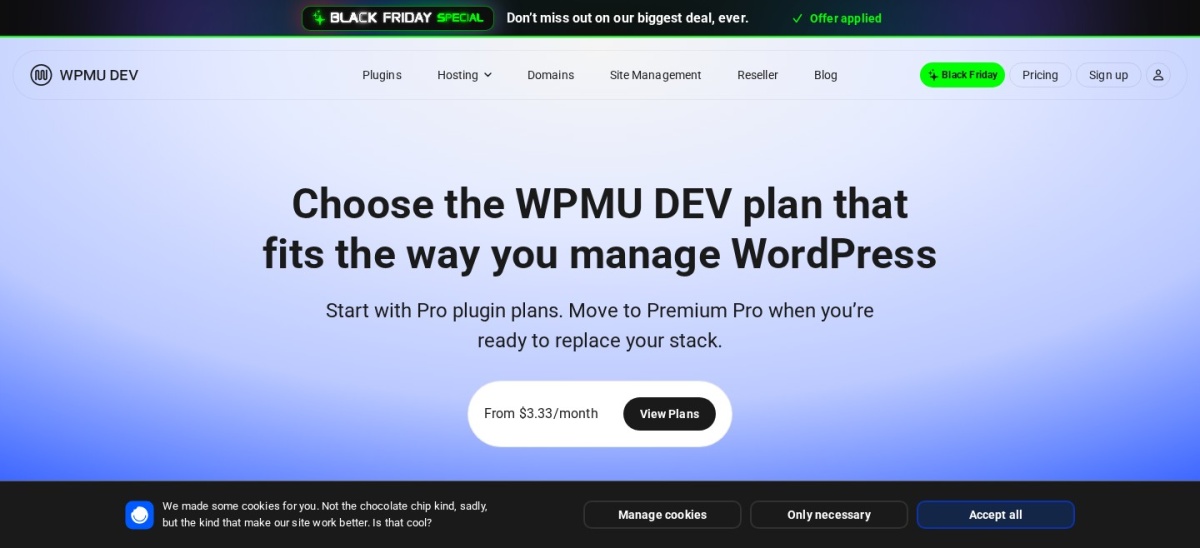
Smush homepage, captured Nov 2026.
Smush is a WordPress image optimization plugin with more than 1 million active installations and a 4.8/5 rating from 6,053 reviews. Its free version includes image compression, lazy loading, resizing and bulk optimization tools. It provides a familiar WordPress dashboard for identifying images that need attention.
The trade off is that premium compression, expanded optimization options and CDN capabilities require Smush Pro. WPMU DEV's Pro Basic package costs $50 yearly for one website and includes access to the Pro plugin suite. It suits beginners wanting image optimization alongside other WordPress maintenance tools.
What we like
More than 1 million active installations
4.8/5 rating from over 6,000 reviews
Free image compression and lazy loading
Bulk optimization tools
Entry paid package includes additional Pro plugins
Watch out for
Advanced compression features require Pro
CDN access depends on the paid package
Additional WPMU DEV tools may be unnecessary
Overlapping lazy loading settings can create conflicts
Pro Basic unlocks Smush Pro and other WPMU DEV Pro plugins for one website.Visit wpmudev.com
04
Imagify
4.3/5on WordPress.org (1,658 reviews, checked Nov 2026)
Paid from$4.99/mo
Best for straightforward compression with a monthly quota
Main purposeImage compression and conversion
Active installs900,000+
Free allowance20MB/mo
Paid planGrowth, $4.99/mo billed yearly
imagify.io
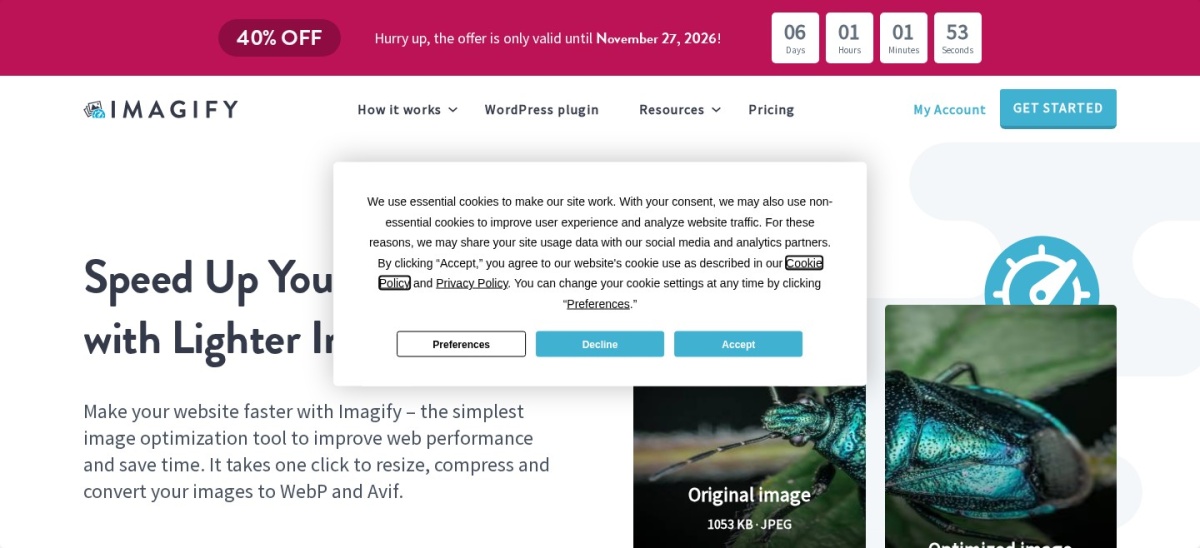
Imagify homepage, captured Nov 2026.
Imagify is a WordPress image optimization plugin with 900,000+ active installations and a 4.3/5 rating from 1,658 reviews. Its free plan includes 20MB of monthly optimization, and the plugin supports automatic compression, resizing, bulk optimization, WebP and AVIF conversion. It is developed by WP Media, the company behind WP Rocket.
The trade off is that the free quota is limited for image-heavy websites. Growth regularly costs $4.99 monthly when billed annually, providing 500MB of monthly optimization. The vendor currently advertises a 40% Black Friday discount. It suits publishers wanting automatic optimization with a clearly defined monthly allowance.
What we like
900,000+ active installations
WebP and AVIF conversion
Automatic and bulk image optimization
20MB monthly free allowance
Unlimited websites under the Growth quota
Watch out for
Free plan has a small monthly allowance
Growth is limited to 500MB monthly
Additional usage may incur charges
WordPress.org rating is lower than several alternatives
Growth increases the monthly optimization allowance to 500MB; Infinite provides unlimited optimization.Visit imagify.io
05
WP-Optimize
4.8/5on WordPress.org (2,617 reviews, checked Nov 2026)
Paid from$49/yr
Best for image compression alongside caching and database cleanup
Main purposeImages, caching and database cleanup
Active installs1M+
Free featuresCompression, cache, database
Paid planStarter, $49/yr
teamupdraft.com
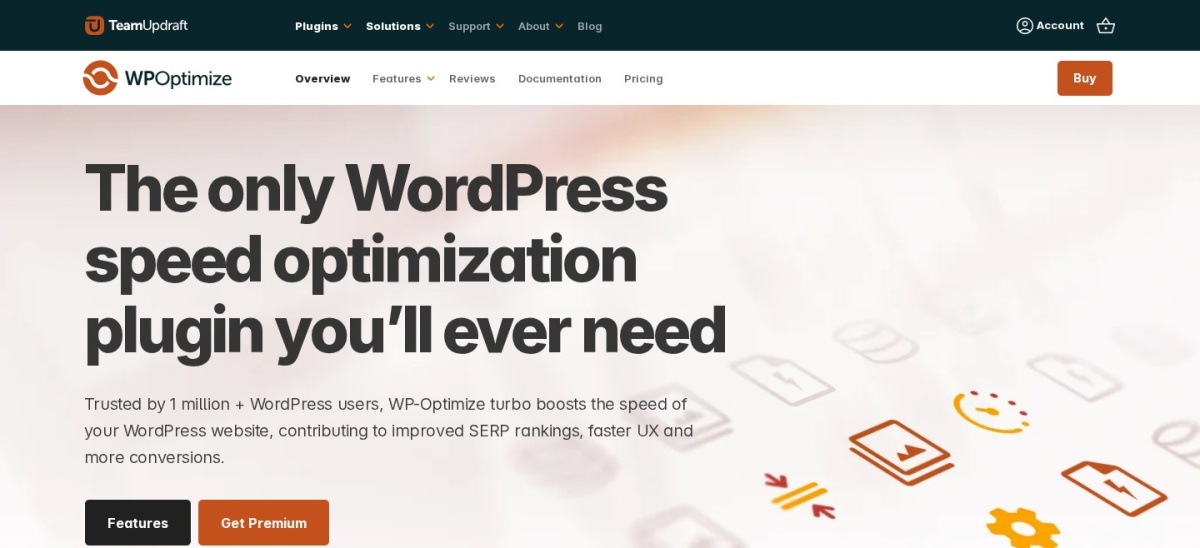
WP-Optimize homepage, captured Nov 2026.
WP-Optimize is a WordPress performance plugin with more than 1 million active installations and a 4.8/5 rating from 2,617 reviews. Its free version combines image compression, WebP conversion, page caching, database cleanup and minification. Images can be optimized automatically or in bulk using lossy or lossless settings.
The trade off is that advanced lazy loading, unused-image cleanup and additional performance controls require Premium. Starter costs $49 yearly for up to 2 websites. It suits site owners who want image optimization combined with caching and database maintenance instead of installing separate plugins for each task.
What we like
More than 1 million active installations
Free lossy and lossless compression
WebP conversion
Caching and database cleanup included
Starter supports up to 2 websites
Watch out for
Not exclusively focused on images
Advanced lazy loading requires Premium
Unused-image deletion requires Premium
Caching may overlap with an existing performance plugin
Starter adds lazy loading, unused-image cleanup and expanded caching and database optimization controls.Visit teamupdraft.com
06
WP Compress
4.5/5on WordPress.org (155 reviews, checked Nov 2026)
Paid from$108/yr
Best for image delivery with broader website optimization
Main purposeImage and website performance
Active installs9,000+
Free versionBasic optimization tools
Paid planSingle Pro, $108/yr regular
wpcompress.com
WP Compress homepage, captured Nov 2026.
WP Compress is a WordPress optimization plugin with 9,000+ active installations and a 4.5/5 rating from 155 reviews. It provides image compression, adaptive image delivery, caching and CDN-related optimization. Its broader feature set also covers scripts and other website performance settings.
The trade off is that its scope overlaps with caching and performance plugins you may already use. Single Pro has a regular published price of $108 yearly, while the current Black Friday promotion reduces it to $49. It suits website owners wanting image delivery and broader performance tools in one service.
What we like
Image optimization and CDN-related delivery
Caching and script optimization tools
Adaptive image capabilities
One-site Pro package
4.5/5 rating from 155 reviews
Watch out for
Broader configuration than a compression-only plugin
Can overlap with existing caching tools
Regular Pro pricing exceeds several alternatives
Cloud-based features depend on an external service
Single Pro adds unlimited optimization credits, pageviews, CDN usage and priority processing for one website.Visit wpcompress.com
07
TinyPNG
4.6/5on WordPress.org (183 reviews, checked Nov 2026)
Paid from$0.009/compression
Best for pay-as-you-go image compression
Main purposeAPI-based image compression
Active installs100,000+
Free allowance500 compressions/mo
Paid usage$0.009 per compression
tinypng.com
TinyPNG homepage, captured Nov 2026.
TinyPNG is a WordPress image compression plugin with 100,000+ active installations and a 4.6/5 rating from 183 reviews. It automatically optimizes uploaded images using the Tinify API and supports modern image conversion features. The API provides 500 free compressions each calendar month.
The trade off is usage-based pricing rather than a predictable annual license. After the free allowance, the API charges $0.009 per compression up to 10,000 monthly compressions, then $0.002 for additional compressions. It suits publishers who prefer paying according to image processing volume.
What we like
500 free compressions each month
No mandatory monthly subscription
Automatic WordPress image compression
Supports modern image formats through the API
100,000+ active installations
Watch out for
Costs depend on processed image versions
WordPress thumbnail generation can increase API usage
No fixed annual price for direct comparison
Requires an external API connection
Paid API usage begins after 500 monthly compressions; pricing depends on the number of processed files.Visit tinypng.com
Lossy vs lossless compression, WebP and AVIF
Lossy compression reduces image file size by discarding some information. It can produce smaller files, but aggressive settings may introduce visible artifacts around text, fine details or gradients.
Lossless compression reduces file size without discarding the original image information. It generally preserves exact visual data but may deliver smaller savings than lossy methods.
WebP supports both lossy and lossless compression and can replace JPEG or PNG in many web applications. AVIF can provide additional savings for suitable images, although processing requirements and results vary.
ShortPixel offers multiple compression modes, while EWWW, Imagify and WP-Optimize provide their own compression and conversion options. Compare supported formats and backup behavior rather than assuming every plugin produces identical results.
Use optimized images at appropriate display dimensions. An oversized image can remain unnecessarily heavy even after compression. Responsive image sizes, caching and appropriate lazy loading also matter.
How much do WordPress image optimization plugins cost?
Image optimization pricing falls into several categories: annual plugin licenses, monthly subscriptions, image quotas and pay-as-you-go compression charges.
WP-Optimize Starter costs $49 annually for up to 2 websites, while Smush is available through WPMU DEV Pro Basic at $50 annually for one site. EWWW Standard costs $80 annually.
Imagify Growth costs $4.99 monthly when billed annually and provides 500MB of monthly optimization. ShortPixel advertises an Unlimited plan at $10.99 monthly, alongside other purchasing options.
WP Compress Single Pro regularly costs $108 annually, although its current promotion displays $49. TinyPNG uses metered API billing, with 500 monthly compressions included free and additional usage charged per compression.
For websites with large media libraries, calculate the initial optimization workload and expected monthly uploads. Check whether thumbnails, converted formats and repeated optimization consume additional credits.
How we chose
We shortlisted established WordPress plugins with meaningful active installation figures, public reviews and recent maintenance. We compared image compression, resizing, WebP and AVIF conversion, bulk processing, backups, lazy loading and CDN-related functionality.
We opened WordPress.org plugin listings and official vendor pricing pages on 22 Nov 2026. Ratings, review counts and active installations came from WordPress.org. Prices reflect published regular rates rather than Black Friday promotions. Monthly and metered prices are identified separately from annual subscriptions.
We excluded products whose regular paid pricing could not be confirmed on accessible official pages. This included Optimole, Robin Image Optimizer and Converter for Media, despite their established user bases. The comparison uses published features, documentation, prices and public reviews. No vendor paid for a place, and this comparison does not include product testing.
How to choose the best WordPress image optimization plugin
Identify your image types and monthly usage, compare compression methods, and check how optimized images will be delivered.
**Choose the compression and image formats you need.** Compare lossy and lossless compression, resizing, WebP and AVIF conversion. Photography websites may prioritize visual detail, while image-heavy blogs may focus on reducing page weight. Check whether original files can be restored.
**Check automatic and bulk optimization.** Automatic processing helps keep new uploads optimized. Bulk tools are important when an existing media library contains many uncompressed files. Confirm whether generated thumbnails and older images count toward usage quotas.
**Review delivery, CDN and lazy loading features.** Some plugins optimize files stored on your server, while others deliver images through a CDN. Check compatibility with your caching setup and avoid enabling duplicate lazy loading or URL rewriting features without reviewing the configuration.
**Calculate the regular cost for your image volume.** Compare annual licenses, monthly allowances, credit systems and per-image charges. Include the initial optimization of your existing library. Choose a plan based on expected image usage rather than the lowest advertised price alone.
FAQ
What is the best image optimization plugin for WordPress?
ShortPixel is our top overall choice because it supports multiple compression modes, WebP and AVIF conversion, bulk optimization and PDF compression. EWWW Image Optimizer is a strong alternative for local processing, while Smush provides a beginner-friendly combination of compression and lazy loading.
Can I optimize WordPress images for free?
Yes. Smush, EWWW Image Optimizer and WP-Optimize provide free compression features. ShortPixel includes 100 monthly credits, Imagify includes 20MB of monthly optimization, and TinyPNG provides 500 free monthly API compressions. Limits and available formats differ between plugins.
Which WordPress image optimizer is best for WebP and AVIF?
ShortPixel and Imagify support WebP and AVIF conversion, while EWWW includes advanced automated delivery through its paid service. Compare how each plugin stores converted files, provides browser fallbacks and works with your CDN before enabling conversion.
Does image optimization improve WordPress speed?
Reducing image file sizes can lower page weight and transfer time, particularly on image-heavy pages. However, overall loading performance also depends on hosting, caching, scripts, image dimensions and rendering behavior. Compression alone does not guarantee a particular PageSpeed Insights score.
What is the difference between Smush and ShortPixel?
Smush combines image compression with lazy loading and WordPress performance tools. ShortPixel emphasizes multiple compression algorithms, cloud processing and format conversion. Both have free offerings, but their paid pricing and usage models differ. Choose according to the features and monthly image volume you need.
Should I use lossy or lossless image compression?
Lossy compression is useful when smaller files matter more than preserving every original detail. Lossless compression is better when exact image information must be retained. Compare visual quality on photographs, illustrations and text-heavy graphics before applying an aggressive compression setting across your media library.
Can I optimize images already uploaded to WordPress?
Yes. ShortPixel, EWWW, Smush, Imagify and WP-Optimize include bulk optimization capabilities for existing images. Before processing a large library, maintain a current backup and check whether the plugin retains original files or can restore them.
Do image optimization plugins improve SEO rankings?
Image optimization can support page performance and user experience, which are relevant to technical website quality. However, no plugin guarantees higher search rankings. Descriptive alt text, appropriate image dimensions, useful content and correct indexing remain important alongside compression.
Can I use two WordPress image optimization plugins together?
It is usually better to avoid overlapping compression, conversion and delivery functions. Multiple plugins may process the same images, rewrite URLs or enable competing lazy loading systems. If you combine tools, assign distinct responsibilities and confirm their documented compatibility.