Best WordPress Plugins to Speed Up Your Website in 2026: 7 Tools Compared
WLWPLegible EditorsLast verified 22 Nov 2026How we rank13 min read
★ Short answer
WP-Optimize is our top WordPress speed plugin because it combines page caching, image compression, database cleanup and minification. It has 1 million+ active installations, a 4.8/5 rating and a $49/year premium plan. LiteSpeed Cache is better for compatible LiteSpeed hosting, while WP Fastest Cache suits beginners wanting straightforward caching.
How we make this list: we compare pricing pages, product documentation and public user reviews, then re-check every price before each update. No product paid for a place. Disclosure.
WP-Optimize has 1M+ active installations and a 4.8/5 rating from 2,617 reviews. Its Starter plan costs $49/year for 2 websites.
LiteSpeed Cache has 7M+ active installations and a 4.8/5 rating from 2,784 reviews. The plugin is free, although some cloud services can cost extra.
WP Fastest Cache has 1M+ active installations and a 4.9/5 rating from 4,235 reviews. Bronze costs $49 one-time for one license.
W3 Total Cache has 800,000+ active installations and a 4.4/5 rating from 5,420 reviews. Pro costs $99/year for one website.
Hummingbird has 70,000+ active installations and a 4.7/5 rating from 1,488 reviews. WPMU DEV Pro Basic costs $50/year.
WP Super Cache has 1M+ active installations, while Cache Enabler has 100,000+. Both provide free page caching without a required paid plugin license.
How do WordPress speed optimization plugins work?
WordPress speed plugins reduce the work required to load pages. They can cache generated HTML, reduce CSS and JavaScript file sizes, optimize images and remove unnecessary database records. The right combination depends on the website's hosting environment and performance problems.
Page caching stores a ready-to-deliver version of a page. Instead of rebuilding that page through PHP and database queries for every visitor, WordPress can serve cached content. This is particularly useful for publicly accessible pages on blogs and business websites.
CSS and JavaScript optimization can reduce transferred code or change when scripts load. Minification removes unnecessary characters, while deferring or delaying JavaScript can reduce competition for browser resources. These changes require care because some scripts must run immediately.
Image optimization reduces file sizes and may include WebP conversion, resizing or lazy loading. Large images often account for substantial page weight. However, aggressive compression and incorrect lazy loading can affect visual quality or delay important above-the-fold content.
Database cleanup can remove expired transients, revisions and unused temporary records. It may improve database maintenance, but it does not automatically make every page faster. Back up your database before deleting records.
Hosting compatibility matters. LiteSpeed Cache provides server-level page caching when the server supports LiteSpeed technology. Other caching plugins can work across a broader range of environments, although server permissions and existing hosting caches can still affect their behavior.
Avoid running multiple full-page caching plugins simultaneously. Overlapping cache rules, CSS processing and image lazy loading can cause conflicts. Start by identifying which optimization features your hosting provider already supplies.
Price ladder: cheapest paid upgrade, annual or one-time
List prices, USD, checked Nov 2026
LiteSpeedFree
Super CacheFree
Cache EnablerFree
WP-OptimizeFREE$49
Fastest CacheFREE$49
HummingbirdFREE$50
W3 CacheFREE$99
The 7 best WordPress plugins to speed up your website
01
WP-Optimize
4.8/5on WordPress.org (2,617 reviews, checked Nov 2026)
Paid from$49/yr
Best overall for WordPress website speed optimization
Main purposeAll-in-one performance optimization
Active installs1M+
Free featuresCache, images, database, minify
Paid planStarter, $49/yr
teamupdraft.com
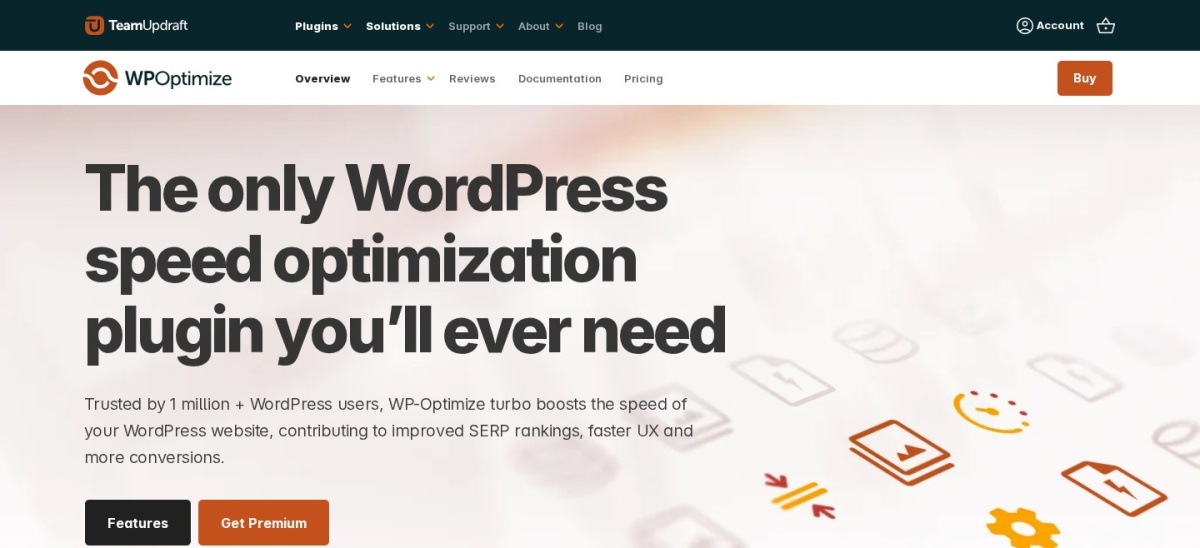
WP-Optimize homepage, captured Nov 2026.
WP-Optimize is a WordPress performance plugin with more than 1 million active installations and a 4.8/5 rating from 2,617 reviews. Its free version combines page caching, image compression, CSS and JavaScript minification, and database cleanup. It can also automate selected optimization tasks, reducing the need for separate performance plugins.
The trade off is that advanced lazy loading, unused-image cleanup and more flexible optimization controls require Premium. Starter costs $49 annually for up to 2 websites. It suits WordPress owners seeking one plugin for common caching, image and database maintenance tasks.
4.8/5on WordPress.org (2,784 reviews, checked Nov 2026)
PriceFree
Best for websites hosted on LiteSpeed servers
Main purposeServer caching and page optimization
Active installs7M+
Plugin licenseFree
Server requirementLiteSpeed for server-level cache
litespeedtech.com
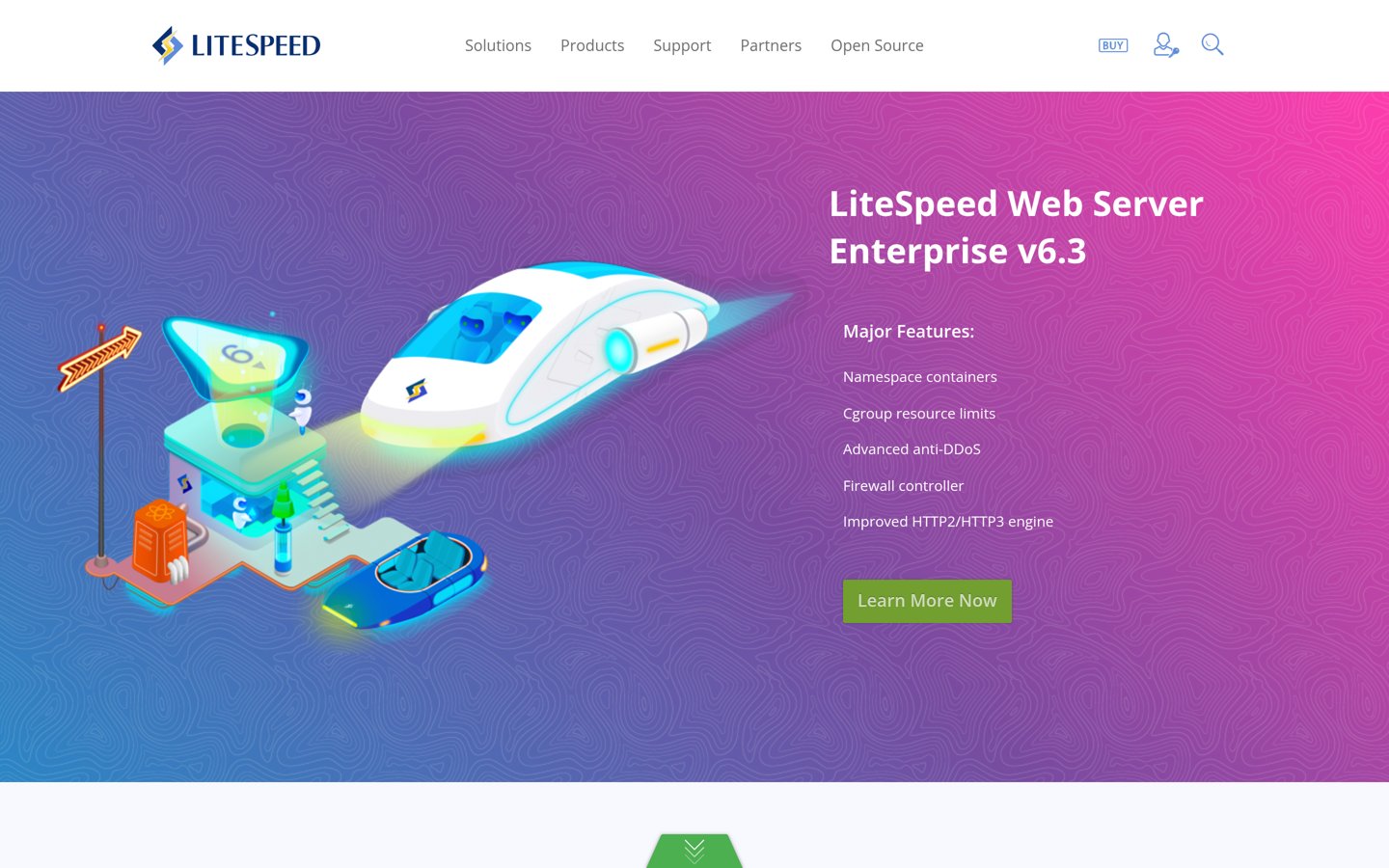
LiteSpeed Cache homepage, captured Nov 2026.
LiteSpeed Cache is a free WordPress optimization plugin with more than 7 million active installations and a 4.8/5 rating from 2,784 reviews. It offers page caching, CSS and JavaScript optimization, image optimization, lazy loading, database cleanup and CDN integration. Its server-level caching works with compatible LiteSpeed server environments.
The trade off is that full page-cache functionality requires compatible server technology, and some QUIC.cloud services can involve separate charges. The WordPress plugin itself has no paid license plan. It suits websites already hosted on LiteSpeed infrastructure and owners wanting extensive optimization controls.
What we like
7M+ active installations
Free plugin with no required license fee
Server-level caching on compatible hosting
CSS, JavaScript and image optimization
Database cleanup and CDN integrations
Watch out for
Full page caching requires compatible hosting
QUIC.cloud services can incur additional charges
Large settings panel can be complicated
Aggressive optimization settings may affect functionality
The plugin is free; optional QUIC.cloud services have separate usage and pricing arrangements.Visit litespeedtech.com
03
WP Fastest Cache
4.9/5on WordPress.org (4,235 reviews, checked Nov 2026)
Paid from$49 one-time
Best for beginners needing simple WordPress caching
Main purposePage caching and minification
Active installs1M+
Free cachingIncluded
Paid licenseBronze, $49 one-time
wpfastestcache.com
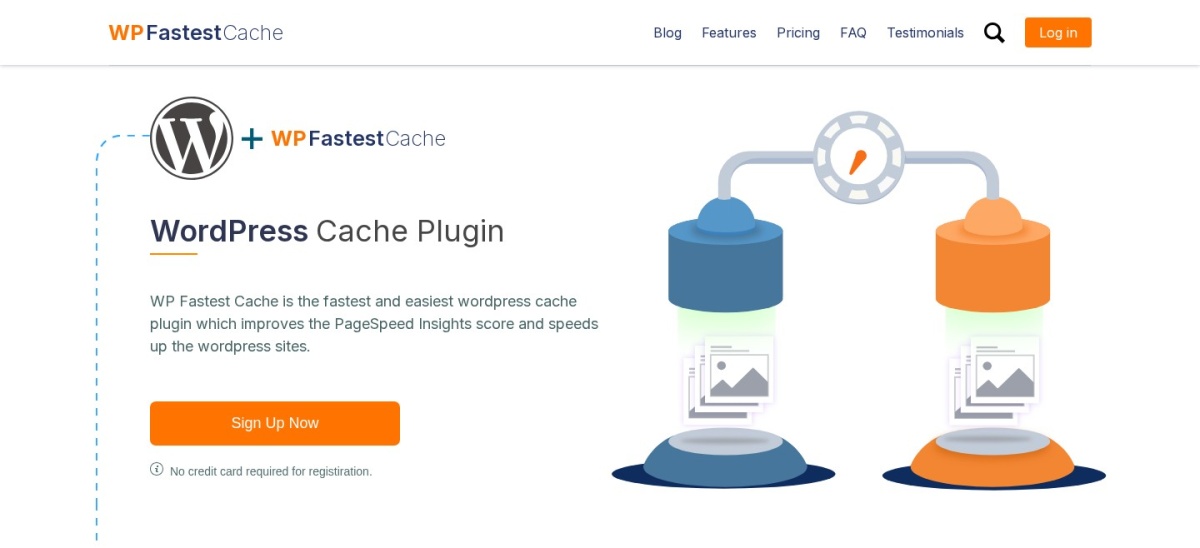
WP Fastest Cache homepage, captured Nov 2026.
WP Fastest Cache is a WordPress caching plugin with more than 1 million active installations and a 4.9/5 rating from 4,235 reviews. Its free version generates static HTML cache files and includes minification, compression and cache-clearing controls. The settings are organized around individual optimization options.
The trade off is that mobile caching, advanced JavaScript processing, image optimization and additional performance features require Premium. Bronze costs $49 one-time for one license, including 10,000 image credits. It suits beginners who want page caching without managing a large number of technical settings.
4.4/5on WordPress.org (5,420 reviews, checked Nov 2026)
Paid from$99/yr
Best for advanced WordPress caching configuration
Main purposeAdvanced caching and CDN integration
Active installs800,000+
Caching typesPage, object, database, browser
Paid planPro, $99/yr
boldgrid.com
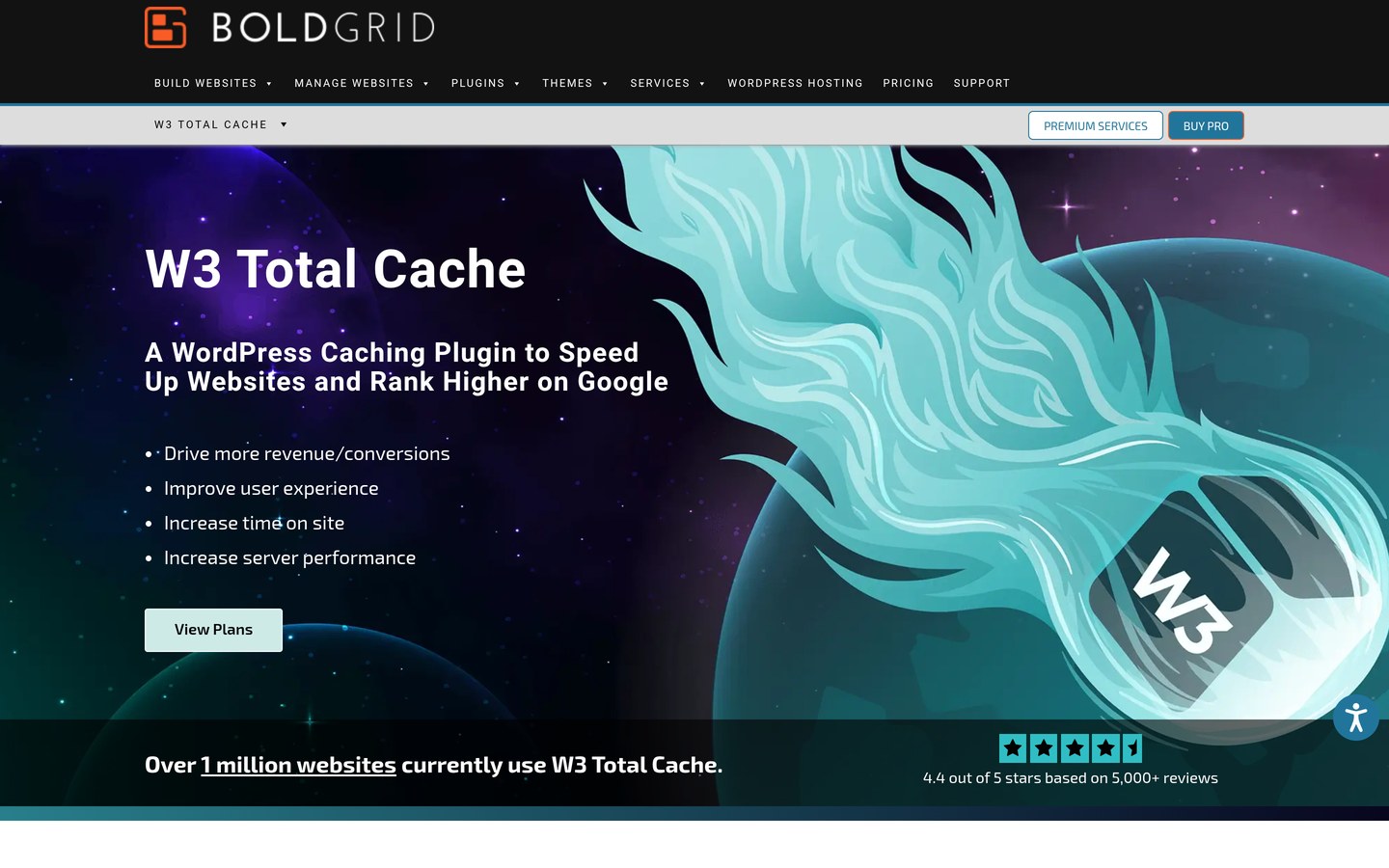
W3 Total Cache homepage, captured Nov 2026.
W3 Total Cache is a WordPress performance plugin with 800,000+ active installations and a 4.4/5 rating from 5,420 reviews. Its free version supports page caching, browser caching, database and object caching options, minification and CDN integration. It provides detailed controls for configuring caching around a website's infrastructure.
The trade off is that the many settings can be difficult for beginners, and some caching methods depend on server configuration. Pro costs $99 annually for one website and adds capabilities such as fragment caching and advanced content delivery. It suits developers and administrators who want granular performance settings.
What we like
Several caching methods
800,000+ active installations
Detailed CDN and browser caching controls
CSS and JavaScript minification
Advanced features available in Pro
Watch out for
More complicated than beginner-focused plugins
Some caching methods require server support
Incorrect settings can affect website behavior
Pro costs $99 annually per website
Pro adds fragment caching, advanced delivery controls, additional optimization tools and cache statistics.Visit boldgrid.com
05
Hummingbird
4.7/5on WordPress.org (1,488 reviews, checked Nov 2026)
Paid from$50/yr
Best for performance reports and frontend optimization
Main purposeCaching and frontend performance
Active installs70,000+
Free featuresCache and asset optimization
Paid planPro Basic, $50/yr
wpmudev.com
Hummingbird homepage, captured Nov 2026.
Hummingbird is a WordPress performance plugin with 70,000+ active installations and a 4.7/5 rating from 1,488 reviews. Its free version provides page caching, asset optimization, compression and performance-related diagnostics. It can help administrators identify settings and resources that may affect frontend loading.
The trade off is that advanced optimization, scheduled reporting and premium CDN-related capabilities require a WPMU DEV paid package. Pro Basic costs $50 annually for one website and includes the broader Pro plugin suite. It suits website owners wanting performance tools alongside maintenance and reporting features.
What we like
Caching and frontend asset optimization
Performance diagnostics and reporting
70,000+ active installations
4.7/5 WordPress.org rating
Paid package includes other WPMU DEV plugins
Watch out for
Advanced tools require a paid package
Several settings may overlap with other caching plugins
The full Pro suite may be unnecessary
CDN bandwidth allowances apply
Pro Basic adds Hummingbird Pro, advanced optimization and access to other WPMU DEV Pro plugins.Visit wpmudev.com
06
WP Super Cache
4.3/5on WordPress.org (1,346 reviews, checked Nov 2026)
PriceFree
Best for established, completely free page caching
Main purposeStatic HTML page caching
Active installs1M+
Plugin priceFree
MaintainerAutomattic
wordpress.org
WP Super Cache homepage, captured Nov 2026.
WP Super Cache is a free WordPress caching plugin maintained by Automattic, with more than 1 million active installations and a 4.3/5 rating from 1,346 reviews. It generates static HTML files and offers simple caching, compression, cache rebuilding and CDN-related settings. Most cached pages can be served without repeating normal WordPress processing.
The trade off is that it focuses on page caching rather than image compression, database cleanup or advanced JavaScript optimization. No paid plugin plan is advertised. It suits blogs and straightforward WordPress websites that need an established free cache without purchasing a performance suite.
What we like
Completely free caching plugin
More than 1 million active installations
Maintained by Automattic
Static HTML caching and compression
Cache rebuilding and preload controls
Watch out for
Does not optimize images
Limited CSS and JavaScript optimization
Advanced caching configuration requires care
Dynamic pages need appropriate exclusions
No paid upgrade is advertised; image and script optimization require other tools.Visit wordpress.org
07
Cache Enabler
4.3/5on WordPress.org (139 reviews, checked Nov 2026)
PriceFree
Best for lightweight and straightforward page caching
Main purposeLightweight static page caching
Active installs100,000+
Plugin priceFree
DeveloperKeyCDN
keycdn.com
Cache Enabler homepage, captured Nov 2026.
Cache Enabler is a free WordPress caching plugin developed by KeyCDN, with 100,000+ active installations and a 4.3/5 rating from 139 reviews. It generates static HTML cache files and supports cache expiration, automatic clearing, compression and WebP-related delivery options. Its feature set is narrower than full performance suites.
The trade off is that Cache Enabler does not replace a dedicated image compressor or comprehensive CSS and JavaScript optimization tool. The plugin is free, while KeyCDN's separate content delivery service has its own charges. It suits lightweight blogs and websites that want a focused caching plugin.
What we like
Free plugin with no license charge
100,000+ active installations
Simple static HTML caching
Automatic cache clearing
Works independently of a paid CDN account
Watch out for
No integrated image compression
Limited asset optimization features
Separate CDN service costs extra
Fewer advanced controls than comprehensive caching plugins
No paid plugin upgrade is advertised; optional KeyCDN services are billed separately.Visit keycdn.com
Which WordPress optimization features make the biggest difference?
The most useful optimization depends on the bottleneck. Page caching can reduce repeated server work, while image compression reduces data downloaded by visitors. Neither fixes every performance problem.
CSS and JavaScript optimization may reduce unnecessary code or improve loading order. Delaying an important script can break navigation, forms or interactive elements, so changes should be reviewed carefully.
Lazy loading delays images outside the initial viewport. It can reduce unnecessary downloads, but important above-the-fold images should not be delayed indiscriminately.
Object caching can help database-intensive websites when supported by appropriate server infrastructure. It is particularly relevant to some dynamic WordPress applications.
Database cleanup removes unnecessary stored records. It is useful for maintenance but generally should not be treated as a substitute for adequate hosting resources.
Choose the features that address your site's actual issues. More enabled optimization settings do not automatically produce a better result.
Do you need a paid WordPress speed optimization plugin?
Many WordPress websites can begin with free caching. LiteSpeed Cache, WP Super Cache and Cache Enabler provide free page-caching options, although LiteSpeed's server-level cache requires compatible hosting.
WP-Optimize combines several optimization functions in its free edition. WP Fastest Cache also provides free static HTML caching and basic file optimization.
Paid upgrades become useful when advanced JavaScript controls, additional image features, cache statistics or specialized delivery capabilities are required.
WP-Optimize Starter costs $49 annually, Hummingbird is available through WPMU DEV Pro Basic at $50 annually, and W3 Total Cache Pro costs $99 annually.
WP Fastest Cache Bronze uses a different model: $49 one-time for one license, with premium caching features and image credits.
Review your hosting provider's caching features before buying another plugin. Some managed hosting platforms already supply server caching, CDN access or image delivery services.
How we chose
We shortlisted established WordPress performance plugins with meaningful active installations, public reviews and recent maintenance. We compared caching, file optimization, image features, database cleanup, hosting compatibility and the clarity of each product's upgrade path.
We opened the selected WordPress.org listings and official vendor pages on 22 Nov 2026. Ratings, review counts, installation figures and maintenance information came from WordPress.org. WP-Optimize, WP Fastest Cache, W3 Total Cache and WPMU DEV pricing came from official pages. Completely free plugins are identified separately from optional external services.
We excluded outdated or low-adoption plugins and candidates whose regular paid prices could not be confirmed. Rankings reflect documented capabilities, licensing and public reviews, not measured speed gains. No vendor paid for a place, and this comparison does not include product testing.
How to choose the best WordPress plugin to speed up your website
Identify your site's performance bottlenecks, check hosting compatibility and select a plugin that provides the required optimization features.
**Identify what is slowing down your website.** Review server response times, page weight, images, scripts and caching behavior. A lightweight blog and a dynamic WooCommerce store may need different approaches. Prioritize problems supported by performance reports rather than enabling every available option.
**Check your hosting and existing caching setup.** Find out whether your host already provides page caching, object caching or a CDN. LiteSpeed Cache offers its full server-level caching benefits on compatible infrastructure. Avoid enabling competing page caches without checking the provider's documentation.
**Compare the features available in the free version.** Look for page caching, file minification, image optimization, lazy loading and database cleanup. WP-Optimize covers several categories, while WP Super Cache and Cache Enabler emphasize caching. Choose the functions your website needs.
**Review regular pricing and configuration risks.** Compare annual licenses with one-time purchases and free plugins. Check site limits, optional cloud charges and premium feature restrictions. Back up your website before changing advanced CSS, JavaScript or database settings.
FAQ
What is the best WordPress plugin to speed up a website?
WP-Optimize is our top general-purpose choice because it combines caching, image compression, database cleanup and minification. It has more than 1 million active installations and a 4.8/5 WordPress.org rating. LiteSpeed Cache is an excellent alternative when the website uses compatible LiteSpeed hosting.
Can I speed up WordPress with free plugins?
Yes. WP-Optimize, LiteSpeed Cache, WP Fastest Cache, W3 Total Cache, Hummingbird, WP Super Cache and Cache Enabler all provide free optimization features. The most suitable option depends on your hosting environment, existing caching services and the performance problems you want to address.
Which WordPress caching plugin is best for beginners?
WP Fastest Cache is a practical beginner option because it provides static HTML caching through a relatively straightforward settings interface. WP Super Cache is another established choice with simple caching options. WP-Optimize may be more suitable when image and database tools are also needed.
Is LiteSpeed Cache better than other WordPress caching plugins?
LiteSpeed Cache provides server-level caching when the hosting environment supports LiteSpeed technology. It also includes frontend and image optimization tools. On incompatible servers, some features remain available, but its full server-cache capability does not. Compare compatibility before choosing it over another caching plugin.
Can a caching plugin improve Core Web Vitals?
Caching can improve server response times and reduce loading delays, which may help some page performance metrics. However, Largest Contentful Paint, Interaction to Next Paint and Cumulative Layout Shift also depend on images, scripts, layout and browser behavior. No caching plugin guarantees passing Core Web Vitals.
Should I use more than one WordPress speed plugin?
Multiple performance plugins can coexist when they handle different tasks, such as caching and image compression. Problems arise when they apply overlapping page caches, minification or lazy loading. Assign clear responsibilities and avoid enabling competing versions of the same optimization feature.
Does database optimization make WordPress faster?
Database cleanup can remove expired transients, revisions and unused records, improving maintenance and sometimes reducing unnecessary database work. The effect varies by website. Large performance problems may instead come from hosting limits, expensive queries or plugins. Always back up the database before cleanup.
Which WordPress speed plugin is completely free?
WP Super Cache and Cache Enabler are free plugins without required premium licenses. LiteSpeed Cache is also free, although some external QUIC.cloud services may involve charges. These options provide caching capabilities but differ in supported features and server requirements.
Are paid WordPress speed plugins worth it?
A paid upgrade may be useful when you need advanced JavaScript controls, image processing, performance reports or specialized cache features. First check whether the free edition addresses your problems. Compare regular licensing prices and required functionality rather than assuming a paid plugin will automatically deliver faster loading.