Best WordPress Speed Optimization Plugins in 2026: 7 Tools Compared
WLWPLegible EditorsLast verified 22 Nov 2026How we rank12 min read
★ Short answer
LiteSpeed Cache is the best WordPress speed optimization plugin for sites using compatible LiteSpeed servers, with 7 million+ active installs and a 4.8/5 rating. WP Fastest Cache is easier for beginners and offers a $49 lifetime upgrade, while WP-Optimize combines caching, image compression and database cleanup.
How we make this list: we compare pricing pages, product documentation and public user reviews, then re-check every price before each update. No product paid for a place. Disclosure.
LiteSpeed Cache has 7M+ active installs and a 4.8/5 rating from 2,784 reviews. Its WordPress plugin is completely free.
WP Fastest Cache has 1M+ active installs and a 4.9/5 rating. Premium starts at $49 as a one-time purchase.
WP-Optimize combines caching, image compression, minification and database cleanup. Premium starts at $49/year for 2 sites.
Autoptimize has 800,000+ active installs and a 4.7/5 rating. Pro costs $89/year for one website.
W3 Total Cache has 800,000+ active installs and supports page, browser, object and database caching. Pro costs $99/year.
WP Super Cache and Cache Enabler provide free static-page caching with no paid plugin licenses.
What matters when choosing a WordPress speed optimization plugin?
WordPress speed optimization plugins reduce the work required to deliver pages to visitors. Their features commonly include page caching, CSS and JavaScript optimization, image compression, lazy loading, database cleanup and content delivery network integration.
Start with page caching. A cache stores generated pages so WordPress does not need to rebuild them for every visitor. LiteSpeed Cache, WP Fastest Cache and WP Super Cache offer different ways to deliver cached content, depending on hosting compatibility and configuration.
Next, examine Core Web Vitals. Largest Contentful Paint measures loading performance, Interaction to Next Paint measures responsiveness, and Cumulative Layout Shift measures visual stability. Plugins can help address specific problems, but they cannot compensate for every hosting, theme or design issue.
Look for image optimization, modern image formats, lazy loading and controls for unused JavaScript. These features can reduce transfer sizes and unnecessary processing, although aggressive optimization may interfere with menus, forms, sliders or checkout functionality.
Finally, consider your hosting environment. LiteSpeed's server-level caching requires compatible server technology, while several alternatives work with common WordPress hosting configurations. Avoid activating multiple full-page caching engines without a clear compatibility reason.
4.8/5on WordPress.org (2,784 reviews, checked Nov 2026)
PriceFree
Best overall for compatible LiteSpeed hosting
Active installations7M+
Page cachingLiteSpeed server integration
Image optimizationQUIC.cloud integration
Plugin priceFree
litespeedtech.com
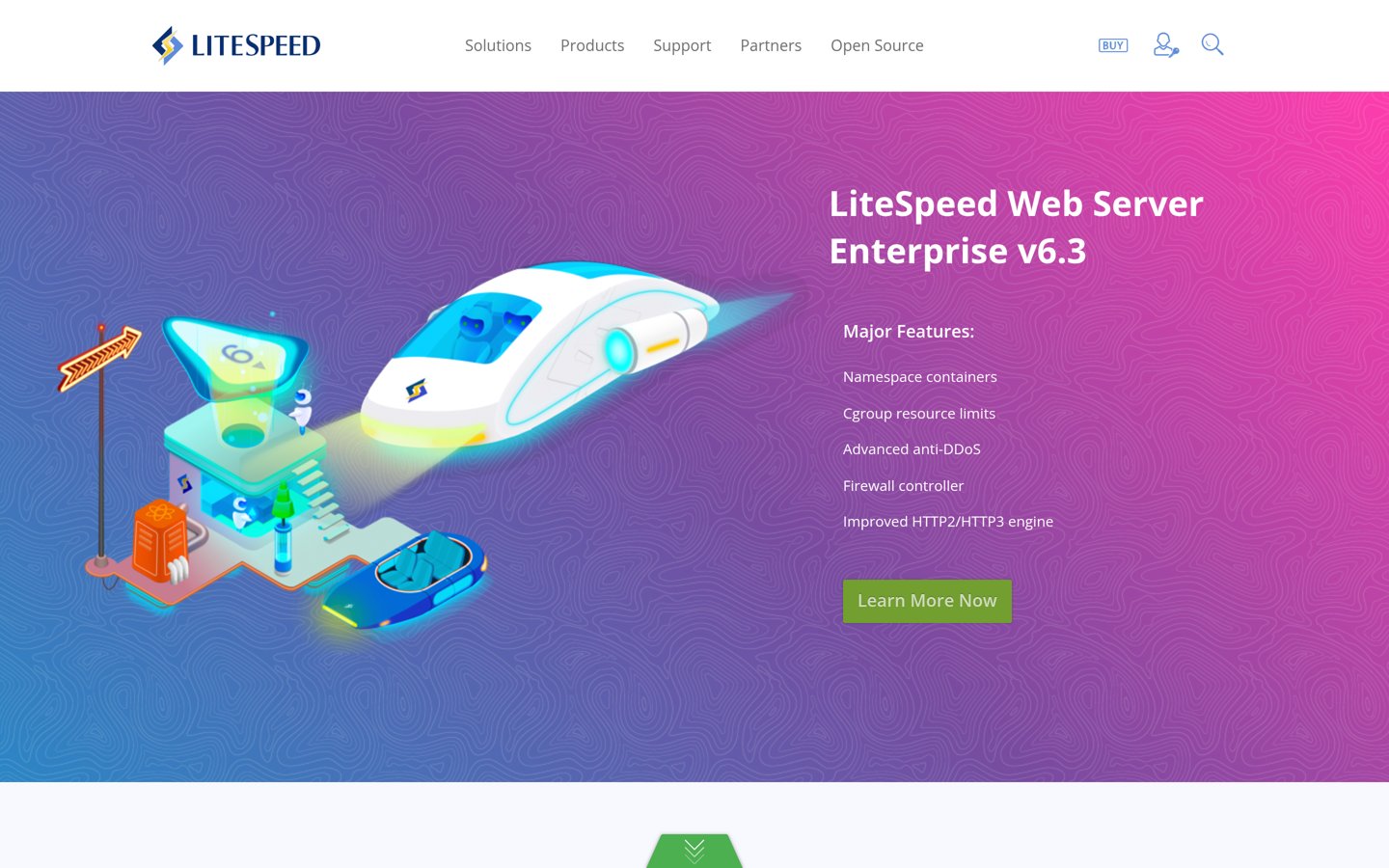
LiteSpeed Cache homepage, captured Nov 2026.
LiteSpeed Cache is a WordPress performance plugin with 7 million+ active installs and a 4.8/5 rating. Its free plugin provides server-level caching on compatible LiteSpeed servers, CSS and JavaScript optimization, image lazy loading, database cleanup and integration with QUIC.cloud optimization services.
The trade off is server compatibility: its full-page caching requires LiteSpeed-compatible hosting or QUIC.cloud. The plugin has no paid license, although optional QUIC.cloud services can cost extra, with new plans starting at $5 monthly from December 2026. It suits sites running compatible hosting infrastructure.
What we like
Free WordPress plugin without license fees
Server-level caching on compatible hosting
CSS, JavaScript and HTML optimization
Image optimization and WebP support through QUIC.cloud
Database cleanup and CDN integration
Watch out for
Server-level caching requires compatible hosting
Advanced settings can be confusing for beginners
Some cloud optimization services have usage limits
Incorrect optimization settings can affect dynamic content
Optional QUIC.cloud plans add CDN capacity and cloud optimization allowances; the plugin itself remains freeVisit litespeedtech.com
02
WP Fastest Cache
4.9/5on WordPress.org (4,235 reviews, checked Nov 2026)
Paid from$49 one-time
Best for beginners wanting easy page caching
Active installations1M+
Free cachingStatic HTML
Premium license1 website
Paid planBronze, $49 one-time
wpfastestcache.com
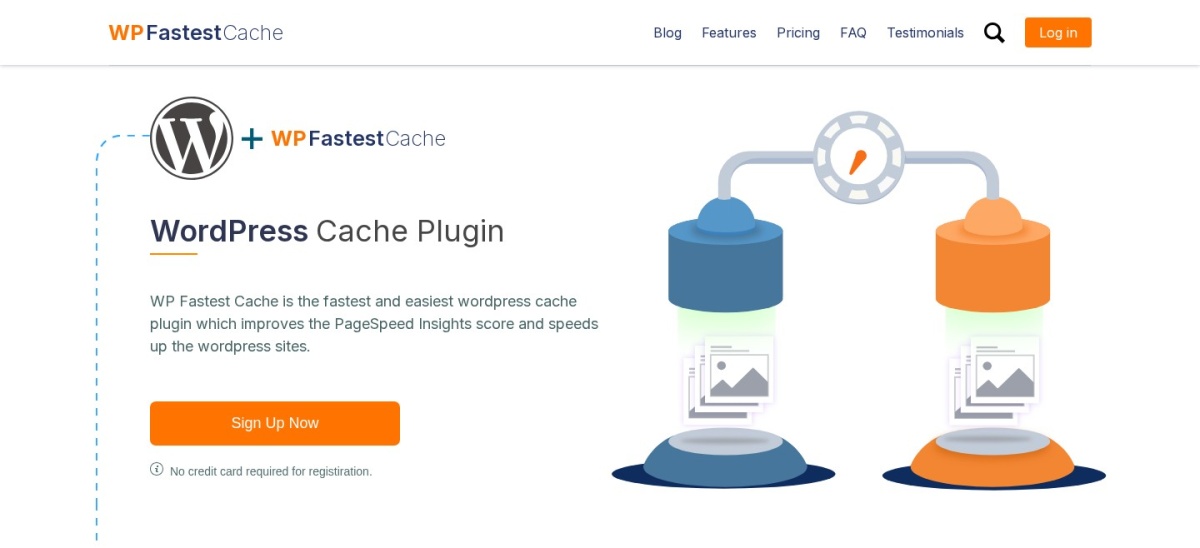
WP Fastest Cache homepage, captured Nov 2026.
WP Fastest Cache is a WordPress caching plugin with 1 million+ active installs and a 4.9/5 rating from 4,235 reviews. Its free version creates static HTML files and includes page caching, browser caching, GZIP compression, HTML and CSS minification, and cache preloading.
The trade off is that image optimization, lazy loading, database cleanup and more advanced JavaScript controls require Premium. Bronze costs $49 as a one-time purchase for one license, with 10,000 image credits. It suits beginners who want straightforward caching without annual renewal fees.
What we like
Straightforward settings and cache controls
Free static-page caching and preloading
Browser caching and compression included
Premium uses one-time license pricing
Lifetime updates and support listed for Premium
Watch out for
Advanced JavaScript optimization requires Premium
Image optimization and lazy loading are paid features
Some advanced cache options need manual configuration
4.8/5on WordPress.org (2,617 reviews, checked Nov 2026)
Paid from$49/yr
Best for combining caching and database cleanup
Active installations1M+
Page cachingIncluded free
Database cleanupIncluded free
Paid planStarter, $49/yr
teamupdraft.com
WP-Optimize homepage, captured Nov 2026.
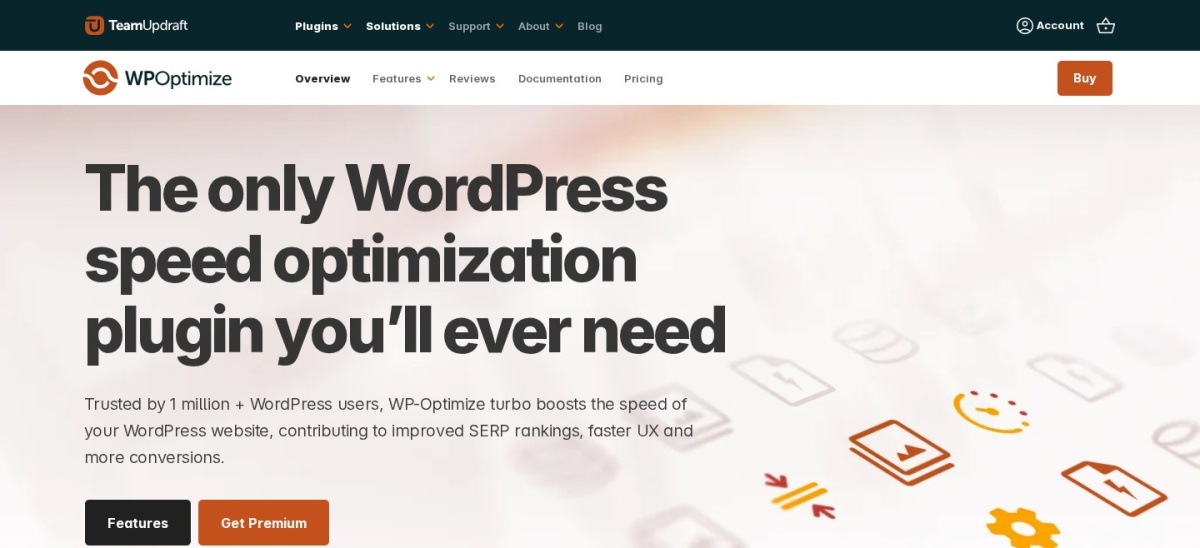
WP-Optimize is a WordPress speed optimization plugin with 1 million+ active installs and a 4.8/5 rating. Its free version combines page caching, image compression, CSS and JavaScript minification, and database cleanup, making it useful for maintaining several performance-related tasks from one dashboard.
The trade off is that advanced scheduling, cache preloading controls, lazy loading and more flexible cleanup features require Premium. Starter costs $49 yearly for up to two websites. It suits site owners who want caching, smaller images and database maintenance in one plugin.
4.7/5on WordPress.org (1,429 reviews, checked Nov 2026)
Paid from$89/yr
Best for CSS and JavaScript optimization
Active installations800K+
Free optimizationCSS, JavaScript, HTML
Free page cachingNo
Paid planPro, $89/yr
autoptimize.com
Autoptimize homepage, captured Nov 2026.
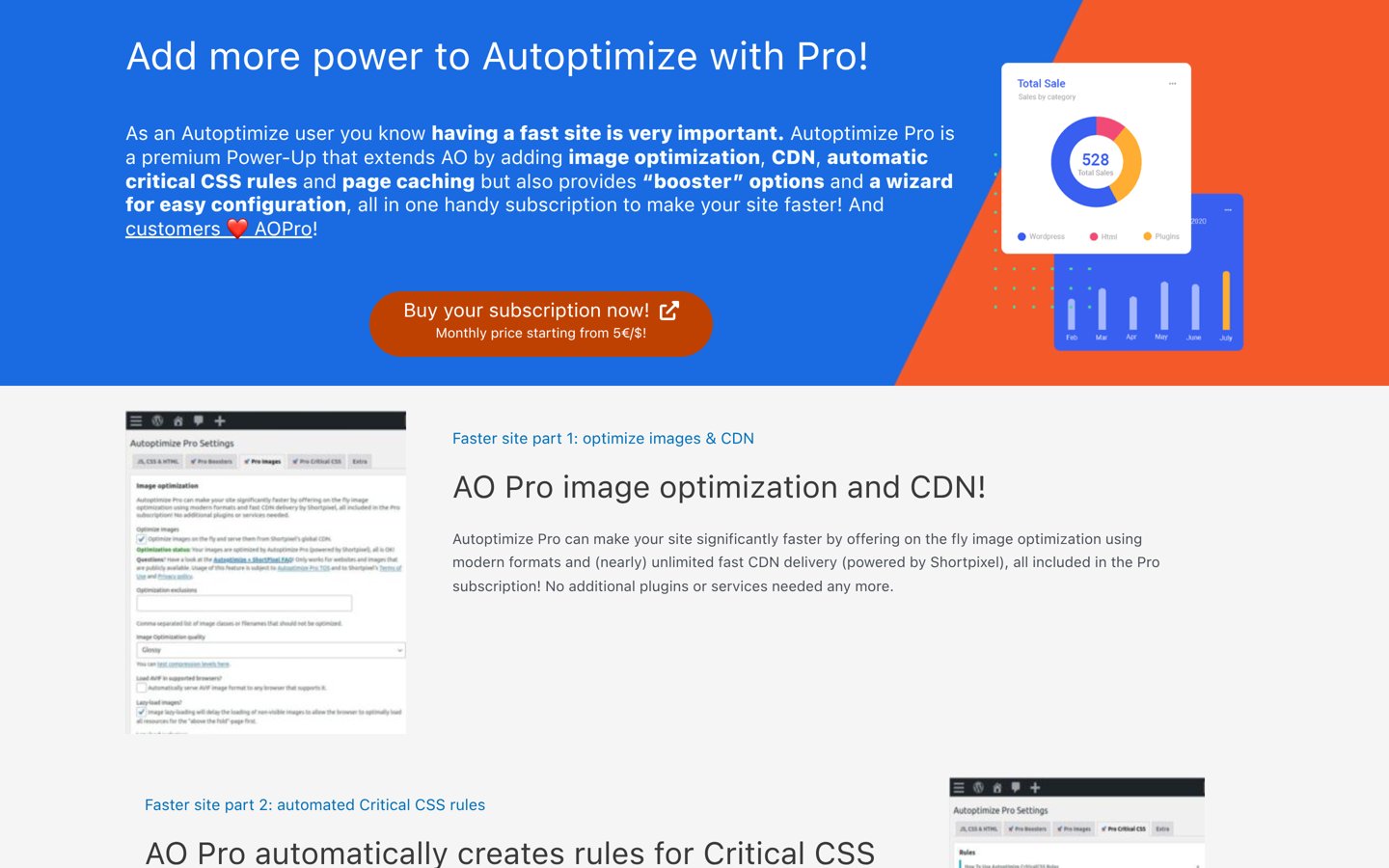
Autoptimize is a WordPress asset optimization plugin with 800,000+ active installs and a 4.7/5 rating from 1,429 reviews. Its free version optimizes CSS, JavaScript and HTML, supports deferred loading, and provides options for improving image loading and reducing unnecessary page assets.
The trade off is that the free version does not provide full-page caching, so another caching solution may be necessary. Pro costs $89 yearly for one website and adds page caching, automatic critical CSS, image optimization and CDN delivery. It suits sites needing asset optimization alongside existing server caching.
What we like
Free CSS, JavaScript and HTML optimization
Can complement compatible caching systems
Useful controls for render-blocking resources
Image lazy loading options
Pro includes CDN and automatic critical CSS
Watch out for
No built-in full-page caching in the free version
Script optimization can break interactive elements
Advanced critical CSS generation requires Pro
Requires careful coordination with other optimization plugins
Pro adds page caching, automatic critical CSS, image optimization, CDN delivery and optimization presetsVisit autoptimize.com
05
W3 Total Cache
4.4/5on WordPress.org (5,420 reviews, checked Nov 2026)
Paid from$99/yr
Best for advanced caching configuration
Active installations800K+
Caching methodsPage, object, database
CDN integrationSupported
Paid planPro, $99/yr
boldgrid.com
W3 Total Cache homepage, captured Nov 2026.
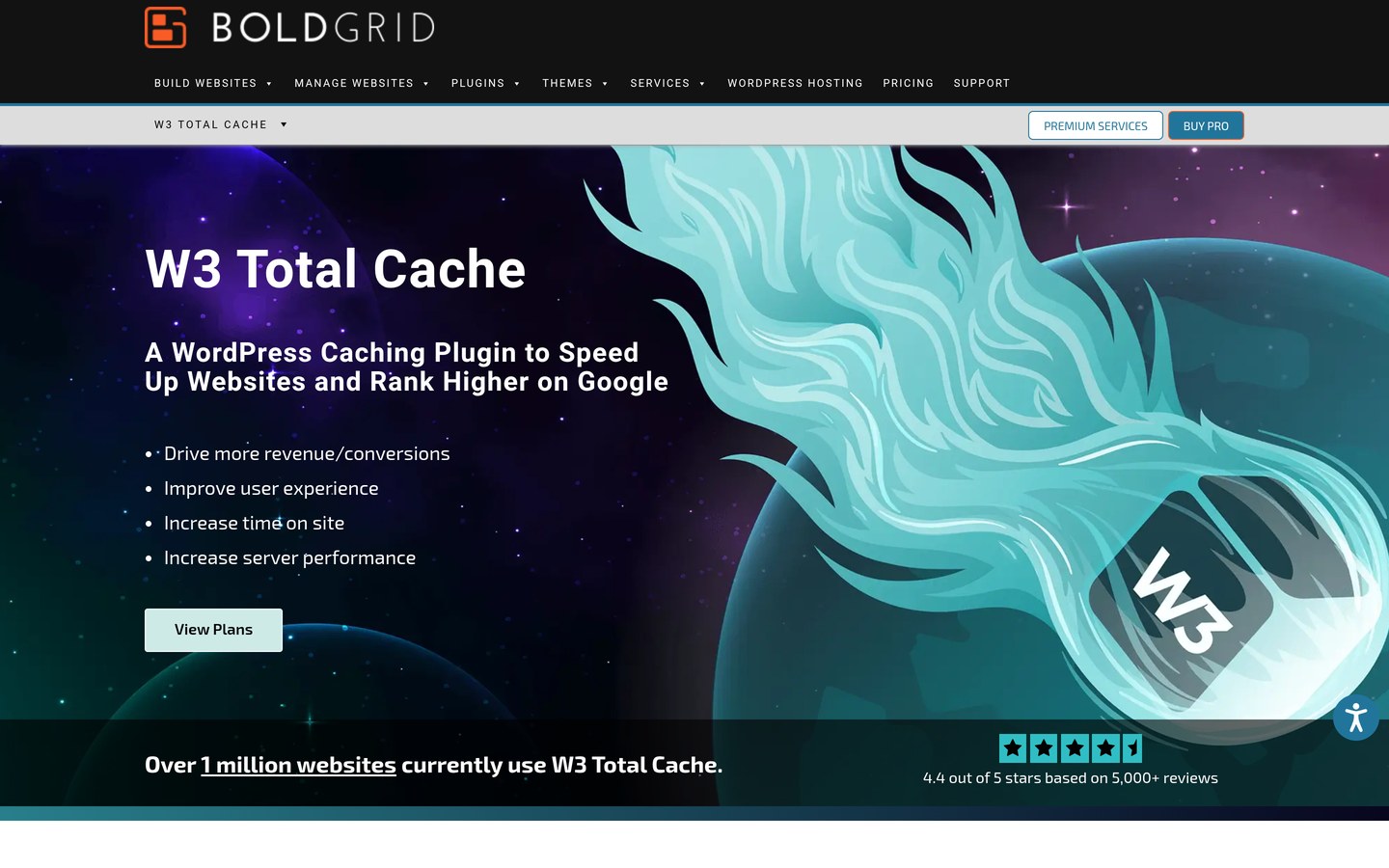
W3 Total Cache is a WordPress performance plugin with 800,000+ active installs and a 4.4/5 rating from 5,420 reviews. Its free version includes page caching, browser caching, database and object caching options, CSS and JavaScript optimization, and CDN integration.
The trade off is its extensive settings, which require more technical understanding than simpler caching plugins. Pro costs $99 yearly for one website and adds features such as advanced fragment caching, REST API caching and additional optimization controls. It suits experienced administrators who need detailed caching configuration.
What we like
Multiple caching methods available
Detailed configuration and exclusion controls
CDN integration supported
Browser caching and asset optimization
Useful for technically managed WordPress sites
Watch out for
More complicated setup than beginner-focused alternatives
Some caching methods depend on hosting capabilities
Incorrect configuration can cause stale or broken content
Advanced features require Pro
Pro adds advanced fragment caching, REST API caching and additional performance optimization controlsVisit boldgrid.com
06
WP Super Cache
4.3/5on WordPress.org (1,346 reviews, checked Nov 2026)
PriceFree
Best completely free page caching for blogs
Active installations1M+
Page cachingStatic HTML
Cache preloadingSupported
Paid planNone
wordpress.com
WP Super Cache homepage, captured Nov 2026.
WP Super Cache is a free WordPress caching plugin maintained by Automattic, with 1 million+ active installs and a 4.3/5 rating from 1,346 reviews. It generates static HTML versions of WordPress pages, supports cache preloading and provides different cache delivery modes for reducing repeated PHP processing.
The trade off is its narrower focus: it does not provide a complete image compression, database cleanup or advanced JavaScript optimization suite. The plugin has no paid upgrade or subscription. It suits blogs and content websites primarily needing reliable static-page caching.
What we like
Completely free with no premium license
Static HTML page caching
Cache preloading functionality
Maintained by Automattic
Useful for reducing repeated server processing
Watch out for
No integrated image compression suite
Limited CSS and JavaScript optimization
Dynamic pages require appropriate exclusions
Less comprehensive than all-in-one optimization plugins
There is no paid plugin plan; all available caching features are included freeVisit wordpress.com
07
Cache Enabler
4.3/5on WordPress.org (139 reviews, checked Nov 2026)
PriceFree
Best lightweight free WordPress caching plugin
Active installations100K+
Cache formatStatic HTML
Cache expirationConfigurable
Paid planNone
keycdn.com
Cache Enabler homepage, captured Nov 2026.
Cache Enabler is a lightweight WordPress caching plugin from KeyCDN with 100,000+ active installs and a 4.3/5 rating from 139 reviews. It generates static HTML files, supports automatic cache clearing, configurable cache expiration and basic HTML minification with minimal setup.
The trade off is limited functionality beyond page caching, with no integrated image compression, database cleanup or advanced asset optimization suite. The plugin is free with no paid license. It suits small websites and administrators who prefer fewer settings and a focused caching tool.
What we like
Free plugin without recurring license costs
Minimal setup and configuration
Static HTML page caching
Automatic cache clearing options
Works with conventional WordPress hosting
Watch out for
No built-in image compression
No comprehensive JavaScript optimization
Limited advanced caching controls
Additional tools may be needed for complete optimization
There is no paid plugin upgrade; the available caching features remain freeVisit keycdn.com
Page caching versus CSS, JavaScript and image optimization
Page caching reduces server work by serving previously generated content. It is especially useful when visitors repeatedly request public pages that do not change for every user.
Asset optimization addresses a different problem. Minifying CSS and JavaScript reduces file sizes, while delaying nonessential scripts and optimizing images can improve loading behavior.
LiteSpeed Cache, WP-Optimize and W3 Total Cache combine several optimization approaches. Autoptimize focuses primarily on front-end assets, while WP Super Cache and Cache Enabler concentrate on caching.
A comprehensive plugin is not automatically better for every website. If your host already provides page caching, a separate asset optimizer may offer more relevant features than installing another full-page caching engine.
Can speed optimization plugins improve Core Web Vitals?
WordPress performance plugins can help address slow server responses, render-blocking resources, oversized images and excessive JavaScript execution. However, improved scores depend on the specific problems affecting a website.
Caching can reduce server response times, while image optimization and critical CSS management may improve Largest Contentful Paint. Delaying unnecessary JavaScript can improve responsiveness, but excessive delays may disrupt functionality.
Cumulative Layout Shift often requires fixing image dimensions, fonts, banners and dynamically inserted elements. A caching plugin alone will not solve every layout stability problem.
Measure results using PageSpeed Insights and real-user Core Web Vitals data where available. Compare performance before and after changing settings, and check mobile functionality, checkout pages and logged-in experiences.
How we chose
We shortlisted established WordPress speed optimization plugins with active WordPress.org listings, meaningful installation bases and documented performance features. We compared page caching, asset optimization, image handling, database maintenance, hosting compatibility and configuration complexity.
WordPress.org ratings, rating counts, active installations and update dates were checked on 22 Nov 2026. Official vendor pricing pages were reviewed for the cheapest paid licenses at regular prices. We distinguished annual subscriptions, one-time purchases and genuinely free plugins, and identified optional services separately.
We excluded inactive or closed plugins, products without verifiable published pricing and tools that did not address WordPress website performance. We also avoided claiming guaranteed speed improvements or benchmark results. No vendor paid for a place, and we do not claim direct product testing.
How to choose the best WordPress speed optimization plugin
Identify what makes your WordPress website slow before selecting a performance plugin. Follow these steps to match the available features to your hosting environment and optimization needs.
Check your hosting and existing caching. Determine whether your host uses LiteSpeed, provides server-level caching or includes a CDN. LiteSpeed Cache is particularly suitable for compatible hosting, while WP Fastest Cache and WP Super Cache support straightforward static-page caching on common configurations.
Identify the main performance problems. Use PageSpeed Insights to investigate server response times, render-blocking resources, image sizes and layout shifts. Choose a plugin that addresses the actual problems rather than enabling every optimization option.
Decide how much configuration you want. WP Fastest Cache and Cache Enabler are suitable for simpler caching needs. W3 Total Cache offers detailed technical controls, while WP-Optimize combines caching, image compression and database maintenance in one interface.
Compare regular prices and verify compatibility. WP Fastest Cache Premium costs $49 once, while WP-Optimize Starter costs $49 yearly and Autoptimize Pro costs $89 yearly. Check plugin overlaps, dynamic content exclusions and support arrangements before upgrading.
FAQ
What is the best WordPress speed optimization plugin?
LiteSpeed Cache is our top recommendation for sites running compatible LiteSpeed hosting because it combines server-level caching with extensive optimization features. WP Fastest Cache is a simpler alternative, while WP-Optimize provides a useful combination of caching, image compression and database cleanup.
Which WordPress speed optimization plugin is completely free?
LiteSpeed Cache, WP Super Cache and Cache Enabler are available without paid plugin licenses. LiteSpeed Cache offers additional optimization services through QUIC.cloud that may require separate payment. WP Super Cache and Cache Enabler provide focused static-page caching without premium plugin tiers.
Is LiteSpeed Cache better than WP Fastest Cache?
LiteSpeed Cache offers server-level caching when the hosting environment supports it, alongside broader optimization features. WP Fastest Cache provides straightforward static-page caching across common WordPress hosting configurations. The better choice depends on your server, required features and willingness to configure advanced options.
Can WordPress caching plugins improve Google PageSpeed scores?
They can improve scores when caching or asset optimization addresses the underlying performance problems. Page caching may reduce server response times, while optimized images and reduced render-blocking resources can help loading metrics. Results are not guaranteed, and themes, hosting and third-party scripts also affect performance.
Should I use multiple WordPress speed optimization plugins?
Using complementary plugins can make sense, but overlapping features should be disabled. For example, a caching plugin may work alongside Autoptimize when only one tool handles each optimization task. Avoid running multiple full-page caching systems or duplicating JavaScript transformations without verifying compatibility.
What is the difference between WP Rocket and LiteSpeed Cache?
LiteSpeed Cache is a free WordPress plugin with server-level caching features that depend on compatible hosting. WP Rocket is a commercial performance plugin designed for conventional WordPress environments. Their approaches to caching, optimization and pricing differ, so hosting compatibility is an important starting point.
Does WP-Optimize improve WordPress database performance?
WP-Optimize includes database cleanup tools that can remove unnecessary records such as revisions, spam comments and temporary data. Reducing database clutter may help maintenance and certain queries, but it does not guarantee faster pages. Always create a current backup before performing database cleanup.
Which WordPress caching plugin is easiest for beginners?
WP Fastest Cache is a practical beginner option because it offers a focused settings interface and straightforward static-page caching. Cache Enabler is another choice for minimal configuration. WP Super Cache provides a free alternative, although its caching modes require some understanding.
How much does a WordPress speed optimization plugin cost?
Several established plugins are free. WP Fastest Cache Premium starts at $49 as a one-time purchase, WP-Optimize Starter costs $49 yearly, Autoptimize Pro costs $89 yearly and W3 Total Cache Pro costs $99 yearly. Optional CDN or optimization services may create separate expenses.