Best WordPress Page Speed Plugins in 2026: 7 Tools Compared
WLWPLegible EditorsLast verified 22 Nov 2026How we rank5 min read
★ Short answer
LiteSpeed Cache is the top pick with 7+ million active installs and a 4.8-star rating across 2,784 reviews, pairing page caching with QUIC.cloud image and optimization tools. WP Rocket suits users who want a paid plugin with quick setup from $59/yr, while WP Fastest Cache fits one-time buyers at $49.
How we make this list: we compare pricing pages, product documentation and public user reviews, then re-check every price before each update. No product paid for a place. Disclosure.
LiteSpeed Cache holds 7+ million active installs and a 4.8 rating from 2,784 reviews on WordPress.org.
WP Rocket starts at $59/yr for 1 website and includes a 14-day free trial plus Rocket Insights.
WP Fastest Cache offers a one-time Bronze license at $49 and holds a 4.9 rating across 4,234 reviews.
Autoptimize has 800,000+ active installs and a 4.7 rating from 1,429 reviews, with Pro starting at $89/yr.
Hummingbird Performance holds 70,000+ active installs and a 4.7 rating across 1,488 reviews, starting at $50/yr.
What to look for in a WordPress page speed plugin
WordPress page speed plugins speed up sites by storing cached HTML pages, trimming CSS and JavaScript, delaying non-critical scripts, and compressing images or fonts. Some tools rely heavily on server-level features, while others run optimization tasks through external cloud services.
Before picking a plugin, check what your web host already caches at the server or edge level. Running two overlapping page caches or aggressive script minification rules at once can cause layout shifts, broken menus, or stale checkout pages.
Pricing models vary sharply across the category. Several plugins offer full-featured free tiers on WordPress.org, others charge an annual subscription per site, and at least one sells a one-time license.
Promotional discounts also appear frequently around seasonal sales, so check both the listed annual renewal and any trial or refund terms before committing a live site.
For one-click speed modules and Critical CSS from Automattic
$239.40/yr
Free plan
4.7/5
Price ladder: cheapest paid plan per year
List prices, USD, checked Nov 2026
LiteSpeedFree
WP FastestFREE$49
WP-OptimizeFREE$49
HummingbirdFREE$50
WP Rocket$59
AutoptimizeFREE$89
Jetpack BoostFREE$239
The 7 best wordpress page speed plugins
01
LiteSpeed Cache
4.8/5on WordPress.org (2,784 reviews, checked Nov 2026)
PriceFree
Best for free page caching and QUIC.cloud optimization
Active installs7+ million
WP.org rating4.8 / 5
Total reviews2,784
Core featuresPage cache, Redis, WebP/AVIF
litespeedtech.com
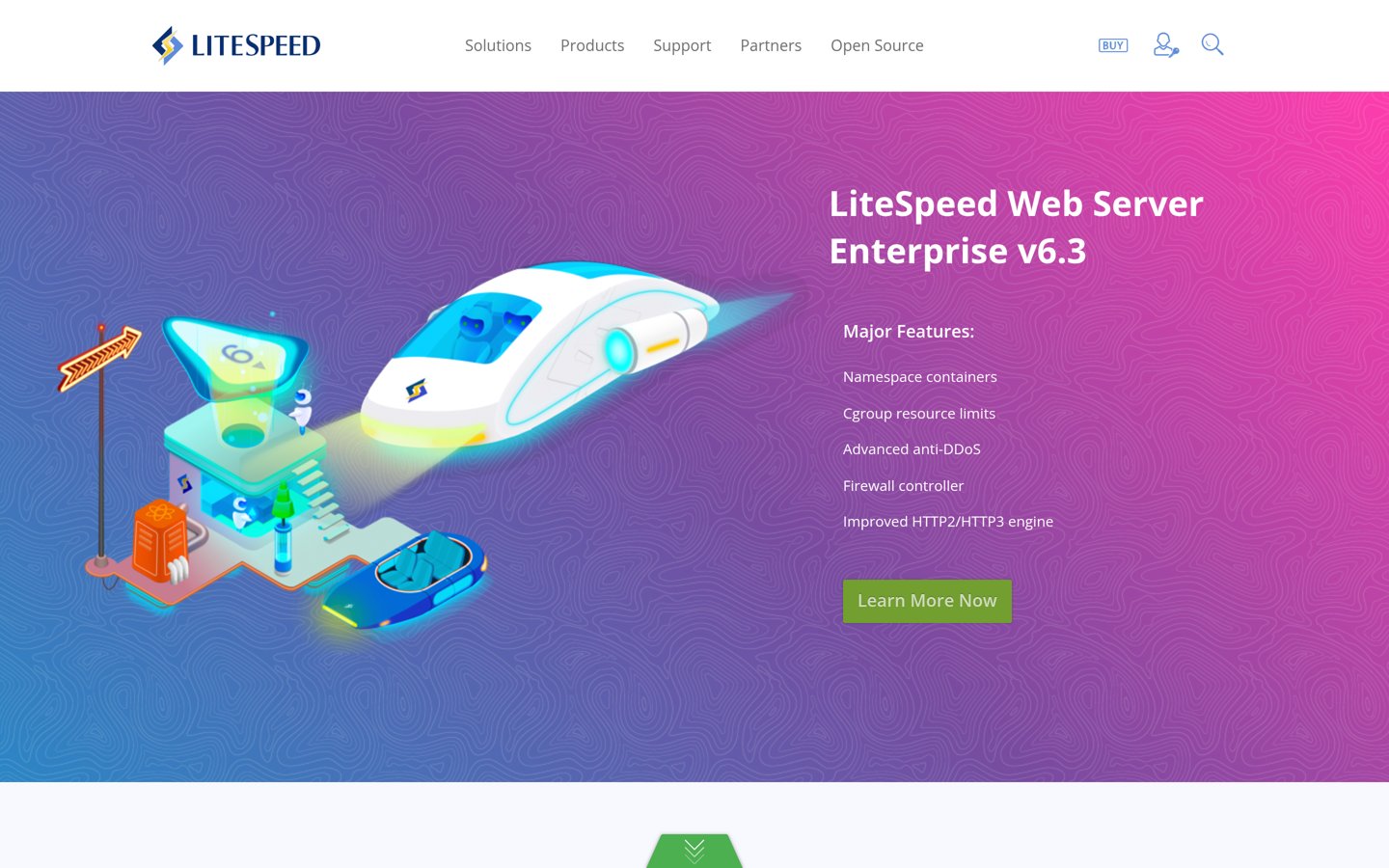
LiteSpeed Cache homepage, captured Nov 2026.
LiteSpeed Cache is a WordPress performance plugin with 7+ million active installations, a 4.8 out of 5 rating from 2,784 reviews, and free core caching plus QUIC.cloud image and page optimization tools. It supports page caching, Memcached or Redis object caching, mobile and desktop cache varies, and WooCommerce support.
The trade off is that some optimization features route data through QUIC.cloud servers and certain server-level caching features depend on your hosting stack, while paid QUIC.cloud bandwidth credits or LiteSpeed server products cost extra. It suits site owners who want broad caching and asset controls without a base plugin fee.
What we like
Free core plugin with 7+ million active installations
Supports page caching, object caching, and WebP or AVIF media handling
Offers QUIC.cloud CDN and image optimization integration
Watch out for
Some optimization features rely on external QUIC.cloud processing
Server-specific features depend on host environment support
Paid QUIC.cloud standard CDN bandwidth and LiteSpeed server or support services are billed separately.Visit litespeedtech.com
02
WP Rocket
4.2/5on G2 (48 reviews, checked Nov 2026)
Starts at$59/yr
Best for guided setup and built-in speed monitoring
Entry license$59 / year
Trial period14-day free trial
Key toolsCaching, Delay JS, Unused CSS
Performance hubRocket Insights included
wp-rocket.me
WP Rocket homepage, captured Nov 2026.
WP Rocket is a commercial WordPress caching plugin that applies caching, lazy loading, preload, script delay, and unused CSS tools alongside Rocket Insights, with pricing starting at $59/year for 1 website and a 14-day free trial. Seasonal promotional pricing on its pricing page also advertises discounted rates.
The trade off is that there is no free version and the standard single-site license costs $59/year, with add-ons like RocketCDN priced separately. It suits site owners who prefer a paid commercial plugin with quick setup and built-in performance tracking.
What we like
Applies caching and performance defaults quickly after activation
Includes Rocket Insights for tracking key pages
Offers a 14-day free trial on the pricing page
Watch out for
No free tier and requires an annual license from $59/year
Optional CDN add-ons such as RocketCDN cost extra
Paid plans add dedicated support, updates, Rocket Insights, and multi-site tiers up to 50 or 100 sites.Visit wp-rocket.me
03
WP Fastest Cache
4.9/5on WordPress.org (4,234 reviews, checked Nov 2026)
Paid from$49 one-time
Best for a $49 one-time license and simple cache controls
Active installs1+ million
WP.org rating4.9 / 5
Total reviews4,234
One-time entry$49 Bronze (1 license)
wpfastestcache.com
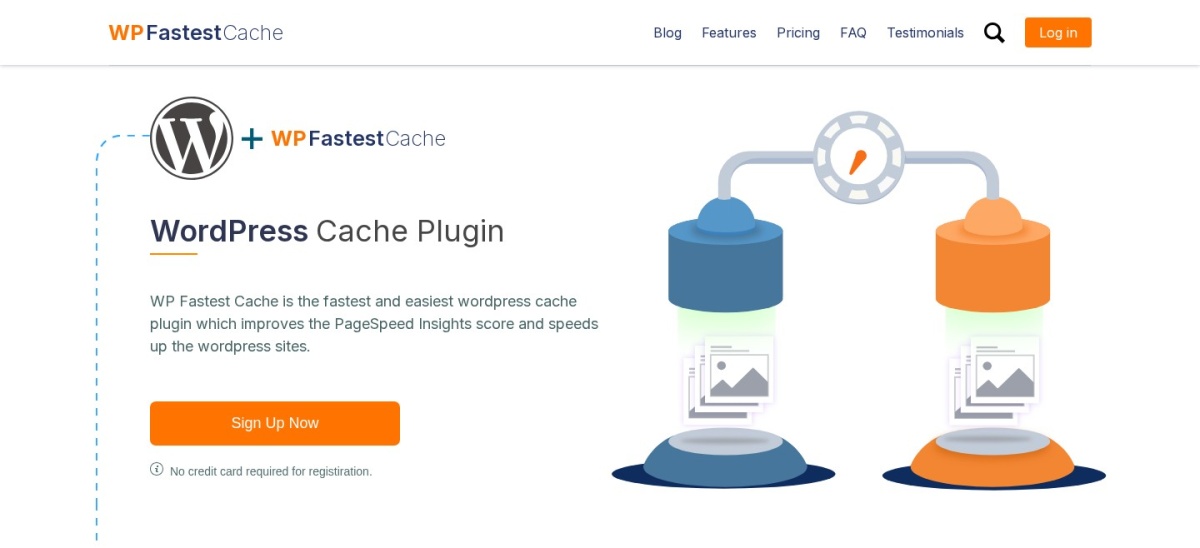
WP Fastest Cache homepage, captured Nov 2026.
WP Fastest Cache is a WordPress caching plugin with 1+ million active installations, a 4.9 out of 5 rating across 4,234 reviews, and a free plugin version plus a Bronze one-time fee package at $49 for 1 license. It covers page caching, cache preloading, CSS and JS minification, and CDN integration.
The trade off is that moving beyond a single site or getting WebP image optimization credits requires paying $49 or more for a one-time license package. It suits site owners who want straightforward caching controls and prefer a one-time purchase over a recurring subscription.
What we like
High 4.9 rating across 4,234 WordPress.org reviews
Offers a free core version and a $49 one-time Bronze license
Supports cache preloading, WP-CLI clearing, and Cloudflare or Bunny CDN
Watch out for
One-time packages for 3, 5, or 10 licenses cost $125, $175, or $300
Fewer advanced automated workflows than larger optimization suites
The $49 Bronze one-time package adds 10,000 image credits, ongoing updates and support, and a 30-day money-back guarantee.Visit wpfastestcache.com
04
WP-Optimize
4.8/5on WordPress.org (2,617 reviews, checked Nov 2026)
Paid from$49/yr
Best for pairing page caching with database cleanup
Active installs1+ million
WP.org rating4.8 / 5
Total reviews2,617
Core tasksCache, images, minify, DB clean
wordpress.org
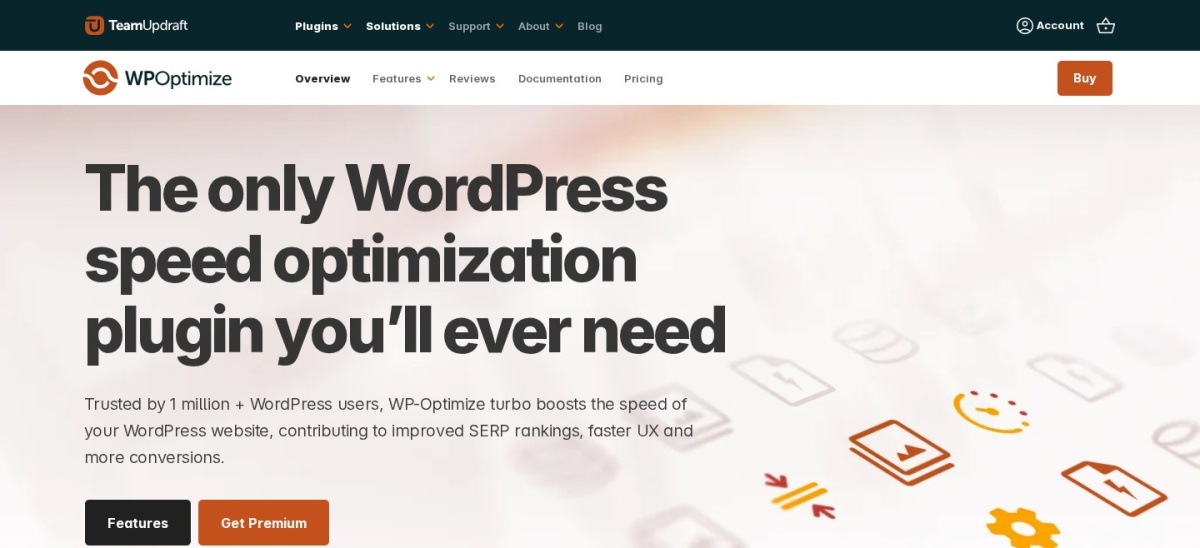
WP-Optimize homepage, captured Nov 2026.
WP-Optimize is a WordPress speed plugin with 1+ million active installations, a 4.8 out of 5 rating across 2,617 reviews, and a free version that combines page caching, GZIP compression, CSS and JS minification, image compression, and database cleanup. It lets admins cache pages, clean revisions or spam, and set cache lifespans.
The trade off is that some advanced caching modes, scheduled cleanup controls, and lazy loading options sit behind premium upgrades rather than the free plugin. It suits site owners who want database maintenance and page caching in one familiar plugin.
What we like
Combines page caching, asset minification, image compression, and database cleanup
1+ million active installations with a 4.8 rating on WordPress.org
Supports cache exclusions by URL, cookie, or user agent
Watch out for
Database cleanup actions require care and backups before running
Advanced caching and scheduling options are restricted to paid tiers
Premium tiers add scheduled cleanups, user-specific or role-based caching, lazy loading, and extra optimization controls.Visit wordpress.org
05
Hummingbird Performance
4.7/5on WordPress.org (1,488 reviews, checked Nov 2026)
Paid from$50/yr
Best for Safe Mode testing and asset optimization from $50/yr
Active installs70,000+
WP.org rating4.7 / 5
Total reviews1,488
Entry paid plan$50 / year (1 site)
wpmudev.com
Hummingbird Performance homepage, captured Nov 2026.
Hummingbird Performance is a WordPress speed optimization plugin with 70,000+ active installations, a 4.7 out of 5 rating across 1,488 reviews, and a free plugin alongside Pro Basic starting at $50/year for 1 site. It includes page, browser, RSS, and Gravatar caching, asset minification, and Safe Mode testing.
The trade off is that features like Delay JavaScript Execution, Critical CSS generation, and 50GB of 119-point CDN bandwidth require a Pro plan starting at $50/year. It suits site owners who want Safe Mode previews and a single-site paid tier.
What we like
Includes Safe Mode to preview optimization changes before publishing
Covers page, browser, RSS, and Gravatar caching plus asset minification
Entry Pro Basic plan is $50/year for 1 site with a 30-day money-back guarantee
Watch out for
Critical CSS generation and Delay JavaScript require paid Pro plans
Lower install count on WordPress.org than top caching plugins
Pro Basic at $50/year adds Delay JavaScript Execution, Critical CSS generation, asset optimization, and 50GB CDN bandwidth.Visit wpmudev.com
06
Autoptimize
4.7/5on WordPress.org (1,429 reviews, checked Nov 2026)
Paid from$89/yr
Best for CSS, JS, and Google Font optimization at 800,000+ installs
Active installs800,000+
WP.org rating4.7 / 5
Total reviews1,429
Single-site Pro$89 / year
autoptimize.com
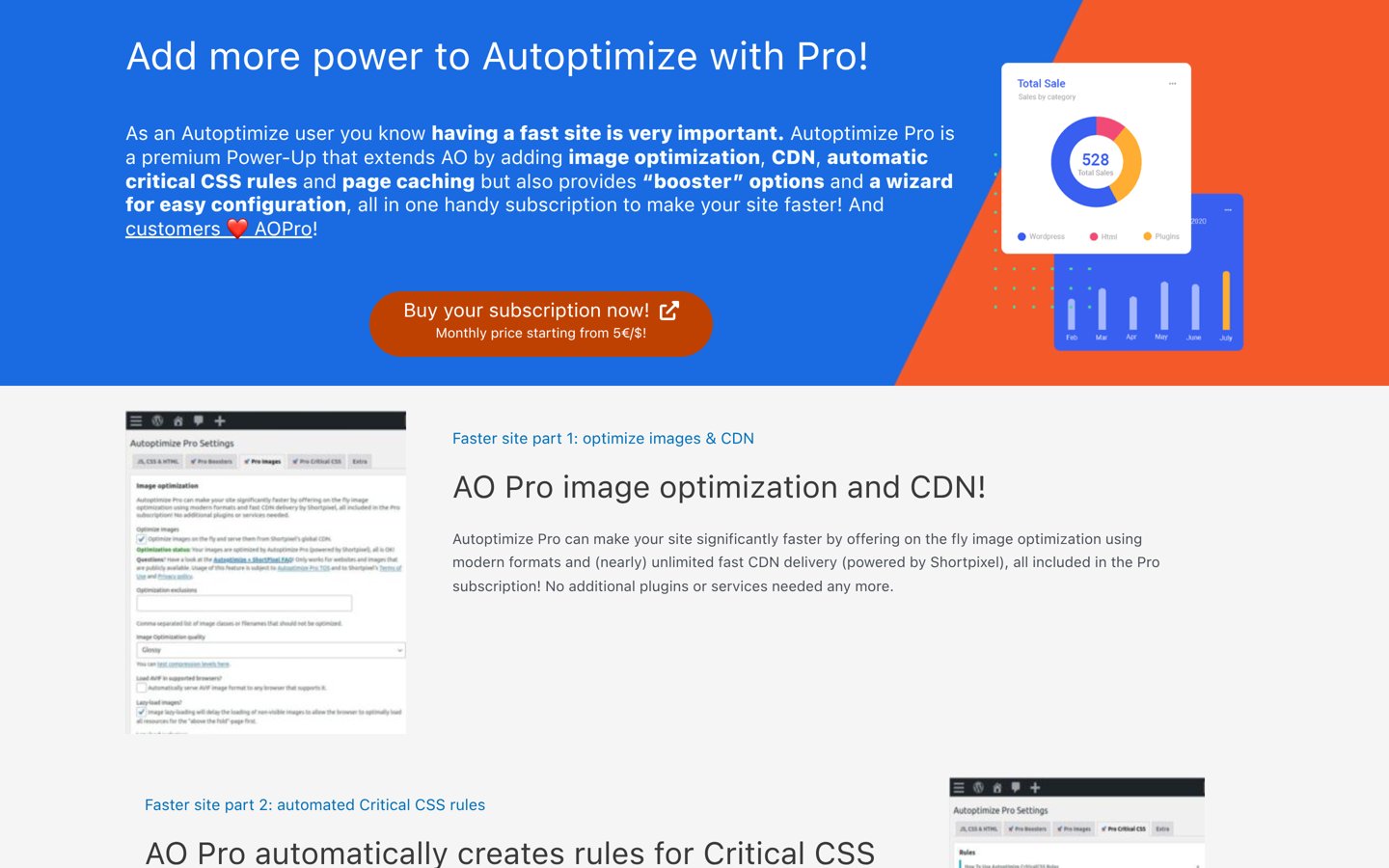
Autoptimize homepage, captured Nov 2026.
Autoptimize is a WordPress asset optimization plugin with 800,000+ active installations, a 4.7 out of 5 rating from 1,429 reviews, and a free plugin paired with Autoptimize Pro starting at $89/year for a single site. The free version focuses on optimizing HTML, CSS, JavaScript, images, and Google Fonts.
The trade off is that the free plugin does not act as a full page cache on its own, while Pro costs $89/year for one site. It suits site owners who want focused CSS and JS optimization or pair it with a separate page caching layer.
What we like
800,000+ active installations and 4.7 rating across 1,429 reviews
Granular CSS and JavaScript minification, deferring, and exclusion rules
Offers a single-site Pro license at $89/year
Watch out for
Free version does not include full page caching out of the box
Aggressive JS or CSS changes can require exclusions to avoid layout issues
Autoptimize Pro at $89/year adds ShortPixel-powered image optimization and CDN, page caching, automatic critical CSS, and boosters.Visit autoptimize.com
07
Jetpack Boost
4.7/5on WordPress.org (613 reviews, checked Nov 2026)
Paid from$239.40/yr
Best for one-click speed modules and Critical CSS from Automattic
Active installs200,000+
WP.org rating4.7 / 5
Total reviews613
Boost plan price$19.95 / mo billed yearly
jetpack.com
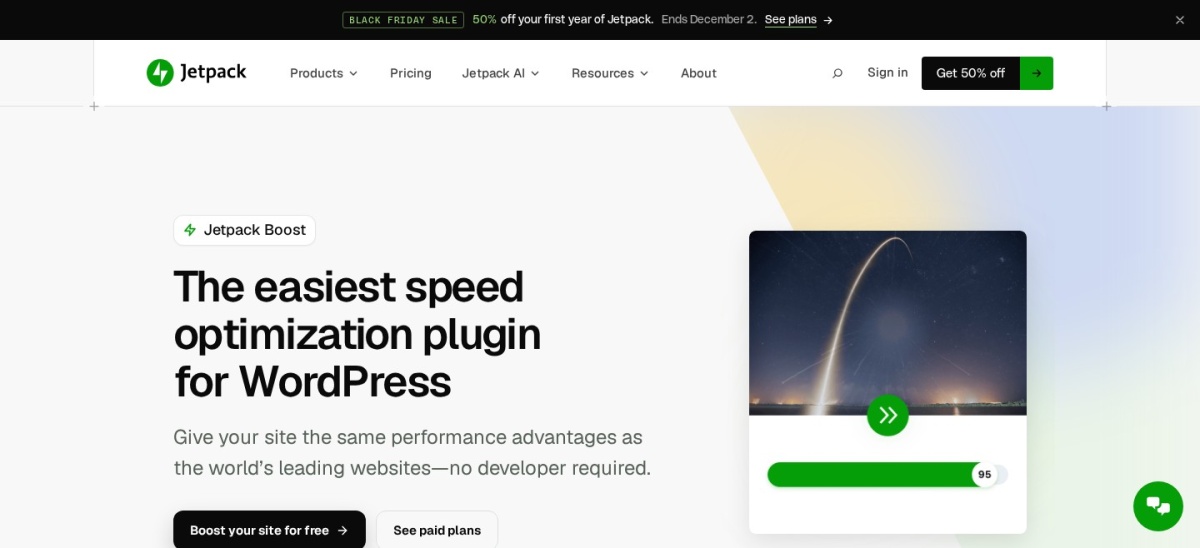
Jetpack Boost homepage, captured Nov 2026.
Jetpack Boost is a WordPress speed plugin from Automattic with 200,000+ active installations, a 4.7 out of 5 rating across 613 reviews, and a free plugin plus a Boost plan listed at $19.95/month billed yearly ($239.40/year) with a first-year discount shown on its product page. Its free tools include performance scoring, image CDN, lazy loading, and manual Critical CSS.
The trade off is that the full-price Boost plan is $19.95/month billed annually ($239.40/year), making it costlier than several competing plugins once introductory discounts end. It suits site owners who want simple toggle switches and automated Critical CSS.
What we like
4.7 rating across 613 reviews and 200,000+ active installations
Free plugin offers one-click toggles, lazy loading, and image CDN
Includes a built-in site speed performance check
Watch out for
Full annual pricing for Boost at $19.95/month ($239.40/year) is steep
Automated Critical CSS regeneration sits on the paid plan
The paid Boost plan adds automated Critical CSS regeneration and easier tracking of image and performance issues.Visit jetpack.com
Page caching vs. asset optimization
Page caching saves a ready-to-serve version of a page so WordPress does not rebuild it from PHP and database queries on every visit. That single step usually cuts server response time more reliably than minifying files.
Asset optimization targets what happens in the browser, such as deferring JavaScript, generating critical CSS, or serving WebP and AVIF images. Combine both carefully and test key pages after enabling script or style changes.
How we chose
We gathered candidates from WordPress.org plugin directory tags for caching, speed, and performance alongside established commercial speed plugins.
All ratings, review counts, active install brackets, and regular pricing details were checked on 22 Nov 2026 from WordPress.org listings and official vendor pricing or product pages.
We excluded plugins that were closed, unmaintained over the past year, lacked verifiable pricing or rating data on opened pages, or did not meet our baseline adoption threshold.
No vendor paid for a place, and we do not claim testing for this list.
How to choose a WordPress page speed plugin
Follow four practical checks before installing or paying for a speed plugin.
Check your hosting stack first. Confirm whether your host already provides server-level page or object caching so your plugin complements it instead of duplicating work.
Start with free or low-risk options. Test free plugins or trial periods on a staging site first to verify that minification, lazy loading, or delayed scripts do not break layouts or checkout flows.
Compare recurring vs. one-time costs. Check the regular renewal price, number of allowed sites, and any CDN or image credits rather than relying only on introductory discounts.
Measure real page metrics after changes. Enable one group of optimizations at a time and check load times and Core Web Vitals so you can spot any regression quickly.
FAQ
What is the best free WordPress page speed plugin?
LiteSpeed Cache is a leading free choice with 7+ million active installations and a 4.8 rating across 2,784 WordPress.org reviews. WP-Optimize and WP Fastest Cache also offer strong free features for caching and site cleanup.
Do I need both a caching plugin and a CSS or JS optimizer?
Many plugins on this list handle both page caching and CSS or JavaScript tweaks in one place. If you use a dedicated optimizer like Autoptimize alongside a cache plugin, avoid turning on duplicate minification or compression features.
Why does a speed plugin sometimes break a page layout?
Combining, minifying, or delaying JavaScript and CSS can change execution order or strip styles needed on initial load. Use safe modes, staging sites, or file exclusion lists to isolate whichever rule causes the conflict.
Is a one-time license better than an annual subscription?
A one-time license like WP Fastest Cache Bronze at $49 can save money over several years if your site needs stay steady. Annual plans often include ongoing feature updates, support, or cloud services that matter if your stack changes.
Should I rely on speed scores alone when picking a plugin?
No. Speed test scores help spot bottlenecks, but real visitor load times, server response speed, and a working site layout matter most. Always check carts, forms, and mobile menus after enabling optimizations.
Can I use a page speed plugin on a WooCommerce store?
Yes, provided you exclude dynamic pages like cart, checkout, and account areas from static caching. Check your chosen plugin's documentation so logged-in shoppers and live stock or cart states behave properly.