LiteSpeed Cache Alternatives in 2026: 8 Best Tools Compared
WLWPLegible EditorsLast verified 22 Nov 2026How we rank9 min read
★ Short answer
WP Rocket is the best LiteSpeed Cache alternative for most WordPress sites, applying 80% of performance best practices upon activation at $59/yr. FlyingPress matches its $59/yr regular price for granular Core Web Vitals tuning, while WP Fastest Cache offers a free tier and a $49 one-time upgrade.
How we make this list: we compare pricing pages, product documentation and public user reviews, then re-check every price before each update. No product paid for a place. Disclosure.
LiteSpeed Cache only delivers server-level caching on LiteSpeed or OpenLiteSpeed servers; Nginx and Apache hosts require PHP-based or cloud alternatives.
WP Rocket ($59/yr regular) and FlyingPress ($59/yr regular) lead paid alternatives with automated Critical CSS, Remove Unused CSS, and JavaScript delay.
WP Fastest Cache holds a 4.9/5 rating across 4,235 WordPress.org reviews and offers a $49 one-time lifetime license for single sites.
WP-Optimize (1M+ installs, 4.8/5) bundles page caching, database cleanup, and image compression in one free plugin.
NitroPack starts with a free tier capped at 1,000 monthly pageviews and scales from $5/mo billed annually ($60/yr) for cloud-offloaded optimization.
Why look for a LiteSpeed Cache alternative?
LiteSpeed Cache is built around server-level caching that only activates when your host runs LiteSpeed Web Server or OpenLiteSpeed. If your WordPress site runs on Nginx or Apache hosting—which includes most shared, VPS, and managed WordPress providers—installing LiteSpeed Cache leaves you without its core page-caching engine unless you route traffic through QUIC.cloud.
A strong alternative on non-LiteSpeed servers needs fast static HTML page caching paired with Core Web Vitals controls. Look for tools that handle render-blocking CSS and JavaScript through Critical CSS generation, Unused CSS removal, and delayed script execution, alongside cache preloading and clean WooCommerce cart exclusions.
Consider whether you want an on-server plugin or a cloud optimization service. On-server plugins like WP Rocket, FlyingPress, and WP Fastest Cache run inside your hosting environment for a flat annual or one-time license, whereas cloud platforms like NitroPack process assets externally and meter pricing by monthly pageviews and CDN bandwidth.
4.6/5on Trustpilot (3,049 reviews, checked Nov 2026)
Starts at$59/yr
Best for plug-and-play speed on any host
Free versionNo (14-day refund)
Entry regular price$59/yr (1 site)
Page cachingStatic HTML + preload
CWV toolsRemove Unused CSS, Delay JS
wp-rocket.me
WP Rocket homepage, captured Nov 2026.
WP Rocket is a commercial WordPress caching and performance plugin that automatically applies 80% of web performance best practices upon activation. Its Single license covers 1 website with static page caching, cache preloading, GZIP compression, lazy loading, database cleanup, Remove Unused CSS, and JavaScript delay, plus automatic WooCommerce cart and checkout exclusions.
The trade off is that there is no free tier or WordPress.org version, and licenses renew annually at $59/yr regular price for 1 site (with seasonal Black Friday discounts dropping first-year rates, and 3-site Plus at $119/yr). It also omits built-in image compression. It suits site owners who want reliable speed gains on Nginx or Apache without manual server configuration.
What we like
Applies page caching, browser caching, and GZIP compression immediately on activation
Includes Remove Unused CSS, Critical CSS, and Delay JS with maintained builder exclusions
Built-in WooCommerce compatibility avoids caching dynamic cart and checkout pages
Flat annual licensing is not metered by monthly pageviews or CDN bandwidth
Watch out for
No free version available on WordPress.org
Image compression requires a separate tool such as Imagify
Annual renewal is required to keep receiving updates and cloud CSS generation
Single plan ($59/yr regular) includes all features for 1 site; Plus ($119/yr) covers 3 sites.Visit wp-rocket.me
02
FlyingPress
4.6/5on Trustpilot (321 reviews, checked Nov 2026)
Starts at$59/yr
Best for granular Core Web Vitals tuning
Free versionNo (14-day trial)
Entry regular price$59/yr (1 site)
Page cachingStatic HTML + Redis support
CWV toolsUnused CSS, Delay JS, Lazy Render
flyingpress.com
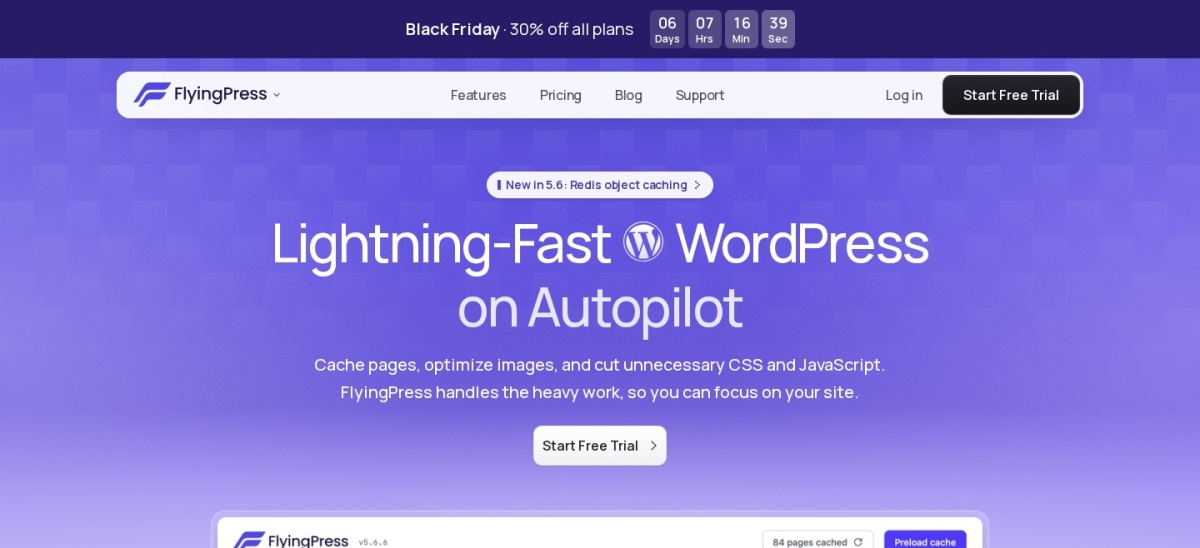
FlyingPress homepage, captured Nov 2026.
FlyingPress is a premium WordPress caching and optimization plugin built around real-user Core Web Vitals metrics. Every plan includes full page caching, cloud page optimization for Critical CSS and Remove Unused CSS, JavaScript delay, below-the-fold HTML lazy-rendering, local Google Fonts hosting, image optimization, and Redis object caching support.
The trade off is the lack of a free tier, with the Starter plan priced at $59/yr regular for 1 website ($41.30 first year during Black Friday promotions, and $109/yr regular for 3 sites on Pro), while its FlyingCDN network is an optional paid add-on. It suits performance-focused site owners and developers tuning LCP and INP on non-LiteSpeed hosts.
What we like
Every plan includes the full optimization feature set without feature gating
Lazy-render defers below-the-fold HTML elements alongside Remove Unused CSS and Delay JS
Hosts Google Fonts locally by default and supports Redis object caching
Staging and development domains do not count against site license limits
Watch out for
No free plugin tier available
Built-in CDN (FlyingCDN) costs extra rather than bundling into base licenses
Aggressive CSS stripping requires checking interactive menus and sliders after setup
Starter ($59/yr regular) unlocks all optimization features for 1 site; Pro ($109/yr) covers 3 sites.Visit flyingpress.com
03
WP Fastest Cache
4.9/5on WordPress.org (4,235 reviews, checked Nov 2026)
Paid from$49 one-time
Best for simple setup and one-time pricing
Free versionYes (WordPress.org)
Entry regular price$49 one-time (1 site)
Page cachingStatic HTML via mod_rewrite
CWV toolsMinify & render-blocking JS
wpfastestcache.com
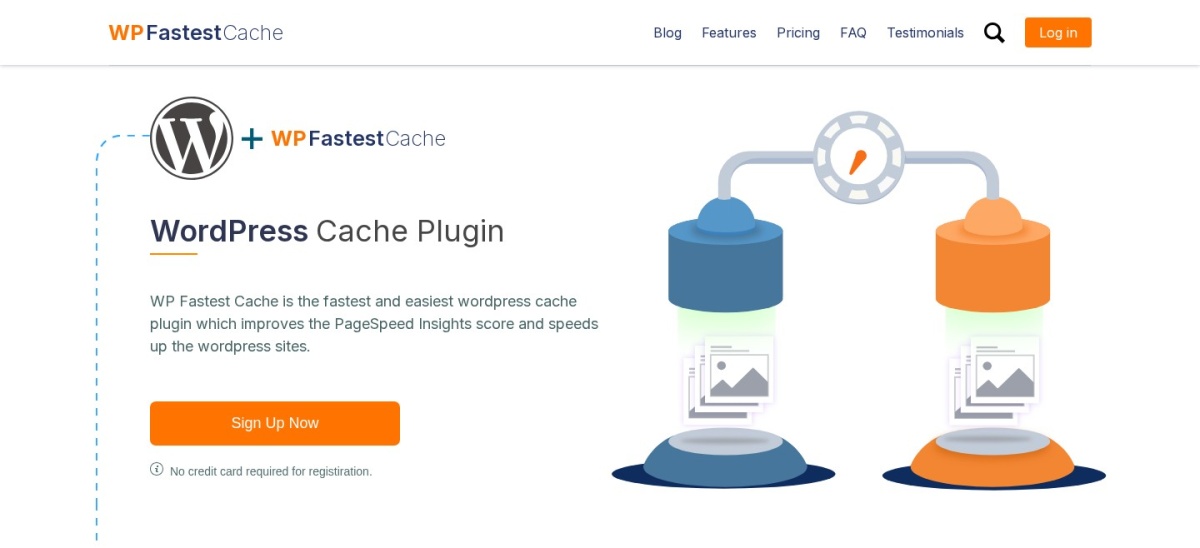
WP Fastest Cache homepage, captured Nov 2026.
WP Fastest Cache is a lightweight WordPress caching plugin configured from a single screen of checkboxes. The free version on WordPress.org delivers static HTML page caching via mod_rewrite, GZIP compression, browser caching, cache preloading, basic CSS/JS minification, and Cloudflare API cache purging across more than 1 million active sites.
The trade off is that image optimization, lazy loading, mobile caching, database cleanup, and JavaScript delay require upgrading to Premium at $49 one-time for 1 license ($125 one-time for 3 licenses), and it lacks automated Remove Unused CSS. It suits beginners and budget-conscious owners who prefer a single lifetime payment over recurring subscriptions.
What we like
One-time lifetime pricing starting at $49 eliminates annual renewal bills
Single-screen checkbox dashboard takes minutes to configure without technical jargon
4.9/5 average rating across 4,235 WordPress.org reviews
Free version includes cache preloading and Cloudflare integration
Watch out for
No automated Critical CSS generation or Remove Unused CSS tool
Lazy loading, image optimization, and Delay JS are locked behind Premium
Fewer granular WooCommerce and page-builder exclusions than WP Rocket
Premium Bronze ($49 one-time) adds image optimization, WebP conversion, lazy load, Delay JS, and DB cleanup.Visit wpfastestcache.com
04
WP-Optimize
4.8/5on WordPress.org (2,616 reviews, checked Nov 2026)
Paid from$49/yr
Best free all-in-one cache and cleanup tool
Free versionYes (WordPress.org)
Entry regular price$49/yr (up to 2 sites)
Page cachingStatic HTML + preloading
Bundled extrasImage compression & DB cleanup
teamupdraft.com
WP-Optimize homepage, captured Nov 2026.
WP-Optimize is an all-in-one performance plugin from TeamUpdraft combining page caching, image compression, minification, and database optimization. Its free WordPress.org plugin gives 1+ million active sites one-click page caching, GZIP compression, cache preloading, HTML/CSS/JS minification, lossless or lossy image compression, and database table cleanup.
The trade off is that lazy loading, WebP image conversion, unused CSS removal, key request preloading, and scheduled database cleanups require WP-Optimize Premium starting at $49/yr regular for up to 2 sites ($99/yr for 5 sites). It suits site owners on non-LiteSpeed hosts who want caching, media compression, and database hygiene in one free plugin.
What we like
Free version bundles page caching, image compression, minification, and database cleanup
Entry Premium Starter tier covers up to 2 websites for $49/yr regular
Deep database cleanup removes revisions, transients, and orphaned metadata
Actively maintained with 1M+ active installs and a 4.8/5 WordPress.org rating
Watch out for
Lazy loading and unused CSS removal are gated behind Premium plans
JavaScript and CSS combination is disabled by default and requires careful testing
Fewer advanced Core Web Vitals script controls than WP Rocket or FlyingPress
Starter ($49/yr regular for 2 sites) unlocks lazy loading, WebP conversion, unused CSS removal, and scheduled cleanups.Visit teamupdraft.com
05
W3 Total Cache
4.4/5on WordPress.org (5,421 reviews, checked Nov 2026)
Paid from$99/yr
Best free option for granular cache control
Free versionYes (WordPress.org)
Entry regular price$99/yr (1 site)
Page cachingDisk, Redis, Memcached
Bundled extrasObject, DB & fragment cache
boldgrid.com
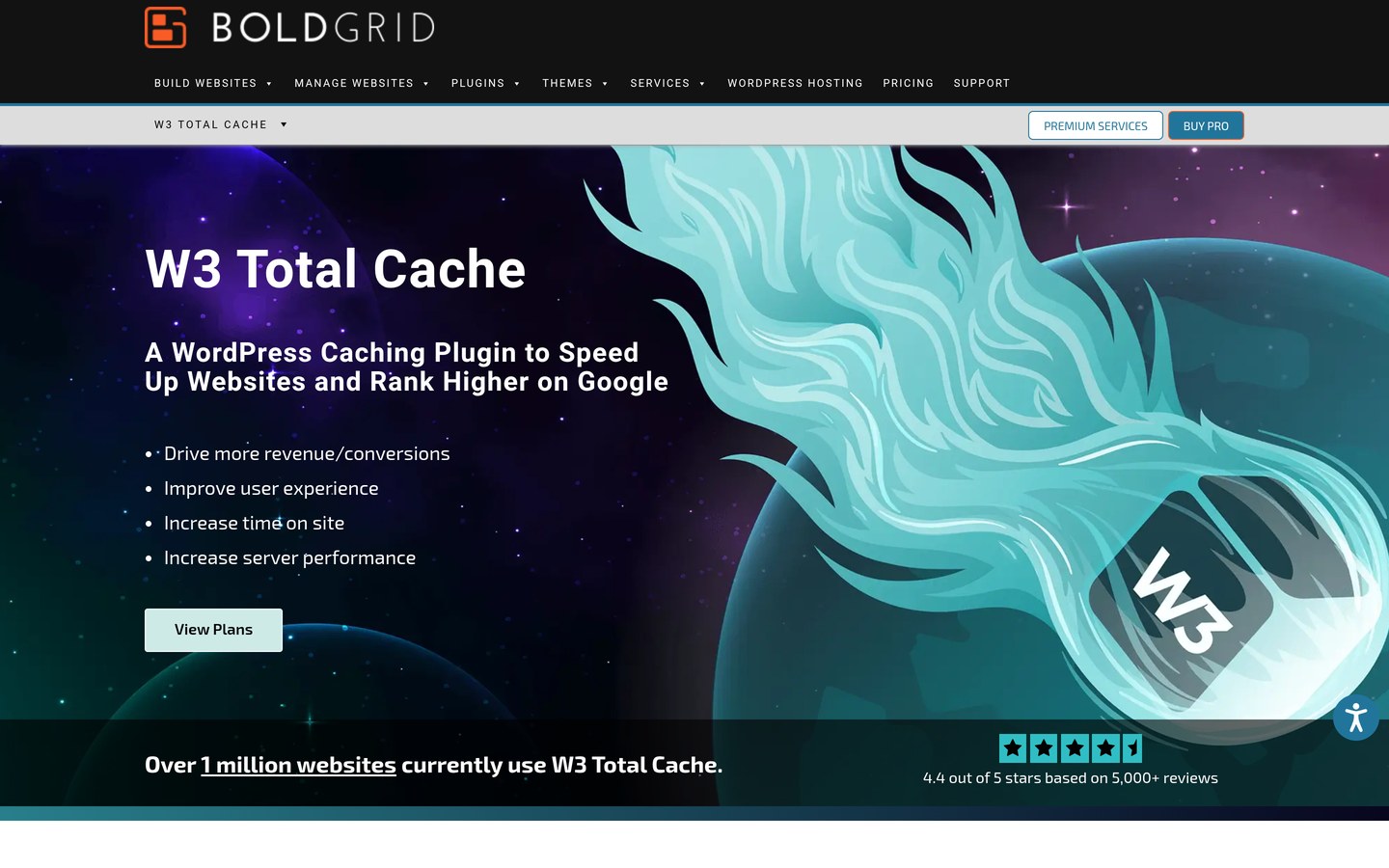
W3 Total Cache homepage, captured Nov 2026.
W3 Total Cache is a developer-oriented WordPress performance framework offering granular control over every caching layer. Its free plugin on WordPress.org supports page caching, browser caching, database caching, Redis and Memcached object caching, HTML/CSS/JS minification, lazy loading, WebP conversion, and integration with more than a dozen CDN providers.
The trade off is a steep learning curve across dozens of settings tabs where wrong combinations can break layouts, plus a $99/yr regular price per site for Pro ($350/yr for 5 sites). It suits developers and technical administrators running VPS or dedicated servers who want direct control over Redis, Memcached, and CDN behavior.
What we like
Free version includes Redis and Memcached object caching plus database caching
Supports over a dozen CDN providers with fine-grained asset delivery rules
Includes WP-CLI commands for cache purging and automation
Proven track record across 900,000+ active WordPress installations
Watch out for
Complex multi-tab interface overwhelms non-technical site owners
Pro upgrade is expensive at $99/yr for a single website
Misconfigured minify or database cache settings can break dynamic site features
Pro ($99/yr regular for 1 site) adds fragment caching, REST API caching, full-site delivery, and priority support.Visit boldgrid.com
06
NitroPack
4.2/5on WordPress.org (311 reviews, checked Nov 2026)
Paid from$5/mo
Best for hands-off cloud optimization & CDN
Free versionYes (1,000 pageviews/mo)
Entry regular price$5/mo billed annually ($60/yr)
Page cachingCloud-hosted HTML + CDN
Bundled extrasCloudflare CDN + WebP/AVIF
nitropack.io
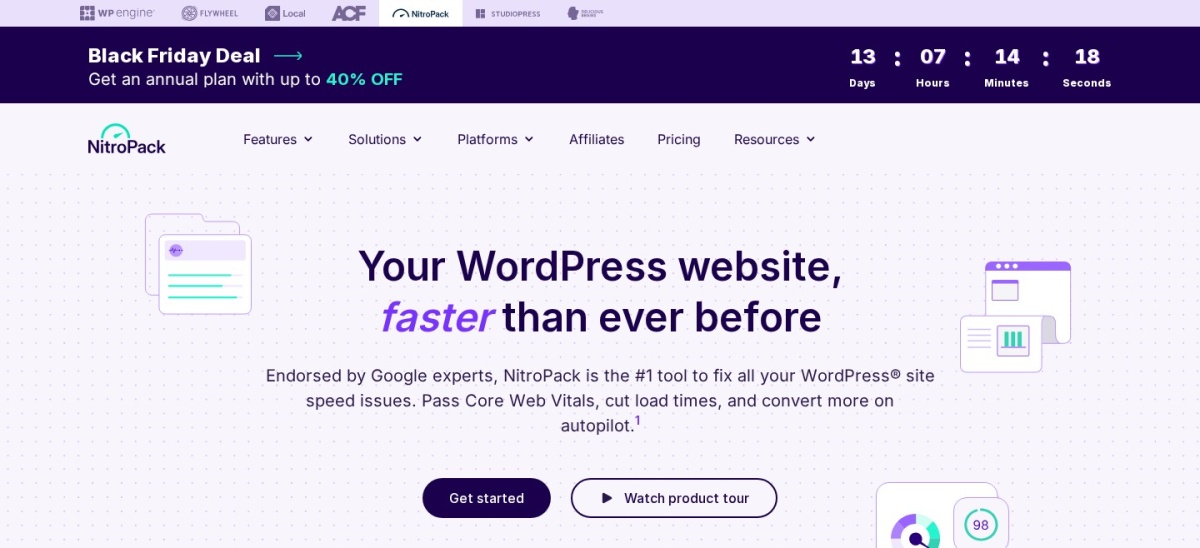
NitroPack homepage, captured Nov 2026.
NitroPack is a cloud-based speed optimization service that offloads page caching, CSS/JS optimization, image compression, and CDN delivery onto external servers so your host's CPU and RAM stay free. Its free plan covers 1 website up to 1,000 monthly pageviews and 1 GB of CDN bandwidth, including Critical CSS, JavaScript delay, and Cloudflare-powered edge delivery.
The trade off is usage-based pricing that scales with traffic—paid plans start at $5/mo billed annually ($60/yr) for Starter (8,000 monthly pageviews, 5 GB CDN) and $18/mo billed annually ($216/yr) for Plus (40,000 pageviews)—and full dependency on NitroPack's external cloud. It suits low-maintenance business sites wanting automated Core Web Vitals optimization.
What we like
Offloads heavy CSS, JS, and image processing off your hosting server's CPU
Includes a built-in global Cloudflare-powered CDN with HTTP/3 and Brotli compression
Automates Critical CSS, font subsetting, and WooCommerce cart caching
Free plan lets you test full cloud optimization on small sites up to 1,000 pageviews/mo
Watch out for
Metered pageview and CDN bandwidth limits raise costs as traffic grows
Optimizations pause if you exceed your monthly pageview or CDN quota
Requires external account connection and does not provide local Redis object caching
Starter ($5/mo billed annually) raises limits to 8,000 monthly pageviews and 5 GB CDN bandwidth for 1 site.Visit nitropack.io
07
Hummingbird
4.7/5on WordPress.org (1,488 reviews, checked Nov 2026)
Paid from$50/yr
Best for WPMU DEV users needing bundled CDN
Free versionYes (WordPress.org)
Entry regular price$50/yr (1 site + 50 GB CDN)
Page cachingStatic HTML + Cloudflare purge
Bundled extras50 GB CDN + WPMU DEV suite
wpmudev.com
Hummingbird homepage, captured Nov 2026.
Hummingbird is WPMU DEV's performance optimization plugin combining page caching, browser caching, GZIP compression, asset minification, and lazy loading. Its free version on WordPress.org runs on 70,000+ active sites and includes Safe Mode testing for CSS/JS asset optimization alongside Cloudflare and Varnish cache purging.
The trade off is that automated Critical CSS generation, Delay JavaScript Execution, and its 119-location CDN require upgrading to Pro Basic at $50/yr regular for 1 site (including 50 GB CDN and 5 GB backup storage). It suits site owners who want caching paired with a built-in CDN and WPMU DEV's companion plugins.
What we like
Pro Basic ($50/yr) bundles 50 GB of 119-point global CDN bandwidth and 5 GB backups
Safe Mode lets you preview CSS and JavaScript asset changes before pushing live
Free version supports Cloudflare and Varnish cache purging out of the box
Upgrading unlocks WPMU DEV's companion suite including Smush and Defender
Watch out for
Critical CSS and Delay JavaScript Execution are locked behind paid Pro plans
Dashboard performance audits require connecting a free WPMU DEV account
Smaller active install base (70,000+) than WP Fastest Cache or WP-Optimize
Pro Basic ($50/yr regular for 1 site) unlocks Critical CSS, Delay JS, 50 GB CDN, and the WPMU DEV plugin suite.Visit wpmudev.com
08
WP Super Cache
4.3/5on WordPress.org (1,346 reviews, checked Nov 2026)
PriceFree
Best completely free static HTML cache
Free version100% free (GPL)
Entry regular priceFree (no paid plan)
Page cachingStatic HTML (Expert/Simple)
Bundled extrasPreload & CDN URL rewrite
wordpress.org
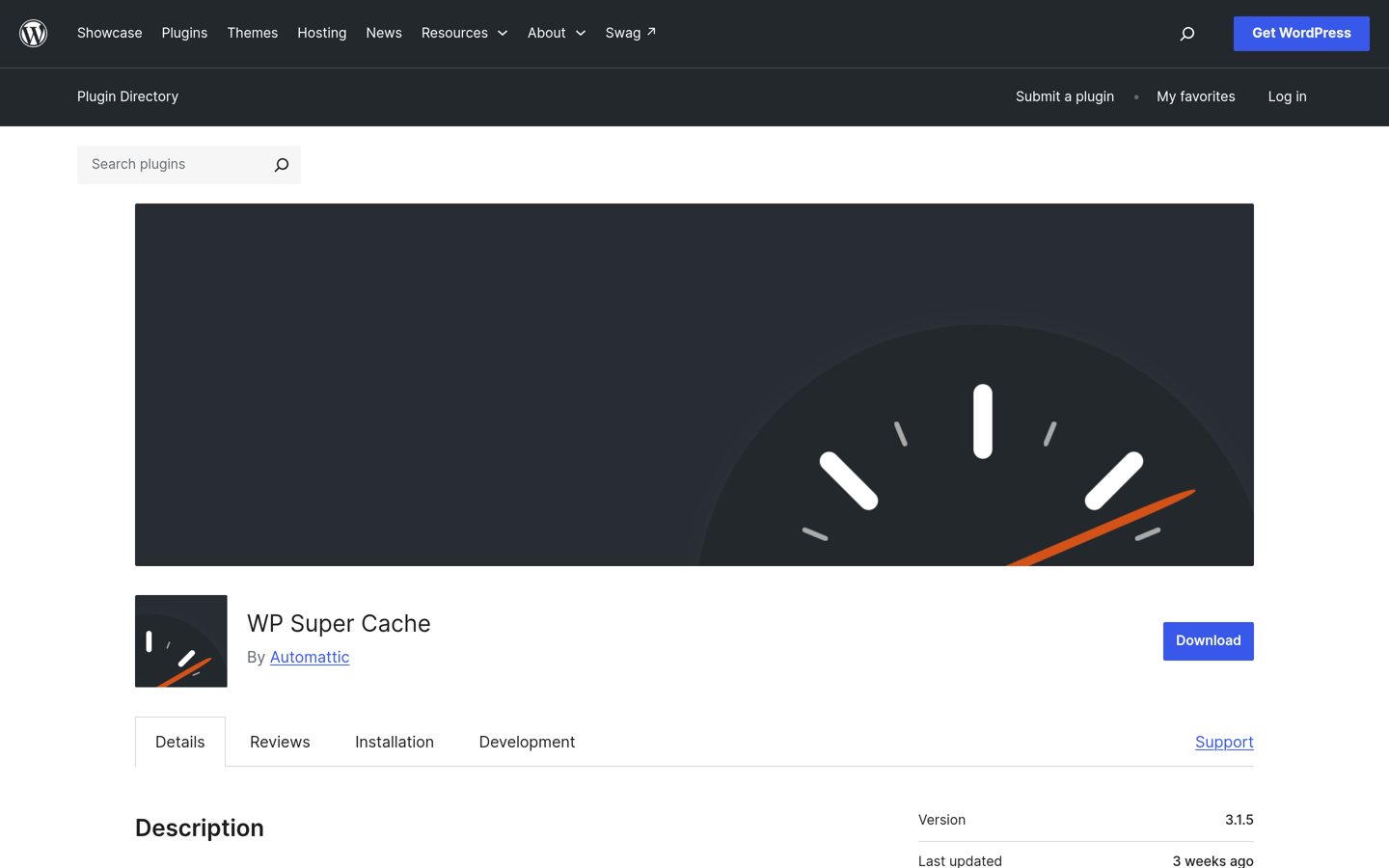
WP Super Cache homepage, captured Nov 2026.
WP Super Cache is Automattic's completely free WordPress caching plugin that generates static HTML files so your server bypasses heavy PHP scripts for most visitors. Running on 1+ million active sites, it includes Simple and Expert Apache rewrite caching modes, cache preloading, garbage collection, REST API caching controls, and basic CDN URL rewriting with zero paid upsells.
The trade off is that it only handles page caching—there is no CSS/JS minification, Critical CSS, JavaScript delay, image optimization, or database cleanup, meaning you must pair it with separate optimization plugins. It suits high-traffic blogs and publishers that already have lean themes and only need dependable static HTML caching.
What we like
100% free and open-source with no paid tiers, license keys, or feature paywalls
Maintained by Automattic with over 1 million active installations
Expert mode serves static HTML directly via web server rewrite rules without loading PHP
Minimal risk of breaking CSS or JavaScript since it does not modify front-end assets
Watch out for
No CSS/JS minification, Delay JS, or Unused CSS removal tools
No built-in image compression, lazy loading, or database optimization
Requires pairing with a plugin like Autoptimize to address Core Web Vitals asset warnings
No paid version exists; all caching, preloading, and CDN rewrite features are free.Visit wordpress.org
Which alternative matches your hosting server?
Before replacing LiteSpeed Cache, check your server header or hosting dashboard to confirm whether you run on Nginx, Apache, or a managed host with built-in caching. Many managed WordPress hosts—including Kinsta, WP Engine, and SiteGround—already run server-level Nginx or Varnish page caching, which means a second page-caching plugin can create duplicate cache layers unless configured carefully.
On standard Nginx or Apache shared and VPS hosting without built-in edge caching, WP Rocket and FlyingPress replace LiteSpeed Cache's full stack (page cache plus CSS/JS optimization) with minimal setup. If you already use host-level page caching and only need asset optimization, pairing WP Super Cache or your host's cache with a lightweight asset optimizer avoids conflicts.
How we chose
We built this comparison by evaluating established WordPress caching and speed plugins that deliver full page caching on Nginx and Apache servers where LiteSpeed Cache cannot use its native server-level cache engine. Every candidate needed at least 70,000 active installations or hundreds of verified public reviews alongside active updates within the last 12 months.
All active install counts, review totals, ratings, and regular entry-plan prices were checked and verified on 22 Nov 2026 across WordPress.org, Trustpilot, and official vendor pricing pages. Where vendors ran seasonal Black Friday promotions, we listed the regular annual renewal rate in the price ladder and noted the promotional discount in the review text.
We excluded host-locked plugins such as SiteGround Speed Optimizer and Cloudways Breeze because they only deliver full functionality on their parent hosting platforms, as well as script-only utilities like Autoptimize and Perfmatters that lack standalone page caching. No vendor paid for a place, and we do not claim testing for this list.
How to choose a LiteSpeed Cache alternative
Confirm your hosting server type first so you do not duplicate caching layers your host already runs at the server edge.
Check if your host already provides server-level page caching. Hosts using Nginx FastCGI cache or Varnish already cache HTML at the server level; adding a second page cache without disabling one layer can cause stale pages or checkout issues.
Decide between on-server plugins and metered cloud services. Plugins like WP Rocket, FlyingPress, and WP Fastest Cache charge a flat license regardless of traffic, while NitroPack processes assets in the cloud and bills by monthly pageviews and CDN bandwidth.
Match Core Web Vitals features to your theme weight. Heavy page builders benefit most from Remove Unused CSS and Delay JavaScript Execution in WP Rocket or FlyingPress, whereas lean block themes often perform well with WP Fastest Cache or WP Super Cache.
Verify WooCommerce cart and checkout exclusions. If you run an online store, choose a plugin with automatic dynamic exclusions for cart, checkout, and account URLs so shoppers never see cached session data.
FAQ
Does LiteSpeed Cache work on Nginx or Apache servers?
LiteSpeed Cache installs on Nginx and Apache servers, but its server-level page cache only works on LiteSpeed Web Server or OpenLiteSpeed. Without LiteSpeed hosting or a paid QUIC.cloud setup, you lose its primary speed advantage.
What is the closest paid alternative to LiteSpeed Cache?
WP Rocket and FlyingPress are the closest paid alternatives for non-LiteSpeed hosts. Both cost $59/yr regular for one site and include static page caching, Remove Unused CSS, Critical CSS generation, and JavaScript delay.
What is the best free LiteSpeed Cache alternative?
WP-Optimize is the strongest free all-in-one alternative on WordPress.org, bundling page caching, image compression, minification, and database cleanup. WP Fastest Cache is another top free pick if you prefer single-screen checkbox settings.
Can I use two caching plugins at the same time?
No, running two page-caching plugins simultaneously causes file conflicts, broken CSS/JS minification, and stale content. Fully deactivate and purge your existing caching plugin before activating a replacement.
Do WP Rocket or FlyingPress include a free CDN like QUIC.cloud?
Neither WP Rocket nor FlyingPress includes a free CDN in its base $59/yr license; both integrate with third-party CDNs like Cloudflare or Bunny.net, and FlyingPress sells FlyingCDN separately. NitroPack and Hummingbird Pro bundle CDN bandwidth.
Which LiteSpeed Cache alternative has a lifetime license?
WP Fastest Cache is the only major caching plugin on this list offering a one-time lifetime payment, starting at $49 for a single-site Premium license with no recurring annual renewal fees.