Perfmatters Alternatives in 2026: 7 Best Tools Compared
WLWPLegible EditorsLast verified 22 Nov 2026How we rank8 min read
★ Short answer
FlyingPress is the top overall alternative for site owners who want page caching, script delays, and image compression in one plugin starting at $59/yr. LiteSpeed Cache fits LiteSpeed server users on a free plan, while WP Rocket suits teams that prefer quick default caching settings.
How we make this list: we compare pricing pages, product documentation and public user reviews, then re-check every price before each update. No product paid for a place. Disclosure.
FlyingPress starts at $59/yr for 1 site and bundles page caching, cloud page optimization, and image optimization.
LiteSpeed Cache has 7+ million active installations and a 4.8-star rating on WordPress.org, with core caching free on LiteSpeed servers.
WP Rocket starts at $59/yr for 1 site and applies common performance settings right after activation.
WP-Optimize has 1+ million active installations and starts at $49/yr for up to 2 sites on its Starter plan.
Asset CleanUp Pro starts at $49/yr for 1 production site and adds per-page plugin unloading on top of the free Lite version.
What to look for when replacing Perfmatters
Perfmatters focuses heavily on disabling unused WordPress scripts, delaying JavaScript, and trimming front-end bloat rather than handling full-page caching on its own. When looking for an alternative, check whether your hosting stack already provides page caching, object caching, or image compression.
Some replacements act as full-stack speed plugins that combine page caching, asset minification, and media tools in one license. Others focus strictly on asset unloading or code minification and are meant to sit alongside an existing cache layer.
Pay attention to whether a tool relies on external cloud services for critical CSS, image conversion, or CDN delivery. Cloud-backed features can improve speed metrics, though some include usage quotas or require external connectivity.
Finally, match the license model to your site count and workflow. A single-site owner has very different renewal costs than an agency managing dozens of client sites.
4.9/5on FlyingPress (2,847 reviews, checked Nov 2026)
Starts at$59/yr
Best for all-in-one speed optimization
Entry planStarter (1 site)
CachingPage & Redis
ImagesJPG, PNG, WebP, AVIF
Trial14-day free trial
flyingpress.com
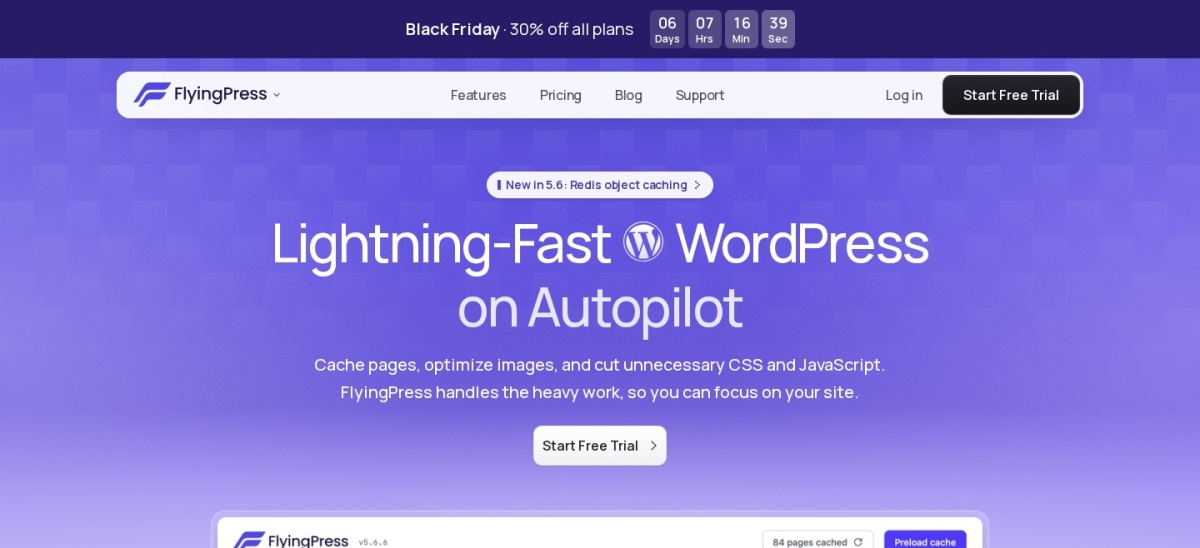
FlyingPress homepage, captured Nov 2026.
FlyingPress is a commercial WordPress speed plugin that combines page caching, cloud page optimization, image compression, and Core Web Vitals tracking. Its Starter plan covers 1 website with full feature access and a 14-day free trial.
The trade off is that it requires a paid subscription at $59/yr after the trial rather than offering a permanent free tier (a 30% Black Friday discount runs through November 27, 2026). It suits site owners who want one plugin to cover caching, assets, and images.
What we like
Includes page caching, CSS/font/media optimization, and image conversion in every plan
Supports Redis object caching when Redis is available on the host
Offers the same feature set across single-site and multi-site licenses
Watch out for
No permanent free plan after the 14-day trial ends
FlyingCDN is a separate paid add-on rather than bundled in the base license
Paid plans start at $59/yr for 1 site and add multi-site allowances up to Unlimited sites.Visit flyingpress.com
02
LiteSpeed Cache
4.8/5on WordPress.org (2,566 reviews, checked Nov 2026)
PriceFree
Best for LiteSpeed server caching
Active installs7+ million
WP rating4.8 / 5
Cache layerLiteSpeed server cache
Extra servicesQUIC.cloud optional
litespeedtech.com
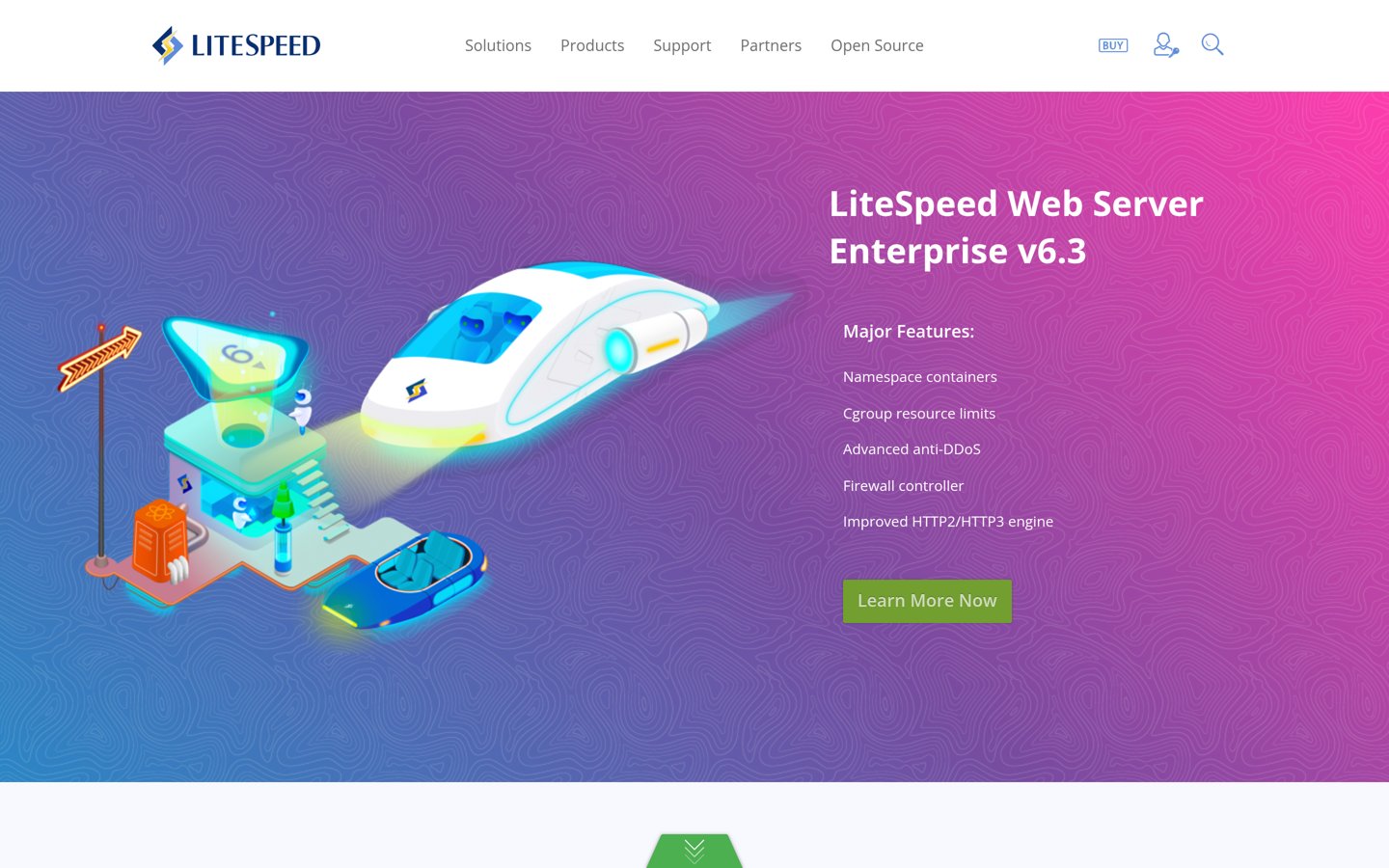
LiteSpeed Cache homepage, captured Nov 2026.
LiteSpeed Cache is a free WordPress acceleration plugin used on 7+ million sites that pairs server-level page caching with CSS/JS minification, lazy loading, and database cleanup. Its core plugin is free, though full server-level caching requires a LiteSpeed or OpenLiteSpeed server or QUIC.cloud.
The trade off is that its strongest caching advantages depend on compatible server software, and certain QUIC.cloud services carry usage limits or fees at higher tiers. It suits sites hosted on LiteSpeed infrastructure that want strong caching without a plugin fee.
What we like
Free open-source plugin with server-level page caching on LiteSpeed servers
Supports object cache, image optimization, CSS/JS tools, and WooCommerce
Large user base with 7+ million active installations
Watch out for
Server-exclusive caching features require LiteSpeed, OpenLiteSpeed, or QUIC.cloud
Large settings panels can take time to tune carefully
The core plugin is free, while QUIC.cloud usage above free quotas can require payment.Visit litespeedtech.com
03
WP Rocket
4.8/5on WP Rocket (2,777 reviews, checked Nov 2026)
Starts at$59/yr
Best for fast out-of-the-box caching
Entry planSingle (1 site)
SetupAutomatic defaults
MonitoringRocket Insights included
Trial14-day free trial
wp-rocket.me
WP Rocket homepage, captured Nov 2026.
WP Rocket is a paid WordPress caching plugin that applies common caching and performance defaults upon activation, alongside options for delaying JavaScript and removing unused CSS. Its Single license starts at $59/yr for 1 website and includes Rocket Insights and a 14-day free trial.
The trade off is that there is no free version and its regular single-site price is $59/yr (promotional Black Friday pricing applies to the first period before regular renewal rates). It suits site owners who want quick setup and predictable caching defaults.
What we like
Starts caching with minimal configuration after activation
Includes Rocket Insights for tracking page performance inside WordPress
Supports WooCommerce and multilingual site setups
Watch out for
No free tier after the 14-day trial
Add-ons like full-site CDN or image compression cost extra
Paid plans start at $59/yr for 1 site and scale up to multi-site tiers.Visit wp-rocket.me
04
WP-Optimize
4.8/5on WordPress.org (2,397 reviews, checked Nov 2026)
Paid from$49/yr
Best for database cleanup plus caching
Active installs1+ million
WP rating4.8 / 5
Paid entry$49/yr (up to 2 sites)
Key toolsCache, images, database
teamupdraft.com
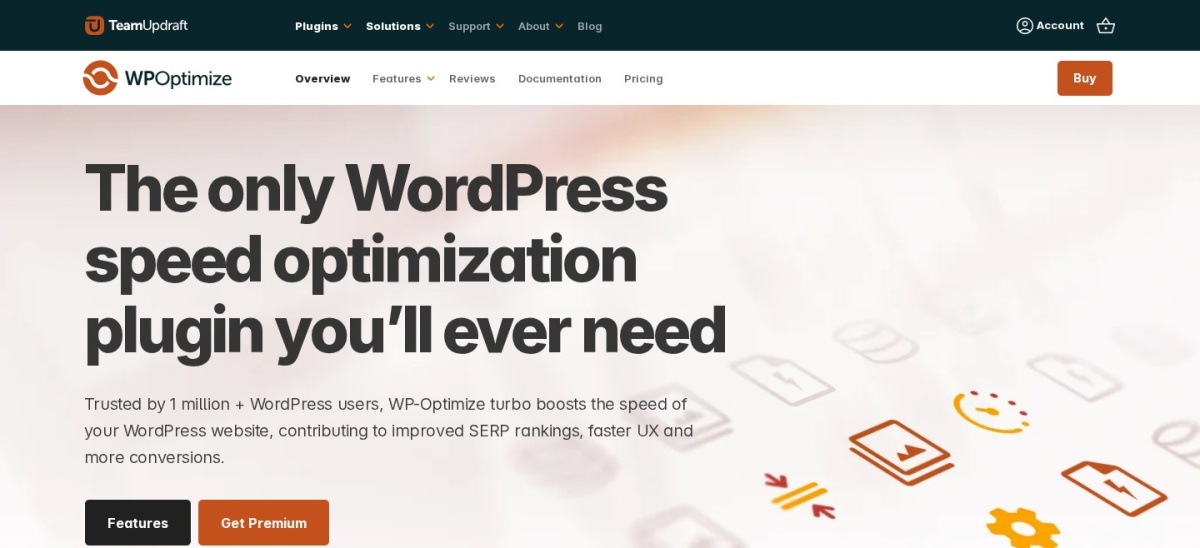
WP-Optimize homepage, captured Nov 2026.
WP-Optimize is a WordPress performance plugin with 1+ million active installations that combines page caching, database cleanup, image compression, and asset minification. Its free version covers core caching, image optimization, and routine database cleaning, while Premium starts at $49/yr for up to 2 sites.
The trade off is that features like multisite database optimization, lazy loading, and flexible cleanup schedules require the $49/yr Starter plan. It suits sites with bloated databases or media libraries that want cleanup and caching in one tool.
What we like
Strong database cleanup tools for revisions, transients, and spam
Includes image compression and WebP conversion alongside page caching
Active free version with 1+ million installations and regular updates
Watch out for
Lazy loading and multisite controls sit behind the paid plan
Database cleanup should be paired with backups before running large purges
Starter plan starts at $49/yr for up to 2 sites with added scheduling and cleanup tools.Visit teamupdraft.com
05
Asset CleanUp
4.9/5on WordPress.org (1,515 reviews, checked Nov 2026)
Paid from$49/yr
Best for per-page script and plugin control
Active installs100,000+
WP rating4.9 / 5
Paid entry$49/yr (1 site)
Safety toolTest Mode included
gabelivan.com
Asset CleanUp homepage, captured Nov 2026.
Asset CleanUp is a WordPress asset-management plugin with 100,000+ active installations that lets you unload unnecessary CSS and JavaScript per page or post. The free Lite version includes asset unloading and Test Mode, while Asset CleanUp Pro starts at $49/yr for 1 production site.
The trade off is that it does not replace a page-caching plugin, and unloading the wrong script can break page elements if not checked at $49/yr for Pro (with a 40% Black Friday offer shown through December 1, 2026). It suits site builders who want granular control over where scripts load.
What we like
Granular CSS and JavaScript unloading by page, post, or post type
Test Mode previews asset rules for admins before visitors see changes
Pro unlocks full plugin unloading by page and additional conditional rules
Watch out for
Requires manual review and testing to avoid breaking forms or layouts
Does not provide built-in page caching on its own
Asset CleanUp Pro starts at $49/yr for 1 site and adds plugin-level unloading rules.Visit gabelivan.com
06
Autoptimize
4.7/5on WordPress.org (1,290 reviews, checked Nov 2026)
Paid from$89/yr
Best for free CSS, JS, and HTML minification
Active installs800,000+
WP rating4.7 / 5
Paid entry$89/yr (1 site)
FocusCSS, JS, HTML, fonts
autoptimize.com
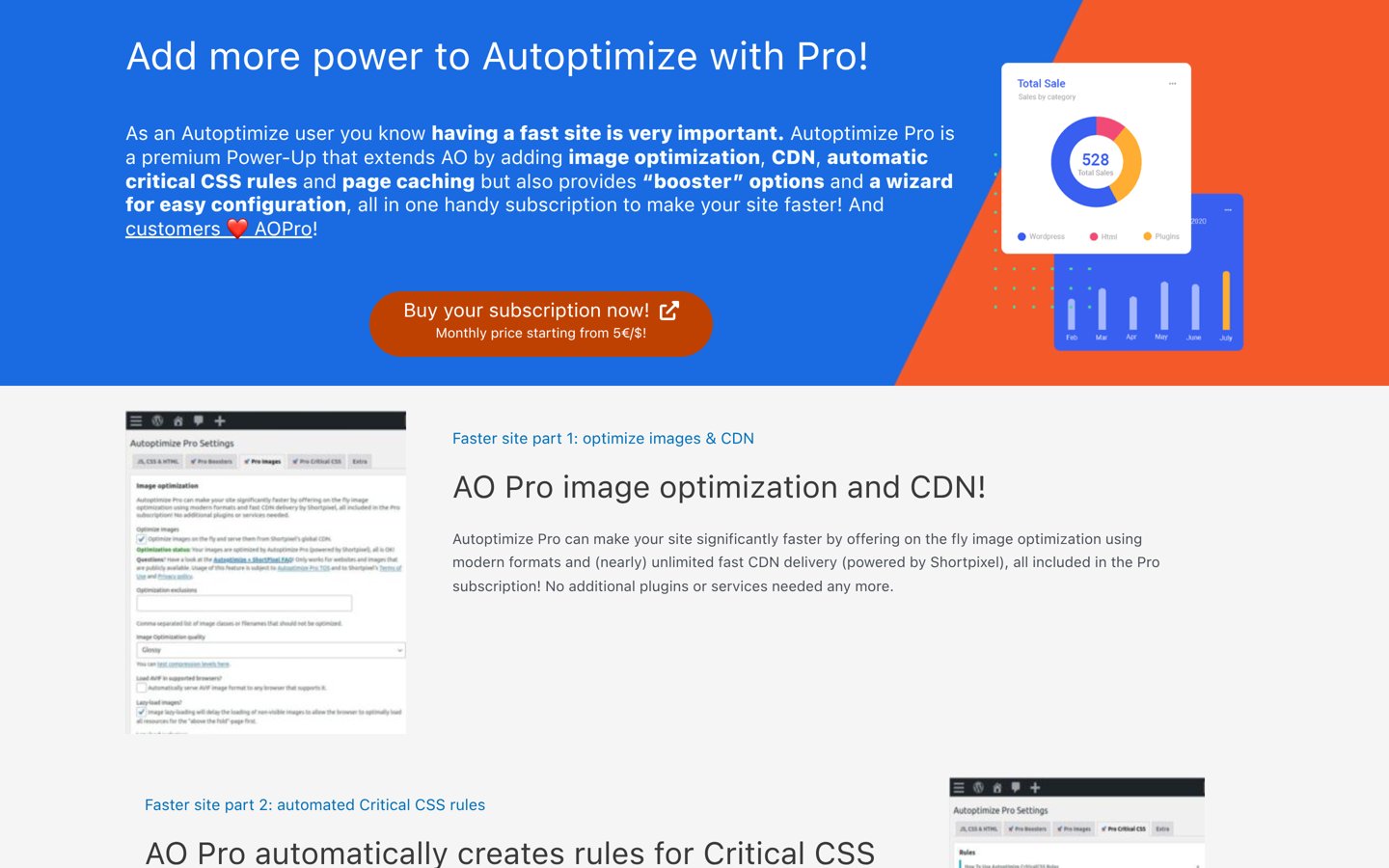
Autoptimize homepage, captured Nov 2026.
Autoptimize is a widely used WordPress code-optimization plugin with 800,000+ active installations that minifies and optimizes CSS, JavaScript, HTML, and Google Fonts. Its core plugin is free, while Autoptimize Pro starts at $89/yr for a single site.
The trade off is that the free plugin does not handle full-page caching on its own, and Pro costs $89/yr for 1 site. It suits users who already have caching in place and want a straightforward code optimizer.
What we like
Proven free plugin with 800,000+ active installations
Clean controls for CSS, JavaScript, HTML, and Google Fonts optimization
Autoptimize Pro adds automated critical CSS, image optimization, CDN, and page caching
Watch out for
Free version needs a separate page-caching plugin for full caching benefits
Single-site Pro pricing at $89/yr is higher than several rivals
Autoptimize Pro starts at $89/yr for 1 site and adds page caching, CDN, and critical CSS.Visit autoptimize.com
07
Hummingbird
4.7/5on WordPress.org (1,319 reviews, checked Nov 2026)
Paid from$50/yr
Best for bundled CDN and performance checks
Active installs70,000+
WP rating4.7 / 5
Paid entry$50/yr (1 site)
Extra feature119-node CDN in Pro
wpmudev.com
Hummingbird homepage, captured Nov 2026.
Hummingbird is a WordPress performance plugin from WPMU DEV with 70,000+ active installations that provides caching, asset optimization, performance scans, and uptime checks. The free plugin covers basic optimization tools, while Hummingbird Pro starts at $50/yr for 1 site.
The trade off is that critical CSS generation, JavaScript delay, and CDN delivery require the $50/yr Pro Basic plan. It suits site owners who want asset tweaks plus a built-in CDN and WPMU DEV tools.
What we like
Includes a 119-location CDN, critical CSS, and delayed JavaScript on Pro
Offers Safe Mode to test optimization changes before applying them
Entry Pro Basic license is $50/yr for 1 site
Watch out for
Key script and critical CSS features are locked to paid plans
Smaller install base on WordPress.org than LiteSpeed Cache or WP-Optimize
Pro Basic starts at $50/yr for 1 site and adds critical CSS, JS delay, and CDN access.Visit wpmudev.com
Do you need script unloading or full-page caching?
Perfmatters is best known for script control—stopping unneeded plugins or scripts from loading on pages where they are not used. If your main problem is slow time to first byte or uncached HTML pages, a caching plugin like FlyingPress, LiteSpeed Cache, or WP Rocket addresses the bottleneck more directly.
If your host already caches pages well and your main issue is heavy third-party or plugin scripts, pairing a lightweight cache with Asset CleanUp or a targeted script tool can keep your setup focused.
How we chose
We selected established WordPress speed and performance plugins that are actively maintained and commonly evaluated as alternatives to Perfmatters.
All WordPress.org ratings, review counts, and active installation figures, along with vendor pricing pages, were checked on 22 Nov 2026.
We excluded unmaintained plugins and products whose pricing pages could not be directly verified for regular entry rates. No vendor paid for a place, and we do not claim testing for this list.
How to choose the right alternative in 4 steps
Follow these steps to pick a replacement that fits your hosting stack and workflow:
Check what your hosting already handles. List whether your host provides page caching, Redis, CDN delivery, or image compression so you do not pay twice for overlapping features.
Decide between all-in-one and modular tools. Choose a broad plugin like FlyingPress or WP Rocket for one-plugin convenience, or pair a cache plugin with Asset CleanUp or Autoptimize for modular control.
Compare regular renewal prices, not just promos. Check the standard annual price for your required site count so first-period discounts do not surprise you later.
Test script and CSS changes safely. Enable one optimization at a time and check forms, menus, and checkout flows before keeping the setting active.
FAQ
What is the closest alternative to Perfmatters for script control?
Asset CleanUp is one of the closest alternatives for controlling which CSS, JavaScript, and plugin assets load on specific pages. Its free Lite version offers page-level asset unloading and Test Mode, while Pro starts at $49/yr for 1 site.
Which Perfmatters alternative is completely free?
LiteSpeed Cache is free to use on WordPress.org and provides strong page caching when your site runs on a LiteSpeed or OpenLiteSpeed server or uses QUIC.cloud. Autoptimize and WP-Optimize also offer free versions for core tasks.
Is FlyingPress or WP Rocket better if I want an all-in-one plugin?
Both start at $59/yr for 1 site. FlyingPress bundles image optimization and cloud page optimization in its plans, while WP Rocket focuses on fast default caching setup and includes Rocket Insights.
Can I run two speed optimization plugins at the same time?
You can combine complementary tools, such as a caching plugin and an asset manager, if you avoid enabling the same minification or script-delay features twice. Overlapping optimizations often cause layout glitches or script errors.
Do these plugins work with WooCommerce stores?
Yes, plugins such as FlyingPress, LiteSpeed Cache, WP Rocket, and Asset CleanUp support WooCommerce setups, though cart and checkout pages should always be excluded from full-page caching and tested after changes.
Why do some speed plugins need cloud services?
Tasks like generating critical CSS, converting images to WebP or AVIF, and serving edge assets can be heavy on shared hosting. Offloading those steps to cloud servers reduces origin server load.