For teams asking what s the best tool for software documentation, GitBook leads with Git sync, a visual editor and a free plan for one user. Confluence suits Jira teams best, while Notion works well when docs share space with projects.
How we make this list: we compare pricing pages, product documentation and public user reviews, then re-check every price before each update. No product paid for a place. Disclosure.
GitBook leads for most teams: Git sync, a visual editor and a free plan, at $65 a site a month plus users.
Confluence is the cheapest paid start at $5.78 a user a month, and the natural pick for Jira teams.
Notion has the largest review base here at 13,834 on G2, with docs, wikis and projects in one place.
Mintlify has the smartest AI, but Pro costs $450 a month and its rating rests on only 19 reviews.
Document360 publishes no price at all, so budget it only after a sales call and a custom quote.
What s the best tool for software documentation for a small team?
Start with where the docs live. Teams that write docs beside code need Git sync, while teams that write guides for staff need a wiki with good search.
Git sync is the dividing line. GitBook, Archbee and Mintlify keep docs in a repository, so engineers and writers work on the same files.
Pricing models are the trap. GitBook charges per site plus per user, ReadMe charges per admin, Mintlify charges per month regardless of seats, and Document360 sells by quote.
Free plans vary widely. GitBook covers one user, Notion covers individuals, and Mintlify covers five editors, so count your writers before you compare.
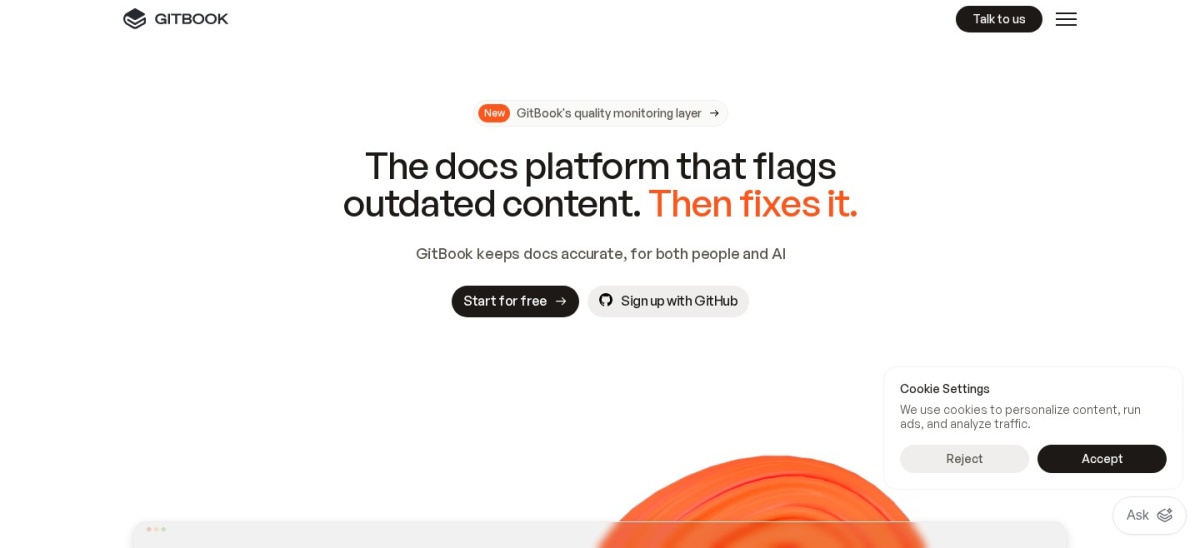
GitBook is a documentation platform built around Git, with a visual block editor, two-way GitHub and GitLab sync, and published sites readers can search. The free plan covers one user with unlimited page views, an API playground, llms.txt files and an MCP server.
The trade off is the pricing model. Essential costs $65 per site a month plus $12 per user a month on annual billing, so a second site or a larger team raises the bill quickly. It suits product teams that publish developer docs from Git.
Confluence is Atlassian's dedicated wiki, built for teams already using Jira or Bitbucket, with pages, templates and permissions in one place. The free plan covers up to 10 users with 2 GB of storage, and Standard adds 250 GB, Rovo search and 25 Rovo credits per user a month.
The trade off is per-user pricing that moves with team size. Standard costs $5.78 a user a month for small teams, and the rate shifts as headcount grows. It suits engineering teams that already live in Jira.
Notion is the default wiki for modern teams, with pages, meeting notes, project databases and handbooks in one block-based workspace. The free plan covers individuals and small teams, and Plus costs $10 a user a month billed annually, with unlimited file uploads and 30-day page history.
The trade off is structure. Notion costs $10 a user a month on Plus, AI features need Business at $20 a user a month, and wikis can get messy without house rules. It suits cross-functional teams that want docs and projects in one place.
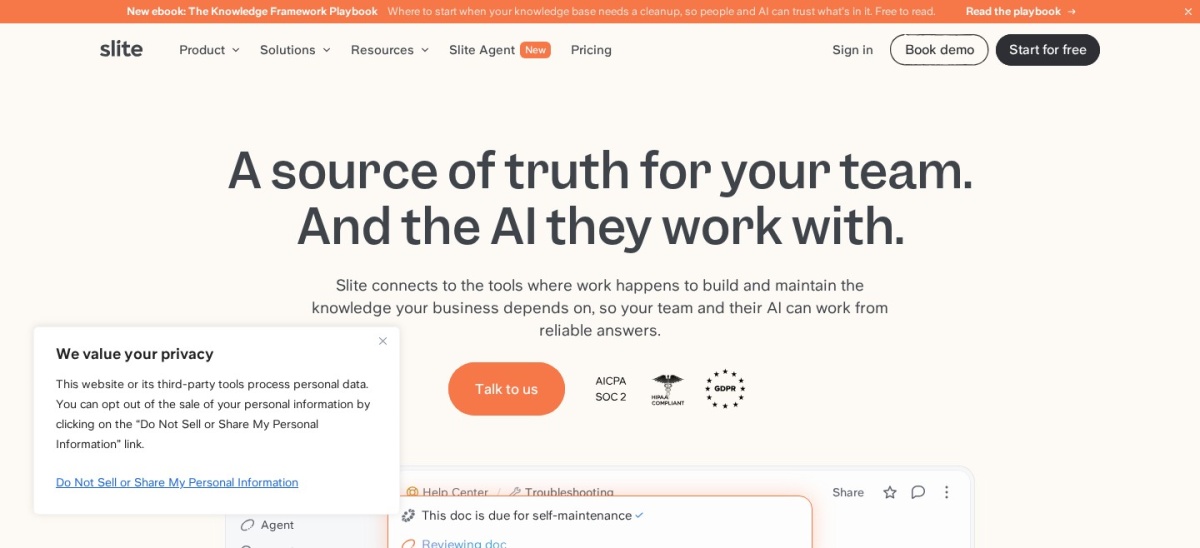
Slite is a self-maintaining knowledge base that flags stale pages and verifies content, so team docs stay accurate without a librarian. Basic covers AI search across Slite documents, verification workflows and an MCP connection for AI tools.
The trade off is the missing free plan. Basic costs $10 a user a month billed yearly, or $12 month to month, and the Slite Agent needs Pro at $20 a user a month. It suits teams of 20 to 300 whose main problem is out-of-date documentation.
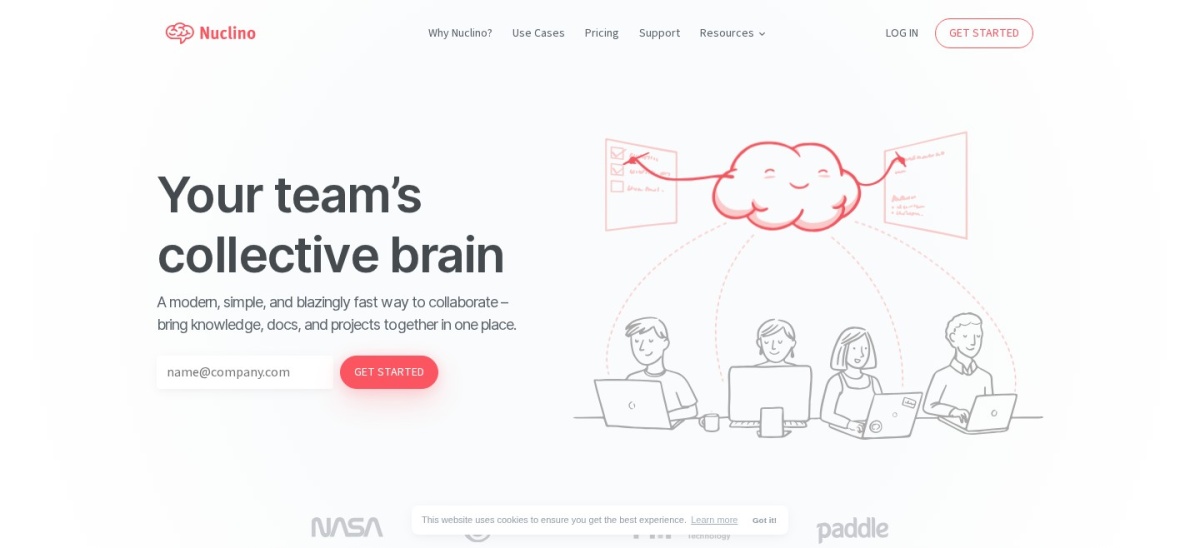
Nuclino is a fast, simple wiki that small teams can learn in a day, with list, board, table and graph views plus canvases beside the pages. The free plan covers 50 items, and Starter adds unlimited items, admin tools, publishing and 30 days of version history.
The trade off is the thin rating and light governance. Starter costs $6 a user a month billed yearly, and permissions stay basic until Business at $10 a user a month. It suits small teams that want speed and low cost over controls.
Archbee is a documentation platform for product and developer docs, with GitHub sync, OpenAPI import and custom domains on gated portals. Growing covers unlimited readers and project spaces, with AI search and answers for readers.
The trade off is the price spread. Growing starts at $49 a month, but Scale costs $350 a month and Enterprise starts at $100,000 a year. It suits software teams whose docs are half product guide and half API reference.
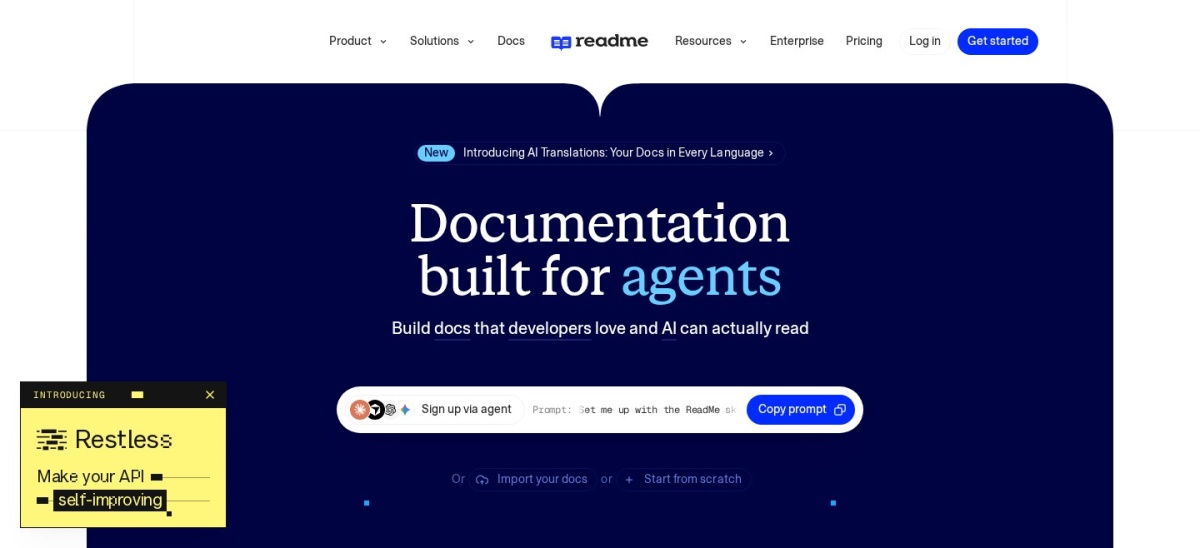
ReadMe is an interactive API documentation hub with a live reference, request logs, changelogs and recipes in one place. Starter is free with 1 project and 1 published version, while Pro adds branches, reviews and bi-directional sync.
The trade off is price and add-ons. Pro costs $250 a month billed annually, Ask AI adds $150 a month, and the review base is only 46 G2 reviews. It suits API companies that want docs, logs and usage data together.
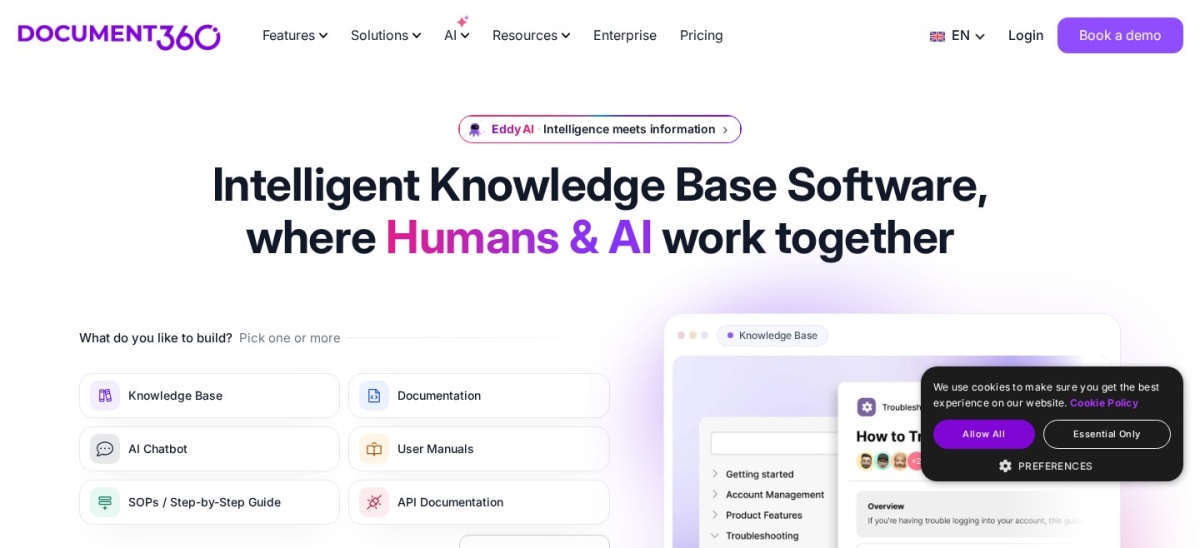
Document360 is a knowledge base platform for help centres, SOPs and API docs, with review workflows, analytics and AI drafting in one login. It supports public and private knowledge bases side by side, each on its own domain.
The trade off is the sales-led buying. Document360 publishes no list price, so every budget starts with a demo and a custom quote, and the AI chatbot is a separate add-on. It suits support teams that need approvals and analytics at scale.
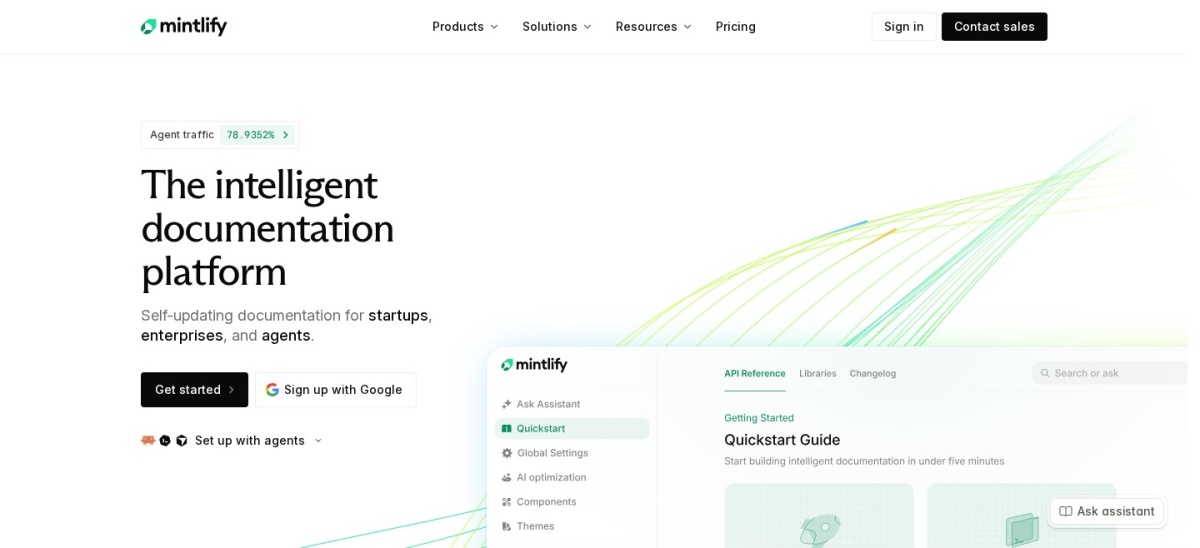
Mintlify is an AI-native documentation platform that writes and refreshes docs from code and API specs, so pages stay current without a rewrite each release. The free Starter plan covers 5 editors with a custom domain, Git sync, search and an MCP server.
The trade off is the price jump. AI features need Pro at $450 a month billed yearly, with a metered pool of 10,000 credits, and the G2 rating rests on only 19 reviews. It suits startups that keep docs in Git and want AI to maintain them.
Free plans cover one writer or a small team well. GitBook, Notion, Nuclino and Mintlify all let you publish real docs without paying.
Paid plans mostly add seats, domains and AI. Custom domains, analytics and AI answers sit above the free tier on almost every tool here.
If docs are a product surface, pay for the domain and the AI. A public docs site on your own domain with search that works is worth the first paid tier.
How we chose
We started from the documentation tools with the largest G2 review bases and the most complete feature sets, then kept the nine that cover product docs, API docs and internal wikis.
Prices come from each vendor pricing page and November 2026 reads of those pages, checked on 29 November 2026. Ratings and review counts come from G2 on the same day.
We left out open-source generators with no G2 rating and quote-only tools with no public feature list. No vendor paid for a place, and we do not claim hands-on testing for this list.
How to choose a software documentation tool
Count your writers first, then check where your docs already live.
Count the writers, not the readers. Most tools charge per editor, so a team of 10 writers costs far more than a team of 2, while readers are often free.
Check Git sync if engineers write docs. GitBook, Archbee and Mintlify keep docs in the repo, while Confluence and Notion keep them in a separate wiki.
Test search with your own questions. A docs tool lives or dies on search, so try the exact questions your users ask before you pay.
Price your real team size. Multiply the headline price by seats and sites, because per-site and per-admin fees can double the bill.
FAQ
What s the best tool for software documentation in 2026?
GitBook is the best pick for most teams, with Git sync, a visual editor and a free plan for one user. Confluence suits Jira teams best, while Notion works well when docs share space with projects and wikis.
Is GitBook free?
Yes, GitBook has a free plan for one user with unlimited page views, Git sync, an API playground and an MCP server. Paid plans start at $65 per site a month plus $12 per user a month, and add custom domains, analytics and AI credits.
What is the cheapest documentation tool?
Nuclino is the cheapest paid plan here at $6 a user a month billed yearly, with a free plan for up to 50 items. Confluence Standard costs $5.78 a user a month for small teams, but its rate moves with team size.
Does Notion work for software documentation?
Yes, Notion works well for internal docs, wikis and handbooks, with databases and templates in one workspace. It lacks Git sync and API playgrounds, so teams that publish developer docs usually pair it with a docs-as-code tool.
Is Document360 worth the custom price?
Document360 suits support teams that need review workflows, analytics and public plus private bases at scale. It publishes no price, so it only makes sense once you have a quote and a team large enough to use its workflow features.
GitBook vs Mintlify: which is better?
GitBook is the better all-round pick, with a visual editor, Git sync and a $65 entry price. Mintlify is better for docs-as-code teams that want AI to write and refresh pages, but Pro costs $450 a month.
SaaS SEO and WordPress specialist with about 8 years of experience. Rakib compares WordPress plugins, themes, hosting and software using public pricing, documentation and user reviews. See how we rank.