GitBook is the top pick for tech teams in 2026 because it combines two-way GitHub and GitLab sync with OpenAPI playgrounds and a 4.7 out of 5 rating on G2. Choose Confluence if your engineering group already runs on Jira, or Notion when you want technical docs and project databases in one workspace.
How we make this list: we compare pricing pages, product documentation and public user reviews, then re-check every price before each update. No product paid for a place. Disclosure.
GitBook holds a 4.7 out of 5 rating across 208 G2 reviews and pairs visual editing with two-way Git sync starting at $65 per site per month plus $12 per user.
Confluence offers the lowest entry seat cost at $5.78 per user per month on Standard and includes a free tier for up to 10 users.
Notion leads on review volume with 14,020 G2 reviews at 4.6 out of 5 and starts at $10 per seat per month for Plus.
Mintlify and ReadMe focus on public developer portals and API references, with Mintlify Starter at $150 per month and ReadMe Pro at $250 per month.
Nuclino and Slab keep internal engineering wikis lightweight and affordable at $6 and $6.67 per user per month on annual billing.
What to look for in documentation software for tech teams
Technical documentation splits into two distinct jobs: internal engineering wikis for runbooks, architecture decisions, and onboarding, and external developer portals for SDKs, guides, and API references. A tool built for one job often struggles with the other, so start by deciding whether your readers are teammates or outside developers.
For engineering workflows, docs-as-code support determines whether docs stay current. Look for two-way GitHub or GitLab synchronization, Markdown or MDX authoring, branch previews, and native OpenAPI import so endpoint references update alongside releases instead of drifting out of date.
Pricing models vary sharply across this category. Internal wikis such as Confluence, Notion, Slite, Slab, and Nuclino bill per seat, while external developer portals such as GitBook, Mintlify, and ReadMe charge a base site or project fee that scales with editor seats or AI usage credits.
Best for product and API documentation with Git sync
G2 rating4.7 / 5 (208 reviews)
Free tier1 user, GitHub/GitLab sync
Entry paid planEssential at $65/site/mo + $12/user/mo
API & AI featuresOpenAPI playground, llms.txt, MCP server
gitbook.com
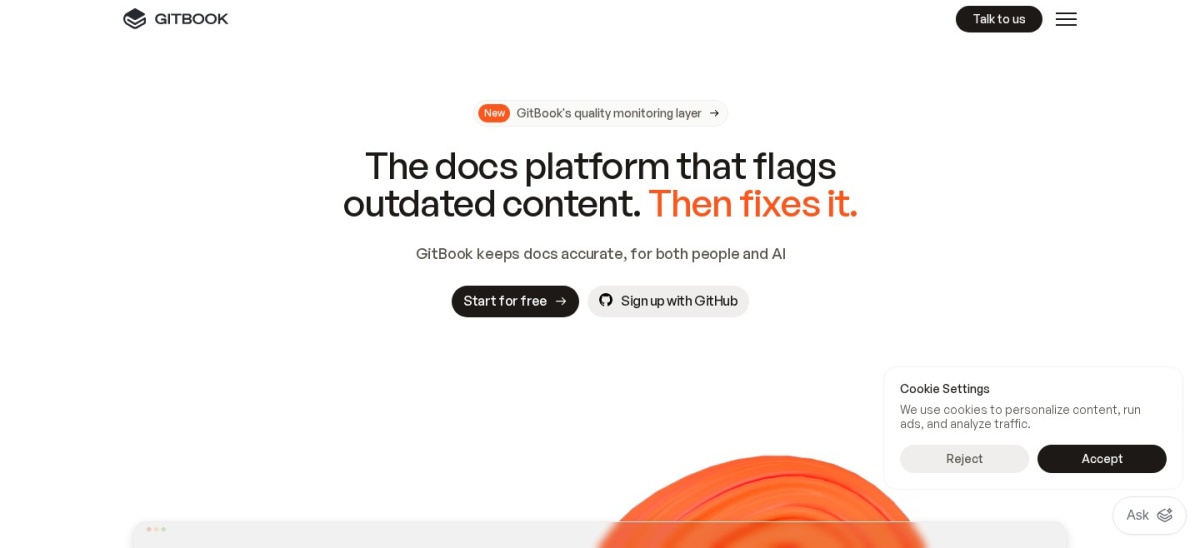
GitBook homepage, captured Nov 2026.
GitBook is a technical documentation platform that pairs a block-based visual editor with two-way GitHub and GitLab synchronization. Its Free plan covers 1 user and includes interactive API playgrounds, preview deployments, automatic Markdown and llms.txt generation, and a built-in MCP server.
The trade off is site-plus-seat pricing that climbs quickly for multi-author teams. Essential starts at $65 per site per month billed annually ($79 monthly) plus $12 per additional user per month and 2,000 monthly AI credits. It suits software teams publishing public product or API docs.
What we like
Two-way GitHub and GitLab sync lets engineers commit Markdown while writers use the visual editor
Interactive OpenAPI playgrounds, llms.txt, and an MCP server come standard on all tiers
Unlimited page views are included across Free, Essential, and Ultimate plans
4.7 out of 5 rating on G2 across 208 reviews
Watch out for
Per-site fee plus $12 per user per month adds up for larger internal teams
AI Assistant Chat and authenticated access require the $249 per site per month Ultimate plan
Essential adds custom domains, team collaboration, analytics, and 2,000 monthly AI credits.Visit gitbook.com
02
Confluence
4.1/5on G2 (4,376 reviews, checked Nov 2026)
Paid from$5.78/mo
Best for engineering teams already using Jira
G2 rating4.1 / 5 (4,376 reviews)
Free tierUp to 10 users
Entry paid planStandard at $5.78/user/mo
Guest accessUp to 5 free guests per paid user
atlassian.com
Confluence homepage, captured Nov 2026.
Confluence is Atlassian's team workspace for technical specs, architecture decision records, incident postmortems, and runbooks. Its Free plan supports up to 10 users with unlimited pages and spaces, and paid plans include up to 5 free guests per paid seat.
The trade off is a heavier interface that reviewers note can feel slow on large pages and requires admin setup to keep spaces tidy. Standard starts at $5.78 per user per month ($69.36 per year). It suits engineering organizations that already track sprints in Jira.
What we like
Deep bidirectional linking with Jira issues, epics, and release boards
Generous free tier for up to 10 users plus up to 5 free guests per paid user
Lowest entry per-seat price on this list at $5.78 per user per month
4,376 verified reviews on G2 with broad enterprise adoption
Watch out for
4.1 out of 5 G2 score trails newer lightweight wikis on speed and navigation
Large tables and complex pages can feel sluggish during collaborative editing
Standard unlocks custom page permissions, larger storage, and up to 5 free guests per paid seat.Visit atlassian.com
03
Notion
4.6/5on G2 (14,020 reviews, checked Nov 2026)
Paid from$10/mo
Best for combining wikis, docs, and project trackers
G2 rating4.6 / 5 (14,020 reviews)
Free tierIndividual workspace with basic team trial
Notion is a connected workspace that combines nested documentation pages, verified team wikis, and relational databases in one app. Tech teams use it to link RFCs, sprint roadmaps, and onboarding checklists without switching between separate tools.
The trade off is that open-ended flexibility can turn into sprawl without strict page ownership, and Notion lacks native Git-based docs-as-code workflows. Plus costs $10 per seat per month ($120 per year), while Business is $20 per seat per month. It suits product and engineering teams wanting one unified hub.
What we like
Combines engineering wikis, RFC templates, and relational task databases in one interface
Strong community satisfaction with a 4.6 out of 5 score across 14,020 G2 reviews
Fast full-text search and clean Markdown paste support
Watch out for
No native two-way Git repository sync for docs-as-code pipelines
Large workspaces with heavy databases can feel slow on weaker connections
Plus removes collaborative block limits and adds custom domains, synced databases, and extended history.Visit notion.com
04
Mintlify
4.6/5on G2 (20 reviews, checked Nov 2026)
Paid from$150/mo
Best for AI-ready developer and API portals
G2 rating4.6 / 5 (20 reviews)
Free tier5 editors, custom domain, MCP server
Entry paid planStarter at $150/mo billed annually
AI credits5,000/mo on Starter ($0.01/credit overage)
mintlify.com
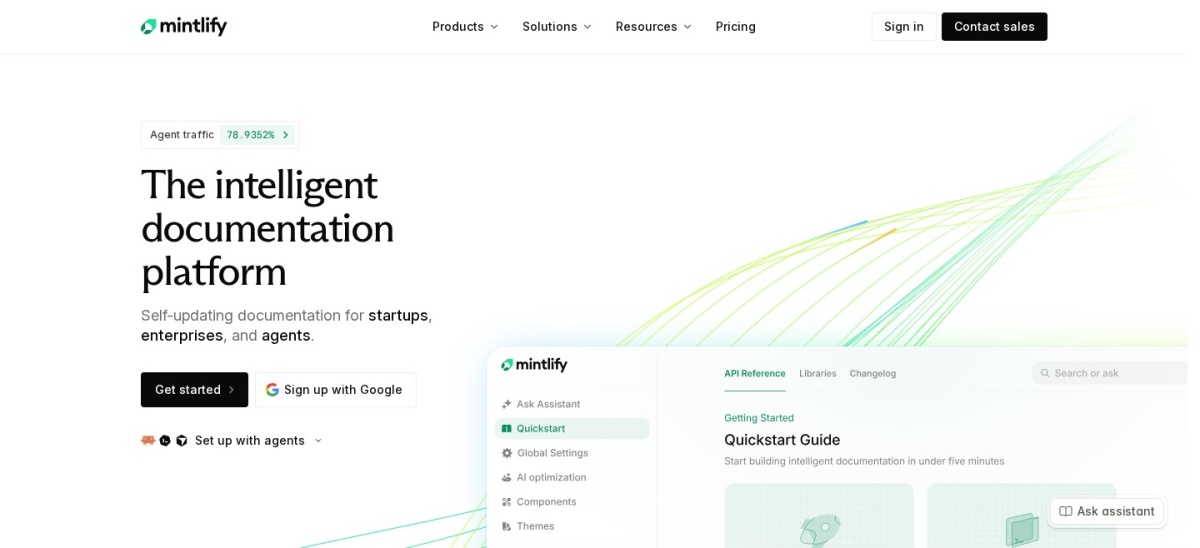
Mintlify homepage, captured Nov 2026.
Mintlify is a developer documentation platform built around Git-synced MDX files, custom React components, and an interactive API playground. Its Free plan includes 5 editor seats, a custom domain, a web editor for non-engineers, and a built-in MCP server.
The trade off is a steep jump from the free tier to paid automation and credit limits. Starter costs $150 per month billed annually ($180 monthly) with 10 editors and 5,000 AI credits, while Pro is $450 per month. It suits developer-first companies shipping public APIs and SDKs.
What we like
Generous Free tier includes 5 editors, custom domain, custom React components, and MCP server
Autopilot monitors code changes and opens pull requests to update stale docs
Pairs local CLI and Git MDX workflows with a browser editor for non-technical contributors
Watch out for
Entry paid tier starts at $150 per month ($1,800 per year), making it costly for small teams
Reader-facing AI Assistant and password protection are locked behind the $450 per month Pro plan
Starter adds 10 editors, preview deployments, and 5,000 monthly AI credits for Autopilot PR updates.Visit mintlify.com
05
ReadMe
4.5/5on G2 (46 reviews, checked Nov 2026)
Paid from$250/mo
Best for interactive API reference hubs
G2 rating4.5 / 5 (46 reviews)
Free tierStarter at $0/mo (1 admin)
Entry paid planPro at $250/mo billed annually
API supportOpenAPI sync, interactive explorer, MCP server
readme.com
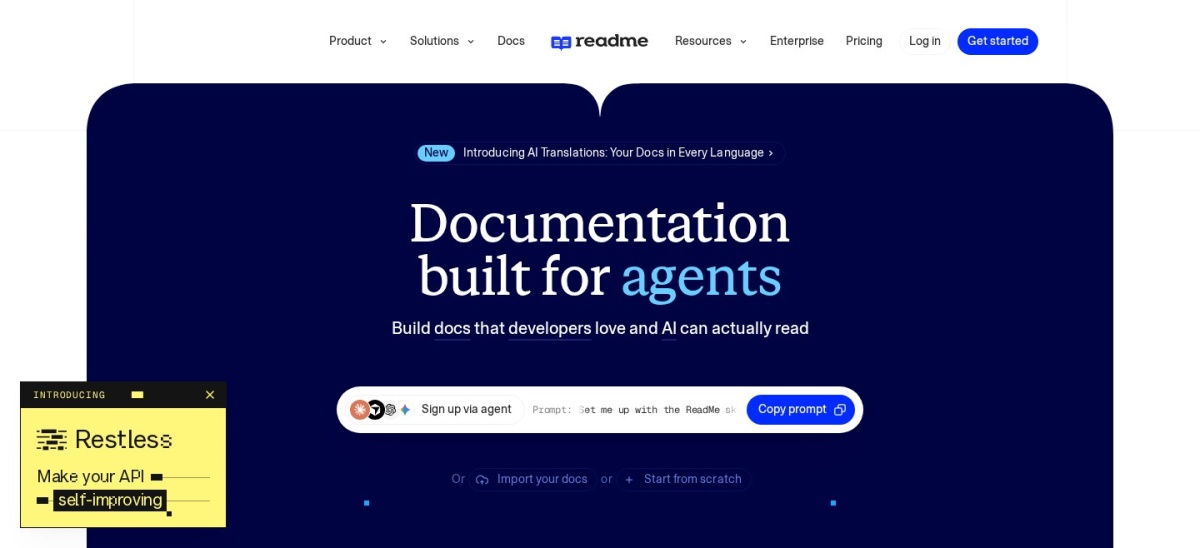
ReadMe homepage, captured Nov 2026.
ReadMe turns OpenAPI specifications and guides into interactive developer portals where users can test endpoints directly in the browser. Its Starter plan is free at $0 per month with 1 admin, custom domain support, Ask AI, AI Linter, and an MCP server.
The trade off is that multiplayer collaboration, branching, and private docs require jumping to a high flat tier. Pro costs $250 per month billed annually ($3,000 per year) for 5 admins, with extra admins at $20 per month. It suits API-first product teams.
What we like
Starter plan is free and already includes custom domain, OpenAPI sync, and MCP server
Interactive API explorer lets external developers test live requests inside the docs
Pro includes branching and review workflows plus changelogs, recipes, and forums
Watch out for
No mid-tier plan between the $0 Starter tier and the $250 per month Pro plan
Additional admins beyond 5 on Pro cost $20 per month each
Pro unlocks 5 admins, multiplayer editing, branching and reviews, private docs, and custom MDX.Visit readme.com
06
Slite
4.6/5on G2 (275 reviews, checked Nov 2026)
Starts at$10/mo
Best for verified internal engineering knowledge
G2 rating4.6 / 5 (275 reviews)
Free tier14-day free trial (no permanent free plan)
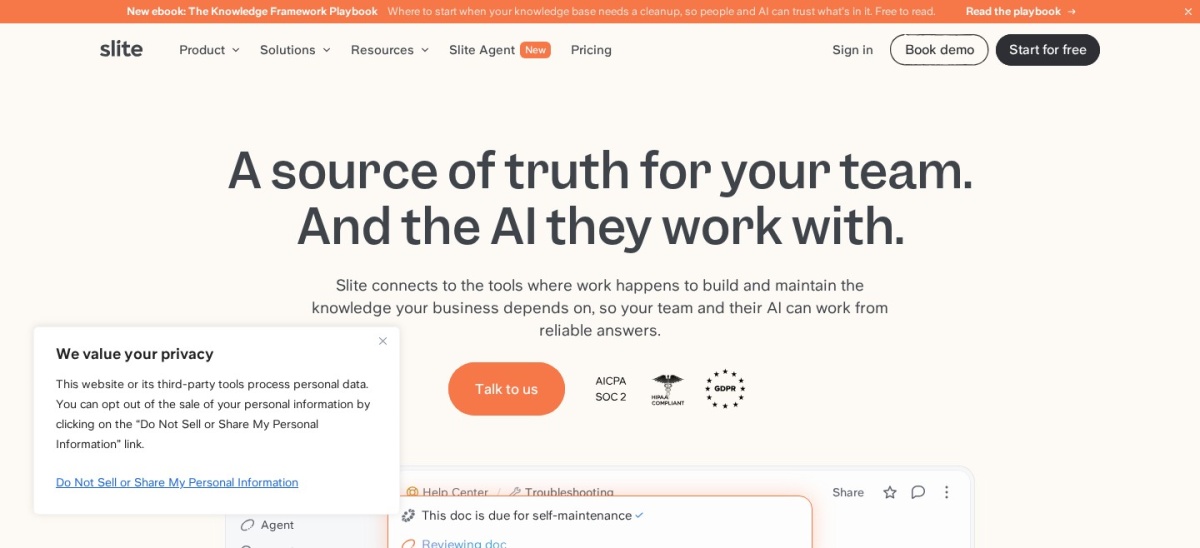
Slite is an internal knowledge base built to stop engineering handbooks and SOPs from going stale. Basic costs $10 per user per month billed yearly and includes unlimited docs, doc verification workflows, ownership tracking, API and MCP access, and 30 monthly AI questions per seat.
The trade off is that there is no permanent free plan, and cross-tool search requires upgrading. Pro costs $20 per user per month billed yearly and adds the Slite Agent, fact-checking with suggested fixes, and 50 monthly agent credits per seat. It suits distributed tech teams.
What we like
Built-in doc verification and ownership reminders keep runbooks accurate
MCP access and Slack integration let engineers query verified docs from AI tools
4.6 out of 5 rating across 275 G2 reviews for clean, distraction-free writing
Watch out for
No forever-free tier beyond a 14-day trial
Cross-tool search and AI fact-checking require the $20 per user per month Pro tier
Basic includes unlimited docs, verification workflows, Slack integration, and MCP access.Visit slite.com
07
Slab
4.6/5on G2 (309 reviews, checked Nov 2026)
Paid from$6.67/mo
Best for clean internal wikis with unified search
G2 rating4.6 / 5 (309 reviews)
Free tierUp to 10 users, unlimited posts
Entry paid planStartup at $6.67/user/mo billed annually
Search & syncUnified Search across GitHub, Slack, Jira
slab.com
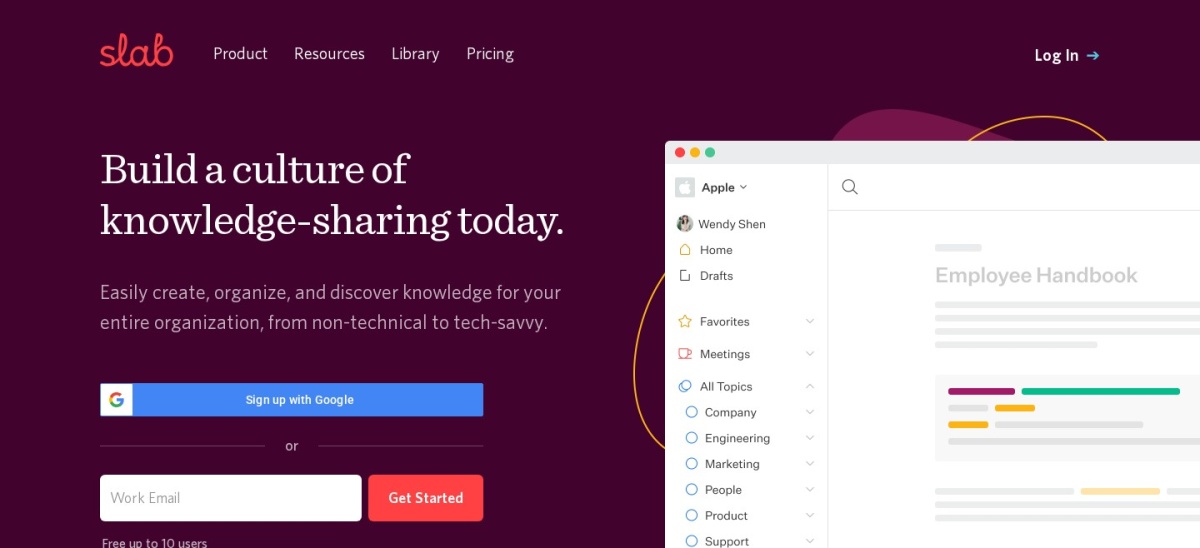
Slab homepage, captured Nov 2026.
Slab is a minimalist internal knowledge base designed for fast authoring and unified search across engineering tools like GitHub, Slack, Jira, and Google Drive. Its Free tier supports up to 10 users with unlimited posts and topics, verification, and 90-day version history.
The trade off is that Slab is strictly for internal team knowledge and lacks public help-center publishing or custom domains on lower tiers. Startup costs $6.67 per user per month billed annually ($80.04 per year), while Business is $12.50 per user per month. It suits small engineering teams.
What we like
Free forever for up to 10 users with unlimited posts, topics, and verification
Unified Search indexes content across Slack, GitHub, Jira, and Google Workspace
Affordable Startup tier at $6.67 per user per month billed annually
Watch out for
Built for internal wikis rather than external customer or API documentation
Custom domains, SAML SSO, and GraphQL API require the $12.50 per user per month Business plan
Startup unlocks unlimited users, private topics, 365-day version history, and 3 guests per user.Visit slab.com
08
Nuclino
4.7/5on G2 (30 reviews, checked Nov 2026)
Paid from$6/mo
Best lightweight wiki with graph and board views
G2 rating4.7 / 5 (30 reviews)
Free tierUp to 50 items, 3 canvases, 2 GB storage
Entry paid planStarter at $6/user/mo billed yearly
ViewsList, board, table, and interactive graph
nuclino.com
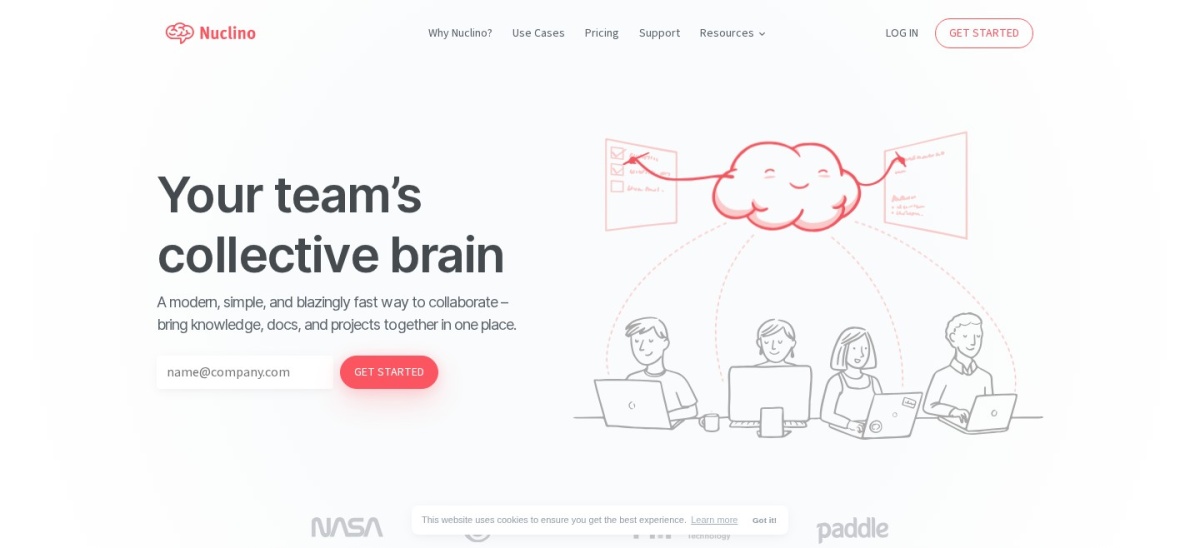
Nuclino homepage, captured Nov 2026.
Nuclino is a lightweight collaborative wiki that lets tech teams organize linked pages as lists, Kanban boards, tables, or an interactive node graph. Its Free plan includes up to 50 items, 3 canvases, and 2 GB of total storage with real-time Markdown editing.
The trade off is a leaner feature set that omits deep API portal tooling and charges extra for AI assistance. Starter costs $6 per user per month billed yearly ($72 per year) with unlimited items and 10 GB per user, while Business is $10 per user per month. It suits small engineering teams.
What we like
Instant page linking and graph view make system architecture maps easy to browse
Low entry price of $6 per user per month billed yearly with 10 GB storage per user
4.7 out of 5 score on G2 across 30 reviews for speed and zero setup overhead
Watch out for
Free plan caps workspaces at 50 items and 2 GB of storage
Sidekick AI, SAML SSO, and audit logs require the $10 per user per month Business tier
Starter removes the 50-item cap and adds unlimited canvases, admin tools, and 30-day version history.Visit nuclino.com
Internal engineering wikis vs. external developer portals
Most tech teams waste time trying to force one tool to serve both internal engineers and outside API consumers. Internal tools like Confluence, Notion, Slite, Slab, and Nuclino focus on fast collaborative editing, permissions, and linking specs to project trackers.
External developer portals like GitBook, Mintlify, and ReadMe focus on public custom domains, SEO, OpenAPI playgrounds, and Git pull-request workflows. Many growing software companies run an internal wiki for architecture decisions and pair it with a dedicated portal for customer-facing API docs.
How we chose
We evaluated documentation platforms widely adopted by software engineering, DevOps, and developer-experience teams across both internal knowledge bases and external API documentation portals. Candidates were selected based on active product maintenance, public G2 review track records, and transparent self-serve pricing.
All G2 star ratings, review counts, free tier limits, and regular entry-level prices were checked directly on official vendor pricing pages and G2 product profiles on 22 Nov 2026. Yearly prices reflect standard annual billing rates (or monthly rates multiplied by 12 where only monthly billing is published).
We excluded enterprise-only platforms that hide all entry pricing behind custom sales quotes, as well as abandoned wikis or tools with fewer than 20 verified G2 reviews. No vendor paid for a place, and we do not claim testing for this list.
How to choose documentation software for your tech team
Match your documentation workflow to how your engineers write, review, and ship code.
Separate internal wikis from public developer docs. Pick a per-seat wiki like Confluence, Notion, Slite, Slab, or Nuclino for internal runbooks and RFCs, or choose GitBook, Mintlify, or ReadMe for public product guides and API references.
Check whether engineers need docs-as-code. If your team prefers writing Markdown in pull requests next to source code, require two-way GitHub or GitLab sync and preview deployments.
Verify OpenAPI and AI agent readiness. For API-heavy products, confirm native OpenAPI specification import along with automatic Markdown, llms.txt, and MCP server endpoints so coding assistants can read your docs.
Model total cost at your target team size. Compare per-seat wikis ($6 to $10 per user per month) against site-based developer portals ($65 to $250 per month) before migrating hundreds of pages.
FAQ
What is the best documentation software for software engineering teams?
GitBook is our top overall pick because it bridges visual editing with two-way GitHub and GitLab sync, OpenAPI playgrounds, and a 4.7 out of 5 G2 rating. For purely internal wikis tied to Jira, Confluence is the most common alternative.
Which documentation tools offer a free plan for small tech teams?
Confluence and Slab both offer free plans for up to 10 users. Mintlify includes 5 editors on its free tier, while GitBook, ReadMe, Notion, and Nuclino provide free plans with lower seat or item limits.
What is docs-as-code and which tools support it?
Docs-as-code means storing documentation in Markdown or MDX inside a Git repository so changes go through pull requests and CI checks. GitBook, Mintlify, and ReadMe all support Git workflows and OpenAPI synchronization.
Is Notion or Confluence better for technical documentation?
Confluence fits teams that already track engineering work in Jira and need structured spaces with up to 5 free guests per paid seat. Notion works better when you want flexible docs paired with relational project databases in one workspace.
Which documentation software is best for API reference docs?
Mintlify and ReadMe are built specifically for API-first teams, offering interactive API explorers, OpenAPI imports, and MCP server support. GitBook also includes interactive OpenAPI playgrounds at a lower $65 per site per month entry price.
SaaS SEO and WordPress specialist with about 8 years of experience. Rakib compares WordPress plugins, themes, hosting and software using public pricing, documentation and user reviews. See how we rank.