Zapier is the best automation tool for most beginners, with 9,000+ apps, a visual builder and a free plan, rated 4.5/5 on G2. Pick IFTTT for simple personal automations at $2.09 a month, or Integrately if you want ready-made automations to switch on in one click.
How we make this list: we compare pricing pages, product documentation and public user reviews, then re-check every price before each update. No product paid for a place. Disclosure.
Zapier is the easiest first step, with 9,000+ apps, a free plan and a 14-day Professional trial.
IFTTT is the cheapest paid plan at $2.09 a month billed annually, but it only runs simple single-trigger Applets.
Make Core costs $9 a month for 10,000 credits, the best value here for visual, multi-step workflows.
All 9 tools have a free plan, from 100 tasks a month on Zapier and Integrately to 1,000 credits on Make.
n8n is the most powerful tool here, but it needs the most technical comfort, so beginners should start elsewhere.
What makes an automation tool easy for a beginner
A beginner automation tool should let you connect two apps and switch on a first workflow in minutes, with no code and no jargon. The best ones guide you with templates and ready-made automations instead of a blank canvas.
Watch the billing unit before the headline price. Zapier counts tasks, Make counts credits per step, n8n counts whole runs and Integrately counts each action, so the same workflow can cost very different amounts.
Free plans are the safest way to learn. Our guide on how to use the WordPress REST API explains the connection most of these tools use to talk to WordPress.
Start with one simple workflow, such as saving form entries to a sheet, and add steps only after it runs reliably for a week.
Zapier is the largest no-code automation platform in this list, connecting more than 9,000 apps through simple trigger-and-action workflows called Zaps. The free plan covers 100 tasks a month with two-step Zaps, and the visual builder plus Copilot help new users build a first automation fast.
The trade off is price. Professional starts at $19.99 a month billed annually and tasks are counted per action, so long multi-step workflows can use up a monthly allowance quickly. It suits beginners who want the widest app coverage and the shortest learning curve.
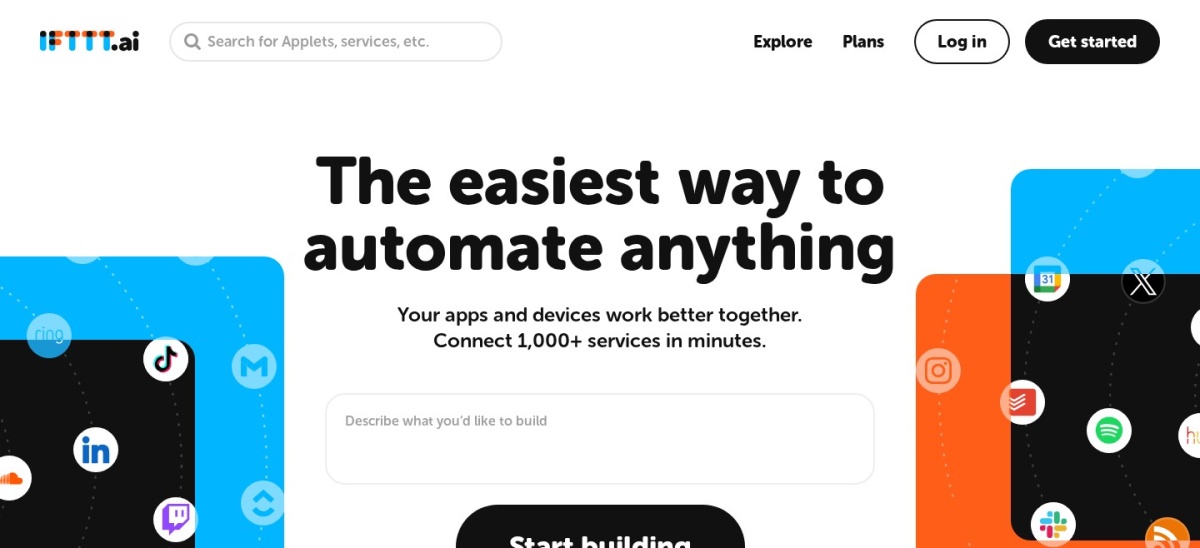
IFTTT is the simplest automation service in this list, linking apps, smart home devices and phones through short Applets. The free plan includes 1,000 credits a month with unlimited Applets, and Starter costs $2.09 a month billed annually ($2.99 month to month) for 5,000 credits.
The trade off is depth. Applets are single-trigger flows with no branching or loops, so IFTTT cannot run the multi-step business workflows the tools above handle. It suits individuals automating personal apps, notifications and smart home devices.
What we like
Cheapest paid plan in this list
Simplest setup for personal automations
Strong smart home and phone coverage
Watch out for
No branching or multi-step logic
5,000 credits on Starter runs out fast for heavy use
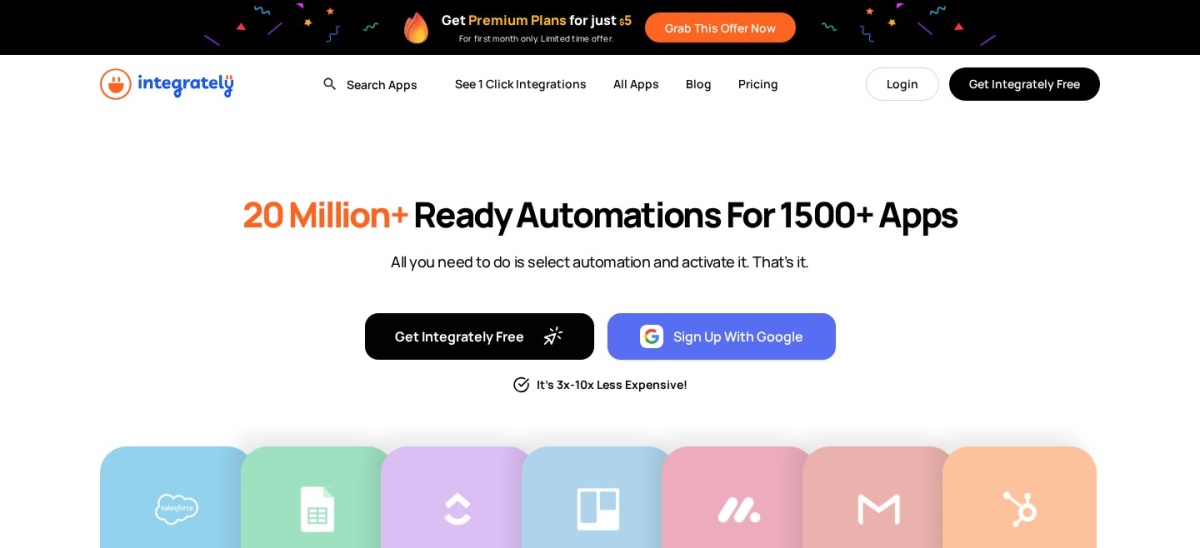
Integrately is a no-code automation platform built around ready-made, one-click automations across 1,500+ apps. The free plan covers 100 tasks a month, triggers are free, and Starter costs $19.99 a month billed annually for 2,000 tasks.
The trade off is task counting. Conditions, searches and data edits each count as a task, so a four-step flow can use four tasks per record. It suits beginners who want to start from a ready-made automation rather than build from scratch.
Make is a visual automation platform where workflows are built as scenarios on a canvas, with routers, filters and iterators for branching logic. The free plan includes 1,000 credits a month, and Core adds unlimited active scenarios with scheduling down to one minute.
The trade off is the learning curve. The canvas is more powerful than a simple trigger-action list, so beginners need more time before complex scenarios feel natural. It suits builders who want visual branching and low per-run costs.
What we like
Lowest paid price for 10,000 credits a month
Visual canvas with routers and branching
Unlimited active scenarios on Core
Watch out for
Steeper learning curve than Zapier
Credits are counted per module run
Fewer apps than Zapier
Core adds unlimited scenarios and 1-minute schedulingVisit make.com
05
Albato
4.8/5on Capterra (406 reviews, checked Nov 2026)
Paid from$15/mo
Best low-cost pick for small teams
Apps connected1,000+
Free planYes
Paid planPro, $15/mo
Transactions on Pro1,000/mo
albato.com
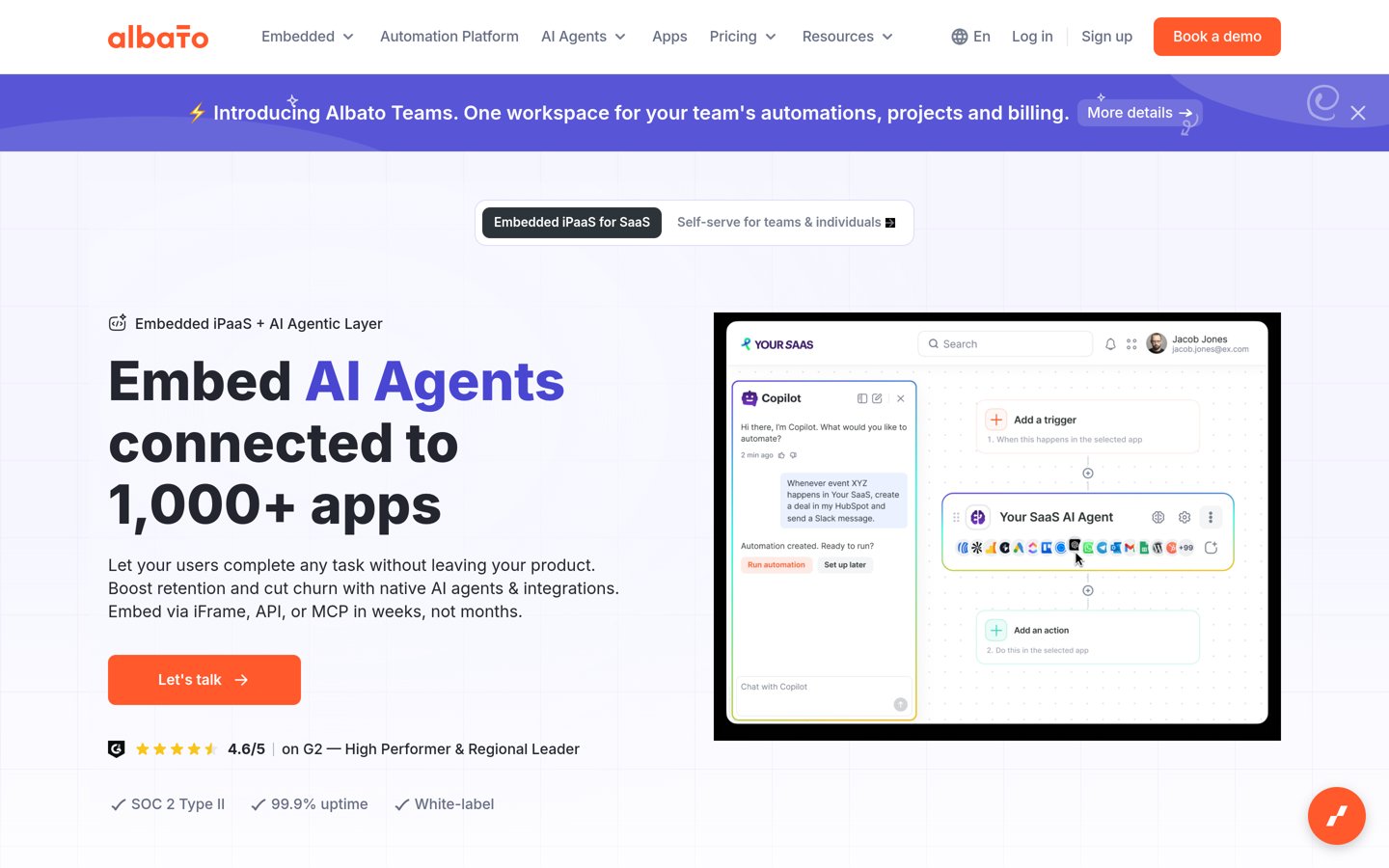
Albato homepage, captured Nov 2026.
Albato is a no-code automation platform that connects 1,000+ apps, with a builder, data migration tools and an app library aimed at small teams. The free plan covers basic use, and Pro costs $15 a month billed annually for 1,000 transactions.
The trade off is scale. Its app library is smaller than Zapier's, and the Pro transaction limit is low for busy teams, so heavy use means a higher tier. It suits small teams that want a low price and fast human support.
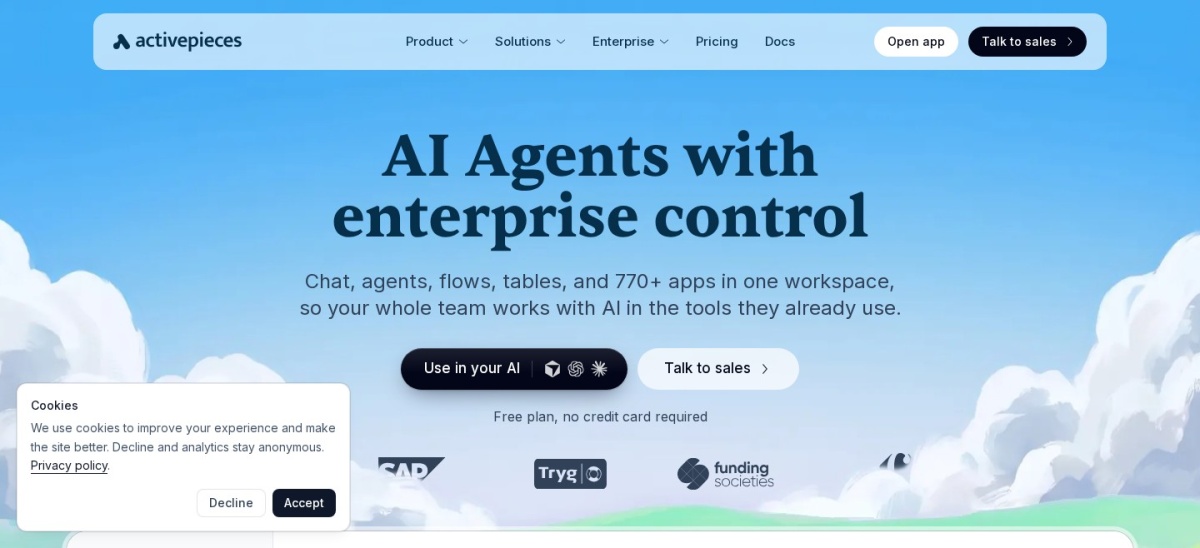
Activepieces is an open-source automation platform with a visual builder, AI agents and pieces that connect apps without code. The free cloud plan includes 1,000 credits a month, and Plus costs a flat $20 a month for 10,000 credits with bring-your-own AI keys.
The trade off is a smaller community. With 142 G2 reviews it has far fewer public reviews than Zapier or Make, so answers to edge cases can be harder to find. It suits small teams that want open-source code and flat pricing.
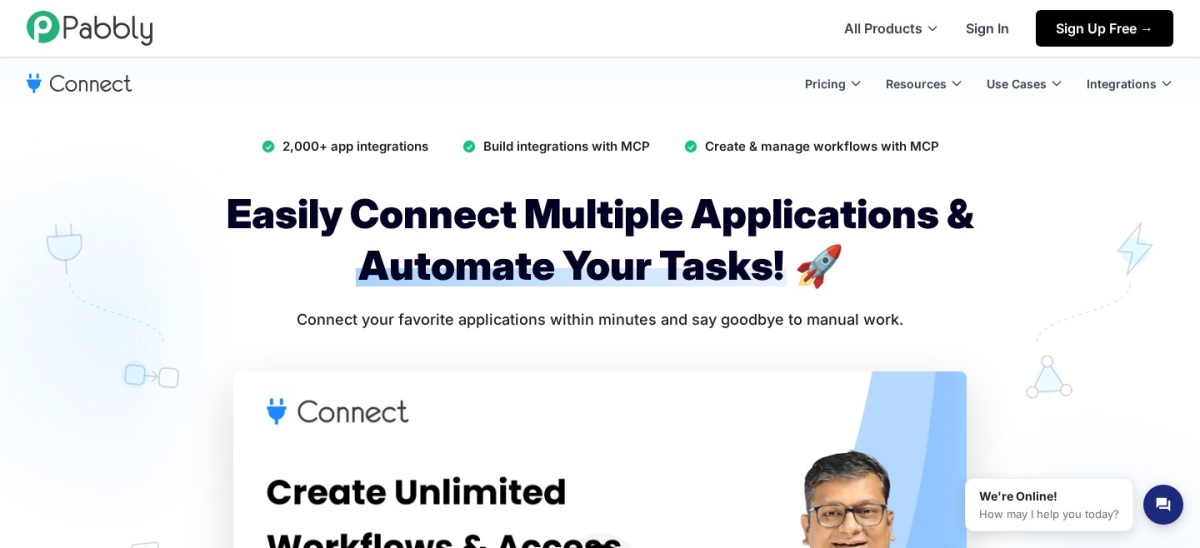
Pabbly Connect is a budget automation platform with 2,000+ integrations and multi-step workflows, routers and formatters. The free plan includes 100 tasks, and Standard costs $19 a month for 10,000 tasks, with triggers and internal steps free.
The trade off is polish. Reviewers rate its value highly but note an older interface and slower support on hard cases, with ease of use at 4.2 on Capterra. It suits buyers who want many tasks for a low monthly price.
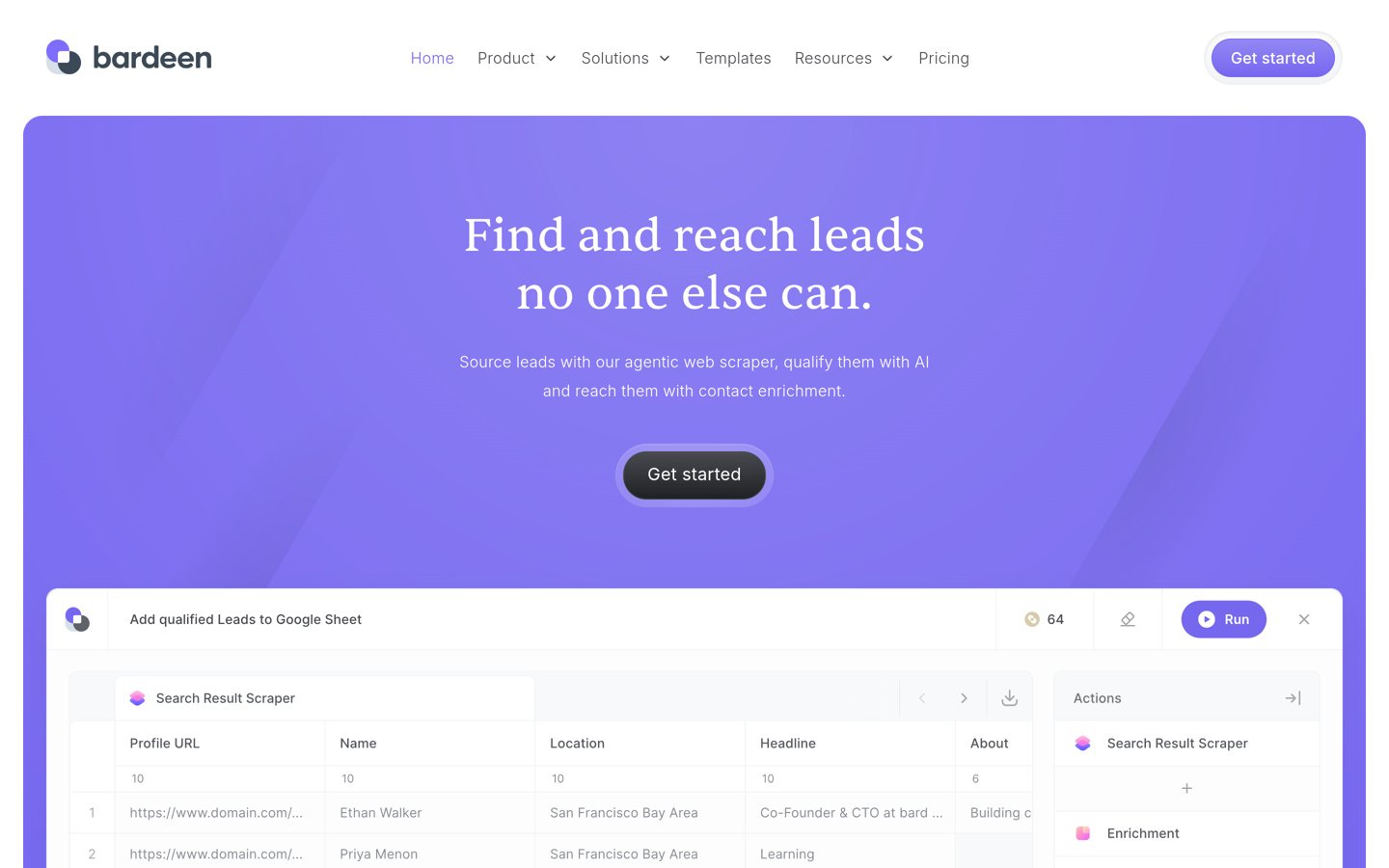
Bardeen is a browser-based automation tool with AI agents that scrape web pages, enrich leads and push results to a CRM. The free plan includes 100 credits a month, and Basic costs $10 a month for browser automations and lead sourcing.
The trade off is scope. It is built for sales and research work in the browser, not for general app-to-app workflows, and its G2 base is only 36 reviews. It suits sales teams that collect and enrich leads from web pages.
n8n is an open-source workflow automation platform with a node-based canvas, AI agent building and a free Community Edition you can self-host with unlimited executions. The cloud Starter plan costs $20 a month billed annually for 2,500 executions a month across 400+ integrations.
The trade off is setup and skill. Self-hosting needs a server and some technical comfort, and the node canvas assumes more knowledge than Zapier. It suits technical users who want control over data and costs, and it is the hardest start in this list.
What we like
Free self-hosted edition with unlimited executions
Highest G2 rating in this list at 4.8/5
Strong AI agent and code-step support
Watch out for
Cloud prices are in euros on the EU view, $20 in the US view
Self-hosting needs server upkeep
Starter caps concurrent runs at 5
Starter adds cloud hosting and 2,500 executionsVisit n8n.io
Common beginner mistakes
Automating a messy process first is the usual mistake. Fix the steps on paper, then build the workflow around them.
Picking the cheapest plan before checking the billing unit is the second. A $9 plan that counts every step can cost more than a $20 plan that counts whole runs.
Running five tools at once spreads your learning thin. Start with one tool and one workflow, such as saving new form entries to a sheet, and only add a second tool when the first one runs reliably.
Skipping error alerts means a broken workflow can fail quietly for weeks. Turn on failure notifications on day one, and check the run history after the first week.
How we chose
We started from the automation tools with the largest public review bases on G2 and Capterra, then kept the nine that a beginner can set up without code.
Prices come from each vendor's pricing page, checked on 25 November 2026. Ratings and review counts come from G2 or Capterra on the same day. Where a vendor shows a sale, the list shows the regular price.
We left out enterprise-only platforms and tools with no public rating. No vendor paid for a place, and we do not claim to have used these tools ourselves.
How to choose an automation tool as a beginner
Start with the one workflow you repeat most often, then match the tool to it.
Name the one workflow to automate first. Pick a task you repeat weekly, such as saving form entries or sending new-lead alerts. A single clear workflow makes the choice obvious.
Try the free plan before you pay. Build that one workflow on the free plan and run it for a week. If it works without help, the tool fits you.
Check how the tool counts usage. Zapier counts tasks, Make counts credits per step and n8n counts whole runs, so estimate your monthly volume before choosing a paid plan.
Pick the simplest tool that covers it. If IFTTT or Integrately handles your workflow, start there. Move to Make or n8n only when you need branching, loops or AI steps.
FAQ
What is the best automation tool for beginners?
Zapier is the best pick for most beginners. It connects 9,000+ apps, has the easiest builder in this list, a free plan with 100 tasks a month and a 4.5/5 rating on G2 from 2,172 reviews.
What is the cheapest automation tool for beginners?
IFTTT Starter is the cheapest paid plan here at $2.09 a month billed annually, or $2.99 month to month. It only runs simple single-trigger Applets, so it fits personal automations rather than multi-step business workflows.
Can I automate for free as a beginner?
Yes. All nine tools here have a free plan, from 100 tasks a month on Zapier and Integrately to 1,000 credits on Make and a free self-hosted edition of n8n. Start on a free plan and pay only when you outgrow its limits.
Is Zapier or Make better for beginners?
Zapier is easier to start with, thanks to its simpler builder and 9,000+ apps. Make is cheaper at $9 a month for 10,000 credits and more powerful for branching workflows, but its canvas takes longer to learn.
Do I need to know how to code to automate tasks?
No. Every tool in this list is built for users without code, with visual builders and templates. n8n is the exception: it works without code, but its node canvas and self-hosted option assume more technical comfort.
Which automation tool is best for WordPress beginners?
Zapier is the safest start, because it connects WordPress to 9,000+ apps and most form plugins offer a Zapier integration. If your workflow lives in WordPress forms, check the form plugin's integration page before choosing a tool.
SaaS SEO and WordPress specialist with about 8 years of experience. Rakib compares WordPress plugins, themes, hosting and software using public pricing, documentation and user reviews. See how we rank.