Zapier is the best source of automation templates for most teams, with a library covering 9,000+ apps, a 4.5 out of 5 G2 rating from 2,170 reviews and a free plan with 100 tasks a month. Pick Make for visual multi-step flows and n8n if you want a free self-hosted option.
How we make this list: we compare pricing pages, product documentation and public user reviews, then re-check every price before each update. No product paid for a place. Disclosure.
Zapier covers the most apps in this list at 9,000+, with a free plan of 100 tasks a month.
Make is the cheapest paid plan among the top three at $12 a month billed yearly, with 10,000 credits a month.
n8n is the only tool here with a free self-hosted edition and no execution cap on it, and it holds a 4.7 G2 rating from 323 reviews.
IFTTT is the cheapest paid plan in the list at $2.09 a month billed yearly, but its templates suit simple one-trigger flows best.
All 7 tools have a free plan or trial. Paid plans start at $2.09 a month and top out at $20 a month for a single user.
What makes a good automation template library
An automation template is a ready-made workflow you copy and connect to your own accounts, instead of building each step from scratch. The best libraries cover common jobs such as saving email attachments, posting new content, and syncing leads to a CRM.
A large library is only useful if it covers the apps you already use, so check the app list before the template count. A template for an app you do not use saves no time at all.
Templates that move form entries to email tools are a common first automation. Our guide on connecting WPForms to Mailchimp walks through one such connection.
Prices in this list are the regular price for the cheapest paid plan, billed yearly where the vendor offers it. Some vendors show a lower first-month price or a sale, so check the checkout page before you pay.
Zapier is a no-code automation platform with the largest app coverage in this list, at more than 9,000 apps. Its template library covers common jobs such as saving Gmail attachments to Drive, posting new blog posts to social channels, and adding leads to a CRM. The free plan includes 100 tasks a month, unlimited Zaps, and two-step Zaps.
The trade off is price as volume grows. Professional starts at $19.99 a month billed yearly for the lowest task tier, and monthly billing costs $29.99, so heavy users pay far more than the headline price. It suits teams that want the widest choice of ready-made templates and premium apps.
What we like
Largest app coverage at 9,000+ apps
Template library covers most common jobs
Free plan includes unlimited Zaps
Watch out for
Costs rise fast with task volume
Multi-step Zaps need a paid plan
Professional adds multi-step Zaps, premium apps and webhooksVisit zapier.com
02
Make
4.6/5on G2 (500 reviews, checked Nov 2026)
Paid from$12/mo
Best for visual multi-step flows
Template galleryYes, searchable
Free plan1,000 credits/mo
Paid planCore, $12/mo
Visual builderYes, drag-and-drop
make.com
Make homepage, captured Nov 2026.
Make is a visual automation platform where you build scenarios on a canvas, with routers and filters for branching logic. Its template gallery covers common jobs such as syncing orders, rows, and messages between apps, and the free plan includes 1,000 credits a month.
The trade off is the credit model. Every module that runs uses credits, so a scenario with many steps can use far more credits than a simple task count suggests, and Core costs $12 a month billed yearly for 10,000 credits. It suits teams that want to see each step of a flow before it runs.
What we like
Visual canvas makes complex flows easy to follow
Cheapest paid plan among the top three
Free plan includes 1,000 credits a month
Watch out for
Credit use is hard to predict up front
Monthly billing costs $16, a third more than yearly
Core adds 10,000 credits and scheduling down to the minuteVisit make.com
03
n8n
4.7/5on G2 (323 reviews, checked Nov 2026)
Paid from$20/mo
Best for technical teams and self-hosting
Template galleryYes, searchable
Free planSelf-hosted, free
Paid planStarter, $20/mo
Executions2,500/mo on Starter
n8n.io
n8n homepage, captured Nov 2026.
n8n is an open-source workflow automation platform with a visual canvas where you can drop into JavaScript or Python at any step. Its template library covers common jobs such as syncing CRM records and processing form submissions, and the free Community Edition is self-hosted with no execution cap.
The trade off is the learning curve. APIs, JSON, and n8n expressions are the most common complaint themes in G2 reviews, and Cloud Starter costs $20 a month billed yearly for 2,500 executions. It suits technical teams that want deep control and the option to self-host.
What we like
Free self-hosted edition with no execution cap
High G2 rating at 4.7 from 323 reviews
JavaScript and Python steps for custom logic
Watch out for
Steepest learning curve in this list
Cloud plans bill by executions, so heavy flows cost more
Starter adds 2,500 executions a month on n8n CloudVisit n8n.io
04
Integrately
4.7/5on G2 (713 reviews, checked Nov 2026)
Paid from$19.99/mo
Best for one-click ready automations
Template galleryYes, 1-click automations
Free plan100 tasks
Paid planStarter, $19.99/mo
Tasks on Starter2,000/mo
integrately.com
Integrately homepage, captured Nov 2026.
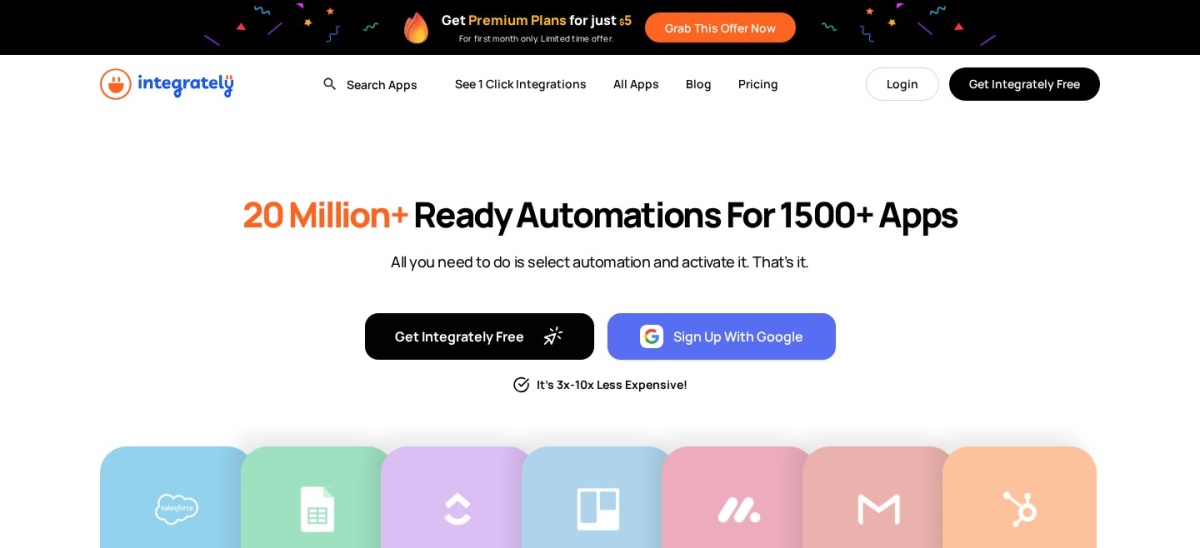
Integrately is a no-code automation platform built around ready-made automations you switch on in one click. You pick two apps and a use case, and it builds the mapping for you, with a free plan that includes 100 tasks. It holds a 4.7 rating on G2 from 713 reviews, with support praised most often.
The trade off is depth. Multi-step logic and branching are thinner than in Make or n8n, and Starter costs $19.99 a month billed yearly for 2,000 tasks, with triggers free and only actions counted. It suits small teams that want working automations fast without building each step.
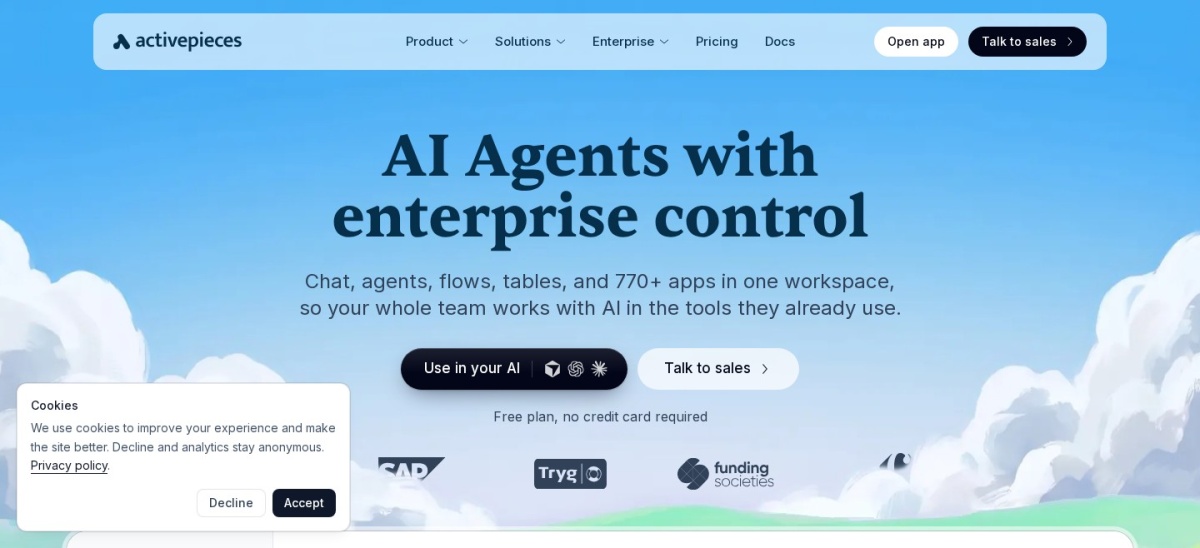
Activepieces is an open-source automation platform with a drag-and-drop builder, AI agents, and tables for storing data. Its template gallery covers common jobs across 770+ integrations, and the free plan includes 1,000 credits a month with unlimited flows. The code is open source, so teams can self-host the Community Edition.
The trade off is maturity. Some connectors are still limited or need manual setup, and G2 reviewers note a few bugs, though the highest rating in this list at 4.8 from 142 reviews reflects a small reviewer base. Plus costs $20 flat a month with 10 times the free credits. It suits teams that want open-source control at a low price.
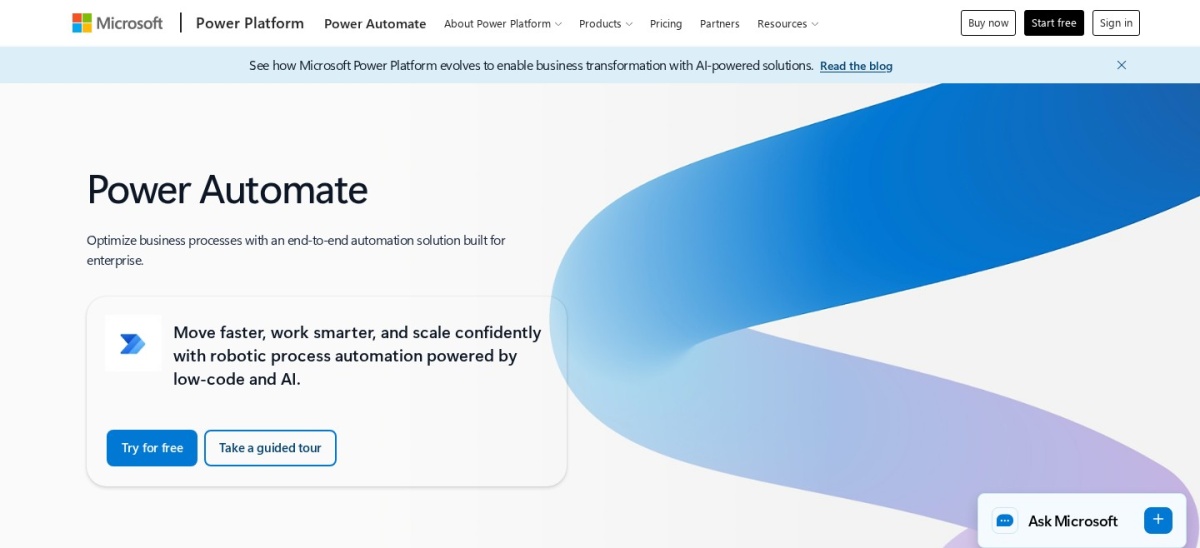
Microsoft Power Automate homepage, captured Nov 2026.
Microsoft Power Automate is Microsoft's automation tool for connecting Outlook, Teams, SharePoint, and Excel with hundreds of other apps. Its built-in template gallery covers common Microsoft 365 jobs such as saving email attachments and posting approvals to Teams. Premium costs $15 per user a month billed yearly, and a free trial is available.
The trade off is cost per user. Every user who builds or runs premium flows needs a $15 licence, so a 10-user team pays $1,800 a year, and premium connectors sit behind the paid plan. It suits teams already on Microsoft 365 that want automation inside the tools they use daily.
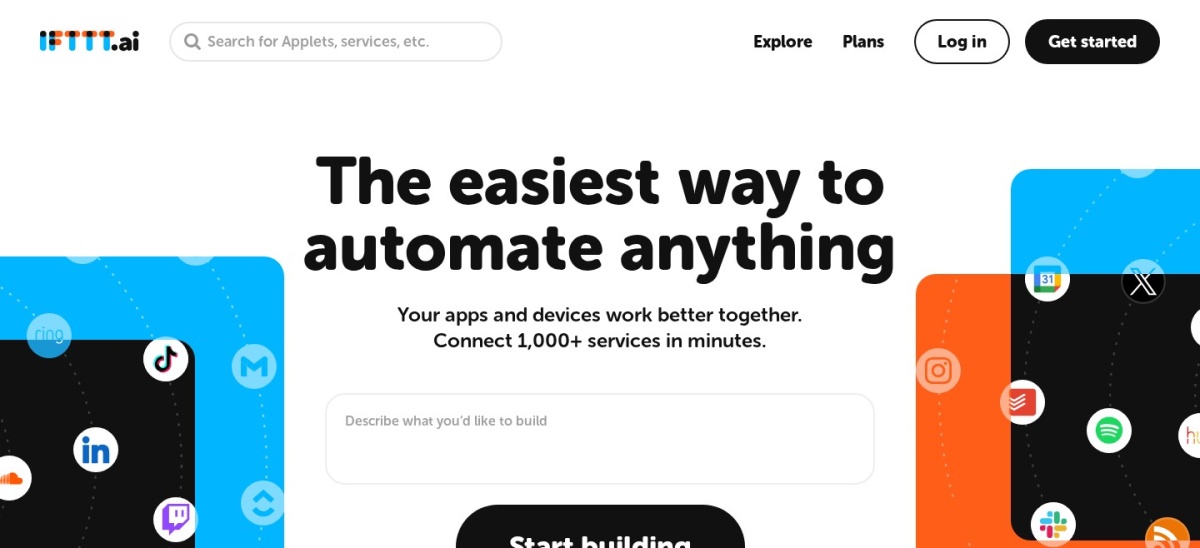
IFTTT is a simple automation service that links apps and smart-home devices with one-trigger Applets. Its library of published Applets covers jobs such as cross-posting social content, backing up photos, and logging form responses to Sheets, across 1,000+ services. The free plan includes 1,000 credits a month.
The trade off is depth. Applets suit simple if-this-then-that jobs, and multi-step logic, filters, and queries need paid plans, with Starter at $2.09 a month billed yearly. It suits individuals and small teams automating simple, repeatable jobs across personal and smart-home apps.
What we like
Cheapest paid plan in this list at $2.09 a month
Covers 1,000+ services including smart home
Simple setup with published Applets to copy
Watch out for
Free plan is limited to 1,000 credits a month
Weak for complex multi-step business flows
Starter adds 5,000 credits and faster Applet speedsVisit ifttt.com
Free vs paid: what the free plan leaves out
Free plans in this list cover simple jobs well. Most include a template gallery and at least 1,000 tasks or credits a month, except Integrately at 100 tasks.
Paid plans mostly add volume and depth. You get more tasks or credits, multi-step flows, and faster run speeds.
Templates that start from a form are a common first automation, and our contact form guide shows how the trigger side works.
For a team that depends on automations daily, the cheapest paid plan often costs less than the time spent rebuilding a flow that hit its limit.
How we chose
We started from the automation platforms with the largest template galleries and the most G2 reviews, then kept the seven with a public rating, a free plan or trial, and a published price.
Prices come from each vendor's pricing page, checked on 25 November 2026. Ratings and review counts come from G2 on the same day. Where a vendor shows a sale or a first-month price, the list shows the regular price.
We left out enterprise tools that publish no price, such as Workato and Tray.ai, and tools with only a thin review base. No vendor paid for a place, and we do not claim to have used these tools ourselves.
How to choose an automation template library
Start with the apps you already use, then check the templates for those apps.
List the apps you already pay for. A template library is only useful if it covers your CRM, email, and storage tools. Check the app list before the template count.
Copy one template before you pay. Run a simple template on the free plan and watch how many tasks or credits it uses in a week.
Check what the paid plan unlocks. Multi-step flows and premium apps usually sit behind the paid plan, so read the plan page before you pay. Templates that start from a form are a good test, and our contact form guide shows how one works.
Plan for the month you outgrow the free plan. Free allowances run out fast on daily jobs. Pick the tool whose cheapest paid plan still fits your budget at twice your current volume.
FAQ
What is the best automation template library?
Zapier is the best choice for most teams. It covers 9,000+ apps, holds a 4.5 out of 5 G2 rating from 2,170 reviews, and its free plan includes 100 tasks a month with unlimited Zaps.
Are automation templates free to use?
Most libraries are free to browse and copy on a free plan. Zapier gives 100 tasks a month, Make and Activepieces give 1,000 credits a month, and IFTTT gives 1,000 credits, while paid plans start at $2.09 a month.
What is the cheapest automation tool in this list?
IFTTT is the cheapest, with Starter at $2.09 a month billed yearly, or $25.08 a year, for 5,000 credits a month. It suits simple one-trigger flows, while Make at $12 a month is the better pick for heavier use.
Do I need to code to use automation templates?
No. Zapier, Make, Integrately, Activepieces, and IFTTT all offer visual builders and ready-made templates you can copy without code. n8n adds optional JavaScript and Python steps, and Power Automate is built for non-developers in Microsoft 365.
What is the difference between tasks and credits?
Zapier and Integrately count tasks, with one task per action that runs. Make, Activepieces, and IFTTT count credits, usually one per run or step, with AI steps costing more. Check the monthly allowance, not just the headline price.
Which tool is best for Microsoft 365?
Microsoft Power Automate is the best pick for Microsoft 365 teams. It connects Outlook, Teams, SharePoint, and Excel natively, holds a 4.4 G2 rating from 1,094 reviews, and Premium costs $15 per user a month billed yearly.
Can I self-host an automation tool?
Yes. n8n Community Edition and Activepieces Community Edition are both free to self-host, and n8n puts no execution cap on its self-hosted edition. The other tools in this list are cloud-only.
SaaS SEO and WordPress specialist with about 8 years of experience. Rakib compares WordPress plugins, themes, hosting and software using public pricing, documentation and user reviews. See how we rank.