ReadMe is the best API documentation tool for most developer teams: its free Starter plan publishes an interactive API reference from your OpenAPI spec, and it is rated 4.5 out of 5 on G2. Pick Mintlify for AI-assisted docs-as-code, or Postman if your team already designs and tests APIs there.
How we make this list: we compare pricing pages, product documentation and public user reviews, then re-check every price before each update. No product paid for a place. Disclosure.
ReadMe's free Starter plan includes a custom domain, Git sync and an interactive API reference, with Pro at $250 a month.
Mintlify's Pro plan costs $450 a month billed yearly, the highest flat price here, and its AI features live behind that paywall.
Postman publishes docs straight from collections, so teams that already test in Postman get docs with no extra tool.
SwaggerHub is the OpenAPI-native choice, but it has no free plan: paid starts at $22.80 per user a month billed yearly.
Redocly and Bump.sh are docs-as-code specialists; both skip a free plan and start at $249 and $50 a month.
What makes a good API documentation tool
Good API documentation is the first thing a developer meets. If they cannot find an endpoint, see a working example or make a test call in the first few minutes, they stall and file a support ticket instead of building.
The tools in this list all start from a machine-readable description, usually an OpenAPI file, and turn it into pages a person can read. The better ones add narrative guides, search, versioning and a try-it console that calls the live API.
There are two ways to work. Docs-as-code tools keep the spec in Git and rebuild the site in CI, which suits engineering teams. Hosted hubs give writers an editor and analytics, which suits product teams. Our guide on using the WordPress REST API shows the same idea: the reference and the guides belong together.
Price models differ more than features do. Some tools charge per user, others a flat monthly rate, and a few charge per project, so count your team and your APIs before comparing headline prices.
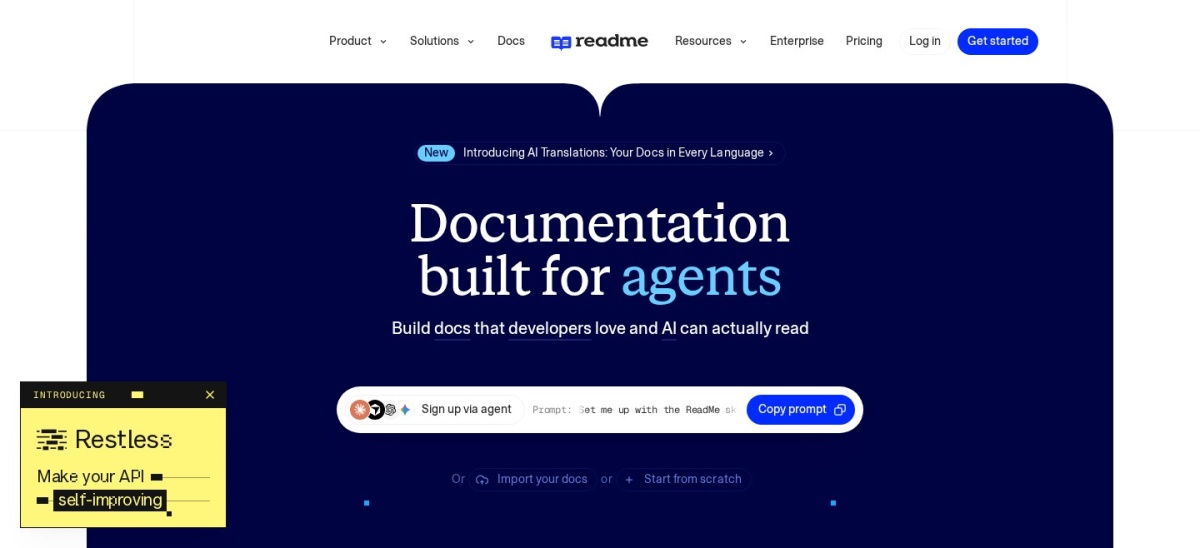
ReadMe is a hosted developer hub that turns an OpenAPI file into a full documentation site with guides, an interactive reference and a changelog. The free Starter plan covers one project and one admin, and still includes a custom domain, bi-directional Git sync, an MCP server and an llms.txt file.
The trade off is the price jump to Pro at $250 a month billed yearly, which is steep for a small team, and each plan covers only one project. It suits API-first companies that want a polished public hub and can see which endpoints developers actually use.
What we like
Free Starter plan with a custom domain and Git sync
Interactive API reference with real API calls
API Metrics show which endpoints get used and fail
Non-developers can edit guides without code
Watch out for
Pro costs $250 a month, a big step from free
One project per plan; a second API needs Enterprise
Reader AI costs $150 a month extra
Pro adds teammates, branching and unlimited versionsVisit readme.com
02
Mintlify
4.6/5on G2 (20 reviews, checked Nov 2026)
Paid from$450/mo
Best AI-assisted docs-as-code platform
Free planStarter, 5 editors
Cheapest paidPro, $450/mo
AI assistantPro only
Docs as codeMDX in Git
mintlify.com
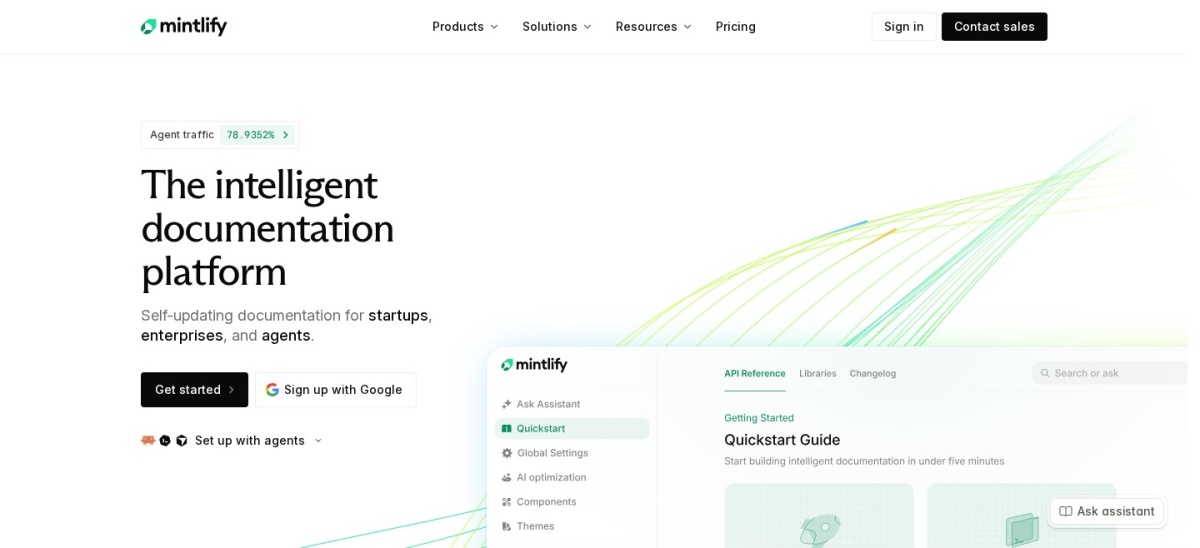
Mintlify homepage, captured Nov 2026.
Mintlify is an AI-native documentation platform that builds a docs site from MDX files in a Git repository, with search, an API playground and a web editor. The free Starter plan covers up to 5 editors and includes a custom domain, Git sync and an MCP server, so a small team can publish without paying.
The trade off is that the AI features that define Mintlify, the assistant, writing agent and Autopilot, sit on Pro at $450 a month billed yearly. It suits startups and AI companies that want modern-looking docs and are ready to pay for AI help keeping them current.
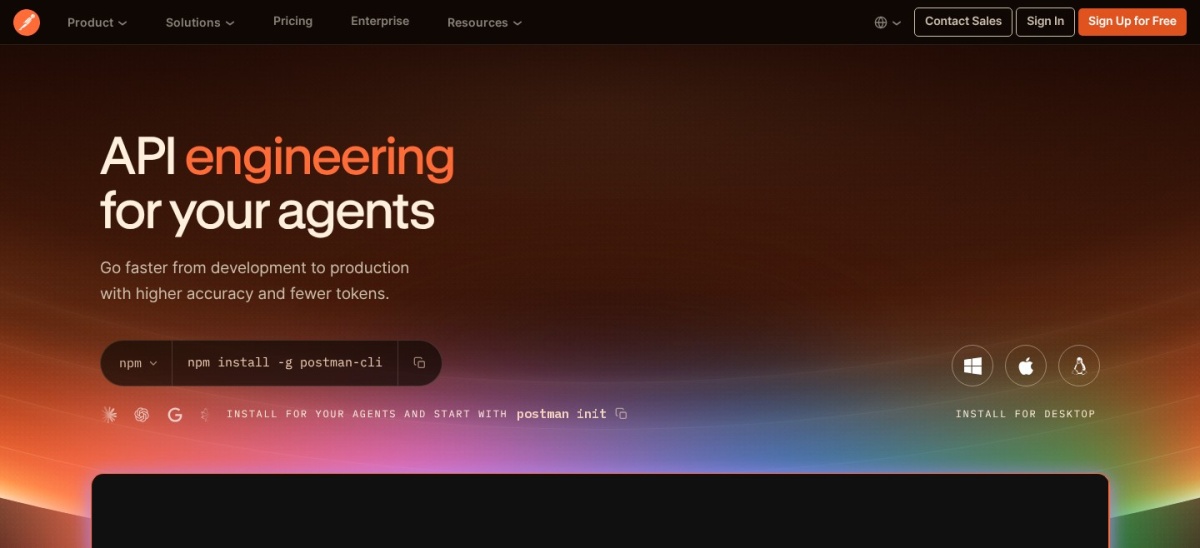
Postman is the API platform most developers already use to design and test requests, and it publishes public documentation straight from collections. The free plan covers the client and published docs, and Basic at $14 per user a month billed yearly adds more collaboration and higher limits.
The trade off is that docs are collection-first, not spec-first, so the reference is less of a pure OpenAPI portal than ReadMe or Redocly. It suits teams that live in Postman already and want docs without adding another tool to the stack.
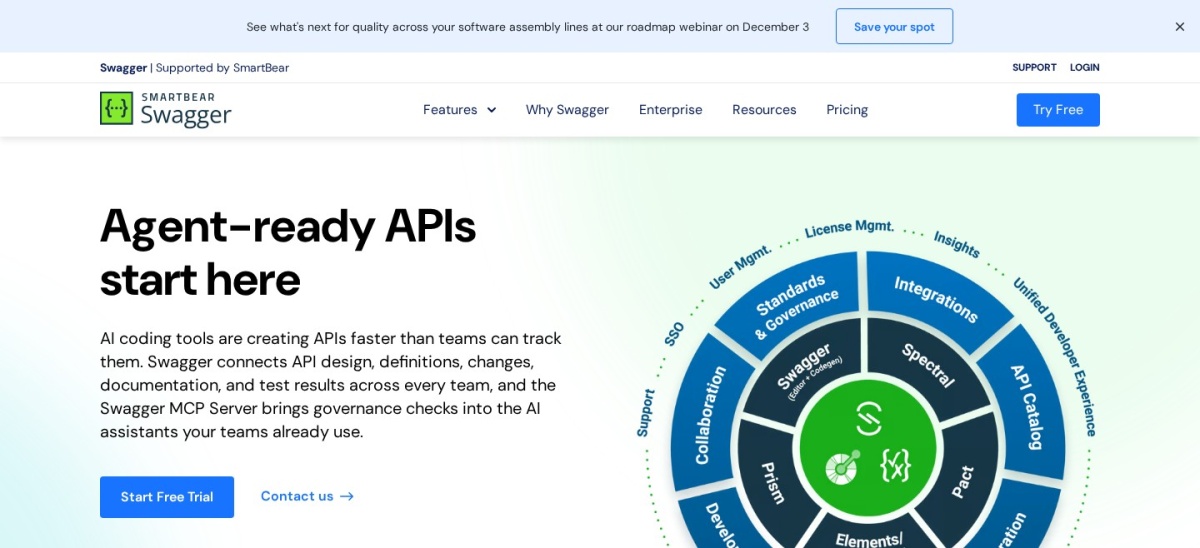
SwaggerHub is SmartBear's hosted home for the OpenAPI standard, where teams design, document and version APIs together. It converts between OpenAPI 2.x and 3.x, generates client and server code, and publishes interactive reference docs from the same spec the team edits.
The trade off is that there is no free plan, only a trial, and paid plans start at $22.80 per user a month billed yearly. It suits teams that already standardise on OpenAPI and want design, docs and governance in one place.
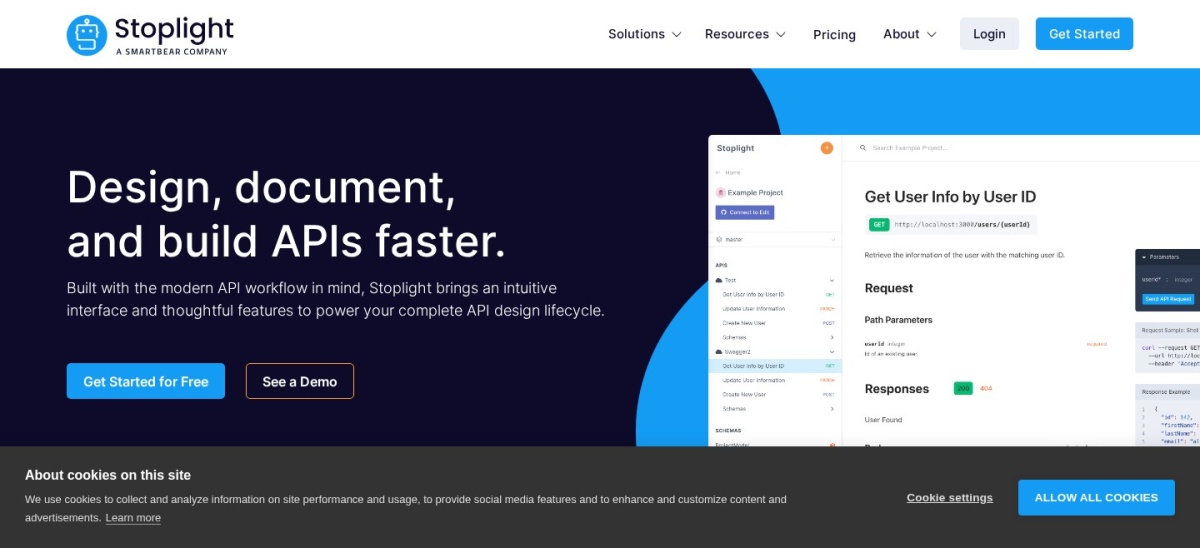
Stoplight is a design-first API platform with a visual editor for OpenAPI specs, so writers can shape endpoints without hand-writing YAML. It pairs the editor with hosted docs, mock servers and Spectral linting that checks specs against a team style guide.
The trade off is that the cheapest paid plan, Basic at $44 a month billed yearly, covers only 3 users, and private projects need a paid plan. It suits teams that design APIs before building them and want mocks and docs from the same spec.
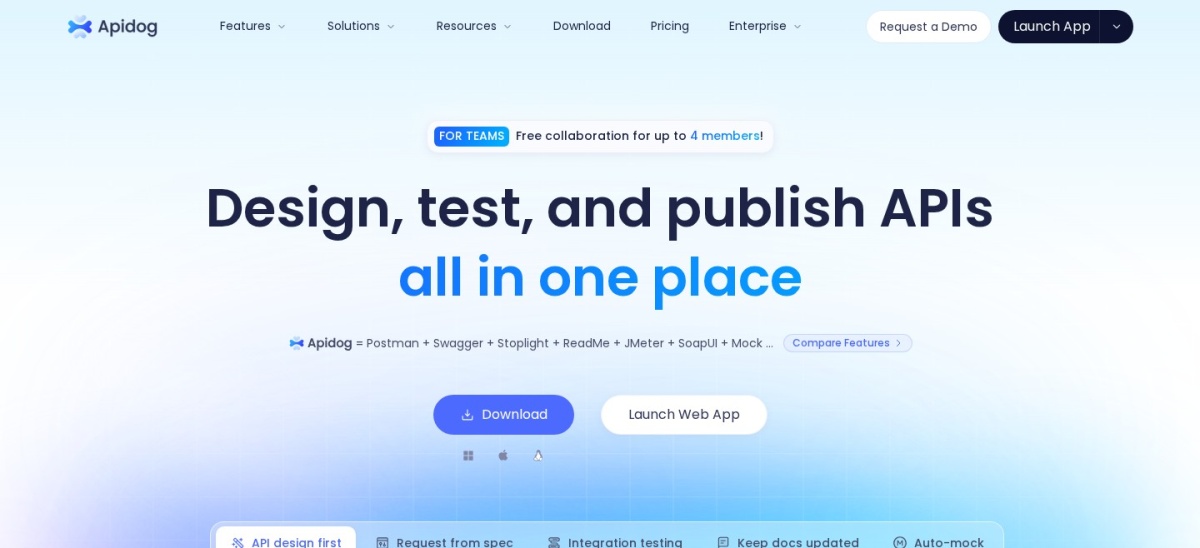
Apidog is an all-in-one API workspace that combines design, debugging, mocking, testing and documentation in a single app. It generates branded, shareable online docs from your spec, and the free plan covers up to 4 users with the core workflow included.
The trade off is that it is a newer vendor with a smaller community than Postman or Swagger, and the workflow is desktop-app first. It suits small teams that want one affordable tool for the whole API lifecycle instead of several subscriptions.
What we like
Lowest paid price in this list at $9 a user a month
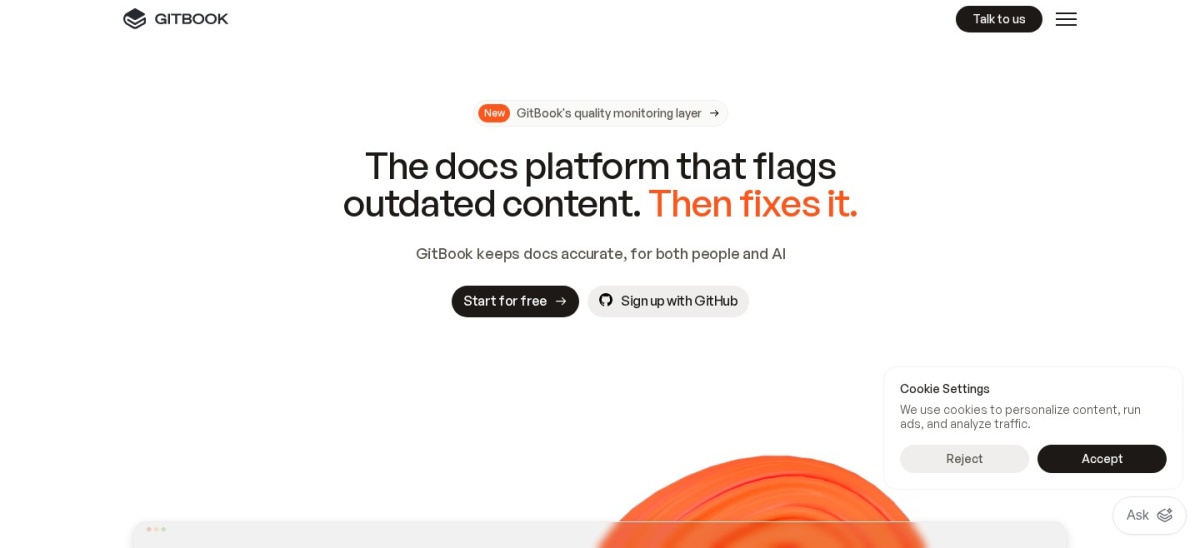
GitBook is a documentation platform that keeps Markdown pages in sync with Git, so docs update with the same pull requests as code. The free Personal plan covers one user, and Plus at $8 per user a month adds team collaboration, custom domains and API reference pages from an OpenAPI file.
The trade off is that the free plan is limited to a single user, and the API reference is an add-on to a general docs tool rather than its core. It suits small teams that already keep docs in Git and want a clean reader experience.
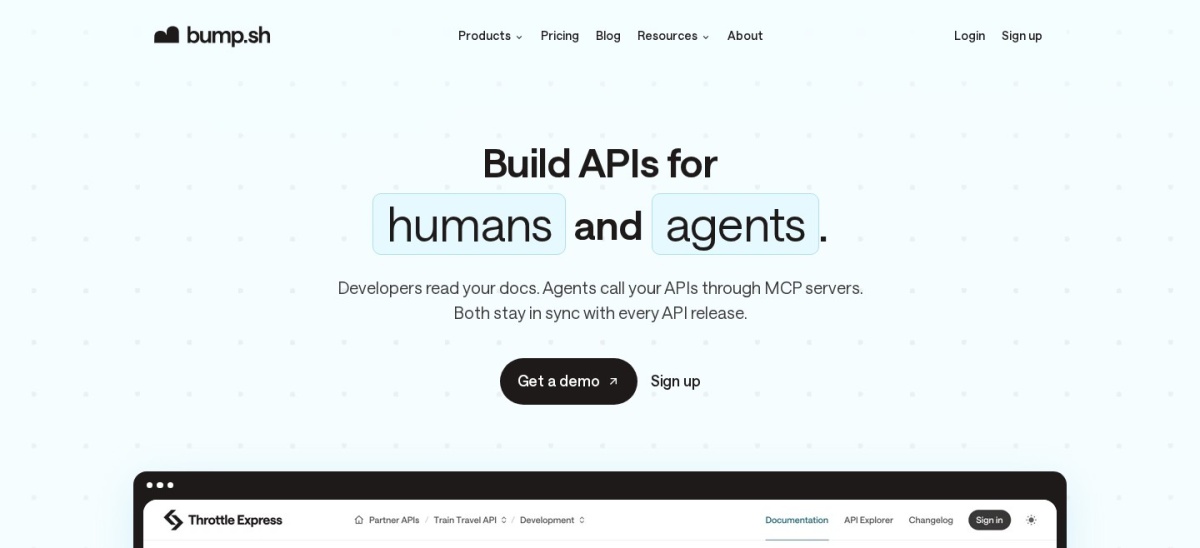
Bump.sh publishes API documentation portals from OpenAPI and AsyncAPI files and writes the changelog for you. Every deployment diffs the new spec against the old one, flags breaking changes and generates a consumer-facing changelog automatically.
The trade off is that there is no permanent free plan, only a 14-day trial, and the API Explorer and automatic changelog need Pro at $120 a month. It suits teams that publish public APIs and need readers to see exactly what changed in each release.
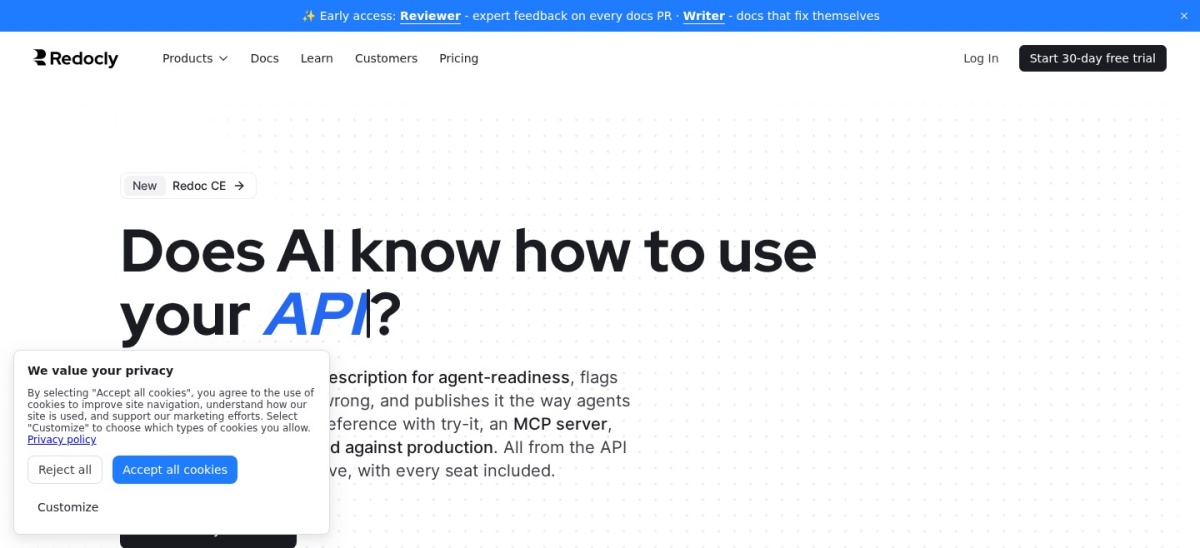
Redocly is a docs-as-code platform built on the open-source ReDoc renderer, turning OpenAPI files in Git into a three-panel interactive reference. It adds linting and validation in CI, so a spec that breaks house rules never reaches readers, plus Markdown guides for a full portal.
The trade off is the price: Pro starts at $249 a month billed yearly for 3 projects, and there is no free hosted plan. It suits engineering teams that keep the spec in Git and want governed, CI-built docs with strong branding.
Docs-as-code tools such as Redocly, Stoplight and Bump.sh treat the API description as source code. A merged pull request rebuilds the docs, and linting can fail a build when a description is missing.
Hosted hubs such as ReadMe, Mintlify and GitBook give writers a web editor and show how readers use the docs. Non-developers can fix a page without touching Git, and the team sees which endpoints confuse readers.
The choice comes down to who maintains the docs. If engineers own them, docs as code fits their workflow. If product or support teams own them, a hosted hub is faster.
Some teams mix both: a docs-as-code reference for the API itself, and a hosted hub for guides and onboarding. That costs two subscriptions, so check whether one tool covers both jobs first.
How we chose
We started from the tools developers name most often for API documentation, then kept those with a published price and a public rating on G2.
Prices come from each vendor's pricing page, checked on 25 November 2026. Ratings and review counts come from G2 on the same day. Where a vendor shows a sale, the list shows the regular price.
We left out open-source renderers with no hosted plan and no public rating, such as Docusaurus and Slate. No vendor paid for a place, and we do not claim to have used these tools ourselves.
How to choose an API documentation tool
Start with who writes the docs, then match the tool to their workflow.
Decide who writes the docs. If engineers maintain them, a docs-as-code tool fits. If writers or product people do, pick a hosted hub with an editor.
Check how docs are generated. Spec-first tools rebuild the reference from OpenAPI automatically. Collection-based tools need the collection kept current.
Count users and APIs before pricing. Per-user plans suit small teams; flat plans suit larger ones. A plan that covers one project can double in cost with a second API.
Try the free plan or trial first. Publish one real API and send it to a developer who has never used it. If they integrate without asking questions, the docs work.
FAQ
What is the best API documentation tool for developers?
ReadMe is the best pick for most teams. Its free Starter plan publishes an interactive API reference from an OpenAPI spec with a custom domain, and Pro adds teammates and versioning at $250 a month billed yearly.
Is there a free API documentation tool?
Yes. ReadMe, Mintlify, Postman, Stoplight, Apidog and GitBook all have free plans. SwaggerHub, Bump.sh and Redocly offer trials instead of a permanent free plan, so check the trial length before you start.
What is docs as code?
Docs as code means the API description lives in Git like source code. A merged pull request rebuilds the documentation site, and linting can fail the build when an endpoint lacks a description. Redocly, Stoplight and Bump.sh work this way.
Do I need OpenAPI to use these tools?
Mostly yes. ReadMe, Redocly, Stoplight, SwaggerHub and Bump.sh generate the reference from an OpenAPI file. Postman and Apidog can also generate docs from collections, so you can start without a spec.
How much does API documentation software cost?
Free plans cover small teams on ReadMe, Mintlify, Postman, Stoplight, Apidog and GitBook. Paid plans in this list run from $8 per user a month for GitBook to $450 a month for Mintlify Pro.
Which tool is best for API changelogs?
Bump.sh is the strongest pick for changelogs. Every deployment diffs the new spec against the old one, flags breaking changes and writes a consumer-facing changelog automatically, though that automation needs the Pro plan.
SaaS SEO and WordPress specialist with about 8 years of experience. Rakib compares WordPress plugins, themes, hosting and software using public pricing, documentation and user reviews. See how we rank.