WLWPLegible EditorsLast verified 22 Nov 2026How we rank8 min read
★ Short answer
Apidog leads for unified API design, testing, mocking, and hosted docs with a 4.8 out of 5 rating across 236 G2 reviews and a free tier for up to four users. Postman fits teams already running collections and automated monitors, while GitBook suits markdown-first technical documentation portals.
How we make this list: we compare pricing pages, product documentation and public user reviews, then re-check every price before each update. No product paid for a place. Disclosure.
Apidog holds a 4.8/5 rating on G2 across 236 reviews and covers up to 4 users on its free plan.
Postman is rated 4.6/5 on G2 across 1,802 reviews, with Solo starting at $9/month billed annually.
GitBook is rated 4.7/5 on G2 across 208 reviews, with Essential starting at $65 per site/month plus $12 per user/month on annual billing.
Bump.sh starts at $50/month on Basic for up to 10 API docs and holds a 4.9/5 G2 rating across 4 reviews.
Mintlify offers a free tier for up to 5 editors and a Pro plan at $450/month billed annually, with a 4.6/5 G2 rating across 20 reviews.
What to look for when choosing an API documentation tool
Good API documentation stays accurate only when specs, request examples, and endpoint changes move alongside code. Look for platforms that import OpenAPI definitions directly, sync with Git repositories, or tie documentation directly to request collections and test suites.
Per-seat versus per-site billing changes total cost fast as engineering and technical writing teams grow. Some tools charge per editor seat, others charge per published site plus editors, and a few meter AI credits or API calls on top of base plans.
Check who reads your documentation before picking a vendor. External partner portals often need custom domains, interactive try-it consoles, and role permissions, whereas internal engineering hubs prioritize fast search, branch previews, and source control workflows.
For docs-as-code teams with up to five editors on a free tier
$450/mo
Free plan
4.6/5
Price ladder: cheapest paid plan per year
List prices, USD, checked Nov 2026
ApidogFREE$108
PostmanFREE$108
Bump.sh$600
GitBookFREE$780
Redocly$2,988
ReadMeFREE$3,000
MintlifyFREE$5,400
The 7 best API doc tools
01
Apidog
4.8/5on G2 (236 reviews, checked Nov 2026)
Paid from$9/mo
Best for all-in-one API design, testing, mocking, and docs
Free tierUp to 4 users
Entry paid planBasic ($9/user/mo annual)
Core workflowDesign, mock, test, docs
G2 rating4.8/5 (236 reviews)
apidog.com
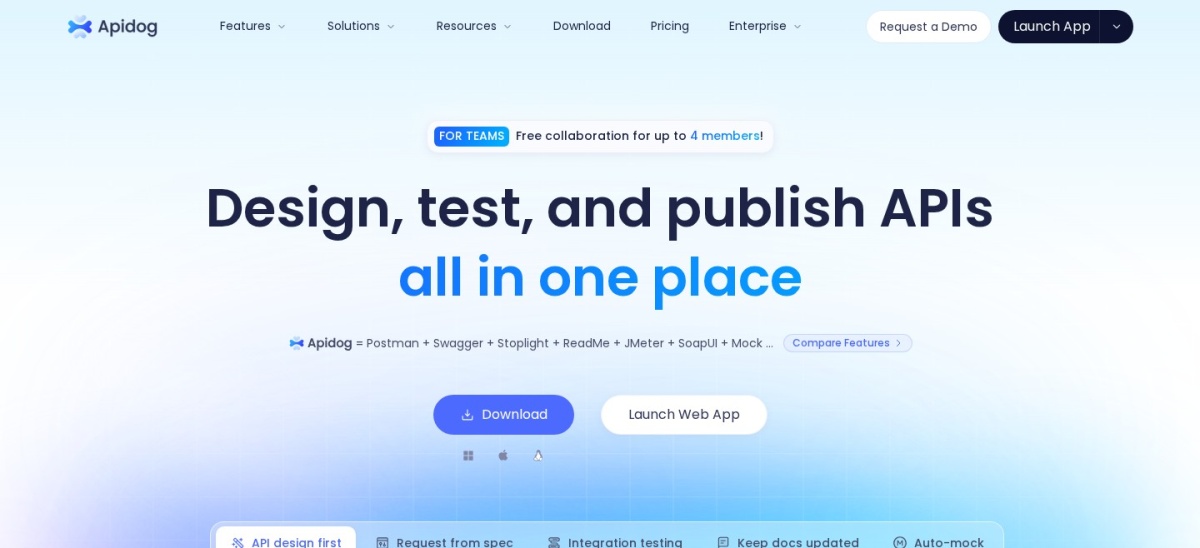
Apidog homepage, captured Nov 2026.
Apidog is an integrated API workspace that keeps API design, automated testing, mock servers, and published documentation tied to one specification. Its free plan supports up to four users with full API client support, mocking, and collection runs.
The trade off is moving past four collaborators or needing longer change history, which requires Basic at $9 per user/month billed annually ($108/year per seat). It suits small product and engineering teams wanting specs, tests, and docs in sync without separate tools.
What we like
Free plan covers up to four users with core mocking and testing
Keeps API definitions, mock responses, and documentation in one place
Lower per-seat entry price than many collaborative API suites
Watch out for
Paid tiers bill per user seat as headcount expands
Advanced security controls and SSO sit on higher tiers
Paid plans add unlimited team members, 90-day API change history, and up to 20 team projects on Basic.Visit apidog.com
02
Postman
4.6/5on G2 (1,802 reviews, checked Nov 2026)
Paid from$9/mo
Best for teams already standardizing on Postman collections
Free tier1 user, unlimited runs/mocks
Entry paid planSolo ($9/mo annual)
Team workspaceTeam ($19/user/mo annual)
G2 rating4.6/5 (1,802 reviews)
postman.com
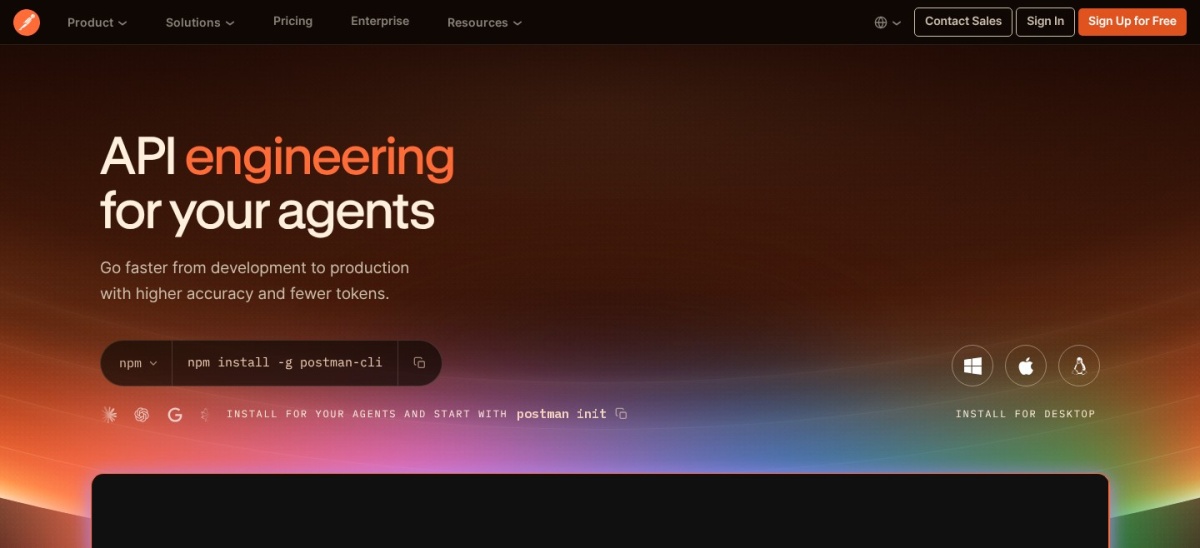
Postman homepage, captured Nov 2026.
Postman is a widely used API platform that generates documentation from request collections alongside testing, mocking, and monitoring tools. Its Free plan is limited to one user and includes unlimited collection runs and mock servers.
The trade off is that creating shared team workspaces requires upgrading to paid seats, starting at $9/month billed annually for Solo ($108/year) and $19 per user/month for Team. It suits developers and organizations already invested in Postman collections and monitors.
What we like
Large review base on G2 with 1,802 ratings
Unlimited collection runs and mock servers across plans
Familiar workflow for developers already testing endpoints in Postman
Watch out for
Free plan does not support team workspaces
Per-seat pricing adds up quickly for larger engineering teams
Paid plans expand monitoring limits, AI credits, custom domains, and shared team workspaces.Visit postman.com
03
Bump.sh
4.9/5on G2 (4 reviews, checked Nov 2026)
Starts at$50/mo
Best for automated OpenAPI and AsyncAPI documentation hubs
Entry paid planBasic ($50/mo)
Doc limit (Basic)Up to 10 API docs
Spec formatsOpenAPI, AsyncAPI, Arazzo
G2 rating4.9/5 (4 reviews)
bump.sh
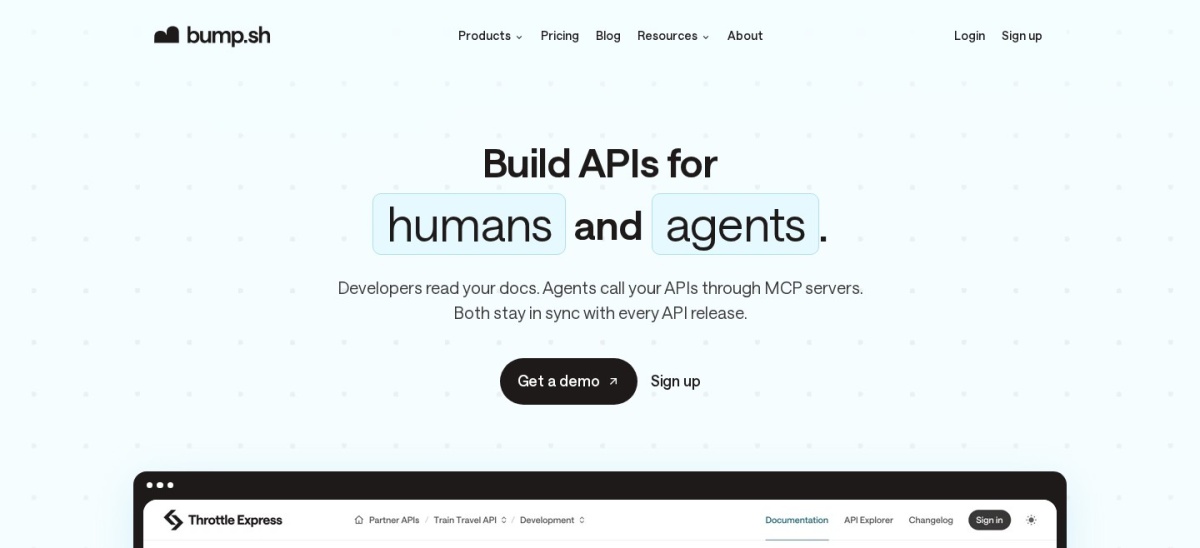
Bump.sh homepage, captured Nov 2026.
Bump.sh is an API documentation and specification publishing platform focused on OpenAPI, AsyncAPI, and Arazzo definitions with CLI and GitHub integrations. Its entry Basic plan is listed at $50/month ($600/year) for up to 10 API docs and 5 MCP tools.
The trade off is no permanent self-serve free tier on its standard pricing table and a small G2 review count of four reviews. It suits engineering teams automating spec updates from GitHub workflows without heavy all-in-one bloat.
What we like
Supports OpenAPI, AsyncAPI, and Arazzo specifications
Includes CLI and GitHub integration plus custom domain and logo on Basic
Straightforward entry pricing at $50/month for up to 10 API docs
Watch out for
Limited to 4 reviews on G2 compared to larger platforms
Features like branch management and automatic changelog require Pro at $120/month
Pro at $120/month adds up to 30 API docs, branch management, API Explorer, and automatic changelogs.Visit bump.sh
04
GitBook
4.7/5on G2 (208 reviews, checked Nov 2026)
Paid from$65/mo
Best for Git-synced documentation sites with API playgrounds
Free tier1 user, Git sync, API playground
Entry paid planEssential ($65/site/mo annual)
Extra users$12/user/mo annual
G2 rating4.7/5 (208 reviews)
gitbook.com
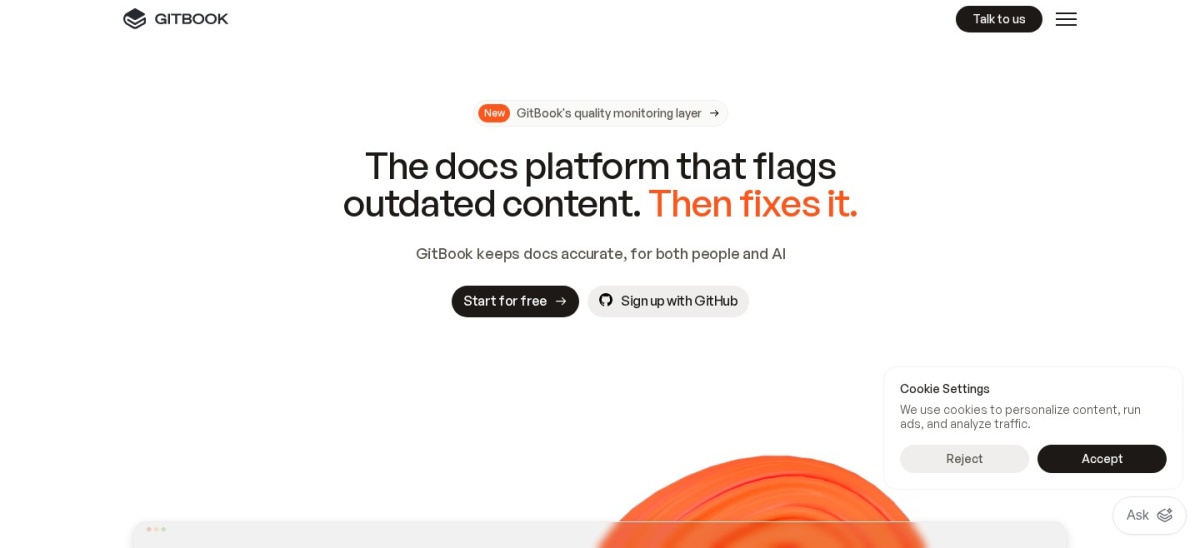
GitBook homepage, captured Nov 2026.
GitBook is a documentation publishing platform that pairs a visual and Git-synced editor with interactive API playgrounds and unlimited page views. Its Free plan covers one individual user with GitHub or GitLab sync and preview deployments.
The trade off is combined site and user pricing once you add collaborators or a custom domain, starting at $65 per site/month plus $12 per user/month billed annually ($780/year base site cost before seats). It suits product and developer teams publishing structured guides alongside API references.
What we like
Free plan includes GitHub or GitLab sync and interactive API playgrounds
Unlimited page views across Free, Essential, Ultimate, and Enterprise plans
Strong 4.7/5 rating on G2 across 208 reviews
Watch out for
Total cost combines per-site fees with per-user seat fees
AI Assistant usage consumes monthly AI credits
Essential adds custom domains, team collaboration, analytics, site redirects, and 2,000 monthly AI credits.Visit gitbook.com
05
Redocly
5/5on G2 (1 reviews, checked Nov 2026)
Starts at$249/mo
Best for multi-spec developer portals and Git workflows
Entry paid planPro ($249/mo annual)
Annual total$2,988/yr for 3 projects
Seats includedUnlimited editors and readers
Supported specsOpenAPI, GraphQL, AsyncAPI
redocly.com
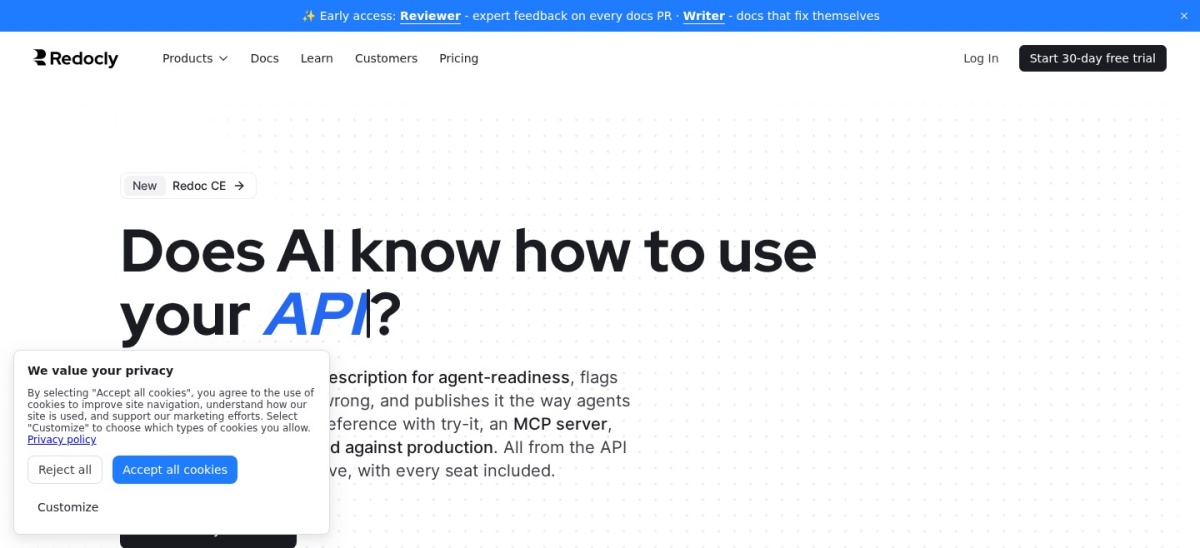
Redocly homepage, captured Nov 2026.
Redocly builds developer documentation portals from OpenAPI, GraphQL, and AsyncAPI descriptions with Git repository sync, preview deployments, and a try-it console. Its Pro plan starts at $249/month billed annually ($2,988/year) and includes three projects with unlimited editors and readers.
The trade off is a higher starting price point than lightweight doc generators and Redocly attribution remaining visible on the Pro tier. It suits engineering teams managing multiple API specifications and pull request previews across unlimited contributors.
What we like
Unlimited editors, readers, and Git contributors on Pro
Supports OpenAPI, GraphQL, and AsyncAPI with pull request previews
Includes mock servers, custom domains, and localization on Pro
Watch out for
Higher entry cost at $249/month billed annually
Removing Redocly branding and adding multi-product sites require Scale at $729/month
Scale at $729/month billed annually expands to 10 projects, removes attribution, and adds multi-product sites and SSO.Visit redocly.com
06
ReadMe
4.5/5on G2 (46 reviews, checked Nov 2026)
Paid from$250/mo
Best for interactive developer hubs and API metrics
Free tierStarter ($0/mo, 1 project)
Entry paid planPro ($250/mo annual)
Annual total$3,000/yr
G2 rating4.5/5 (46 reviews)
readme.com
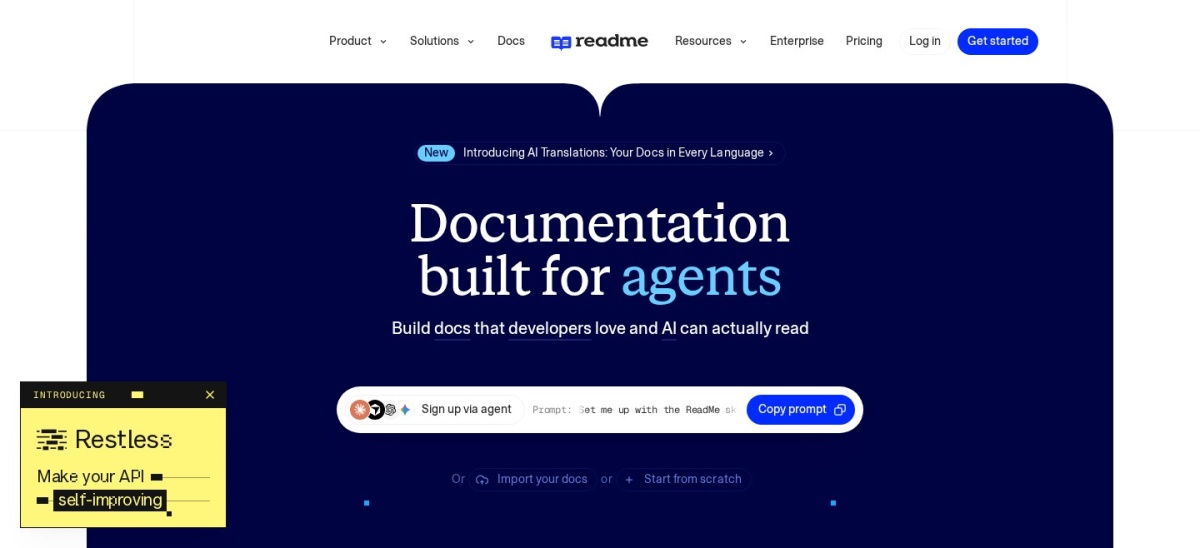
ReadMe homepage, captured Nov 2026.
ReadMe creates interactive developer portals combining guides, OpenAPI API references, custom domains, and usage metrics. Its Starter plan starts at $0/month for one project and one version with one admin.
The trade off is a steep jump to Pro at $250/month billed annually ($3,000/year), with AI add-ons priced separately. It suits API product teams that want guided onboarding, interactive endpoints, and usage visibility in a hosted hub.
What we like
Free Starter plan covers one project with custom domain and interactive API reference
Designed around developer onboarding guides alongside API endpoints
Established presence with 46 reviews on G2
Watch out for
Pro plan costs $250/month billed annually
Ask AI and extended history/logs are separate paid add-ons
Pro adds teammates, multiplayer editing, branching, private docs, and up to five admins.Visit readme.com
07
Mintlify
4.6/5on G2 (20 reviews, checked Nov 2026)
Paid from$450/mo
Best for docs-as-code teams with up to five editors on a free tier
Free tierUp to 5 editors, custom domain
Entry paid planPro ($450/mo annual)
Annual total$5,400/yr
G2 rating4.6/5 (20 reviews)
mintlify.com
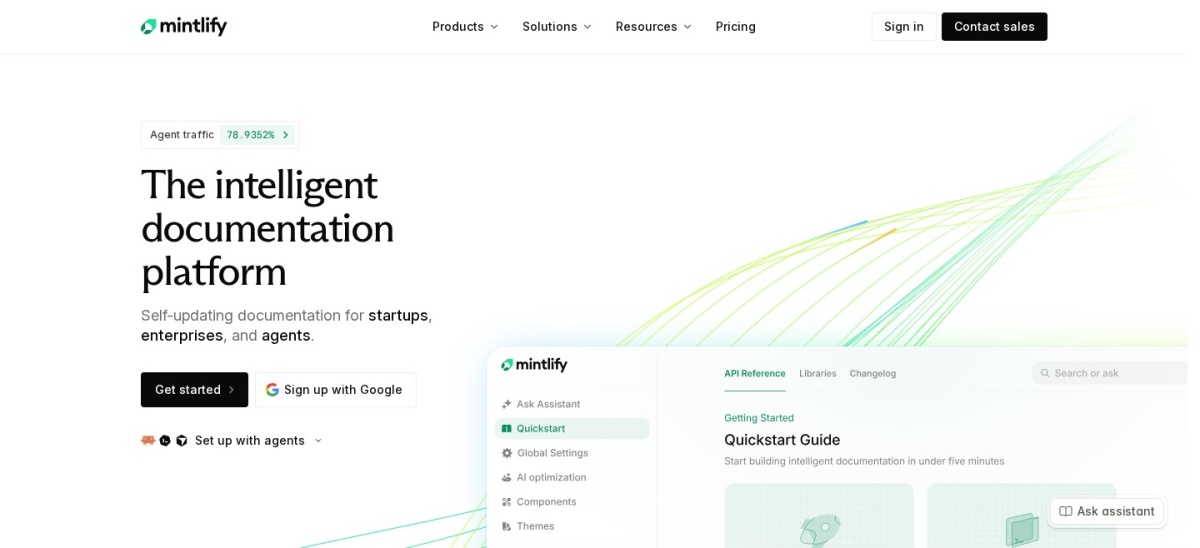
Mintlify homepage, captured Nov 2026.
Mintlify is a hosted documentation platform built around Git synchronization, custom domains, search, and an interactive API playground. Its Free plan supports up to five editors with hosting and Git sync included.
The trade off is jumping to Pro at $450/month billed annually ($5,400/year) or $540/month billed monthly when you need unlimited editors, preview deployments, or AI features. It suits teams following docs-as-code workflows whose needs fit within the free tier or budget for Pro.
What we like
Free plan includes up to five editor seats, hosting, search, and custom domain
Built-in Git sync and API playground out of the box
4.6/5 rating across 20 G2 reviews
Watch out for
Large jump from $0 Free to $450/month billed annually on Pro
AI assistant and Autopilot consume monthly credits on Pro
Pro adds unlimited editors, preview deployments, analytics, AI assistant, writing agent, and Autopilot.Visit mintlify.com
How we chose
We selected seven actively maintained tools that support API documentation workflows—ranging from OpenAPI and AsyncAPI spec publishers to all-in-one API workspaces and docs-as-code platforms. Every tool listed is an established product with public pricing and user review data.
We checked pricing pages, plan documentation, and G2 ratings and review counts on 22 Nov 2026, using regular entry-level paid pricing rather than promotional or one-off discounts. Where a product offers both annual and monthly billing, we note the published annual rate and resulting yearly figure.
We excluded tools that lacked clear public entry pricing on their pricing pages or had closed or inactive offerings. No vendor paid for a place, and we do not claim testing for this list.
How to choose the right API doc tool in 4 steps
Follow these four checks before committing your team to an API documentation platform:
Start with your source of truth. Decide whether documentation should be generated from OpenAPI or AsyncAPI specs, kept alongside code in Git, or built directly from request collections and test suites.
Check free limits against team size. Compare how many users, projects, or editors each free plan allows so small teams do not hit a paywall on day one.
Model paid growth across seats and sites. Calculate your 12-month cost using regular annual rates, factoring in per-user seats, per-site fees, and any metered AI or monitoring add-ons.
Match reader access to your audience. Confirm whether you need public developer portals with try-it consoles, private internal docs, or role and single sign-on controls as your organization scales.
FAQ
What is the best free API documentation tool?
Apidog is a strong free option for small teams because its Free plan supports up to four users with mocking, testing, and documentation. Mintlify also offers a Free plan for up to five editors with hosting and Git sync.
Do I need a dedicated API doc tool if we already use Postman?
If your team already builds and tests endpoints in Postman and only needs one solo user or paid team seats, Postman can cover basic documentation. Dedicated portals like GitBook or Redocly are often preferred when publishing multi-spec developer portals.
Why do API documentation tools cost so much more on higher tiers?
Entry tiers often cover individuals or small setups, while upper tiers bundle collaboration, custom domains, staging previews, access controls, and AI usage credits. Per-seat and per-site pricing also scales quickly as more writers and services are added.
Should we pick a docs-as-code tool or an all-in-one API platform?
Choose a docs-as-code tool like Mintlify or GitBook if you want Markdown and Git pull request workflows. Choose an all-in-one platform like Apidog or Postman if you want API design, mocking, and testing tied to the same workspace.
What should I check on a vendor pricing page before buying?
Verify whether the listed price is billed monthly or annually, whether it charges per user or per site, and whether features like custom domains, SSO, or AI credits require add-ons.