GitBook is the best software for creating manuals for most teams, rated 4.7 out of 5 on G2 from 208 reviews, with an Essential plan at $65 per site a month plus $12 per user. Pick Helpjuice for a branded support manual, or Confluence if your team already uses Jira.
How we make this list: we compare pricing pages, product documentation and public user reviews, then re-check every price before each update. No product paid for a place. Disclosure.
GitBook leads for most teams: a clean editor, Git sync and a free plan, with Essential at $65 per site a month plus $12 per user.
Helpjuice is the highest-rated dedicated manual tool here at 4.7 out of 5 from 384 G2 reviews, but it starts at $249 a month with no free plan.
ClickHelp has the highest rating in the list at 4.8 out of 5, from a small base of 67 G2 reviews, and starts at $194 a month.
Confluence is the cheapest paid option at $5.78 per user a month, and its free plan covers up to 10 users.
Tango is the only tool here that records a workflow and turns it into a step-by-step guide automatically.
HelpDocs has the thinnest review base in the list, 4.3 out of 5 from 18 G2 reviews, so treat its rating with more caution than the others.
What manual software should do
A manual is not a pile of documents. It is one place where a reader can find the current version of a procedure, follow it step by step, and trust that it is up to date.
Good manual software makes that easy in three ways: a simple editor for writers, clear navigation and search for readers, and version control so old steps do not stay live.
Publishing matters as much as writing. A tool that only stores pages inside your company is a poor fit for a customer manual, while a tool with no permissions is a poor fit for internal procedures.
Price is hard to compare directly here, because some tools charge per user, some per site, and some a flat monthly fee. Our table of contents guide shows why navigation matters once a manual grows past a few pages.
The tools below cover both kinds of manual: public product and support manuals, and internal step-by-step guides for staff.
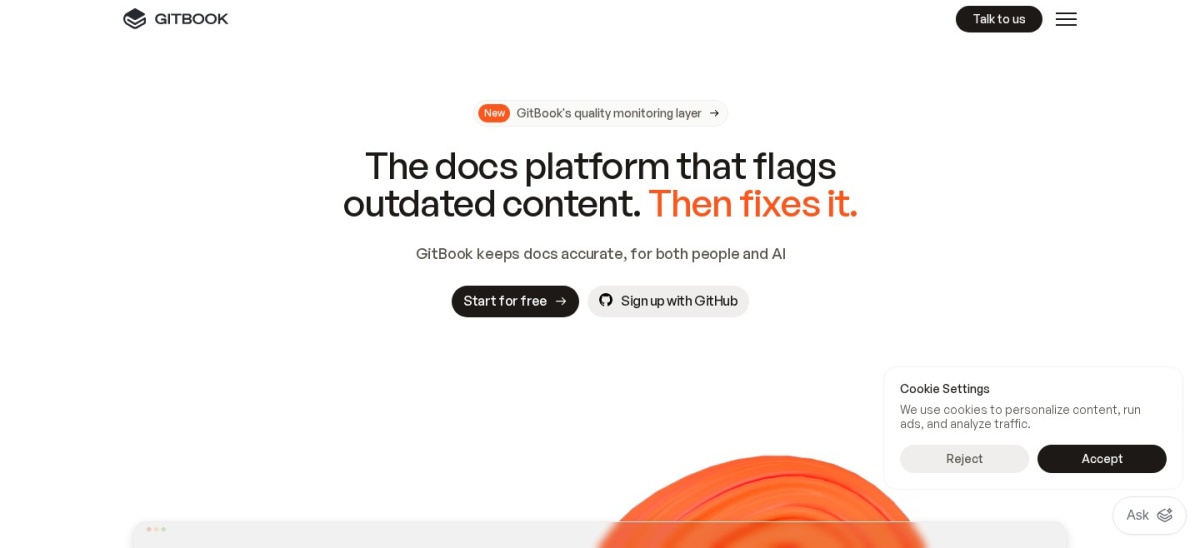
GitBook is a hosted documentation platform with a clean block editor, two-way sync with GitHub and GitLab, and a published site that readers can search. The free plan covers one user, while Essential adds a custom domain, analytics, redirects, and 2,000 AI credits a month for reader questions.
The trade off is the pricing model. Essential costs $65 per site a month plus $12 per user a month on annual billing, so a second site or a larger team raises the bill quickly. It suits product and support teams that want polished public manuals without running their own site.
What we like
Clean editor that non-technical writers can use
Two-way Git sync keeps docs beside the code
Free plan for a single author
AI answers for readers on paid plans
Watch out for
Per-site plus per-user pricing adds up fast
Private sites need the $249 top-tier plan
Essential adds a custom domain, analytics and AI answersVisit gitbook.com
02
Helpjuice
4.7/5on G2 (384 reviews, checked Nov 2026)
Starts at$249/mo
Best for branded support manuals
Free planNo, 14-day trial
Included users30 on the entry plan
File storage12 GB on the entry plan
Paid planKnowledge Base, $249/mo
helpjuice.com
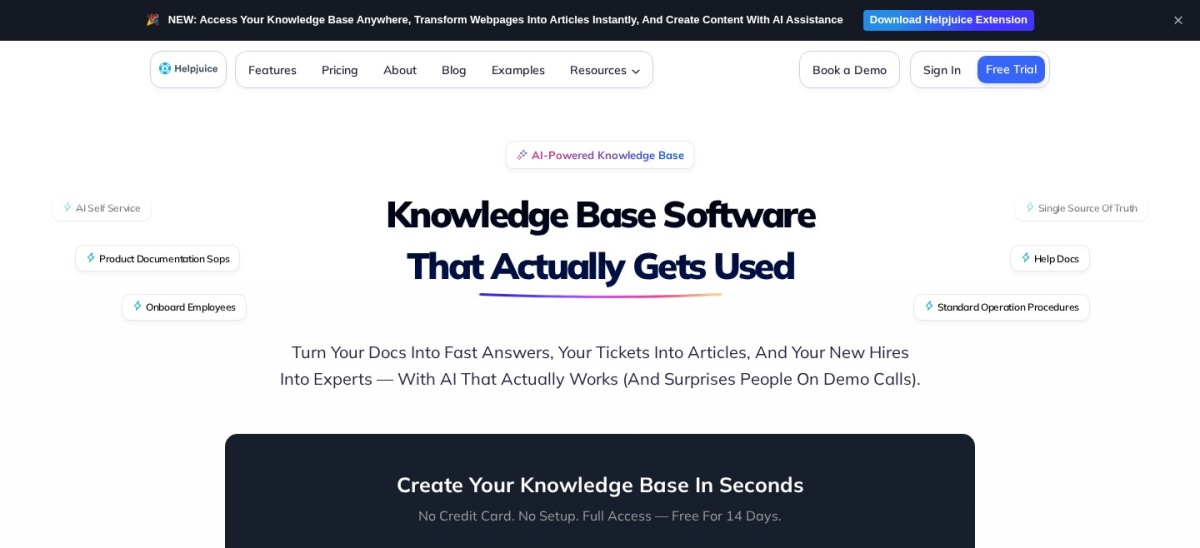
Helpjuice homepage, captured Nov 2026.
Helpjuice is a dedicated knowledge base platform for customer-facing manuals and internal help content, with a branded site, strong search, analytics and multilingual publishing. The entry plan covers 30 users and 12 GB of file storage, and readers are unlimited.
The trade off is price. At $249 a month it is the most expensive entry plan in this list, and the full AI suite only appears on the $449 plan. It suits support teams that want a polished, branded manual and can justify the flat monthly cost.
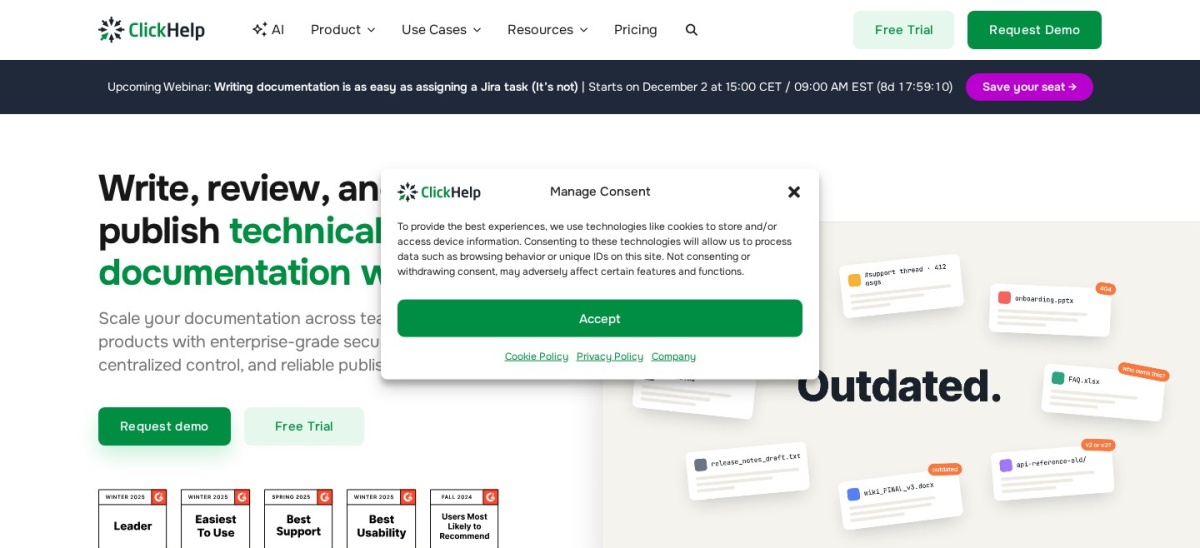
ClickHelp is a cloud authoring tool built for technical documentation, user manuals and knowledge bases, with review workflows, content reuse and PDF and HTML publishing. Reviewers praise its interface and support, and it holds the highest rating in this list.
The trade off is cost and scale. Starter costs $194 a month, and the 4.8 rating rests on only 67 G2 reviews, a much smaller base than Notion or Confluence. It suits technical writing teams that need review and reuse features rather than a simple wiki.
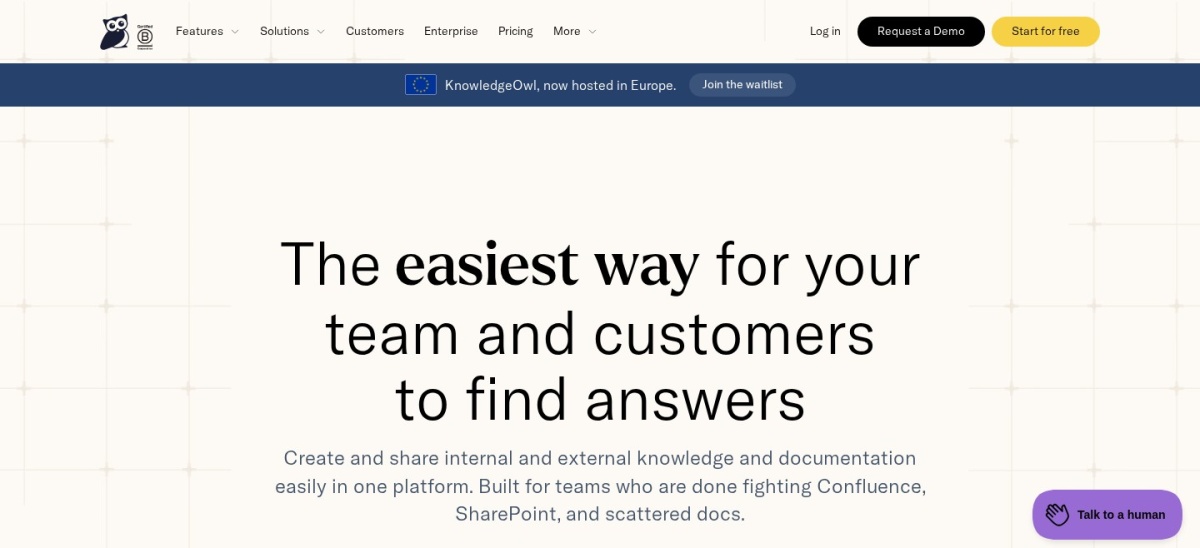
KnowledgeOwl is a dedicated knowledge base tool for customer help centers and internal documentation, with an approachable editor, version control, AI search and unlimited readers on every plan. The Basic plan costs $100 a month and covers one author, one knowledge base and up to 1,000 articles.
The trade off is the author limit. Extra authors cost $25 a month each and extra knowledge bases $50, so the bill grows as the writing team grows. It suits small teams that want a focused manual tool without paying per reader.
Confluence is Atlassian's team wiki, with spaces, page trees, templates and permissions, tightly connected to Jira. The free plan covers up to 10 users with 2 GB of storage, and Standard adds permissions, archiving, page insights and 250 GB of storage.
The trade off is that it is a general wiki, not a dedicated manual tool. Public-facing publishing and polished branding take more work than in GitBook or Helpjuice. It suits teams that already run Jira and want internal manuals beside their project work.
Notion is a flexible workspace that combines documents, wikis, databases and project tracking, so a manual can sit beside tasks and meeting notes. The free plan covers personal use, and Plus at $10 per user a month on annual billing adds unlimited blocks for teams, custom sites and 30-day page history.
The trade off is structure. Notion gives writers a blank page, so a large manual needs careful templates and organisation, and large workspaces can feel slow. It suits small teams that want one workspace for manuals and the rest of their work.
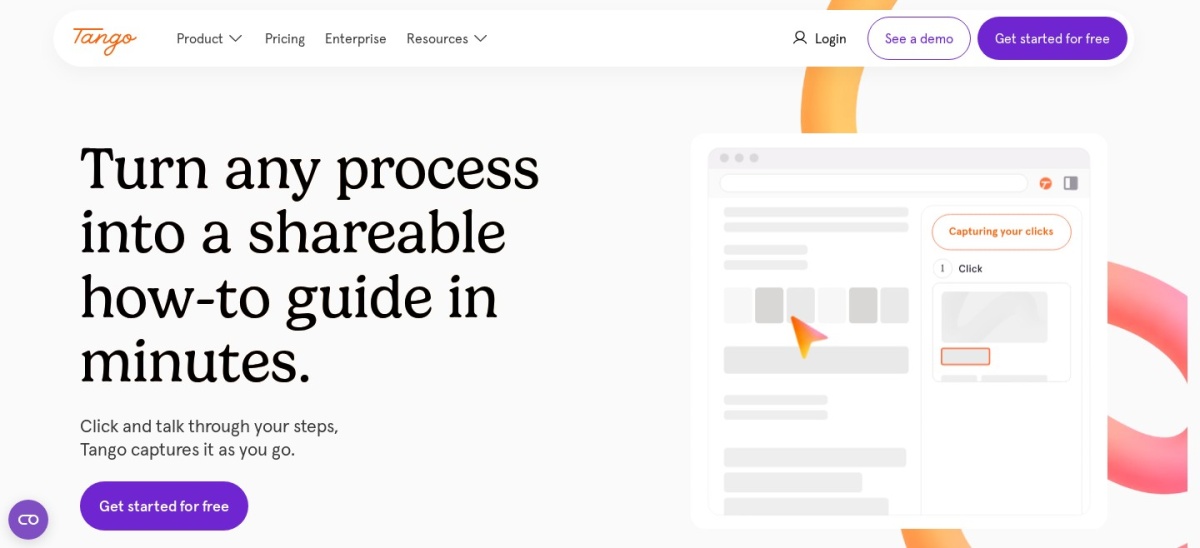
Tango is a step-by-step guide tool that records a workflow as you click through it and turns it into an annotated guide with screenshots. The free plan covers up to 10 users and 5 shared workflows, and Pro adds desktop capture, exports to PDF, Markdown and HTML, and on-screen guidance.
The trade off is the billing model. Pro costs $22 per user a month on annual billing for 1 to 2 users, and every member of a Pro workspace is a paid seat. It suits teams that write how-to guides by doing the task, rather than by drafting pages from scratch.
What we like
Captures a guide in minutes, with screenshots
On-screen guidance walks readers through a task
Free plan for up to 10 users
Exports to PDF, Markdown and HTML
Watch out for
Every workspace member is a paid seat on Pro
Built for procedures, not long reference manuals
Rate drops only at 3 or more users
Enterprise adds pinned walkthroughs and automationVisit tango.ai
08
Archbee
4.6/5on G2 (118 reviews, checked Nov 2026)
Starts at$49/mo
Best for product and API manuals
Free planNo, 14-day trial
Custom domainYes, on Growing
API docsYes
Paid planGrowing, $49/mo
archbee.com
Archbee homepage, captured Nov 2026.
Archbee is a documentation platform for product and API manuals, with a fast editor, custom blocks, a custom domain and password protection on its Growing plan. Readers are unlimited and free on every plan, and the Growing plan costs $49 a month.
The trade off is that the entry price is only a starting point. Extra team members cost more, and versioning, localisation and the review system start on Scaling at $199 a month. It suits product teams that mix public docs with private internal manuals.
What we like
Good value entry price at $49 a month
Unlimited free readers on every plan
API documentation built in
Rated 4.6 out of 5 on G2
Watch out for
No free plan, only a 14-day trial
Versioning needs the $199 Scaling plan
Entry price rises with extra team members
Scaling at $199 a month adds versioning and localisationVisit archbee.com
09
HelpDocs
4.3/5on G2 (18 reviews, checked Nov 2026)
Starts at$99/mo
Best simple public help center
Free planNo, 14-day trial
Included editors5 on Sprout
AI credits1,000 a month on Sprout
Paid planSprout, $99/mo
helpdocs.io
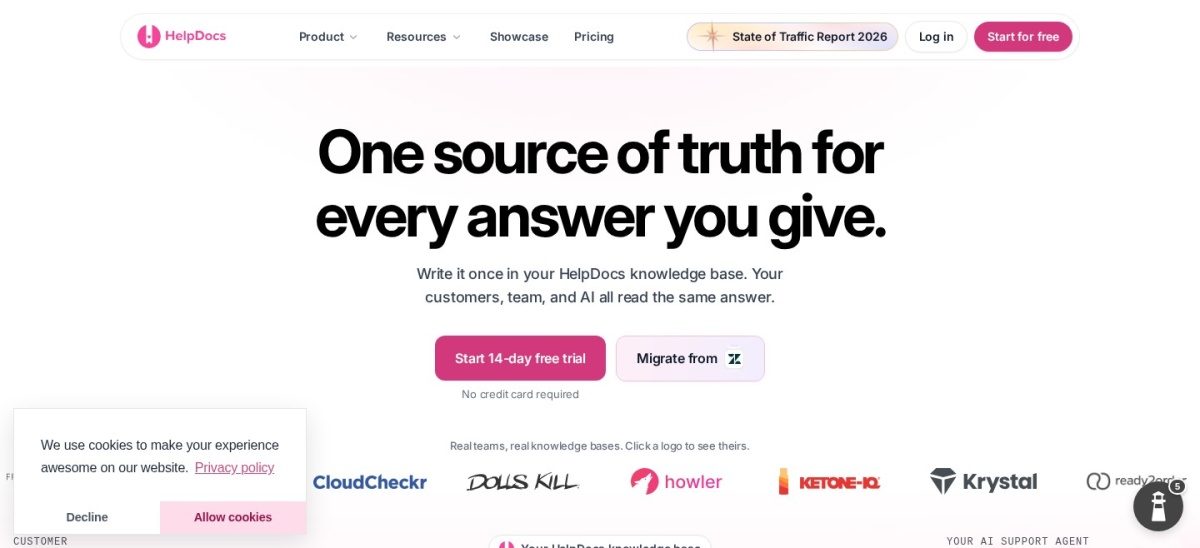
HelpDocs homepage, captured Nov 2026.
HelpDocs is a focused help center tool for branded, searchable public manuals, with a drag-and-drop editor, AI article drafting and an Ask AI answer layer. Sprout costs $99 a month on annual billing, or $129 month to month, and covers 5 editors with unlimited viewers.
The trade off is the thin review base. Its 4.3 out of 5 G2 rating rests on only 18 reviews, the smallest base in this list, so there is less independent evidence behind it. It suits small teams that want a simple public help center without enterprise overhead.
Manuals vs step-by-step guides: pick the right format
A reference manual and a step-by-step guide solve different problems. A manual explains a product or a process in full, while a guide walks one person through one task.
If your readers mostly ask how to do one thing, a capture tool such as Tango will get you published faster than a full manual platform.
If your readers need to look up settings, limits and edge cases, a knowledge base such as GitBook, Helpjuice or KnowledgeOwl is the better home for that content.
Many teams end up with both: a manual for reference, and short guides for the tasks people do most. Our guide on collaborating in WordPress shows how shared editing works when more than one person writes.
How we chose
We started from the established manual and knowledge base tools that appear most often in buyer comparisons, then kept the nine with a published entry price and a public rating on G2.
Prices come from each vendor's pricing page, checked on 26 November 2026, and are the monthly rate on annual billing where the vendor publishes one; otherwise they are the monthly rate. Ratings and review counts come from G2 on the same day. Where a vendor shows a sale, the list shows the regular price.
We left out tools with no published entry price, including Document360, which is quote-only, and free open-source tools with no public rating, including Docusaurus. No vendor paid for a place, and we do not claim to have used these tools ourselves.
How to choose software for creating manuals
Start with who will read the manual, then match the tool to that reader.
Decide who the manual is for. A customer manual needs public publishing, search and branding, while an internal manual needs permissions, version control and a private home.
Count the writers, not the readers. Most of these tools charge by author, editor or user, while readers are often free, so the writing team drives the bill.
Check the export and search options. Make sure you can export to PDF or Markdown, and that readers can find an answer by searching, not only by browsing a page tree.
Try it with one real manual first. Write one complete procedure in the trial, publish it, and ask a new reader to follow it before you move the rest of your content.
FAQ
What is the best software for creating manuals?
GitBook is the best pick for most teams. It has a clean editor, Git sync, a free plan for one user, and a 4.7 out of 5 rating on G2 from 208 reviews, with Essential at $65 per site a month plus $12 per user.
What is the cheapest software for creating manuals?
Confluence is the cheapest paid option in this list at $5.78 per user a month, with a free plan for up to 10 users. Notion Plus is also cheap at $10 per user a month, and both work well for internal manuals.
Is there free software for creating manuals?
Yes. GitBook, Confluence, Notion and Tango all have free plans, though each limits users, storage or features. For a full public manual with a custom domain, you will usually need a paid plan.
What is the difference between a manual and a knowledge base?
A manual is a structured document that explains a product or process from start to finish. A knowledge base is a searchable collection of articles that answers single questions, and most manual tools publish as a knowledge base.
Do I need a dedicated manual tool, or will Notion work?
Notion works well for internal manuals if your team already uses it and you set up templates. A dedicated tool such as GitBook or Helpjuice is better for public manuals, where branding, search and a custom domain matter more.
Can I export my manual if I switch tools?
Most of the tools here export to PDF, HTML or Markdown, including Tango, ClickHelp and Archbee. Check the export options on your plan before you write a large manual, because some exports sit on paid plans.
SaaS SEO and WordPress specialist with about 8 years of experience. Rakib compares WordPress plugins, themes, hosting and software using public pricing, documentation and user reviews. See how we rank.