GitBook leads this list at 4.7 out of 5 from 208 G2 reviews, with Git-synced Markdown docs and a free plan for individuals. Mintlify suits API-first startups, while Confluence is the cheapest paid route at $5.78 per user a month for teams already on Jira.
How we make this list: we compare pricing pages, product documentation and public user reviews, then re-check every price before each update. No product paid for a place. Disclosure.
GitBook leads at 4.7/5 from 208 G2 reviews, with a free plan and Git-synced Markdown docs.
ClickHelp has the highest rating at 4.8/5 from 86 reviews, but SSO and API access cost extra.
Mintlify Pro costs $450 a month on annual billing, the steepest jump from free on this list.
Document360 is quote-only, so it is the only pick with no published price.
Confluence is the cheapest paid route at $5.78 per user a month, and the only pick under $100 a year.
4 of the 9 tools have a free plan: GitBook, Mintlify, ReadMe and Confluence.
What to look for in a documentation tool
Developer documentation lives or dies on workflow. The best tools keep docs in or near the code, so a pull request can update the guide at the same time as the feature, and nothing drifts out of date between releases.
Check how API references are built. Some tools generate them from an OpenAPI spec with a live playground, while others need every endpoint written by hand. If your product has an API, that difference decides the shortlist, and our guide to [/guides/what-is-the-wordpress-rest-api/] explains what a REST API reference should cover.
Pricing models vary more than features. Some tools charge per site, some per user, some per project, and one on this list publishes no price at all. Compare the yearly cost for your actual team size, not the headline monthly figure.
Ratings here come from G2, checked in November 2026. Treat thin review counts with care: Mintlify's 4.6 rests on 19 reviews, while Confluence's 4.1 rests on 4,368.
The 9 best software documentation tools for developers
01
GitBook
4.7/5on G2 (208 reviews, checked Nov 2026)
Paid from$65/mo
Best overall for developer docs
Free planYes, for individuals
Git syncYes, two-way
AI credits on Essential2,000 per month
Paid planEssential, $65/site/mo
gitbook.com
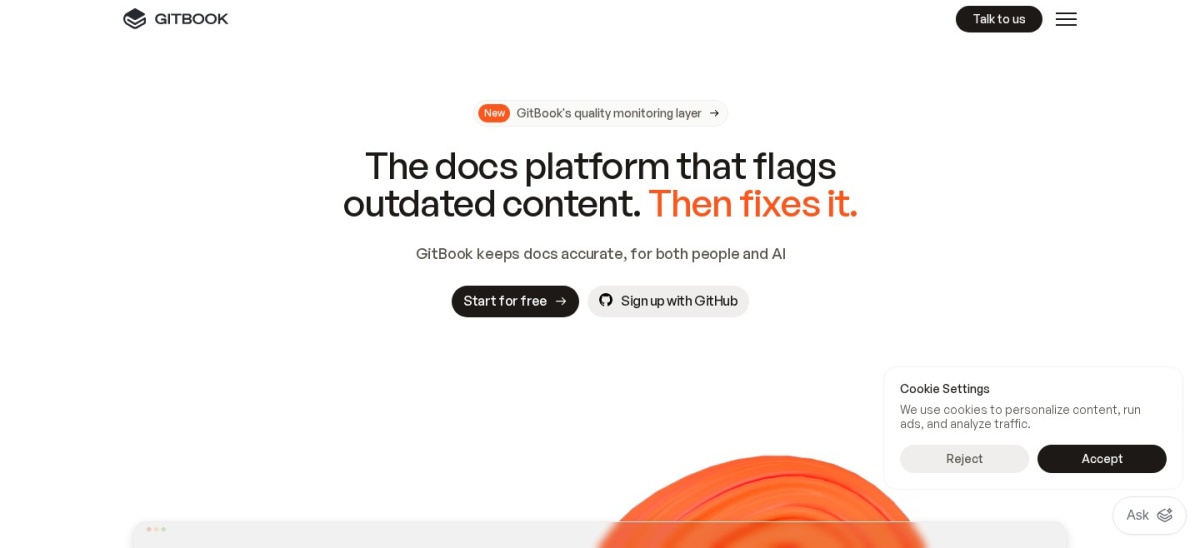
GitBook homepage, captured Nov 2026.
GitBook is a documentation platform built around Git, with Markdown content, a visual editor and two-way Git sync. The free plan covers individuals, and every plan ships a custom domain, llms.txt files and an MCP server, so AI tools can read your docs.
The trade off is price. The old per-user plans are gone: Essential now costs $65 per site a month on annual billing, plus $12 per user a month, so a small team pays far more than the $8 a user G2 still lists. It suits teams that publish public docs and want Git workflows without self-hosting.
What we like
Two-way Git sync with Markdown in your repo
Free plan for individuals with a custom domain
AI-ready publishing with llms.txt and an MCP server
Unlimited page views on every plan
Watch out for
Essential is $65 a site a month before user fees
AI Assistant Ask needs the paid Essential plan
Per-user fees add up as the writing team grows
Paid Essential adds AI Assistant Ask and 2,000 AI credits a month.Visit gitbook.com
02
Mintlify
4.6/5on G2 (19 reviews, checked Nov 2026)
Paid from$450/mo
Best for polished API docs fast
Free planYes, 5 editors
OpenAPI importYes, with playground
AI credits on Pro10,000 per month
Paid planPro, $450/mo annual
mintlify.com
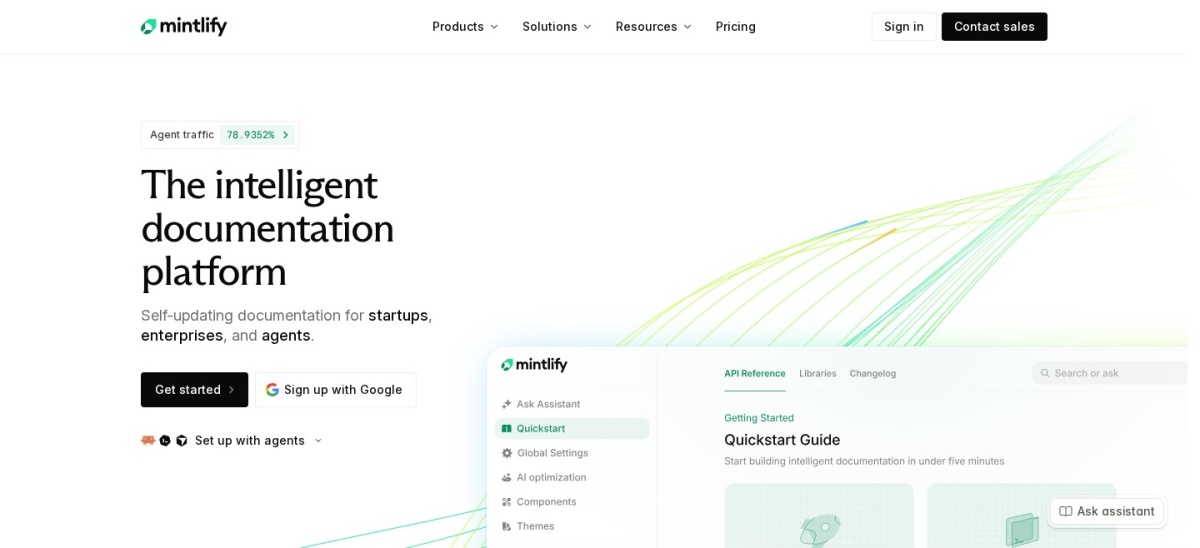
Mintlify homepage, captured Nov 2026.
Mintlify is a docs-as-code platform that turns Markdown and MDX in your repo into a polished docs site, with OpenAPI specs becoming an interactive API reference and playground. The free plan covers 5 editors with a custom domain, a web editor and an MCP server.
The trade off is the jump to paid. AI features start on Pro at $450 a month on annual billing ($540 month-to-month), and answers draw from a metered pool of 10,000 credits. It suits funded startups whose docs drive developer adoption.
What we like
OpenAPI specs become interactive references automatically
Free plan with 5 editors and a custom domain
AI writing agent and Autopilot open docs pull requests
Every plan includes llms.txt and an MCP server
Watch out for
Pro costs $450 a month on annual billing
AI answers use metered credits with overages at $0.01 each
Only 19 G2 reviews, the thinnest rating on this list
Pro adds unlimited editors, the AI assistant and 10,000 credits a month.Visit mintlify.com
03
ReadMe
4.5/5on G2 (46 reviews, checked Nov 2026)
Paid from$250/mo
Best for interactive API hubs
Free planYes, 1 project
Admins on Pro5, then $20 each
API referenceInteractive, with playground
Paid planPro, $250/mo annual
readme.com
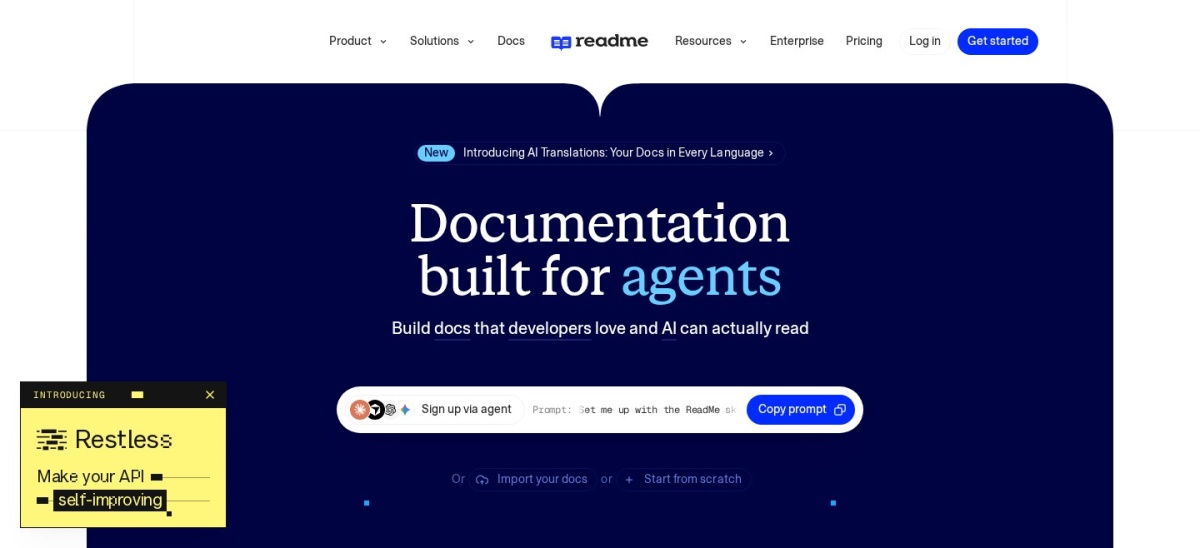
ReadMe homepage, captured Nov 2026.
ReadMe is an interactive API hub that pairs Markdown guides with a live API reference, plus a changelog, recipes and discussion forums in the same site. The free Starter plan covers 1 project with a custom domain, bi-directional sync and an MCP server.
The trade off is cost per project. Pro costs $250 a month on annual billing for a single project, and extra admins cost $20 each a month. It suits API companies that want docs, changelog and usage logs in one hub.
What we like
Interactive API reference with a playground
Changelog, recipes and forums in one hub
Branching and multiplayer editing on Pro
Developer Dashboard logs API traffic
Watch out for
Pro covers only 1 project at $250 a month
Extra admins cost $20 each a month
Full Ask AI is a $150 monthly add-on
Pro adds branching, multiplayer editing and 5 admins.Visit readme.com
04
Archbee
4.6/5on G2 (118 reviews, checked Nov 2026)
Starts at$49/mo
Best for mixed-audience portals
Free planNo, 14-day trial
ReadersUnlimited and free
GitHub syncYes, with branches
Paid planGrowing, $49/mo
archbee.com
Archbee homepage, captured Nov 2026.
Archbee builds knowledge portals that serve developers, customers and internal teams from one platform, with Markdown and MDX editing, GitHub sync and branches for docs review. Growing starts at $49 a month with unlimited readers, custom domains and API documentation.
The trade off is add-ons. AI features, analytics, API access and PDF output are separate extras, so the working price lands above the $49 headline. It suits product companies that need one docs home for every audience.
What we like
One portal for developers, customers and staff
Git-based branches for docs review
Unlimited readers free on every plan
Startup program gives 50% off for 2 years
Watch out for
No free plan, only a 14-day trial
AI and analytics are paid add-ons
Versioning and localization start on Scaling at $199 a month
Scaling at $199 a month adds versioning and localization.Visit archbee.com
05
ClickHelp
4.8/5on G2 (86 reviews, checked Nov 2026)
Starts at$194/mo
Best for governed tech writing
Free planNo, free trial
Contributors on Starter2 included
Topics on Starter500
Paid planStarter, $194/mo yearly
clickhelp.com
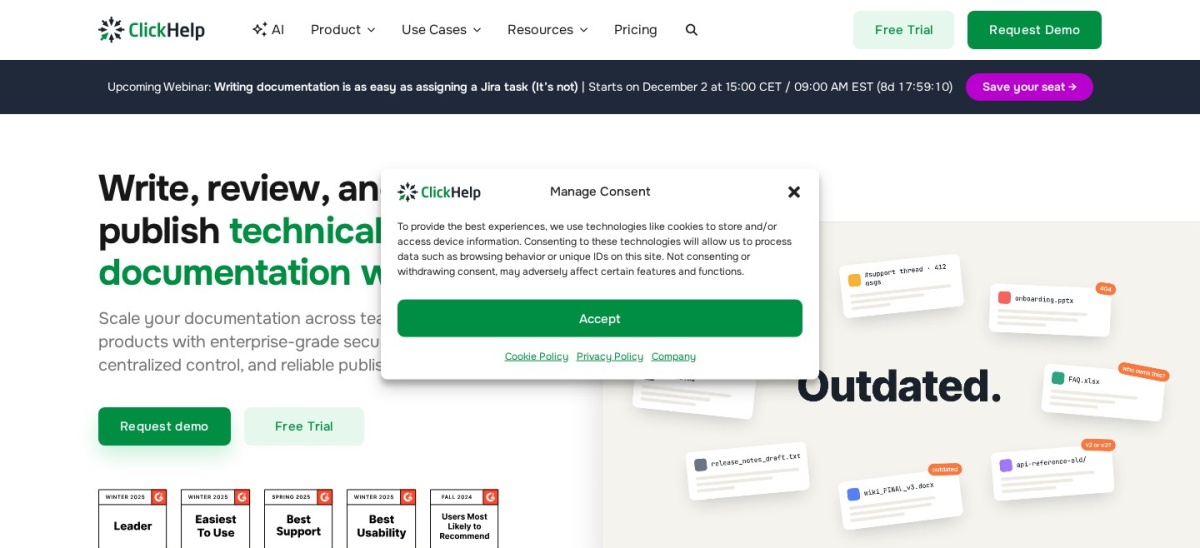
ClickHelp homepage, captured Nov 2026.
ClickHelp is an all-in-one documentation tool for authoring, hosting and delivering technical content, with workflow and review stages, permission management and API documentation tools. Starter costs $194 a month on yearly billing for 1 site, 500 topics and 2 contributors.
The trade off is the add-on shelf. SSO, the REST API and MCP server, and the AI Suite each cost extra, at $132 to $300 a month, on the cheaper plans. It suits technical writing teams that need review workflows and translation.
What we like
Workflow and review stages built in
API docs generated from definition files
Translation ecosystem for multilingual portals
Highest G2 rating on this list at 4.8 out of 5
Watch out for
No free plan, only a trial
SSO and API access are paid add-ons
Starter caps at 500 topics and 2 contributors
Growth at $325 a month adds unlimited topics and 5 contributors.Visit clickhelp.com
06
Document360
4.7/5on G2 (541 reviews, checked Nov 2026)
PricingCustom/mo
Best for large knowledge bases
Free planNo, 14-day trial
PricingQuote only
AI searchEddy, AI answers
ComplianceSOC 2, ISO 27001, GDPR
document360.com
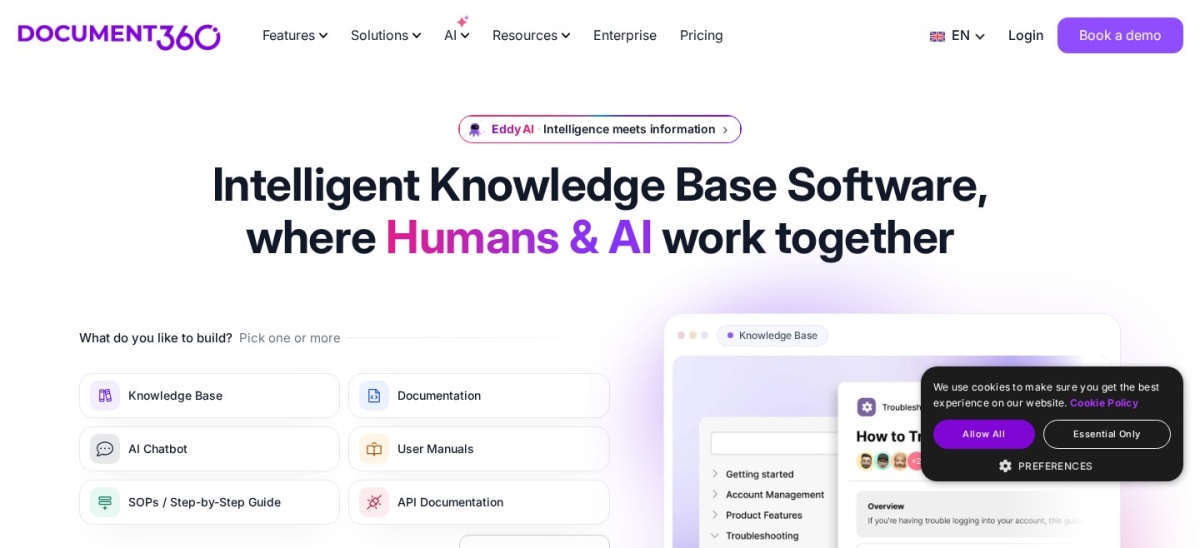
Document360 homepage, captured Nov 2026.
Document360 is a dedicated knowledge base platform for customer-facing and internal documentation, with categories, versioning, review workflows and analytics. Its Eddy AI answers reader questions from your articles, and it holds SOC 2, ISO 27001 and GDPR compliance.
The trade off is pricing. There is no published price: every plan is a sales-led quote, and AI search is locked behind the Business tier. It suits mid-size and enterprise teams publishing hundreds of articles.
What we like
Built only for documentation, not a bolt-on
Review workflows with version history
AI search and writing agent included
Strong compliance set for enterprises
Watch out for
No published prices, quote only
No free plan, only a 14-day trial
Costs scale per project, so multiple bases multiply the bill
Talk to sales for a quote; a 14-day trial covers the full feature set.Visit document360.com
07
KnowledgeOwl
4.7/5on G2 (141 reviews, checked Nov 2026)
Starts at$100/mo
Best value knowledge base
Free planNo, free trial
Theme controlFull CSS and HTML
Plans$100, $250, $500/mo
Paid planBasic, $100/mo
knowledgeowl.com
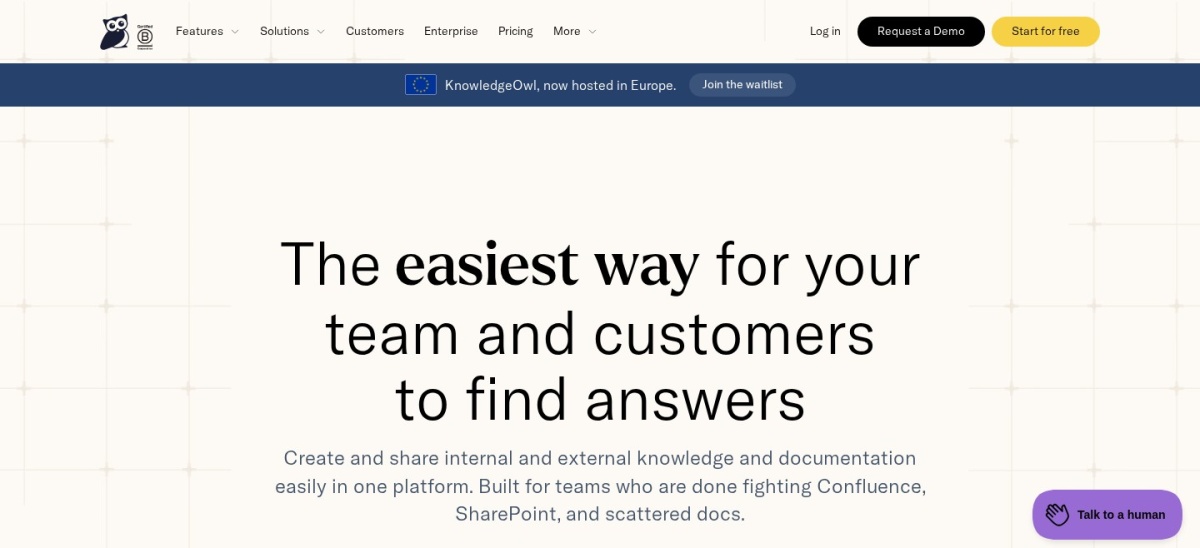
KnowledgeOwl homepage, captured Nov 2026.
KnowledgeOwl is a knowledge base platform that gives authors full control over the theme, with header, CSS and login-screen access, plus version history and search analytics. Basic costs $100 a month, and reviewers single out its support and value for money.
The trade off is scope. It is a knowledge base first, with no built-in API reference generator or docs-as-code workflow, so developer teams pair it with other tooling. It suits support and product teams that want a branded help center.
What we like
Full theme and CSS control
Reviewers praise support and value for money
Clear flat pricing from $100 a month
Knowledge base with categories and search
Watch out for
No free plan, only a trial
No API reference generator
Smaller review base than Document360 or Confluence
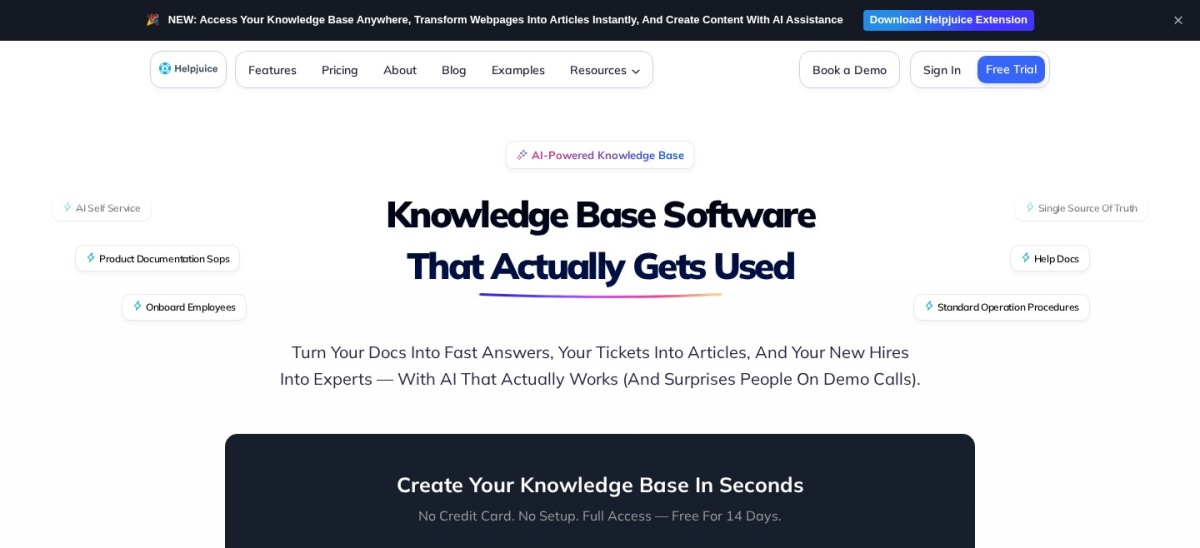
Helpjuice is a standalone knowledge base with fully customized design: its team hand-skins each knowledge base to match the brand. The $249-a-month plan covers 30 users and 12GB of storage, with live collaboration and article translation into 40+ languages.
The trade off is the entry price. There is no free plan, and the AI Suite with the writer, search and chatbot only arrives on the $449-a-month plan. It suits mid-market teams that want a branded, multilingual help center.
What we like
Fully customized design by the Helpjuice team
AI article translation into 40+ languages
Live collaboration and workflows
14-day free trial with no card required
Watch out for
$249 a month is the cheapest entry point
AI Suite needs the $449 plan
No free plan for small teams
AI-Knowledge Base at $449 a month adds the AI Suite and 100 users.Visit helpjuice.com
09
Confluence
4.1/5on G2 (4,368 reviews, checked Nov 2026)
Paid from$5.78/user/mo
Best for Jira teams
Free planYes, up to 10 users
Storage on Standard250GB
Automation100 runs per user/mo
Paid planStandard, $5.78/user/mo
atlassian.com
Confluence homepage, captured Nov 2026.
Confluence is Atlassian's team wiki, with spaces, page trees, templates and page-level permissions, tightly linked to Jira. The free plan covers up to 10 users with 2GB of storage, and Standard costs $5.78 per user a month on annual billing.
The trade off is fit. It is a general team wiki rather than a developer docs platform, with no OpenAPI reference generator, and search draws regular complaints in reviews. It suits Atlassian shops that already live in Jira.
What we like
Free for teams up to 10 users
Deepest Jira integration on this list
Cheapest paid plan here at $5.78 a user a month
4,368 G2 reviews, the largest base on this list
Watch out for
No API reference generator
Reviewers flag search and navigation as weak points
Enterprise is annual-only with custom pricing
Premium at $11.16 a user a month adds analytics and more storage.Visit atlassian.com
Free vs paid documentation tools
Four tools on this list have a free plan: GitBook for individuals, Mintlify for 5 editors, ReadMe for 1 project, and Confluence for up to 10 users. Each free plan covers a real docs site with a custom domain, so a small project can ship without paying.
Paid plans mostly buy seats, AI features and governance. Mintlify's AI starts at $450 a month, ReadMe's branching at $250, and GitBook's AI assistant at $65 a site a month plus users. Before paying, check whether the free plan's seat or project cap is the real limit.
How we chose
We shortlisted 9 tools that developers actually use to publish software documentation, from docs-as-code platforms to knowledge bases. Each tool had to have a public user rating and a published price or a stated quote-only model, which is why open-source generators with no review profile, such as Docusaurus and MkDocs, are not on the list.
Prices and ratings were checked on 26 Nov 2026 against each vendor's pricing page and G2. Where a vendor changed pricing recently, we used the live page: GitBook's per-user plans are gone, and Mintlify's Pro is $450 a month on annual billing.
No vendor paid for a place, and we do not claim to have used these tools ourselves. We compare pricing pages, documentation and public reviews, and we left out tools whose ratings or prices could not be verified.
How to choose a documentation tool
Start from how your docs are written today, then match the tool to that workflow.
Decide docs-as-code or hosted editor. If engineers write docs in pull requests, pick a Git-backed tool such as GitBook, Mintlify or Archbee. If writers prefer a visual editor, a hosted platform such as Document360 or Helpjuice fits better.
Check the API story. Products with a public API need an interactive reference with a playground, which Mintlify and ReadMe generate from an OpenAPI spec. A plain knowledge base means writing every endpoint by hand.
Price it for your team size. Per-user, per-site and per-project pricing diverge fast: Confluence costs $5.78 per user a month, while ReadMe charges $250 a month per project. Add the seats and projects you will actually have.
Run the trial on real content. Import a real guide and an API spec during the trial, and check search, versioning and publishing. A trial shows whether the editor and the review flow fit your team before you commit.
FAQ
What is the best software documentation tool for developers?
GitBook is the best overall pick, rated 4.7 out of 5 from 208 G2 reviews, with Git-synced Markdown docs and a free plan for individuals. Mintlify is the stronger choice for API-first startups, and Confluence is the cheapest route for teams already using Jira.
Which documentation tool is best for API documentation?
Mintlify and ReadMe are the strongest API picks. Mintlify turns an OpenAPI spec into an interactive reference with a playground, while ReadMe adds a changelog, recipes and forums. Mintlify Pro costs $450 a month on annual billing, and ReadMe Pro costs $250.
Is there a free documentation tool for developers?
Yes. GitBook is free for individuals, Mintlify is free for up to 5 editors, ReadMe is free for 1 project, and Confluence is free for up to 10 users. All four include a custom domain, so a small project can publish without paying.
How much does GitBook cost?
GitBook's Essential plan costs $65 per site a month on annual billing, plus $12 per user a month. Ultimate costs $249 per site a month. The old $8 and $15 per-user plans no longer exist, and G2 still lists the old prices.
What is the cheapest documentation tool on this list?
Confluence is the cheapest paid option at $5.78 per user a month on annual billing, or about $69 a year for one user. Archbee is next at $49 a month, while the most expensive entry point is Mintlify Pro at $450 a month.
Do I need a separate tool for API docs?
Not always. Mintlify, ReadMe, Archbee and ClickHelp all generate API references, so one tool can cover guides and API docs. Knowledge bases such as KnowledgeOwl and Helpjuice have no API reference generator and suit support docs better.
Which tool is best for a large knowledge base?
Document360 is the best pick for large knowledge bases, rated 4.7 out of 5 from 541 G2 reviews, with categories, versioning, review workflows and AI search. Pricing is quote-only, so talk to sales before budgeting.
SaaS SEO and WordPress specialist with about 8 years of experience. Rakib compares WordPress plugins, themes, hosting and software using public pricing, documentation and user reviews. See how we rank.