JumpCloud is our top choice among VMware Workspace ONE alternatives because it combines device management with identity services and offers device management from $9 per user monthly. ManageEngine Endpoint Central is better for patch management and software deployment, while Microsoft Intune suits organizations already using Microsoft 365.
How we make this list: we compare pricing pages, product documentation and public user reviews, then re-check every price before each update. No product paid for a place. Disclosure.
JumpCloud Device Management costs $108 per user annually and has a 4.5/5 G2 rating from 4,124 reviews.
ManageEngine Endpoint Central offers a permanent free edition for up to 25 endpoints.
Microsoft Intune Plan 1 costs $8 per user monthly and is included in eligible Microsoft 365 subscriptions.
Scalefusion Essential starts at $24 per device annually for Android and iOS management.
Hexnode Pro costs $2.20 per device monthly with a 15-device minimum.
NinjaOne has a 4.7/5 G2 rating from 5,478 reviews and offers a 14-day free trial.
How do you choose the right VMware Workspace ONE alternatives?
Workspace ONE replacement projects should begin with device inventory. An organization managing Windows laptops, Android phones and Apple devices needs different capabilities from a business that operates exclusively with Macs.
Identity management is an important part of the migration. JumpCloud combines directory services with device management, while Microsoft Intune relies on Microsoft Entra ID for identity and conditional access. Organizations should identify which identity services they need to retain or replace.
Entry-level mobile device management is not equivalent to full unified endpoint management. Scalefusion Essential covers Android and iOS, while desktop management requires a higher subscription. Hexnode similarly separates mobile management from more comprehensive endpoint capabilities.
Pricing units affect the cost of managing shared and individually assigned devices. JumpCloud and Microsoft Intune advertise user-based prices, while Hexnode and Scalefusion charge per device. ManageEngine also applies minimum endpoint quantities to paid subscriptions.
Migration planning matters as much as software selection. Organizations should document existing enrollment profiles, application assignments, encryption settings, certificates and compliance rules before moving devices from Workspace ONE.
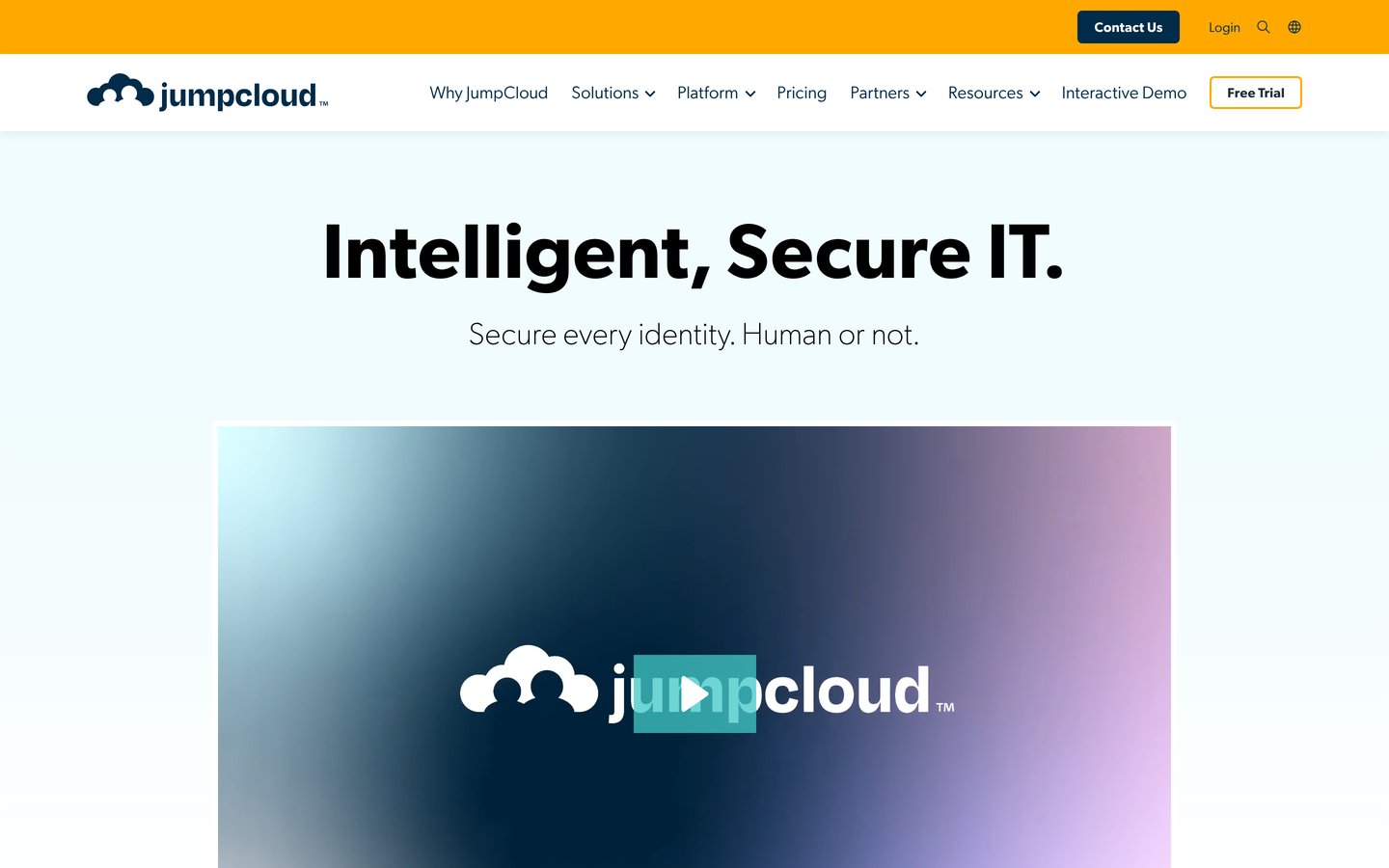
JumpCloud is a cloud directory and endpoint management platform that helps administrators manage devices, user accounts and access policies. Its Device Management subscription starts at $9 per user monthly with annual billing, and G2 records a 4.5/5 rating from 4,124 reviews.
The trade off is that the entry subscription does not include the complete identity management package. Device Identity Management costs $13 per user monthly with annual billing, while broader platform packages require sales quotes. It suits organizations seeking a cloud-based directory and device management architecture.
What we like
Device management across different operating systems
Identity and endpoint management in one platform
Public pricing for individual product subscriptions
Directory integration and authentication options
Large independent review sample
Watch out for
Full platform pricing requires a sales discussion
Identity management increases subscription costs
User-based billing may not suit every shared-device deployment
Device Management adds paid endpoint controls, while higher packages include identity and access features.Visit jumpcloud.com
02
ManageEngine Endpoint Central
4.5/5on G2 (1,161 reviews, checked Nov 2026)
Paid from$795/yr
Best for endpoint patching and software deployment
Entry planProfessional
Minimum paid capacity50 endpoints
Free edition25 endpoints
UEM edition$1,095/yr for 50 endpoints
manageengine.com
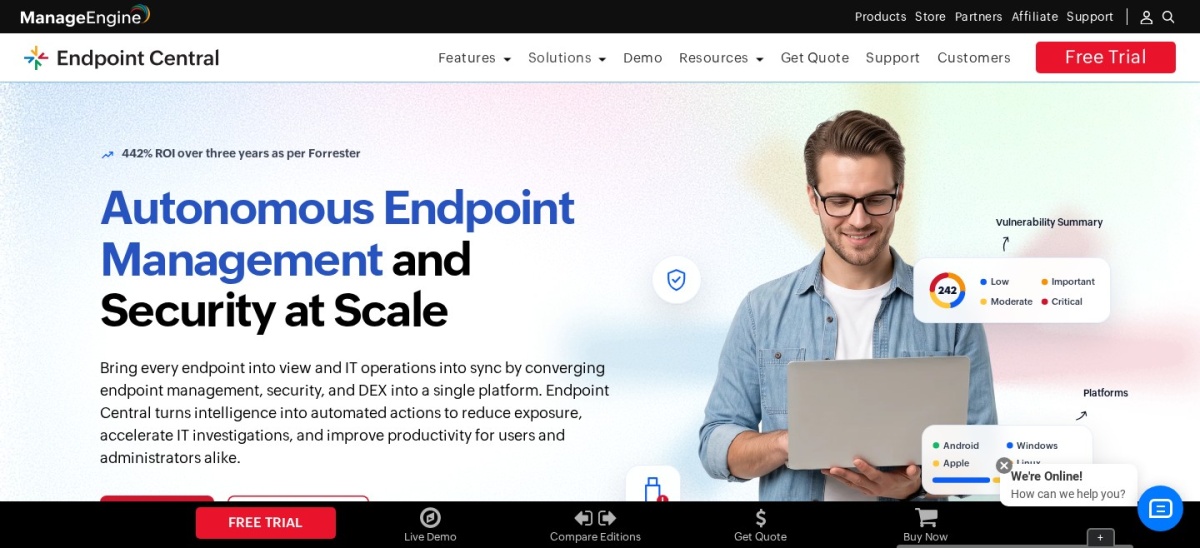
ManageEngine Endpoint Central homepage, captured Nov 2026.
ManageEngine Endpoint Central is an endpoint administration platform covering software deployment, asset inventory, patching and remote troubleshooting. Its Free edition supports up to 25 endpoints, while Professional starts at $795 annually for 50 endpoints.
The trade off is that advanced unified endpoint management requires a higher edition. Features such as laptop remote wipe, operating system deployment and additional Mac encryption controls are included in UEM at $1,095 annually for 50 endpoints. It suits IT departments that prioritize software maintenance and centralized device administration.
What we like
Permanent free edition for smaller device fleets
Operating system and third-party application patching
Cloud and on-premises deployment options
Remote troubleshooting and inventory tools
Published prices for several editions
Watch out for
Paid subscriptions start at 50 endpoints
Advanced UEM controls require a higher edition
Numerous editions complicate feature comparisons
Professional adds paid endpoint capacity, while UEM expands device security and deployment capabilities.Visit manageengine.com
03
Microsoft Intune
4.2/5on Gartner Peer Insights (1,139 reviews, checked Nov 2026)
Starts at$8/user/mo
Best for organizations using Microsoft 365
Entry planIntune Plan 1
Annual unit cost$96/user
Identity dependencyMicrosoft Entra ID
Included subscriptionsEligible Microsoft 365 and EMS plans
microsoft.com
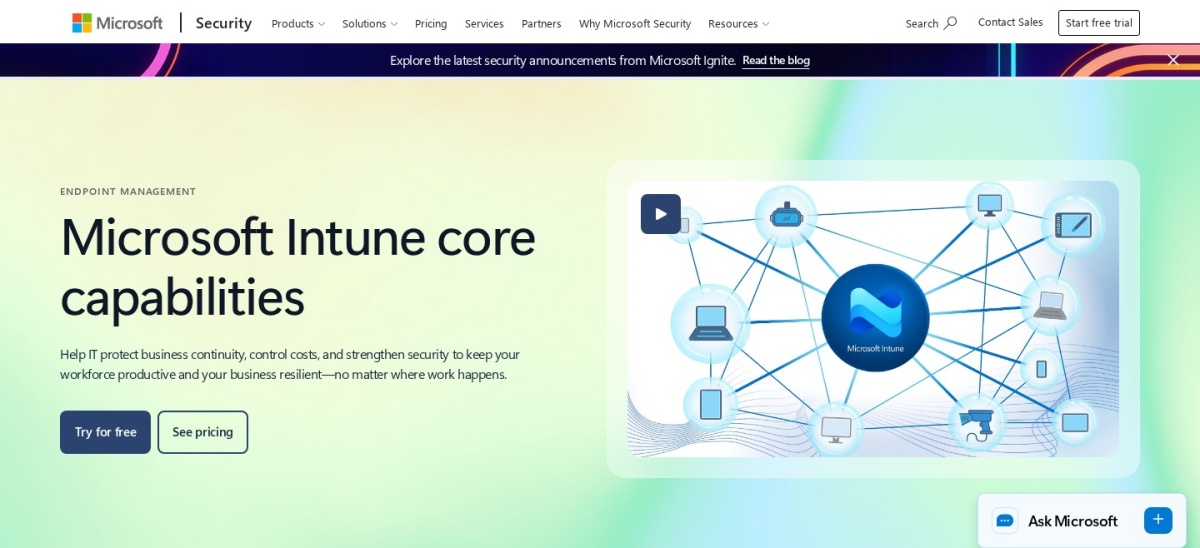
Microsoft Intune homepage, captured Nov 2026.
Microsoft Intune is a cloud-based endpoint management service that controls organizational devices, applications and compliance policies. Plan 1 is available as a standalone subscription for $8 per user monthly and is also included in eligible Microsoft 365 and Enterprise Mobility + Security subscriptions.
The trade off is Microsoft's licensing structure because advanced management features can require additional subscriptions, and Intune depends on Microsoft Entra ID. The standalone base license costs $96 per user annually. It suits organizations already using Microsoft productivity applications, directory services and conditional access policies.
What we like
Integration with Microsoft identity and productivity services
Device and application compliance policies
Support for desktop and mobile endpoints
Included in eligible existing Microsoft subscriptions
Public standalone Plan 1 pricing
Watch out for
Advanced functionality can require additional licenses
Depends on Microsoft Entra ID
Complex licensing for larger security deployments
Plan 1 provides the base license for Intune device and application management.Visit microsoft.com
04
Scalefusion
4.7/5on G2 (407 reviews, checked Nov 2026)
Starts at$2/device/mo
Best for kiosk devices and frontline mobile teams
Entry planEssential
Entry platformsAndroid and iOS
Entry administrators1
Business planFrom $5/device/mo
scalefusion.com
Scalefusion homepage, captured Nov 2026.
Scalefusion is a unified endpoint management platform with particular relevance to mobile devices, dedicated kiosks and frontline operations. Essential costs $24 per device annually and provides mobile enrollment, application management, passcode policies and kiosk controls.
The trade off is that Essential does not cover the complete desktop management workflow. The Business subscription starts at $5 per device monthly and extends management to additional operating systems. It suits retailers, logistics companies and service organizations that need controlled mobile devices rather than unrestricted employee workstations.
What we like
Low entry price for mobile devices
Android and iOS kiosk management
Automated mobile device enrollment
Application distribution and configuration
Clear feature differences between subscriptions
Watch out for
Desktop management requires a higher plan
Essential includes only one administrator
Bring-your-own-device management starts on Growth
Essential provides mobile management, while Business expands desktop and cross-platform controls.Visit scalefusion.com
05
Hexnode UEM
4.5/5on G2 (305 reviews, checked Nov 2026)
Starts at$2.20/device/mo
Best for diverse mobile and specialized device fleets
Entry planPro
Minimum devices15
Included technicians2
Free trial14 days
hexnode.com
Hexnode UEM homepage, captured Nov 2026.
Hexnode UEM is an endpoint management platform for deploying applications, enforcing device policies and managing mobile fleets. Its Pro subscription includes mobile kiosk controls, application management, Apple Business Manager integration and Android Enterprise support from $2.20 per device monthly.
The trade off is the minimum purchase requirement of 15 devices and the need for higher subscriptions for more advanced endpoint controls. The displayed Pro unit rate annualizes to $26.40 per device before applicable billing adjustments. It suits organizations managing mobile devices, dedicated terminals and specialized business hardware.
What we like
Mobile kiosk and application management
Supports enterprise Apple and Android enrollment
Public device-based subscription pricing
Centralized device policy administration
Supports specialized device categories
Watch out for
Minimum purchase of 15 devices
No permanent free subscription
Comprehensive endpoint features require higher plans
Pro provides essential mobile management, application deployment and kiosk functionality.Visit hexnode.com
06
Jamf
4.7/5on G2 (2,450 reviews, checked Nov 2026)
Starts at$4/device/mo
Best for Apple-focused device management
Entry productJamf Now
Jamf for Mobile$5.75/device/mo
Jamf for Mac$12.50/device/mo
Enterprise package minimum25 devices
jamf.com
Jamf homepage, captured Nov 2026.
Jamf is a device management and security platform with particular strength in Apple environments. Its entry product, Jamf Now, starts at $4 per device monthly and provides device configuration, application distribution and Mac security capabilities for smaller organizations.
The trade off is specialization and the cost of advanced business packages. Jamf for Mac costs $12.50 per device monthly with a 25-device minimum, while Jamf for Mobile costs $5.75. It suits organizations whose endpoint fleet primarily consists of Macs, iPhones and iPads.
What we like
Specialized Apple device management
Application deployment and inventory controls
Entry subscription for smaller organizations
Advanced security and identity packages
Established independent review base
Watch out for
Not a general-purpose Windows management replacement
Business bundles require minimum device quantities
Entry pricing applies to Jamf Now rather than Jamf Pro
Jamf Now covers basic management, while business bundles add Jamf Pro and additional security services.Visit jamf.com
07
NinjaOne
4.7/5on G2 (5,478 reviews, checked Nov 2026)
PricingCustom pricing
Best for remote IT operations and managed service providers
Pricing modelDevice-based quote
Free trial14 days
Patch managementSupported
Remote accessAvailable
ninjaone.com
NinjaOne homepage, captured Nov 2026.
NinjaOne is an IT operations platform that combines endpoint monitoring, patch deployment, remote support and mobile device management. It has a 4.7/5 G2 rating from 5,478 reviews, and its official pricing page offers a 14-day trial.
The trade off is that an exact subscription price requires a sales quote based on selected products and device quantities. Monthly billing is available on a case-by-case basis, and standard pricing ranges do not establish a universal entry price. It suits managed service providers and IT departments prioritizing proactive maintenance and remote troubleshooting.
What we like
Centralized remote endpoint administration
Automated operating system and application patching
Mobile device management capabilities
Remote troubleshooting and support tools
Large independent review sample
Watch out for
Exact subscription pricing requires a quote
No permanent free subscription
Identity management may require separate services
Paid subscriptions provide selected IT operations modules and device management capacity.Visit ninjaone.com
How do Workspace ONE alternative licensing costs compare?
Per-user and per-device subscriptions produce different annual costs. Microsoft Intune starts at $96 per user annually, while JumpCloud Device Management starts at $108 per user annually. Organizations should verify how their chosen vendor licenses users with multiple devices.
Scalefusion Essential starts at $24 per device annually, but its mobile-only coverage limits direct comparisons with full unified endpoint management subscriptions.
ManageEngine publishes a total annual starting price of $795 for 50 endpoints rather than requiring buyers to purchase individual device licenses. Its full UEM edition starts at $1,095 for the same endpoint quantity.
The price ladder shows advertised entry prices using different licensing units. These values should not be treated as equivalent total deployment costs. Custom-priced NinjaOne is excluded from numerical comparisons.
What should you check before migrating away from Workspace ONE?
Export your current device inventory and document enrollment methods, application assignments, compliance settings and configuration profiles. Identify policies that cannot be transferred directly between endpoint management platforms.
Check certificate dependencies, identity integrations, encryption recovery procedures and access policies. A successful migration should preserve access to business applications without weakening existing security requirements.
Evaluate enrollment procedures separately for corporate-owned devices, personally owned devices and dedicated kiosks. Each device category may require different configuration and migration steps.
Move a representative pilot group before enrolling the wider fleet. Confirm that application deployment, policy enforcement, remote support and compliance reporting work as expected before retiring the existing management environment.
How we chose
We shortlisted endpoint management platforms that address major VMware Workspace ONE use cases, including mobile enrollment, device compliance, software deployment, remote administration and identity integration. Rankings prioritize practical replacement capabilities, transparent entry pricing and independent user feedback.
Official pricing pages, G2 comparison pages and Gartner Peer Insights ratings were opened on 29 Nov 2026. Annual figures use published regular subscription prices or monthly rates multiplied by 12. Licensing units differ between vendors, and Jamf entry pricing applies to Jamf Now while its G2 listing covers the broader Jamf management product.
We excluded Miradore and Iru because their official pricing pages could not be retrieved successfully. Identity-only platforms were excluded because they do not provide a sufficiently complete endpoint management replacement. No vendor paid for a place, and we do not claim testing for this list.
How to choose the right VMware Workspace ONE alternative
Document your operating systems, identity architecture, device ownership models and security requirements before evaluating replacement platforms.
Identify every device category you need to manage. Separate Windows computers, Macs, mobile phones, tablets and dedicated kiosks. Confirm that each shortlisted subscription supports the required operating systems rather than assuming every edition provides complete cross-platform coverage.
Review identity and compliance dependencies. Map your authentication services, conditional access rules and compliance requirements. Consider JumpCloud for combined directory and device services or Microsoft Intune when Microsoft Entra ID already provides organizational identity.
Calculate the full annual licensing cost. Compare per-user and per-device prices using your actual fleet size. Include minimum purchases, advanced feature subscriptions, deployment requirements and any separate security products needed to reproduce your existing Workspace ONE configuration.
Validate migration and operational workflows. Evaluate representative devices before committing to a production migration. Check enrollment, application deployment, encryption recovery, patching, compliance reporting and remote assistance, and confirm that administrators can reproduce essential policies.
FAQ
What are the best VMware Workspace ONE alternatives in 2026?
JumpCloud, ManageEngine Endpoint Central and Microsoft Intune are the best VMware Workspace ONE alternatives for many organizations. JumpCloud combines device and identity services, ManageEngine emphasizes endpoint maintenance, and Intune provides device administration integrated with Microsoft productivity and identity services.
What is the best free alternative to VMware Workspace ONE?
ManageEngine Endpoint Central is a suitable free Workspace ONE alternative for smaller organizations because its permanent Free edition supports up to 25 endpoints. Larger deployments or organizations requiring advanced unified endpoint controls should compare the paid Professional and UEM editions.
What is the cheapest VMware Workspace ONE alternative?
Scalefusion Essential starts at $2 per device monthly, making it the lowest advertised mobile management unit price in this comparison. However, it does not include full desktop management. Compare equivalent feature coverage and minimum device purchases before selecting the cheapest subscription.
Is Microsoft Intune better than VMware Workspace ONE?
Microsoft Intune is often a better organizational fit when Microsoft Entra ID and Microsoft 365 already provide identity and productivity services. Workspace ONE remains relevant for organizations with existing cross-platform mobility configurations. The decision depends on operating system coverage, access policies and migration complexity.
Should I choose JumpCloud or ManageEngine Endpoint Central?
Choose JumpCloud when device management and organizational identity need to work together. ManageEngine Endpoint Central is more suitable when operating system patching, application deployment, remote support and asset inventory are primary requirements. ManageEngine also offers a permanent free edition.
Which Workspace ONE alternative is best for Apple devices?
Jamf is particularly suitable for Apple-focused organizations because its management products address Mac, iPhone and iPad administration. Jamf Now starts at $4 per device monthly, while larger business deployments can purchase packages combining Jamf Pro with additional security and identity services.
Which Workspace ONE alternative is best for Android kiosks?
Scalefusion and Hexnode are suitable options for Android kiosks and dedicated business devices. Scalefusion Essential starts at $2 per device monthly, while Hexnode Pro starts at $2.20 and supports mobile kiosk management and Android Enterprise enrollment.
What is VMware Workspace ONE called now?
Workspace ONE is now marketed under the Omnissa brand. Organizations searching for VMware Workspace ONE alternatives are generally looking for replacements for the same digital workspace and unified endpoint management product family, regardless of which historical brand name they use.
Which Workspace ONE alternative is best for managed service providers?
NinjaOne is a suitable option for managed service providers that prioritize remote monitoring, automated patch deployment and centralized troubleshooting. ManageEngine Endpoint Central is another option for organizations requiring extensive endpoint administration with published subscription starting prices and flexible deployment models.
SaaS SEO and WordPress specialist with about 8 years of experience. Rakib compares WordPress plugins, themes, hosting and software using public pricing, documentation and user reviews. See how we rank.