For most teams, the best way to build a web app is Softr, which holds a 4.7 out of 5 rating across 758 G2 reviews and starts at $19/month billed annually. For full-stack visual workflows choose Bubble, for prompt-driven React apps pick Lovable, and for internal SQL tools use Retool.
How we make this list: we compare pricing pages, product documentation and public user reviews, then re-check every price before each update. No product paid for a place. Disclosure.
Softr holds a 4.7/5 rating from 758 G2 reviews with paid plans starting at $19/mo billed yearly ($25/mo monthly).
Bubble starts at $32/mo on web-only Starter ($39/mo monthly), while workload units can raise costs as usage grows.
Lovable builds AI-generated React apps starting at $25/mo on Pro with 100 base credits plus 5 daily credits.
Replit Core starts at $20/mo ($18/mo billed annually) and includes unlimited published apps plus up to 5 collaborators.
Retool starts at $10/mo per builder and $5/mo per internal user on Team, with a free plan for up to 5 users.
How do you choose the best way to build a web app?
Picking the right stack starts with matching the tool to your app's data model and audience. External portals, directories, and lightweight business apps behave very differently from complex multi-user software or internal admin panels.
Pricing models vary sharply across builders, so headline entry prices rarely tell the full story. Some platforms meter AI credits or workload units, while others bill per builder seat, per end user, or per published app.
Your comfort with code and long-term ownership also shape the decision. Visual no-code tools get pages live fast without engineering overhead, whereas AI prompt builders and low-code platforms give developers deeper control over logic, queries, or exports.
Before committing to any plan, test real data volumes and user counts against each tier's limits. Upgrading later for custom domains, extra seats, or higher usage allowances often changes which tool is cheapest.
For visual design control and content-driven sites
$15/mo
Free plan
4.4/5
Price ladder: cheapest paid plan per year
List prices, USD, checked Nov 2026
RetoolFREE$120
WebflowFREE$180
ReplitFREE$216
SoftrFREE$228
GlideFREE$228
LovableFREE$300
BubbleFREE$384
The 7 best ways to build a web app
01
Softr
4.7/5on G2 (758 reviews, checked Nov 2026)
Paid from$19/mo
Best for client portals and data-backed web apps
Free tierUp to 3 builders, 5 app users, 5K records
Entry paid planBasic at $19/mo billed yearly ($25/mo monthly)
Custom domainIncluded on Basic (1 domain; extra $13/mo yearly)
G2 rating4.7/5 from 758 reviews
softr.io
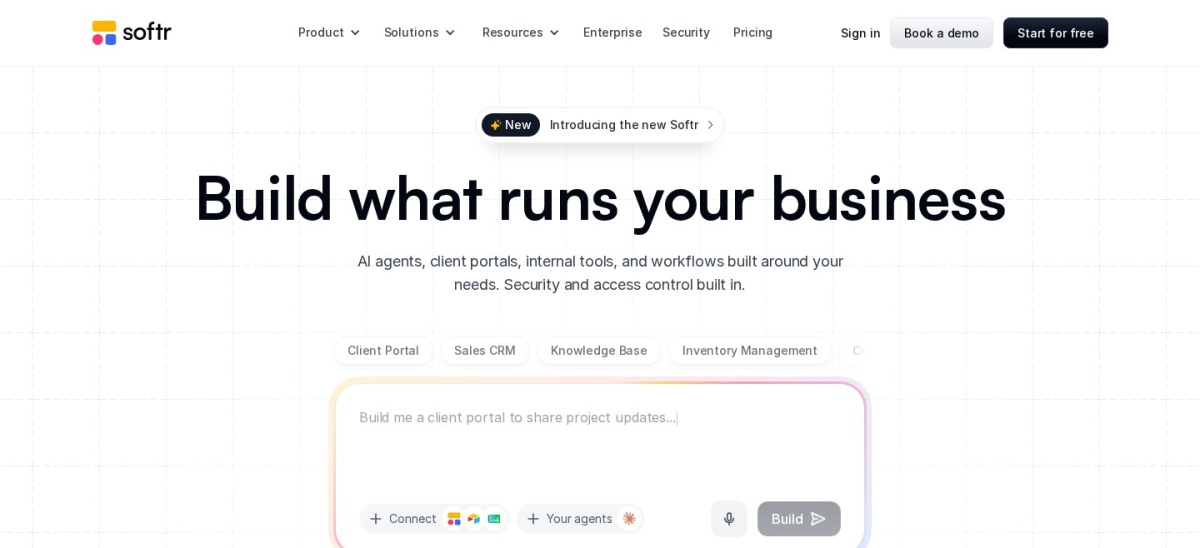
Softr homepage, captured Nov 2026.
Softr is a no-code platform for building client portals, internal tools, and data-driven web apps with a free plan supporting up to 3 builders, 5 app users, 5,000 records, 500 monthly workflow actions, and 5 AI credits per month. Paid plans start on Basic at $19/month billed annually ($25/month billed monthly) with 1 builder, 5 team plus 5 client users, 50,000 records, and 1 custom domain.
The trade off is that app users and builders are capped by tier, and Basic costs $228/year when billed annually before any extra user or domain add-ons. It suits small teams and operators turning structured data into portals quickly without writing code.
What we like
Generous free tier allows unlimited apps, databases, and workflows within usage limits.
Basic plan includes 1 custom domain and up to 50,000 database records.
Strong 4.7/5 rating across 758 G2 reviews for fast setup and ease of use.
Watch out for
Team and client user counts are metered on paid plans.
Design customization is narrower than open-ended code or canvas builders.
Basic adds a custom domain, 50,000 records, 2.5K monthly workflow actions, and 10 AI credits/mo.Visit softr.io
02
Bubble
4.4/5on G2 (166 reviews, checked Nov 2026)
Paid from$32/mo
Best for custom SaaS products and visual logic
Free tierFree development plan for building and testing
Entry paid planWeb Starter at $32/mo ($39/mo monthly)
Higher tiersGrowth at $119/mo, Team at $349/mo
G2 rating4.4/5 from 166 reviews
bubble.io
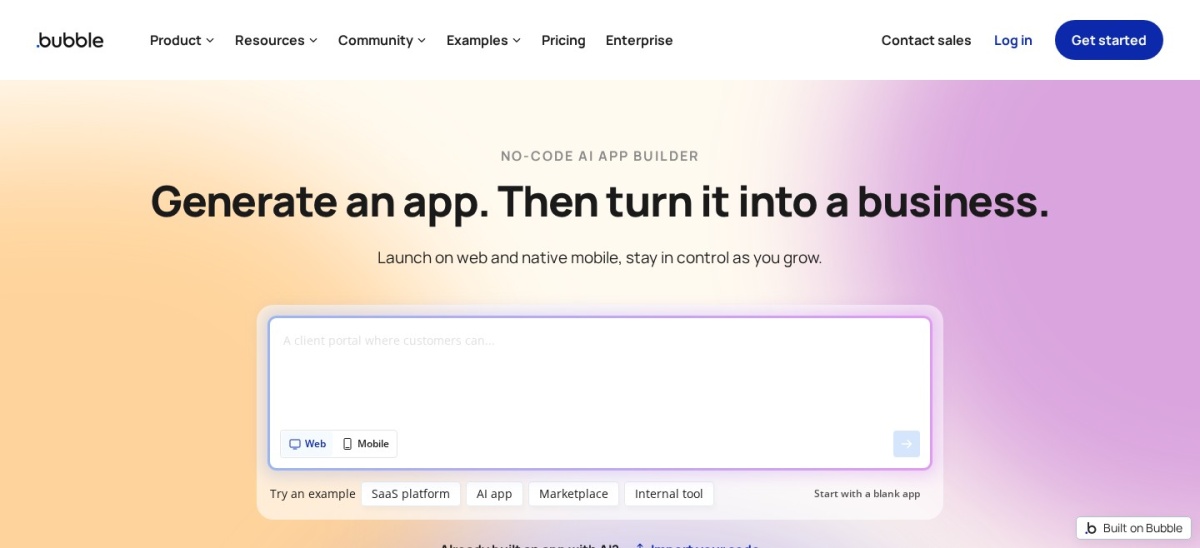
Bubble homepage, captured Nov 2026.
Bubble is a visual development platform for building web and mobile apps with custom workflows, databases, and AI assistance, backed by a free plan for building and testing projects. Its lowest web-only paid plan is Starter at $32/month ($39/month billed monthly), which supports launching a live app with a custom domain.
The trade off is that usage runs on metered workload units, apps cannot be exported as code, and Starter costs $384/year before any workload or storage add-ons. It suits founders building interactive SaaS or marketplace apps who want visual control over backend logic.
What we like
Handles complex relational data, conditional workflows, and live web deployment visually.
Free plan lets you build and test projects before upgrading to launch.
Supports web, mobile, and combined project plans with optional overage controls.
Watch out for
No code export lock-in if you ever want to leave the platform.
Steep learning curve and workload-unit tracking as traffic grows.
Web Starter unlocks a live app, custom domain, and workload capacity above the free build tier.Visit bubble.io
03
Lovable
4.6/5on G2 (505 reviews, checked Nov 2026)
Paid from$25/mo
Best for generating React web apps from prompts
Free tierFree plan with daily/monthly credit allowances
Entry paid planPro at $25/mo (100 base + 5 daily credits)
Code & deployGitHub sync, hosting, and custom domains
G2 rating4.6/5 from 505 reviews
lovable.dev
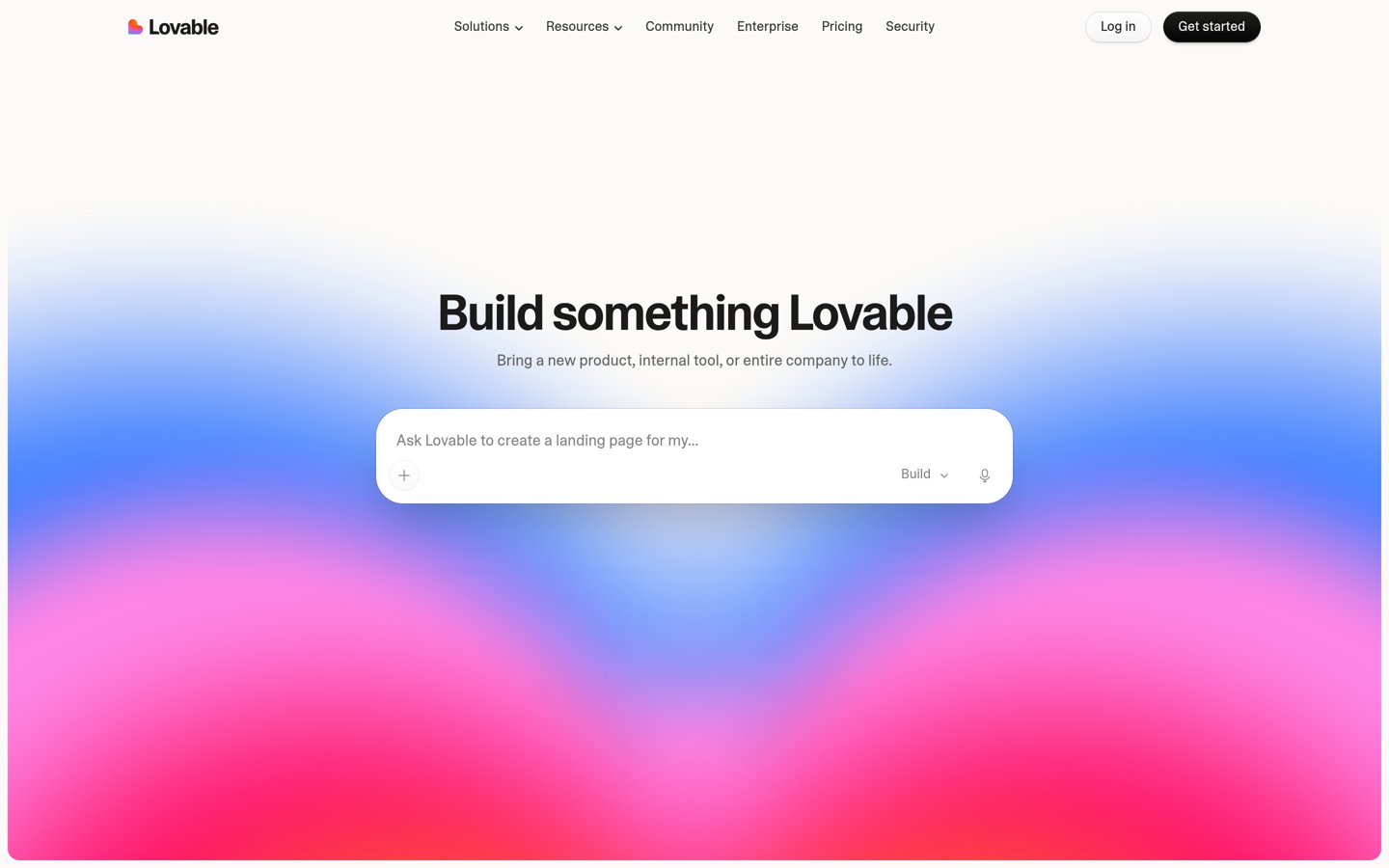
Lovable homepage, captured Nov 2026.
Lovable is an AI app builder that turns natural-language prompts and Figma designs into web applications with a free tier that includes daily build credits and monthly grants. Its Pro plan starts at $25/month with 100 monthly base credits plus 5 daily credits, private projects, and custom domains.
The trade off is that credit consumption adds up during heavy iteration or debugging, and Pro costs $300/year at the $25/month rate. It suits founders and product teams who want fast AI-generated web prototypes they can sync to GitHub.
What we like
Turns prompts and designs into working web apps quickly with GitHub sync.
Holds a 4.6/5 rating across 505 G2 reviews.
Pro plan at $25/month adds private projects and custom domains.
Watch out for
Credit usage can run out quickly on complex fixes or large builds.
Focused on web apps rather than native app-store binaries.
Pro adds 100 base monthly credits plus 5 daily credits, private projects, and custom domains.Visit lovable.dev
04
Replit
4.4/5on G2 (421 reviews, checked Nov 2026)
Paid from$18/mo
Best for browser coding and AI agent full-stack builds
Free tierStarter plan with 1 published app (30-day link)
Entry paid planCore at $18/mo billed yearly ($20/mo monthly)
CollaborationUp to 5 collaborators on Core
G2 rating4.4/5 from 421 reviews
replit.com
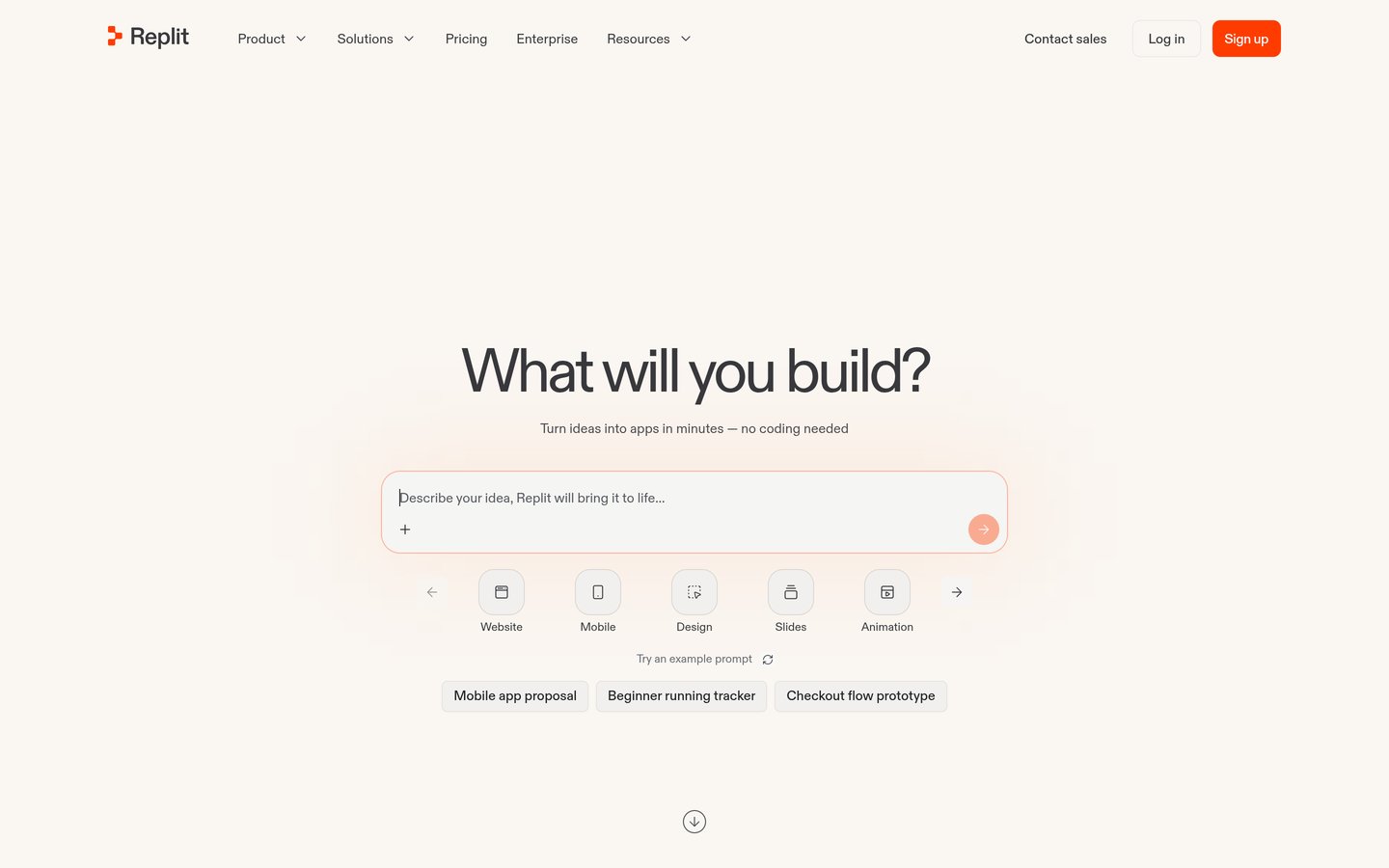
Replit homepage, captured Nov 2026.
Replit is a browser-based development environment and AI agent platform with a free Starter plan that caps you to one published app whose link expires after 30 days. Replit Core starts at $18/month billed annually ($20/month billed monthly) and includes $20 in monthly credits, unlimited published apps, and up to 5 collaborators.
The trade off is that AI agent usage is credit-metered and can require review on complex code, while Core costs $216/year annually. It suits developers and solo builders who want instant cloud hosting, databases, and exportable code in one workspace.
What we like
Combines code editing, AI agent builds, databases, and deployments in the browser.
Core at $18/month billed yearly ($20/month monthly) removes the single-app Starter cap.
Lets you export or connect projects with GitHub rather than trapping code.
Watch out for
AI-generated code and token/credit usage need careful oversight on bigger apps.
Starter plan limits live links to 30 days.
Core unlocks unlimited published apps, up to 5 collaborators, AI integrations, and $20 in monthly credits.Visit replit.com
05
Retool
4.6/5on G2 (388 reviews, checked Nov 2026)
Paid from$10/mo
Best for internal business tools and SQL/API dashboards
Free tierFree plan for up to 5 users and 250 AI credits/mo
Entry paid planTeam at $10/builder/mo + $5/internal user/mo
Data & codeConnects SQL databases, REST/GraphQL APIs, JS
G2 rating4.6/5 from 388 reviews
retool.com
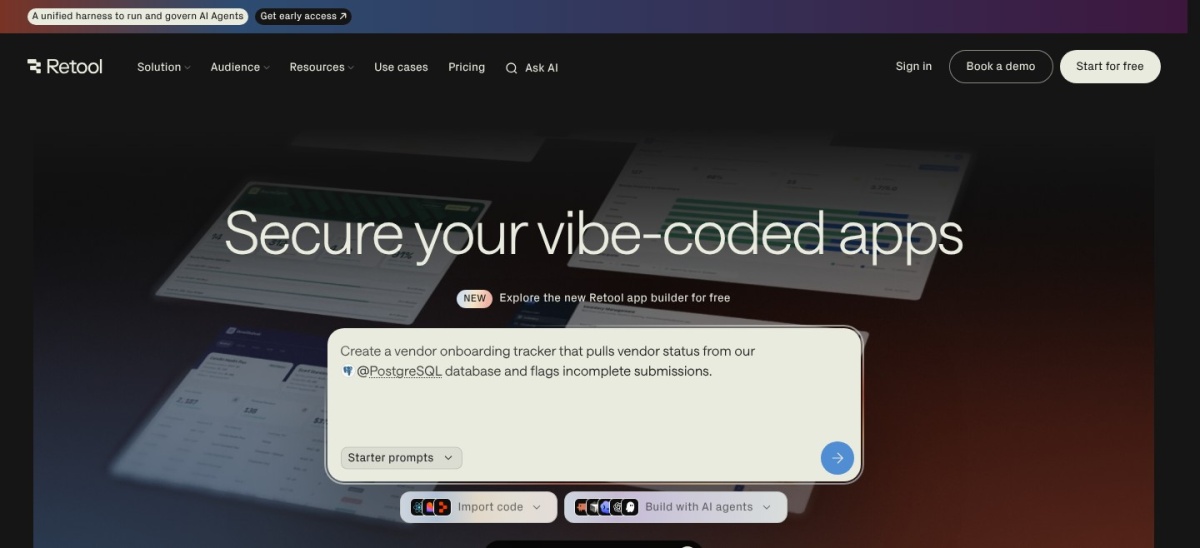
Retool homepage, captured Nov 2026.
Retool is a low-code platform for building internal dashboards, admin panels, and workflows over databases and APIs, starting with a free plan for up to 5 users and 250 monthly AI credits. Its Team plan starts at $10/month per builder plus $5/month per internal user ($120/year per builder seat), with 1,000 pooled monthly AI credits.
The trade off is that per-user seat fees add up as more staff use apps, and deeper logic benefits from SQL or JavaScript skills. It suits engineering and operations teams building internal tools quickly over existing data sources.
What we like
Free tier supports up to 5 users with drag-and-drop UI components and database connections.
Low $10/month per-builder entry rate on Team with 1,000 pooled monthly AI credits.
Strong 4.6/5 rating across 388 G2 reviews for speed on internal operational tools.
Watch out for
Seat-based internal user pricing increases total cost for larger teams.
Customizing complex queries or logic often involves SQL or JavaScript.
Team expands beyond 5 users, adds 1,000 monthly AI credits, and lowers internal user rates to $5/month.Visit retool.com
06
Glide
4.7/5on G2 (811 reviews, checked Nov 2026)
Paid from$19/mo
Best for turning spreadsheets into mobile-friendly web apps
Free tierFree plan for learning and testing draft apps
Entry paid planExplorer at $19/mo yearly ($25/mo monthly)
App formatWeb apps and progressive web apps (PWAs)
G2 rating4.7/5 from 811 reviews
glideapps.com
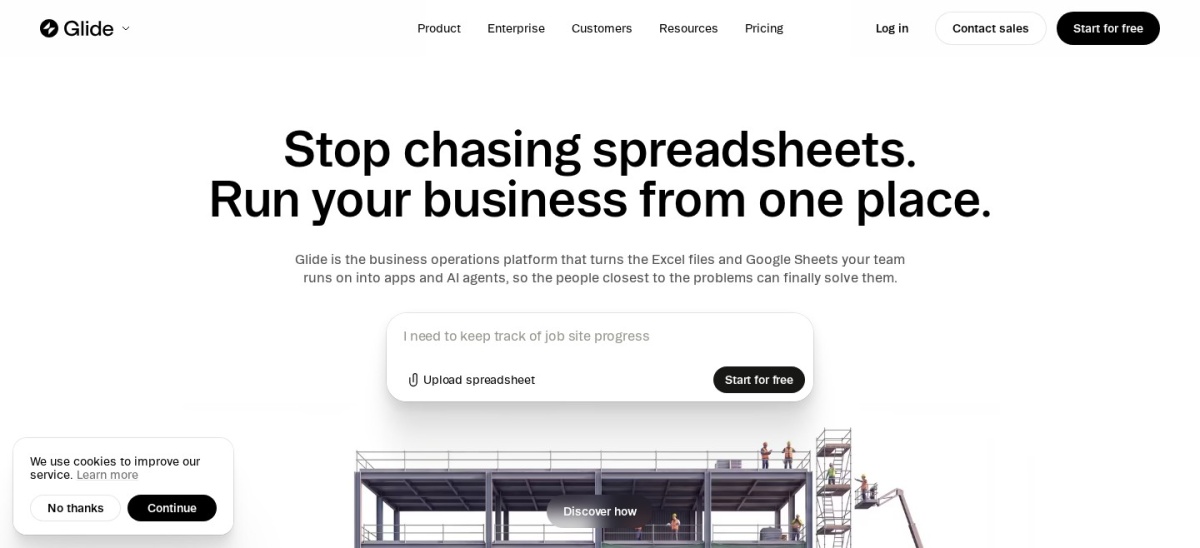
Glide homepage, captured Nov 2026.
Glide is a no-code app builder that turns spreadsheets and tables into mobile-friendly web apps, starting with a free plan for building and testing draft projects. Its Explorer plan starts at $19/month billed annually ($25/month billed monthly) with 1 published app, 2 editors, 100 personal users, and 250 updates per month.
The trade off is that Explorer caps you at 1 published app and 250 updates/month ($228/year annually), while Glide builds web apps and PWAs rather than native store apps. It suits teams turning spreadsheet rows into trackers, directories, or lightweight tools fast.
What we like
Fast setup for turning structured tables and spreadsheets into clean interfaces.
Holds a 4.7/5 rating from 811 G2 reviews.
Explorer at $19/month billed annually includes workflows, AI, and integrations.
Watch out for
Explorer limits you to 1 published app and 250 monthly updates before overages.
Produces web apps and PWAs rather than native App Store or Google Play binaries.
Explorer enables publishing 1 app with 2 editors, 100 personal users, workflows, and Glide AI.Visit glideapps.com
07
Webflow
4.4/5on G2 (999 reviews, checked Nov 2026)
Paid from$15/mo
Best for visual design control and content-driven sites
Free tierFree Starter plan on a webflow.io subdomain
Entry paid planBasic site plan starting at $15/mo
Code supportVisual HTML/CSS layout plus custom code embeds
G2 rating4.4/5 from 999 reviews
webflow.com
Webflow homepage, captured Nov 2026.
Webflow is a visual web development platform with a free Starter tier for experimenting on a webflow.io subdomain with limited CMS items and static pages. Its Basic site plan starts at $15/month ($180/year) for simple sites without a CMS, while higher tiers add CMS collections and larger bandwidth.
The trade off is that Basic does not include Webflow CMS collections, and custom web-app logic often requires external tools or custom code. It suits designers and teams prioritizing layout precision, responsive control, and managed hosting.
What we like
Granular visual layout and style control with clean HTML/CSS/JS output and custom code options.
Large review base of 999 G2 reviews with a 4.4/5 score.
Entry Basic site plan starts at $15/month.
Watch out for
Basic plan lacks Webflow CMS collections.
Better suited to websites and content-led apps than heavy database applications.
Basic moves a site off the free subdomain with paid site hosting and higher bandwidth limits.Visit webflow.com
Which pricing model fits how your web app grows?
AI-first builders such as Lovable and Replit meter usage through credits or compute allowances. That structure makes early prototyping cheap, but active iteration and heavy app traffic can push spend higher than expected.
Internal-tool and portal builders such as Retool and Softr charge around builders, team users, client users, or records. Always map out how many staff and external users will log in before picking a tier.
How we chose
We selected established web app builders across no-code, AI-assisted development, and low-code workflows based on vendor documentation and public software directories. Every listed tool is actively maintained in 2026 and has verifiable review counts on G2.
All prices, plan limits, and G2 ratings were checked on 29 Nov 2026 against official pricing and documentation pages and G2 listings. Where annual billing lowers the monthly rate, we note the yearly equivalent alongside the monthly rate.
We skipped tools without clear public entry pricing or verifiable review counts on the pages we opened, and we excluded WordPress plugins not applicable to standalone web app builders. No vendor paid for a place, and we do not claim testing for this list.
How to pick the right web app builder in 4 steps
Start with what your app actually needs to do before comparing monthly rates.
Define who will use the app and where data lives. Decide whether you are building an external customer portal, a public SaaS product, or an internal team dashboard.
Check how usage is metered on paid tiers. Compare per-seat builder fees, end-user caps, database record limits, and AI credit or workload allowances.
Decide whether code export or custom code matters. Pick a platform with GitHub sync or code access if developers may take over later, or a visual builder if speed is priority one.
Prototype on the free tier first. Test your core workflows and data structure on a free plan before paying for custom domains or higher limits.
FAQ
What is the best way to build a web app in 2026?
Softr is the strongest all-around pick for data-backed web apps and portals, holding a 4.7/5 G2 rating from 758 reviews with paid plans starting at $19/month billed annually. For custom SaaS workflows choose Bubble, for AI React builds pick Lovable, and for internal tools use Retool.
Can I build a web app for free before paying?
Yes, every tool on this list offers a free plan or free tier for building and testing. Free plans typically cap records, users, AI credits, or custom domains until you upgrade to a paid tier.
How much does it cost to launch a paid web app?
Entry paid plans on this list start from $10/month per builder on Retool Team (plus $5/month per internal user) up to $32/month on Bubble Web Starter. Softr Basic is $19/month billed annually, and Replit Core is $18/month billed annually.
Which option fits beginners or small teams best?
Softr and Glide are straightforward for small teams turning structured data or spreadsheets into apps without heavy coding. Softr's free plan allows up to 3 builders and 5 app users to start.
Softr vs Bubble: which should I choose?
Choose Softr if your priority is fast portals and apps over structured data starting at $19/month billed annually. Choose Bubble starting at $32/month on Web Starter if you need deeper visual workflow logic and custom app behavior.
SaaS SEO and WordPress specialist with about 8 years of experience. Rakib compares WordPress plugins, themes, hosting and software using public pricing, documentation and user reviews. See how we rank.