UpdraftPlus Alternatives in 2026: 7 Best Tools Compared
WLWPLegible EditorsLast verified 22 Nov 2026How we rank12 min read
★ Short answer
WPvivid is the best UpdraftPlus alternative for most WordPress websites, with 900,000+ active installations, a 4.9/5 rating, and free scheduled backups, migration, and staging. Choose Duplicator for site cloning and transfers, or BlogVault for managed off-site backups and recovery when WordPress is inaccessible.
How we make this list: we compare pricing pages, product documentation and public user reviews, then re-check every price before each update. No product paid for a place. Disclosure.
WPvivid has 900K+ active installs and a 4.9/5 rating from 1,574 reviews. Its free plugin includes scheduled backups, migration, and staging; Pro starts at $49/year.
Duplicator has 1M+ active installs and a 4.9/5 rating from 4,941 reviews. Its Basic plan normally costs $79/year for 2 sites.
BlogVault has 80K+ active installs and a 4.6/5 rating from 333 reviews. Its Personal plan costs $99/year regularly, with 30-day retention.
BackWPup has 400K+ active installs and offers free scheduled backups. Its Starter plan normally costs $49/year for 2 domains.
Jetpack VaultPress Backup costs $9.95/month regularly, or $119.40/year, for real-time backups with 10 GB of cloud storage.
Backuply Cloud starts at $18/year with 10 GB storage. All-in-One WP Migration offers a $69/year Unlimited Extension covering up to 50 sites.
What to look for in an UpdraftPlus alternative
UpdraftPlus is a WordPress backup and migration plugin known for scheduled backups, cloud storage connections, and restore tools. A replacement should protect both your website files and database while making recovery manageable when something goes wrong.
Start with backup frequency. Daily backups may suit a blog that changes occasionally, while busy stores and membership websites may need real-time or incremental protection. More frequent backups reduce the amount of recent data that could be lost.
Next, consider off-site storage. Keeping every backup on the same hosting account creates additional risk during server failures or account compromise. Look for integrations with independent cloud storage or a managed backup service.
Pay attention to restore methods. Some plugins restore directly from WordPress, while others provide external recovery tools for situations where the dashboard is unavailable. Migration and staging capabilities can also make a backup plugin more useful.
Finally, compare regular prices, site limits, storage allowances, and retention periods. A cheaper license is not necessarily better if essential cloud storage, automatic scheduling, or emergency recovery requires another purchase.
4.9/5on WordPress.org (1,574 reviews, checked Nov 2026)
Paid from$49/yr
Best UpdraftPlus alternative overall
Active installs900K+
Free backupsScheduled, local, and cloud
StagingFree subdirectory staging
Paid planBlogger, 2 domains
wpvivid.com
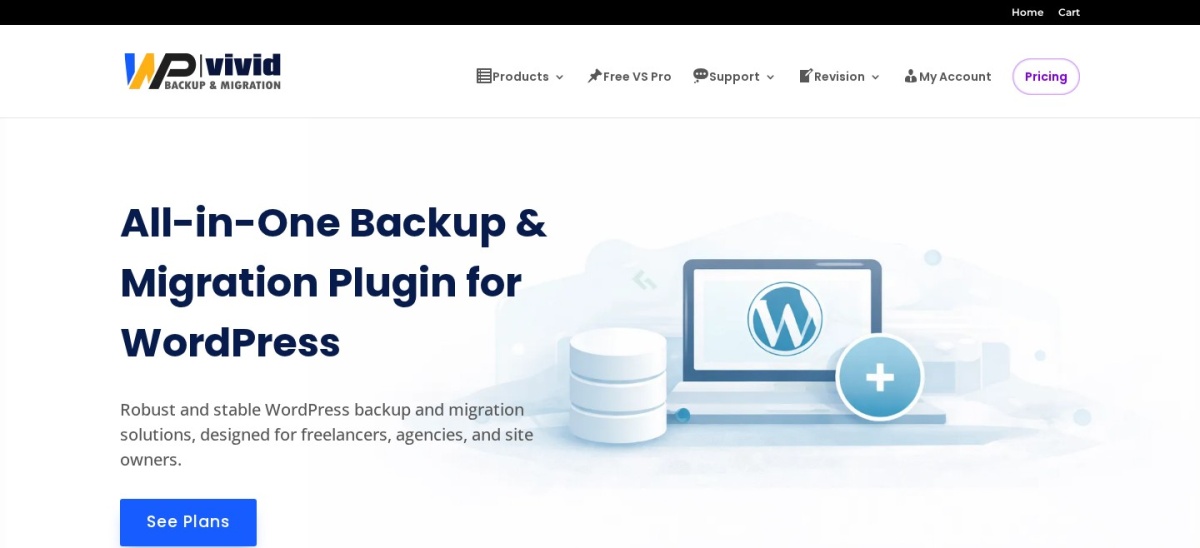
WPvivid homepage, captured Nov 2026.
WPvivid is a WordPress backup, migration, and staging plugin with over 900,000 active installations and a 4.9/5 rating. Its free version includes scheduled backups, Google Drive and Dropbox integration, Amazon S3 support, one-click restores, website migration, and staging on a subdirectory.
The trade off is that incremental backups, advanced scheduling, selective backups, and additional staging controls require Pro. The Blogger plan costs $49 per year for 2 domains, with a separate $99 lifetime option. It suits WordPress site owners who want backup and migration features without multiple plugins.
What we like
Free scheduled and remote cloud backups
4.9/5 rating from 1,574 reviews
Free migration and subdirectory staging
Supports Google Drive, Dropbox, and Amazon S3
Paid plan covers 2 domains
Watch out for
Incremental backups require Pro
Advanced staging features are premium
Cloud storage capacity depends on the connected service
Large backup jobs may consume hosting resources
Pro adds incremental backups, selective backups, advanced schedules, and expanded staging controls.Visit wpvivid.com
02
Duplicator
4.9/5on WordPress.org (4,941 reviews, checked Nov 2026)
Paid from$79/yr
Best for WordPress migration and cloning
Active installs1M+
Free backupsManual website packages
MigrationBackup and installer workflow
Paid planBasic, 2 sites
duplicator.com
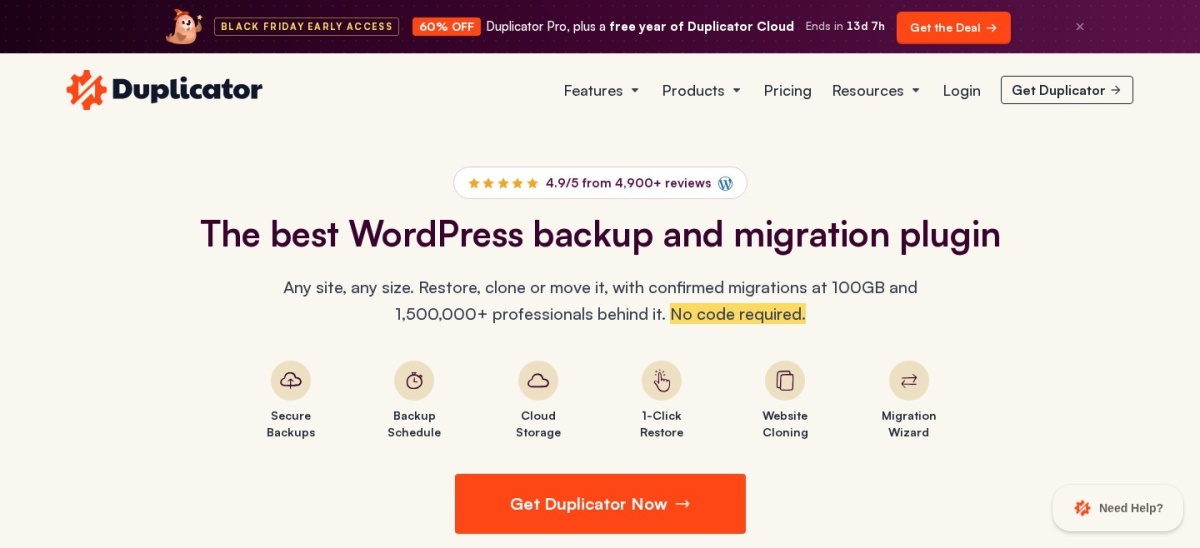
Duplicator homepage, captured Nov 2026.
Duplicator is a WordPress backup and migration plugin with over 1 million active installations and a 4.9/5 rating. Its free version creates website backup packages for restoring, cloning, or transferring WordPress installations between servers and domains.
The trade off is that scheduled backups, remote storage integrations, and additional migration controls require Duplicator Pro. Basic normally costs $79 per year for 2 websites, although the vendor currently promotes a substantial first-purchase discount. It suits developers and website owners who frequently move or duplicate WordPress installations.
What we like
Over 1 million active installations
4.9/5 rating from 4,941 reviews
Free website backup and migration tools
Paid scheduled backups and cloud integration
Basic license supports 2 websites
Watch out for
Scheduled cloud backups require a paid plan
Backup archives can become large
Advanced migration options require Pro
Basic includes a limited selection of cloud destinations
4.6/5on WordPress.org (333 reviews, checked Nov 2026)
Starts at$99/yr
Best for managed off-site backup and recovery
Active installs80K+
Backup processingOff-site infrastructure
Backup retention30 days on Personal
Paid planPersonal, 1 site
blogvault.net
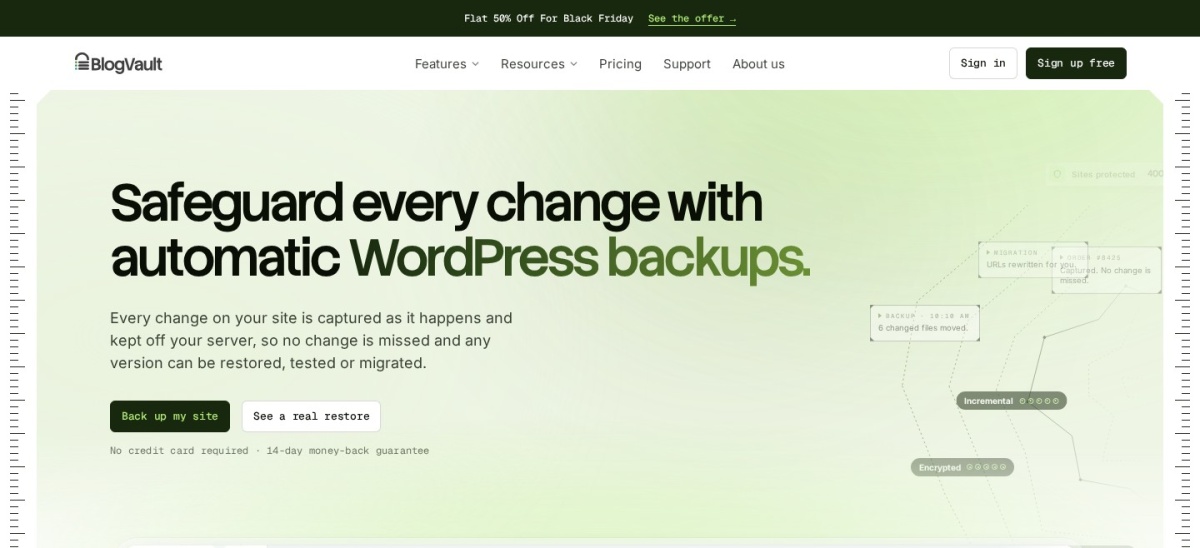
BlogVault homepage, captured Nov 2026.
BlogVault is a managed WordPress backup service with over 80,000 active plugin installations and a 4.6/5 rating. Its Personal plan includes automatic daily backups, 30-day retention, secure cloud storage, one-click restores, migration, and support for websites up to 20 GB.
The trade off is that BlogVault requires a paid subscription for ongoing managed protection, and its Personal plan uses daily rather than real-time backups. The regular price is $99 per year for one site, currently discounted by 50%. It suits businesses that want backups stored away from their hosting server.
What we like
Backups stored on separate cloud infrastructure
One-click recovery when WordPress is inaccessible
30-day retention on Personal
Includes migration and staging features
Backup processing reduces hosting workload
Watch out for
No permanently free managed backup plan
Personal plan does not include real-time backups
Entry plan has a 20 GB website size limit
Higher-frequency backup plans cost more
Higher plans add more frequent backups, expanded retention, and advanced business recovery features.Visit blogvault.net
04
BackWPup
4/5on WordPress.org (1,323 reviews, checked Nov 2026)
Paid from$49/yr
Best for configurable scheduled backups
Active installs400K+
Free backupFiles and database
SchedulingAutomated backup jobs
Paid planStarter, 2 domains
backwpup.com
BackWPup homepage, captured Nov 2026.
BackWPup is a WordPress backup and restore plugin maintained by WP Media, with over 400,000 active installations. Its free version supports automated backups of WordPress files and databases, storage destinations, backup scheduling, and restoration tools.
The trade off is that premium storage options, encryption, advanced recovery, and migration capabilities require Pro. Starter normally costs $49 per year for 2 domains, currently discounted to $29 during a Black Friday promotion. It suits site administrators who want scheduled backup jobs and configurable storage destinations.
What we like
400,000+ active WordPress installations
Free automated file and database backups
Multiple storage and scheduling options
Starter license covers 2 domains
Premium recovery and encryption capabilities
Watch out for
4.0/5 rating is lower than several competitors
Advanced migration features require Pro
Some cloud destinations require premium access
Backup configuration needs periodic review
Starter adds premium storage destinations, encryption, migration, a restore app, and priority support.Visit backwpup.com
05
Jetpack VaultPress Backup
4.5/5on WordPress.org (35 reviews, checked Nov 2026)
Starts at$9.95/mo
Best for real-time WordPress and WooCommerce backups
Active installs20K+
Backup frequencyReal-time
Cloud storage10 GB included
Regular price$9.95/month, billed yearly
jetpack.com
Jetpack VaultPress Backup homepage, captured Nov 2026.
Jetpack VaultPress Backup is an Automattic cloud backup service with over 20,000 active installations of its dedicated WordPress plugin. Its paid Backup plan includes real-time backups, 10 GB cloud storage, a 30-day activity archive, and one-click restores that can work when the website is offline.
The trade off is that backups require a paid subscription, and the initial 10 GB storage allowance may not cover larger websites. The regular price is $9.95 per month, billed annually, with a temporary 50% first-year discount. It suits WooCommerce stores and frequently updated websites where recent changes matter.
What we like
Real-time backups instead of daily-only schedules
Cloud storage managed by Automattic
Can restore a website when WordPress is offline
Supports WooCommerce order and customer data
Mobile app recovery options
Watch out for
No free backup subscription
Entry plan includes 10 GB storage
Additional cloud storage costs extra
Backups depend on the Jetpack service
The paid Backup plan activates real-time cloud backups, activity history, and one-click recovery.Visit jetpack.com
06
Backuply
4.5/5on WordPress.org (135 reviews, checked Nov 2026)
Paid from$18/yr
Best for affordable cloud backup storage
Active installs600K+
Free backupLocal and Google Drive
Cloud entry plan10 GB, 1 site
Pro license$39/year, 1 site
backuply.com
Backuply homepage, captured Nov 2026.
Backuply is a WordPress backup, restoration, and migration plugin developed by Softaculous, with over 600,000 active installations. Its free version includes local backups, Google Drive integration, one-click restoration, and direct site-to-site migration, while Backuply Cloud offers managed storage.
The trade off is that automatic backup rotation and broader storage integrations require a paid plan. The cheapest paid option is Backuply Cloud at $18 per year for one site with 10 GB storage; full Pro functionality starts at $39 per year. It suits smaller websites seeking affordable cloud protection.
What we like
600,000+ active installations
Free local and Google Drive backups
Backuply Cloud starts at $18 per year
Includes one-click restoration and migration
Personal Pro includes 10 GB cloud storage
Watch out for
Cloud entry plan does not include full Pro functionality
Advanced storage integrations require Pro
Automatic backup rotation is not in the free version
Included cloud storage may be insufficient for large sites
Cloud adds 10 GB managed storage and automation; Personal Pro adds more destinations and controls.Visit backuply.com
07
All-in-One WP Migration
4.5/5on WordPress.org (7,678 reviews, checked Nov 2026)
Paid from$69/yr
Best for exporting and restoring complete websites
Active installs5M+
Free backupFull-site export
Import formatWPress archives
Paid planUnlimited Extension, 50 sites
servmask.com
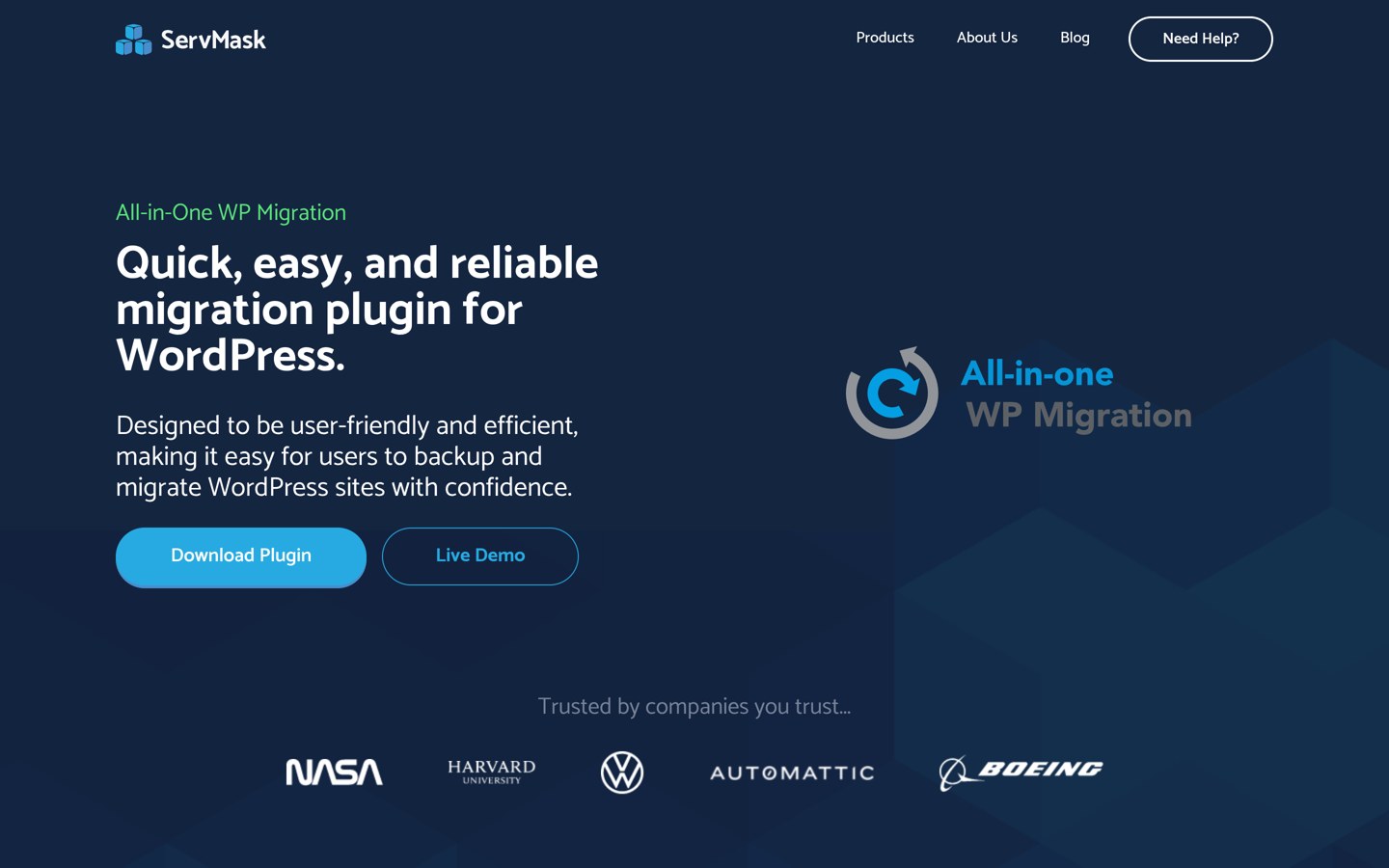
All-in-One WP Migration homepage, captured Nov 2026.
All-in-One WP Migration is a WordPress migration and backup plugin from ServMask with over 5 million active installations and a 4.5/5 rating. Its free version exports complete websites, including databases, plugins, themes, and media files, into portable backup archives that can be imported elsewhere.
The trade off is that free imports remain subject to hosting upload limits, and automatic scheduled cloud backup functionality requires other extensions or configurations. The Unlimited Extension costs $69 per year for up to 50 sites and removes upload restrictions. It suits developers who prioritize moving complete websites between hosts.
Unlimited Extension adds server restores, unrestricted imports, reset tools, and WP-CLI controls.Visit servmask.com
Scheduled, incremental, and real-time backups: what is the difference?
A backup plugin's schedule affects how much content you might lose after a failure. The most suitable frequency depends on how often your website changes and how important its newest records are.
Scheduled backups create copies at predefined intervals. They are usually sufficient for blogs and brochure websites that change occasionally. WPvivid and BackWPup provide scheduling options in their free versions.
Incremental backups save changes since a previous backup instead of repeatedly processing every file. This can reduce backup workload and storage use. WPvivid offers incremental functionality through Pro, while BlogVault uses incremental backup processing.
Real-time backups capture changes as they occur. Jetpack VaultPress Backup is designed around this approach, making it particularly relevant to stores receiving frequent orders and websites with ongoing user activity.
No backup method eliminates every recovery risk. Keep copies off-site, check retention settings, and periodically verify that you can restore the files and database.
How to switch backup plugins without losing recovery points
Before removing UpdraftPlus, create a final complete backup containing your WordPress database, themes, plugins, uploads, and other necessary files. Download or confirm access to the backup in an independent storage location.
Install your replacement plugin and configure its backup schedule and destination. Confirm that the new backup includes both files and database information before disabling UpdraftPlus.
Do not assume the replacement can directly restore UpdraftPlus archives. Backup formats differ between vendors, and a plugin-specific archive may require its original restoration tool.
Test recovery on a staging website or separate WordPress installation. Verify that pages, media, user accounts, plugin settings, and other important records survive restoration.
Keep your older recovery files until you have confirmed the new system works. Remove duplicated backup schedules to avoid unnecessary server load and storage consumption.
How we chose
We compared established WordPress backup plugins that offer practical alternatives to UpdraftPlus, including scheduled backups, off-site storage, migration, staging, managed recovery, and real-time protection. We prioritized actively maintained products with substantial WordPress adoption, documented recovery features, and accessible pricing.
We checked WordPress.org plugin listings for ratings, review counts, active installations, and maintenance information on 22 Nov 2026. Official vendor pricing pages were reviewed on the same date, using regular paid prices rather than temporary first-year or Black Friday discounts. Yearly equivalents were calculated from published monthly rates where necessary.
We excluded closed or outdated plugins, products with insufficient adoption evidence, and tools without confirmable vendor pricing. We also excluded legacy VaultPress because it is no longer actively supported for new customers, using the maintained Jetpack VaultPress Backup plugin instead. No vendor paid for a place, and we do not claim testing for this list.
How to choose the right UpdraftPlus alternative
Identify how often your website changes, then compare backup schedules, recovery methods, storage options, and regular subscription costs.
Choose a backup frequency that matches your website. Daily scheduled backups may work for blogs and business websites with occasional changes. Stores with frequent orders and membership sites with ongoing activity may benefit from real-time protection through a service such as Jetpack VaultPress Backup.
Select an independent backup storage location. Check whether your preferred plugin supports Google Drive, Dropbox, Amazon S3, or managed cloud storage. WPvivid offers several remote destinations for free, while BlogVault manages backups on its own infrastructure.
Compare recovery tools and site limits. Consider whether restores require WordPress access or can run when the website is unavailable. Compare the regular $49 WPvivid Blogger plan, $79 Duplicator Basic plan, and $99 BlogVault Personal subscription against your site's needs.
Verify a backup before removing UpdraftPlus. Create a final backup, configure the new plugin, and restore a copy on staging. Confirm that the database, media, and critical site features work correctly. Retain older recovery files until the new process has been verified.
FAQ
What is the best alternative to UpdraftPlus?
WPvivid is our top overall alternative because its free plugin supports scheduled backups, cloud storage integrations, migration, and staging. It has over 900,000 active installations and a 4.9/5 WordPress.org rating. Duplicator is another good option when website cloning and migrations are the main priorities.
Is WPvivid better than UpdraftPlus?
WPvivid may be preferable if you want free staging and migration alongside scheduled cloud backups. UpdraftPlus remains a strong choice for existing users who rely on its backup destinations and recovery workflow. Compare premium requirements, storage integration, and migration needs before deciding.
What is the best free UpdraftPlus alternative?
WPvivid is a strong free choice, offering scheduled backups, cloud integrations, website migration, and staging. BackWPup also provides scheduled backup functionality without requiring a paid license. Duplicator is particularly useful for creating portable website backup packages, although scheduling and additional cloud features require Pro.
Which UpdraftPlus alternative is best for WooCommerce?
Jetpack VaultPress Backup is particularly relevant to busy WooCommerce stores because it provides real-time backups and supports order and customer data recovery. Its regular price is $9.95 per month, billed annually. BlogVault also offers managed backups, with higher plans supporting more frequent protection.
Can I use UpdraftPlus and WPvivid together?
Both plugins can be installed, but running overlapping automated backup schedules may increase server workload and storage consumption. If you are switching, configure WPvivid, verify a complete backup and restoration, then disable unnecessary UpdraftPlus schedules. Keep older archives until you are confident in the replacement.
Can Duplicator replace UpdraftPlus?
Yes. Duplicator supports complete WordPress backups, restoration, cloning, and migration. Its free version handles manual backup packages, while the paid Basic plan adds scheduled backups and cloud storage integration. It is especially useful when moving websites between domains, servers, or hosting providers.
Which backup plugin can restore a website when WordPress is down?
BlogVault and Jetpack VaultPress Backup provide managed recovery workflows designed to work when the WordPress dashboard is unavailable. Duplicator also offers external migration and restoration methods. Confirm the recovery requirements for your chosen plan and keep access credentials outside the website being protected.
What is the cheapest paid UpdraftPlus alternative?
Backuply Cloud starts at $18 per year for one site with 10 GB managed storage, although its full Pro plugin functionality starts at $39 annually. WPvivid and BackWPup both have $49 yearly entry upgrades. Compare what each license includes before choosing only by price.
Will switching backup plugins delete my existing backups?
Changing backup plugins does not necessarily delete existing archives, but files stored in a plugin-specific directory may be removed during cleanup or uninstallation. Download important UpdraftPlus backups and verify cloud storage access before uninstalling it. Keep copies until the replacement has successfully completed a restore.