MalCare Alternatives in 2026: 7 Best Tools Compared
WLWPLegible EditorsLast verified 22 Nov 2026How we rank12 min read
★ Short answer
Wordfence is the best MalCare alternative for most WordPress sites, with 5 million-plus active installations and a free firewall, malware scanner and two-factor authentication. Sucuri is better when professional malware cleanup matters, while Defender Security suits site owners who want security scanning and login protection together.
How we make this list: we compare pricing pages, product documentation and public user reviews, then re-check every price before each update. No product paid for a place. Disclosure.
Wordfence has 5M+ active installs and a 4.7/5 rating from 5,055 reviews; Premium costs $149/year.
Sucuri Security has 600K+ installs, while its $229/year Basic Platform includes unlimited expert malware cleanup requests.
Defender Security has 80K+ installs and a 4.8/5 rating; WPMU DEV Pro Basic costs $50/year for one site.
All-In-One Security has 1M+ installs and a 4.7/5 rating; its Personal upgrade renews at $89/year for two sites.
CleanTalk Security starts at $12/year, while BBQ Firewall Pro costs $30/year for one site.
WP Activity Log has 300K+ installs and a 4.7/5 rating; Premium costs $139/year for detailed security monitoring.
What to look for in a MalCare alternative
MalCare combines cloud-based malware scanning, firewall protection and paid malware removal. The most suitable replacement depends on which of these features your website needs. Some competitors include scanning and blocking in one plugin, while others specialize in cleanup, login protection or monitoring.
Check malware scanning coverage first. Wordfence scans WordPress files and checks for malicious changes, while Sucuri's free plugin includes remote scanning and file integrity monitoring. These approaches differ from MalCare's cloud-based scanning, so hosting resource usage may change.
Next, compare firewall protection. Wordfence provides an endpoint firewall, Sucuri sells a cloud-based firewall service, and BBQ Firewall filters malicious requests using predefined patterns. A firewall does not automatically include malware removal or website restoration.
Look closely at cleanup costs. Finding an infection is different from removing it. Sucuri's paid platform includes expert malware cleanup, while CleanTalk lists expert cleanup as a separate service. Before subscribing, confirm whether your plan covers malware removal, infected file repair and reinfection monitoring.
Finally, compare the regular paid price rather than temporary promotions. A low-cost plugin may be sufficient for login security, while a business website that needs professional incident response may justify a more expensive security service.
For security auditing and suspicious activity tracking
$139/yr
Free plan
4.7/5
Price ladder: cheapest paid plan per year
List prices, USD, checked Nov 2026
CleanTalkFREE$12
BBQFREE$30
DefenderFREE$50
AIOSFREE$89
Activity LogFREE$139
WordfenceFREE$149
SucuriFREE$229
The 7 best MalCare alternatives
01
Wordfence
4.7/5on WordPress.org (5,055 reviews, checked Nov 2026)
Paid from$149/yr
Best overall for WordPress malware and firewall protection
Active installs5M+
Free malware scannerYes
Free firewallEndpoint WAF
Paid upgradePremium, $149/yr
wordfence.com
Wordfence homepage, captured Nov 2026.
Wordfence is a WordPress security plugin with more than 5 million active installations and a 4.7/5 rating. Its free version includes an endpoint firewall, malware scanning, brute-force protection and two-factor authentication. It checks WordPress files for suspicious changes and provides security alerts from the WordPress dashboard.
The trade off is that free users receive new firewall rules and malware signatures after a 30-day delay. Wordfence Premium costs $149/year and adds real-time threat intelligence, country blocking and premium support, but it does not include the professional cleanup service available through Wordfence Care. It suits websites needing broad security coverage with a useful free tier.
What we like
Firewall and malware scanner included for free
Two-factor authentication and login security
Large community with 5M+ active installations
Real-time threat rules available in Premium
Detailed firewall and security alerts
Watch out for
Free malware signatures and firewall rules are delayed
Scanning can consume hosting server resources
Professional malware cleanup requires a higher service tier
Premium adds real-time threat rules, IP blocking intelligence, country blocking and priority support.Visit wordfence.com
02
Sucuri Security
4.2/5on WordPress.org (386 reviews, checked Nov 2026)
Paid from$229/yr
Best for professional malware removal and website recovery
Active installs600K+
Free scanningRemote malware scan
Paid firewallCloud-based WAF
Paid upgradeBasic Platform, $229/yr
sucuri.net
Sucuri Security homepage, captured Nov 2026.
Sucuri Security is a WordPress security monitoring plugin with more than 600,000 active installations and a 4.2/5 rating. The free plugin includes security activity auditing, file integrity monitoring, remote malware scanning and blocklist checks. Its paid security platform combines a cloud-based firewall, monitoring and professional malware removal.
The trade off is that the free plugin does not include Sucuri's paid cloud firewall or expert cleanup service. Basic Platform costs $229/year for one website and includes unlimited manual malware cleanup requests, making it more expensive than several plugin-only options. It suits business websites that want specialist assistance when an infection occurs.
What we like
Free security auditing and file integrity monitoring
Remote malware scanning
Cloud firewall available through paid services
Unlimited expert malware cleanup requests on paid platform plans
Suitable for existing website infections
Watch out for
Free plugin does not provide the paid cloud firewall
Remote scanning has visibility limitations
Higher annual entry price than most plugin-only competitors
Professional cleanup requires a paid platform subscription
Basic Platform adds a cloud WAF, continuous monitoring and unlimited expert malware cleanup requests.Visit sucuri.net
03
Defender Security
4.8/5on WordPress.org (335 reviews, checked Nov 2026)
Paid from$50/yr
Best value for combined malware and login security
Active installs80K+
WordPress rating4.8/5
Free protectionFirewall, scans, 2FA
Paid entryPro Basic, $50/yr
wpmudev.com
Defender Security homepage, captured Nov 2026.
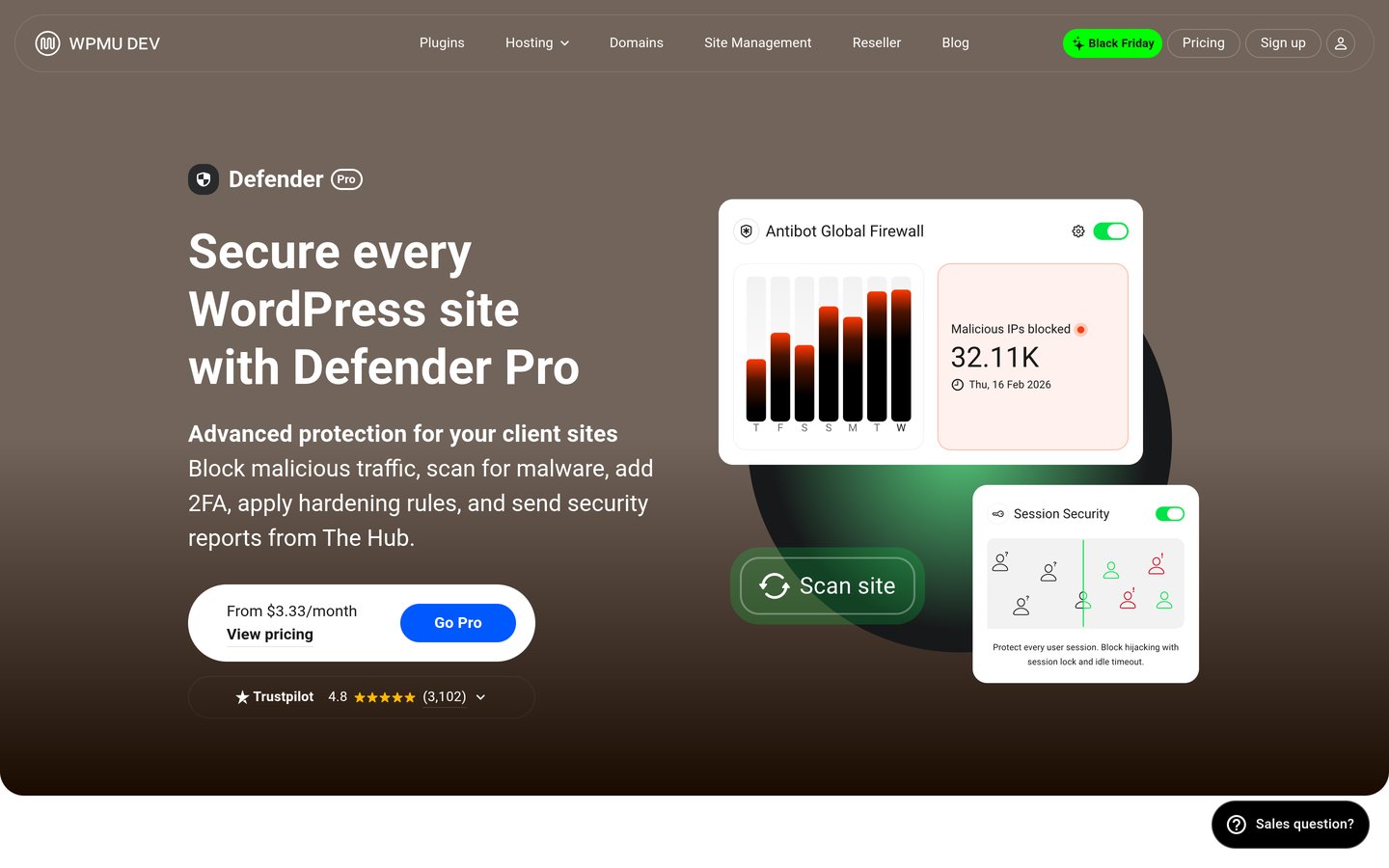
Defender Security is a WordPress security plugin from WPMU DEV with more than 80,000 active installations and a 4.8/5 rating. The free plugin includes malware scanning, firewall protection, two-factor authentication, login protection and security hardening. Its dashboard helps administrators identify suspicious files and configure preventive security settings.
The trade off is that advanced features and centralized management are associated with WPMU DEV's paid products. The published Pro Basic membership costs $50/year for one site and includes access to the Pro plugin suite, alongside other membership benefits. It suits WordPress owners seeking a reasonably priced security toolkit rather than a dedicated incident-response service.
What we like
Free malware scanner and firewall
Two-factor authentication included
Login protection and security hardening
Affordable WPMU DEV Pro Basic entry plan
Works with WPMU DEV's wider management platform
Watch out for
Advanced management features require paid access
Not a direct substitute for professional malware cleanup
Scanning and firewall behavior may need configuration
Pro Basic adds access to WPMU DEV Pro plugins, site management benefits and support.Visit wpmudev.com
04
All-In-One Security
4.7/5on WordPress.org (1,721 reviews, checked Nov 2026)
Paid from$89/yr
Best for simple WordPress hardening and login security
Active installs1M+
Free firewallPHP and .htaccess rules
Free 2FAYes
Paid upgradePersonal, $89/yr
teamupdraft.com
All-In-One Security homepage, captured Nov 2026.
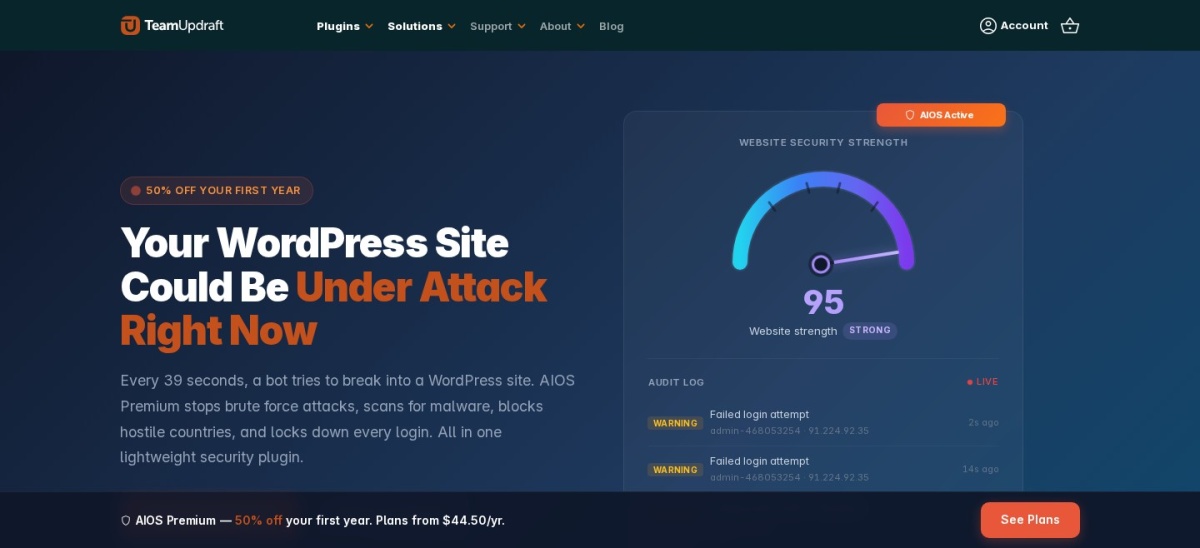
All-In-One Security is a WordPress security plugin maintained by Team Updraft, with more than 1 million active installations and a 4.7/5 rating. Its free version includes login lockouts, two-factor authentication, file change monitoring, spam prevention and firewall rules. It also provides security settings for protecting files, databases and administrator accounts.
The trade off is that the free edition focuses on hardening rather than full malware detection and cleanup. The Personal plan has a discounted first-year price of $44.50 but renews at the regular $89/year for two websites, adding premium security capabilities. It suits beginners who mainly want to reduce common WordPress security risks.
What we like
Large established WordPress user base
Free login lockouts and two-factor authentication
File and database security options
Rule-based firewall protection
Personal license covers two websites
Watch out for
Full malware scanning requires Premium
Does not provide the same off-site scanning approach as MalCare
Advanced security settings may require careful configuration
Premium adds malware scanning, country blocking and additional monitoring features.Visit teamupdraft.com
05
CleanTalk Security
4.8/5on WordPress.org (398 reviews, checked Nov 2026)
Paid from$12/yr
Best budget alternative for malware and firewall monitoring
Active installs40K+
WordPress rating4.8/5
Security service$12/year
Expert cleanupSeparate $149 service
cleantalk.org
CleanTalk Security homepage, captured Nov 2026.
CleanTalk Security is a WordPress security plugin with more than 40,000 active installations and a 4.8/5 rating. Its security service includes malware scanning, daily automated scans, firewall rules, brute-force protection, traffic monitoring and login activity logs. The plugin can be installed for free, while the connected security service requires a subscription.
The trade off is that its $12/year security subscription does not include the separately listed $149 expert malware cleanup service. Its free plugin should not be confused with a permanently free subscription to the full cloud security service. It suits budget-conscious site owners who want ongoing scanning and attack monitoring without paying for a larger security package.
What we like
Low regular annual subscription price
Malware scanning and scheduled checks
Firewall and brute-force protection
Traffic monitoring and security logs
Separate expert cleanup service available
Watch out for
Full security service requires a subscription
Expert malware cleanup costs extra
Different feature scope from MalCare's bundled paid plans
The $12/year service adds continuous security features; expert cleanup is separately priced.Visit cleantalk.org
06
BBQ Firewall
4.9/5on WordPress.org (161 reviews, checked Nov 2026)
Paid from$30/yr
Best lightweight alternative for malicious request blocking
Active installs100K+
WordPress rating4.9/5
Free firewallRequest filtering
Paid upgradePersonal, $30/yr
plugin-planet.com
BBQ Firewall homepage, captured Nov 2026.
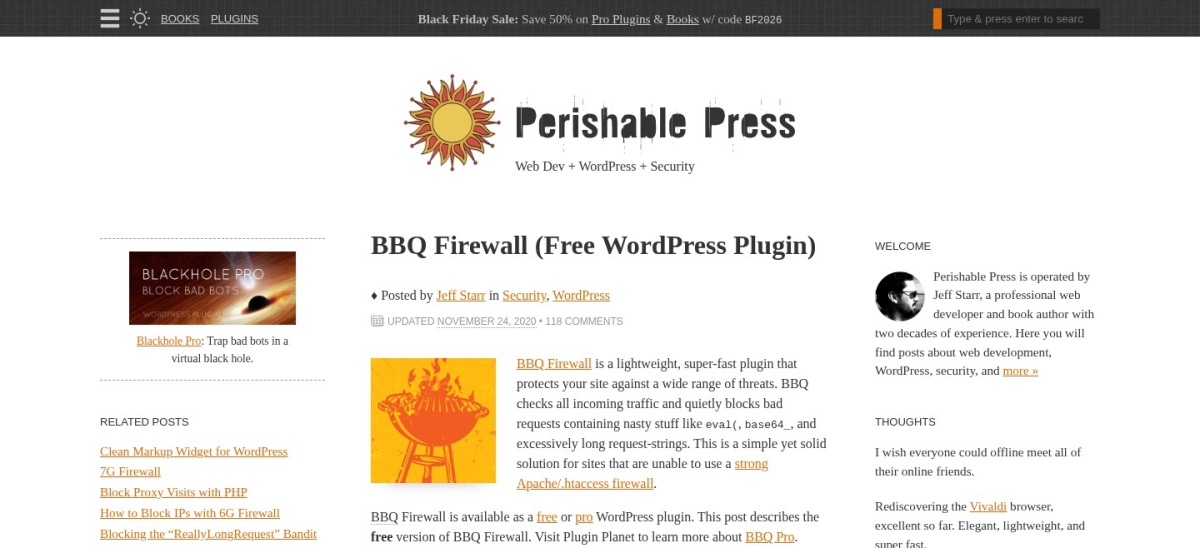
BBQ Firewall is a lightweight WordPress firewall plugin with more than 100,000 active installations and a 4.9/5 rating. The free version filters suspicious requests, including patterns associated with SQL injection, cross-site scripting, directory traversal and malicious file execution. It works after activation without requiring a complex configuration process.
The trade off is that BBQ Firewall does not provide MalCare-style malware scanning, automatic cleanup or cloud-based restoration. BBQ Pro costs $30/year for one website and adds customizable firewall patterns, IP controls, request statistics and alerts. It suits smaller sites that need focused request filtering alongside a separate malware scanner or backup solution.
What we like
Free request-filtering firewall
Minimal configuration required
Lightweight plugin design
Strong WordPress.org rating
Affordable paid firewall controls
Watch out for
No full malware scanner
No malware cleanup or backup service
Narrower protection scope than a security suite
Advanced controls require Pro
BBQ Pro adds customizable rules, IP filtering, block statistics and email alerts.Visit plugin-planet.com
07
WP Activity Log
4.7/5on WordPress.org (493 reviews, checked Nov 2026)
Paid from$139/yr
Best for security auditing and suspicious activity tracking
Active installs300K+
WordPress rating4.7/5
Free activity loggingYes
Paid upgradePremium, $139/yr
melapress.com
WP Activity Log homepage, captured Nov 2026.
WP Activity Log is a WordPress security auditing plugin from Melapress, with more than 300,000 active installations and a 4.7/5 rating. Its free edition records user logins, failed login attempts, content changes, plugin updates and other website events. The logs help administrators investigate unexpected changes and identify suspicious account activity.
The trade off is that WP Activity Log is a monitoring tool, not a malware scanner or firewall. Premium costs $139/year for one website and adds advanced search, scheduled reports, real-time alerts and user session management. It suits membership websites, online stores and multi-user teams needing detailed security records alongside another protection plugin.
Which MalCare alternatives can actually clean malware?
A malware scanner and a malware cleanup service are different products. Scanning identifies suspicious files, modified code or known malicious patterns. Cleanup removes infections and may require repairing compromised WordPress files, database entries and backdoors.
Sucuri stands out for businesses that want professional recovery assistance. Its Basic Platform costs $229/year and includes unlimited expert malware cleanup requests, alongside monitoring and firewall protection.
Wordfence provides malware detection in its free plugin and real-time threat intelligence with Premium. Professional response and cleanup are associated with higher Wordfence services rather than its $149/year Premium license.
CleanTalk offers malware scanning through its security service and lists a separate $149 expert cleanup service. Defender and AIOS provide security tools, but buyers should confirm remediation capabilities before expecting complete incident recovery.
BBQ Firewall and WP Activity Log serve narrower purposes. BBQ blocks suspicious web requests, while WP Activity Log records events that may help explain a security incident. Neither should be treated as a complete malware cleanup replacement.
Cloud scanning vs WordPress server scanning
MalCare is known for performing malware scans through its own infrastructure rather than relying entirely on the website's hosting resources. This is useful when a hosting account has limited CPU or memory.
Wordfence performs WordPress security checks through its plugin and hosting environment. That can offer detailed file-level visibility, but resource usage should be considered on constrained hosting plans.
Sucuri's free plugin uses remote scanning and integrity checks, while its paid platform adds broader security services. Remote scanning may not detect infections hidden in files that cannot be inspected externally.
The right approach depends on what matters most: hosting resource usage, file inspection depth, scan frequency, cleanup options or ongoing support. No scanner should replace a verified backup and a practical recovery plan.
How we chose
We reviewed established WordPress security plugins and services that address capabilities commonly associated with MalCare: malware scanning, firewall protection, login security, incident cleanup and security monitoring. Candidates came from WordPress.org listings, official product documentation and publicly available pricing pages.
Prices, WordPress.org ratings, review totals, installation counts and recent plugin maintenance were checked on 22 Nov 2026. We used regular published paid prices instead of introductory discounts. Every selected plugin had an active WordPress.org listing, a recent update and an official paid pricing page that could be opened.
We excluded closed or outdated plugins, options without confirmable regular pricing and products with insufficient public adoption. Narrower tools are identified clearly so readers do not mistake activity logging or request filtering for complete malware protection. No vendor paid for a place, and we do not claim testing for this list.
How to choose the right MalCare alternative
Identify the security features your website actually needs, then compare the free protection, paid services and recovery options.
Decide whether malware removal is essential. If your website is already infected or you need professional cleanup support, prioritize services that explicitly include malware removal. Sucuri offers expert cleanups with its paid platform. A free scanner may detect an infection without removing it.
Compare firewall and malware scanning coverage. Choose a broader security plugin such as Wordfence or Defender if you need several preventive features together. Consider AIOS for login protection and hardening, or BBQ Firewall when your main requirement is filtering suspicious requests.
Check the complete annual price. Compare the cheapest regular paid plans, but include charges for malware cleanup, additional websites, backups and expert assistance. CleanTalk's $12/year security service and Sucuri's $229/year platform provide different levels of service and should not be compared on price alone.
Prepare backups and verify compatibility. Create a restorable backup before replacing a security plugin. Review firewall conflicts, PHP compatibility, administrator access and any existing login restrictions. Configure the replacement carefully and confirm that scans, alerts, backups and login protection work before uninstalling MalCare.
FAQ
What is the best MalCare alternative in 2026?
Wordfence is our top overall alternative because its free plugin combines a firewall, malware scanning and two-factor authentication. It has more than 5 million active installations and a 4.7/5 WordPress.org rating. Sucuri is a stronger choice when paid expert malware cleanup is a requirement.
Is Wordfence better than MalCare?
Wordfence is attractive when you want a free endpoint firewall, malware scanner and login security in one plugin. MalCare uses a different cloud-based scanning approach. Wordfence Premium costs $149/year, while professional cleanup is handled through higher services. The better choice depends on server resources, detection needs and recovery requirements.
Which MalCare alternative offers professional malware cleanup?
Sucuri's Basic Platform includes unlimited manual malware cleanup requests for $229/year per website. CleanTalk separately lists expert malware cleanup for $149. Wordfence also offers managed incident-response services above its Premium tier. Confirm service scope and response terms before buying for an already infected website.
Are there free alternatives to MalCare?
Yes. Wordfence includes free malware scanning, firewall protection and two-factor authentication. Defender Security offers free scanning and login protection, while All-In-One Security provides hardening and firewall features. Sucuri Security also offers free remote scanning, but its managed cleanup and cloud firewall services require payment.
What is the cheapest paid MalCare alternative?
CleanTalk Security lists a one-website security subscription at $12/year, making it the cheapest regular paid entry in this comparison. BBQ Firewall Pro costs $30/year, and WPMU DEV Pro Basic costs $50/year. These plans cover different functions, so the cheapest option may not replace every MalCare feature.
Does Sucuri Security include a free firewall?
The free Sucuri WordPress plugin focuses on auditing, file integrity monitoring, remote malware scanning and blocklist checks. Sucuri's cloud-based website firewall is a separate paid service or is included with its security platform plans. The Basic Platform costs $229/year and includes firewall protection and expert cleanup.
Can Defender Security replace MalCare?
Defender can replace several preventive features through its malware scanner, firewall, login protection and security hardening tools. However, it should not automatically be considered equivalent to MalCare's cloud scanning and paid cleanup services. Compare the remediation features you need before switching, especially if your site has previously been compromised.
Does BBQ Firewall scan WordPress files for malware?
No. BBQ Firewall is designed to inspect incoming requests and block suspicious patterns associated with common attacks. It is not a full malware scanner or cleanup service. The free plugin can complement other security tools, while BBQ Pro adds configurable rules and monitoring controls for $30/year.
Can I run multiple WordPress security plugins together?
Sometimes, but overlapping firewalls, login restrictions and scanning features can create conflicts or unnecessary resource usage. A dedicated activity logging tool may complement a malware scanner, while separate firewall plugins need careful review. Keep a backup and test administrator access before enabling multiple security products.