Zapier is the best workflow automation software for most teams, connecting more than 9,000 apps with the easiest builder. Make is the value pick in this comparison for complex flows, while n8n suits technical teams that want self-hosting.
How we make this list: we compare pricing pages, product documentation and public user reviews, then re-check every price before each update. No product paid for a place. Disclosure.
Zapier connects more than 9,000 apps, the widest library here, with a free plan of 100 tasks a month.
Make Core costs 12 dollars a month for 10,000 credits, far more runs per dollar than Zapier at the same price.
n8n bills per whole workflow run, not per step, and its self-hosted edition is free.
Workato is the enterprise pick at 75 dollars a month, while IFTTT is the cheapest paid plan at under 3 dollars a month.
Power Automate fits Microsoft 365 teams at 15 dollars per user a month, and Pabbly suits high-volume users on a flat price.
How do you read a top workflow automation software comparison?
Workflow automation tools differ first in how they count a run, and that decides the bill more than the headline price.
Zapier charges per step, Make charges per module action, and n8n charges per whole workflow run. The same five-step workflow run 1,000 times costs far more on Zapier than on Make or n8n.
App coverage matters next. Zapier connects more than 9,000 apps, Make around 3,000, and n8n around 2,000, so check that the apps you use are covered before you compare prices.
Skill level decides the last pick. Zapier and Integrately suit non-technical users, Make suits ops teams, and n8n and UiPath suit technical and enterprise teams.
List prices in each vendor's currency, checked Nov 2026
IFTTTFREE$36
MakeFREE$144
Power Auto$180
PabblyFREE$228
ZapierFREE$240
IntegratelyFREE$240
n8nFREE€240
UiPathFREE$300
WorkatoFREE$900
The 9 best workflow automation software tools
01
Zapier
4.5/5on G2 (2,169 reviews, checked Nov 2026)
Paid from$19.99/mo
Best workflow automation software overall
Entry planProfessional, 750 tasks
Free planYes, 100 tasks a month
Apps connected9,000 plus
AI stepsYes, AI by Zapier
zapier.com
Zapier homepage, captured Nov 2026.
Zapier is the largest no-code automation platform, connecting more than 9,000 apps with workflows called Zaps that move data between them. The free plan covers 100 tasks a month, and Professional starts at 19 dollars 99 a month billed annually for 750 tasks.
The trade off is task billing. Every step in a workflow counts as one task, so costs climb fast as volume grows, and heavy users pay far more than on Make or n8n. It suits non-technical teams that want the widest app library and the fastest setup.
Make is a visual automation platform where scenarios link apps on a canvas with routers, filters and error handlers. The free plan includes 1,000 credits a month, and Core costs 12 dollars a month billed annually for 10,000 credits, with most actions costing one credit.
The trade off is the learning curve. The canvas is more powerful than Zapier but takes longer to learn, and the app library is smaller at around 3,000 apps. It suits ops teams that build branching workflows and want far more runs per dollar.
n8n is an open-source workflow platform with a visual node editor, code nodes and AI agent nodes for technical teams. The self-hosted Community edition is free, and cloud Starter costs 20 euros a month billed annually for 2,500 executions, with steps inside a run free.
The trade off is that prices are published in euros only, and the tool expects more technical skill than Zapier or Make. It suits teams with an engineer, high volume, or a reason to keep data on their own servers.
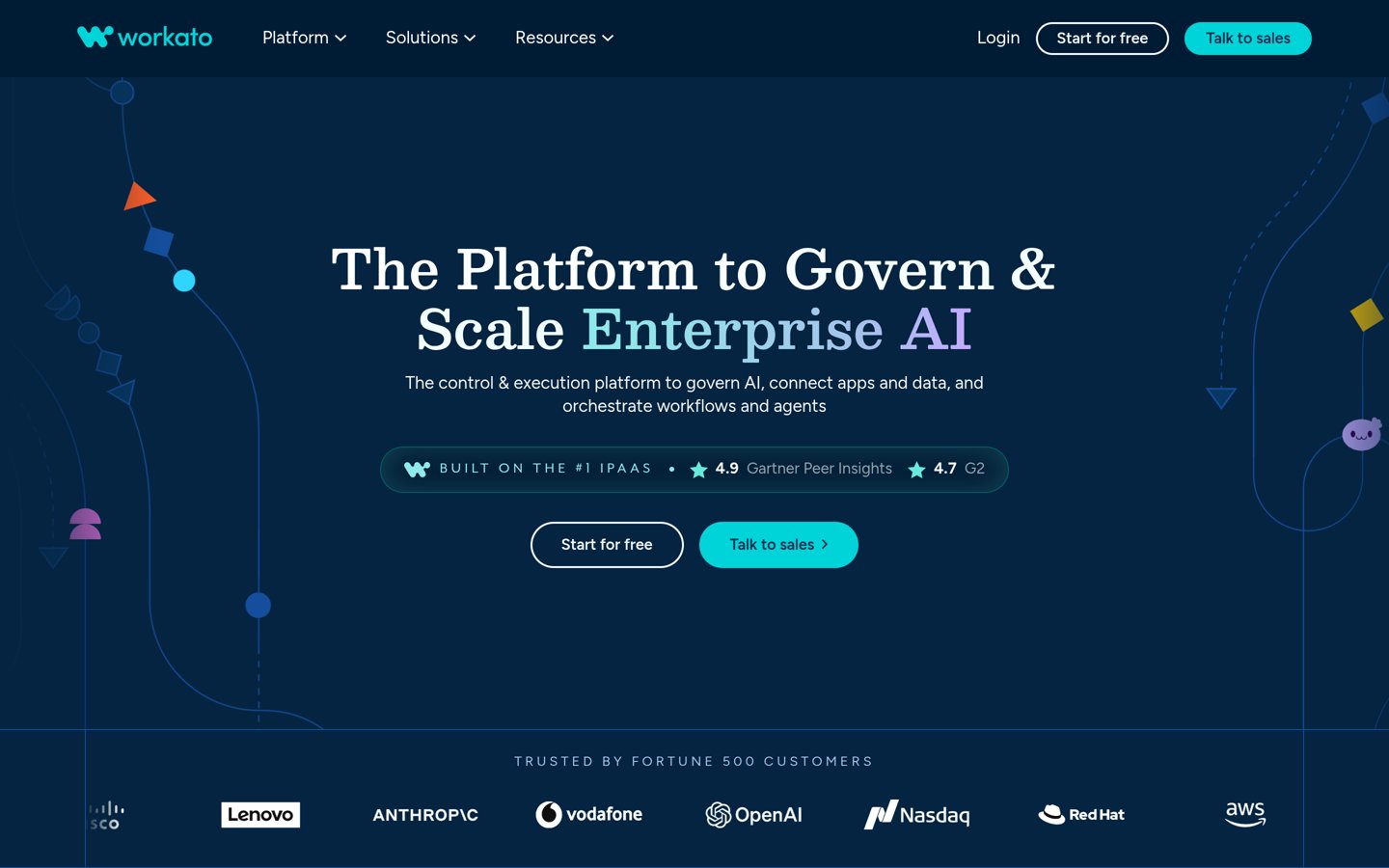
Workato is an enterprise integration platform built around recipes, with API management, data movement and AI agents on the same system. Pro starts at 75 dollars a month for 2,500 credits, and it governs integrations, agents and models with central policy and approvals.
The trade off is price and complexity. Credits expire at the end of each month, and larger workspaces are quoted, so small teams pay enterprise money. It suits mid-market and enterprise teams that need governance over many integrations.
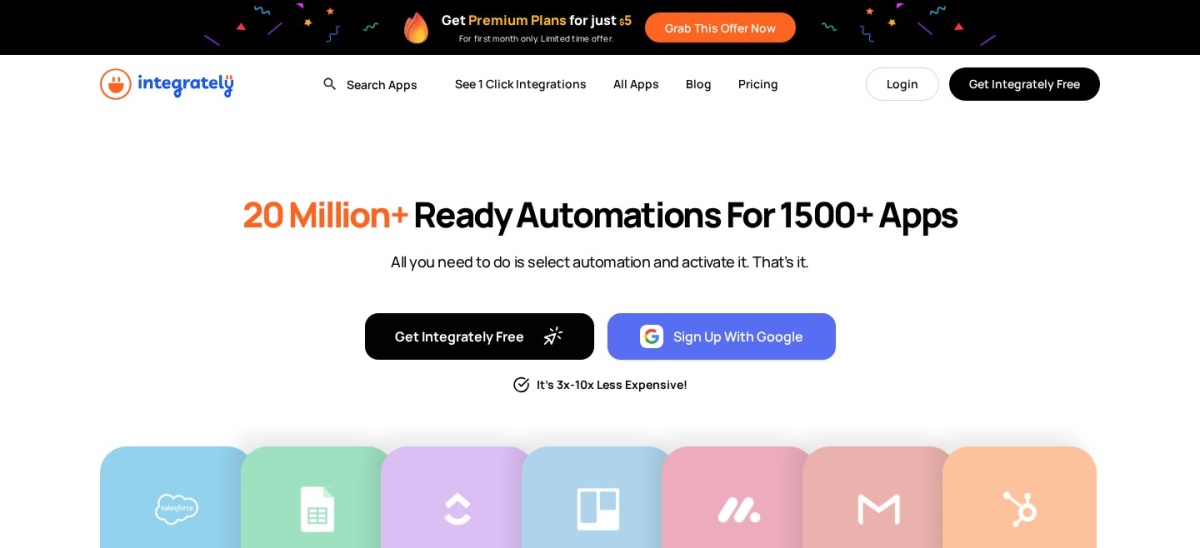
Integrately is a simple automation tool aimed at small businesses, with one-click automations that connect popular apps in a few steps. The free plan covers 100 tasks, and Starter costs 19 dollars 99 a month for 2,000 tasks, with more than a million ready-made recipes to pick from.
The trade off is depth. One-click recipes are fast for common flows but weaker for branching logic and error handling than Make or n8n. It suits non-technical users who want a common automation live in minutes.
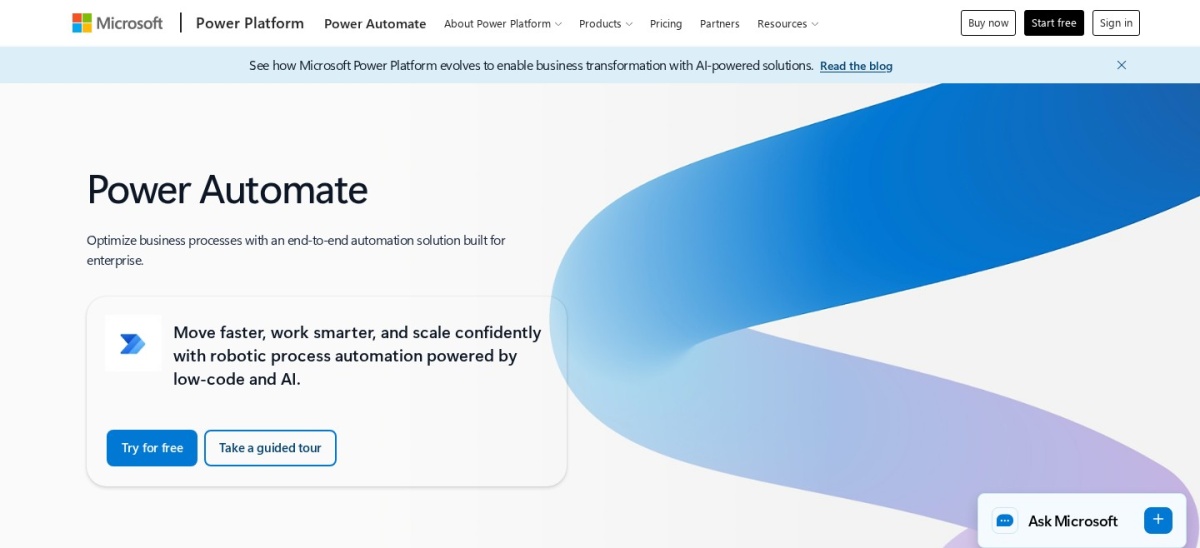
Microsoft Power Automate homepage, captured Nov 2026.
Microsoft Power Automate is the automation tool inside Microsoft 365, with cloud flows, desktop automation for older Windows software and process mining. Premium costs 15 dollars per user a month billed annually and includes attended desktop flows and Copilot.
The trade off is that it only shines inside the Microsoft world, and the per-user price adds up fast for a large team. It suits companies already paying for Microsoft 365 that want automation tied to Office, Teams and SharePoint.
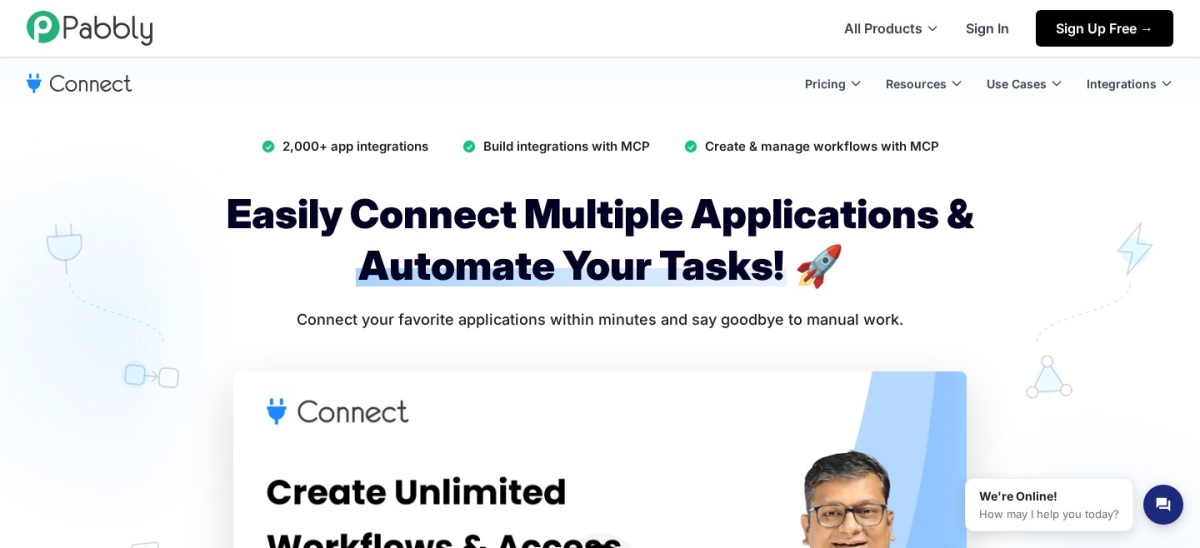
Pabbly Connect is a budget automation platform with 2,000 plus integrations and multi-step workflows, routers and formatters at a flat monthly price. The free plan covers 100 tasks a month, and Standard costs 19 dollars a month for 12,000 tasks.
The trade off is an older interface and slower support on hard cases, and the G2 review base is small at 30 reviews. It suits small businesses that run a high volume of workflows and want a flat price.
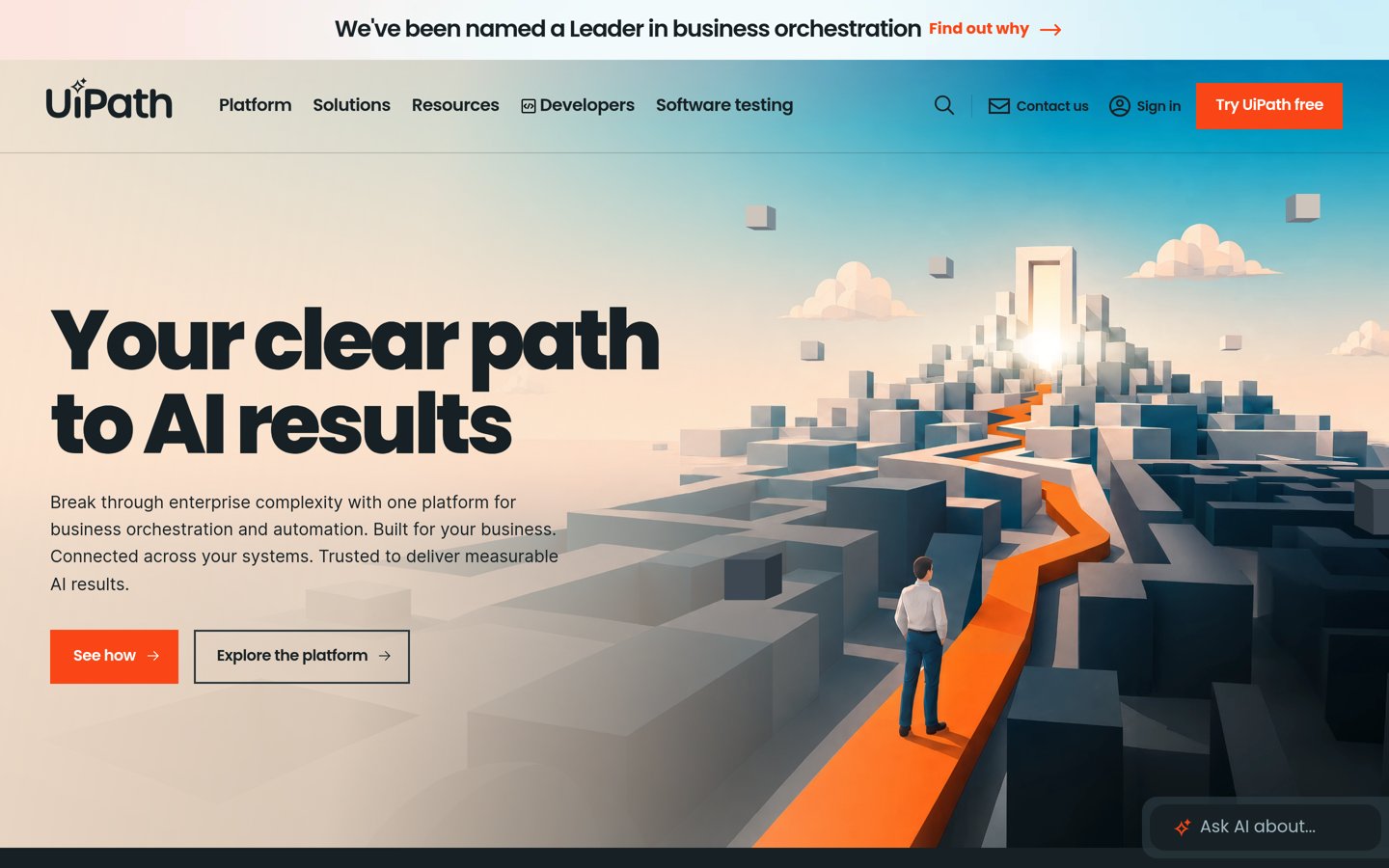
UiPath is an enterprise robotic automation platform that automates legacy desktop apps and document work that APIs cannot reach. The free Community edition covers learning and small use, and Standard starts at 25 dollars a month per user with attended robots.
The trade off is that Standard and Enterprise prices are partly quote-only, and the platform is built for IT teams rather than casual users. It suits enterprises that need to automate old Windows software and paper-heavy processes.
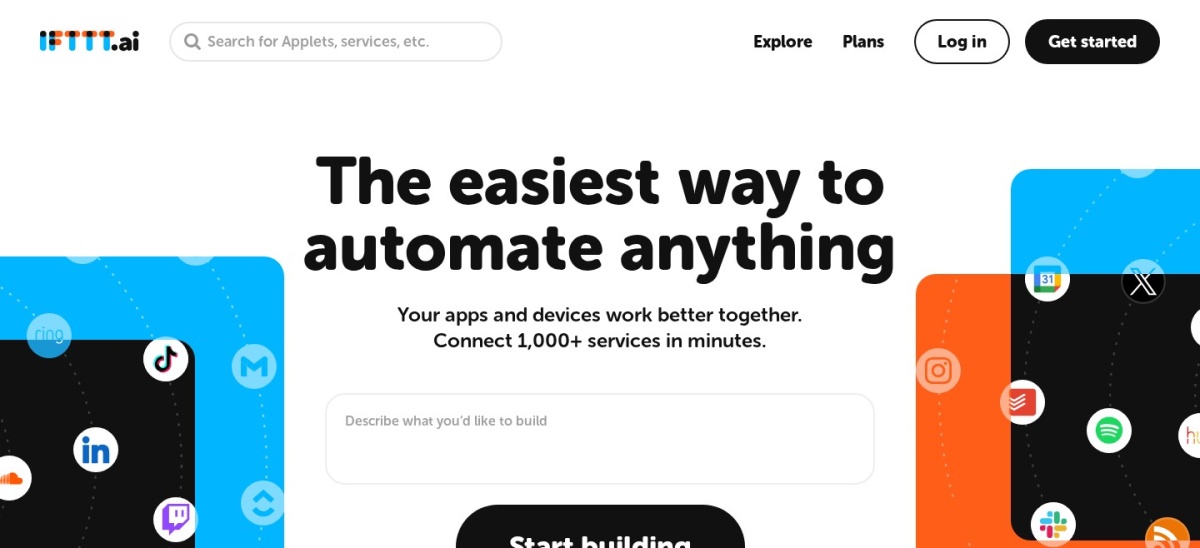
IFTTT is the original trigger-action service, running simple one-trigger applets across apps and smart home devices since 2010. The free plan covers 3 applets, and Pro costs 2 dollars 99 a month billed annually for 20 applets with multi-action support.
The trade off is that applets are simple by design, so multi-step business flows need a different tool. It suits individuals automating personal routines and smart home devices.
Billing models: why the same workflow costs different amounts
Three platforms, three billing units, and that is the whole story. Zapier bills every step, Make bills every module action, and n8n bills the whole run.
A five-step workflow run 1,000 times a month needs 5,000 Zapier tasks but only 1,000 n8n executions. Compare billing models, not feature lists, before you pick.
Free plans help you test the builder, but they cap volume hard. Zapier gives 100 tasks a month, Make gives 1,000 credits, and n8n gives a free self-hosted edition.
How we chose
We started from the workflow automation tools with the largest G2 review bases, then kept the nine with a verifiable G2 or Capterra rating and a published entry price.
Prices come from each vendor pricing page, checked on 29 November 2026, and ratings and review counts come from G2 or Capterra on the same day. n8n prices are published in euros only.
We left out tools with no verifiable rating or no published price. No vendor paid for a place, and we do not claim hands-on testing for this list.
How to choose workflow automation software
Start with the apps you use every day, then count what one run really costs.
List the apps to connect. Write down the five apps you use most and check each tool covers them. Zapier covers the most, so start there if coverage is uncertain.
Count one run, not one month. Work out how many steps or modules one workflow needs, then multiply by monthly runs. That number decides the bill on every tool here.
Test the builder on a real flow. Build one real workflow on the free plan and check branching, error handling and speed before you pay for any plan.
Check where your data lives. If data must stay on your own servers, pick n8n self-hosted. If governance matters, pick Workato or Power Automate.
FAQ
Which workflow automation software wins this comparison in 2026?
Zapier is the best workflow automation software for most teams. It connects more than 9,000 apps, has the easiest builder for non-technical users, and is rated 4.5 out of 5 on G2 from more than 2,100 reviews.
Which workflow automation software is cheapest?
IFTTT is the cheapest paid plan at 2 dollars 99 a month, but it only runs simple one-trigger applets. Make is the cheapest real business pick at 12 dollars a month for 10,000 credits.
Is there a free workflow automation software?
Yes. Zapier gives 100 tasks a month free, Make gives 1,000 credits a month, and n8n offers a free self-hosted Community edition with no volume cap.
Zapier or Make: which is better?
Zapier is better for fast setup and the widest app library, while Make is better for complex branching workflows on a budget. Make gives far more runs per dollar at the same price.
What is n8n best for?
n8n is best for technical teams with high volume or data that must stay on their own servers. It bills per whole workflow run, not per step, and its self-hosted edition is free.
Which workflow automation tool is best for Microsoft 365?
Microsoft Power Automate is the best pick for Microsoft 365 teams. It costs 15 dollars per user a month and ties automation to Office, Teams and SharePoint.
SaaS SEO and WordPress specialist with about 8 years of experience. Rakib compares WordPress plugins, themes, hosting and software using public pricing, documentation and user reviews. See how we rank.