Whatfix is the best WalkMe alternative for enterprise teams, rated 4.6 out of 5 on G2 from 545 reviews, with in-app guidance across web, desktop and mobile apps. Pendo suits SaaS teams that want analytics with guides and a free plan to 500 users, while Userpilot starts at $299 a month for published-price onboarding.
How we make this list: we compare pricing pages, product documentation and public user reviews, then re-check every price before each update. No product paid for a place. Disclosure.
Whatfix is the closest like-for-like swap, with Flows, Smart Tips and Mirror training sandboxes across web, desktop and mobile, priced by quote.
Pendo has the only free plan among the full adoption platforms here, covering 500 monthly active users with analytics, guides and NPS.
Userpilot, UserGuiding and Product Fruits publish entry prices from $111 to $299 a month, so small SaaS teams can budget without a sales call.
Three tools sell by quote only: Whatfix, Pendo paid plans and Apty, so expect a scoped proposal before you see a number.
Tango is the cheapest way in, with a free plan and Pro at $22 per user a month, but it builds guides rather than running a full adoption platform.
How do you choose the best WalkMe alternative for your team?
Start with who you are guiding. WalkMe alternatives split into two groups: enterprise platforms that guide employees through software the company bought, and SaaS tools that guide customers through software the team builds.
Price transparency is the biggest practical divide. Userpilot, UserGuiding, Chameleon, Appcues and Product Fruits publish entry prices, while Whatfix, Pendo and Apty quote every paid plan, so budgeting takes a sales conversation.
Ratings are close across the list, from 4.4 to 4.7 on G2, so the deciding factor is usually coverage. Only Whatfix covers desktop apps, mobile and training simulations in the way WalkMe does, while Pendo adds product analytics the others charge extra for.
A free plan changes the trial math. Pendo lets a team run guides for up to 500 monthly active users without paying, and Tango has a free plan for guide capture, while the rest offer trials or a demo first.
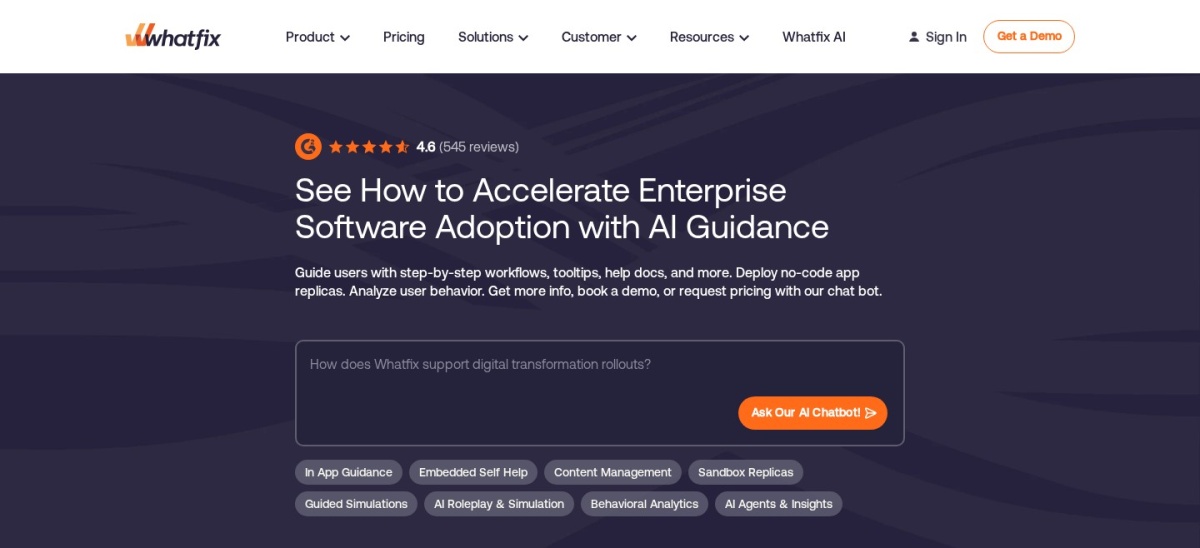
Whatfix is an AI-powered digital adoption platform that layers Flows, Smart Tips, task lists and a self-help widget over web, desktop and mobile apps. It adds Mirror practice environments for training, product analytics and an AI assistant, and its homepage shows a 4.6 rating from 545 G2 reviews.
The trade off is price and setup. Every plan is sold by quote as a flat fee plus user licences, with no list price on the pricing page, and reviewers note that setup takes IT involvement. It suits large teams rolling out several enterprise apps who want the closest match to WalkMe without its SAP ownership.
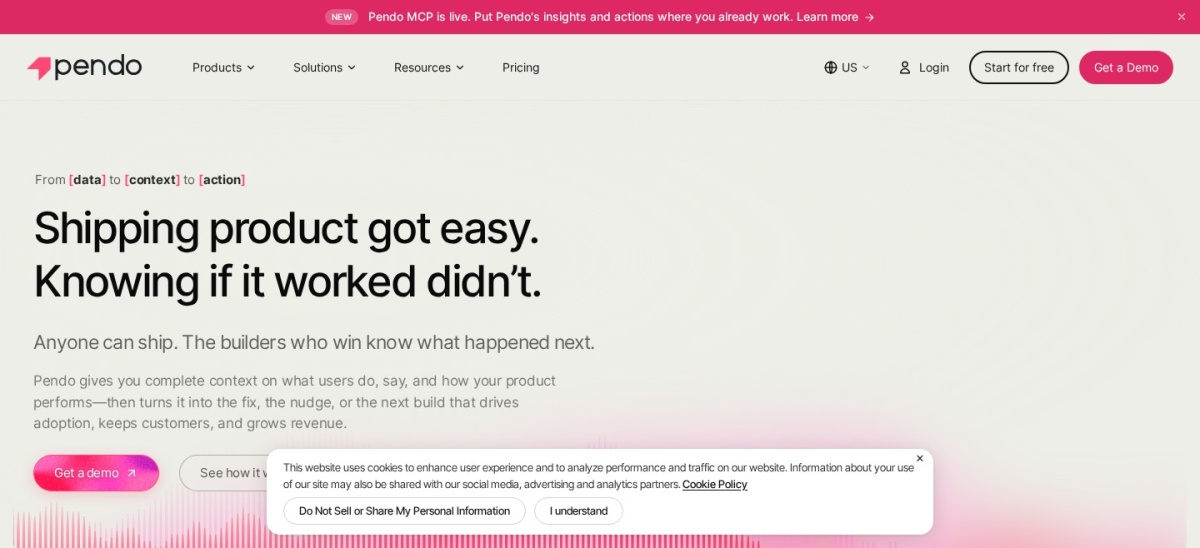
Pendo is a product experience platform that combines product analytics, in-app guides, session replay and surveys in one place. The free plan covers up to 500 monthly active users with analytics, guides and Pendo-branded NPS surveys, and paid plans add replay, sentiment and data sync.
The trade off is that paid pricing is fully quote-based. Base, Core and Ultimate are priced by monthly active user volume, so there is no number to budget against before a sales call. It suits SaaS teams that want usage data and guides in one contract and can start free.
What we like
Only free plan in this list, to 500 users
Deepest product analytics of any tool here
Retroactive analytics with no setup events
Watch out for
No published paid prices
Steeper learning curve than lighter tools
Core adds session replay; Ultimate adds sentiment and data syncVisit pendo.io
03
Userpilot
4.6/5on G2 (1,015 reviews, checked Nov 2026)
Starts at$299/mo
Best published-price SaaS onboarding
Entry planStarter, $299/mo
Monthly users2,000 MAU included
AnalyticsFunnels, paths, replay
Free trial14 days
userpilot.com
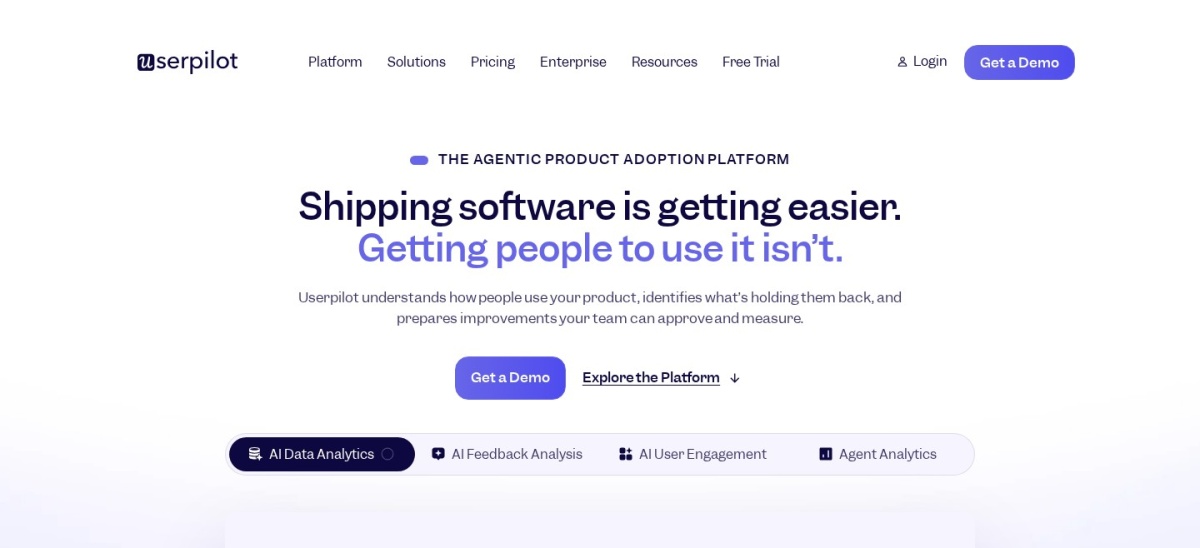
Userpilot homepage, captured Nov 2026.
Userpilot is a product growth platform for SaaS teams that combines in-app flows, checklists, surveys, product analytics and session replay. Starter costs $299 a month billed annually for up to 2,000 monthly active users, with 3 seats, 10 segments and the Lia AI agent.
The trade off is the entry price and the seat cap. Starter is $299 a month, and the analytics that make Userpilot stand out, such as autocapture and funnels, sit on Growth at $849 a month. It suits mid-market SaaS teams that want onboarding and analytics in one published-price tool.
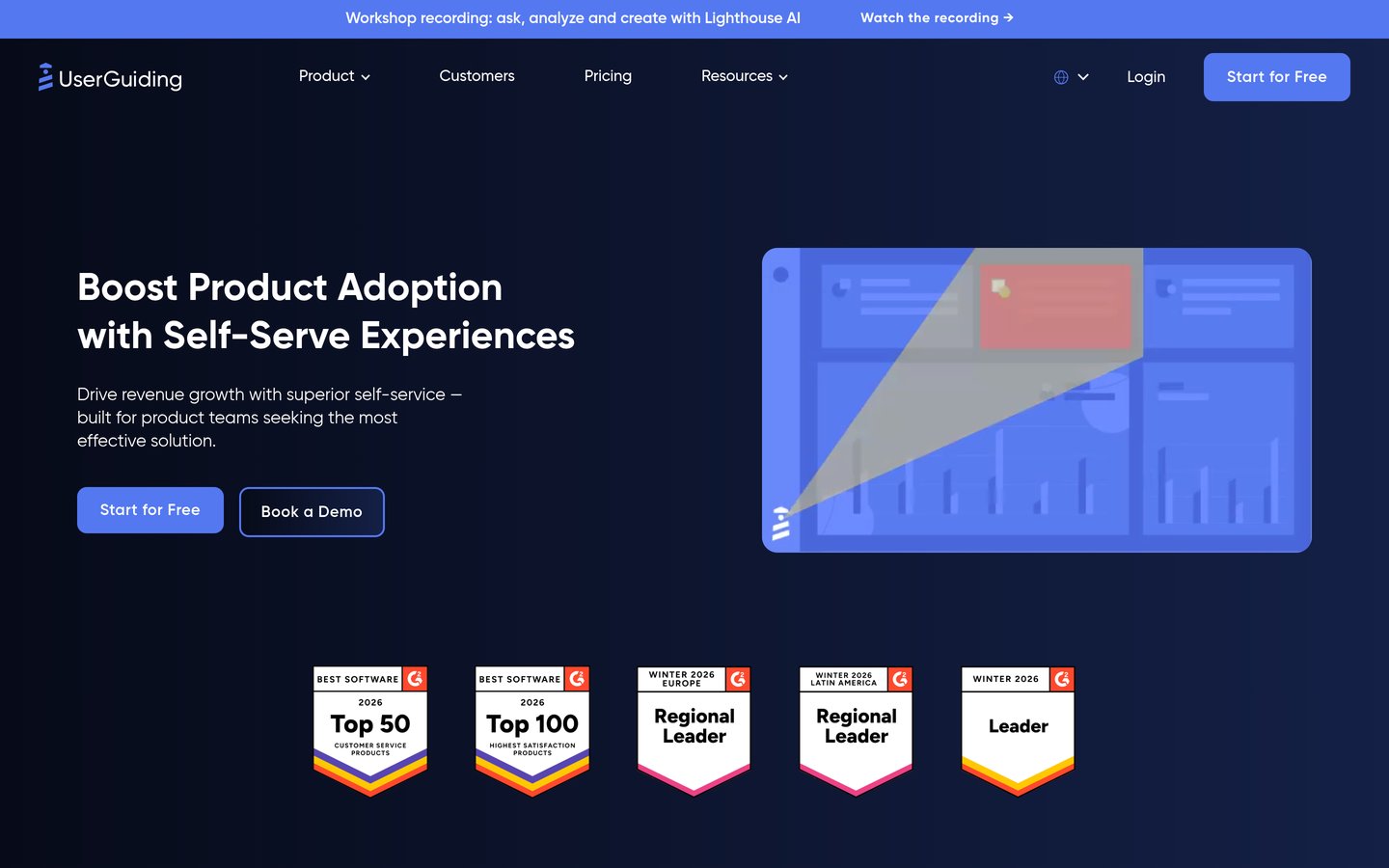
UserGuiding is a no-code onboarding platform for SaaS products that builds product tours, checklists, hotspots, surveys and a resource center without developer help. Starter costs $249 a month billed annually for up to 2,000 monthly active users, and includes a knowledge base and product updates.
The trade off is the caps on the entry plan. Starter allows 15 active guides, 1 checklist and 1 survey, so growing teams move to Growth at $499 a month for more room. It suits small SaaS teams that want the simplest setup and a published price.
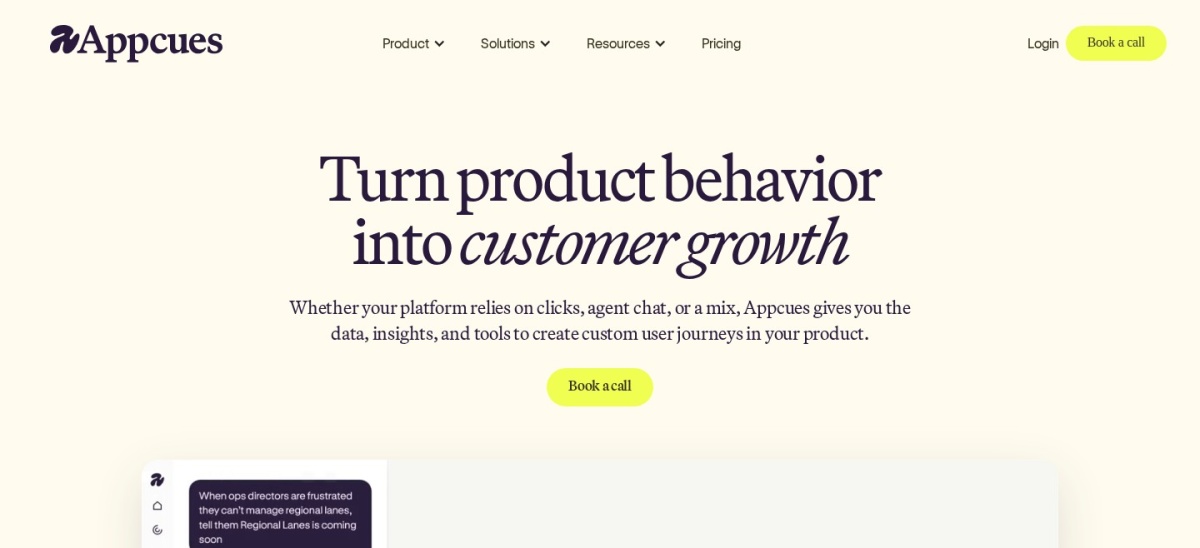
Appcues is a no-code platform for in-app flows, checklists, banners, surveys and resource menus, plus email and push messages from the same tool. Grow costs $750 a month billed annually for 1,000 monthly active users, with 25 published experiences and every experience type on the plan.
The trade off is the price jump. Appcues dropped its cheaper Start tier in November 2026, so Grow at $750 a month is now the entry point, and Enterprise is custom. It suits mid-market product teams running lifecycle engagement across web and mobile.
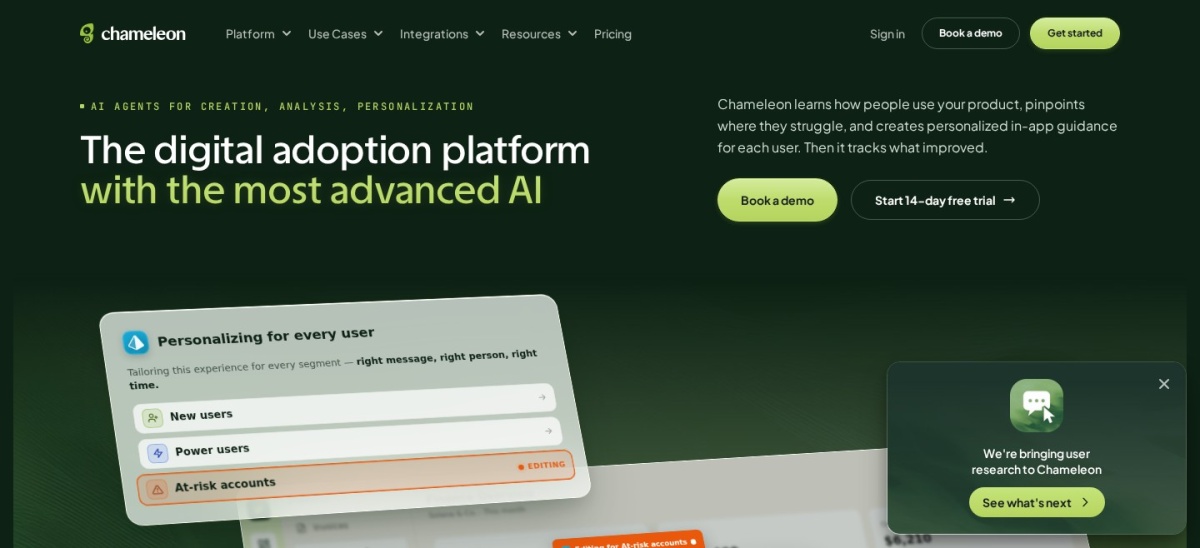
Chameleon is a product adoption platform for building tours, tooltips, microsurveys, checklists and launchers with a visual builder. Startup costs $279 a month for 2,000 monthly tracked users, with unlimited tours, and Pro adds A/B testing, goals and custom CSS from $750 a month.
The trade off is the experience cap. Startup allows only 10 live experiences, and unlimited experiences need Growth, so teams with many flows pay much more. It suits design-led product teams that want deep styling and experimentation in their tours.
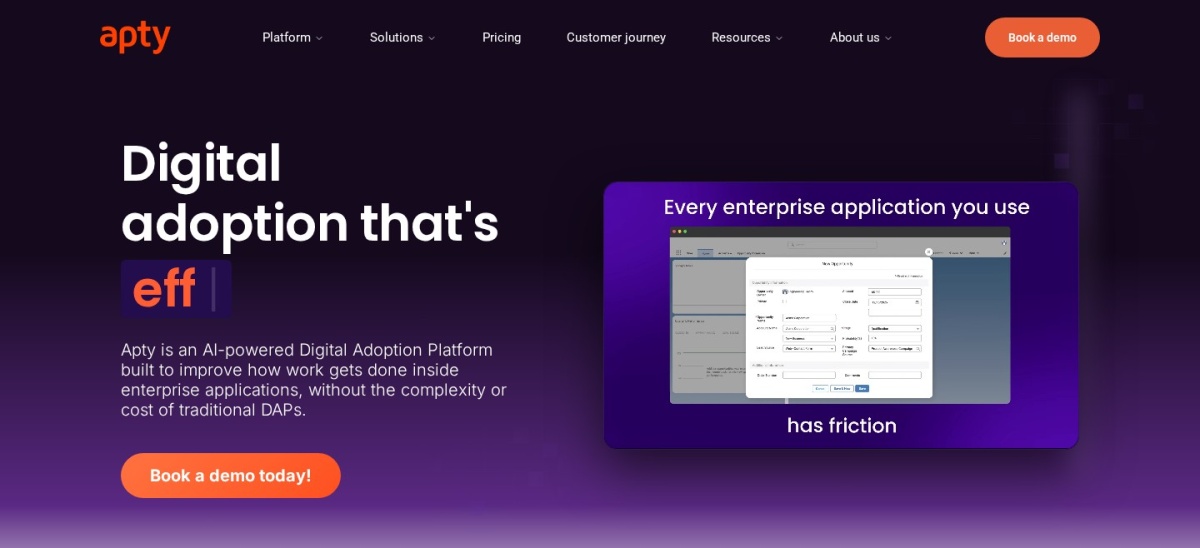
Apty is an enterprise digital adoption platform built to improve how work gets done inside web-based business applications. It combines no-code walkthroughs, tooltips, workflow validations that check data as it is entered, and adoption analytics, with a separate PULSE view of software use.
The trade off is transparency. Pricing is by quote, scoped to the deployment, users and applications, with no published tiers or trial listed. It suits organisations where process compliance and data quality matter as much as guidance itself.
What we like
Workflow validations enforce process steps
Rated 4.7 out of 5 on G2
Strong fit for ERP and CRM rollouts
Watch out for
No published price or self-serve trial
Content customisation feels limited to some reviewers
Add-ons include on-premise authoring and white labellingVisit apty.ai
08
Tango
4.7/5on G2 (515 reviews, checked Nov 2026)
Paid from$22/user/mo
Best low-cost guide builder
Entry planPro, $22/user/mo
Free planYes, 5 workflows
CaptureBrowser and desktop
GuidesUnlimited on Pro
tango.us
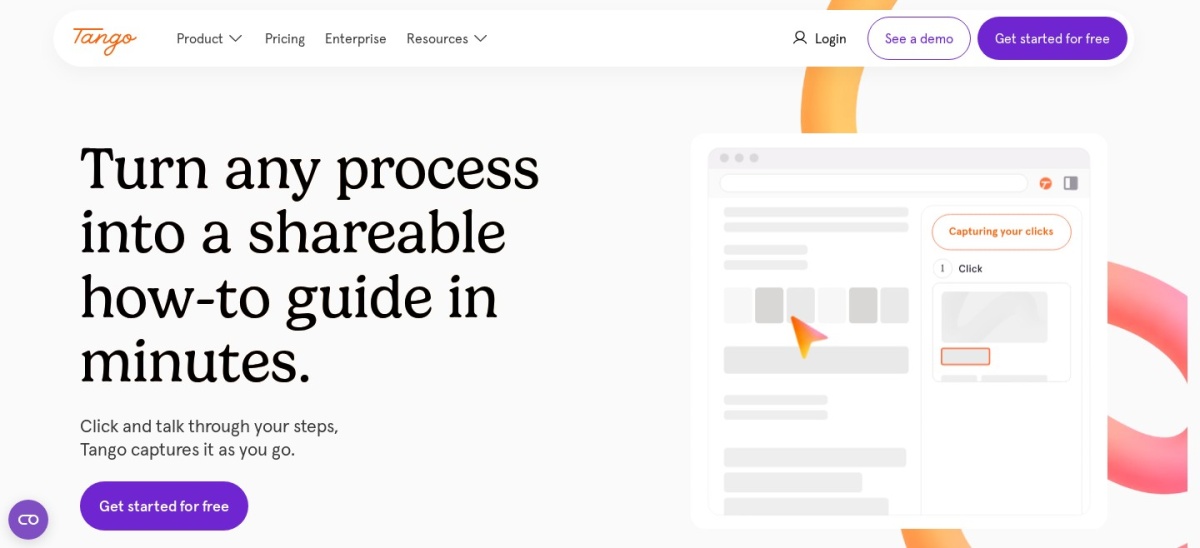
Tango homepage, captured Nov 2026.
Tango is a guide builder that turns a process you click through into a step-by-step guide with screenshots and annotations. The free plan covers browser capture with 5 shared workflows, and Pro costs $22 per user a month billed annually for unlimited workflows and desktop capture.
The trade off is scope. Tango documents processes and runs on-screen walkthroughs, but it is not a full adoption platform with analytics, segmentation or in-app targeting. It suits small teams that need clear how-to guides fast and at the lowest price here.
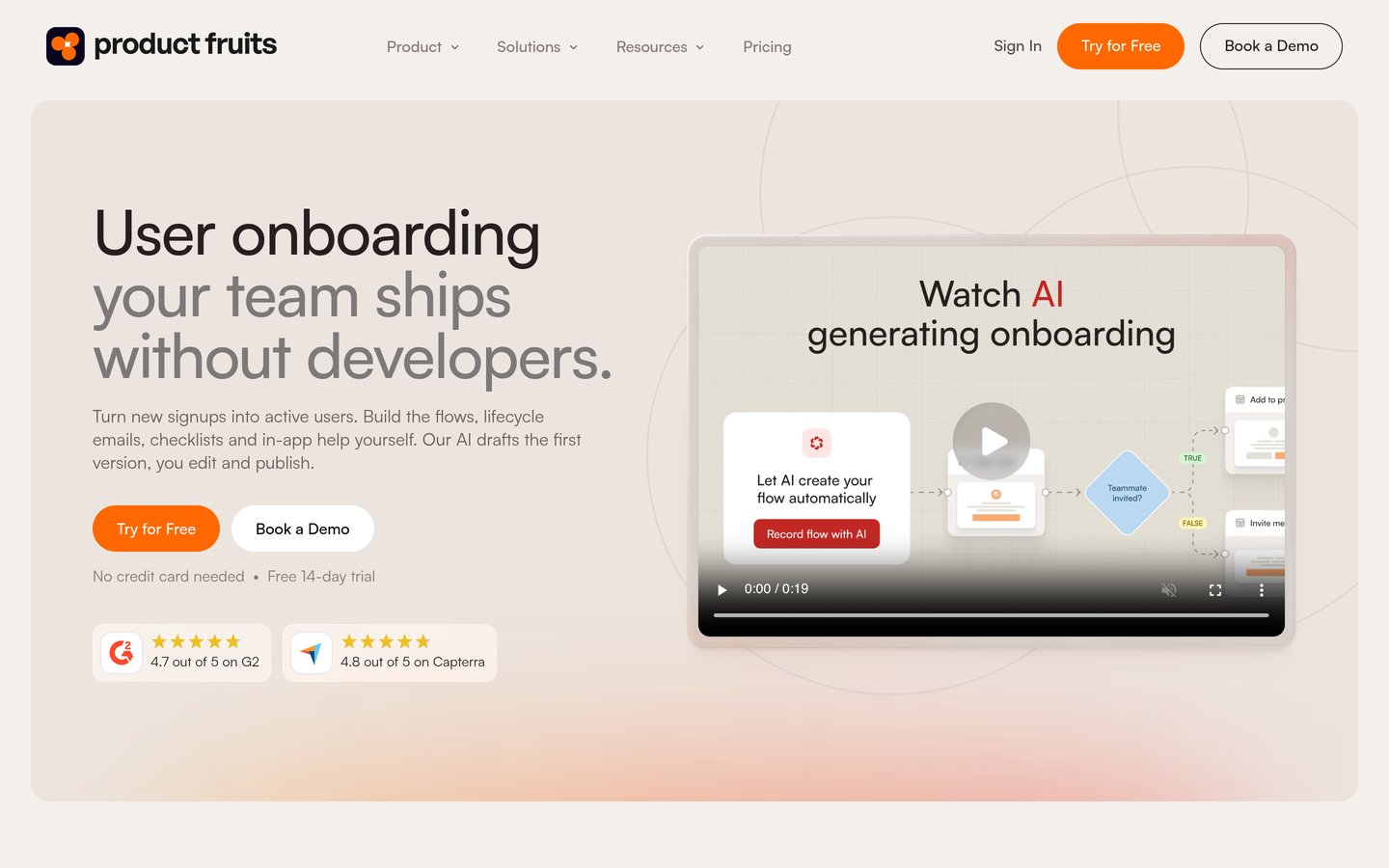
Product Fruits is a no-code onboarding platform with tours, checklists, hints, announcements, a help center and a knowledge base in one tool. Starter costs $111 a month billed annually for 1,500 monthly active users, and includes 15 tours, 50 hints and the Elvin AI assistant.
The trade off is depth on the entry plan. Surveys and branching flows start on Pro at $187 a month, so teams that need conditional journeys pay more. It suits small SaaS teams that want the lowest published price for a full onboarding toolkit.
Enterprise DAPs vs SaaS onboarding tools: which side are you on?
Enterprise platforms such as Whatfix and Apty are built for employees using software the company bought, such as Salesforce, SAP or Workday. Whatfix covers desktop and mobile apps too, and both report on adoption across a whole application estate.
SaaS tools such as Pendo, Userpilot and UserGuiding are built for customers using software the team builds. They price by monthly active users, publish entry prices and ship faster, but they rarely cover desktop apps.
Pick the enterprise side when the audience is employees and the apps are bought, not built. Pick the SaaS side when the audience is your own customers and you want a published price and a trial this week.
How we chose
We started from the digital adoption platforms named most often as WalkMe replacements in G2 category rankings and 2026 comparison guides, then kept the nine with a public G2 rating and a verifiable pricing page or quote model.
Prices come from each vendor's pricing page, checked on 29 November 2026, with quote-only tools shown as Quote. Ratings and review counts come from G2 on the same day. Where a vendor shows a sale, the list shows the regular price.
We left out tools with no public rating and WalkMe itself, since this list is alternatives. No vendor paid for a place, and we do not claim to have used these tools ourselves.
How to choose a WalkMe alternative
Start with your audience, then check price transparency before you book a demo.
Name your audience first. Employees on bought software need an enterprise DAP such as Whatfix or Apty. Customers on your own product need a SaaS tool such as Pendo, Userpilot or UserGuiding.
Check whether desktop apps matter. Most SaaS tools cover web apps only. If staff work in desktop software, shortlist Whatfix first and confirm coverage before signing.
Compare the billing unit, not just the headline. Enterprise tools charge per application or per deployment, while SaaS tools charge per monthly active user, so the same headline can mean very different annual bills.
Trial the shortlist before you buy. Use the free plans from Pendo and Tango or a 14-day trial to build one real guide, and check how it looks to the people who will follow it.
FAQ
What is the best alternative to WalkMe in 2026?
Whatfix is the best alternative to WalkMe for enterprise teams. It matches WalkMe most closely, with in-app guidance across web, desktop and mobile apps, Mirror training sandboxes and a 4.6 rating on G2 from 545 reviews.
How much does a WalkMe alternative cost?
Published entry prices run from $111 a month for Product Fruits to $750 a month for Appcues, with UserGuiding at $249 and Userpilot at $299 in between. Whatfix, Pendo paid plans and Apty are quote-only, so their cost depends on your deployment.
Is there a free alternative to WalkMe?
Yes. Pendo has a free plan for up to 500 monthly active users with analytics, guides and NPS surveys, and Tango has a free plan for browser guide capture with 5 shared workflows. The other tools offer 14-day trials or a demo first.
Which WalkMe alternative is best for small teams?
Product Fruits is the best fit for small teams on price, starting at $111 a month with tours, a help center and AI included. UserGuiding at $249 a month is the easiest to set up, with the highest G2 rating in this list at 4.7.
Whatfix vs Pendo: which is the better WalkMe alternative?
Whatfix is better when the audience is employees on enterprise apps, since it covers desktop and mobile and adds training simulations. Pendo is better when the audience is customers on your own SaaS product, since it pairs guides with deep product analytics and a free plan.
Do WalkMe alternatives work with desktop apps?
Only some do. Whatfix covers web, desktop and mobile apps, and Tango captures desktop processes on its Pro plan. Most SaaS onboarding tools, including Userpilot, UserGuiding and Chameleon, guide web apps only.
Which WalkMe alternative is easiest to set up?
UserGuiding is the easiest to set up. G2 reviewers rate it 9.1 out of 10 for ease of use, and its no-code builder lets a small team publish tours, checklists and surveys without developer help.
SaaS SEO and WordPress specialist with about 8 years of experience. Rakib compares WordPress plugins, themes, hosting and software using public pricing, documentation and user reviews. See how we rank.