Adobe Acrobat is the best software for PDF page removal for most people, with page delete, reorder and extract tools in a full editor that also signs, converts and protects files. iLovePDF is the cheapest paid pick at 60 dollars a year, while PDF24 Tools removes pages free with no paid plan at all.
How we make this list: we compare pricing pages, product documentation and public user reviews, then re-check every price before each update. No product paid for a place. Disclosure.
Adobe Acrobat is the strongest all-round pick, with page removal inside a full editor that starts at 14.99 dollars a month.
iLovePDF Premium costs 60 dollars a year and removes limits on its web, desktop and mobile tools.
PDF24 Tools and PDFgear remove pages completely free, with no paid plan to buy.
Foxit PDF Editor undercuts Acrobat at 129.99 dollars a year and adds OCR, forms and signing.
Sejda is the best pick for one-off jobs, with a free tier and a 5 dollar week pass.
Which software is best for PDF page removal?
Removing pages sounds simple, but tools differ in how they handle it. Some delete pages in the browser, some need a desktop app, and some only remove pages on a paid plan.
Free limits matter most for occasional use. Online tools often cap free tasks per day or per hour, and cap file size, so a tool that looks free can stop after two files.
Privacy is the other split. Desktop tools such as PDF24 Creator, PDFgear and PDF-XChange Editor keep files on your own computer, while web tools upload files to a server and delete them later.
If page removal is one job among many, a full editor makes more sense than a single-purpose tool. Our guide to the best software to edit PDF compares the same editors on the wider job.
Adobe Acrobat is the reference PDF editor, and page removal is built into its Organize Pages view, where you select pages, delete them, reorder what stays and save. Standard starts at $14.99 a month on an annual plan and covers editing, conversion, forms and e-signatures, with 100 GB of cloud storage.
The trade off is cost and commitment. Pro costs $19.99 a month and adds OCR, redaction and comparison, and annual plans charge a fee if you cancel after 14 days. It suits offices and professionals who already live inside PDFs and want the tool everyone else uses.
What we like
Most complete PDF editor in this list
Page delete, reorder and extract in one view
Rated 4.5 out of 5 by more than 5,700 G2 reviewers
iLovePDF is a web-first PDF toolkit with a clear Organize tool for deleting and reordering pages. The free Basic plan covers occasional jobs with limits on tasks and file size, and Premium costs $60 a year billed annually, or $9 a month, with unlimited processing across web, desktop and mobile.
The trade off is cloud processing. Files upload to iLovePDF servers, and the free plan caps tasks per day and file size at 100 MB. It suits people who want the cheapest paid plan and a simple interface for quick page removal jobs.
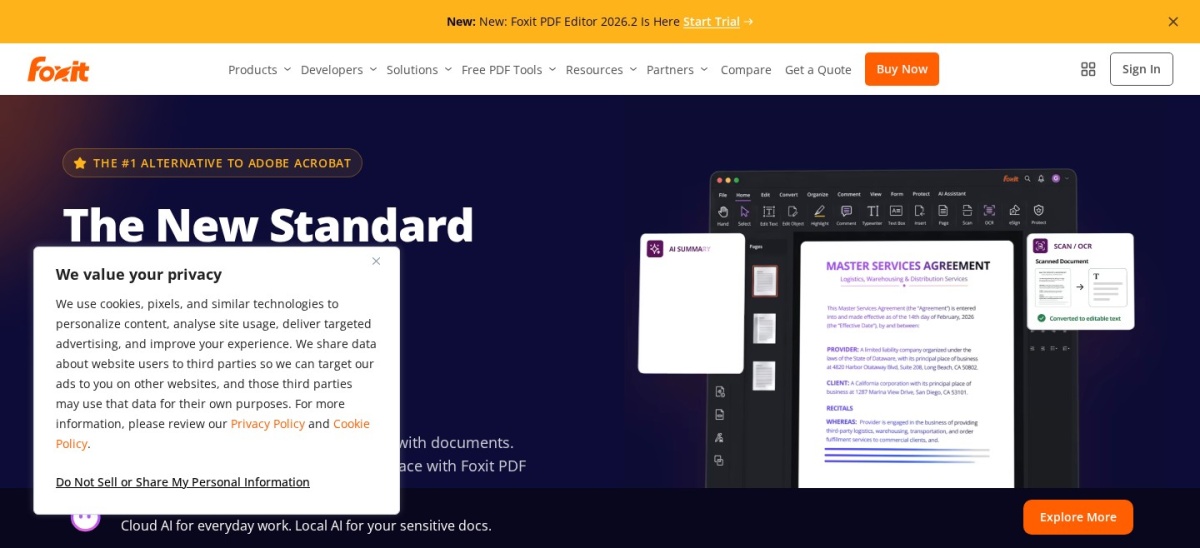
Foxit PDF Editor is a full desktop PDF editor with an Office-style interface, covering page removal, editing, forms, OCR and signing. It costs $129.99 a user a year, or $10.99 a month, which undercuts Acrobat Pro while covering the same core jobs, and it holds a 4.6 rating on G2 from 3,784 reviews.
The trade off is the missing free plan. There is only a 14-day trial, and mobile apps plus AI redaction need the Editor+ plan at $159.99 a year. It suits small businesses that want Acrobat-level editing for less money.
What we like
Highest G2 rating among desktop editors here
Cheaper than Acrobat Pro by about 110 dollars a year
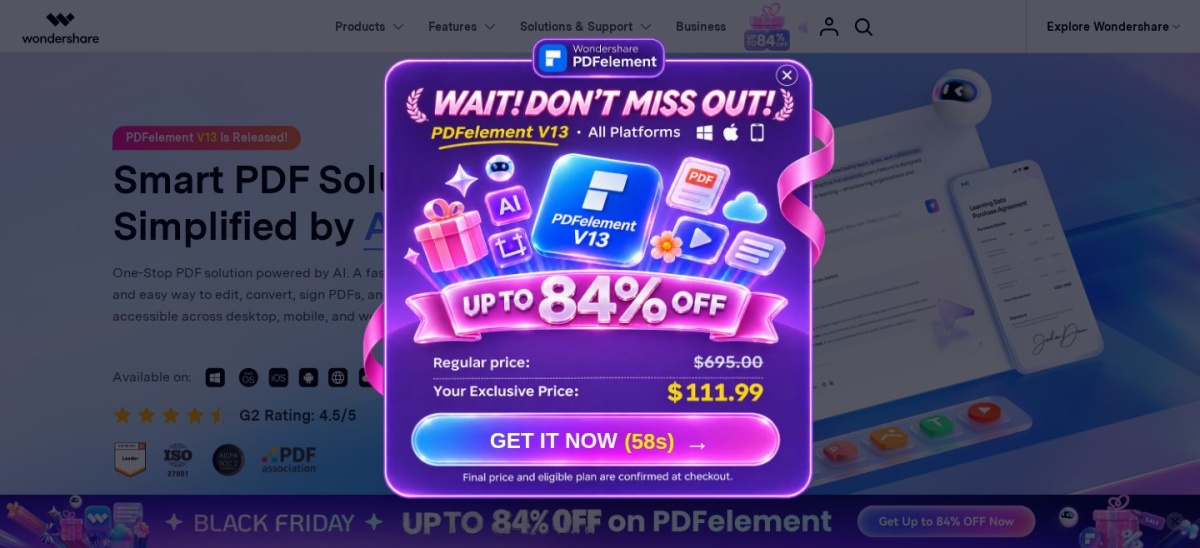
PDFelement is a desktop PDF editor from Wondershare for Windows and Mac, with mobile and web apps beside it. The yearly plan costs $79.99 for one platform and covers page removal, text editing, conversion, forms, OCR and AI tools for summaries and translation, with 50 free AI uses included.
The trade off is the plan split. The $79.99 yearly plan covers one platform, so Windows and Mac together cost $89.99 a year, and the store shows a higher crossed-out price beside the yearly figure. It suits buyers who want a full editor at the lowest annual price.
Sejda is a browser PDF toolkit with a desktop twin that processes files locally, so sensitive pages never leave your computer. The free tier allows a small number of tasks per day with no sign-up, and Desktop+Web Annual costs $63 a year, while a $5 Web Week Pass covers a short burst of work.
The trade off is the free cap. Free use is limited to a few tasks per hour or day, and OCR sits on paid plans only. It suits occasional users who want page removal without an account or a subscription.
Smallpdf is a browser-first PDF toolkit built for speed. Upload a file, pick pages to delete or reorder, and download the result in a few clicks, with merge, split, compress, convert and sign tools close at hand. Pro costs $108 a year billed annually and removes daily limits while adding batch processing and OCR.
The trade off is the free cap. The free plan allows only two tasks a day, so anyone cleaning several files in one afternoon hits the limit fast. It suits occasional users who value a clean design and are willing to pay for unlimited access.
What we like
Cleanest interface in this list
Works in the browser with no install
Used by more than 40 million people a month
Watch out for
Free plan caps use at 2 tasks a day
Pro price rests on secondary checks, not the vendor page
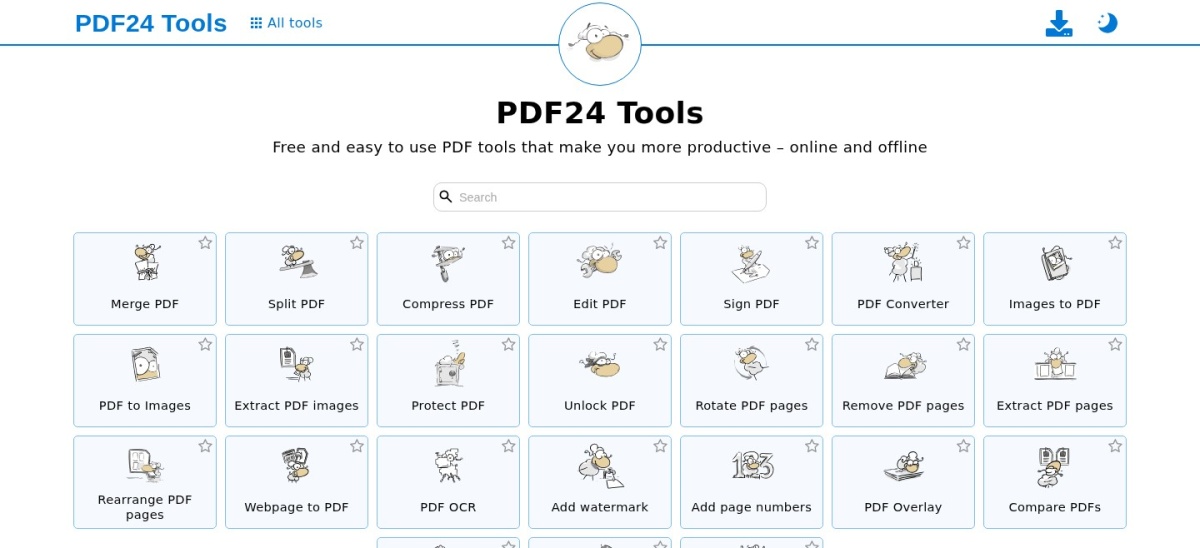
PDF24 Tools is a free online PDF suite from geek software in Germany, with a Windows desktop app called PDF24 Creator for offline work. Page removal, merging, splitting and compression are all free in the browser, with no account and no stated file size limit.
The trade off is polish and support. The tools look plain beside Smallpdf or iLovePDF, and there is no paid plan, so there is no priority support to buy. It suits anyone who wants page removal free forever and does not mind a simple interface.
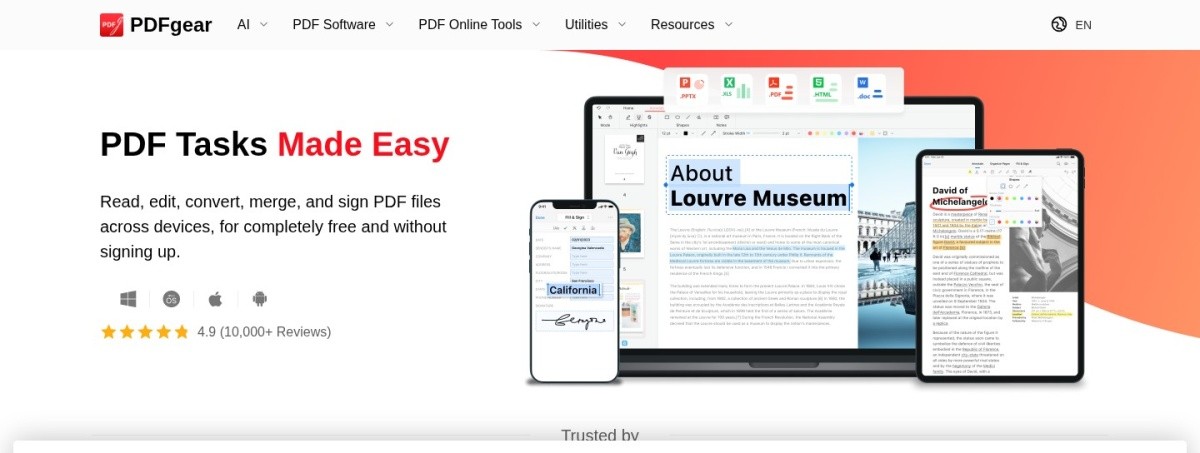
PDFgear is a free PDF editor for Windows, Mac, iOS and the web, covering page removal, editing, conversion, signing and OCR with no watermark and no paid tier. The vendor states the product is completely free, and the web tool allows one file at a time up to 100 MB.
The trade off is the future. The vendor hints the free model may change, and there is no paid support plan to buy if something breaks. It suits anyone who wants a full free editor and does not need a support contract.
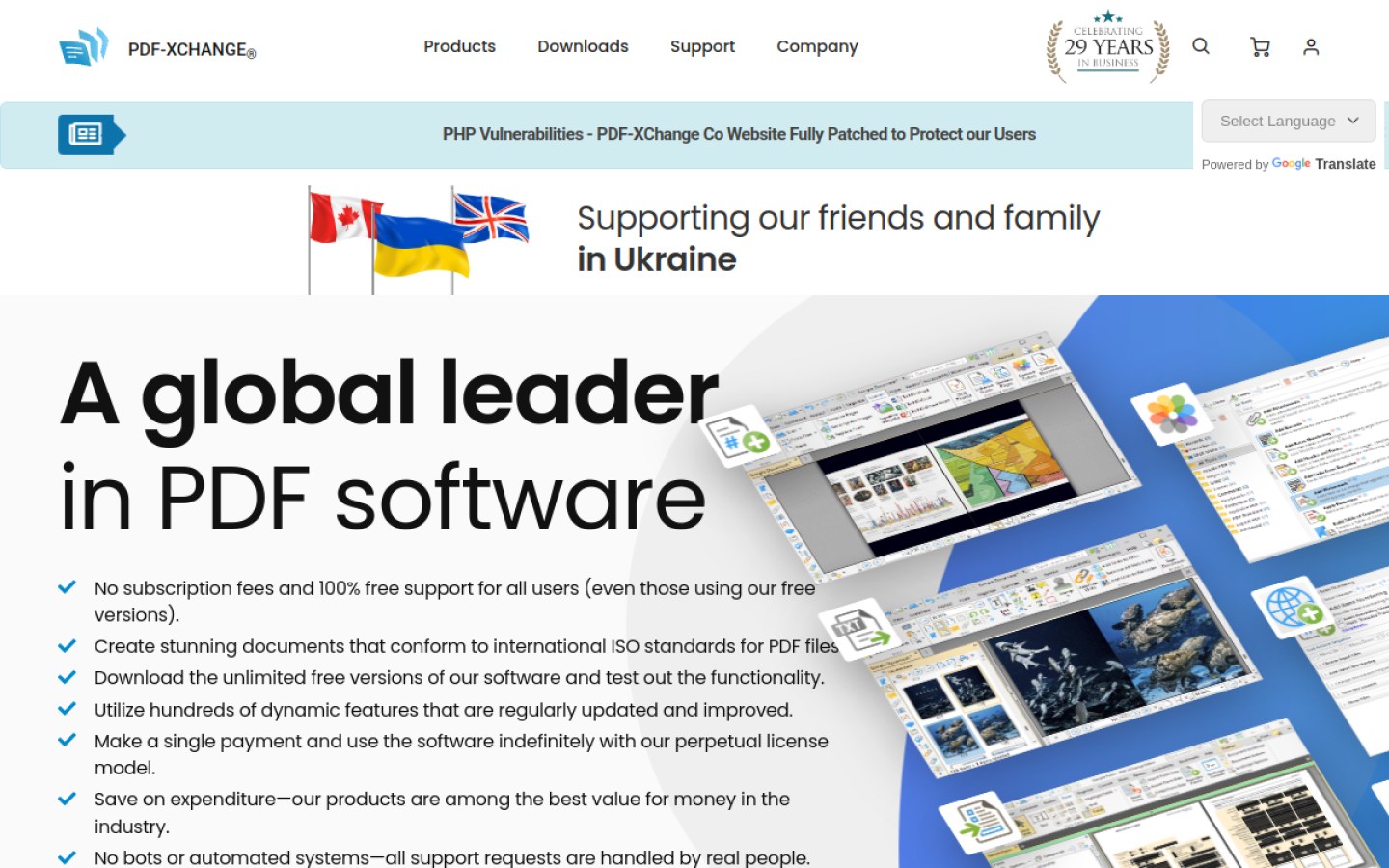
PDF-XChange Editor is a Windows PDF editor with a genuinely useful free version that handles reading, commenting and everyday edits including page removal. A single-user Plus licence costs $62 as a one-time purchase with a year of updates, and it holds a 4.6 rating on G2 from 151 reviews.
The trade off is platform. It runs on Windows only, and OCR plus some advanced features need the Plus licence. It suits Windows users who refuse subscriptions and want to pay once for a solid editor.
Free tools cover page removal well. PDF24 Tools and PDFgear charge nothing at all, and the free tiers of iLovePDF, Sejda and Smallpdf cover occasional jobs.
Paid plans mostly add volume and extras. You get more tasks per day, bigger files, batch processing and OCR, not a better delete button.
Pay when free limits slow you down. If you clean several files a week, iLovePDF at $60 a year is the cheapest paid route, while PDFelement at $79.99 a year adds a full editor.
For a business that handles contracts and invoices daily, a full editor such as Acrobat or Foxit pays for itself in signing, forms and conversion tools beside page removal.
How we chose
We started from the PDF tools most often named for page removal in 2026 roundups, then kept those with a working page delete tool and a verifiable rating on G2 or Capterra.
Prices come from each vendor pricing page, checked on 29 November 2026. iLovePDF Premium was read on its pricing page today at $60 a year. Adobe and Foxit prices were read from vendor pages in November 2026 and cross-checked on G2.
We left out tools with no verifiable rating, including PDFsam Basic, whose G2 page could not be verified. No vendor paid for a place, and we do not claim hands-on testing for this list.
How to choose software for PDF page removal
Start with how often you remove pages, then check free limits before you pay.
Count your weekly files. One or two files a week fits a free tier, while daily clean-ups need a paid plan or a free tool with no limits.
Check the free cap first. Smallpdf allows two tasks a day and iLovePDF caps file size, so try the free tier on a real file before you commit.
Decide where files may go. Desktop tools keep files on your computer, while web tools upload them to a server. Pick desktop for sensitive documents.
Pick an editor if you need more. If you also sign, convert or OCR files, a full editor such as Acrobat, Foxit or PDFelement costs less than stacking single-purpose tools.
FAQ
Which software is best for PDF page removal?
Adobe Acrobat is the best overall pick, with page delete, reorder and extract inside a full editor. iLovePDF is the cheapest paid option at 60 dollars a year, and PDF24 Tools removes pages completely free.
Can I remove PDF pages for free?
Yes. PDF24 Tools and PDFgear remove pages free with no paid plan, and iLovePDF, Sejda and Smallpdf all offer free tiers with limits on tasks per day or file size.
Does Adobe Acrobat remove pages for free?
No. Acrobat has no free plan, only a 7-day trial. Page removal needs a paid plan, with Standard starting at 14.99 dollars a month on an annual plan.
What is the cheapest paid PDF page removal tool?
iLovePDF Premium is the cheapest paid plan here at 60 dollars a year billed annually, or 9 dollars a month. Sejda is close behind at 63 dollars a year.
Can I remove PDF pages without uploading files online?
Yes. PDF24 Creator, PDFgear, PDF-XChange Editor, Foxit and PDFelement all run on your desktop, so files stay on your computer instead of going to a server.
Is Foxit cheaper than Adobe Acrobat?
Yes. Foxit PDF Editor costs 129.99 dollars a year against 179.88 dollars a year for Acrobat Standard, and it covers the same core editing, OCR and signing features.
SaaS SEO and WordPress specialist with about 8 years of experience. Rakib compares WordPress plugins, themes, hosting and software using public pricing, documentation and user reviews. See how we rank.